







MEETION is a play on the concept of "meeting". All the products we develop revolve around this theme.
In terms of investment in the scientific research of new products, we never hold back. We have dedicated quality control for every single product, every detail in the production process is precise and controlled. Our product and intellectual property rights are top priorities.

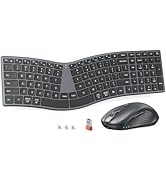
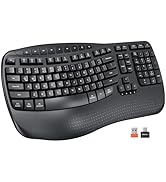
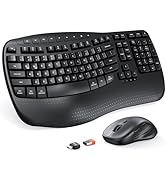
Ergonomic Hot Series
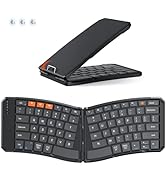
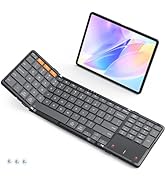
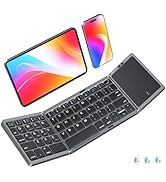
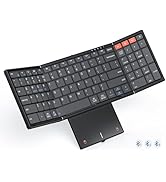
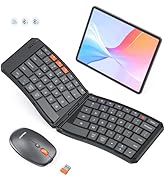
Foldbale Hot Series
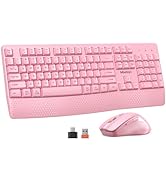
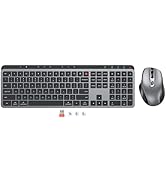
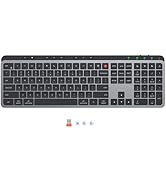
Wireless Hot Series
New Products Hot Series
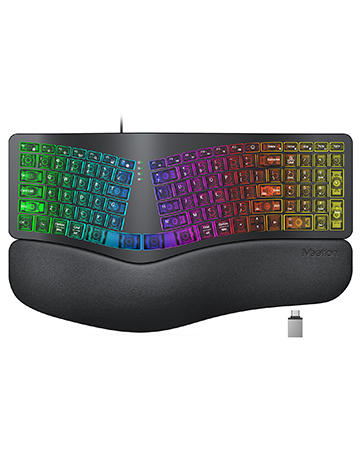
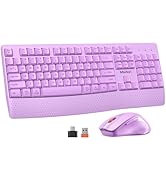
Backlit Ergonomic Keyboard


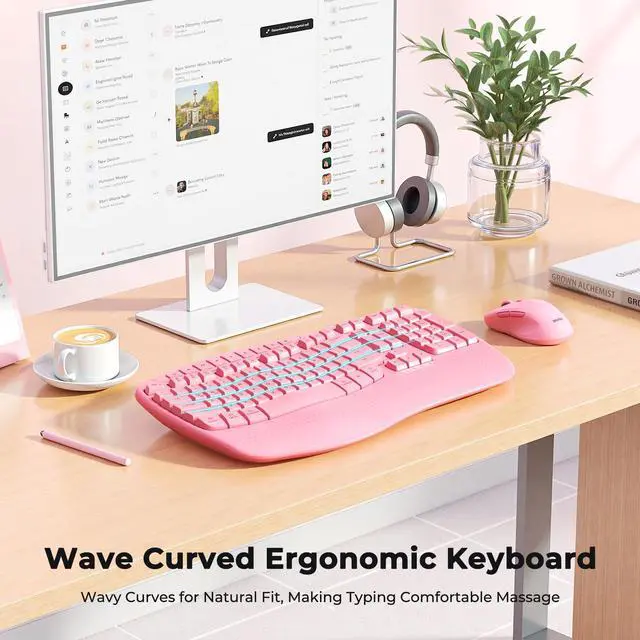
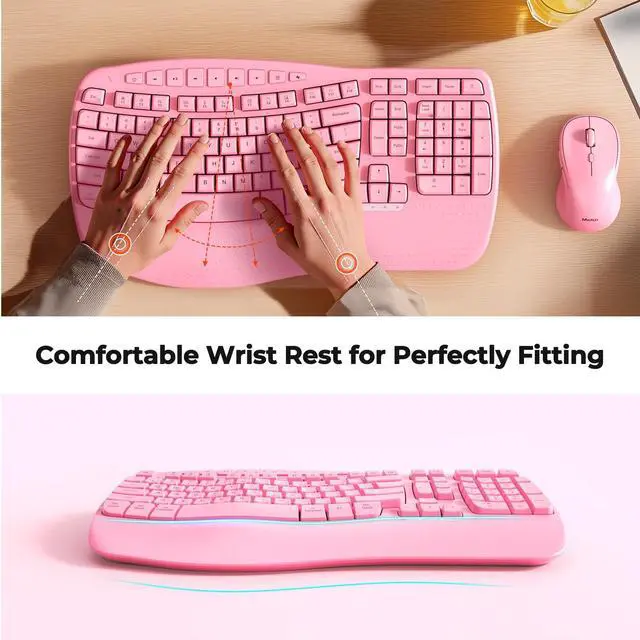
Comfort Spreads Like Wave

Improve Work Efficiency


Smart Sleep
20 minute without using the keyboard and mouse, they will enter sleep mode respectively. Wake up by typing or tapping any key.

Indicator Light
Indicator lights provide clear visual cues so you can easily keep track of your keyboard's operation at a glance.
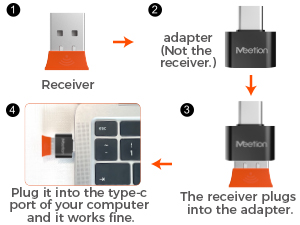
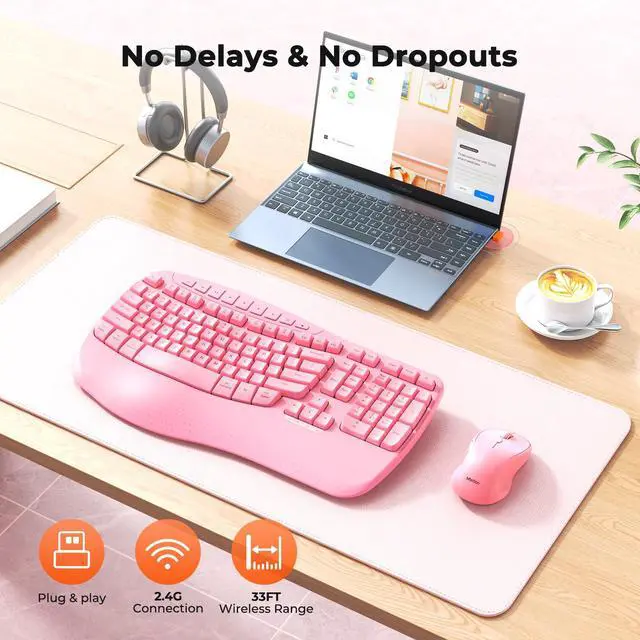
Share One Receiver
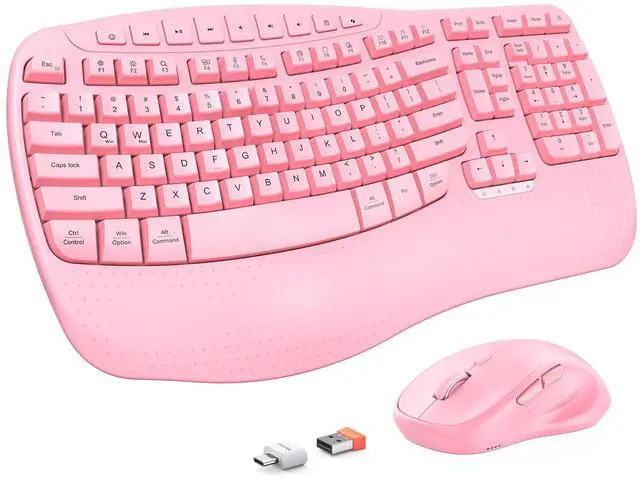
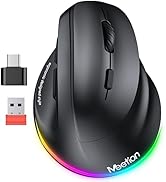
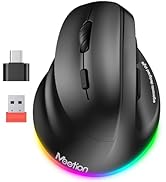
The orange USB-A receiver is in a clear bag next to the mouse, not on the bottom of the mouse, the black USB-C is an adapter not a receiver.

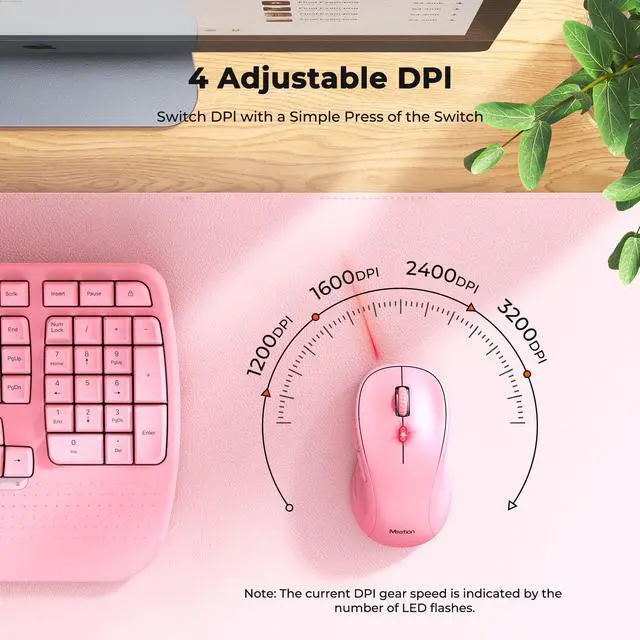
4 Adjustable DPI
The wireless mouse has 4 adjustable DPI settings: 1200/1600/2400/3200, allowing you to choose your favorite moving speed of cursor.


1. There's a problem with my keyboard that I can't solve, what should I do?
Whatever your problem, click on the store to contact our staff immediately or find “Support” using the last page of the user card. We will be 100% responsible for each of our products and customers.
2. The keyboard is curved and has a palm rest. Is it suitable for beginners?
We have lowered the curve of the wave keys, you can adapt to the keyboard faster. The familiar design ensures a smooth transition with little to no learning curve.
3. How can I tell when it's time to replace the batteries in the keyboard?
When the keyboard is running low on battery power, the power indicator light located below the direction keys will start to flash. This serves as a reminder for you to replace the batteries.
4. How to switch between Windows and macOS? How to use this keyboard mouse combo?
You can press FN+Q or FN+W to switch between Windows and macOS systems.
1.Please insert the batteries into the combo
2.Plug in the USB-A receiver and turn on the switch to use. (USB-C is not the receiver, it is the USB-C adapter)
5. What is included in the package? Are there batteries inside?
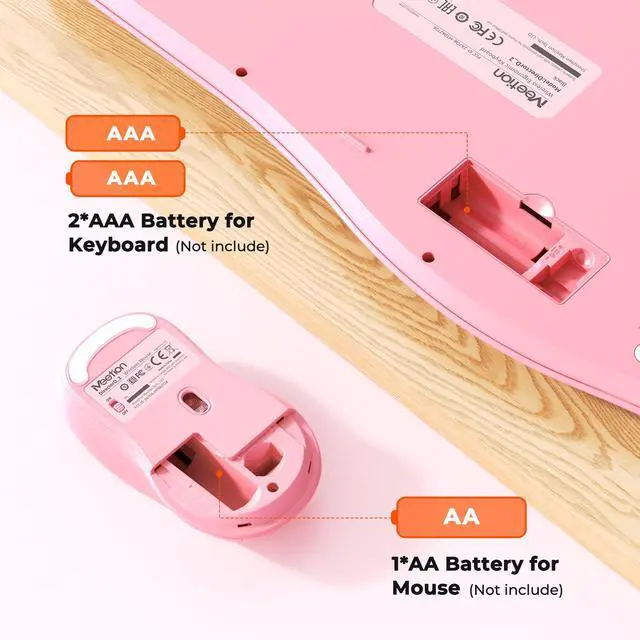
The package contains: 1 Keyboard, 1 Mouse, 1 USB- A receiver, 1 USB-C Adapter and 1 User card. Batteries not included, mouse needs 1*AA, batteries need 2*AAA. (If you encounter delay problems, etc., try restarting the boot device)


Comfort Spreads Like Wave

Improve Work Efficiency

Smart Sleep
20 minute without using the keyboard and mouse, they will enter sleep mode respectively. Wake up by typing or tapping any key.
Indicator Light
Indicator lights provide clear visual cues so you can easily keep track of your keyboard's operation at a glance.
Share One Receiver
The orange USB-A receiver is in a clear bag next to the mouse, not on the bottom of the mouse, the black USB-C is an adapter not a receiver.
4 Adjustable DPI
The wireless mouse has 4 adjustable DPI settings: 1200/1600/2400/3200, allowing you to choose your favorite moving speed of cursor.


1. There's a problem with my keyboard that I can't solve, what should I do?
Whatever your problem, click on the store to contact our staff immediately or find “Support” using the last page of the user card. We will be 100% responsible for each of our products and customers.
2. The keyboard is curved and has a palm rest. Is it suitable for beginners?
We have lowered the curve of the wave keys, you can adapt to the keyboard faster. The familiar design ensures a smooth transition with little to no learning curve.
3. How can I tell when it's time to replace the batteries in the keyboard?
When the keyboard is running low on battery power, the power indicator light located below the direction keys will start to flash. This serves as a reminder for you to replace the batteries.
4. How to switch between Windows and macOS? How to use this keyboard mouse combo?
You can press FN+Q or FN+W to switch between Windows and macOS systems.
1.Please insert the batteries into the combo
2.Plug in the USB-A receiver and turn on the switch to use. (USB-C is not the receiver, it is the USB-C adapter)
5. What is included in the package? Are there batteries inside?
The package contains: 1 Keyboard, 1 Mouse, 1 USB- A receiver, 1 USB-C Adapter and 1 User card. Batteries not included, mouse needs 1*AA, batteries need 2*AAA. (If you encounter delay problems, etc., try restarting the boot device)
MEETION is a play on the concept of "meeting". All the products we develop revolve around this theme.
In terms of investment in the scientific research of new products, we never hold back. We have dedicated quality control for every single product, every detail in the production process is precise and controlled. Our product and intellectual property rights are top priorities.
Ergonomic Hot Series
Foldbale Hot Series
Wireless Hot Series
New Products Hot Series
Backlit Ergonomic Keyboard