

Your Browsing History

Meet Your Seller

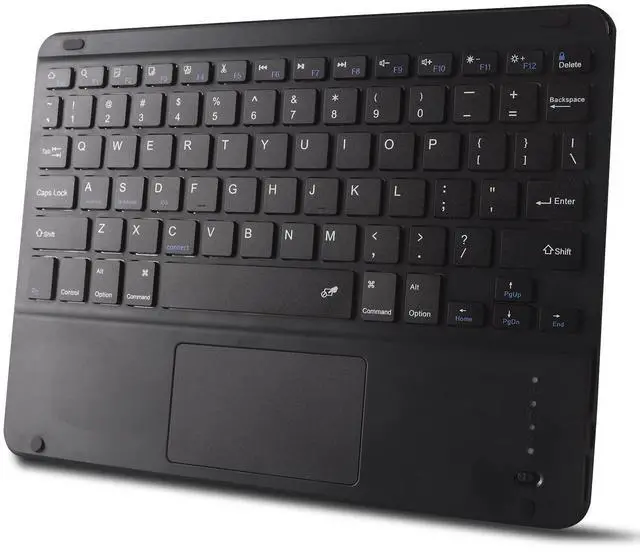


Ultra Slim Bluetooth Keyboard with Touchpad for iPad, Rechargeable Portable Wireless Keyboard for iPad Pro/Air/Mini, iPhone, Samsung Galaxy, Tablet, and Other iOS Android Windows Devices (Black)
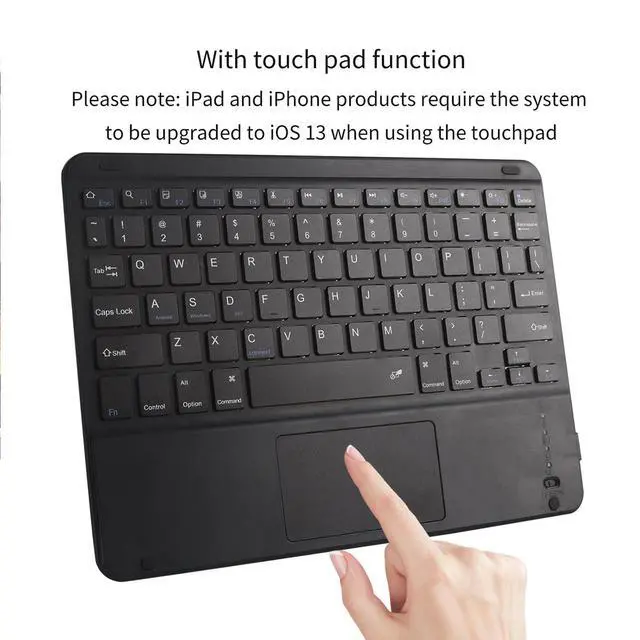
- Keyboard with TouchpadThis Bluetooth keyboard with touchpad uses a touchpad design,allowing you to navigate and control your tablet through various touchpad gestures like using a laptop,without touching the screen or additional mouse.The equipment can be controlled comfortably (Tips for using the iOS system:To use the keyboard touchpad function,please turn on the assistive touch function)
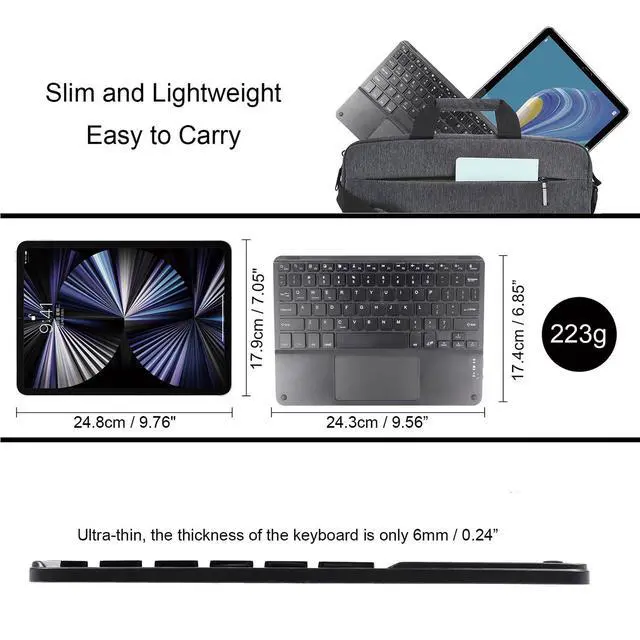
- Ultra-thin and Portable The size is 9.56" x 6.85" x 0.23" (14.3 x 17.4 x 0.6cm), as thin and light as a magazine,but it is very durable and light in weight,only 223g,which can be easily put into your hand case,handbag, carry out stress-free,very suitable for business travel,home office,school and other scenes
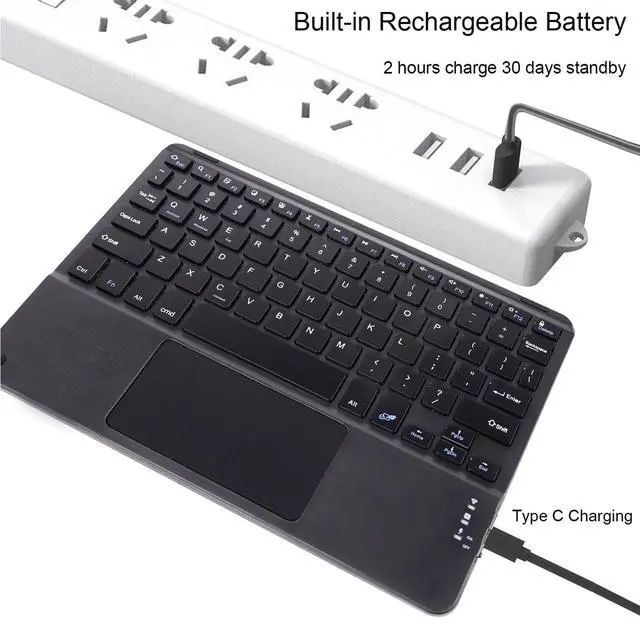
- Rechargeable DesignBuilt-in 420mAh rechargeable lithium battery,it can be used continuously by charging with a Type-C data cable.If you don't use it for more than minutes, the wireless keyboard with trackpad will automatically enter the sleep state to save power.Press any key to wake up
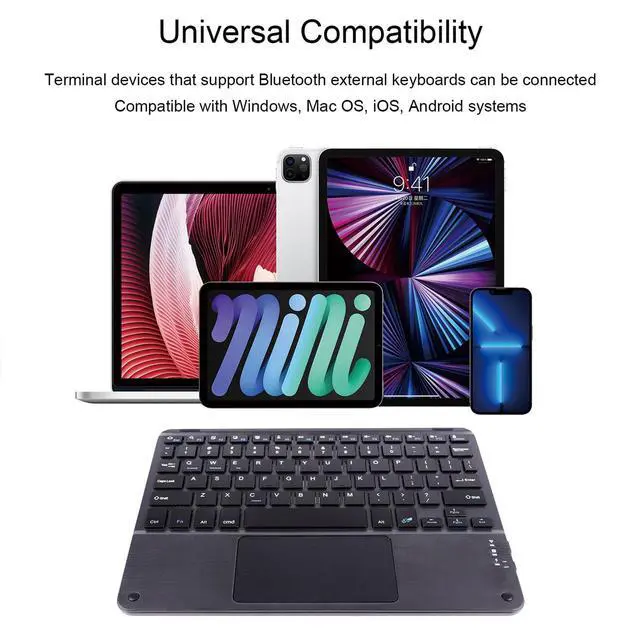
- Excellent CompatibilityThis Bluetooth keyboard for tablets is compatible with iOS,Android,and Windows tablets,laptops and mobile Phones, such as iPad 10.2 2019, iPad 10.9 2022, iPad Air 10.5 2019, iPad mini 5 2019, new iPad Pro 12.9/11 and etc
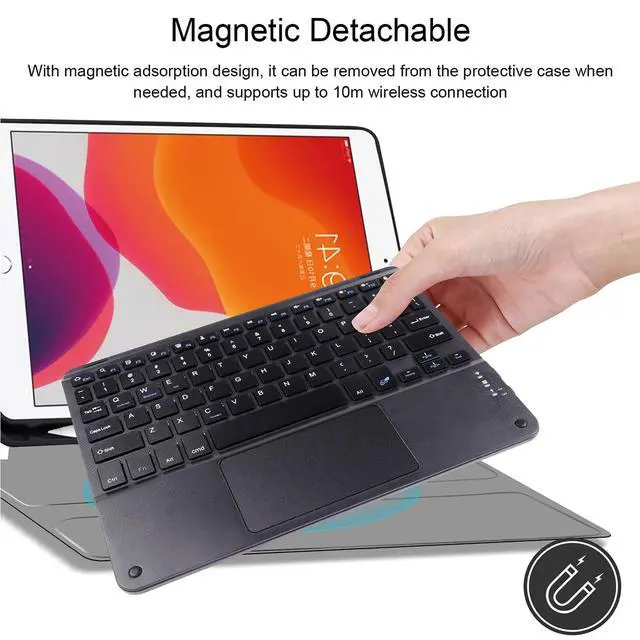
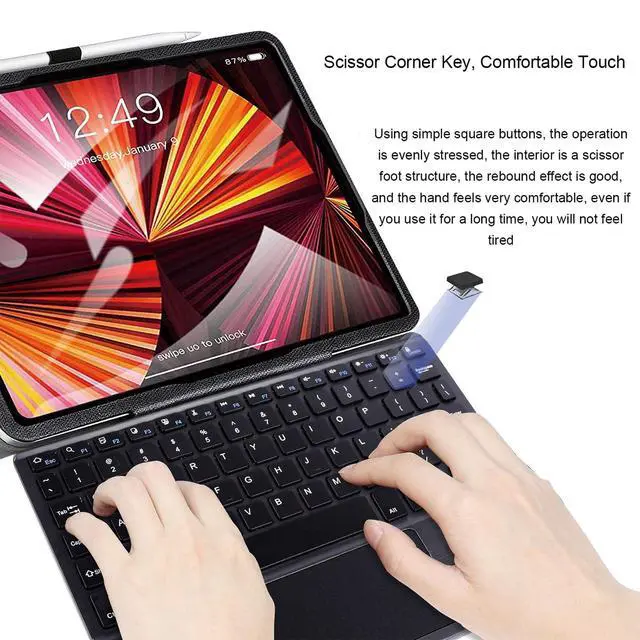
- Magnetic Touch KeyboardWith magnetic adsorption, it can be removed from the protective case (not included) for use, and the wireless connection distance can reach 10m (unobstructed straight-line distance)
+
+
Overview
Specs
Reviews

Any questions? Our AI beta will help you find out quickly.
Try me now
Bluetooth Keyboard with Touchpad
This keyboard is a universal keyboard for 3 systems, press Fn + Q/W/E to switch the appropriate system.
Fn + Q (Android) / Fn + W (Windows) / Fn + E (iOS)
How to connect the keyboard?
Step 01. Fully charge the keyboard
Step 02. Switch ON/OFF to ON, the power indicator light will light up for 3 seconds
Step 03. Press FN+C at the same time, the Bluetooth indicator will flash, automatically enter the pairing mode
Step 04. Turn on the Bluetooth switch of the device, search for Bluetooth devices, the default Bluetooth name of the keyboard: Bluetooth Keyboard.
Step 05. Click "Bluetooth Keyboard" on your device and press Enter to connect.
Step 06. After the pairing is successful, you can use this keyboard
Efficient Touchpad Design
The Bluetooth keyboard with a touchpad makes it easier to work and gives you the same experience as a laptop without taking a mouse with you when you're on the go
Magnetic Detachable Keyboard
The keyboard can be firmly attached to the protective case (not included) by the long magnetic strip. It can also be disassembled and stored separately. When you're not typing, the keyboard can be stowed away so you can take your iPad with you. This allows you to easily switch between your tablet and laptop. Suitable for home, school, office, and travel
Specification:
Material: Plastic
Charging Port: Type C
Bluetooth Version: Bluetooth 3.0
Number of Keyboard Keys: 78 keys
Search for Bluetooth Name: Bluetooth Keyboard
Operating Distance Available: 10m
Standby Time: 90 days
Charging Time: 2-3 hours
Lithium Battery Capacity: 420mAh
Sustainable Working Time: More than 20 days
Product Size: 9.64" x 7.08" x 0.2"
Net Weight: 8.61oz
Package List:
1 X Bluetooth Keyboard
1 x Type C Charging Cable
1 x User Manual
Warranty & Returns
Warranty, Returns, And Additional Information
Warranty
- Please contact the Seller directly for warranty information. Warranty information may also be found on the Manufacturer's website.
- CONTACT
Return Policies
- Return for refund within: 30 days
- Return for replacement within: 30 days
- This item is covered by The Official Store Return Policy
Manufacturer Contact Info
- For a directory of all our manufacturers, please click below.
- Manufacturers Directory
LOADING...