






Nulea Wireless Ergonomic Keyboard
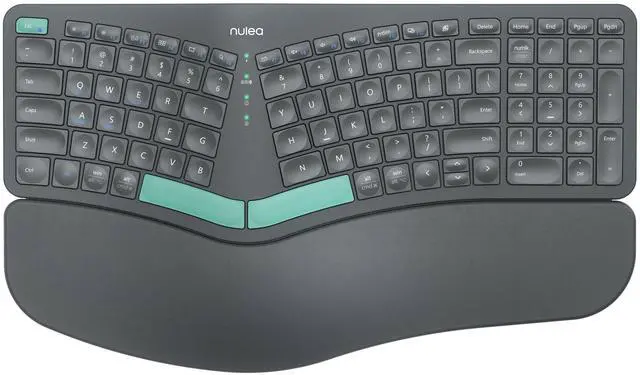
Nulea Wireless Ergonomic Keyboard
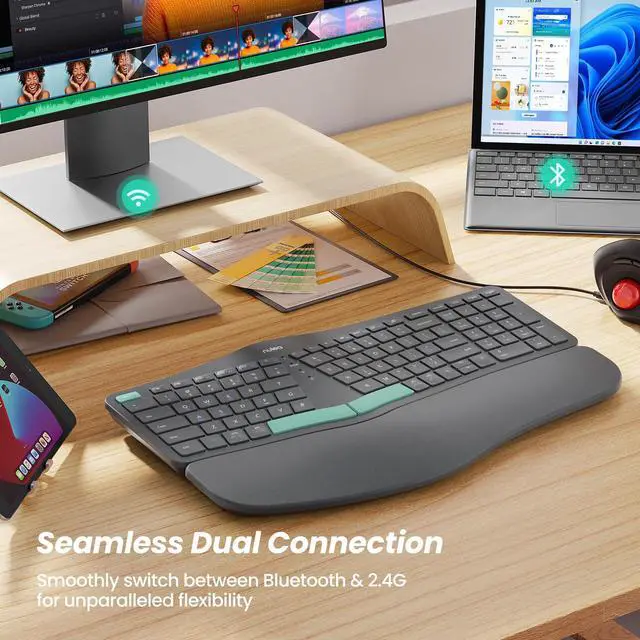
Merchant VideoMultiple Connection Options For Ergonomic Keyboard


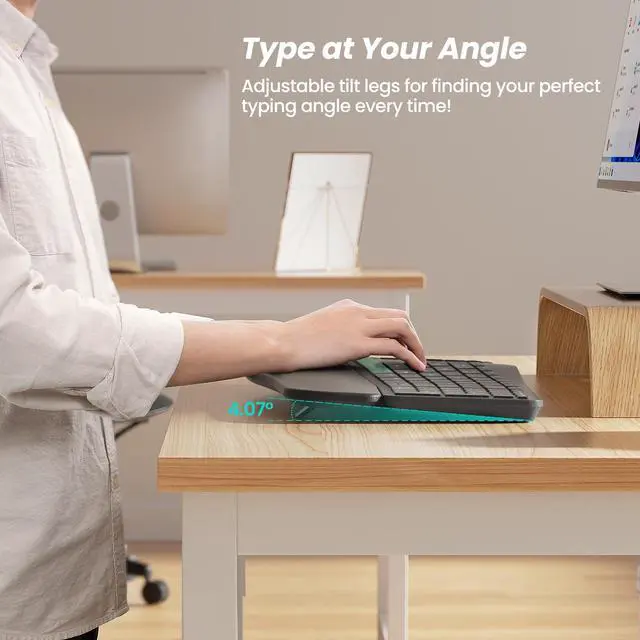
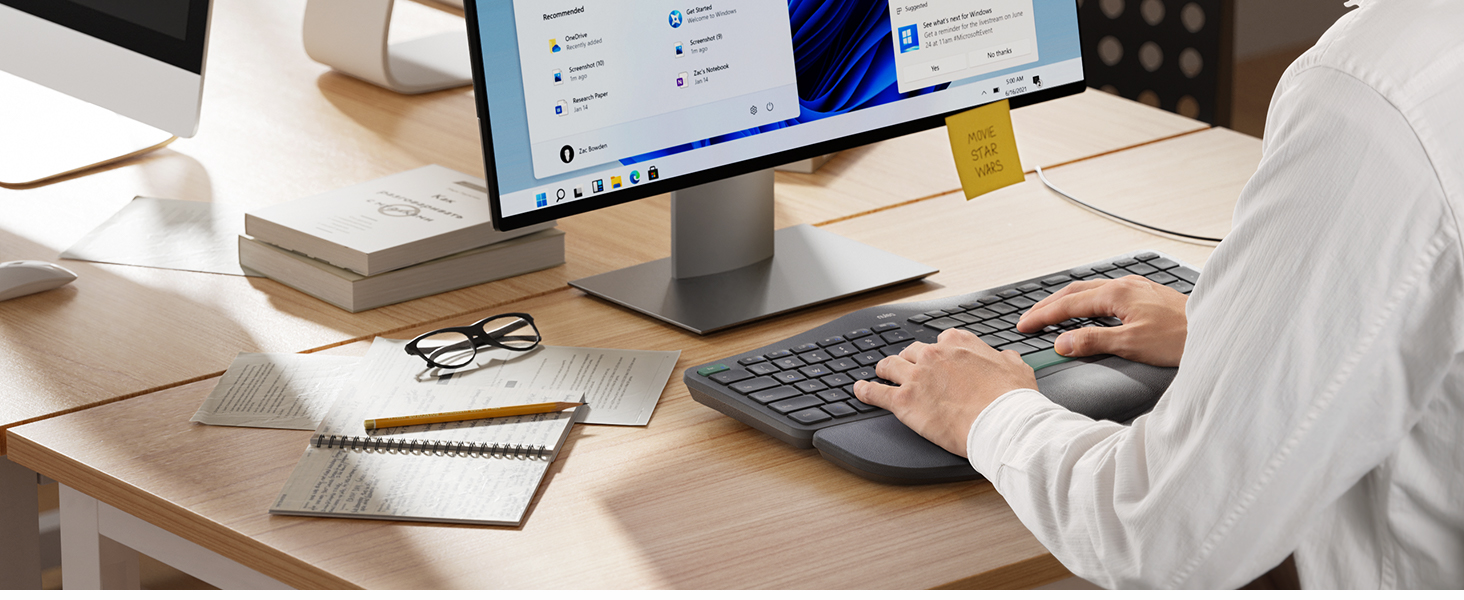
Elevate Your Typing Experience
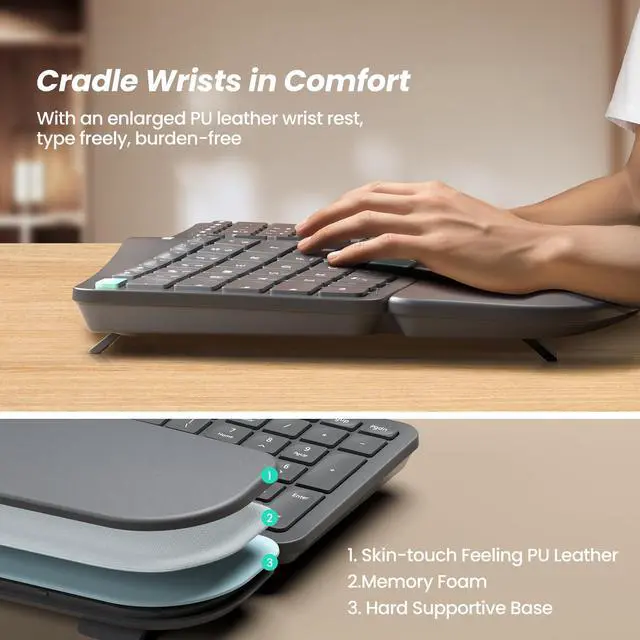
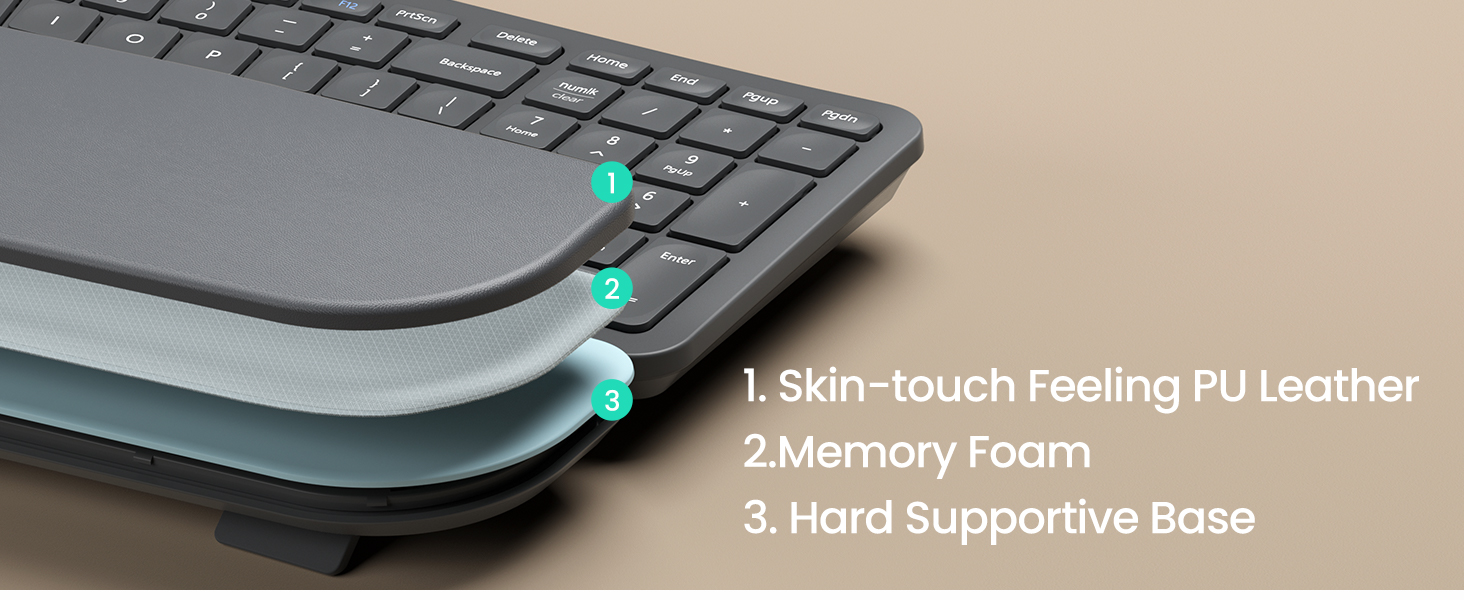
Experience better palm and wrist support with a larger pillowed palm rest, enhancing your typing comfort.
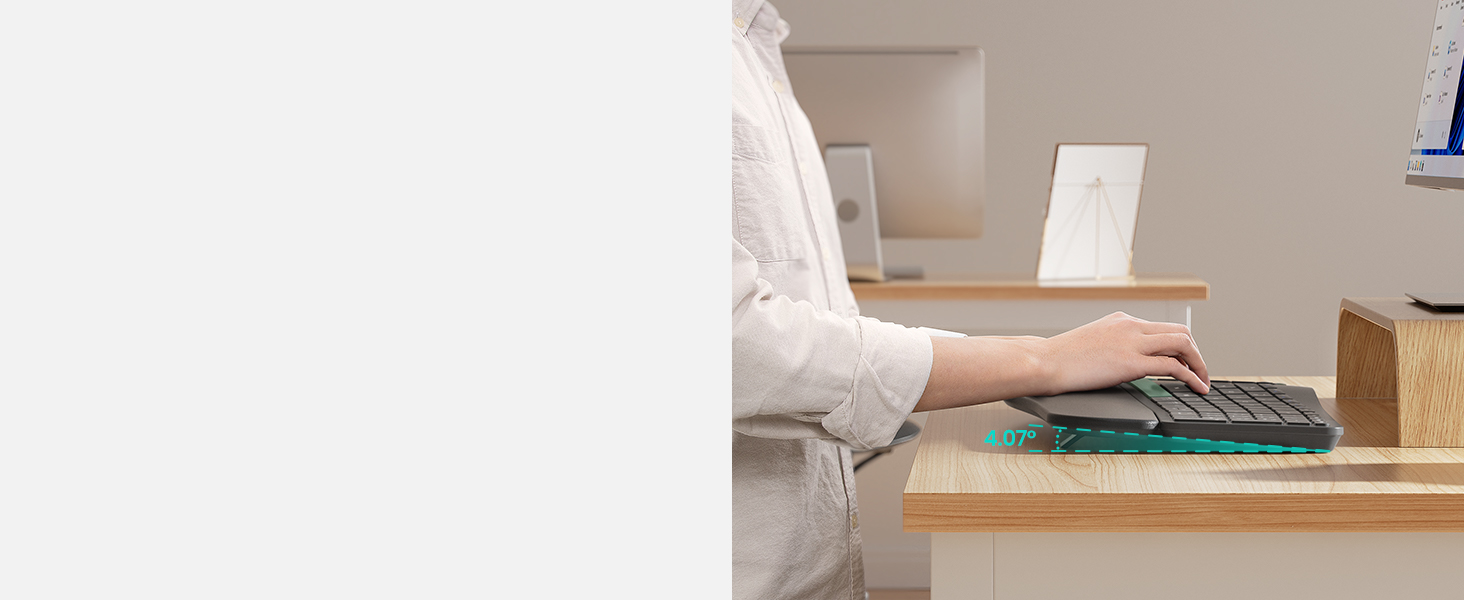
Elevate Your Typing Experience
Experience better palm and wrist support with a larger pillowed palm rest, enhancing your typing comfort
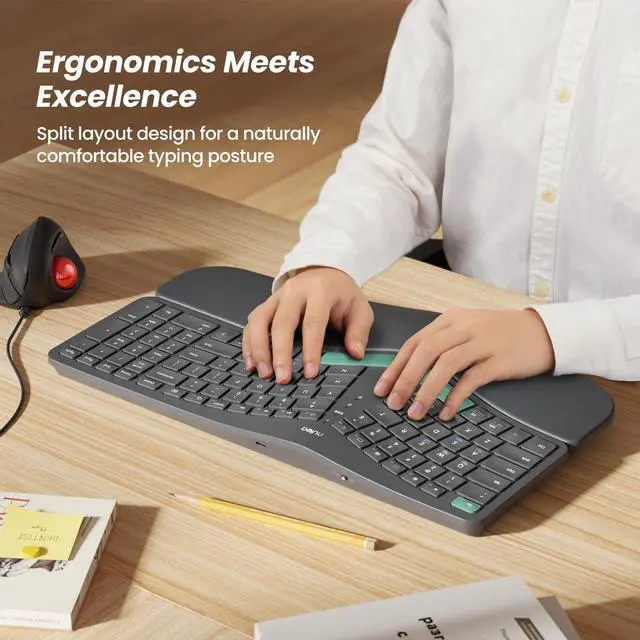
Redefining Comfortable Typing
Discover the ergonomic split & splayed design for reduced wrist and forearm strain.
Work With Your Favorite - Compare Nulea Ergonomic Keyboard Series
 RT05B Ergonomic Keyboard |  HA398 Ergonomic Keyboard |  RT07B Ergonomic Keyboard |  TK40 Wireless Numpad |  RT08 Ergonomic Keyboard |  RT05C Ergonomic Keyboard |  RT05 Ergonomic Keyboard | |
|---|---|---|---|---|---|---|---|
Customer Reviews | — | — | — | — | — | — | — |
Price | — | — | — | — | — | — | — |
Number Of Keys | 101 | 101 | 103 | 34 | 101 | 101 | 101 |
Layout | Curved, Split | Curved, Split | Curved, Split | Ergonomics | Curved | Curved, Split | Curved, Split |
Palm Rest | Pillowed/Cushioned | Pillowed/Cushioned | Pillowed/Cushioned | / | Pillowed/Cushioned | Pillowed/Cushioned | Pillowed/Cushioned |
Connectivity Tech | Bluetooth, 2.4G USB | UAB A,USB C | Bluetooth, 2.4G USB | Bluetooth, 2.4G USB | 2.4G USB | USB Wired | Bluetooth, 2.4G USB |
Compatible Devices | PC, Laptop, Smartphone, Tablet | PC, Laptop | PC, Laptop, Smartphone, Tablet | PC, Laptop, Smartphone, Tablet | PC, Laptop | PC, Laptop | PC, Laptop, Smartphone, Tablet |
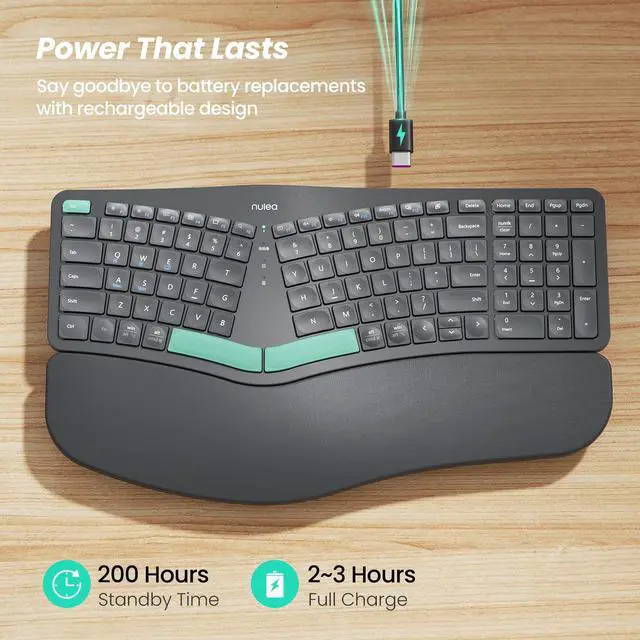
Power | USB-C Rechargeable | USB-Wired | USB-C Rechargeable | USB-C Rechargeable | 2 x AAA Batteries | USB-Wired | USB-C Rechargeable |
Why does a button malfunction (no response after pressing)?
The keyboard may be in low battery state and the connection may be unstable. Please use the included charger to charge it before use.
Why do the keys seem to be stuck and won't press or release properly?
The buttons may be stuck due to food crumbs or other debris. You can use a small brush to clean them.


Nulea Wireless Ergonomic Keyboard
Nulea Wireless Ergonomic Keyboard
Merchant VideoMultiple Connection Options For Ergonomic Keyboard
Elevate Your Typing Experience
Elevate Your Typing Experience
Redefining Comfortable Typing


Experience better palm and wrist support with a larger pillowed palm rest, enhancing your typing comfort.
Experience better palm and wrist support with a larger pillowed palm rest, enhancing your typing comfort
Discover the ergonomic split & splayed design for reduced wrist and forearm strain.
Work With Your Favorite - Compare Nulea Ergonomic Keyboard Series
RT05B Ergonomic Keyboard | HA398 Ergonomic Keyboard | RT07B Ergonomic Keyboard | TK40 Wireless Numpad | RT08 Ergonomic Keyboard | RT05C Ergonomic Keyboard | RT05 Ergonomic Keyboard |
|---|---|---|---|---|---|---|
| Customer Reviews | ||||||
| — | — | — | — | — | — | — |
| Price | ||||||
| — | — | — | — | — | — | — |
| Number Of Keys | ||||||
| 101 | 101 | 103 | 34 | 101 | 101 | 101 |
| Layout | ||||||
| Curved, Split | Curved, Split | Curved, Split | Ergonomics | Curved | Curved, Split | Curved, Split |
| Palm Rest | ||||||
| Pillowed/Cushioned | Pillowed/Cushioned | Pillowed/Cushioned | / | Pillowed/Cushioned | Pillowed/Cushioned | Pillowed/Cushioned |
| Connectivity Tech | ||||||
| Bluetooth, 2.4G USB | UAB A,USB C | Bluetooth, 2.4G USB | Bluetooth, 2.4G USB | 2.4G USB | USB Wired | Bluetooth, 2.4G USB |
| Compatible Devices | ||||||
| PC, Laptop, Smartphone, Tablet | PC, Laptop | PC, Laptop, Smartphone, Tablet | PC, Laptop, Smartphone, Tablet | PC, Laptop | PC, Laptop | PC, Laptop, Smartphone, Tablet |
| Power | ||||||
| USB-C Rechargeable | USB-Wired | USB-C Rechargeable | USB-C Rechargeable | 2 x AAA Batteries | USB-Wired | USB-C Rechargeable |
Why does a button malfunction (no response after pressing)?
The keyboard may be in low battery state and the connection may be unstable. Please use the included charger to charge it before use.
Why do the keys seem to be stuck and won't press or release properly?
The buttons may be stuck due to food crumbs or other debris. You can use a small brush to clean them.