

Your Browsing History

Meet Your Seller

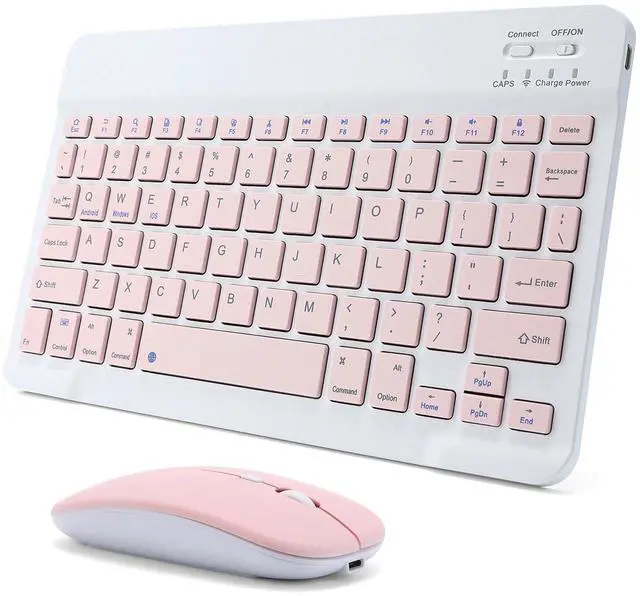
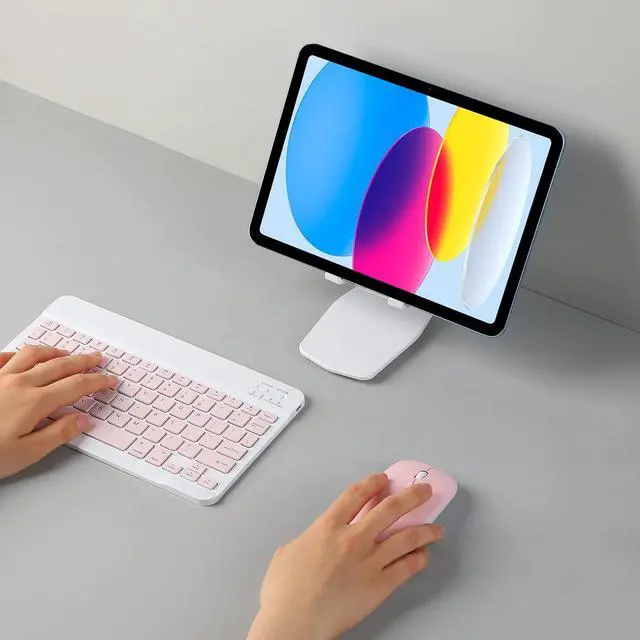
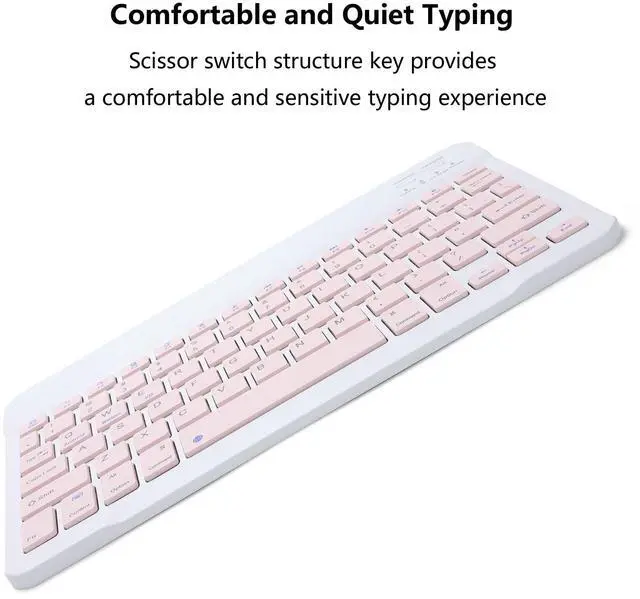



Rechargeable Bluetooth Keyboard and Mouse Combo for iPad, Ultra-Slim Portable Wireless Mouse Keyboard for iPad Pro Air Mini iPhone Samsung Tablet Cell Phone Android, iPadOS/iOS 13 and Above (Pink)
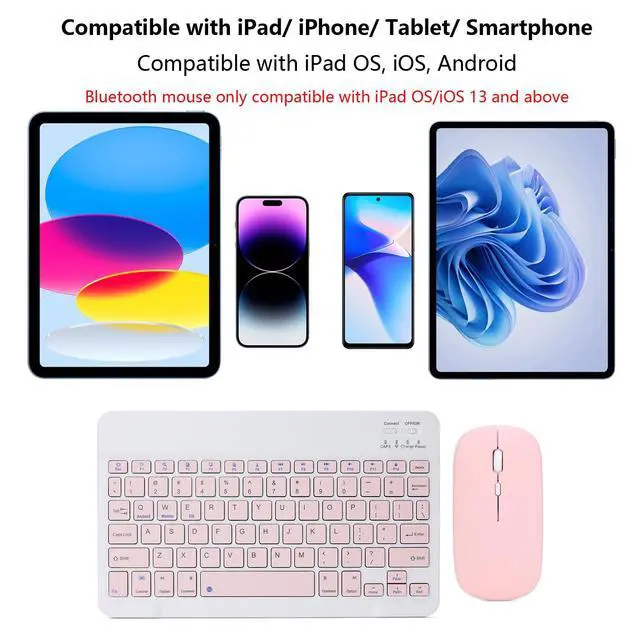
- Wide Compatibility: The keyboard and mouse compatible with Apple iPad iPhone Android Samsung galaxy tablet smartphone and other Bluetooth enabled mobile device, Such as iPad A16 11th 10th 9th 8th 7th 6th generation, iPad Air M3/ M2/ 5th/ 4th gen, iPad Pro M4 13 in/ 11inch/ 12.9", iPad Mini A17 Pro 7/6/5, other tablet cell phone, etc.Bluetooth mouse compatible with iPad OS/iOS 13 and above, turn on Assistive Touch: Setting> Accessibility> Touch> Assistive Touch
- Stable Bluetooth Connection: The keyboard and mouse adopt advanced Bluetooth technology to provide stable and powerful wireless connection, its easy to connect and easy to use. The working range up to 10m. This keyboard features volume control, previous, next, and other media hot keys. The mouse supports Bluetooth and 2.4GHz USB connection, the keyboard only supports Bluetooth connection.
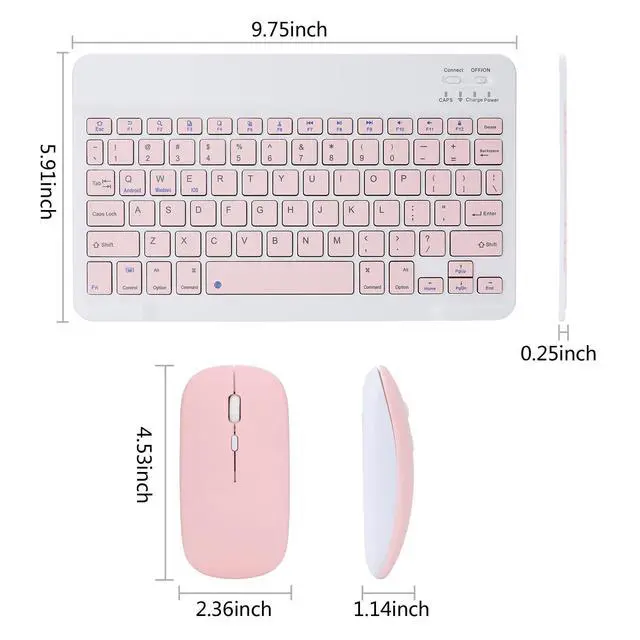
- Ultra Slim & Lightweight: The keyboard size is 9.75 X 5.91 X 0.25 inches, weight is 6.56 ounces. The thin compact design, can be easily to put into a backpack or handbag and easy to carry anywhere. Perfect for typing emails, note taking, document. The mouse has 3 adjustable DPI levels (800/1200/1600), you can easily adjust the sensitivity of the mouse according to your needs.
+
+
Overview
Specs
Reviews

Any questions? Our AI mode will help you find out quickly.
Try me now
Specifications:
Bluetooth Keyboard Edition: Bluetooth 5.0
Bluetooth Mouse Edition: Bluetooth 5.2
Keyboard Dimensions: 9.75 X 5.91 X 0.25 inches
Keyboard Weight: 6.56 ounces
Mouse Dimensions: 4.53 X 2.36 X 1.14 inches
Mouse Weight: 1.98 ounces
Operating Range: Up to 33 ft/ 10 meters
Keys Number of Keyboard: 78 Keys
Charging Time: 2-3 hours
The keyboard only supports Bluetooth connection
How to connect keyboard:
1: Turn on power ON/OFF switch.
2: Press CONNECT, the Bluetooth indicator will blinking.
3: Then turn on the Bluetooth switch of your tablet or mobile phone, and search for Bluetooth keyboard.
4: Choose the Bluetooth Keyboard on tablet or phone, then press to connect.
The mouse supports Bluetooth and 2.4GHz USB connection
Note: The Bluetooth Mouse only compatible with iPad OS/iOS 13 and above. So you need to update the system of your iPad and iPhone to iPad OS/iOS 13 and above, and turn on Assistive Touch: Setting> Accessibility> Touch> Assistive Touch, then connect the mouse.
How to connect Bluetooth mouse:
1: Turn on the power ON/OFF, switch to Bluetooth.
2: Then Turn on the Bluetooth switch of your tablet or mobile phone, and search for Bluetooth mouse.
3: Click the Bluetooth mouse on tablet or phone to connect.
How to connect 2.4GHz USB mouse:
1: Turn on the power ON/OFF, switch to 2.4G.
2: Then insert the USB receiver into the USB port of the notebook or computer, and then you can use it.
Package Included:
1x Bluetooth Keyboard
1x Dual Mode Mouse (Bluetooth+2.4GHz)
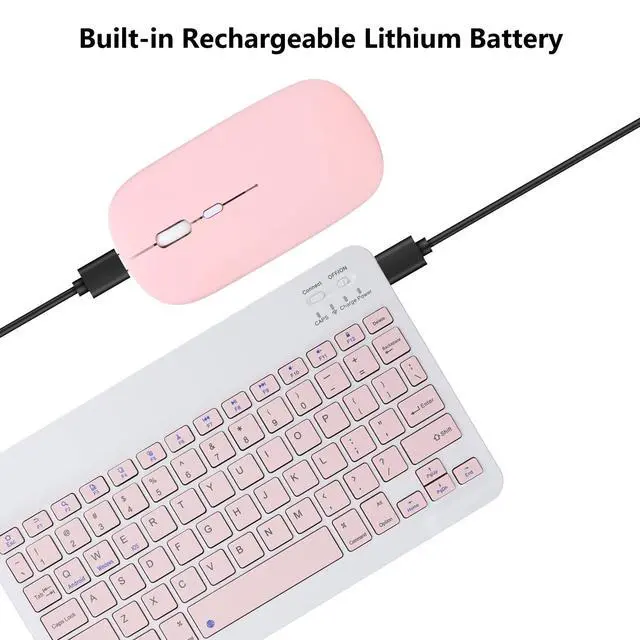
1x USB-C Charging Cable
Warranty: 18 months warranty, and our friendly customer service.
Warranty & Returns
Warranty, Returns, And Additional Information
Warranty
- Please contact the Seller directly for warranty information. Warranty information may also be found on the Manufacturer's website.
- CONTACT
Return Policies
- Return for refund within: 30 days
- Return for replacement within: 30 days
- This item is covered by Super discount store Return Policy
Manufacturer Contact Info
- For a directory of all our manufacturers, please click below.
- Manufacturers Directory
LOADING...