






CITLLA is a manufacturer of computer accessories, we manufacture and supply computer peripherals to companies around the world.
All our products go through multiple checks to ensure that there are no quality problems, we also provide positive pre-sales and after-sales service, and we are willing to solve any problems for our customers.
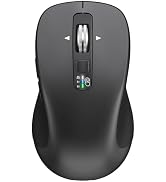
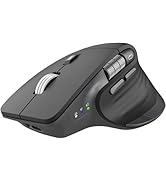
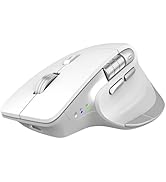
CITLLA Bluetooth Mouse
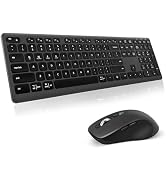
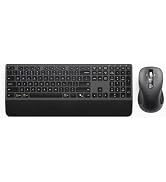
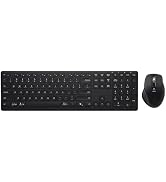
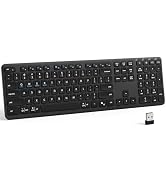
CITLLA Keyboard and Mouse
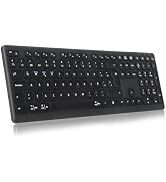
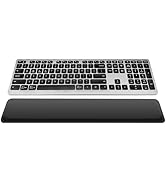
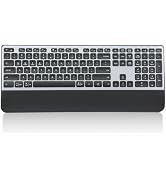
CITLLA Bluetooth Keyboard
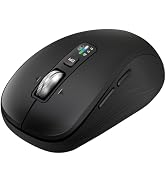
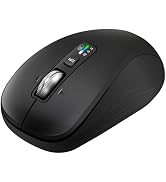
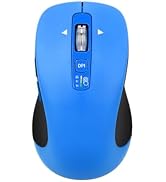
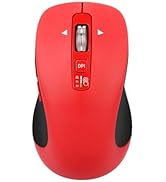
CITLLA Bluetooth Mouse
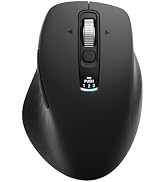
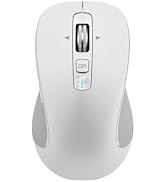
B310 RGB Ergonomic Mouse
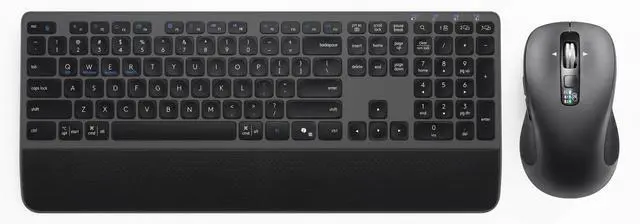
CITTLA M9127 Wireless Keyboard and Mouse
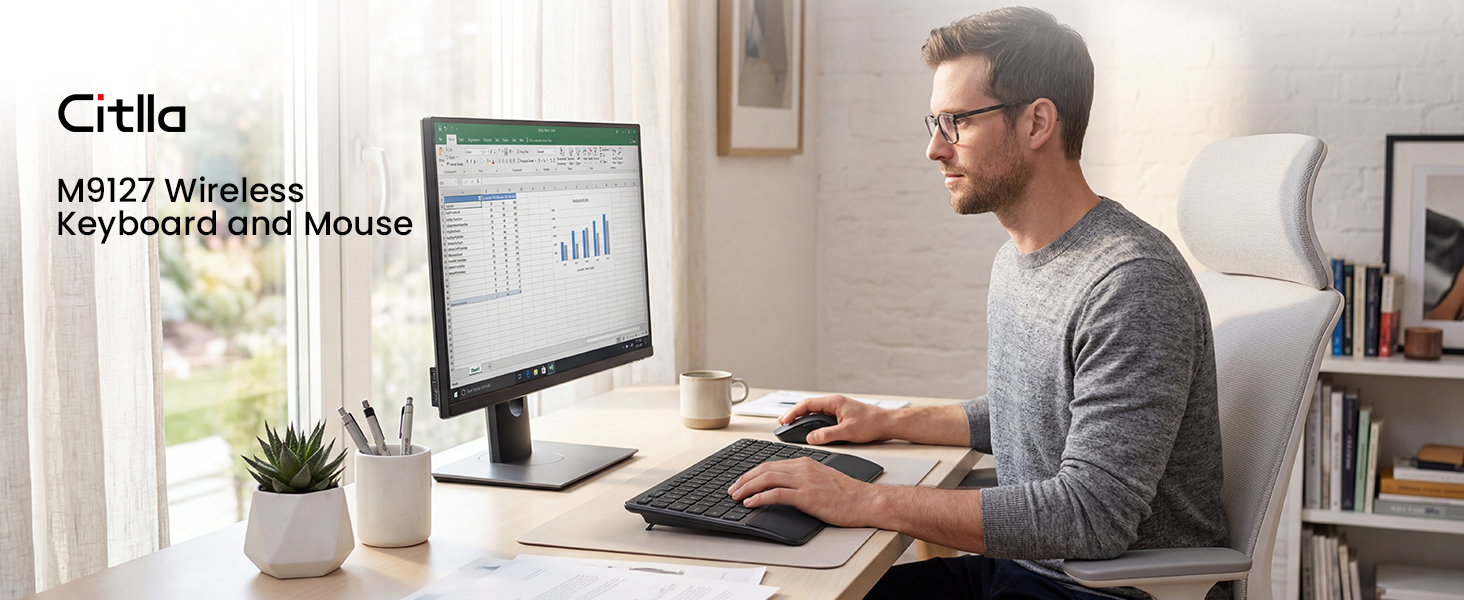
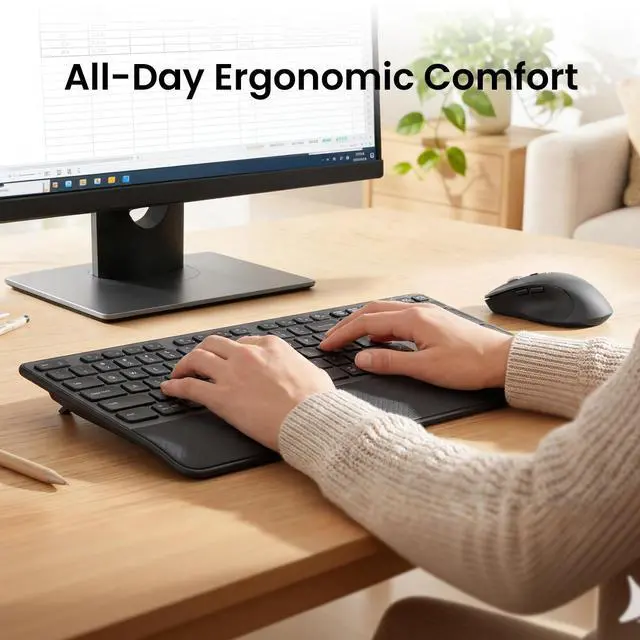
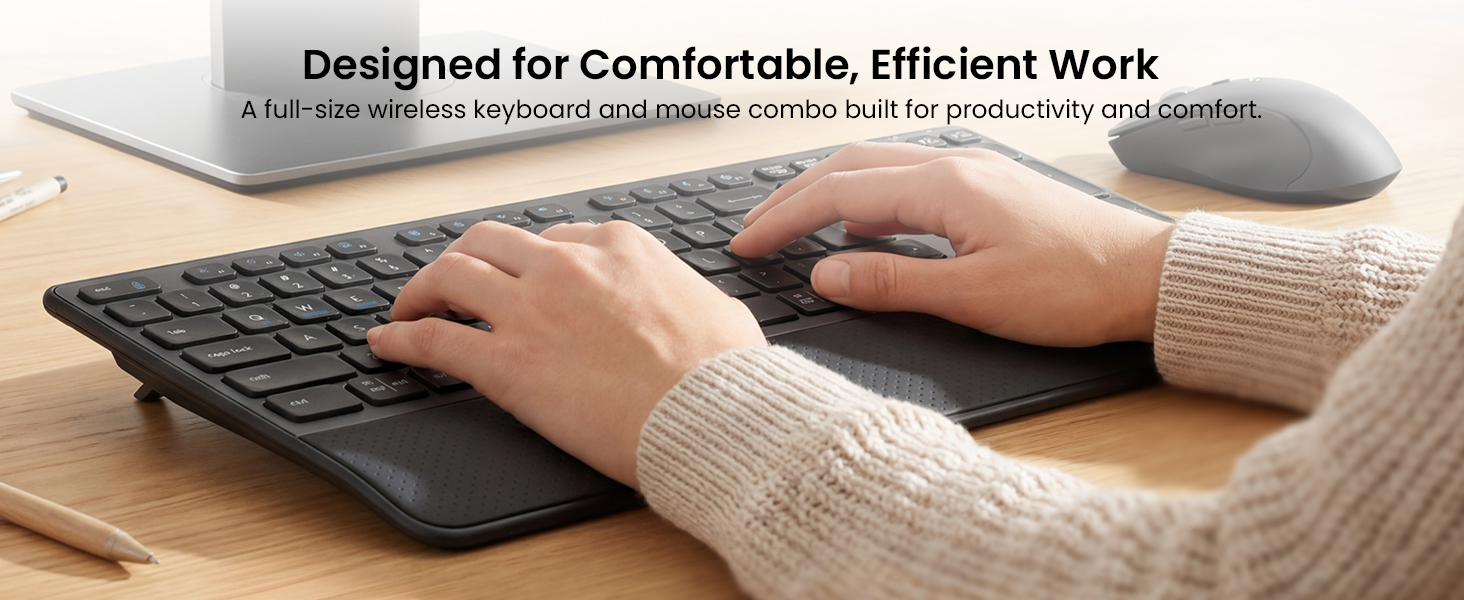
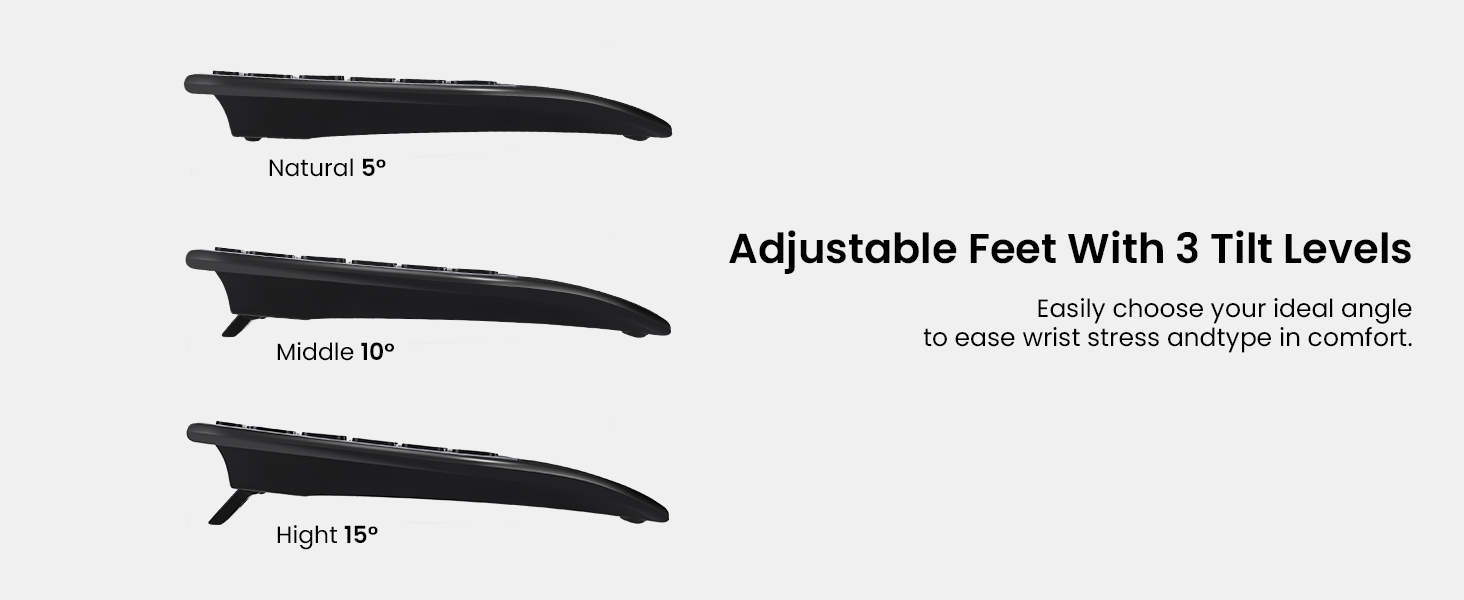
Ergonomic Comfort with Wrist Rest
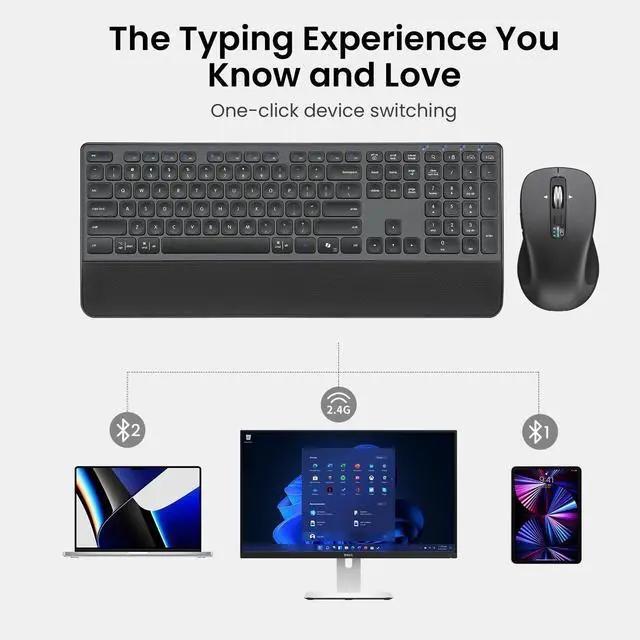
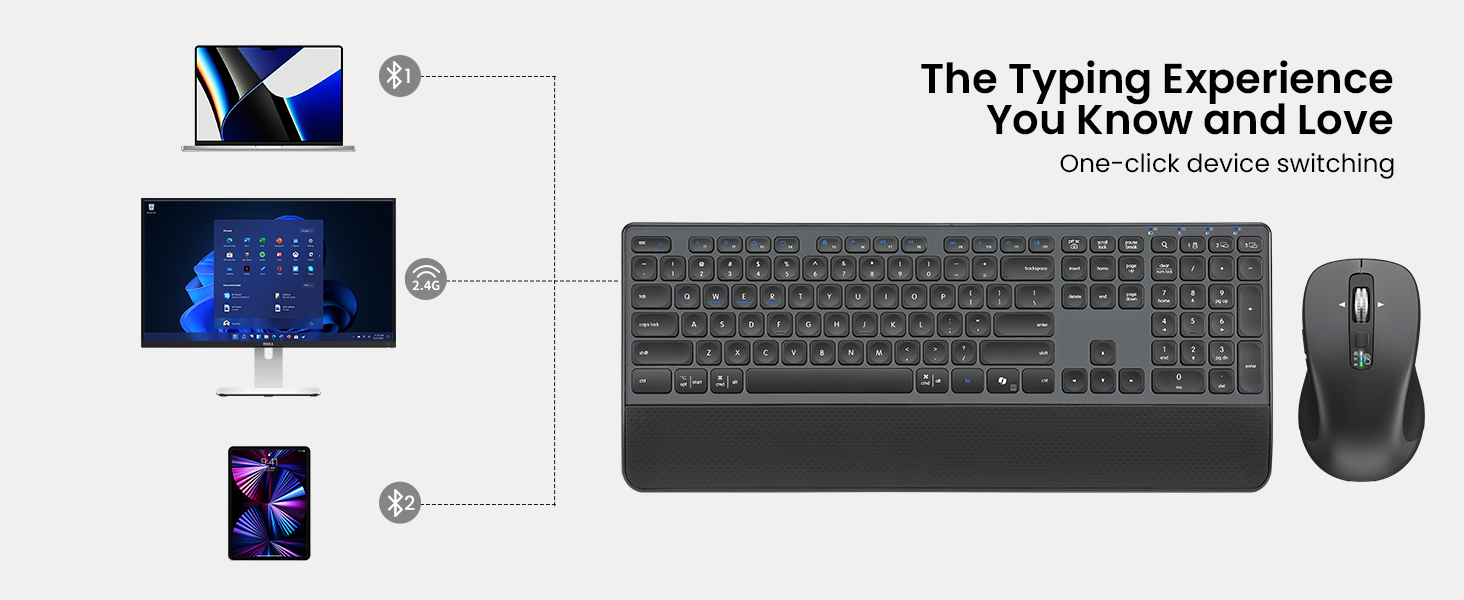
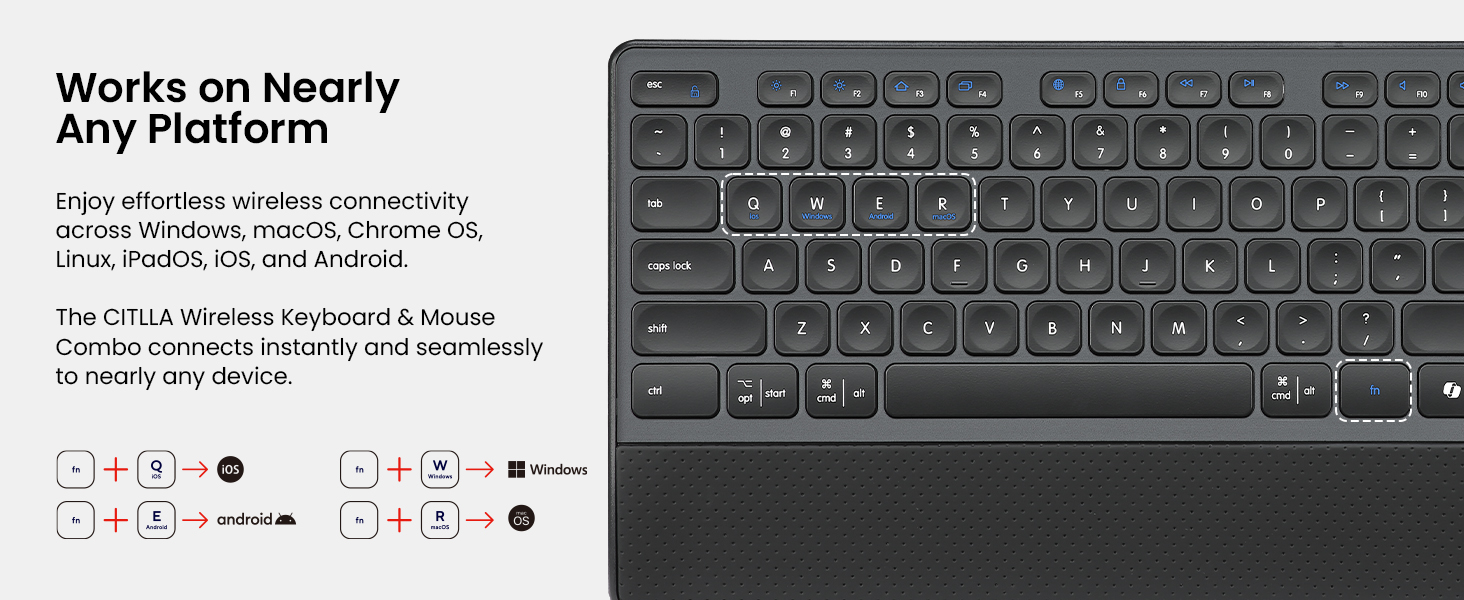
Connect and Switch with Ease
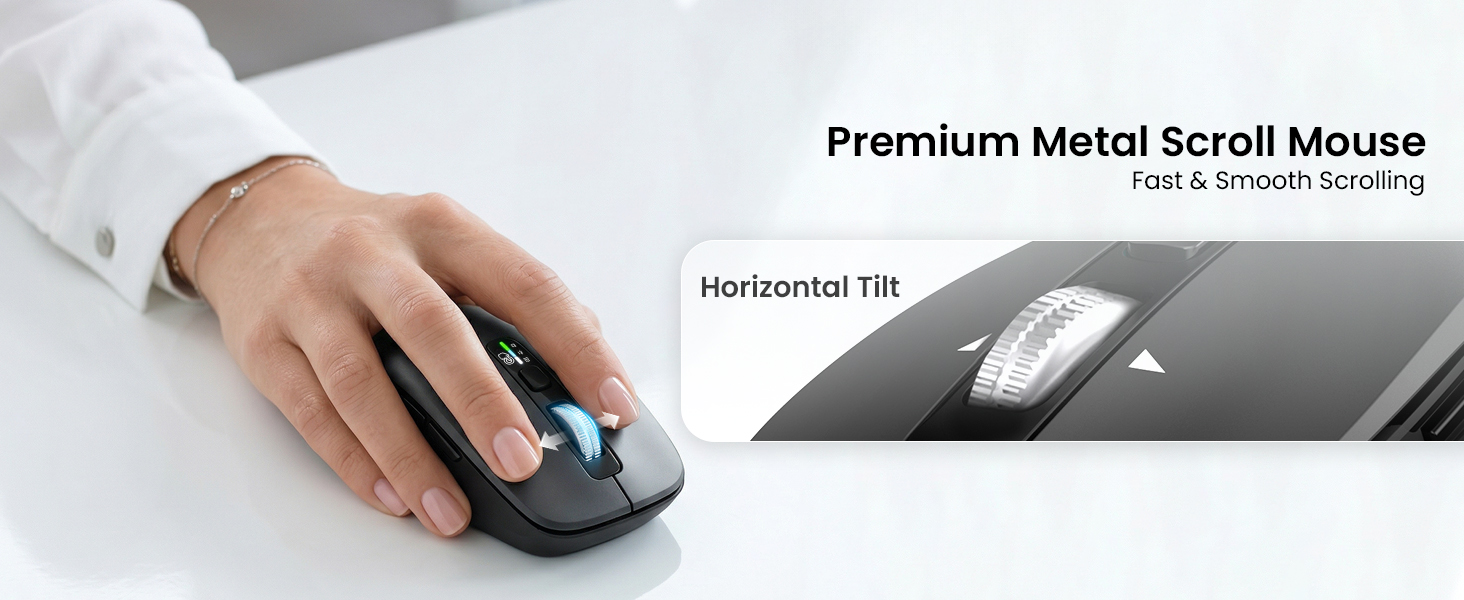
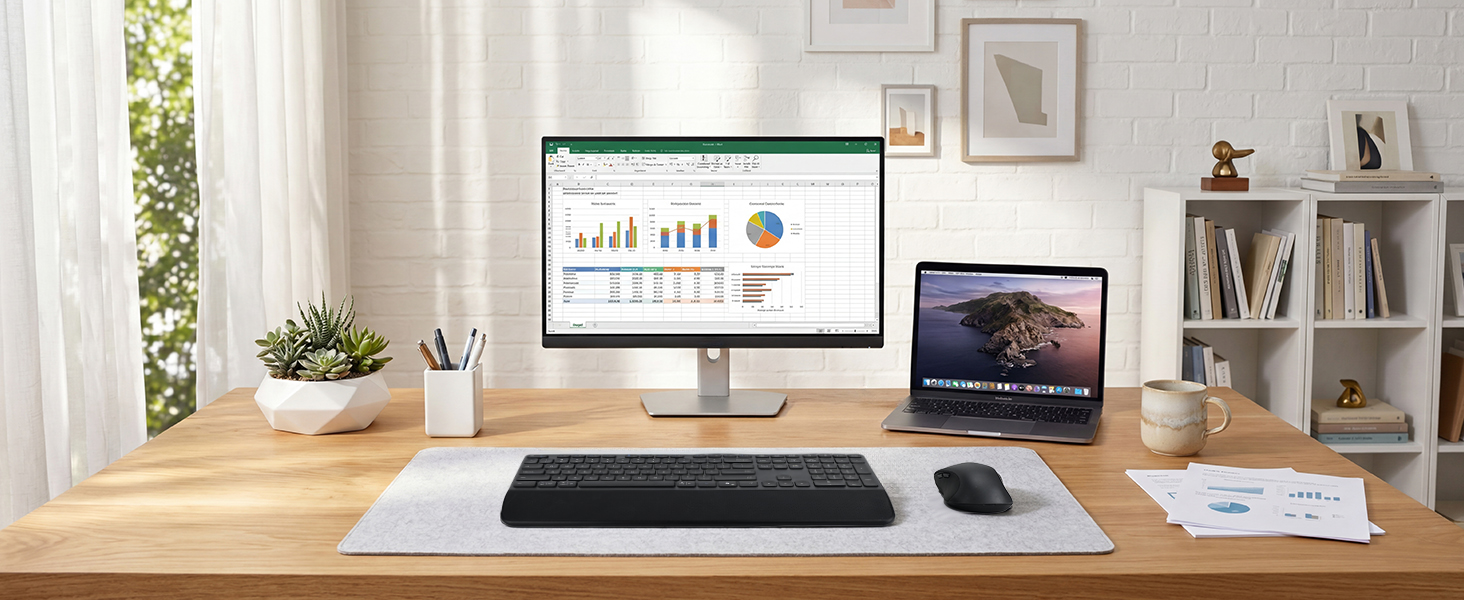
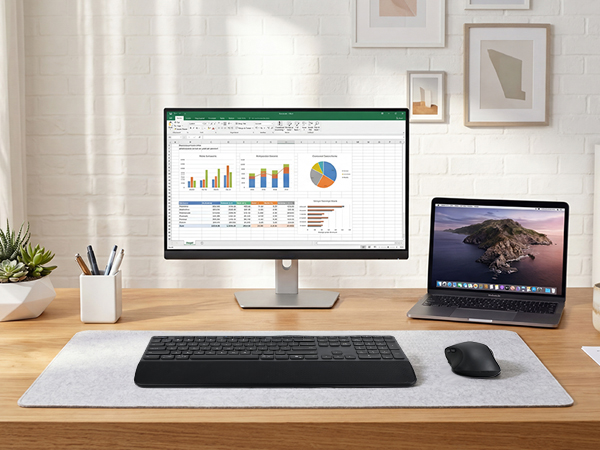
Your Everyday Productivity Setup
How many devices can I connect at the same time?
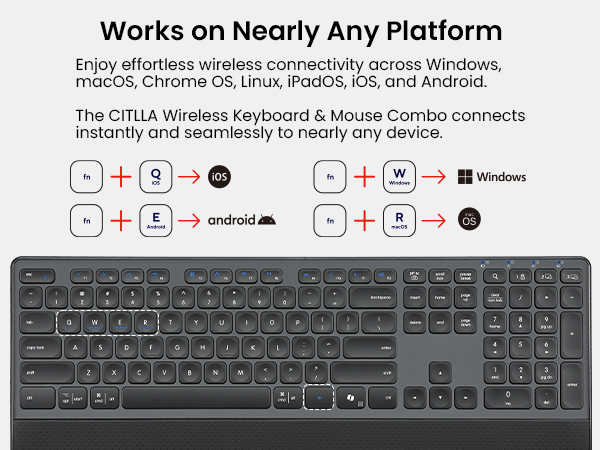
This keyboard and mouse combo supports up to 3 devices via Bluetooth and 2.4G USB. Easily switch between your laptop, tablet, or smartphone with dedicated shortcut keys for seamless multitasking.
How do I switch between multimedia shortcuts and standard F1–F12 keys?
By default, the F1–F12 keys work as multimedia shortcut keys. To use the standard F1–F12 functions, press Fn + Esc to switch the priority mode. The keyboard includes a memory function, so it remembers your last setting after switching.
Is the keyboard comfortable for long hours of typing?
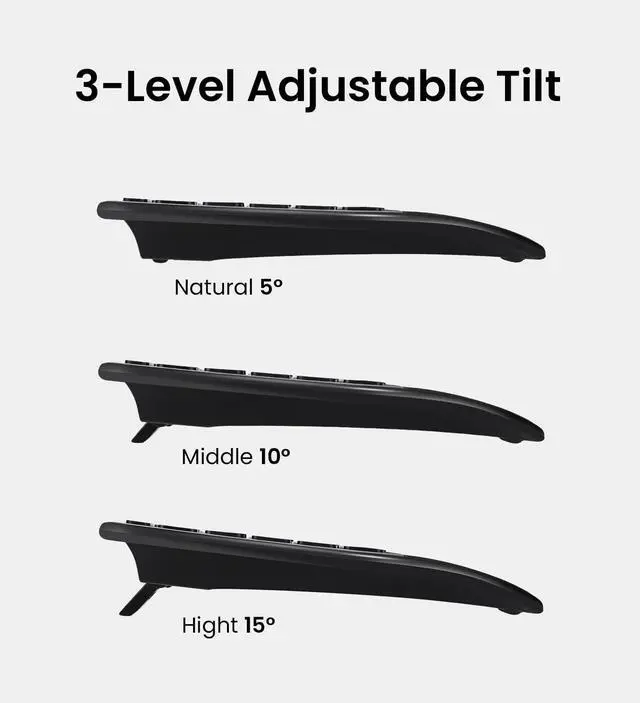
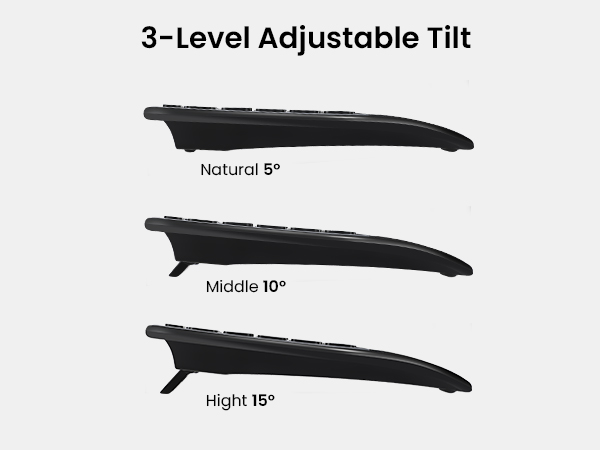
Yes. The keyboard features a built-in cushioned wrist rest and 3-level adjustable tilt legs to support a natural hand position, helping reduce fatigue during extended work sessions.
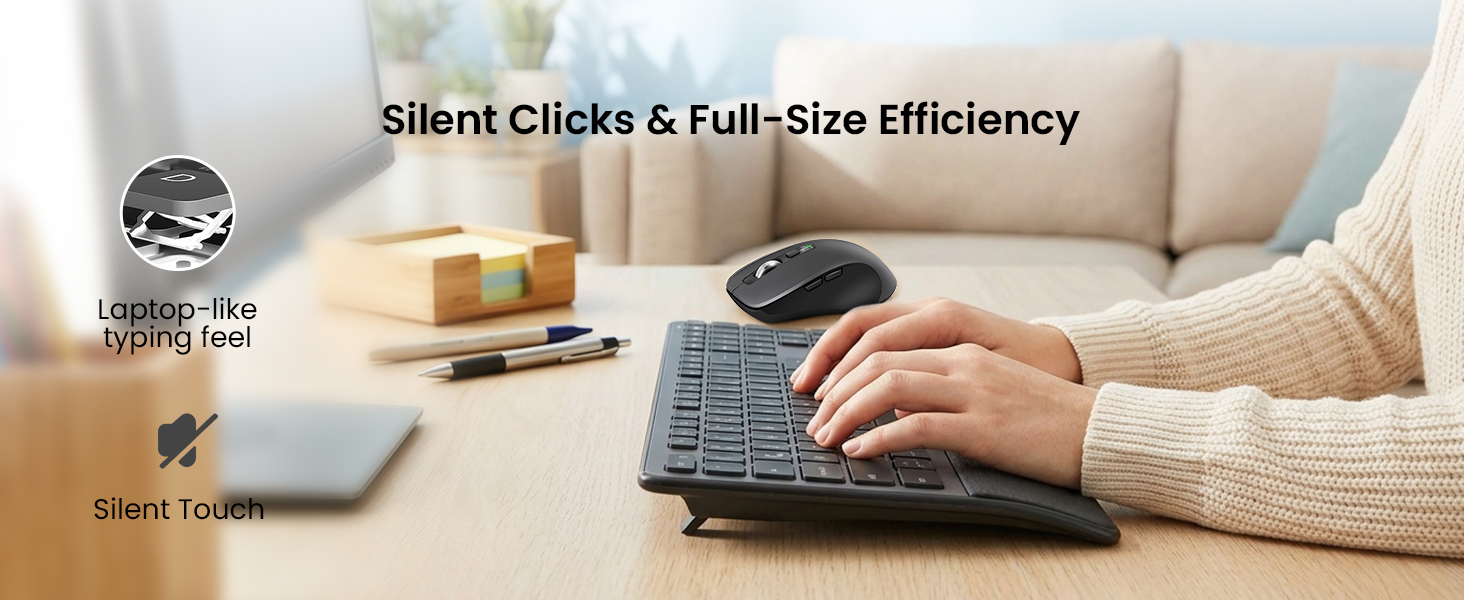
Are the keyboard and mouse quiet enough for office use?
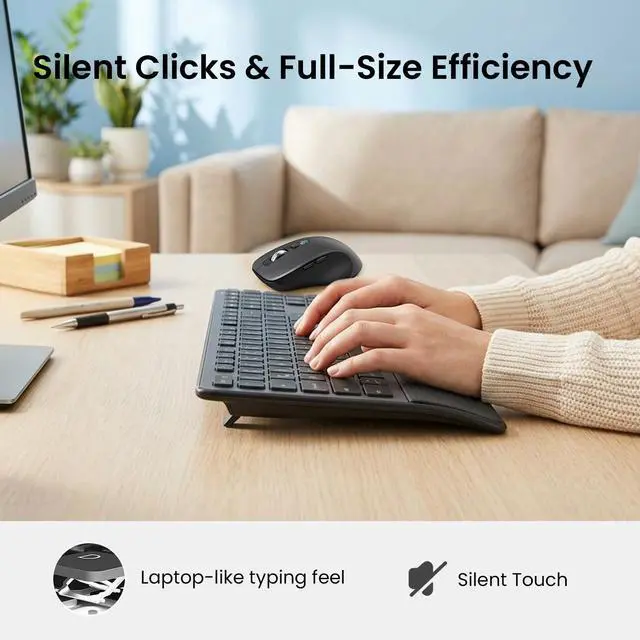
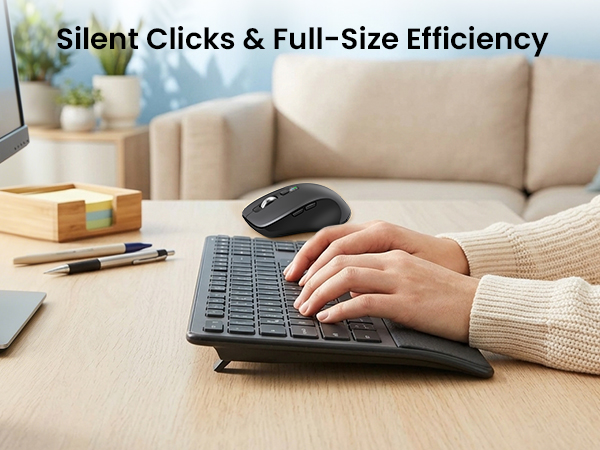
Yes. Both the keyboard and mouse are designed for quiet operation, making them ideal for offices, libraries, shared workspaces, and late-night work without disturbing others.
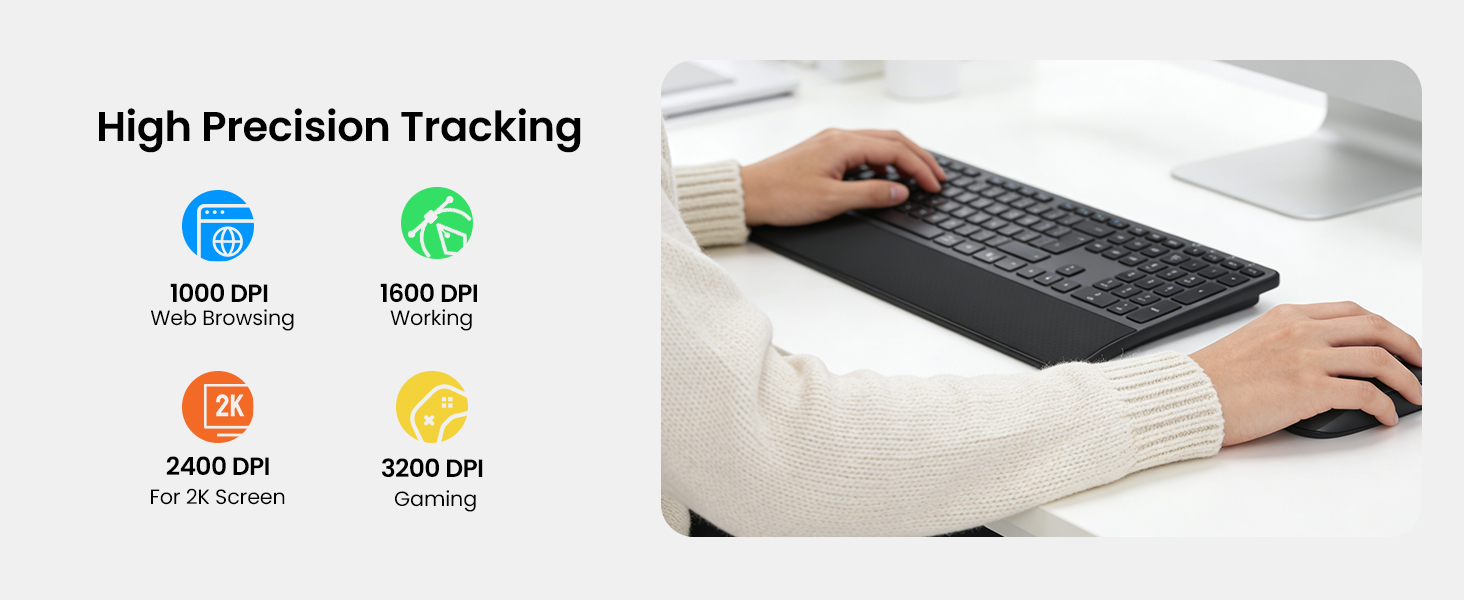
Can I adjust the mouse sensitivity?
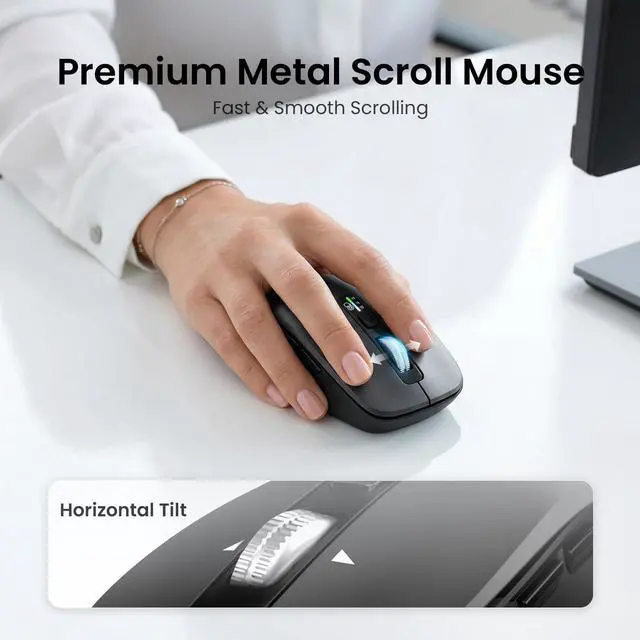
Yes. The mouse features adjustable DPI settings, allowing you to customize cursor speed and tracking precision for office tasks, web browsing, and detailed work
CITTLA M9127 Wireless Keyboard and Mouse
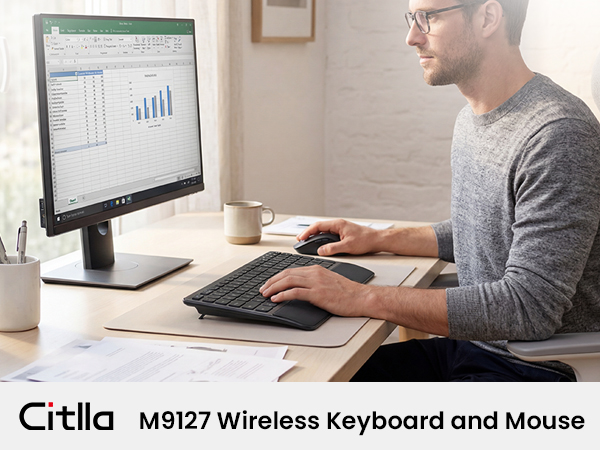
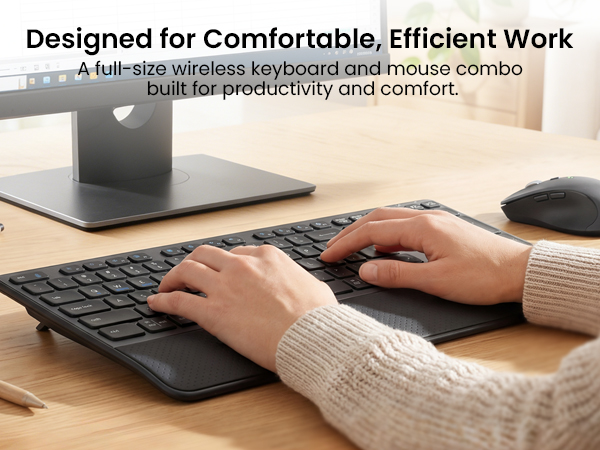
Ergonomic Comfort with Wrist Rest
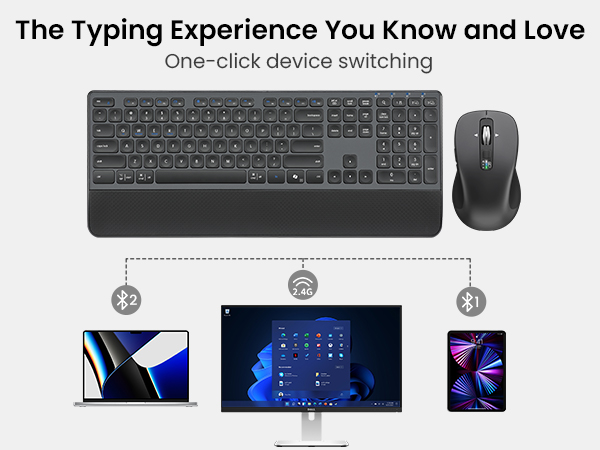
Connect and Switch with Ease
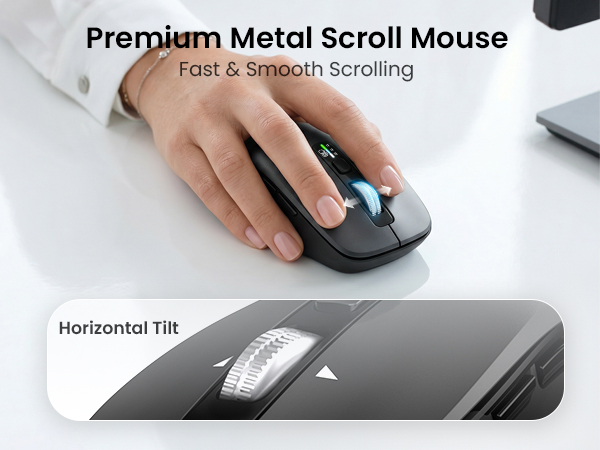
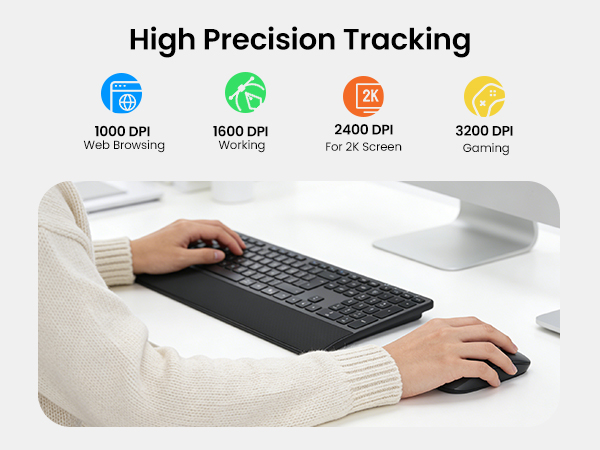
Precision at Your Fingertips
Your Everyday Productivity Setup
How many devices can I connect at the same time?
This keyboard and mouse combo supports up to 3 devices via Bluetooth and 2.4G USB. Easily switch between your laptop, tablet, or smartphone with dedicated shortcut keys for seamless multitasking.
How do I switch between multimedia shortcuts and standard F1–F12 keys?
By default, the F1–F12 keys work as multimedia shortcut keys. To use the standard F1–F12 functions, press Fn + Esc to switch the priority mode. The keyboard includes a memory function, so it remembers your last setting after switching.
Is the keyboard comfortable for long hours of typing?
Yes. The keyboard features a built-in cushioned wrist rest and 3-level adjustable tilt legs to support a natural hand position, helping reduce fatigue during extended work sessions.
Are the keyboard and mouse quiet enough for office use?
Yes. Both the keyboard and mouse are designed for quiet operation, making them ideal for offices, libraries, shared workspaces, and late-night work without disturbing others.
Can I adjust the mouse sensitivity?
Yes. The mouse features adjustable DPI settings, allowing you to customize cursor speed and tracking precision for office tasks, web browsing, and detailed work
CITLLA is a manufacturer of computer accessories, we manufacture and supply computer peripherals to companies around the world.
All our products go through multiple checks to ensure that there are no quality problems, we also provide positive pre-sales and after-sales service, and we are willing to solve any problems for our customers.
CITLLA Bluetooth Mouse
CITLLA Keyboard and Mouse
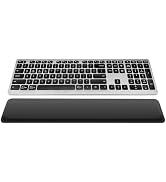
CITLLA Bluetooth Keyboard
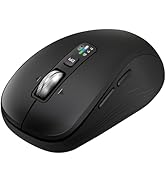
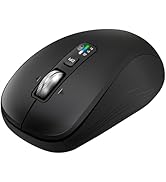
CITLLA Bluetooth Mouse
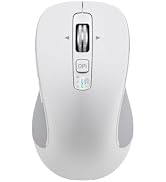
B310 RGB Ergonomic Mouse
