






Why can't I control it on the Apple device?
You need to enable the zoom function in the settings of your Apple device. For specific instructions, please refer to the user manual for detailed explanations. The system version of your Apple device needs to be 14.4 or above
Why does the charging only show a red light?
Please use a 5V1A charger to charge the device. The volume indicator light will turn red during charging and green when fully charged. If it fails to turn green, please unplug the USB cable, power on the device, and perform a factory reset
How to reset to factory settings?
Press the power button for 30 seconds while the device is turned on and do not release it. During this process, the volume indicator light will turn red. Release it again after 30 seconds, and the factory reset will be successful
Why isn't the RGB light showing?
The RGB lights support a switch function. Long-pressing the corresponding RGB button for 15 seconds can activate or deactivate them. Alternatively, you can use the computer-based app to permanently turn them off
What should I do if the device freezes and won't turn on?
Since the chip automatically activates the protection mechanism when it detects unstable input voltage, the solution is to let the device sit without any power supply for 48 hours before restarting it, and then it can be turned on
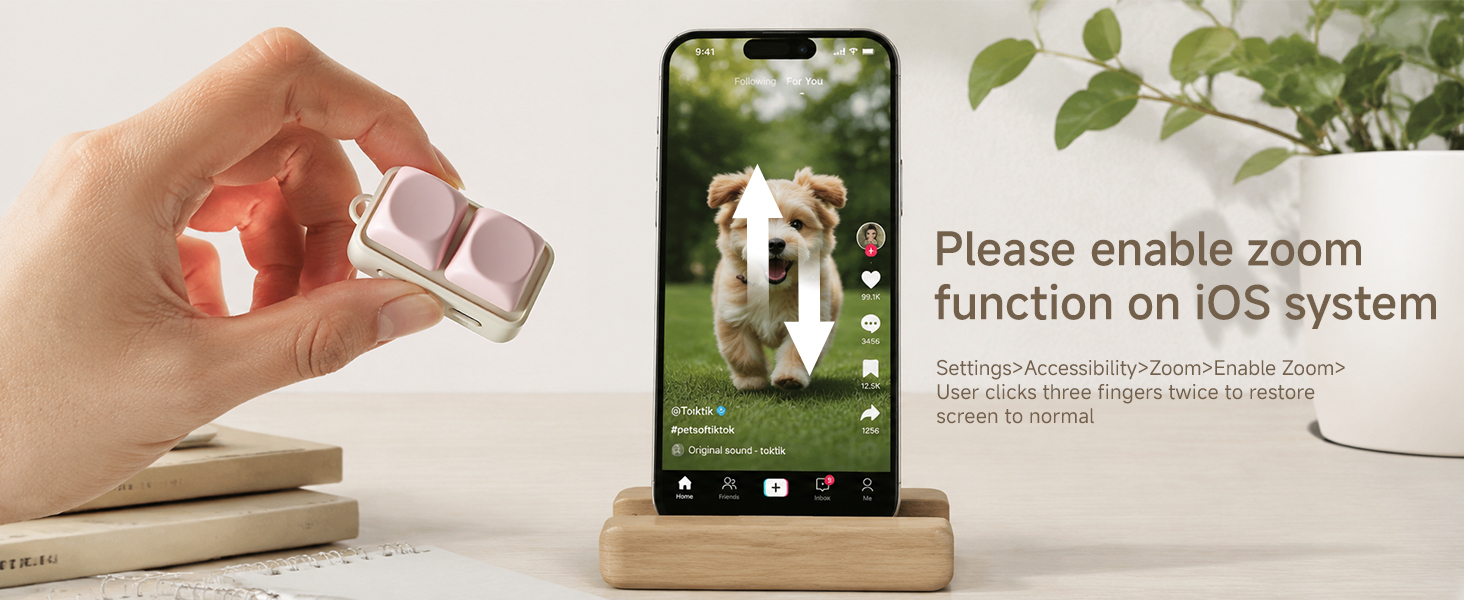
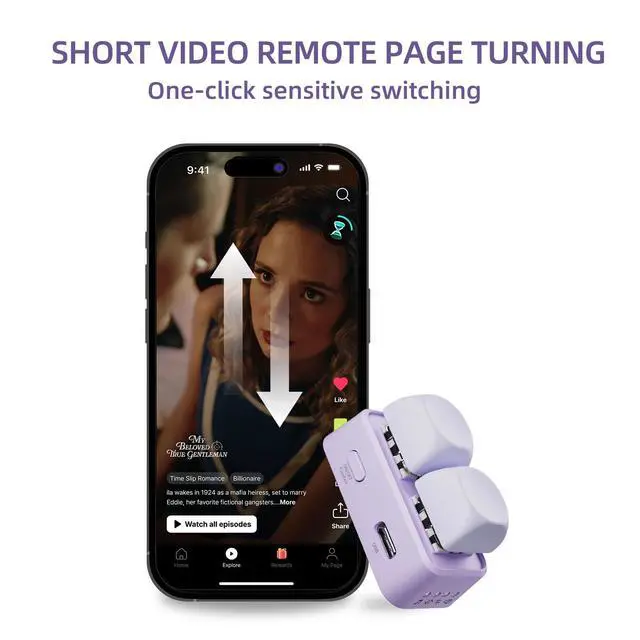
Switch between videos
Switch TikTok videos
To switch up and down in short videos, the Apple system must enable zooming in the system settings

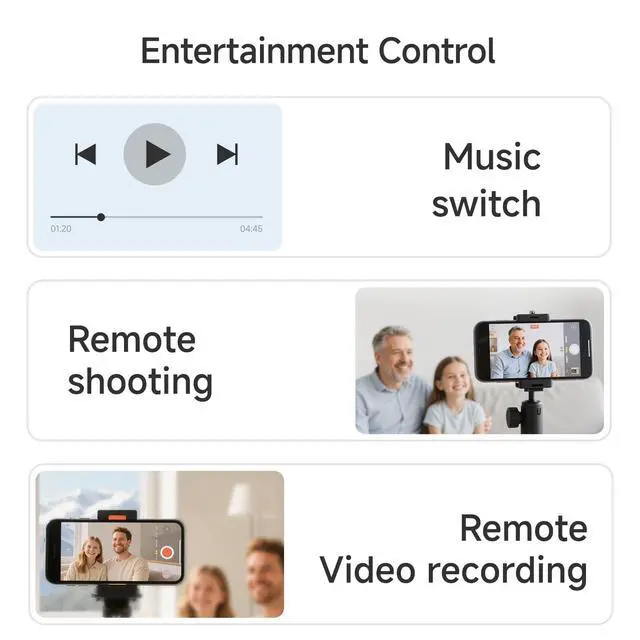
Photo and video features
Control the camera
You can remotely control the camera on your phone or tablet to take photos and record videos
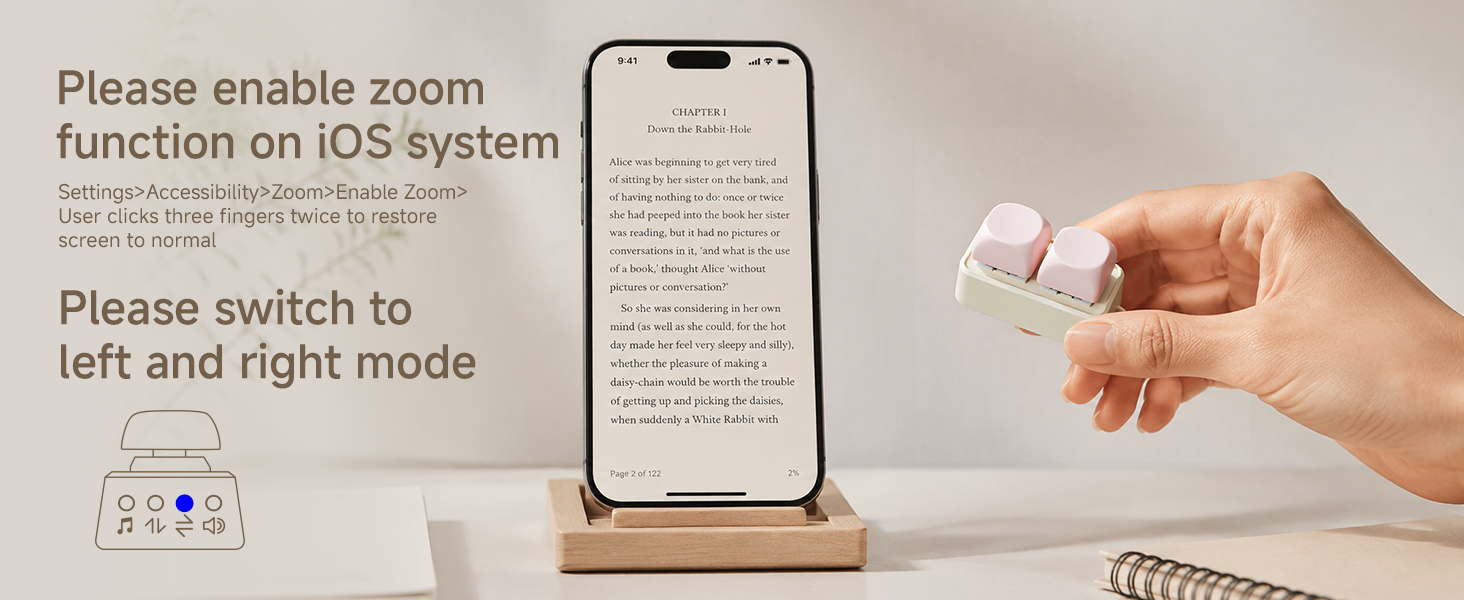
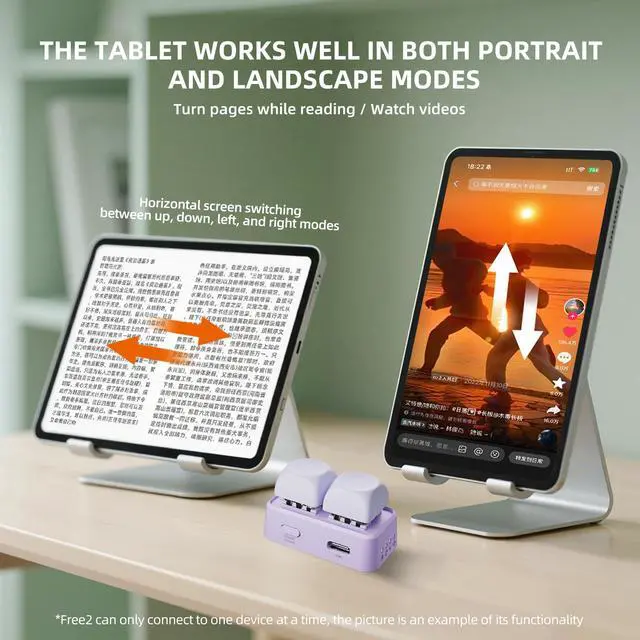
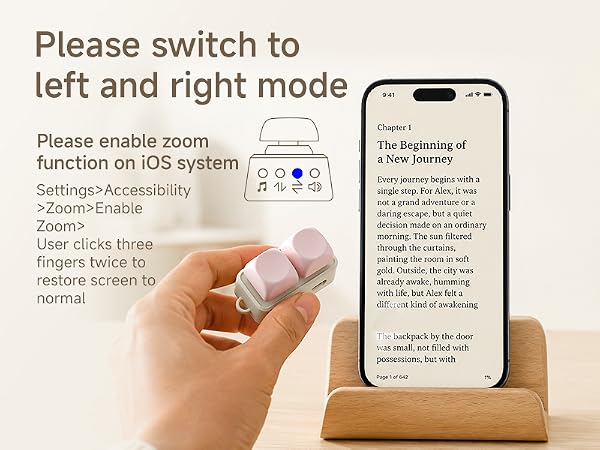
Reading App Controls
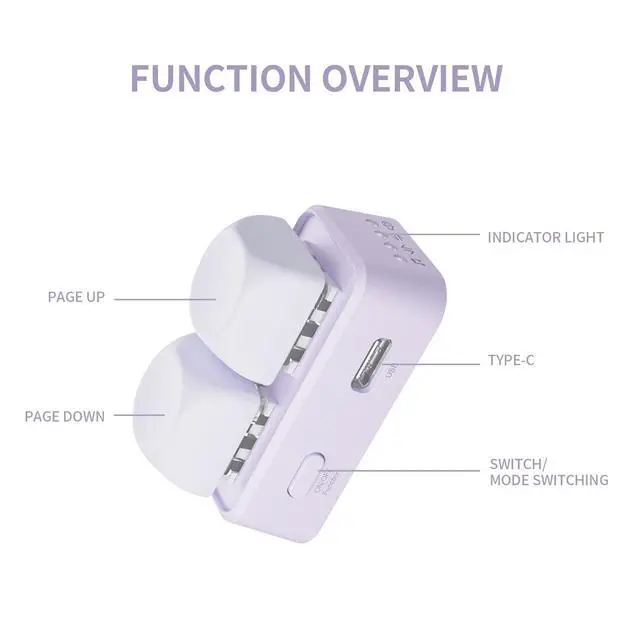
Turn the page in the reading app
Page turning in reading app?To use the Apple system, you must enable zoom in the system settings
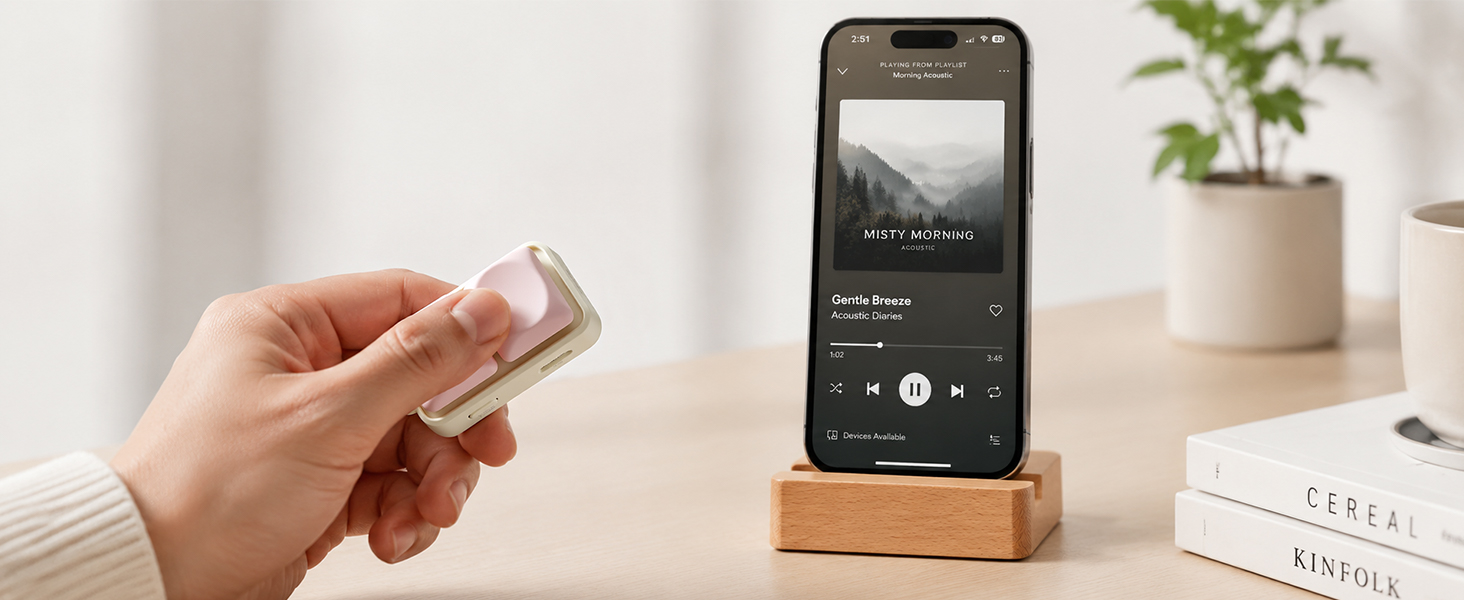
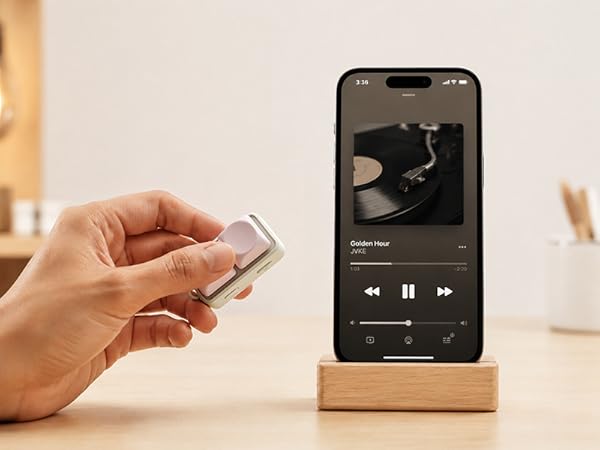
Song-Skip Feature
Skip to the next or previous track
Switching songs on a phone or tablet
Free2 RGB colorful lights
RGB Color-Changing Lights
RGB lighting
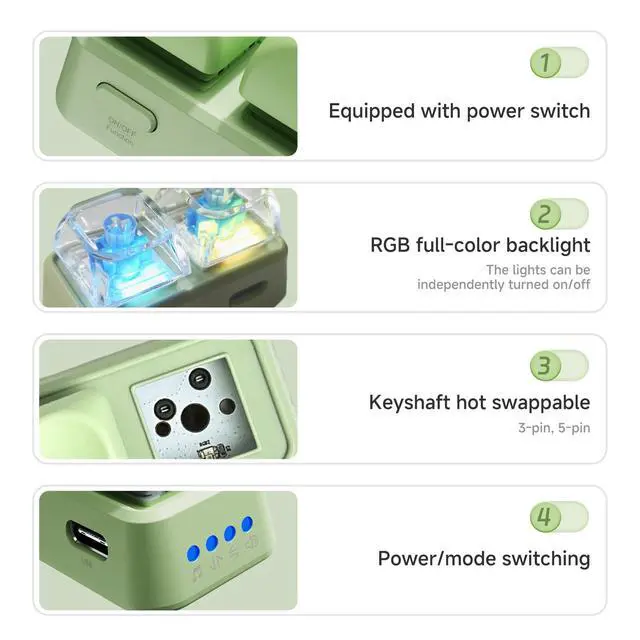
This device features built-in RGB lighting; the vibrant colors create a soothing atmosphere, and you can customize the lighting effects or turn them off.
More ways to play
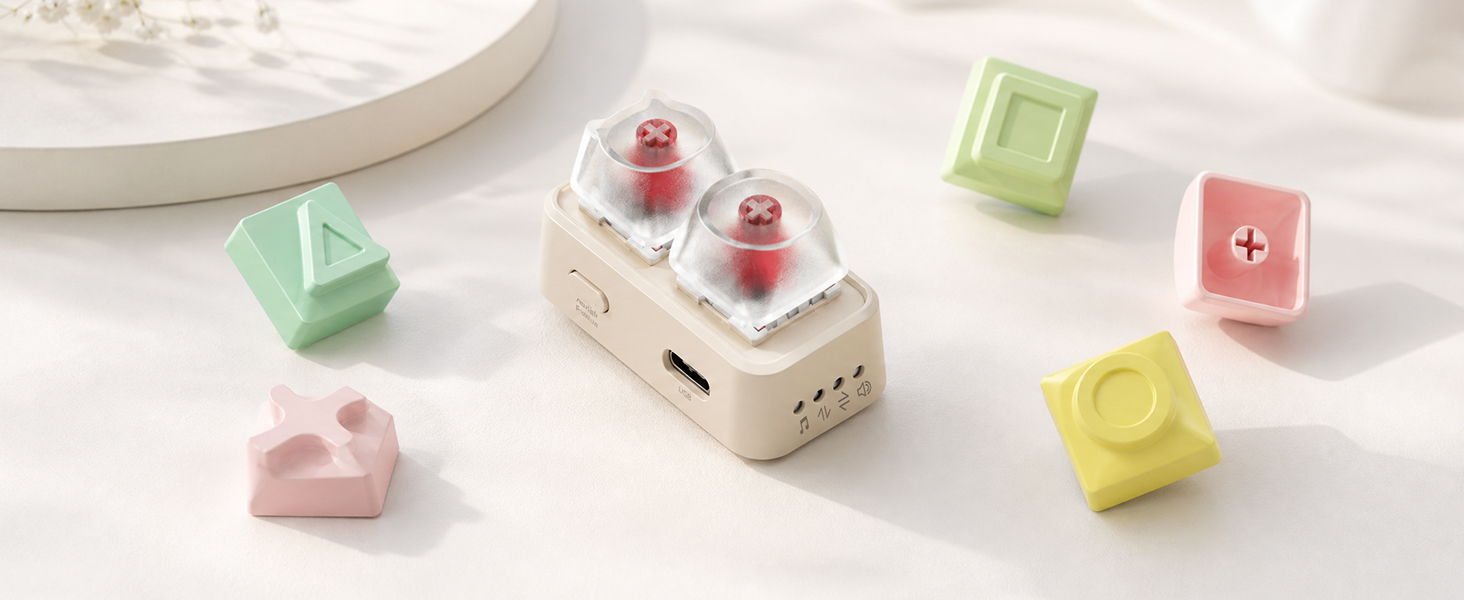
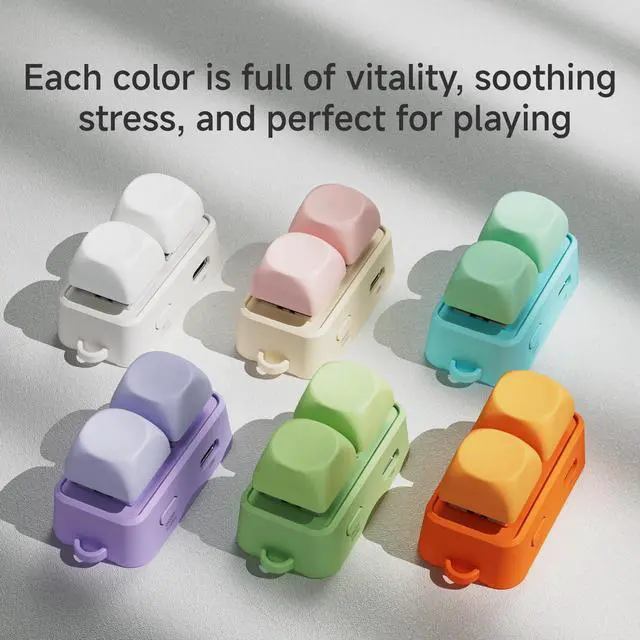
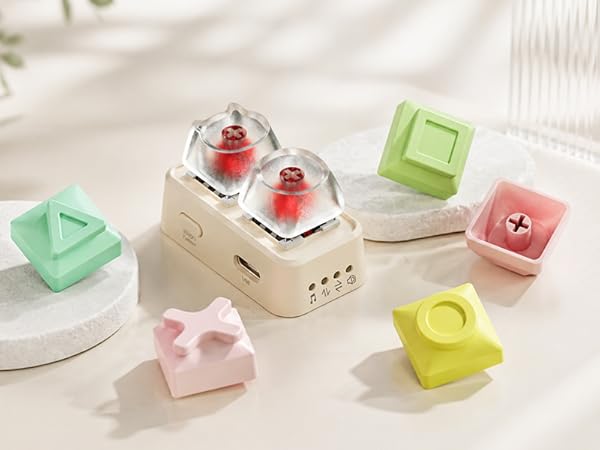
Cute DIY Keycaps
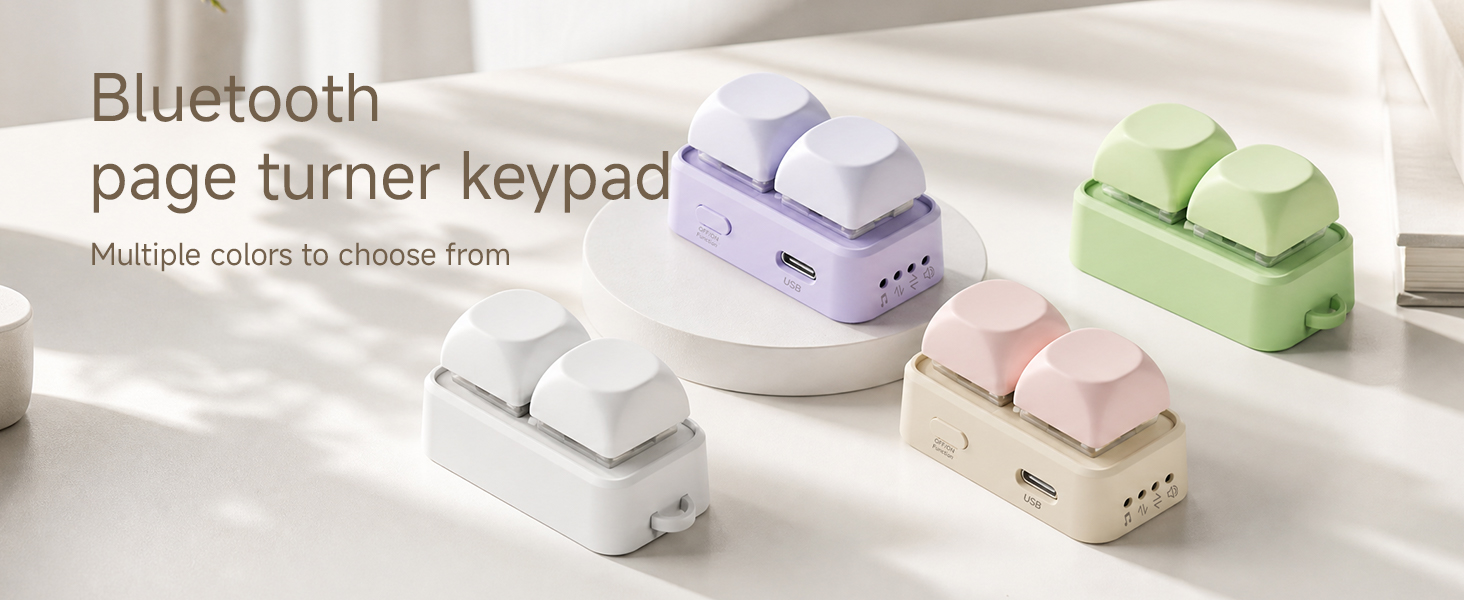
You can replace these cute keycaps yourself; they are compatible with cross-shaped keycaps (keycaps sold separately).
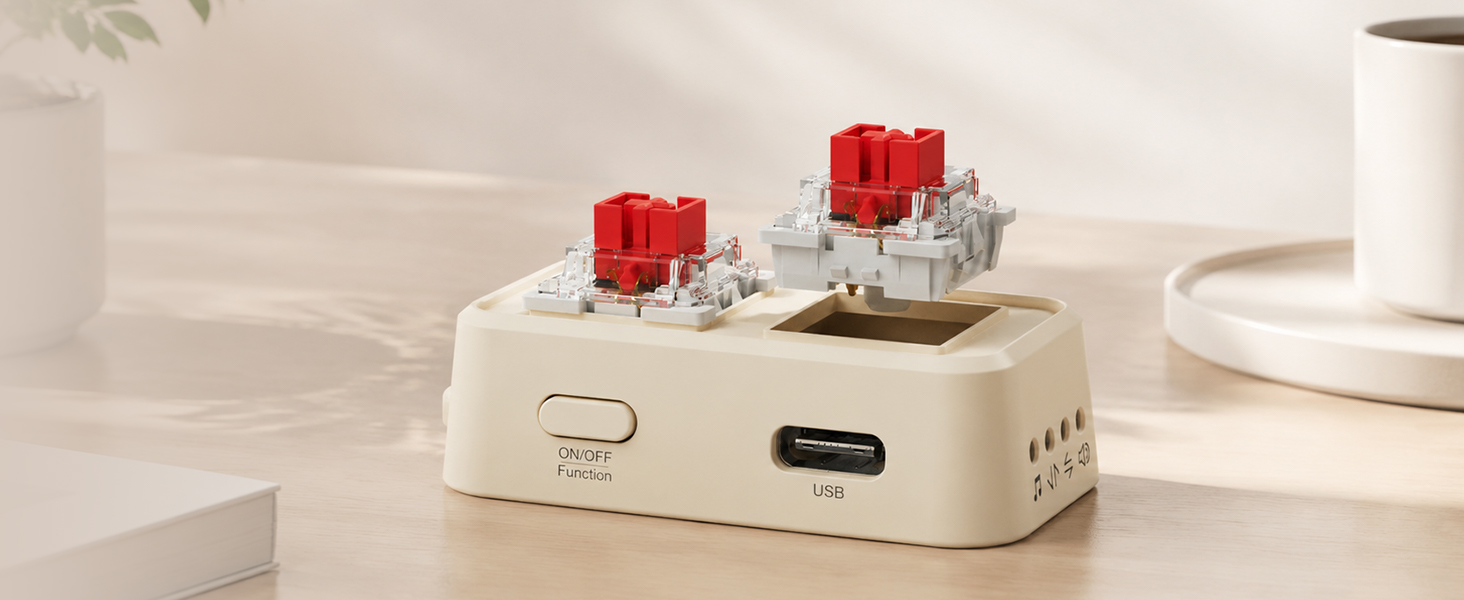
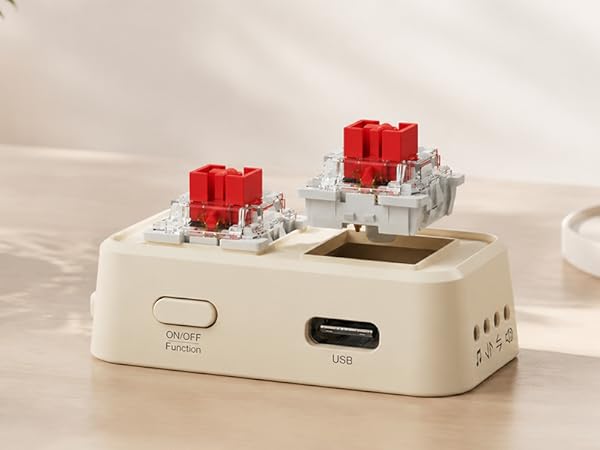
Shaft Replacement
Supports switch replacement and is compatible with three-pin or five-pin tall switches. You can switch between clicky and silent switches as needed, making it an excellent choice for stress relief.
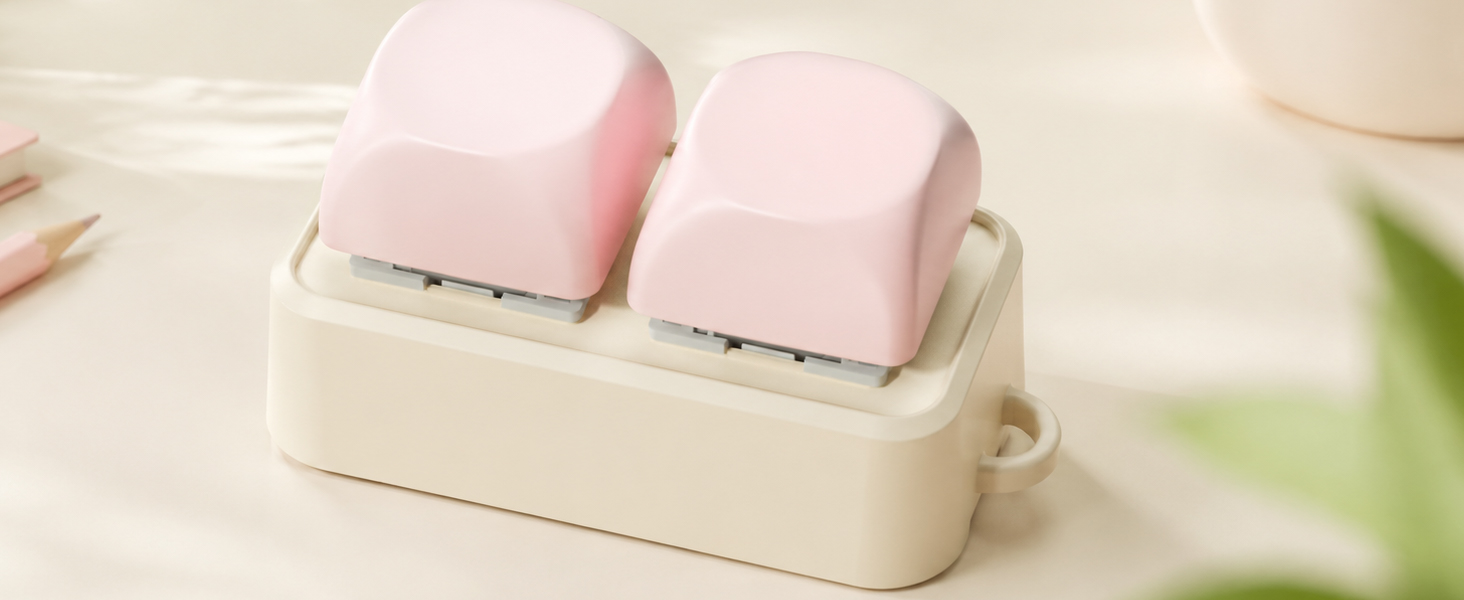
Wrist strap hole
Its unique design allows for the attachment of a wrist strap, making it more convenient to carry (wrist strap not included in the package)
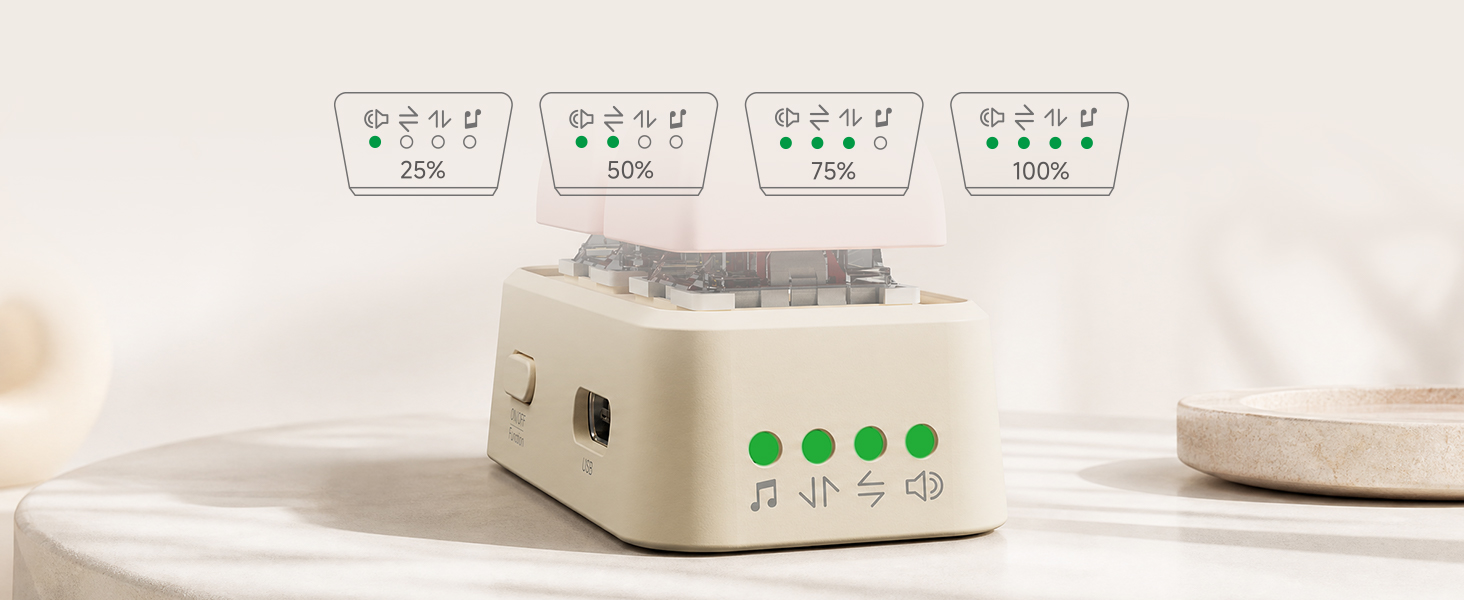
Check Battery Level
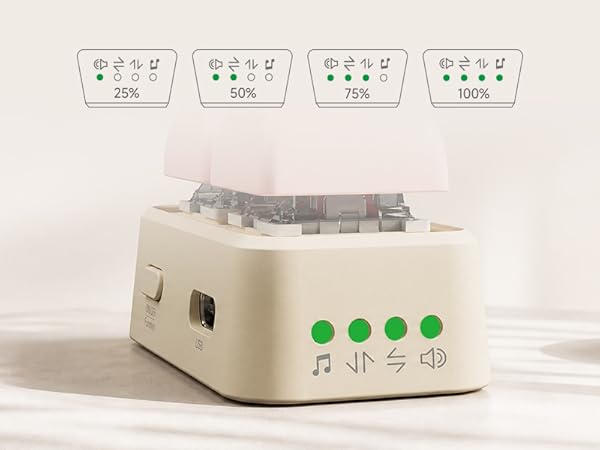
When the device is turned on, the green lights illuminate simultaneously to indicate the battery level; each light represents 25% of the battery charge.
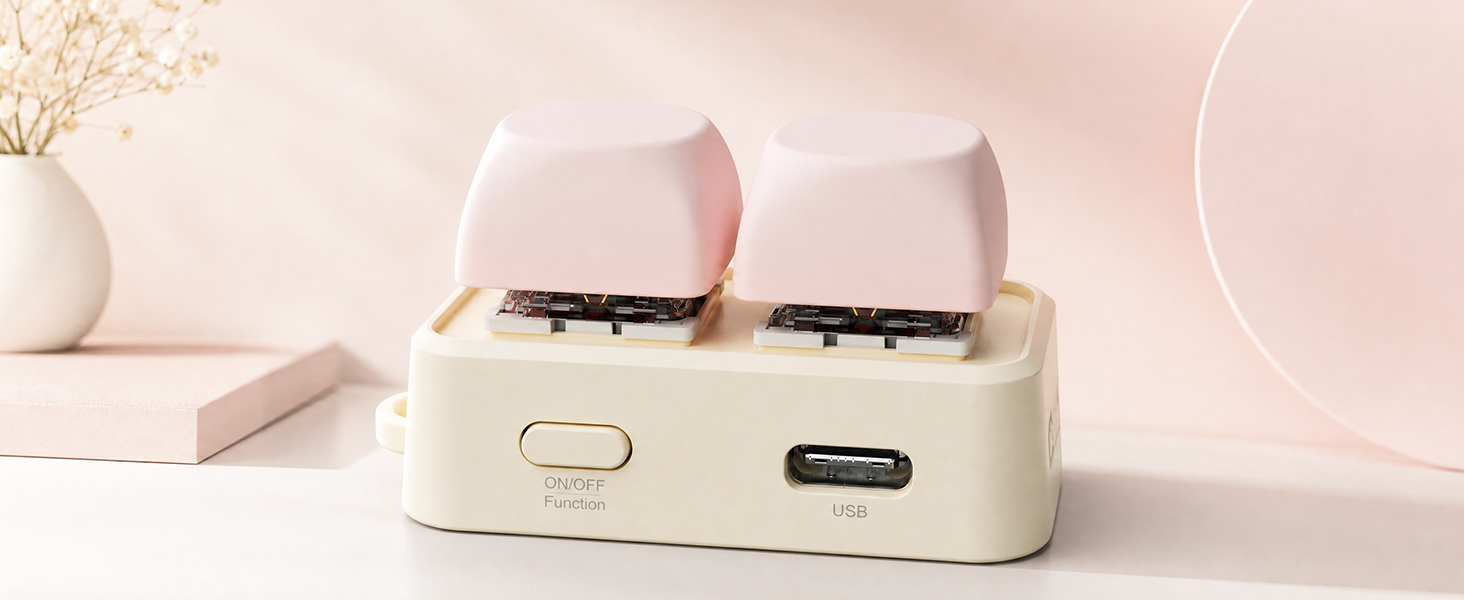
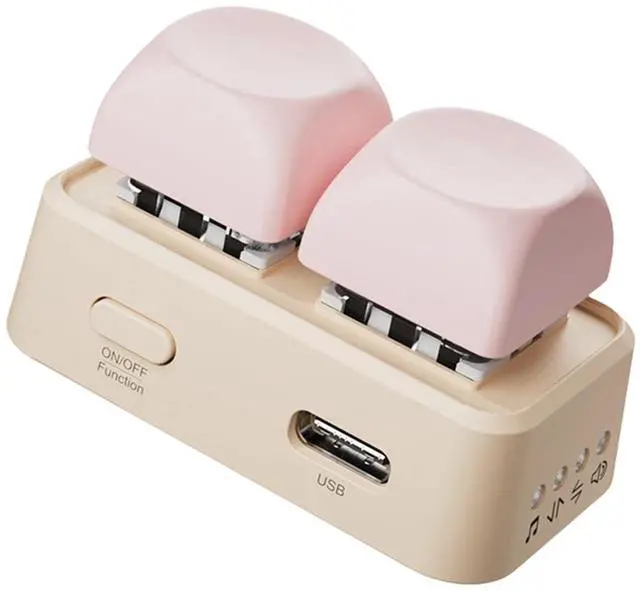
Type-C charging port
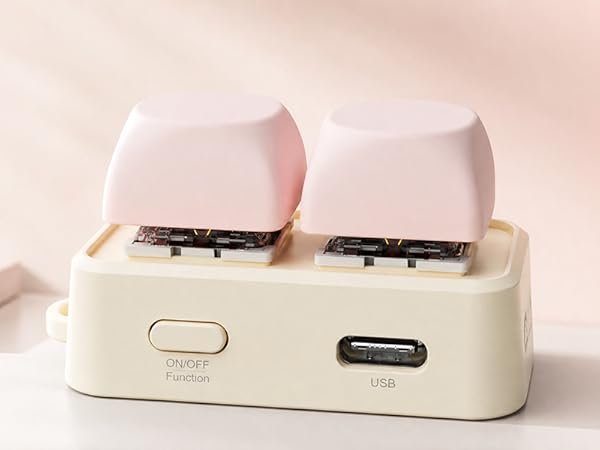
The device comes with a USB-C port, making charging more convenient
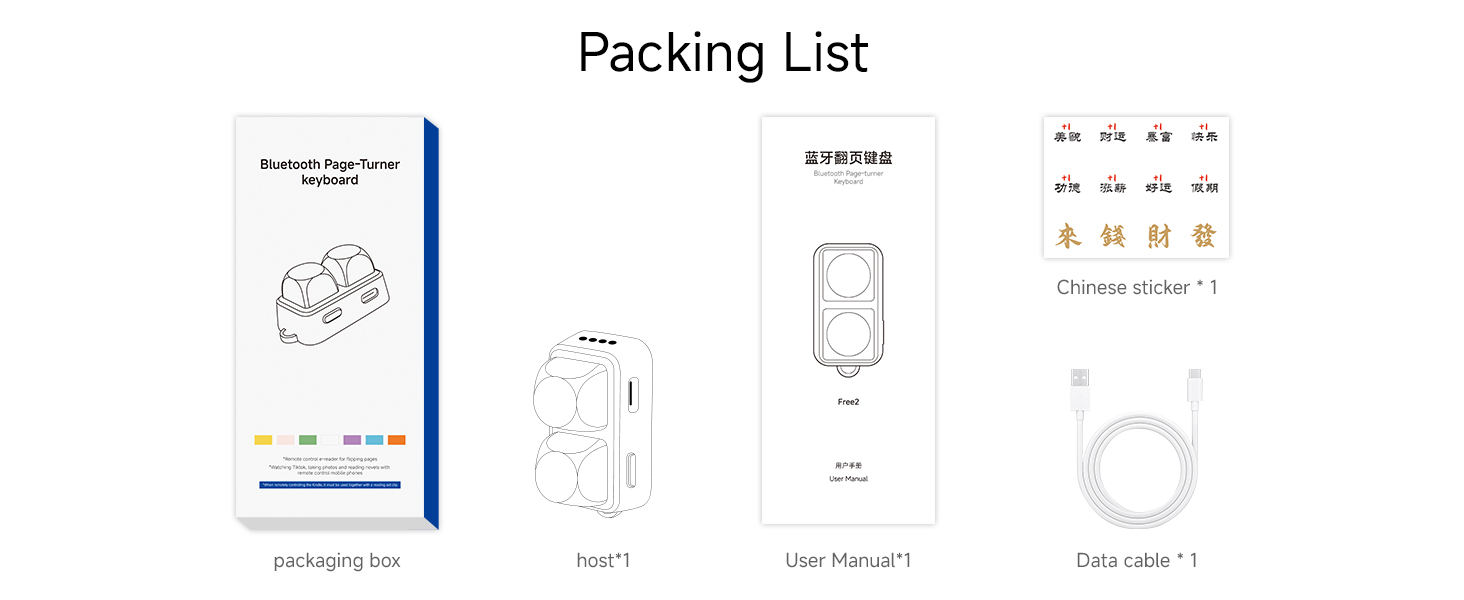
Packing List
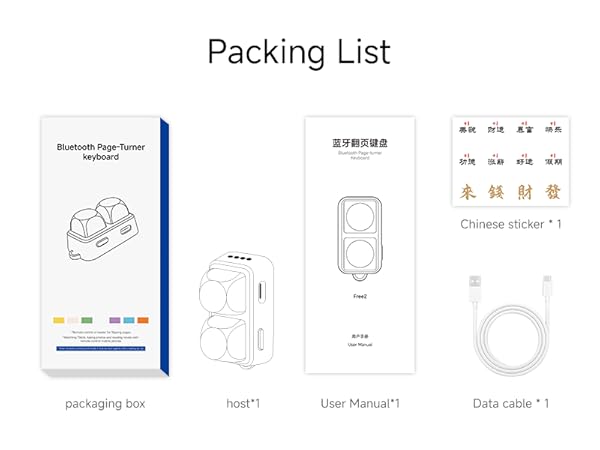
Console*1, User Guide*1, Cable*1, Free Chinese Sticker*1
Specifications
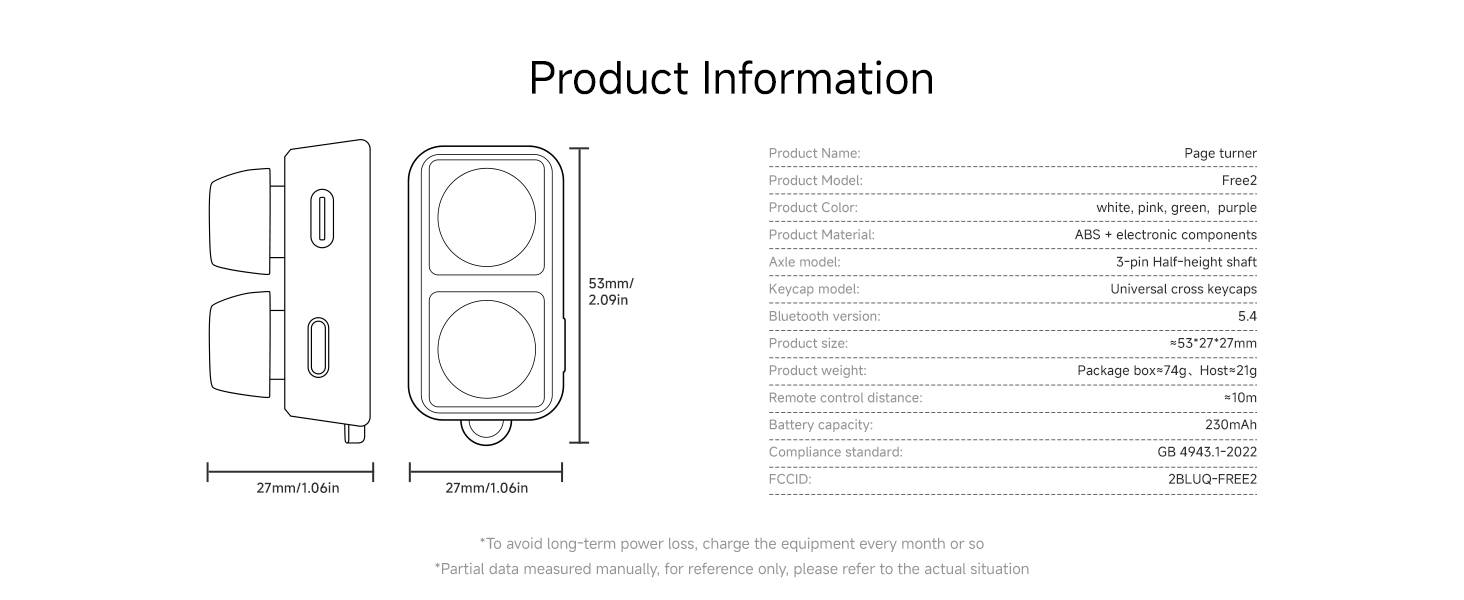
parameter comparison
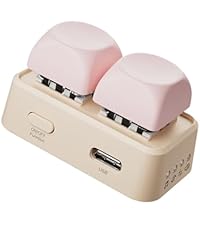 Free2 mobile version | 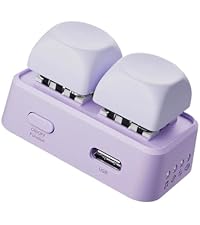 Free2 Kobo version | 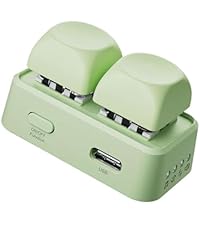 Free2Android E inkversion | 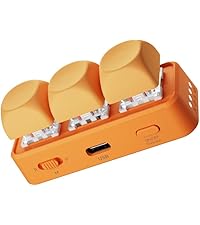 Free3 | |
|---|---|---|---|---|
Price | — | — | — | — |
Number of buttons | 2 | 2 | 2 | 3 |
RGB lights | Support | Support | Support | Support |
Bluetooth version | 5.4 | 5.4 | 5.4 | 5.4 |
Smartphones, tablets | Support | Not supported | Not supported | Support |
Smart Tablet | Support | Not supported | Not supported | Support |
Android E ink | Not supported | Not supported | Support | Support |
KoBo E ink | Not supported | Support | Not supported | Support |
PC | Not supported | Support | Not supported | Support |
XTEink | Not supported | Not supported | Not supported | Support |
kindle | Not supported | Not supported | Not supported | Not supported |
Battery Capacity | 230mAh | 230mAh | 230mAh | 380mAh |
Charging port | Type-C | Type-C | Type-C | Type-C |
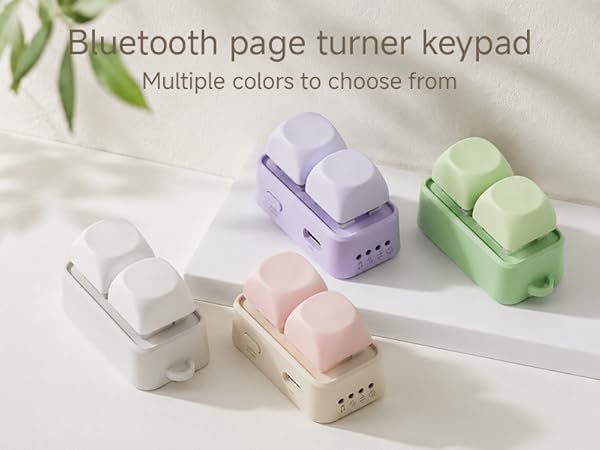
Why can't I control it on the Apple device?
You need to enable the zoom function in the settings of your Apple device. For specific instructions, please refer to the user manual for detailed explanations. The system version of your Apple device needs to be 14.4 or above
Why does the charging only show a red light?
Please use a 5V1A charger to charge the device. The volume indicator light will turn red during charging and green when fully charged. If it fails to turn green, please unplug the USB cable, power on the device, and perform a factory reset
How to reset to factory settings?
Press the power button for 30 seconds while the device is turned on and do not release it. During this process, the volume indicator light will turn red. Release it again after 30 seconds, and the factory reset will be successful
Why isn't the RGB light showing?
The RGB lights support a switch function. Long-pressing the corresponding RGB button for 15 seconds can activate or deactivate them. Alternatively, you can use the computer-based app to permanently turn them off
What should I do if the device freezes and won't turn on?
Since the chip automatically activates the protection mechanism when it detects unstable input voltage, the solution is to let the device sit without any power supply for 48 hours before restarting it, and then it can be turned on
Switch between videos
Switch TikTok videos
To switch up and down in short videos, the Apple system must enable zooming in the system settings
Photo and video features
Control the camera
You can remotely control the camera on your phone or tablet to take photos and record videos
Reading App Controls
Turn the page in the reading app
Page turning in reading app?To use the Apple system, you must enable zoom in the system settings
Song-Skip Feature
Skip to the next or previous track
Switching songs on a phone or tablet
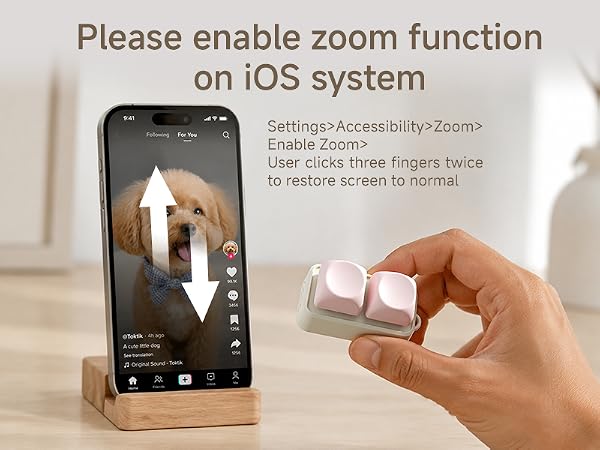

Free2 RGB colorful lights
RGB Color-Changing Lights
RGB lighting
This device features built-in RGB lighting; the vibrant colors create a soothing atmosphere, and you can customize the lighting effects or turn them off.
More ways to play
Cute DIY Keycaps
Shaft Replacement
Wrist strap hole
Check Battery Level
Type-C charging port
Packing List
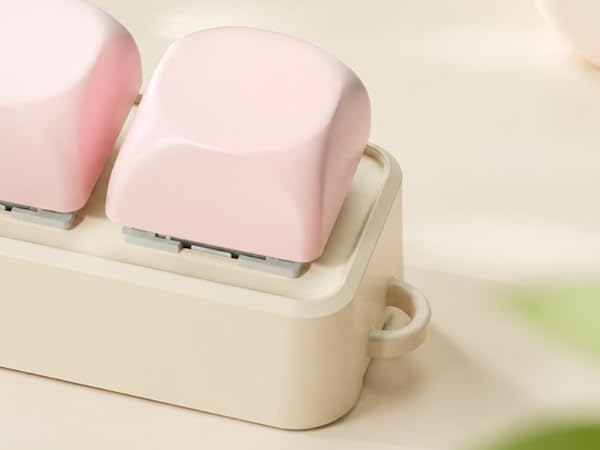
You can replace these cute keycaps yourself; they are compatible with cross-shaped keycaps (keycaps sold separately).
Supports switch replacement and is compatible with three-pin or five-pin tall switches. You can switch between clicky and silent switches as needed, making it an excellent choice for stress relief.
Its unique design allows for the attachment of a wrist strap, making it more convenient to carry (wrist strap not included in the package)
When the device is turned on, the green lights illuminate simultaneously to indicate the battery level; each light represents 25% of the battery charge.
The device comes with a USB-C port, making charging more convenient
Console*1, User Guide*1, Cable*1, Free Chinese Sticker*1
Specifications
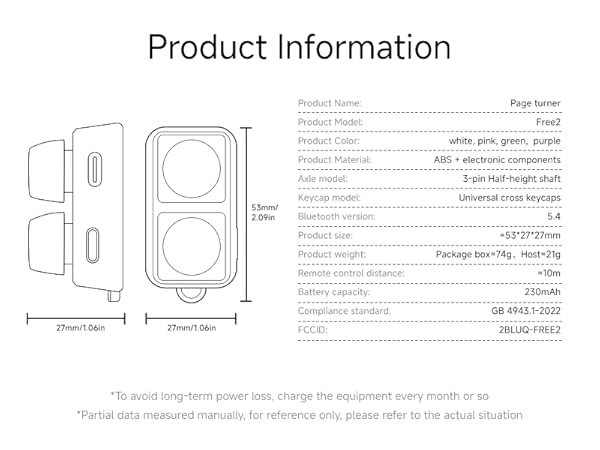
parameter comparison
Free2 mobile version | 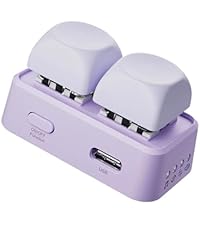 Free2 Kobo version | Free2Android E inkversion | Free3 |
|---|---|---|---|
| Price | |||
| — | — | — | — |
| Number of buttons | |||
| 2 | 2 | 2 | 3 |
| RGB lights | |||
| Support | Support | Support | Support |
| Bluetooth version | |||
| 5.4 | 5.4 | 5.4 | 5.4 |
| Smartphones, tablets | |||
| Support | Not supported | Not supported | Support |
| Smart Tablet | |||
| Support | Not supported | Not supported | Support |
| Android E ink | |||
| Not supported | Not supported | Support | Support |
| KoBo E ink | |||
| Not supported | Support | Not supported | Support |
| PC | |||
| Not supported | Support | Not supported | Support |
| XTEink | |||
| Not supported | Not supported | Not supported | Support |
| kindle | |||
| Not supported | Not supported | Not supported | Not supported |
| Battery Capacity | |||
| 230mAh | 230mAh | 230mAh | 380mAh |
| Charging port | |||
| Type-C | Type-C | Type-C | Type-C |