here!
here!
I’m your shopping assistant for PC builds, upgrades, and everything tech.
Got questions? Ask away!
Start a conversation
here!
I’m your shopping assistant for PC builds, upgrades, and everything tech.
Got questions? Ask away!
Start a conversation



Any questions? Ask CelesteSM will help you find out quickly.


Mission
At ProtoArc, our mission is to deliver innovative workspace solutions that enhance comfort, boost productivity, and foster overall wellness.
Vision
We believe that everyone deserves a workspace that not only meets their functional needs but also empowers them to thrive. Our vision is a world where work environments promote health, happiness, and high performance.
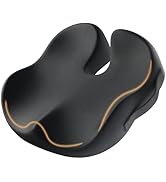
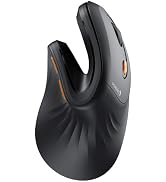
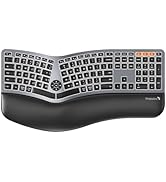
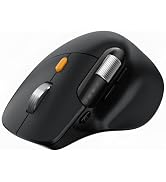
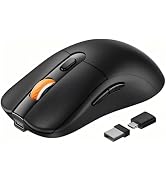
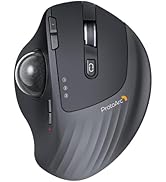
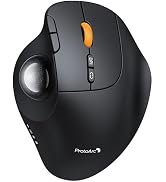
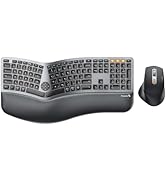
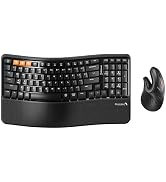
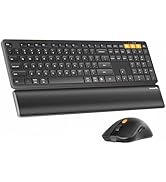
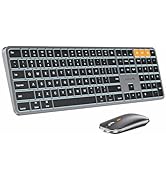
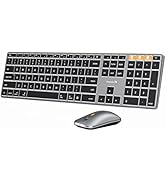
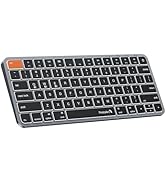
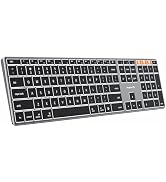

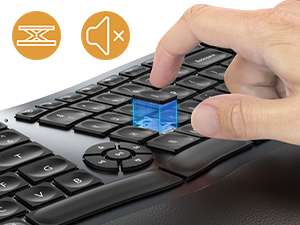
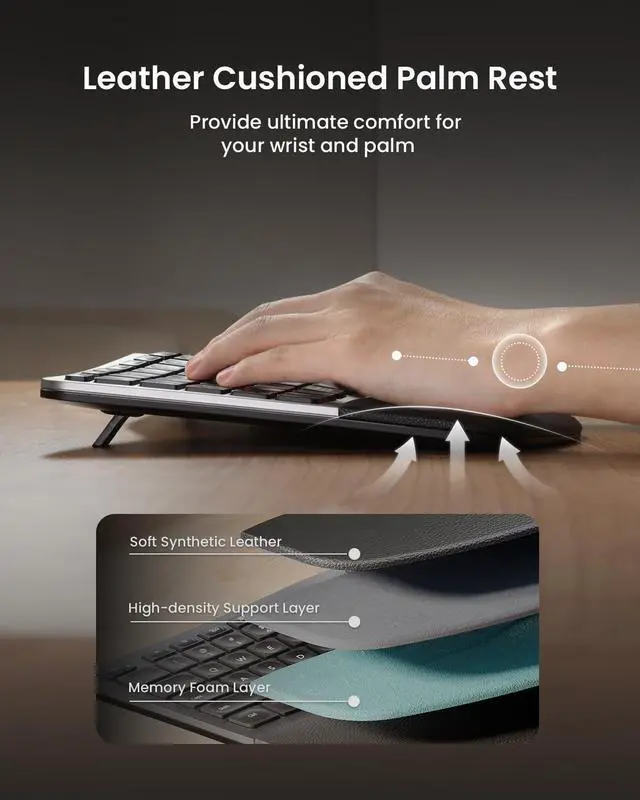
Silent to press and rebound quickly, low-profile keys offer a better tactile response. Scooped keys perfectly match the shape of your fingertips.
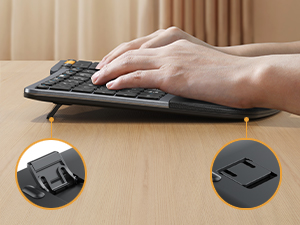
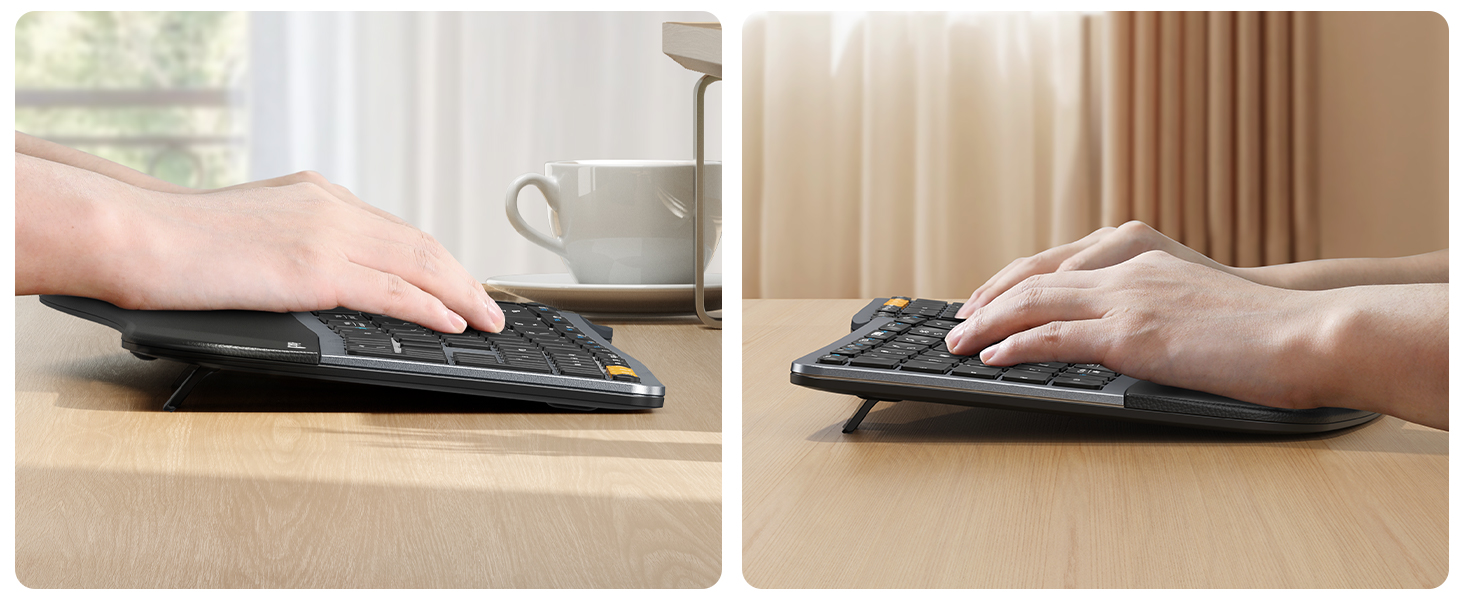
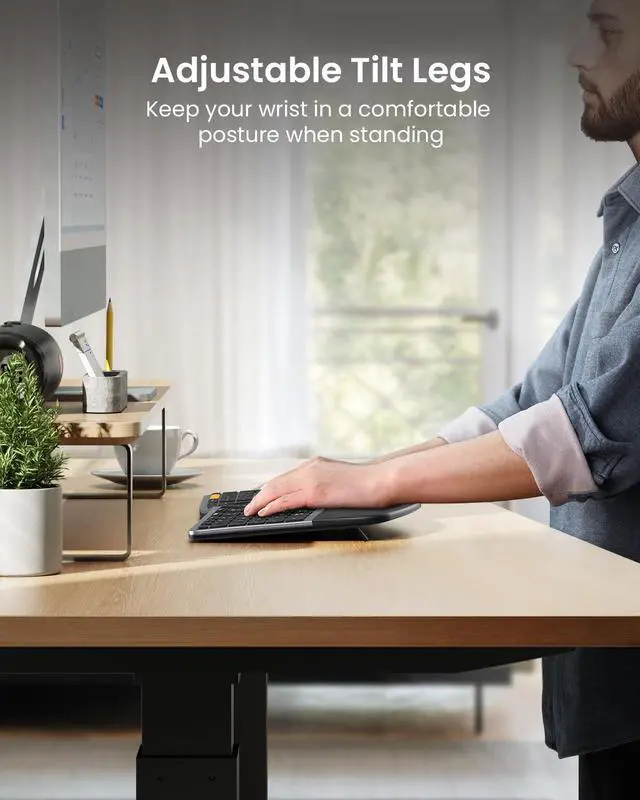
4 Adjustable tilt legs allows the keyboard to be the most comfortable angle, lift your wrist into an optimal position whether you sit or stand.
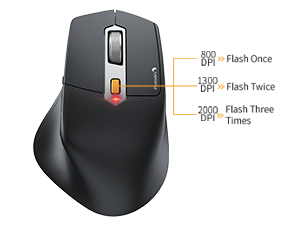
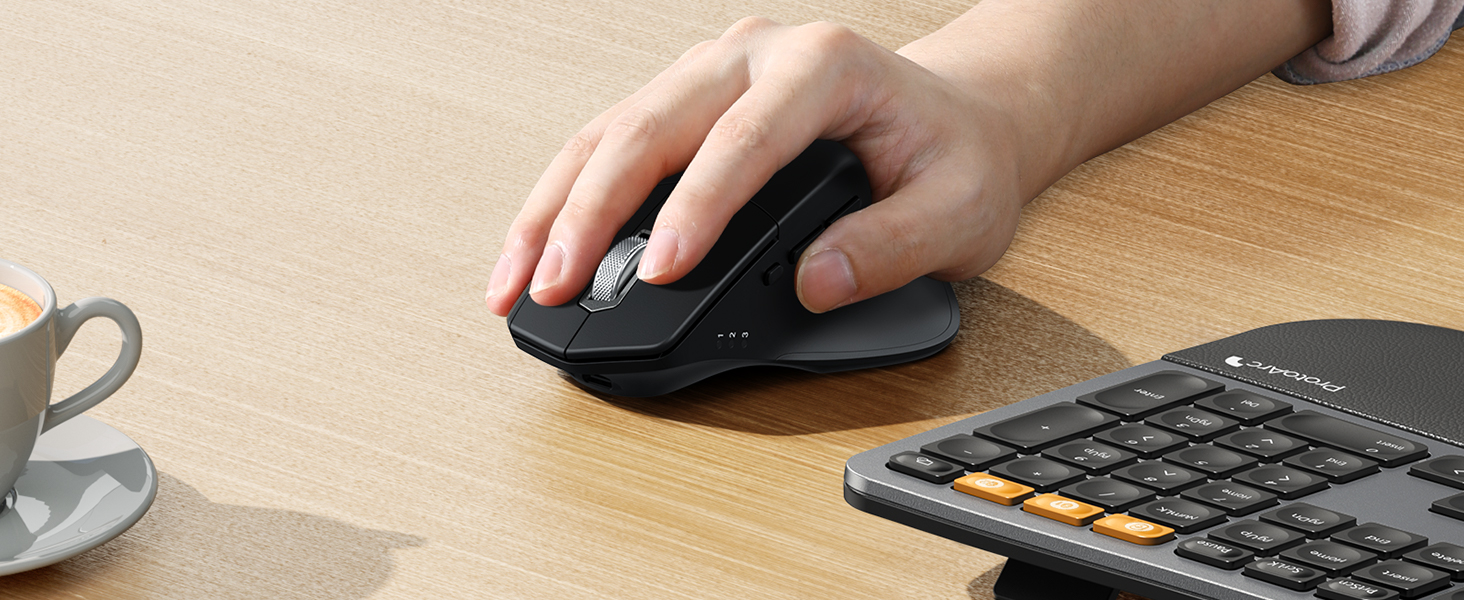
Easily adjust the sensitivity between 3 DPI levels (800/1300/2000) . Optical laser allows for quick response, smooth movement and precise tracking.
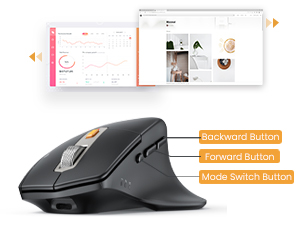
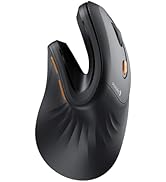
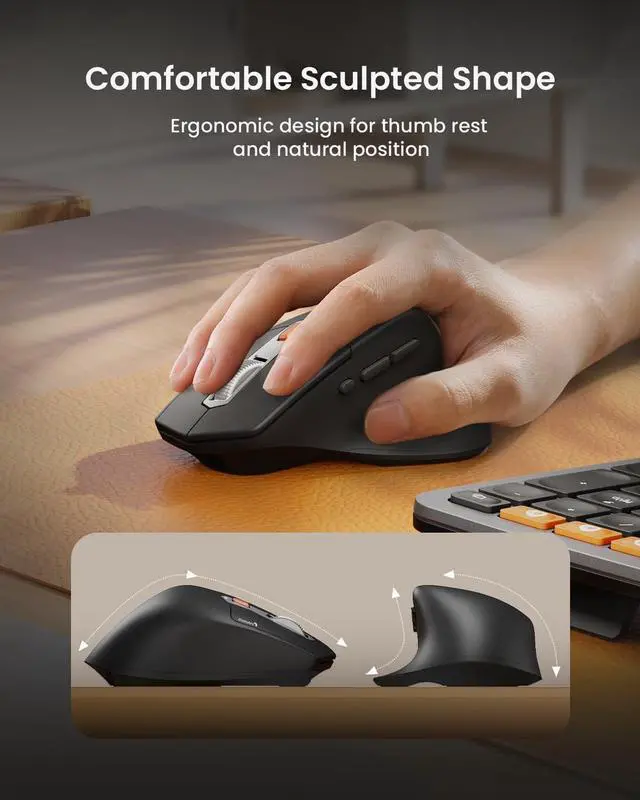
Ergonomic contoured shape for a more natural hand and wrist posture. Added forward/backward buttons help you easily browse the webpage.
Are you new to ergonomic keyboards?
Unlike traditional keyboards, adjusting to the split layout of ergonomic keyboard may require an initial adaptation period before you become accustomed to its design and layout.
Is the ergonomic keyboard backlit? And can the keyboard be angled for wrist comfort?
This ergonomic keyboard is not backlit.
There are 4 adjustable tilt legs on the bottom of the keyboard to let you prop it up at an angle to relieve wrist strain, great for long typing sessions at home or in the office.
What is the dimension of the keyboard and mouse?
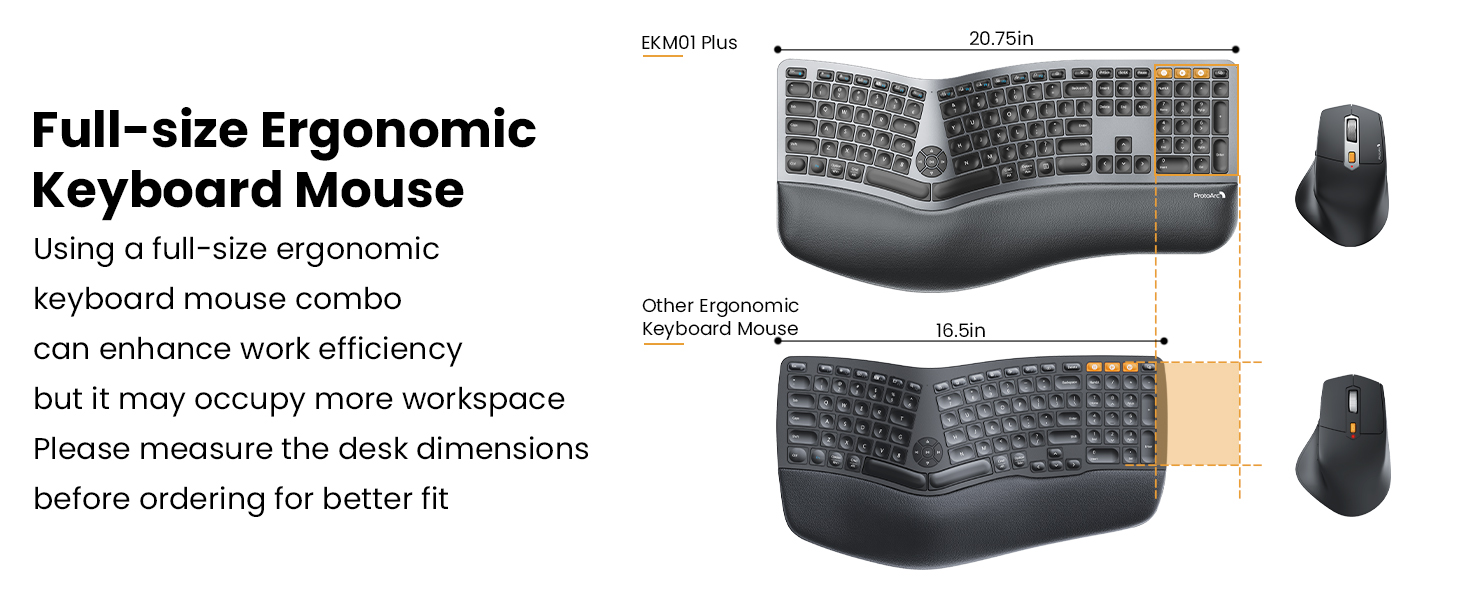
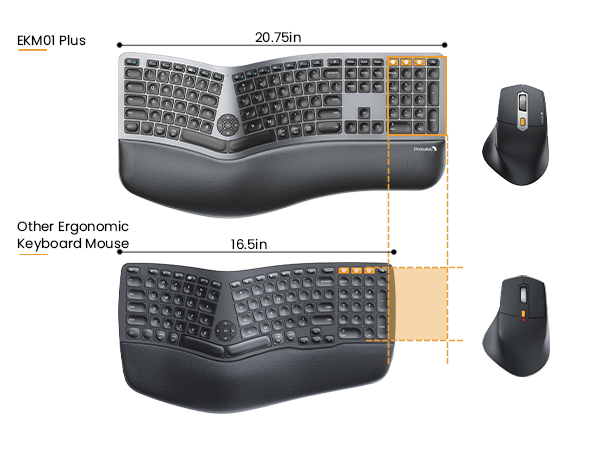
The dimension of the keyboard is 20.75 inch x 11 inch, this ergonomic keyboard is a full-size keyboard, it may occupy more workspace, please measure the desk dimension for better fit
The dimension of the mouse is 4.9 inch x 3.29 inch
How to deal with the keyboard mouse can not charge?
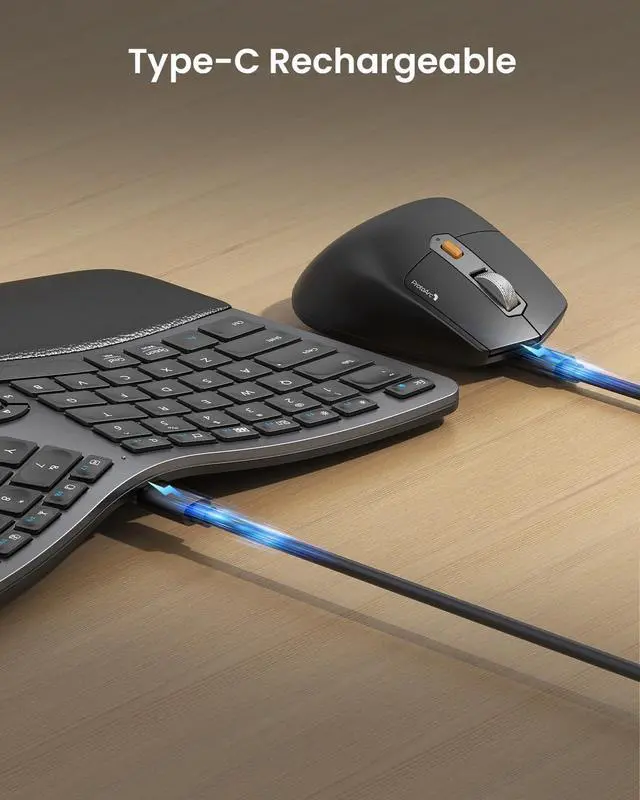
1. The rated charging voltage for the keyboard and mouse is 5V. It is recommended to use the computer's USB port for charging, and using a charger is not recommended
2. Try to change another USB-C cable to recharge, to confirm if it is a cable issue
How to deal with disconnection issues, keys repeating or typing delay?
1. Please ensure that the keyboard/mouse is fully charged
2. 2.4G: unplug and replug the USB dongle, trying a different USB port
3. Bluetooth mode: delete the BT connection from your device's BT list, restart the device and re-pair the keyboard/mouse
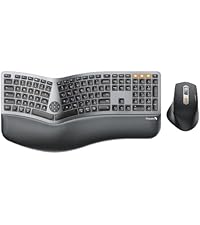 EKM01 Plus Ergo Combo | 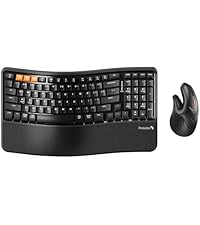 EKM02 Ergo Combo | 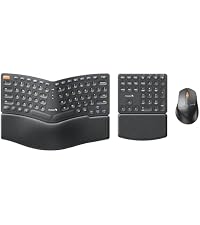 EKM04 Ergo Combo | 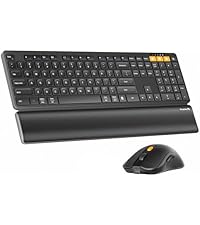 KM60 Bluetooth Combo | |
|---|---|---|---|---|
Customer Reviews | — | — | — | — |
Price | — | — | — | — |
Color | Gray and Black | Black | Black | Black |
Keyboard Layout | Full Size | Compact Size with Number Pad | Compact, Separate Number Pad | Full Size |
Keyboard Frame | Curved Split Design | Wave Keys | Curved Split Design | / |
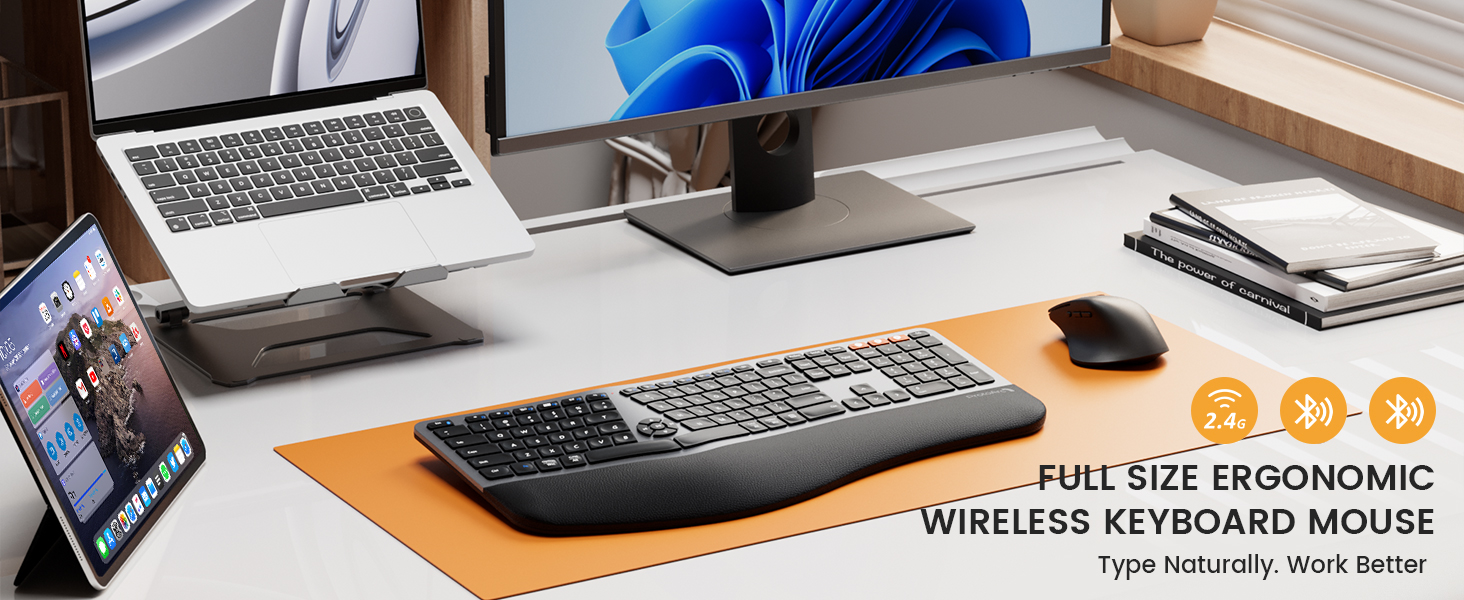
Connection Type | 2.4G + Dual Bluetooth | 2.4G + Dual Bluetooth | 2.4G | 2.4G + Dual Bluetooth |
Number of Keys | 117 | 100 | 114 | 109 |
Keyboard Backlit | ? | ? | ? | ? |
Keyboard Battery Capacity | 500mAh | 500mAh | 280mAh | 500mAh |
Mouse Battery Capacity | 500mAh | 500mAh | 300mAh | 300mAh |
Mouse DPI | 800/1300/2000 | 1000/1600/2400 | 800/1200/1600/2400 | 1000/1600/2400 |
Compatibility | Windows, Mac OS, Android | Windows, Mac OS, Android | Windows | Windows, Mac OS, Android |
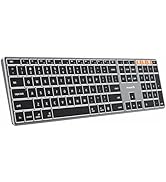
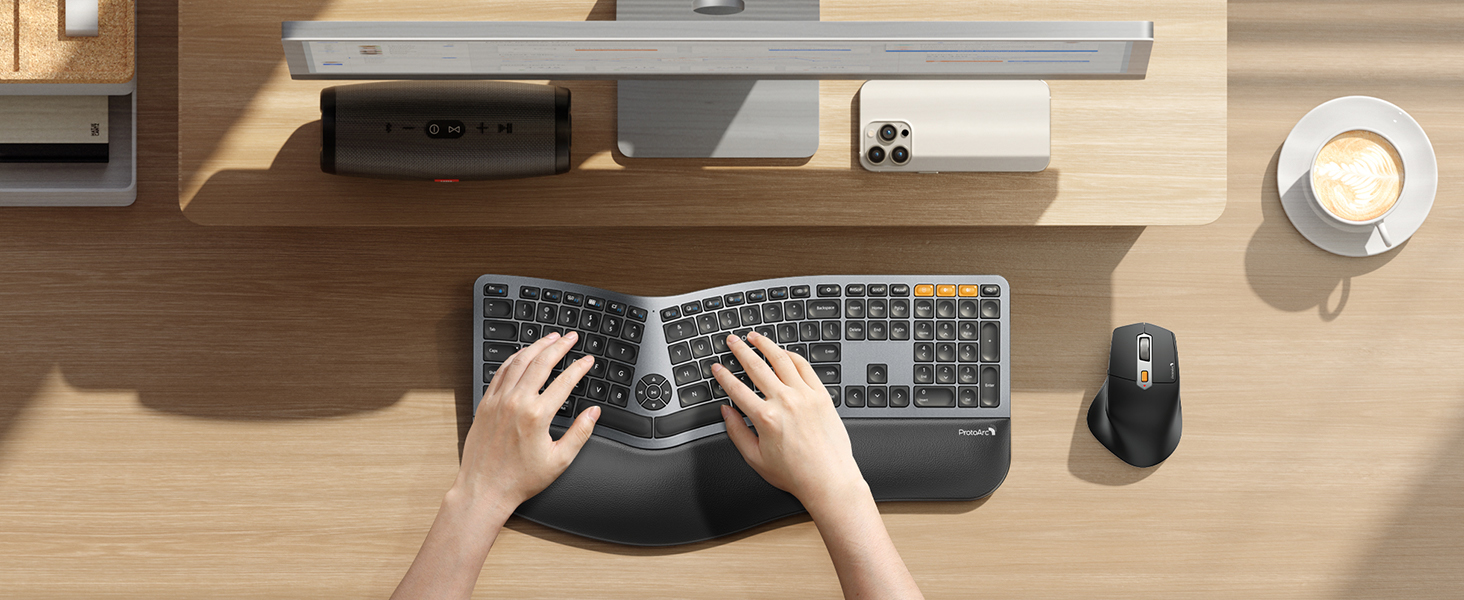
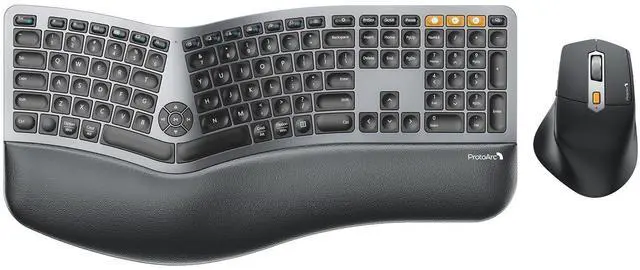
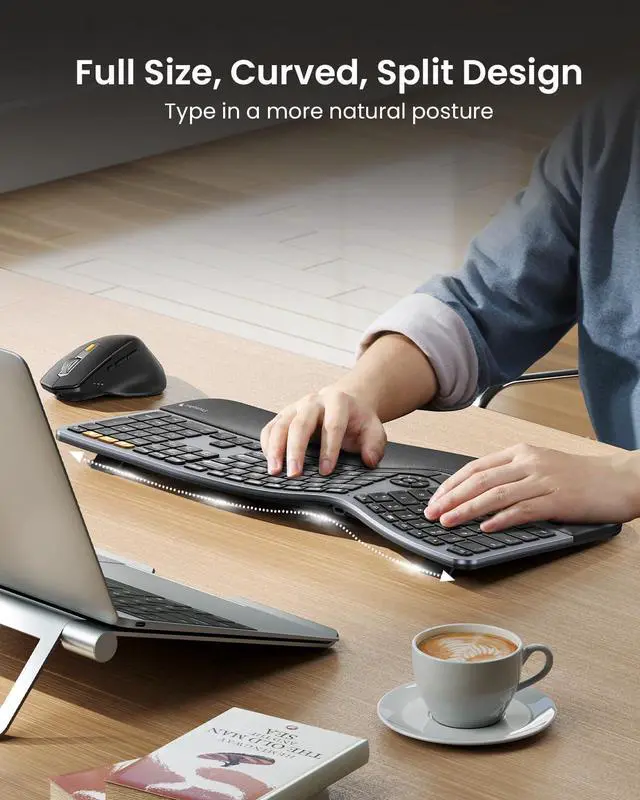
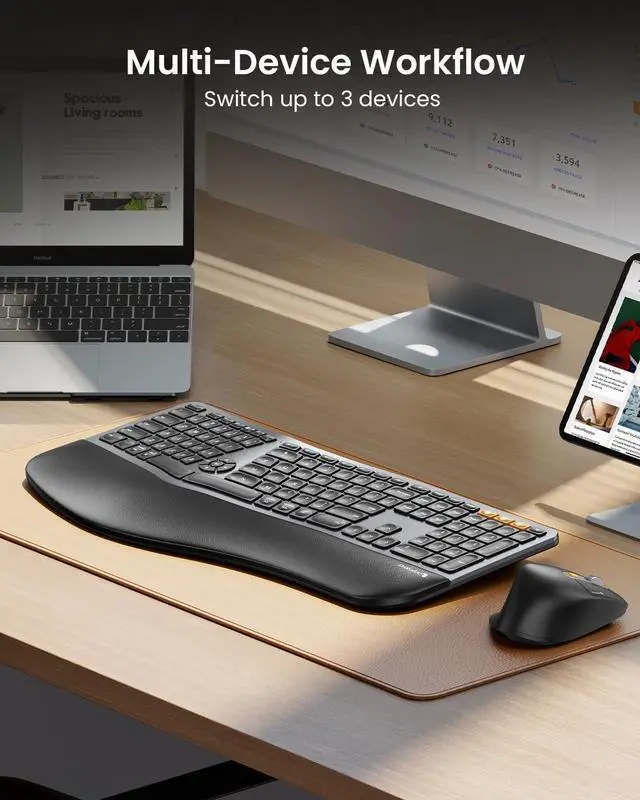
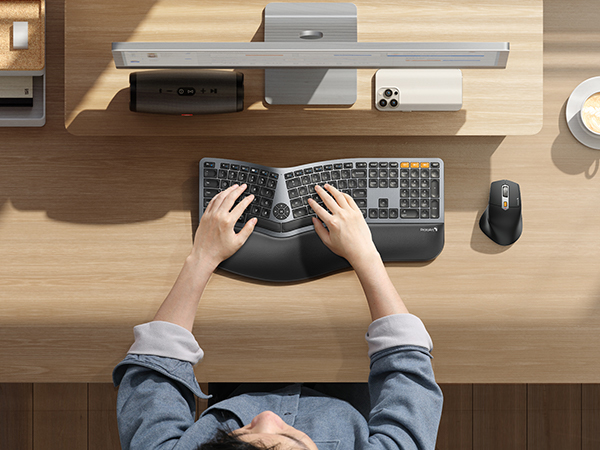
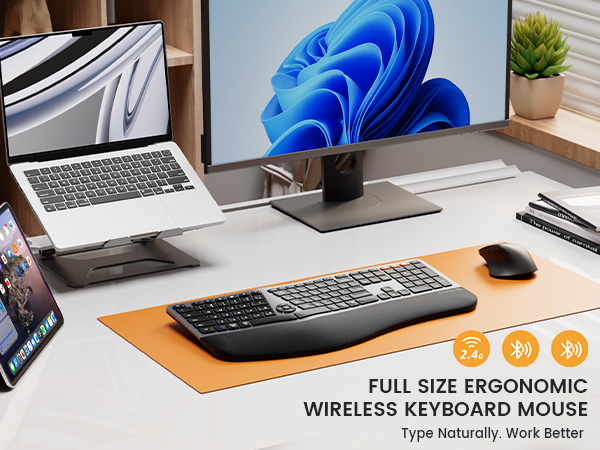
Full size layout and curved split design offer natural typing comfort and enhance work productivity.
Silent to press and rebound quickly, low-profile keys offer a better tactile response. Scooped keys perfectly match the shape of your fingertips.
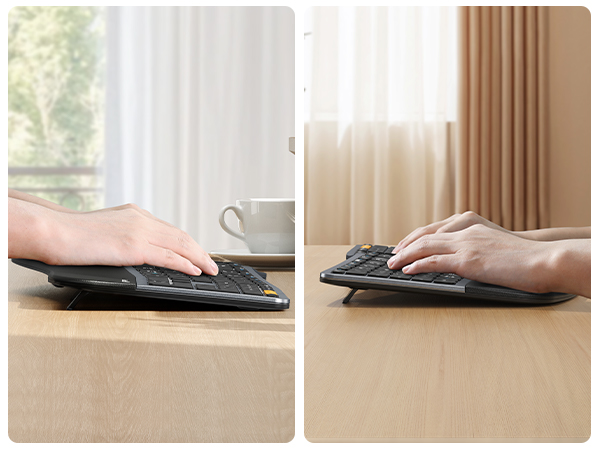
4 Adjustable tilt legs allows the keyboard to be the most comfortable angle, lift your wrist into an optimal position whether you sit or stand.
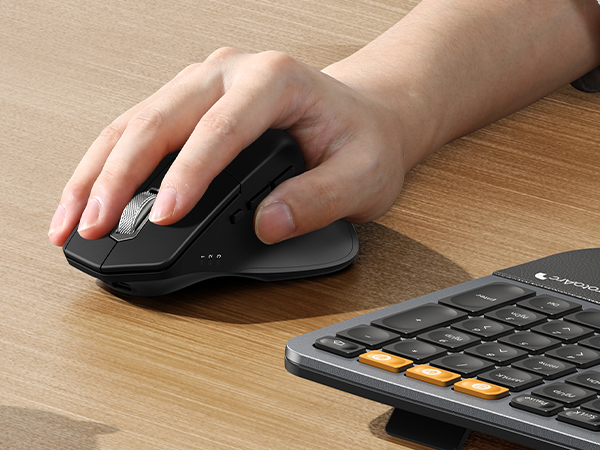
Easily adjust the sensitivity between 3 DPI levels (800/1300/2000) . Optical laser allows for quick response, smooth movement and precise tracking.
Ergonomic contoured shape for a more natural hand and wrist posture. Added forward/backward buttons help you easily browse the webpage.
Are you new to ergonomic keyboards?
Unlike traditional keyboards, adjusting to the split layout of ergonomic keyboard may require an initial adaptation period before you become accustomed to its design and layout.
Is the ergonomic keyboard backlit? And can the keyboard be angled for wrist comfort?
This ergonomic keyboard is not backlit.
There are 4 adjustable tilt legs on the bottom of the keyboard to let you prop it up at an angle to relieve wrist strain, great for long typing sessions at home or in the office.
What is the dimension of the keyboard and mouse?
The dimension of the keyboard is 20.75 inch x 11 inch, this ergonomic keyboard is a full-size keyboard, it may occupy more workspace, please measure the desk dimension for better fit
The dimension of the mouse is 4.9 inch x 3.29 inch
How to deal with the keyboard mouse can not charge?
1. The rated charging voltage for the keyboard and mouse is 5V. It is recommended to use the computer's USB port for charging, and using a charger is not recommended
2. Try to change another USB-C cable to recharge, to confirm if it is a cable issue
How to deal with disconnection issues, keys repeating or typing delay?
1. Please ensure that the keyboard/mouse is fully charged
2. 2.4G: unplug and replug the USB dongle, trying a different USB port
3. Bluetooth mode: delete the BT connection from your device's BT list, restart the device and re-pair the keyboard/mouse
EKM01 Plus Ergo Combo | EKM02 Ergo Combo |  EKM04 Ergo Combo | KM60 Bluetooth Combo |
|---|---|---|---|
| Customer Reviews | |||
| — | — | — | — |
| Price | |||
| — | — | — | — |
| Color | |||
| Gray and Black | Black | Black | Black |
| Keyboard Layout | |||
| Full Size | Compact Size with Number Pad | Compact, Separate Number Pad | Full Size |
| Keyboard Frame | |||
| Curved Split Design | Wave Keys | Curved Split Design | / |
| Connection Type | |||
| 2.4G + Dual Bluetooth | 2.4G + Dual Bluetooth | 2.4G | 2.4G + Dual Bluetooth |
| Number of Keys | |||
| 117 | 100 | 114 | 109 |
| Keyboard Backlit | |||
| ? | ? | ? | ? |
| Keyboard Battery Capacity | |||
| 500mAh | 500mAh | 280mAh | 500mAh |
| Mouse Battery Capacity | |||
| 500mAh | 500mAh | 300mAh | 300mAh |
| Mouse DPI | |||
| 800/1300/2000 | 1000/1600/2400 | 800/1200/1600/2400 | 1000/1600/2400 |
| Compatibility | |||
| Windows, Mac OS, Android | Windows, Mac OS, Android | Windows | Windows, Mac OS, Android |
Mission
At ProtoArc, our mission is to deliver innovative workspace solutions that enhance comfort, boost productivity, and foster overall wellness.
Vision
We believe that everyone deserves a workspace that not only meets their functional needs but also empowers them to thrive. Our vision is a world where work environments promote health, happiness, and high performance.