here!
here!
I’m your shopping assistant for PC builds, upgrades, and everything tech.
Got questions? Ask away!
Start a conversation
here!
I’m your shopping assistant for PC builds, upgrades, and everything tech.
Got questions? Ask away!
Start a conversation



Any questions? Ask CelesteSM will help you find out quickly.


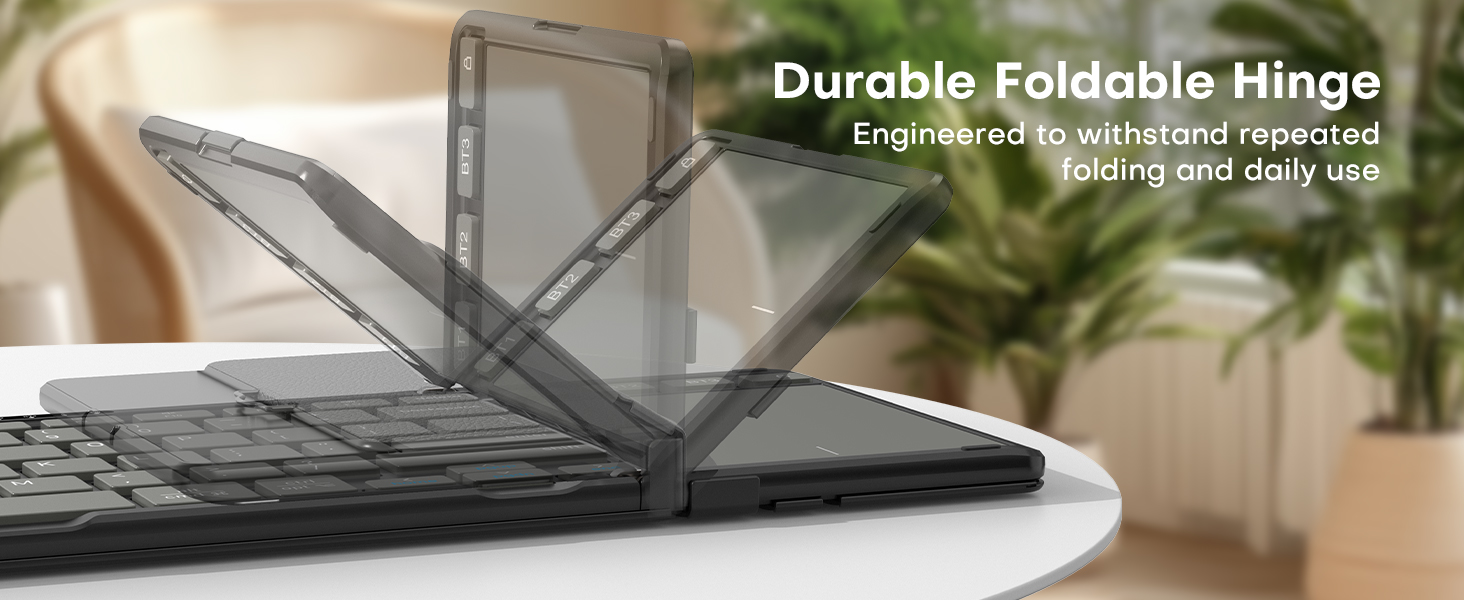
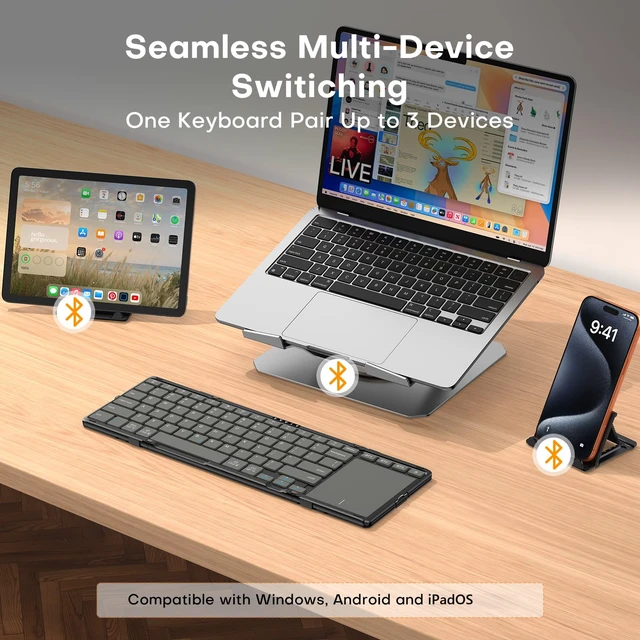
Does it connect to multiple devices?
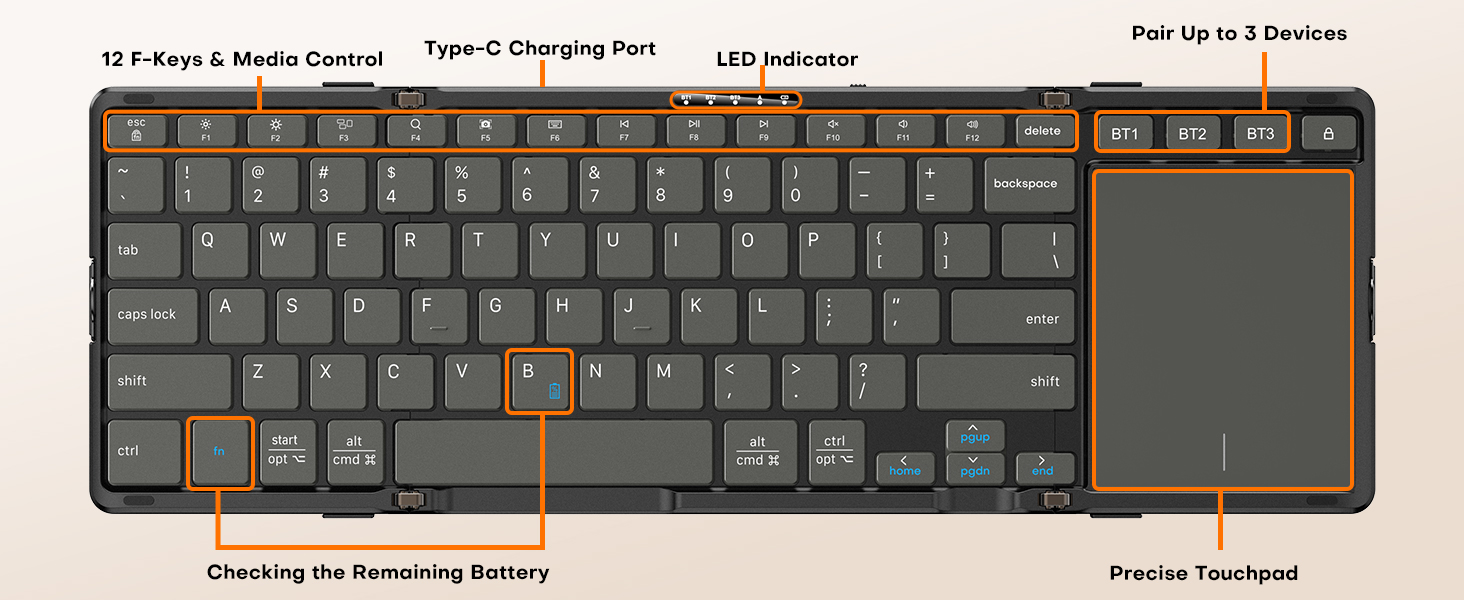
Yes. Pair up to 3 devices at once across Windows, Android, and iOS. Switch between your laptop, tablet, and phone with one key, no re-pairing needed.
How long does the battery last, and how long does it take to charge?
Up to 48 hours of continuous use from the 180mAh battery, fully recharged in about 2 hours. Auto-sleep after 30 minutes of idle helps the charge go even further.
Does this keyboard have backlit keys?
No, this keyboard does not have backlit keys. The keypad lettering is printed clearly for use in normal lighting conditions.
How can I check the remaining battery?
Press "fn + B" on the keyboard. The power indicator light will flash to show the battery level: 1 flash = 0-25%, 2 flashes = 26-50%, 3 flashes = 51-75%, 4 flashes = 76-100%.
What should I do if my device can't connect to the keyboard?
1. Check the battery level first, low battery can prevent connection, so charge the keyboard if needed.
2. Restart your device.
3. Go to Bluetooth settings, delete "Bluetooth Keyboard", and pair it again.
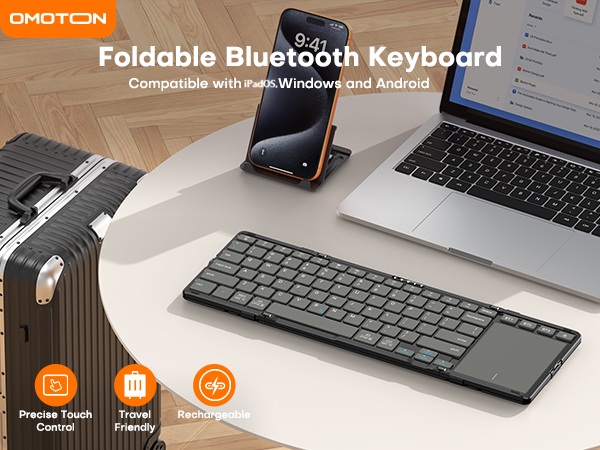
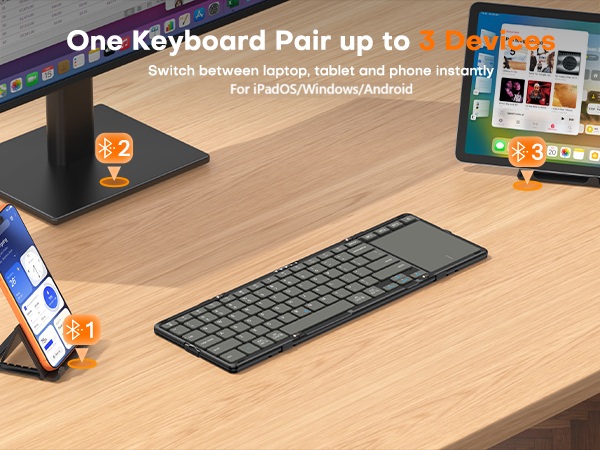



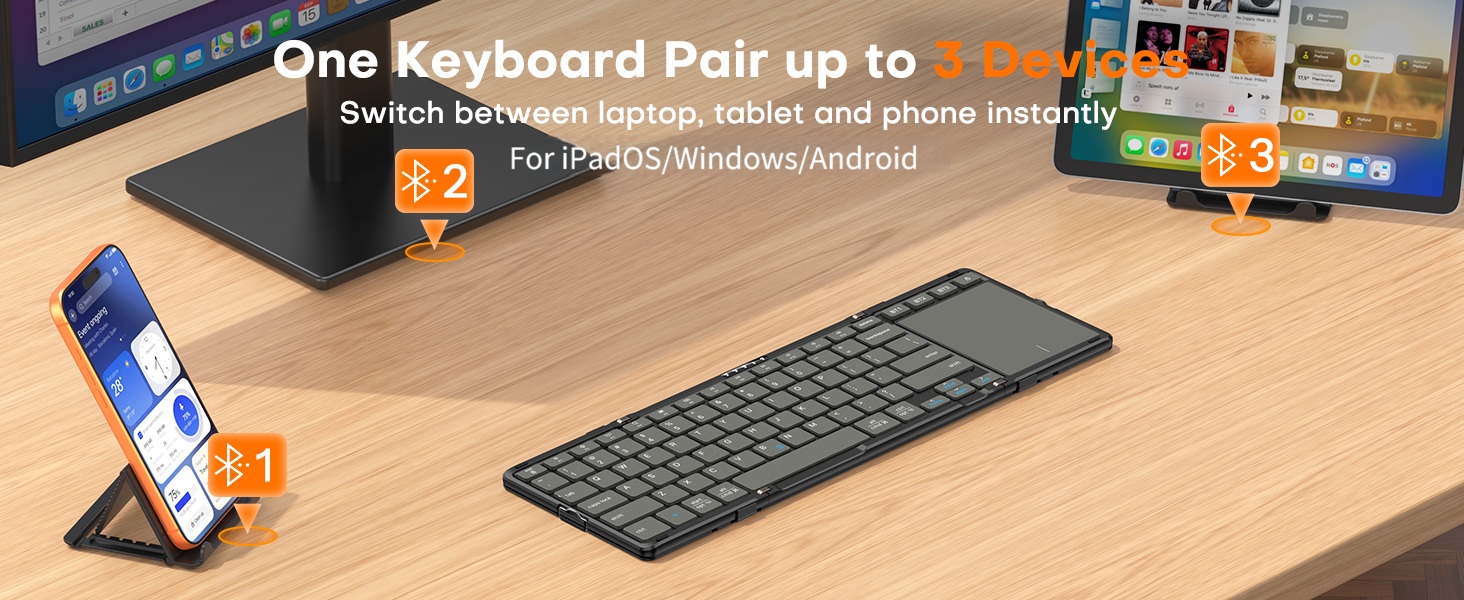
Does it connect to multiple devices?
Yes. Pair up to 3 devices at once across Windows, Android, and iOS. Switch between your laptop, tablet, and phone with one key, no re-pairing needed.
How long does the battery last, and how long does it take to charge?
Up to 48 hours of continuous use from the 180mAh battery, fully recharged in about 2 hours. Auto-sleep after 30 minutes of idle helps the charge go even further.
Does this keyboard have backlit keys?
No, this keyboard does not have backlit keys. The keypad lettering is printed clearly for use in normal lighting conditions.
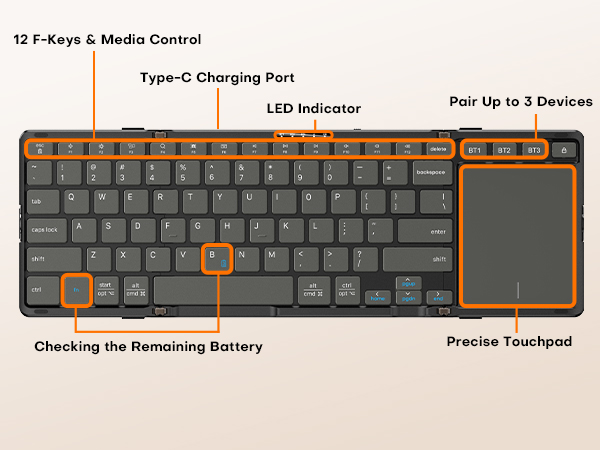
How can I check the remaining battery?
Press "fn + B" on the keyboard. The power indicator light will flash to show the battery level: 1 flash = 0-25%, 2 flashes = 26-50%, 3 flashes = 51-75%, 4 flashes = 76-100%.
What should I do if my device can't connect to the keyboard?
1. Check the battery level first, low battery can prevent connection, so charge the keyboard if needed.
2. Restart your device.
3. Go to Bluetooth settings, delete "Bluetooth Keyboard", and pair it again.