here!
here!
I’m your shopping assistant for PC builds, upgrades, and everything tech.
Got questions? Ask away!
Start a conversation
here!
I’m your shopping assistant for PC builds, upgrades, and everything tech.
Got questions? Ask away!
Start a conversation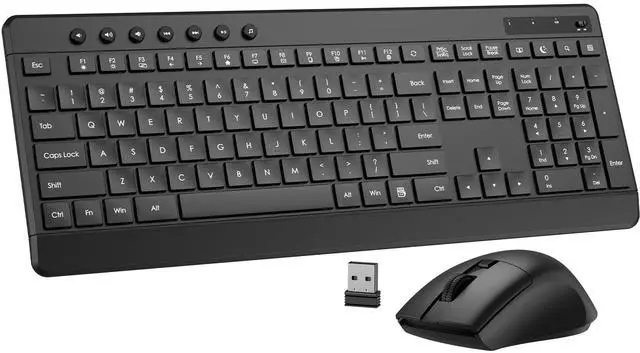



Any questions? Ask CelesteSM will help you find out quickly.
How do I connect the keyboard and mouse? Do they each need a separate USB receiver?
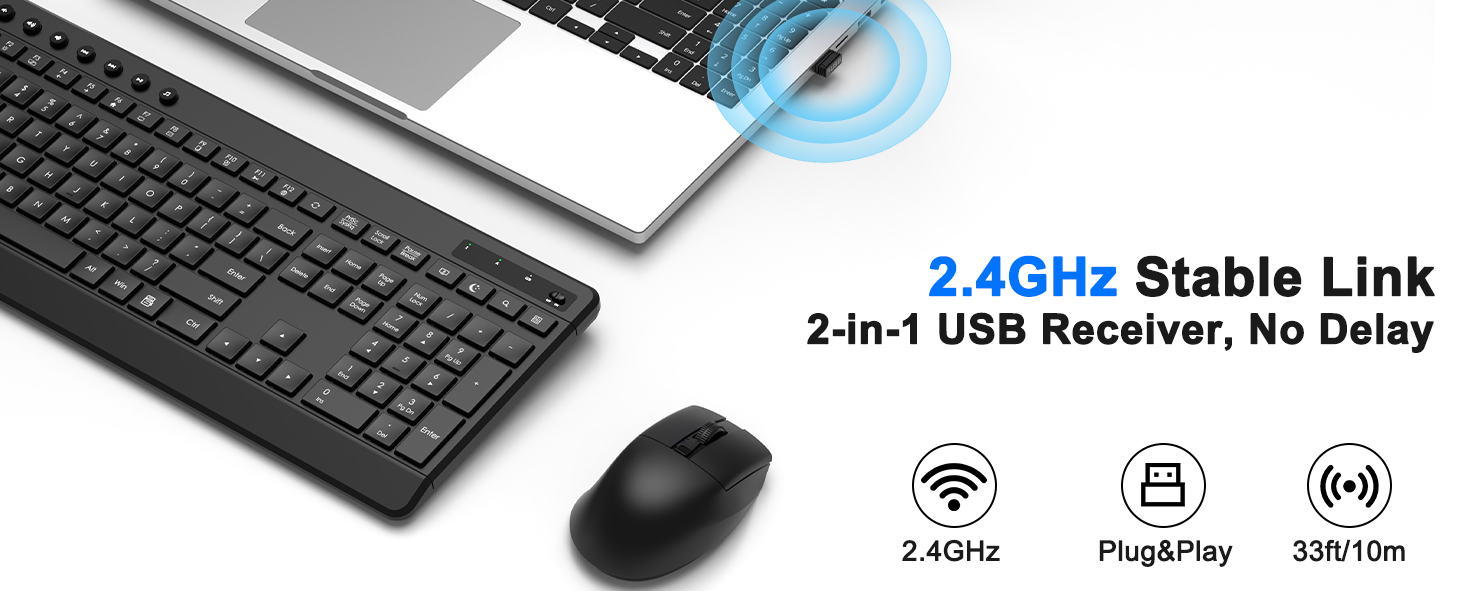
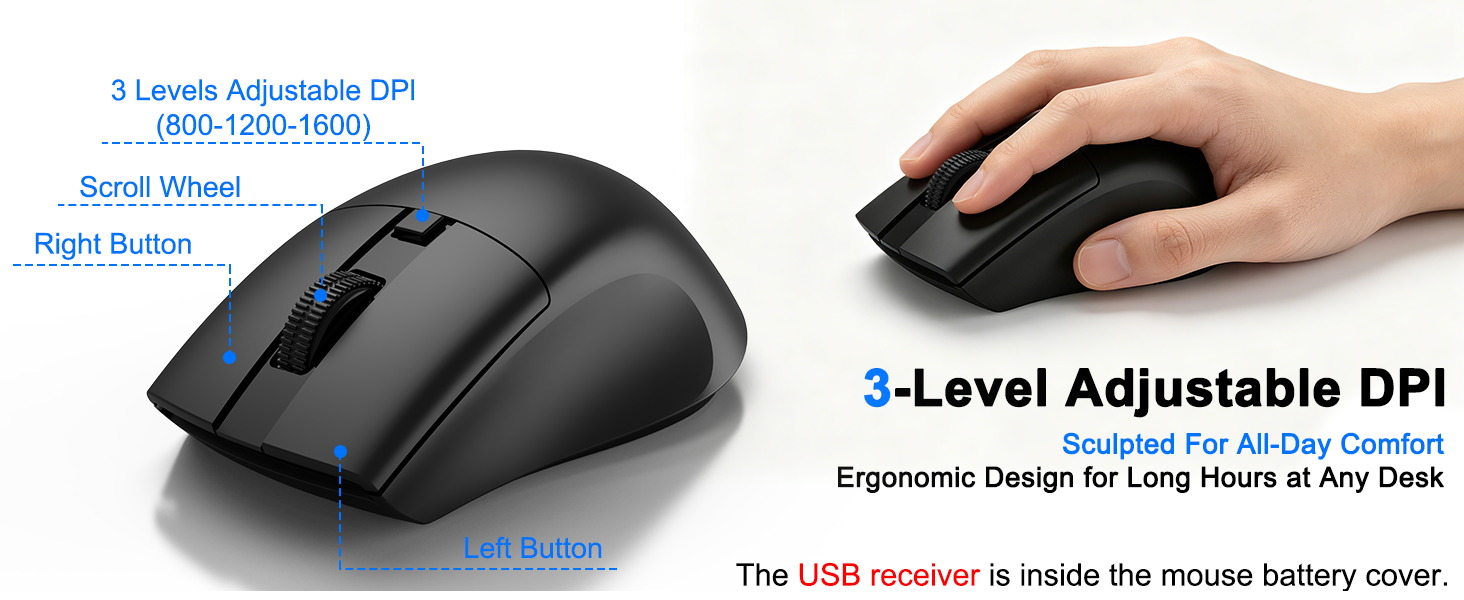
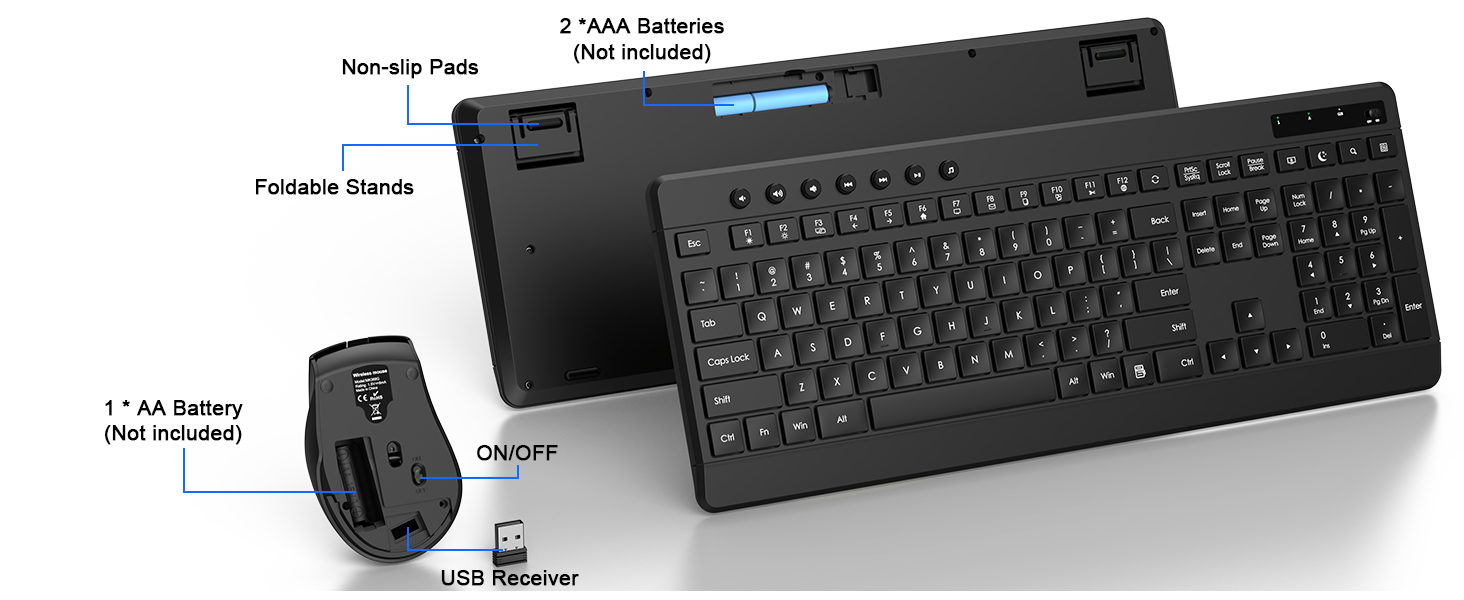
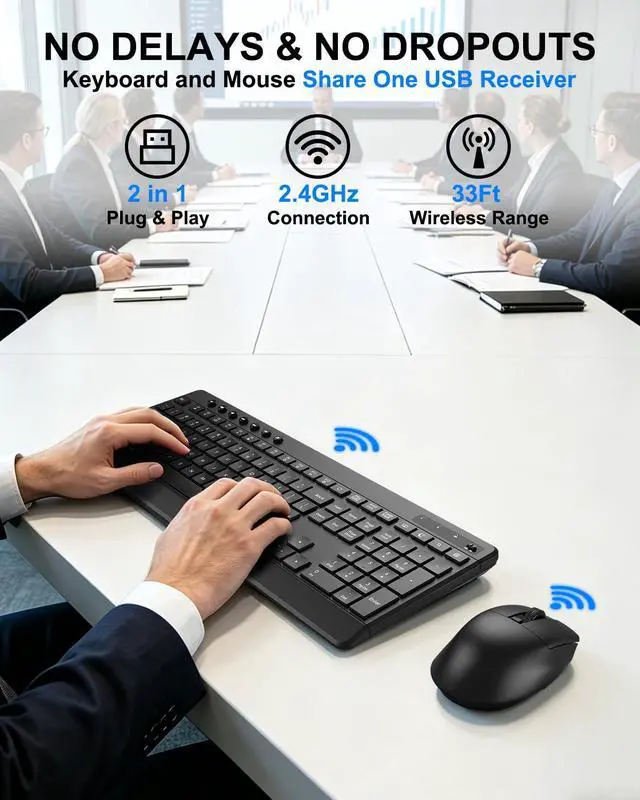
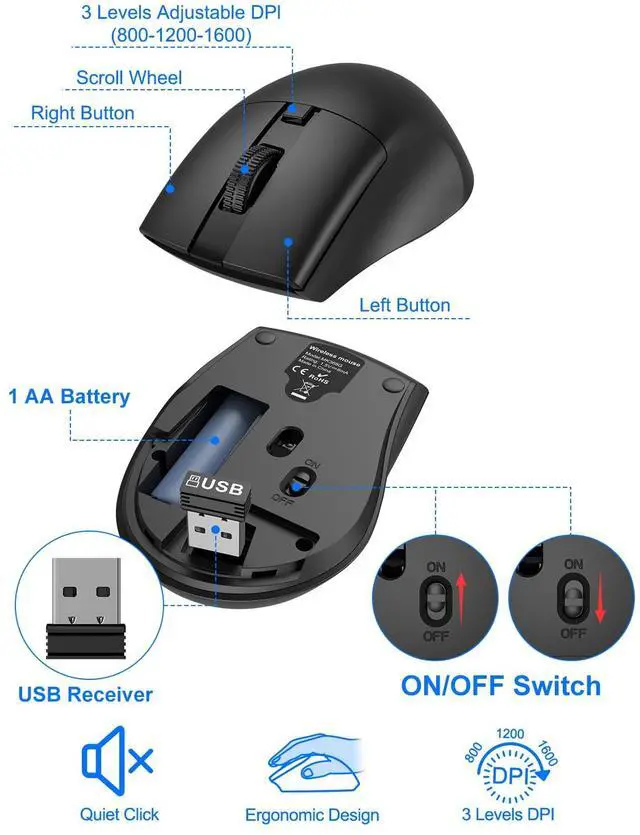
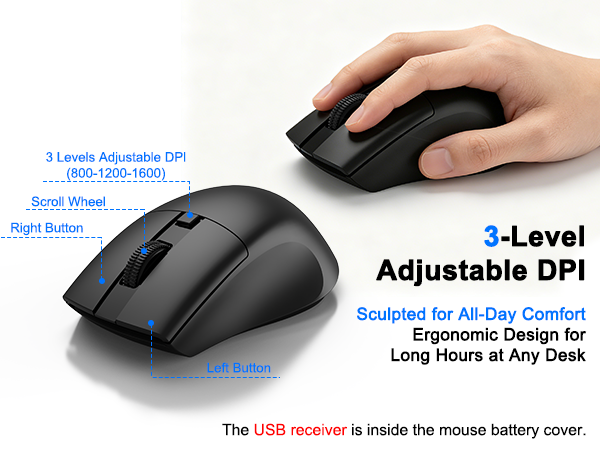
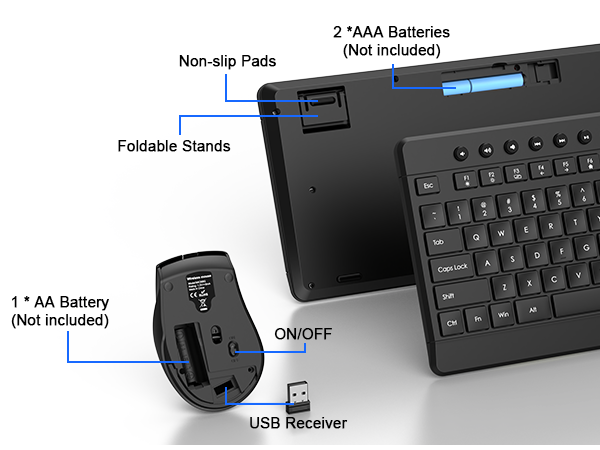
The keyboard and mouse share a single receiver, which is located inside the mouse's battery compartment; simply plug it into the device to use.
Are the keys on this keyboard very loud?
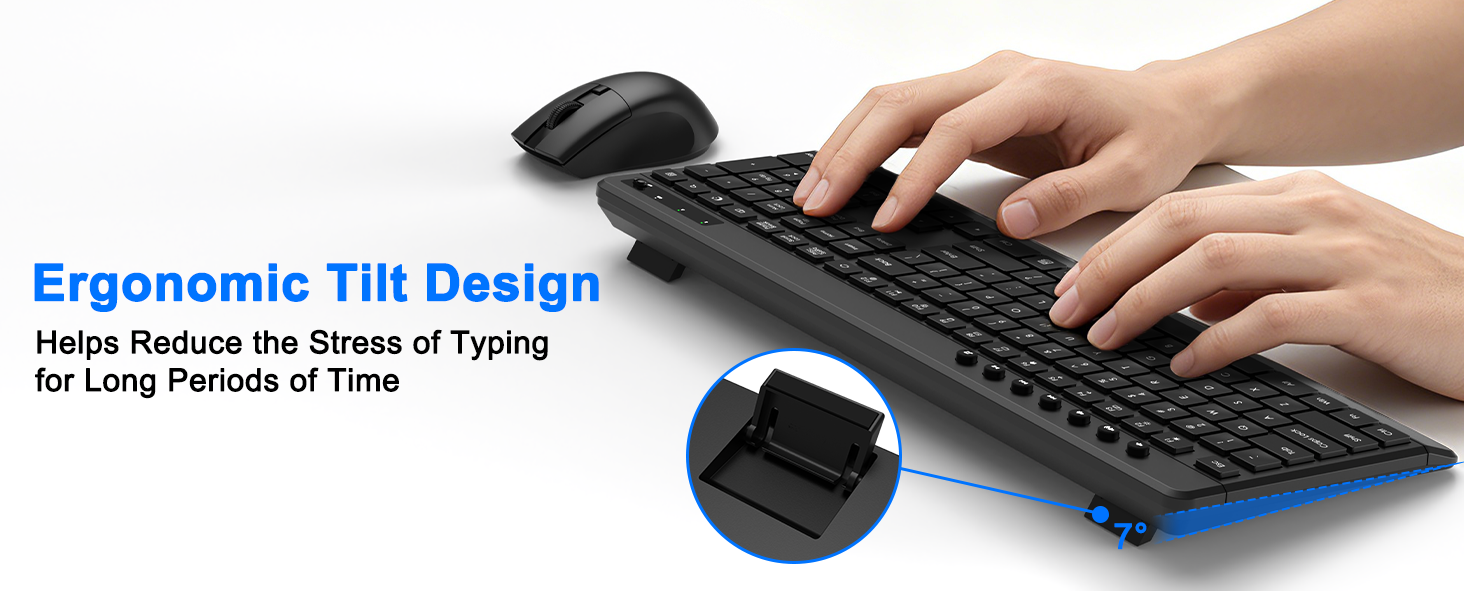
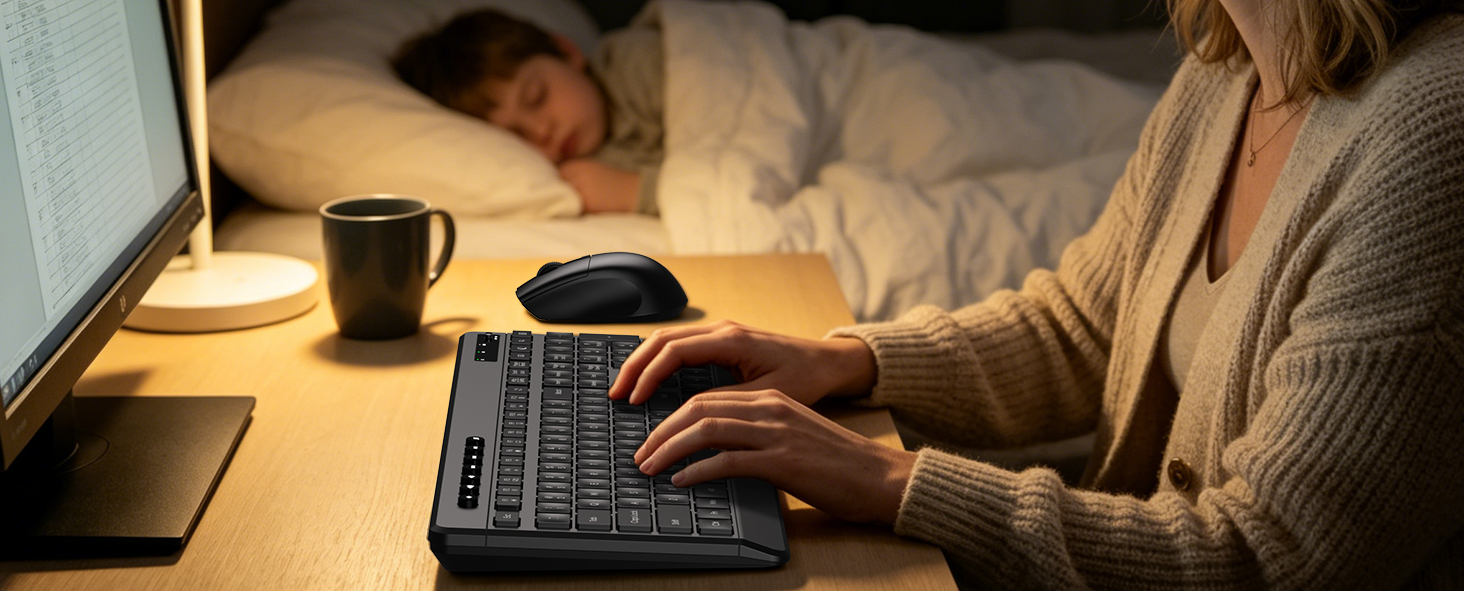
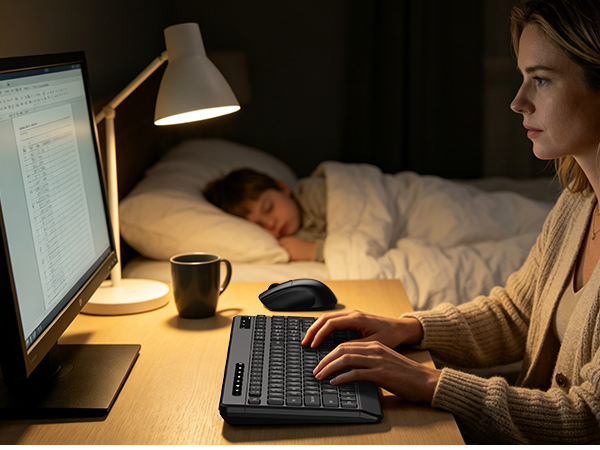
No, this keyboard uses soft membrane keys, providing a quiet and smooth typing experience, making it ideal for offices, shared workspaces, and nighttime use.
What function keys does this wireless keyboard have?
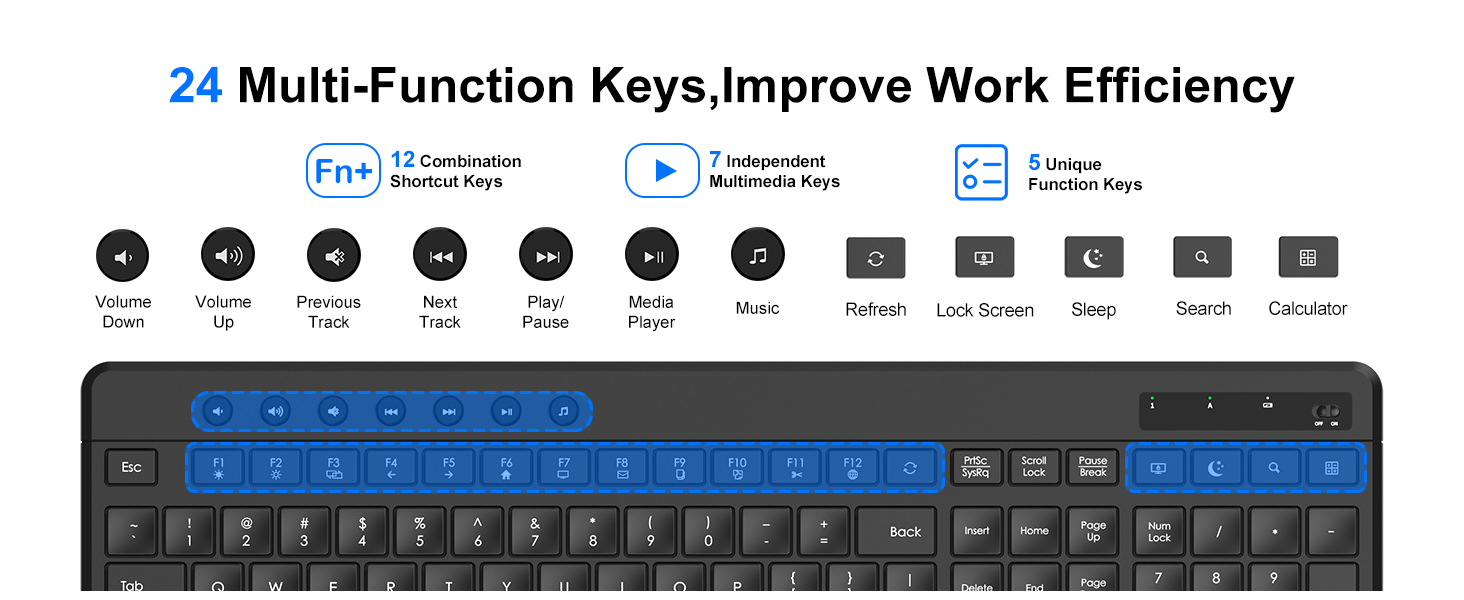
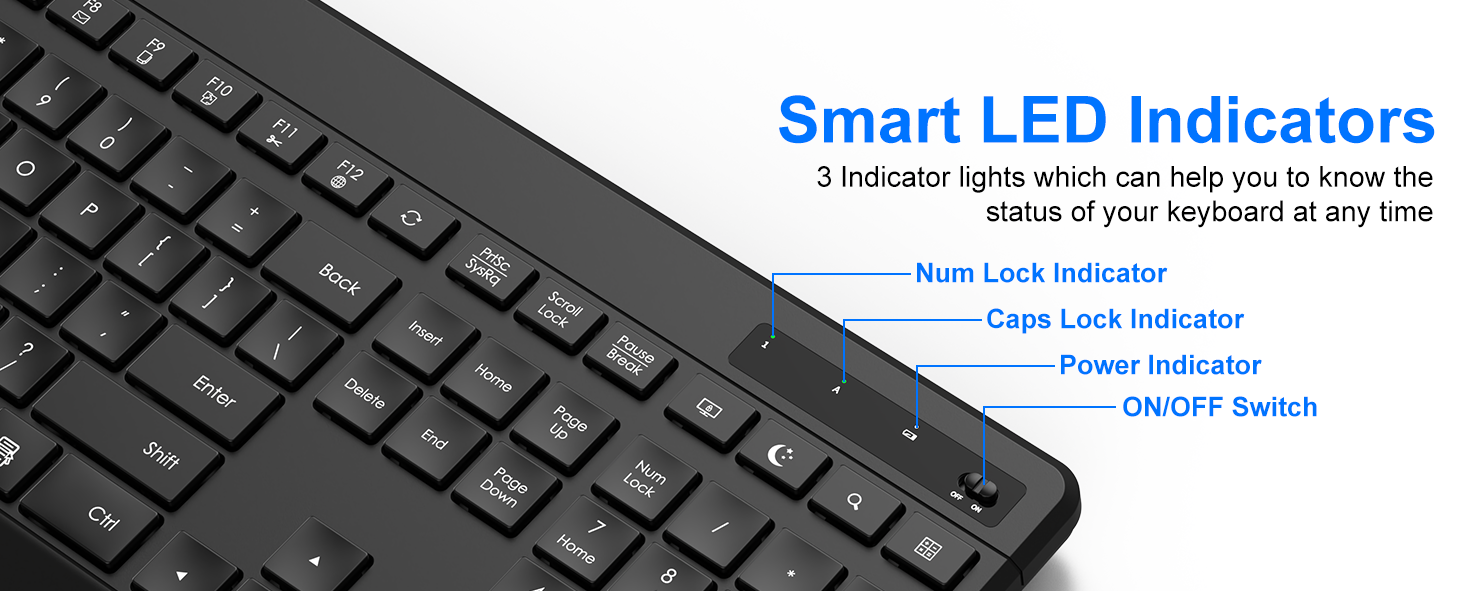
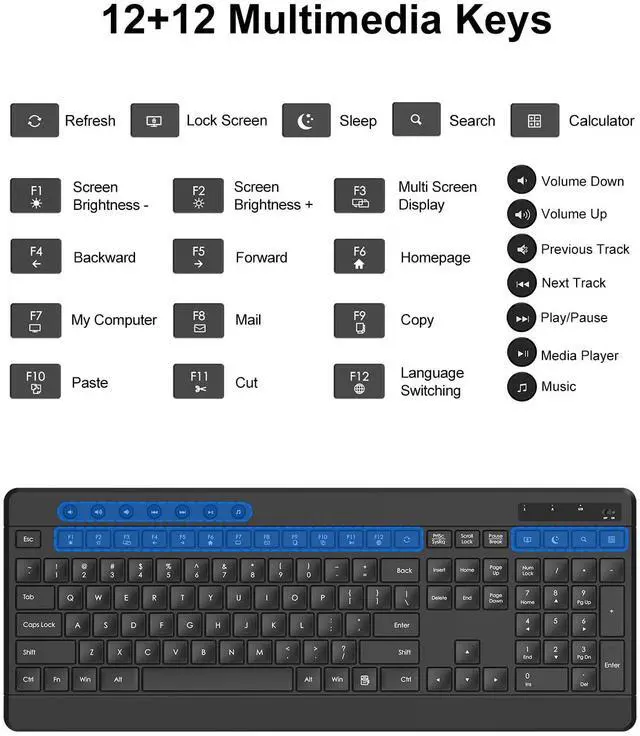
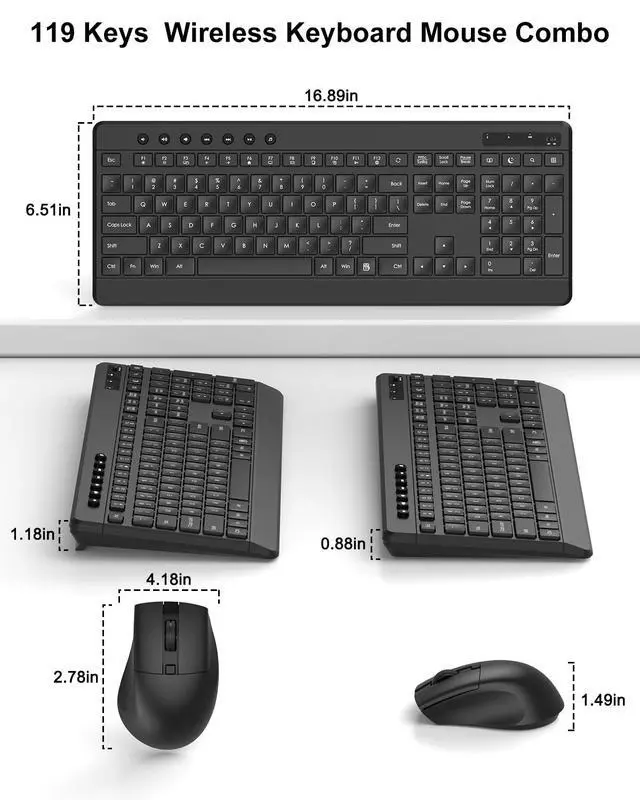
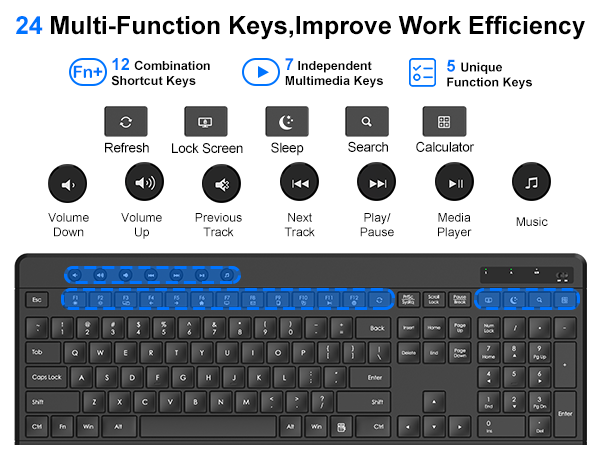
In addition to 12 Fn shortcut keys (Fn + F1–F12), the keyboard includes 7 dedicated multimedia keys and 5 one-touch shortcut keys for Refresh, Lock Screen, Sleep, Search, and Calculator, helping improve efficiency and convenience.
Does the packaging include a battery?
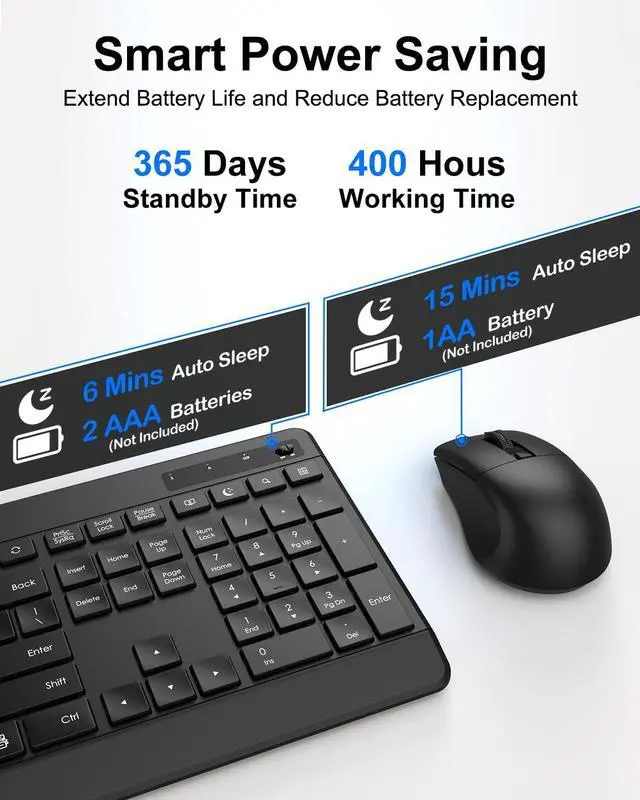
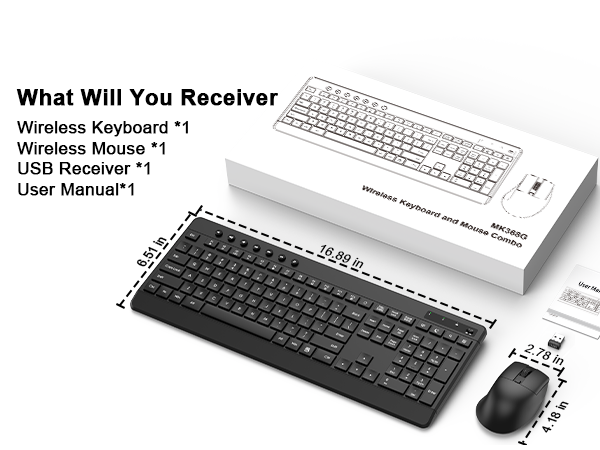
No, the keyboard requires 2* AAA batteries, and the mouse requires 1* AA battery.
What to do if the keyboard and mouse are not working?
Our dedicated support team is ready to assist you with any concerns about our products.
How do I connect the keyboard and mouse? Do they each need a separate USB receiver?
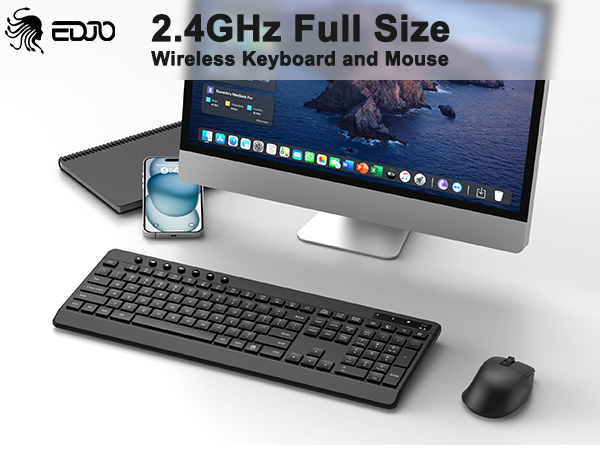
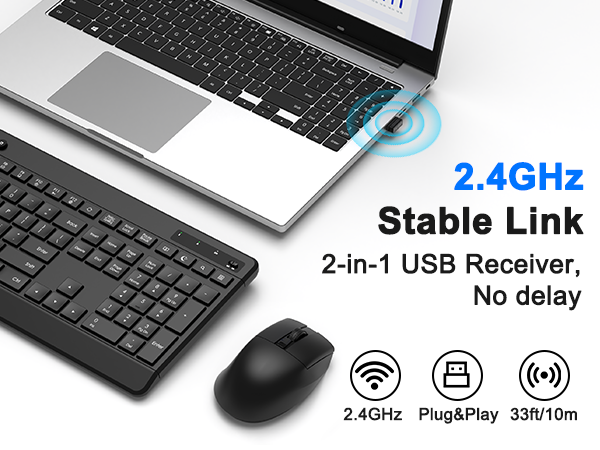
The keyboard and mouse share a single receiver, which is located inside the mouse's battery compartment; simply plug it into the device to use.
Are the keys on this keyboard very loud?
No, this keyboard uses soft membrane keys, providing a quiet and smooth typing experience, making it ideal for offices, shared workspaces, and nighttime use.
What function keys does this wireless keyboard have?
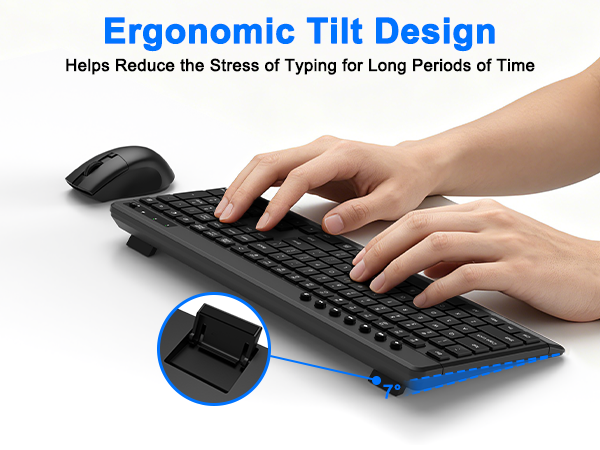
In addition to 12 Fn shortcut keys (Fn + F1–F12), the keyboard includes 7 dedicated multimedia keys and 5 one-touch shortcut keys for Refresh, Lock Screen, Sleep, Search, and Calculator, helping improve efficiency and convenience.
Does the packaging include a battery?
No, the keyboard requires 2* AAA batteries, and the mouse requires 1* AA battery.
What to do if the keyboard and mouse are not working?
Our dedicated support team is ready to assist you with any concerns about our products.