Your Browsing History
- Free 30-day Returns
$29.99
Ships from China.
Meet Your Seller
Visit ZJZ official store
FOLLOW
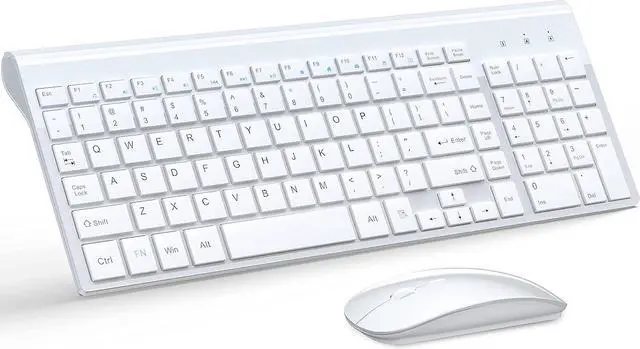
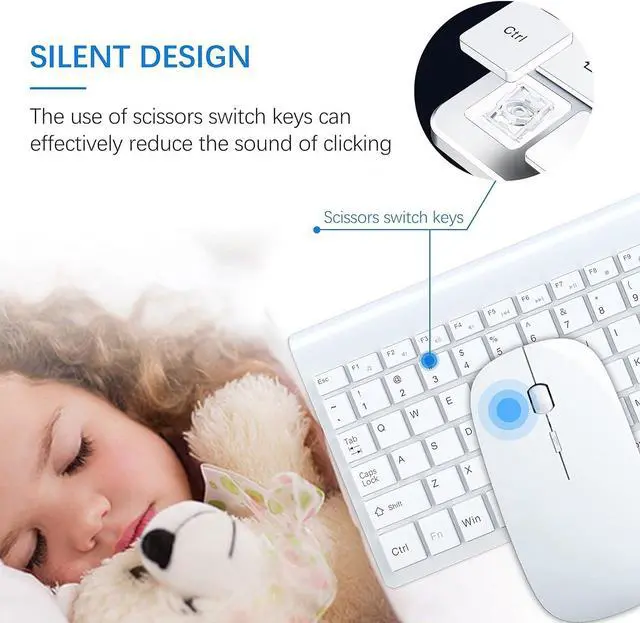
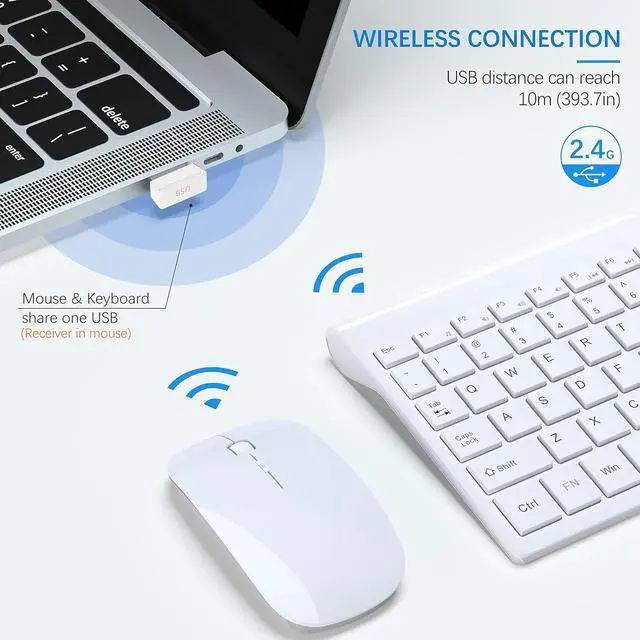
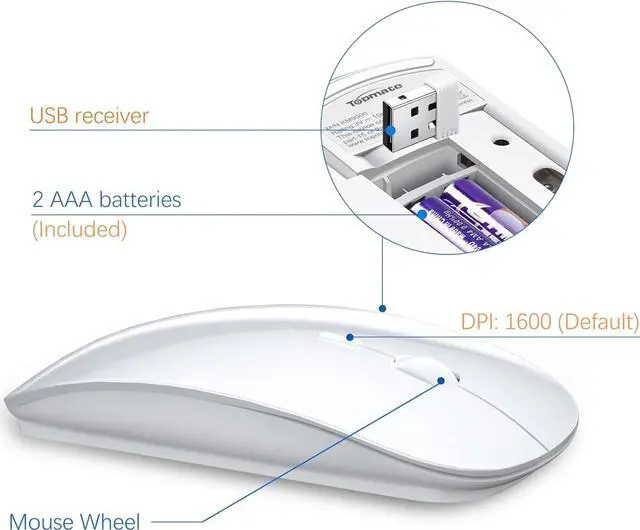
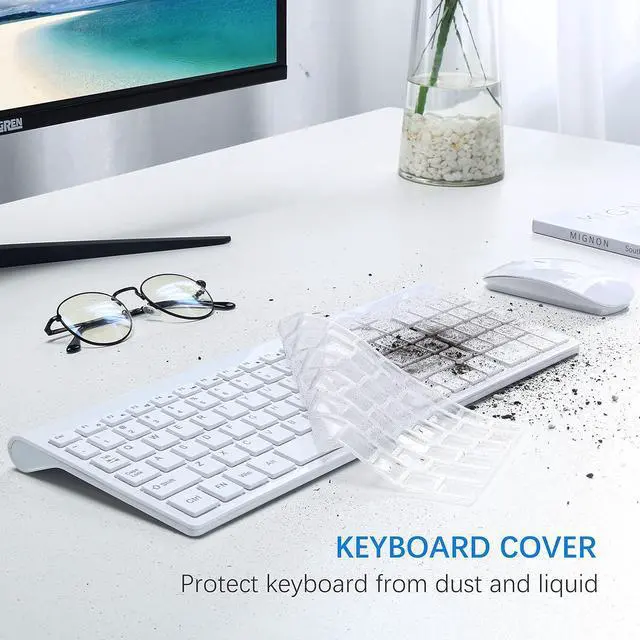
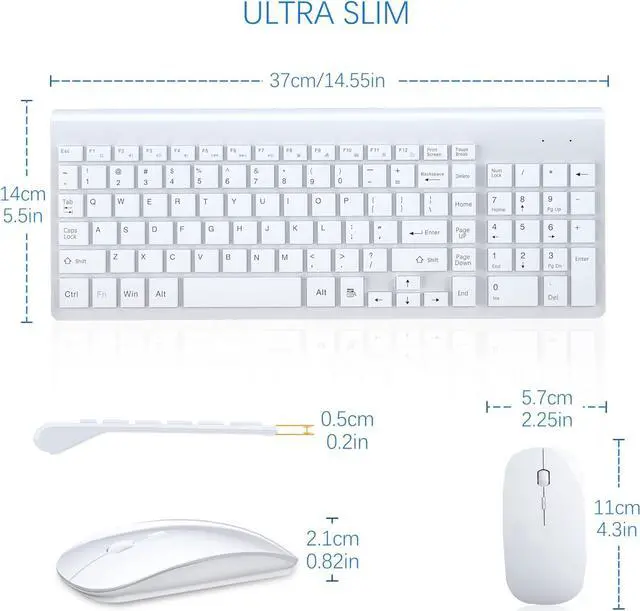
Wireless Keyboard and Mouse Full-Siz Wireless Mouse and Keyboard Combo 2.4GHz Silent USB Wireless Keyboard Mouse Combo for PC Desktops Computer,Laptops,Windows
- Brand TopMate
- Color White
- Connectivity Technology Usb, Radio Frequency
- Special Feature Numeric Keypad
- Compatible Devices Laptop, Personal Computer
+
+
Overview
Specs
Reviews
Any questions? Our AI beta will help you find out quickly.
Try me now
If mouse keyboard combo not response, please
try following tips:
1. Turn off all 2.4G devices in your room and make sure the product indicator section is as close as possible to the Nano receiver.
2.
Repair the keyboard:
(1) Unplug the receiver of computer.
(2) Press ESC and = + buttons about five seconds until the power indicator display red.
(3) Plug the receiver to the computer quickly before the red light is off at the same time.
Repair the cordless mouse:
1. Turn off the power switch at the bottom of the laptop mouse.
2. Unplug the receiver from the computer port.
3. Turn on the power switch at the bottom of the computer mouse.
(1) Press the wheel button, the left button and the right button simultaneously. (2) Then keep the USB Nano receiver near to the indicator light of the mice, the red light will flash. (3) Plug the receiver to the computer, keep the indicator light of the office mouse near to the USB Nano receiver again.
4.
Note: If the code is not successful, please repeat these steps.

try following tips:
1. Turn off all 2.4G devices in your room and make sure the product indicator section is as close as possible to the Nano receiver.
2.
Repair the keyboard:
(1) Unplug the receiver of computer.
(2) Press ESC and = + buttons about five seconds until the power indicator display red.
(3) Plug the receiver to the computer quickly before the red light is off at the same time.
Repair the cordless mouse:
1. Turn off the power switch at the bottom of the laptop mouse.
2. Unplug the receiver from the computer port.
3. Turn on the power switch at the bottom of the computer mouse.
(1) Press the wheel button, the left button and the right button simultaneously. (2) Then keep the USB Nano receiver near to the indicator light of the mice, the red light will flash. (3) Plug the receiver to the computer, keep the indicator light of the office mouse near to the USB Nano receiver again.
4.
Note: If the code is not successful, please repeat these steps.
Warranty & Returns
Warranty, Returns, And Additional Information
Warranty
- Please contact the Seller directly for warranty information. Warranty information may also be found on the Manufacturer's website.
- CONTACT
Return Policies
- Return for refund within: 30 days
- Return for replacement within: 30 days
- This item is covered by ZJZ official store Return Policy
Manufacturer Contact Info
- For a directory of all our manufacturers, please click below.
- Manufacturers Directory
LOADING...