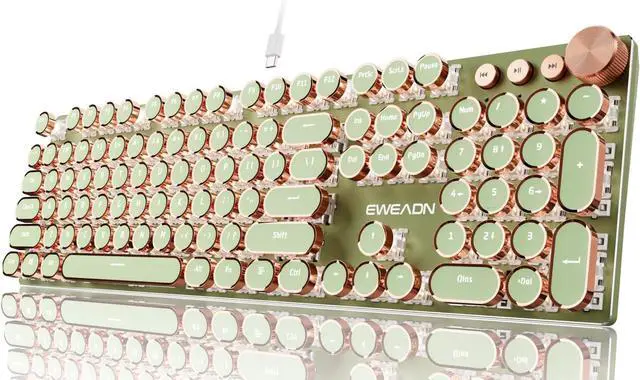
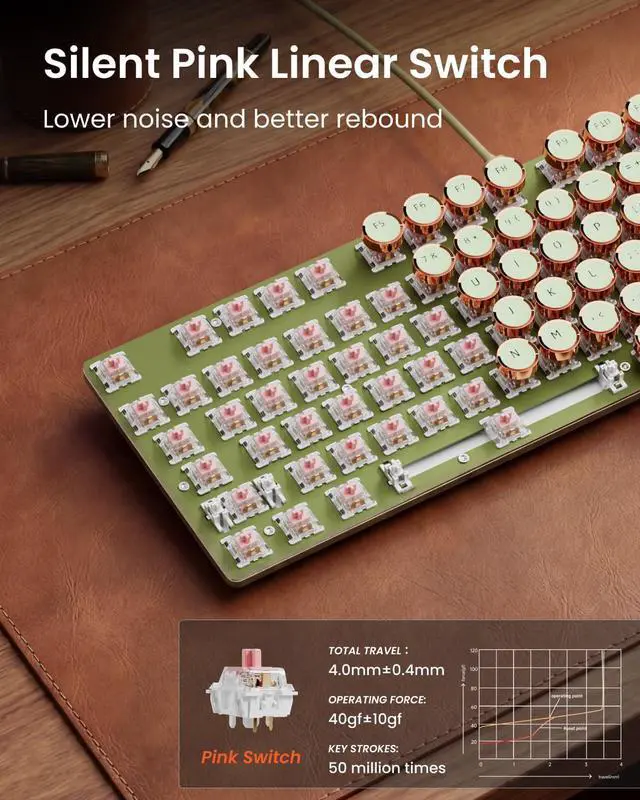
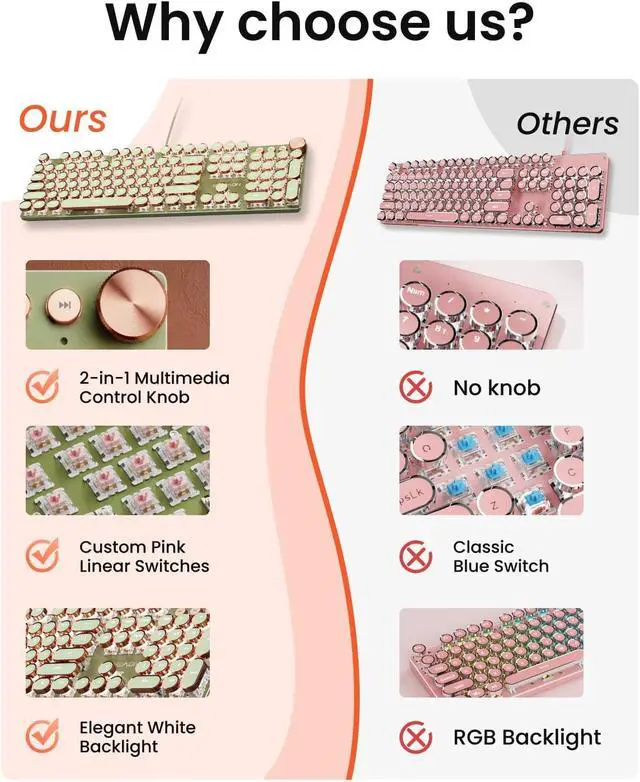
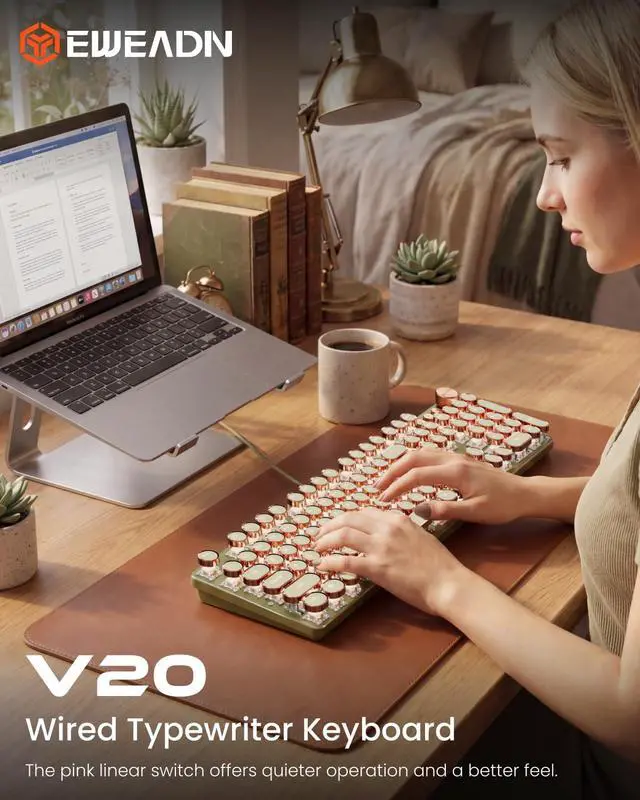
Retro Typewriter Mechanical Keyboard: The typewriter keyboard features custom silent pink switches with a smooth, linear feel and low resistance, without a tactile bump. Vintage steampunk keyboard round keycaps look like a classical typewriter, and the sound is quiet when the button is pressed lightly, giving you a comfortable typing feeling and a stable click touch.
Attention: This is a wired keyboard.
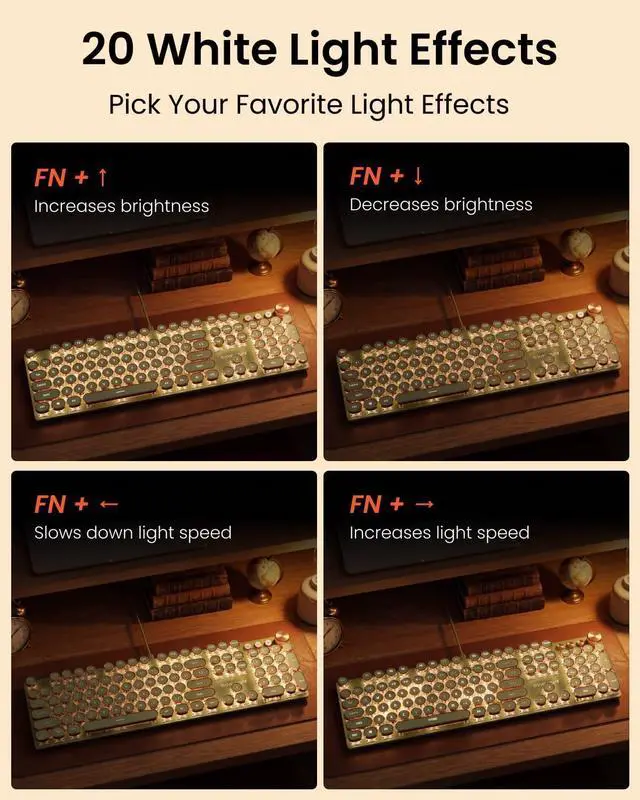
Metal Panel and White Backlit Keyboard: The typewriter keyboard panel is made of top-grade aluminium alloy, with a metallic matte texture, sturdy and robust enough to protect it from scratches. An elegant white backlight casts a soft, refined glow. This light-up keyboard has 19 preset light effects (Press FN & 1~8), 5 brightness levels, and breathing speed (Press FN & Arrow Key). You can accurately view the key position even in a dark place, and obtain high operability.
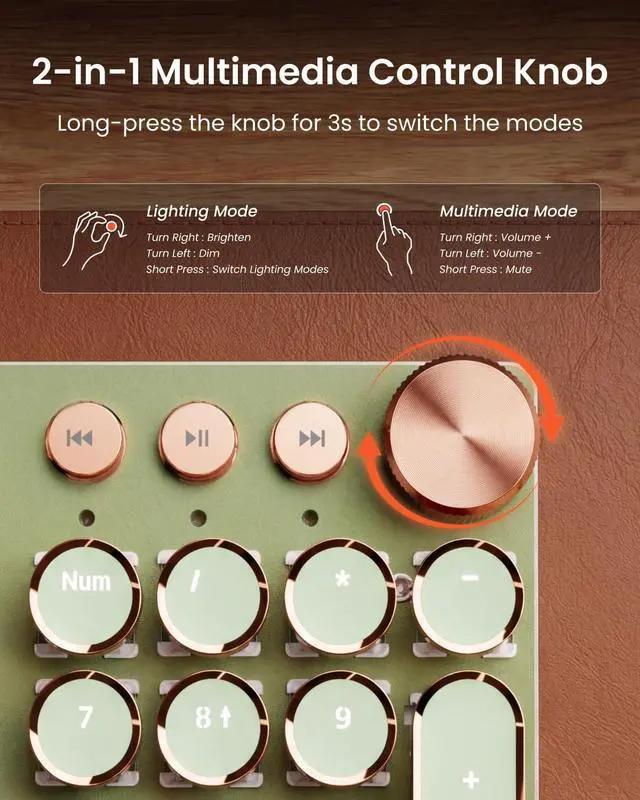
2-in-1 Multimedia Knob: This meticulously designed multimedia knob helps you take full control of your work and achieve efficient multitasking. Simply rotate to adjust brightness, and press the knob to switch lighting effects to perfectly match your settings.
Multimedia Mode: Easily manage audio during video conferences or entertainment. Rotate to fine-tune the volume, and press the knob to mute. It is your ideal typewriter keyboard.
104 Keys Anti-Ghosting: This mechanical keyboard adopts anti-ghosting technology for all keys. When multiple keys are pressed at the same time, the volume roller keyboard can accurately identify each key operation, avoiding key conflicts and errors. The trouble of touching. Whether you work or enjoy high-speed typing, you can experience precise and smooth input.
Note: The data cable is available in green and white, and the delivery color is random.
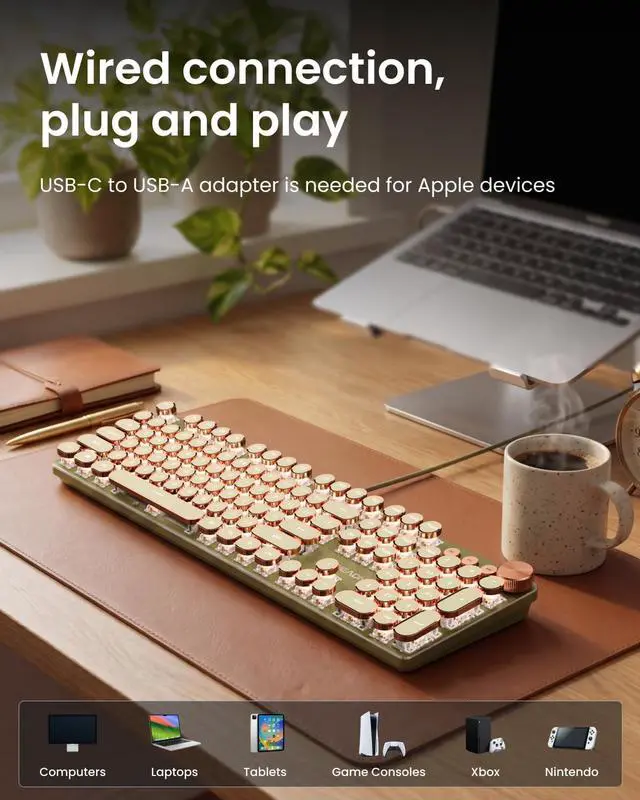
Wide Compatibility: The wired keyboard is equipped with USB-A cable lines. The USB-A lines provide the computer keyboard with more stable transmission to reduce latency and respond at high speeds. In addition, suitable with Windows 7/8/10/XP/Vista Linux systems, Press and hold "FN & TAB" at the same time to switch systems, no driver or software is requiredNOTE: USB-C to USB-A adapter is needed for Apple devices (not included)





 here!
here!