here!
I’m your shopping assistant for PC builds, upgrades, and everything tech.
Got questions? Ask away!
Start a conversation
here!
I’m your shopping assistant for PC builds, upgrades, and everything tech.
Got questions? Ask away!
Start a conversation




Any questions? Ask CelesteSM will help you find out quickly.
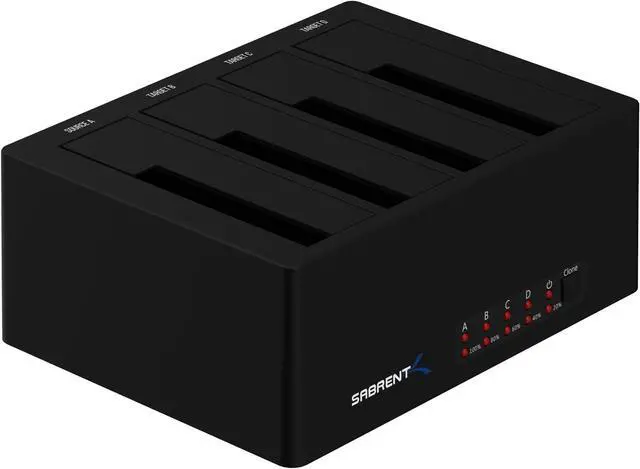
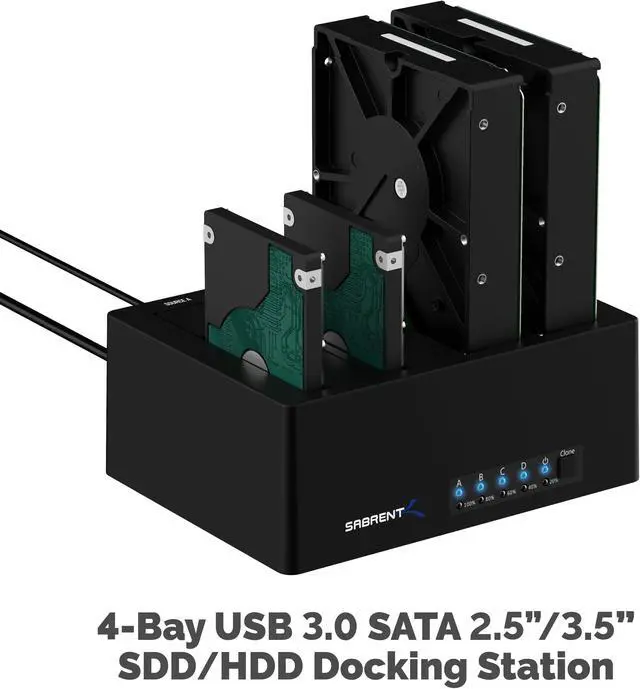
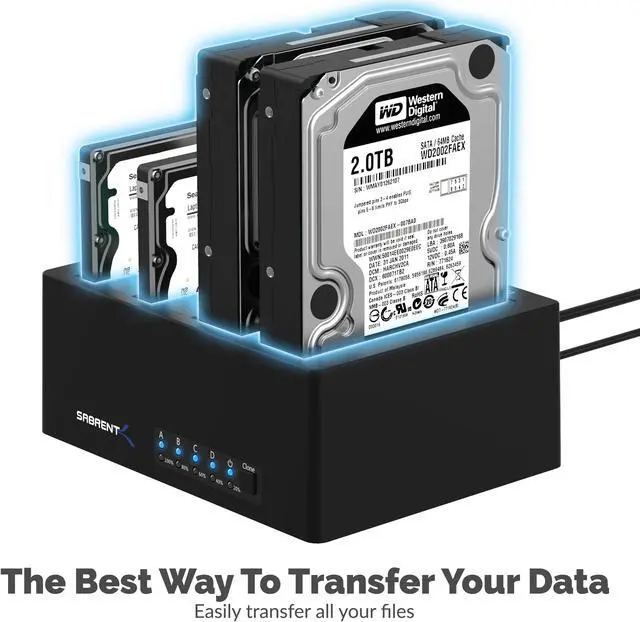
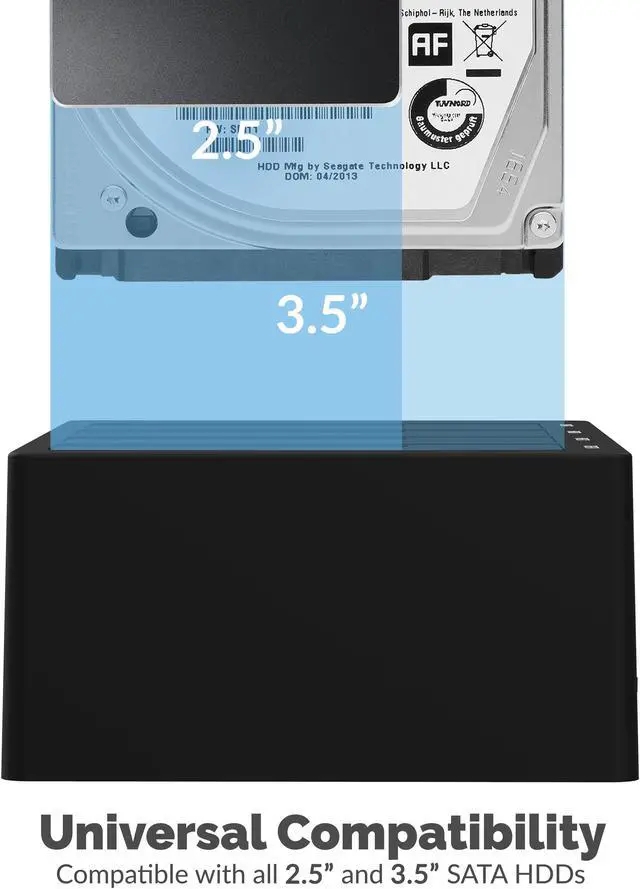
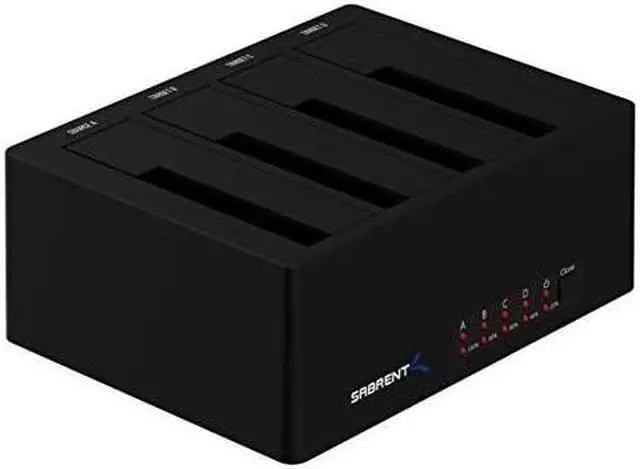
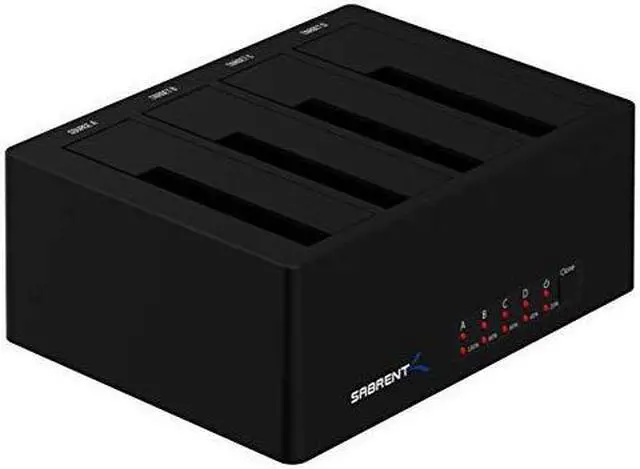
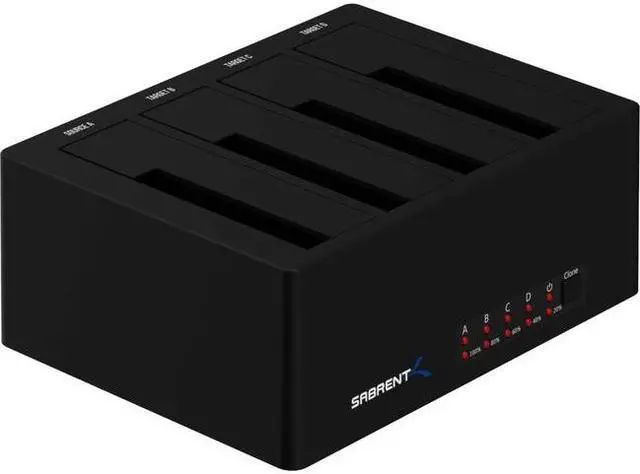
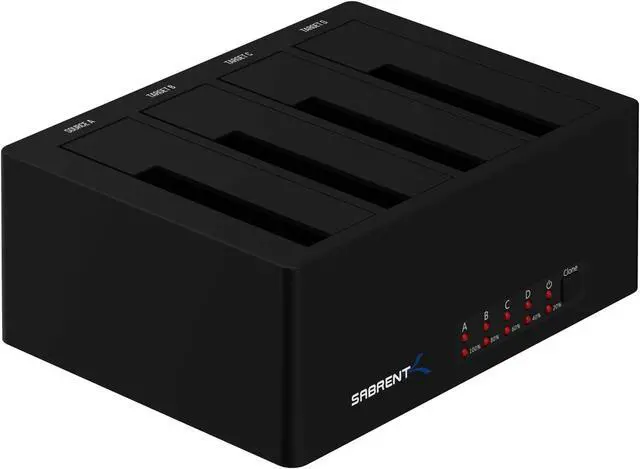
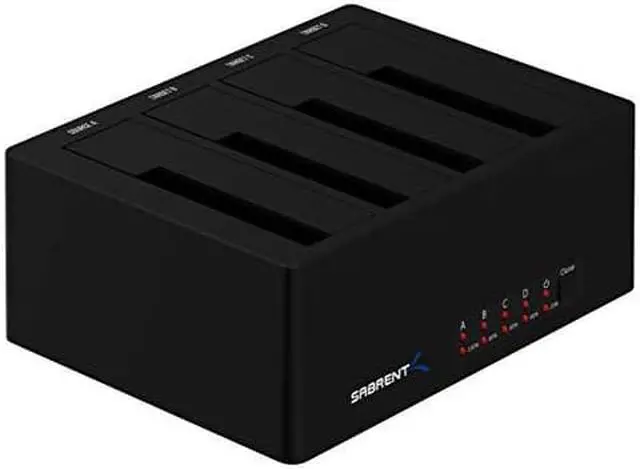
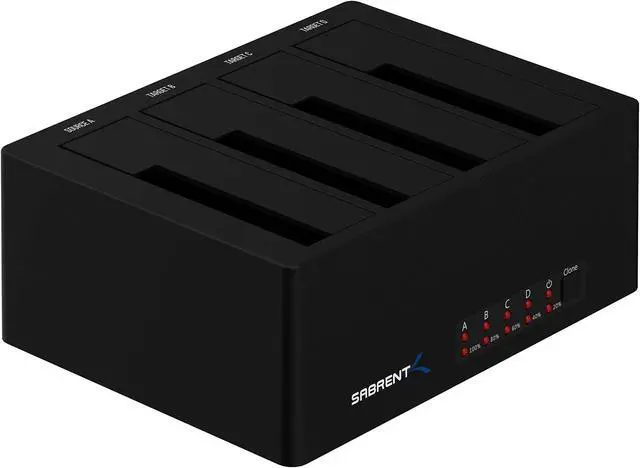
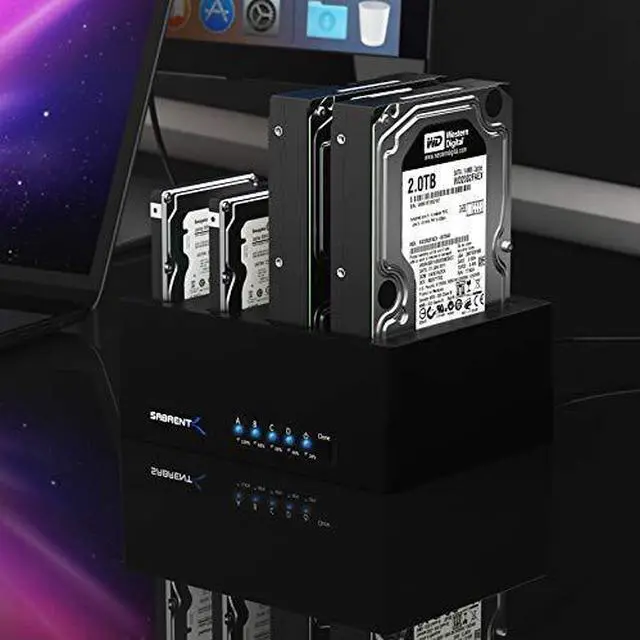
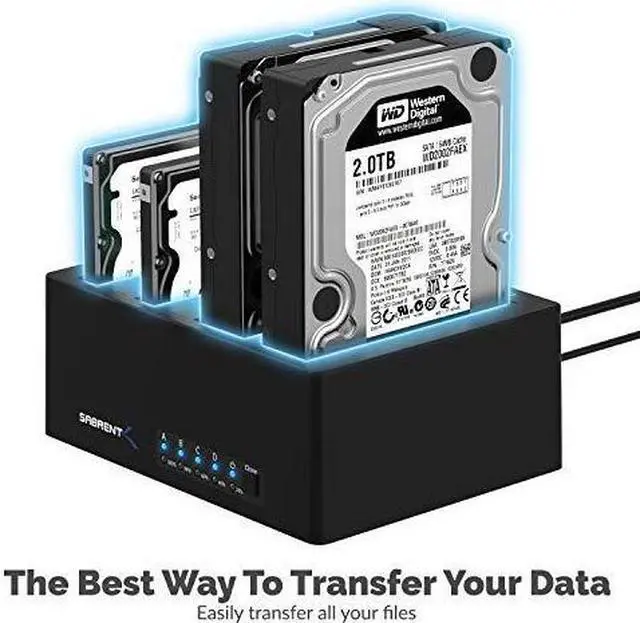
The Sabrent DS-U3B4 4-Bay USB 3.0 SATA 2.5/3.5 SSD/HDD Docking Station allows you to insert your standard 2.5" or 3.5" drive(s) into the docking station bays and instantly access drive content/transfer data on up to 4 hard drives at one time; fully hot-swappable.
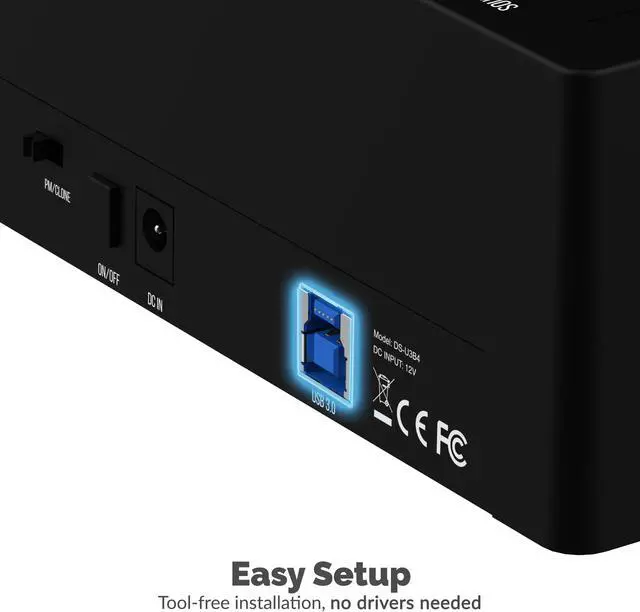
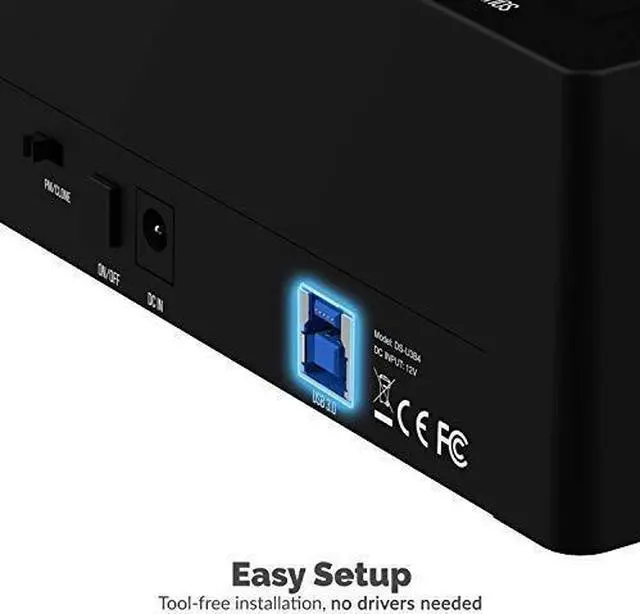
The Sabrent 4-Bay Docking Station requires no installation, no enclosure assembly, no software, and no driver downloads; just plug and play.
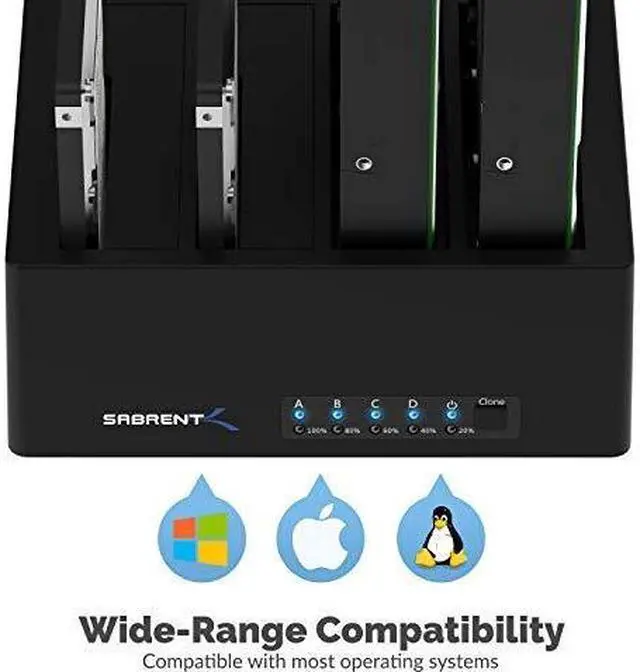
Employ your Sabrent 4-Bay Docking Station to promptly clone your drives with just the push of a button.
Features:
The Sabrent DS-U3B4 is a four-bay USB 3.0 SATA docking station for connecting up to four 2.5-inch or 3.5-inch SSDs and HDDs at once, making it suitable for users who need convenient access to multiple drives without installing them in a computer.
| Attribute | Value |
|---|---|
| Best For | Connecting up to four 2.5-inch or 3.5-inch SATA drives to a desktop or laptop |
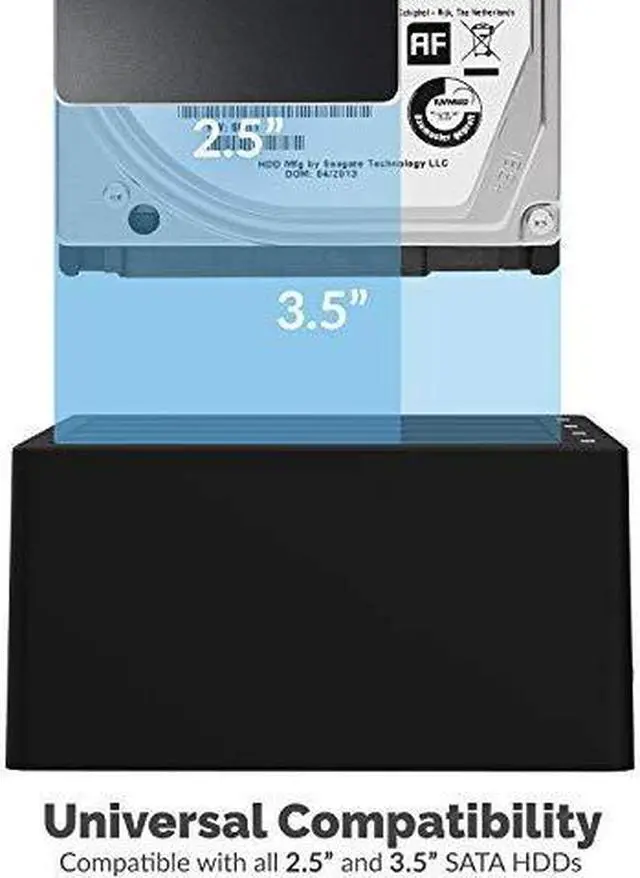
| Drive Bays And Compatibility | Four-bay dock for 2.5-inch and 3.5-inch SATA III drives |
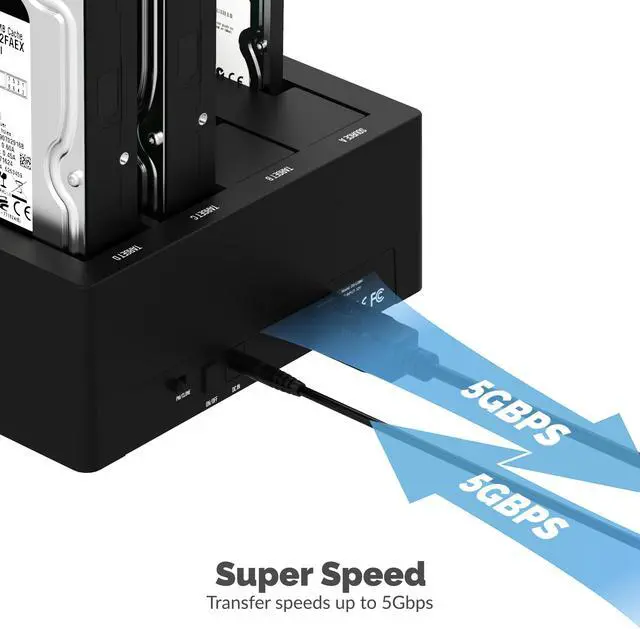
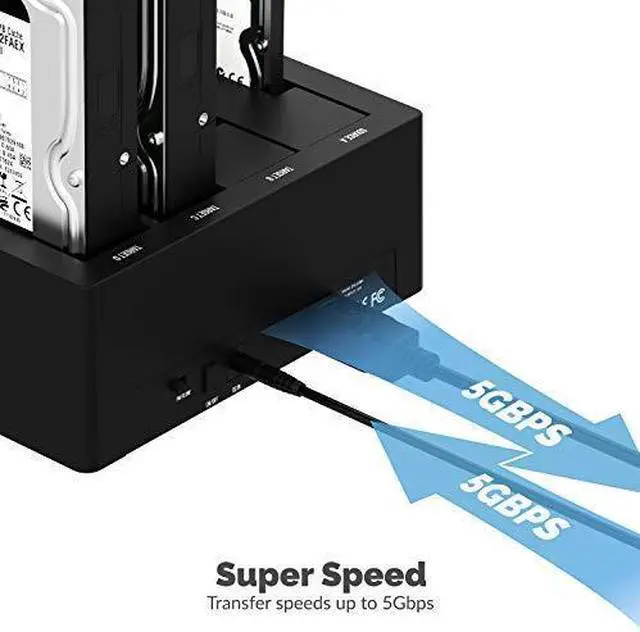
| Connectivity And Transfer | USB 3.0 interface with a listed transfer rate of 5 Gbps and four USB ports |
| Power | 78 W; 240 V input |
| Physical Specifications | Black plastic enclosure; 6.3 × 4.72 × 2.76 inches; weighs 1 pound |
| Model And Brand | Sabrent DS-U3B4 |
Q: Sabrent DS-U3B4 vs. DS-SC4B: which 4-bay dock fits my SATA drives?
A: Choose the DS-U3B4 to connect a mix of 2.5-inch and 3.5-inch SATA drives. Choose the DS-SC4B for four 3.5-inch drives and its USB-C connection rated up to 10Gbps, built-in fan, and individual bay power switches. ([sabrent.com](https://sabrent.com/products/DS-U3B4?attribute_pa_product-info-compatibility=windows-compatible&utm_source=openai))
Q: Should I get the Sabrent DS-U3B4 or DS-4SSD for four drives?
A: Choose the DS-U3B4 when you want to use both 2.5-inch and 3.5-inch SATA drives. The DS-4SSD is designed for four 2.5-inch drives and includes a fan. Both support four drives and advertise transfer speeds up to 5Gbps. ([sabrent.com](https://sabrent.com/products/DS-U3B4?attribute_pa_product-info-compatibility=windows-compatible&utm_source=openai))
Q: Sabrent DS-U3B4 vs. EC-CH2B: which dock connects more drives at once?
A: Choose the DS-U3B4 to connect up to four 2.5-inch or 3.5-inch SATA drives at once. The EC-CH2B is a two-bay option for connecting two 2.5-inch or 3.5-inch drives simultaneously; both advertise USB 3.0 transfer speeds up to 5Gbps. ([sabrent.com](https://sabrent.com/products/DS-U3B4?attribute_pa_product-info-compatibility=windows-compatible&utm_source=openai))
Q: Is there a maximum capacity for each drive?
A: B&H’s product Q&A says the dock has no stated capacity limit for connected drives. It supports 2.5-inch and 3.5-inch SATA drives; check that your computer’s operating system can use the drive’s capacity and format.
Q: Can it connect four drives at the same time?
A: Yes. The dock supports up to four 2.5-inch or 3.5-inch SATA SSDs or HDDs at once and connects to the computer over USB 3.0, with transfer speeds rated up to 5 Gbps.
Q: Will it work with both 2.5-inch and 3.5-inch drives?
A: Yes. It accepts 2.5-inch and 3.5-inch SATA SSDs and HDDs. The product information describes tool-free installation and plug-and-play use.
Q: Can I swap drives without turning off the dock?
A: The dock is specified as hot-swappable. Before removing a drive, safely eject it through your computer’s operating system to reduce the risk of data loss.
Q: Can I use the DS-U3B4 for a 24/7 media server or as a NAS replacement?
A: It connects drives to a computer over USB, so it is direct-attached storage rather than a standalone network NAS. Reddit users discuss using it with media servers, but reliability concerns also appear in discussions about always-on use. For a mission-critical 24/7 setup, test it with your drives and workload before relying on it.
Q: Will transfers slow down if I use multiple drives at once?
A: They can. The dock supports four drives over one USB 3.0 connection, rated up to 5 Gbps, so that bandwidth is shared. A Reddit user reported slower or briefly stalled transfers during simultaneous activity; another reported better results by downloading to an internal SSD before moving files to the dock.
Q: Is it suitable for keeping several hard drives connected for long periods?
A: Reddit users have reported that drives in this open-style dock can get warm, and one discussion notes it has no built-in fan. If you plan extended use, provide airflow and monitor drive temperatures rather than assuming the dock will cool them actively.
Q: Who is this dock a good fit for?
A: It may suit someone who wants tool-free access to several loose 2.5-inch or 3.5-inch SATA drives from one computer, without installing each drive in a separate enclosure. A Reddit user describes using it for removable storage; its USB 3.0 connection and shared bandwidth are trade-offs for demanding simultaneous transfers.