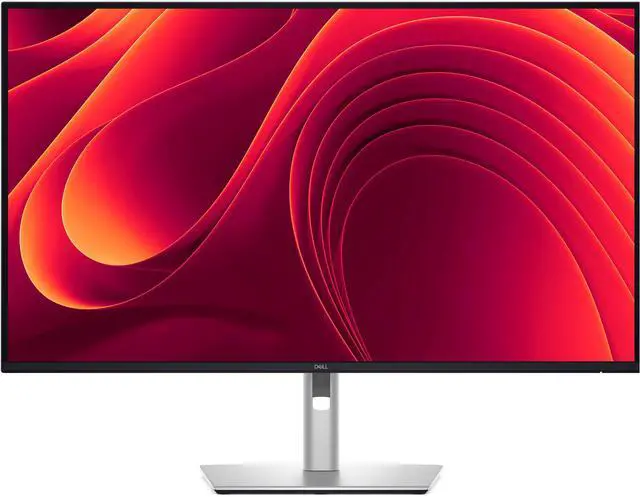
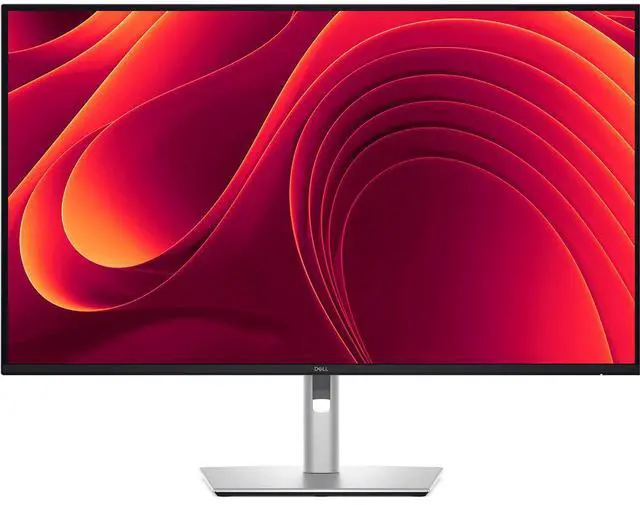
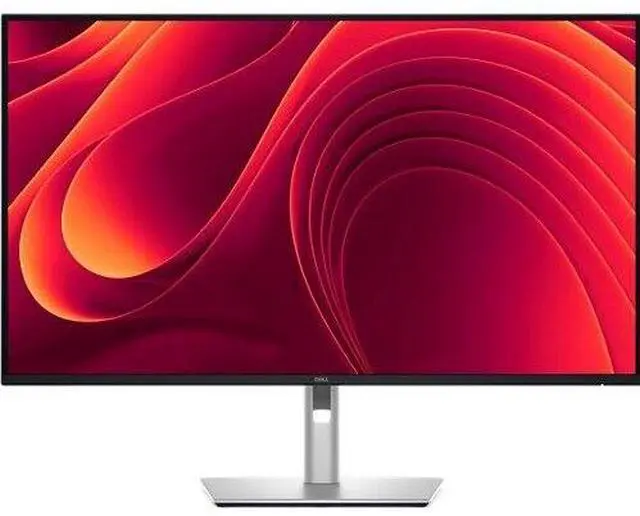
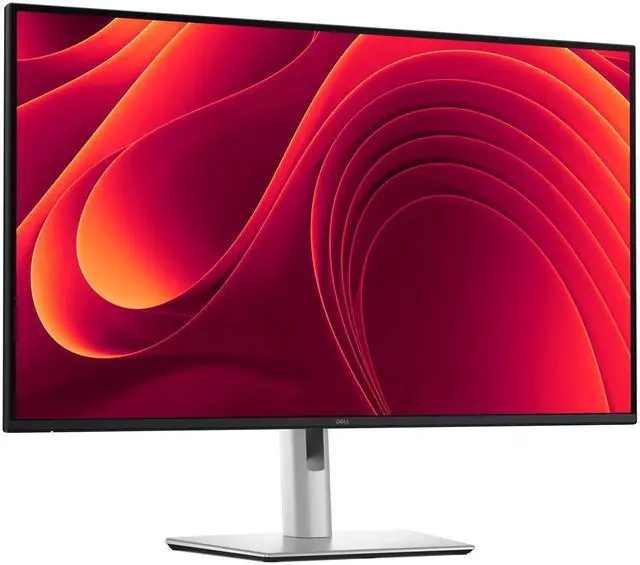
The Dell Pro P3225QE is a 32-inch 4K USB-C hub monitor for professionals who want a detailed, spacious display and a simpler laptop workspace, with one USB-C connection supporting video, data, Ethernet and up to 90W power delivery.
Recommended For
- Laptop-based office and hybrid workers who want one USB-C connection for 4K video, up to 90W laptop charging, USB peripherals, and wired Ethernet at a fixed desk.
- Desk-based programmers and office multitaskers who want a large 4K workspace for code, documents, and multiple windows, plus a stand that adjusts for height, tilt, swivel, or portrait use.
- Home-office users replacing a basic 60Hz display who want sharper 4K detail and smoother everyday scrolling, while prioritizing productivity over high-refresh gaming.
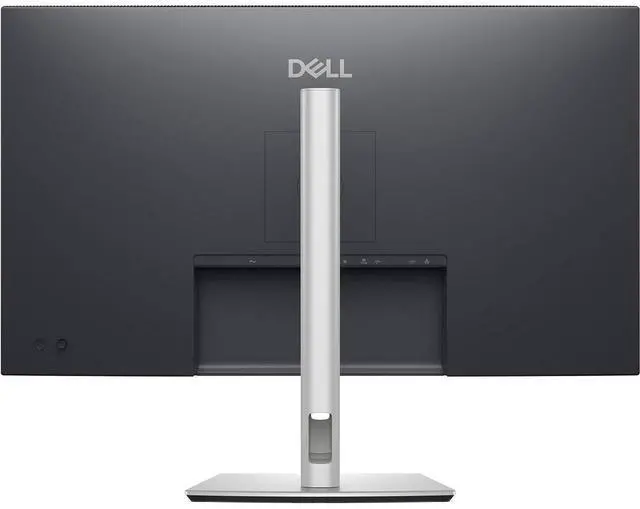
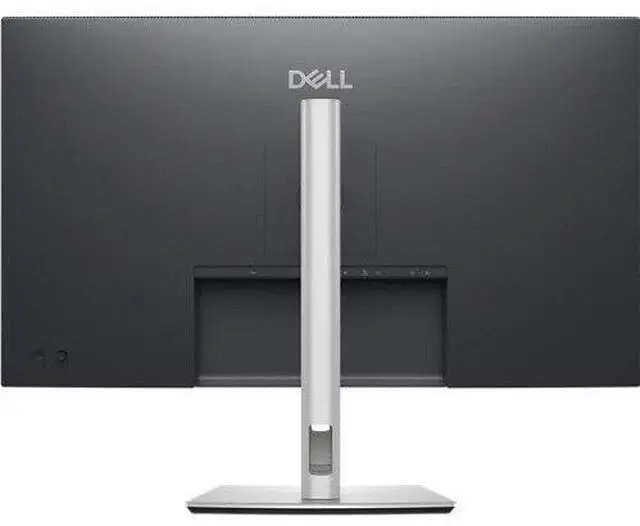
- Users who connect several desk peripherals and prefer a monitor-based hub, with USB-A, USB-C, Ethernet, HDMI, and DisplayPort available on the display.
Real-World Use Scenarios
- At a home or office desk, connect a compatible laptop over USB-C to get display, charging, network, and access to connected USB accessories through one cable—reducing the need for a separate dock in a simple setup.
- For software development or other desk-based work, use the 32-inch 4K workspace to keep code, documentation, and reference windows visible together, reducing the need to switch between them.
- When working with spreadsheets, documents, or several browser windows, arrange apps side by side on the large 4K screen so more information stays in view at once.
- For a shared or hybrid workspace, connect a compatible work or personal laptop to the monitor when you sit down; USB-C can carry the display signal and charge the laptop while the monitor's hub keeps peripherals and wired Ethernet at the desk.
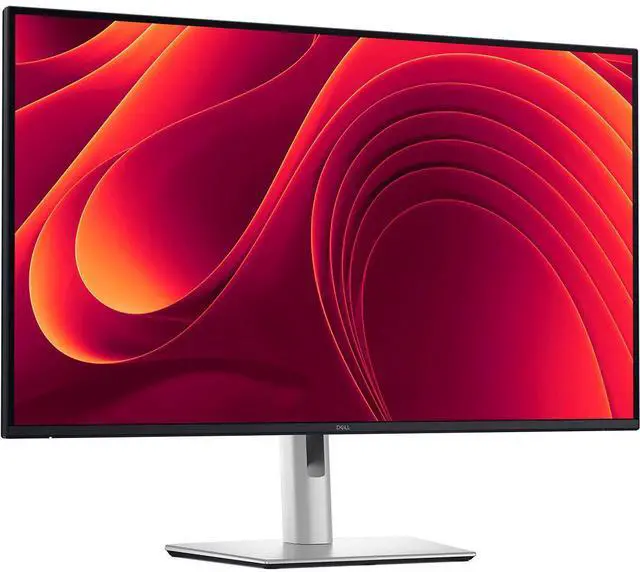
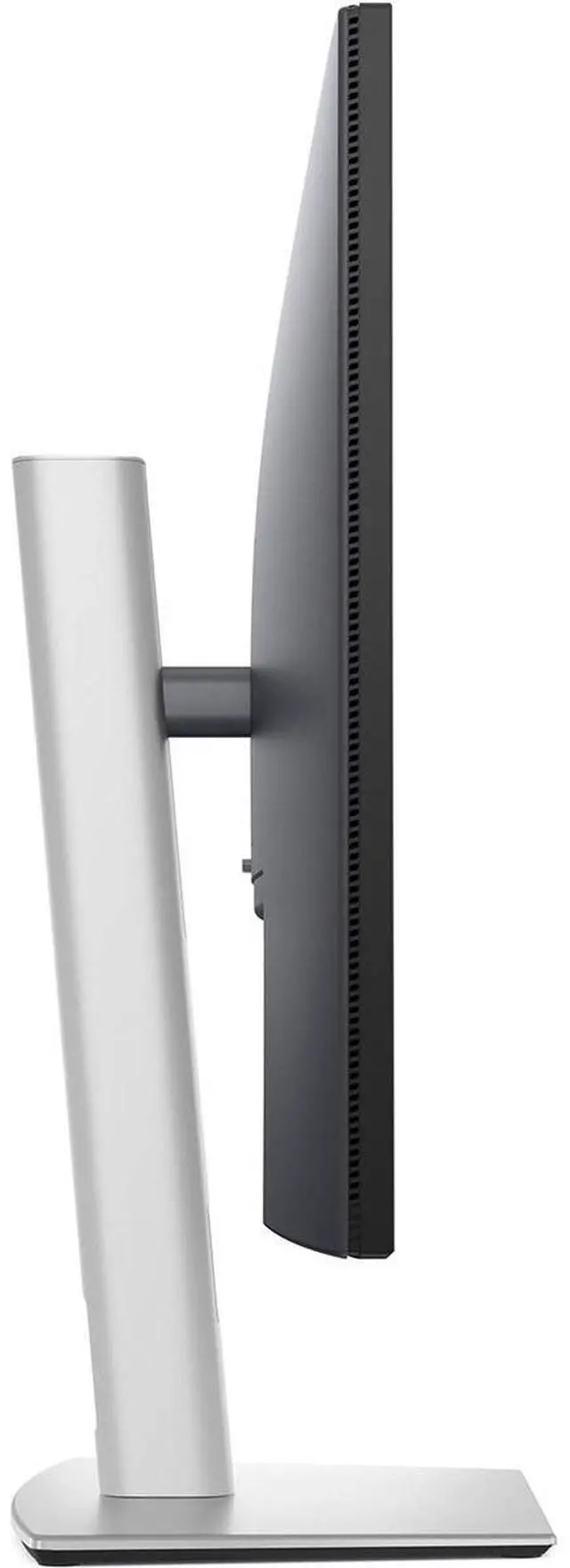
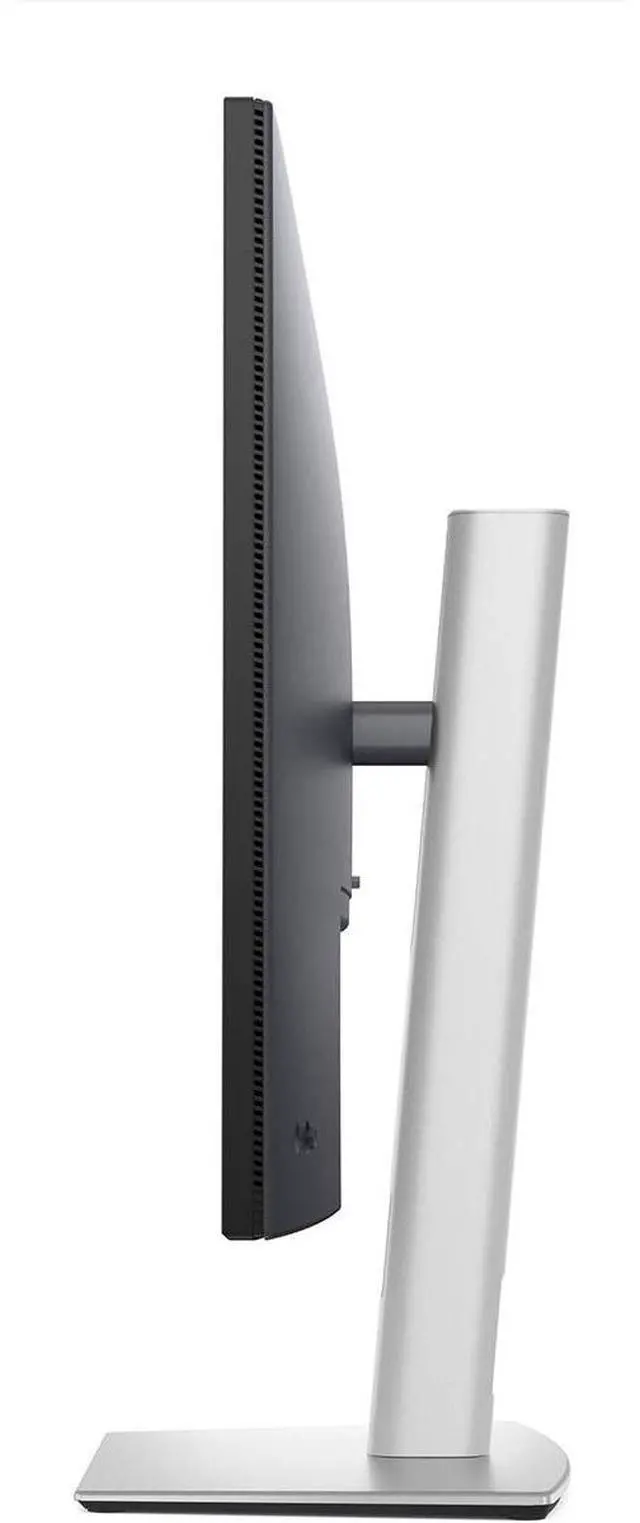
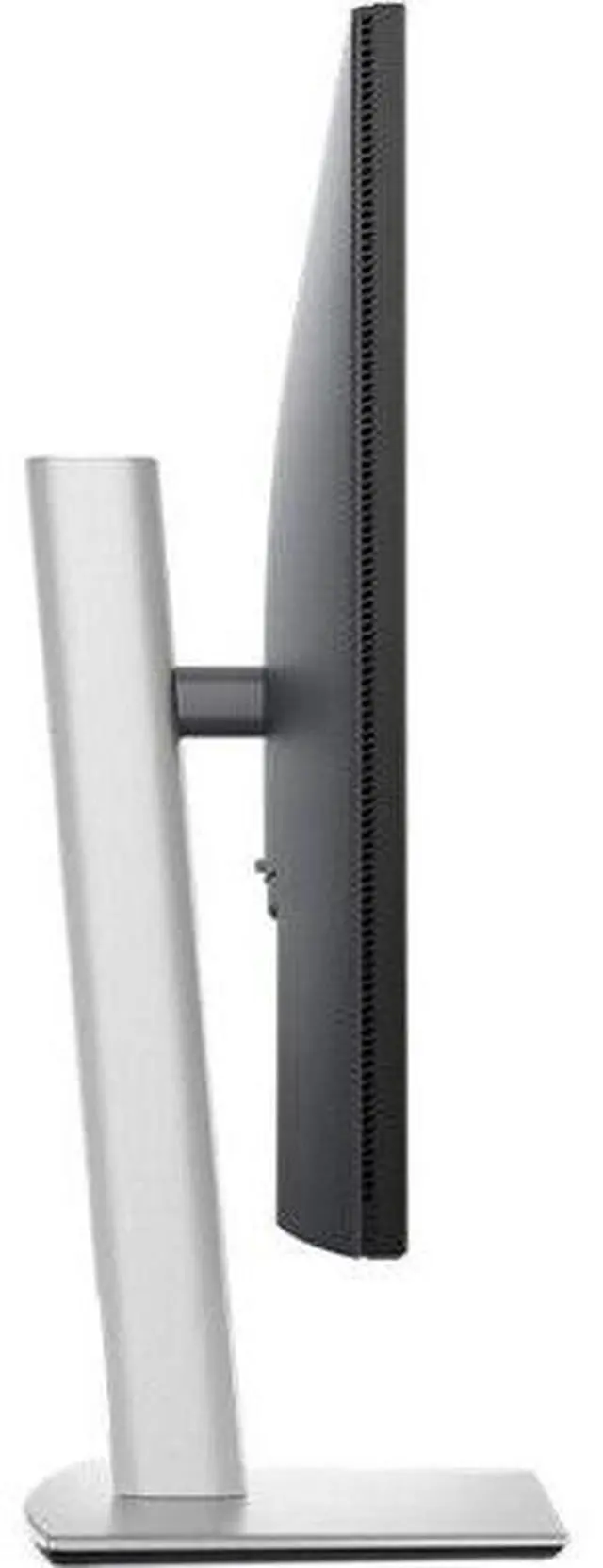
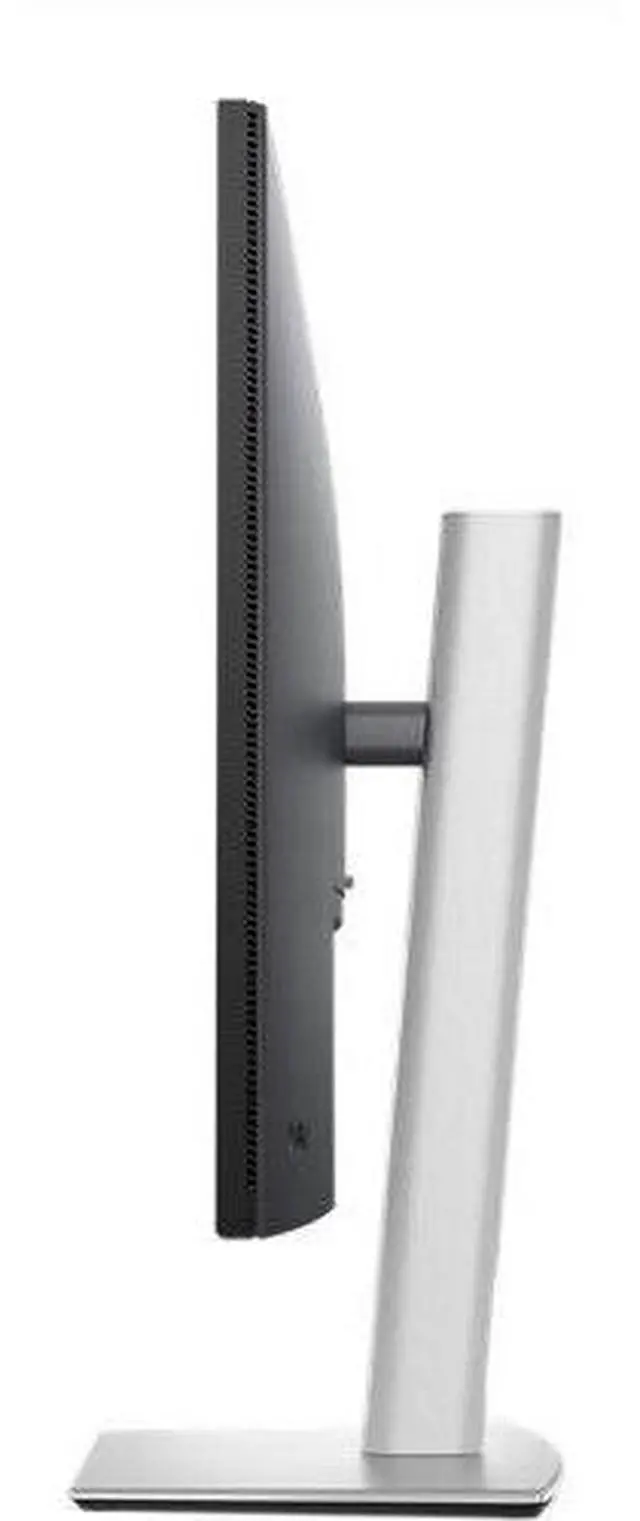
- During long reading, writing, or browsing sessions, use the adjustable stand to set a more comfortable screen position; its matte display can also help limit distracting reflections in a bright room.




 here!

 Hot Seller









 Dell Technologies


