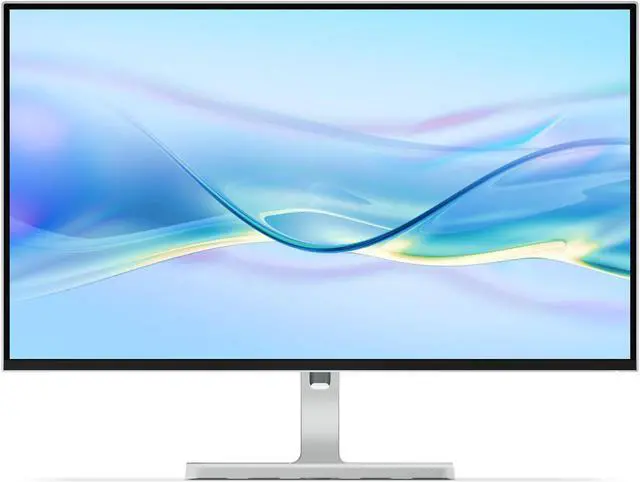
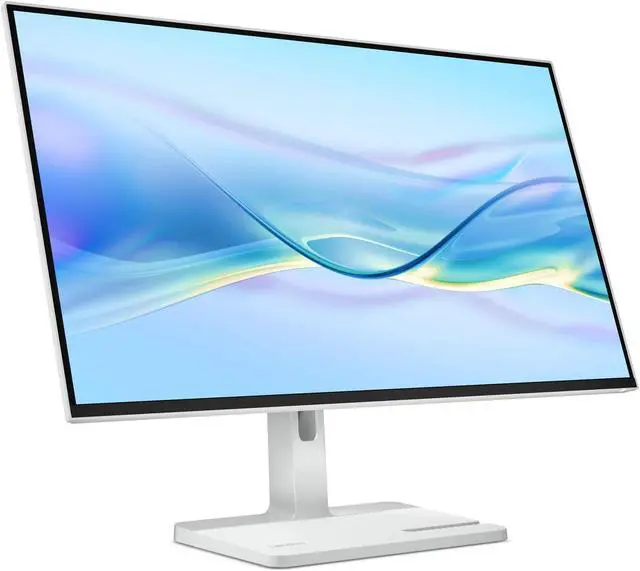
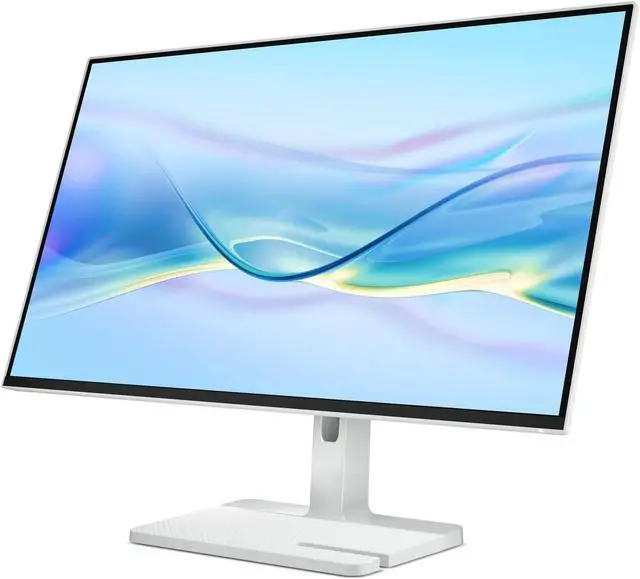
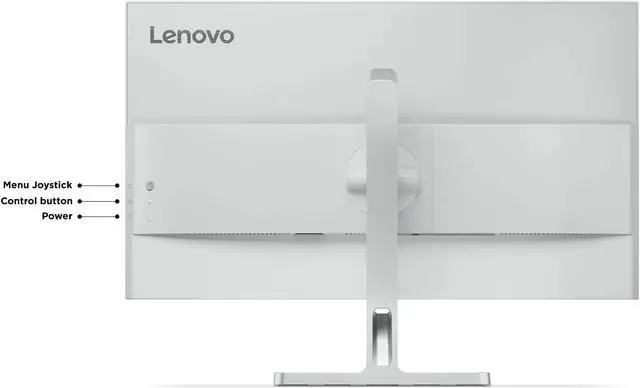
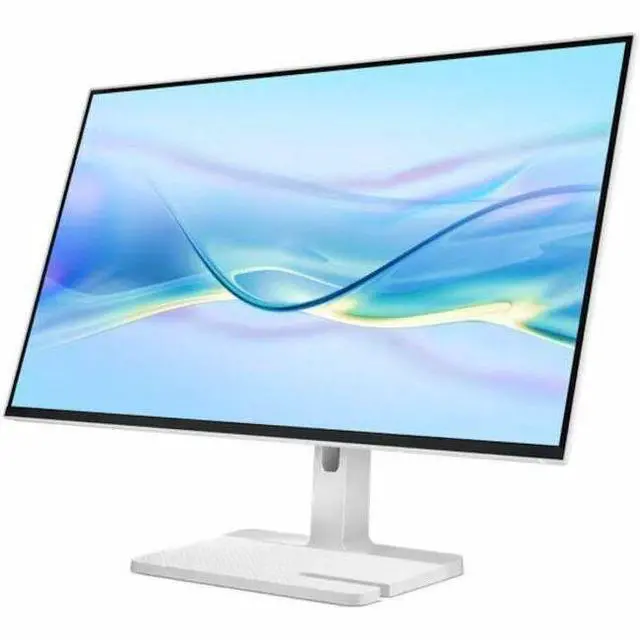
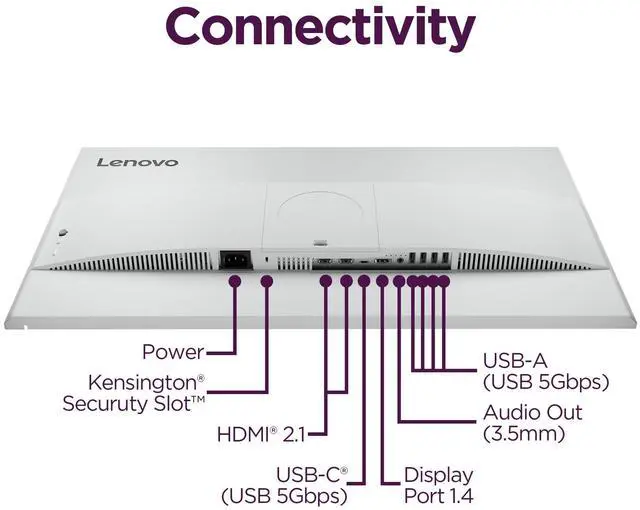
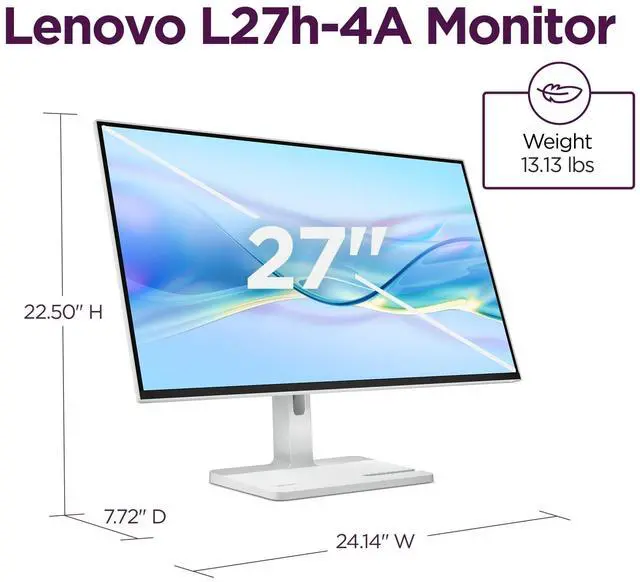
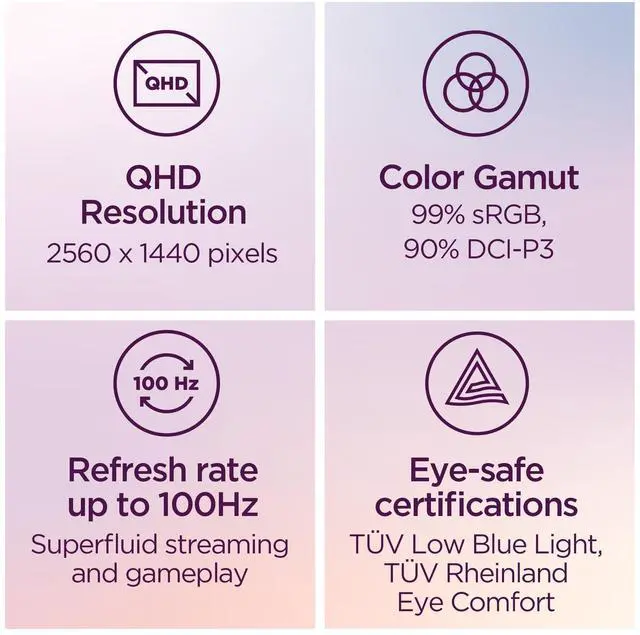
The Lenovo L27h-4A is a 27-inch QHD IPS monitor with a 100Hz refresh rate and USB-C power delivery up to 75W, suited to desk users who want a sharp, smooth display and a simpler one-cable laptop setup.
Recommended For
- Laptop-based hybrid and home-office workers who want to connect a compatible laptop over USB-C, charge it at up to 75W, and use the monitor’s USB hub to reduce desk cables.
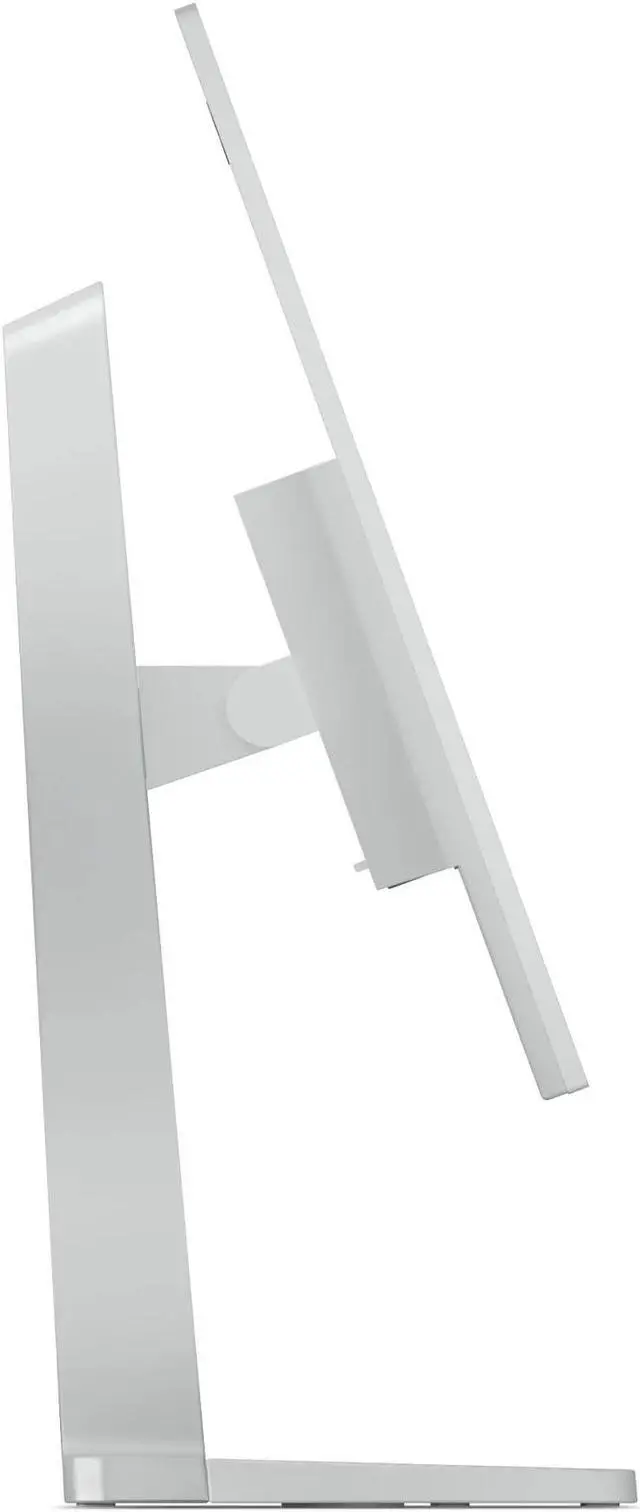
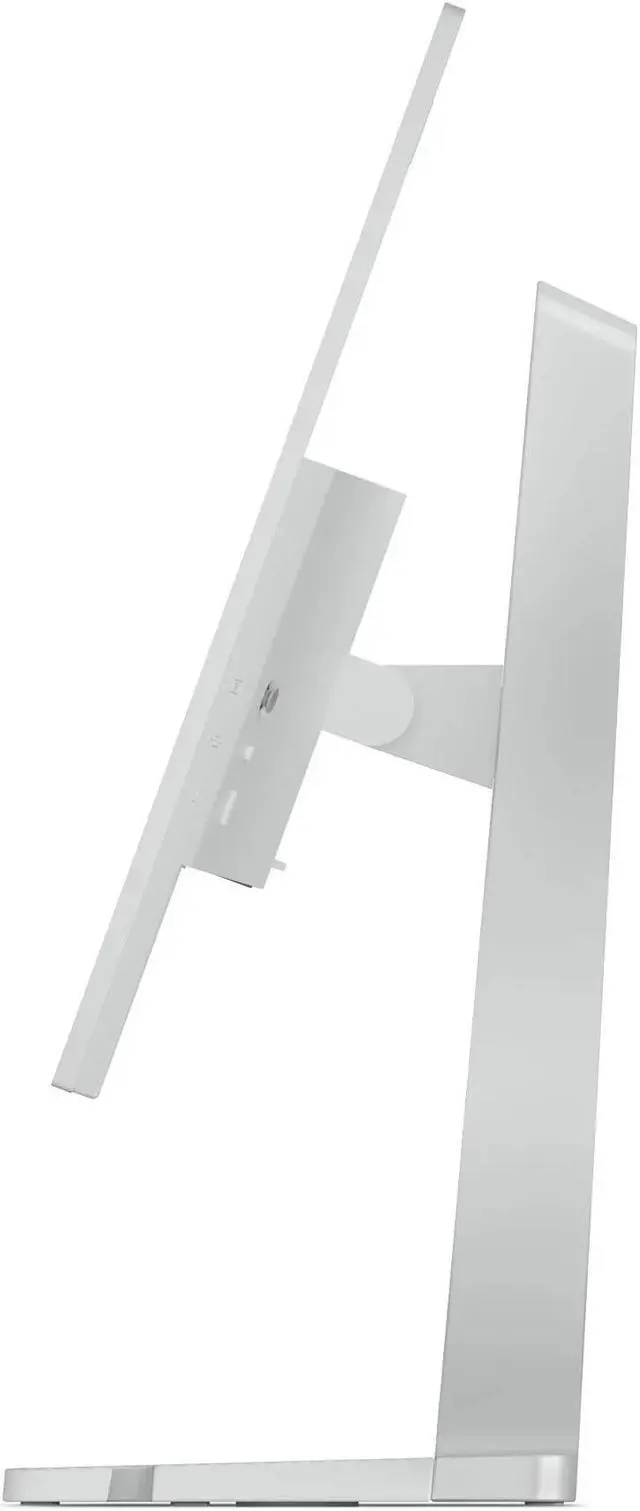
- People who spend the day switching between documents, spreadsheets, browser tabs, or code and want a 27-inch QHD workspace with an adjustable stand for height, pivot, swivel, and tilt.
- Casual gamers who want smoother play than a standard 60Hz display but do not need a high-refresh competitive gaming monitor; this model tops out at 100Hz.
- Desk users who want built-in audio for basic calls or video playback without adding speakers; Lenovo lists two integrated 3W speakers.
Real-World Use Scenarios
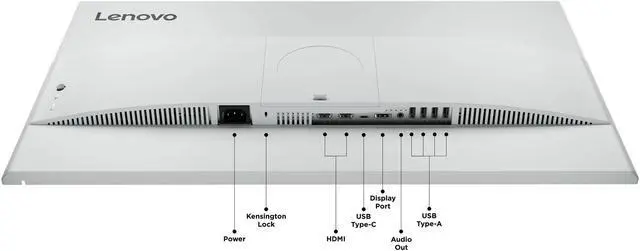
- For a laptop-based home-office desk, connect a compatible laptop over USB-C to send video, charge it, and use the monitor’s USB-A ports for accessories; this can reduce the number of cables needed when docking and undocking.
- For everyday office work, keep email, documents, and a browser visible side by side; owners discussing the monitor describe its clear, sharp image and ports as useful for daily use.
- For studying or coding, adjust the stand to suit a seated workspace or rotate the screen to portrait for long pages of text; the adjustable stand supports height, tilt, swivel, and pivot.
- For casual PC gaming, play at up to 100 Hz for smoother motion than a standard 60 Hz display; it suits occasional gaming better than users seeking a high-refresh competitive gaming monitor.
- For a desk shared by a laptop and desktop, connect devices through the available video inputs and switch the monitor’s input when changing computers; this is useful for a two-device setup, though it does not replace a KVM switch for sharing one keyboard and mouse.




 here!

 Top Rated