- $338.00
- Free 30-day Returns
Best Sellers
Meet Your Seller
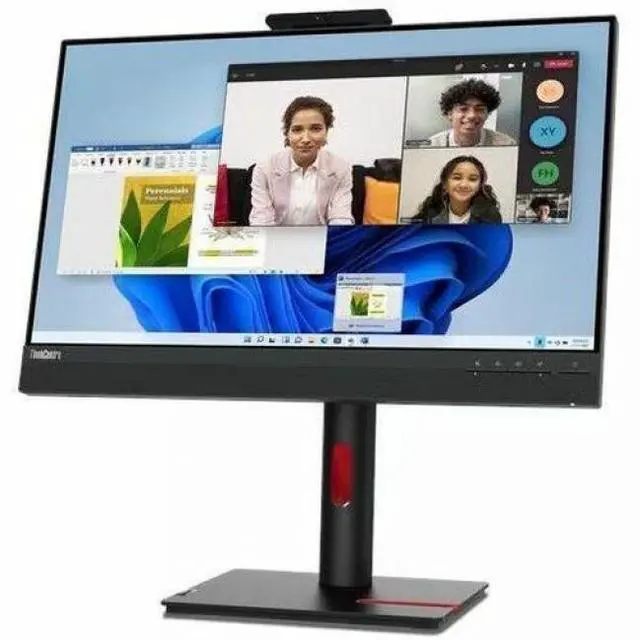
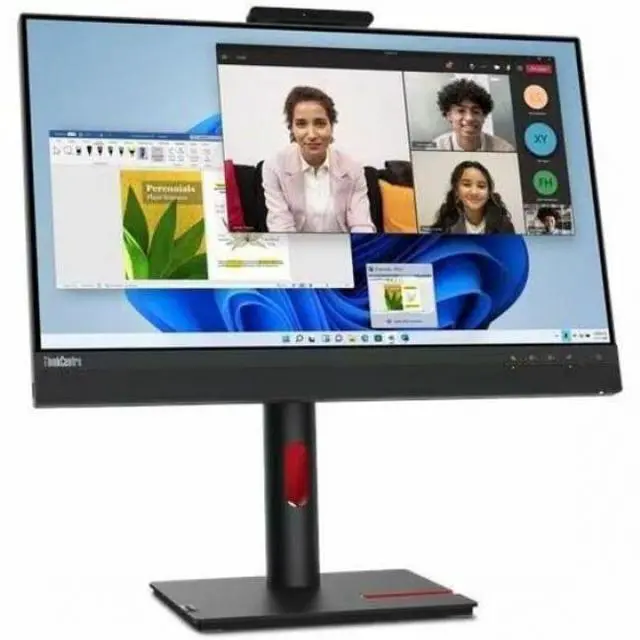
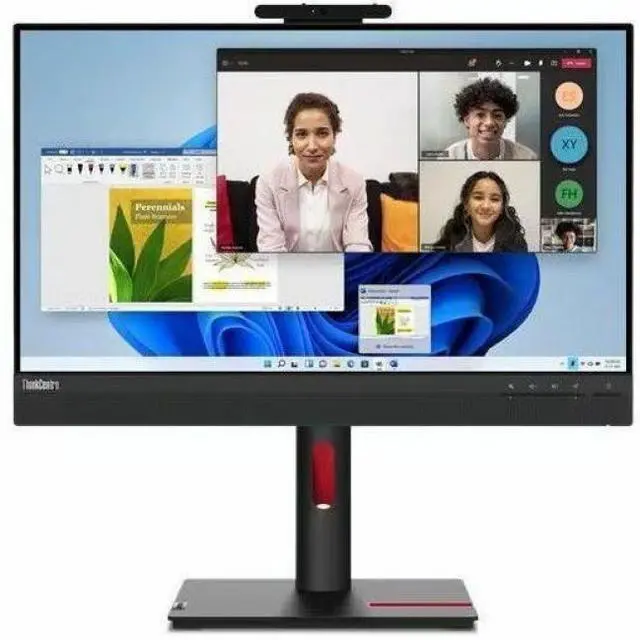
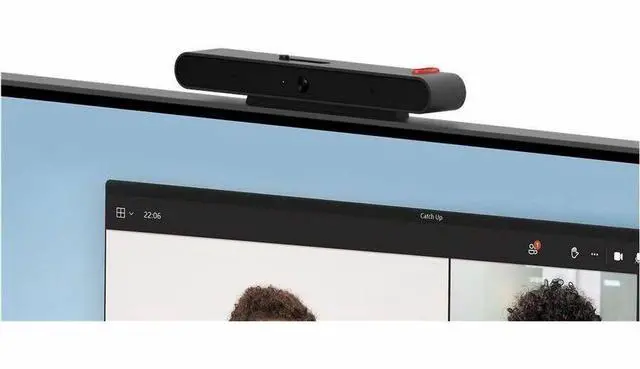
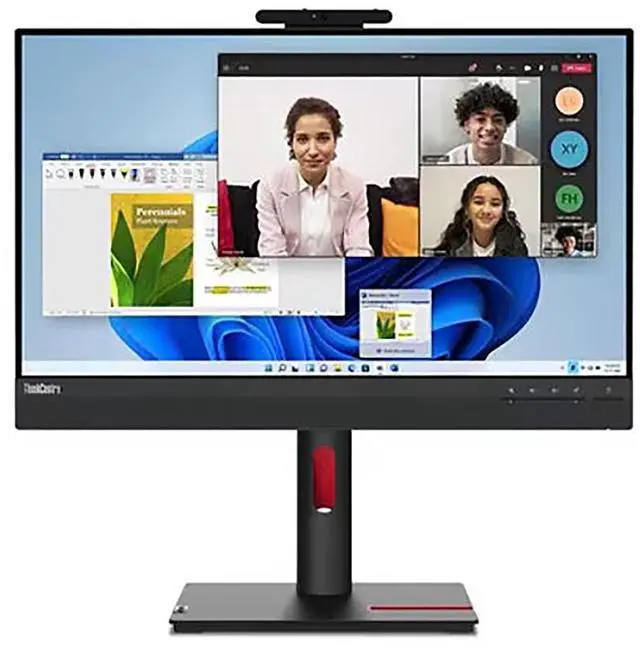
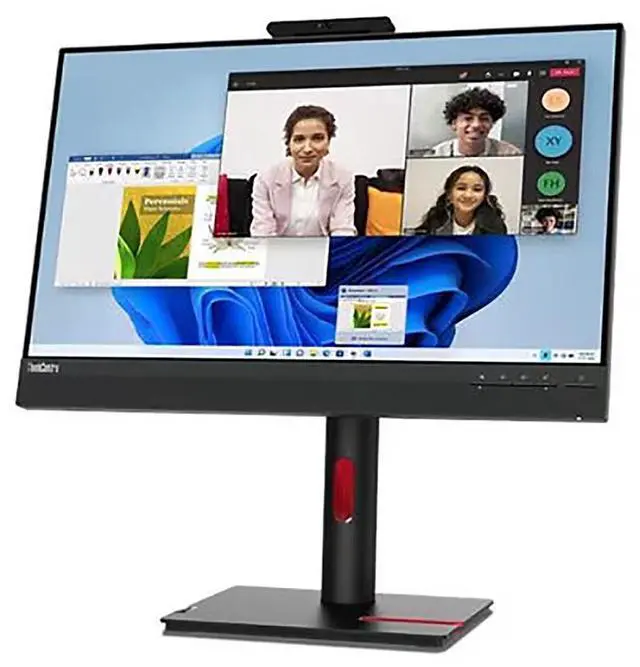
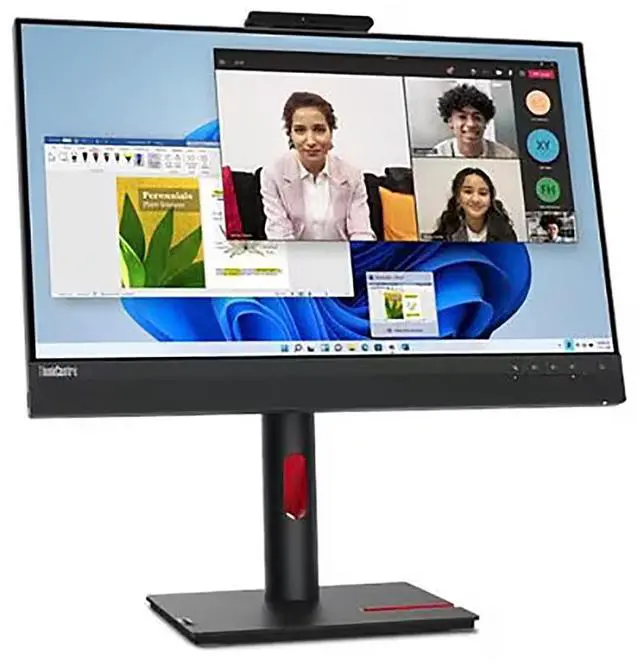
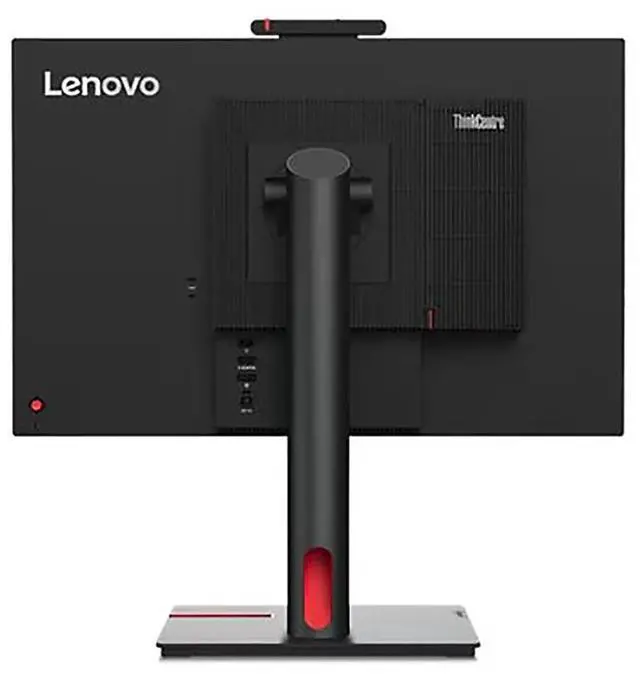
Lenovo ThinkVision Tiny-In-One 24 inch Gen 5 non touch Monitor
- 16:9
- Black
- 23.8" Viewable
- In-plane Switching (IPS) Technology
- WLED Backlight
- 1920 x 1080
- 16.7 Million Colors
- 250 Nit
- 4 ms
- 60 Hz Refresh Rate
- Speakers
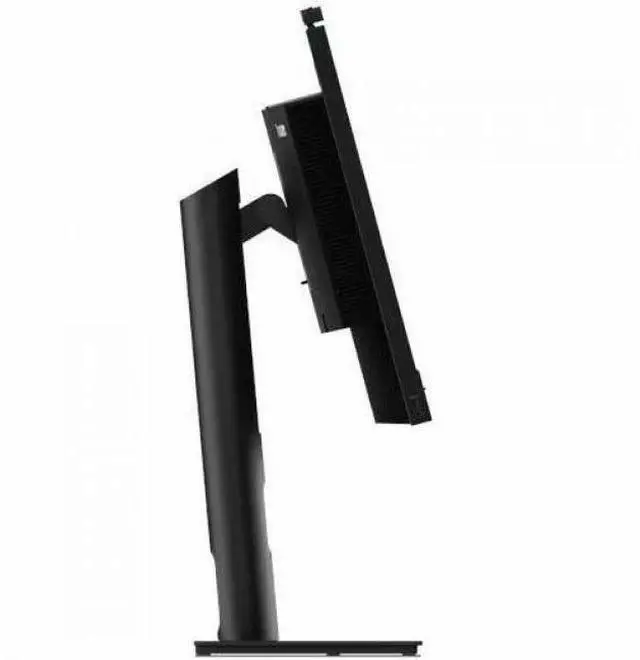
- Swivel, Height, Pivot, Tilt
- HDMI^
Any questions? Ask CelesteSM will help you find out quickly.
Bring your ThinkVision Monitors under the same trusted Premier Support coverage* ensuring your entire setup is backed by 24/7 expert service and faster resolutions, with priority Advanced Exchange if your monitor needs replacement.
With the same dedicated, award-winning support team, adding Premier Support for Monitors means fewer support gaps, less downtime, and a seamless experience across your devices.
Upgrade your service coverage today and keep your business moving without interruptions. Thats the Premier Difference
*Premier Support for Monitors is available in select markets.
|Warranty & Returns
Warranty, Returns, And Additional Information
Warranty
- Please contact the Seller directly for warranty information. Warranty information may also be found on the Manufacturer's website.
- Read full details
- CONTACT
Return Policies
- Return for refund within: 30 days
- Return for replacement within: 30 days
- This item is covered by Lenovo Return Policy
Manufacturer Contact Info
- For a directory of all our manufacturers, please click below.
- Manufacturers Directory
The Lenovo ThinkVision Tiny-In-One 24 Gen 5 is a 23.8-inch non-touch IPS monitor with Full HD resolution and an adjustable stand, suited to everyday office work, web browsing, and home productivity setups.
Recommended For
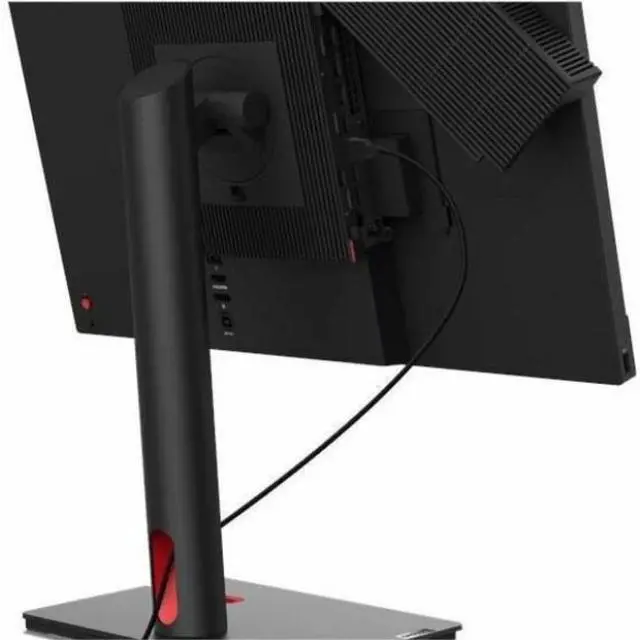
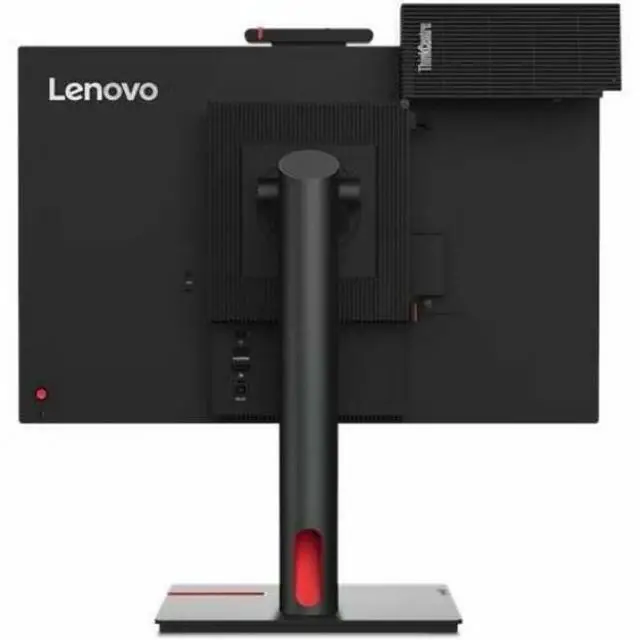
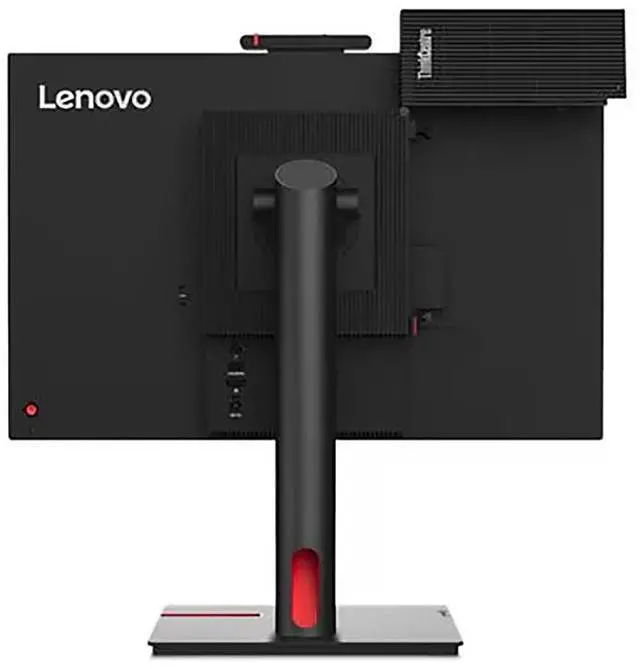
- ThinkCentre or ThinkStation Tiny owners who want to mount a compatible mini PC behind the display for a more integrated desk setup; confirm compatibility with the specific Tiny model.
- Office and administrative workers at a fixed desk who need a 23.8-inch Full HD screen for documents, web apps, email, and routine multitasking, with height, tilt, swivel, and pivot adjustments.
- Organizations standardizing compact, stationary workstations around compatible Lenovo Tiny PCs, while keeping the computer and monitor as separate components that can be replaced independently.
- Users who connect a laptop or desktop by HDMI or DisplayPort and want a conventional, adjustable 24-inch-class display rather than a portable screen.
Real-World Use Scenarios
- At a fixed office desk, use it for email, documents, spreadsheets, and browser tabs; the Full HD screen provides a straightforward everyday workspace, while the adjustable stand helps match the screen to your seating position.
- Build a compact desktop around a compatible Lenovo ThinkCentre or ThinkStation Tiny PC: the PC mounts in the monitor’s rear bay, helping keep the computer off the desk and the workstation tidier.
- Connect a laptop or desktop over HDMI or DisplayPort when you want a larger screen for work; this is useful for moving from a laptop-only setup to a desk-based workspace.
- Rotate the screen to portrait for reading long documents, reviewing code, or viewing lengthy web pages; the taller layout can show more vertical content at once.
- Use it as a general-purpose screen for presentations and video content at a desk; it is suited to everyday viewing, rather than workflows that depend on higher-resolution detail or high-refresh gaming.