




 here!
I’m your shopping assistant for PC builds, upgrades, and everything tech.
Got questions? Ask away!
Start a conversation
here!
I’m your shopping assistant for PC builds, upgrades, and everything tech.
Got questions? Ask away!
Start a conversation Top Rated
 Hot Seller





Any questions? Ask CelesteSM will help you find out quickly.
Screen Space Expansion
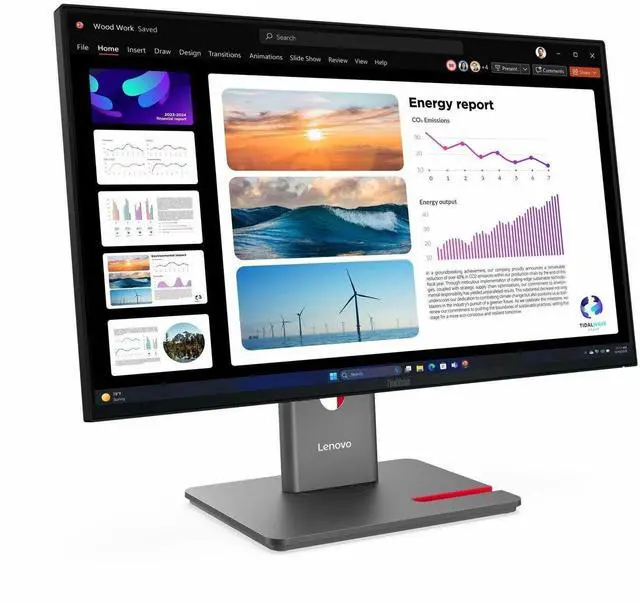
|Use the DP out port to increase your screen space by daisy chaining up to 2 monitors that combine to become one large screen with their 4-sided ultra-thin bezels.
|Ample Connectivity
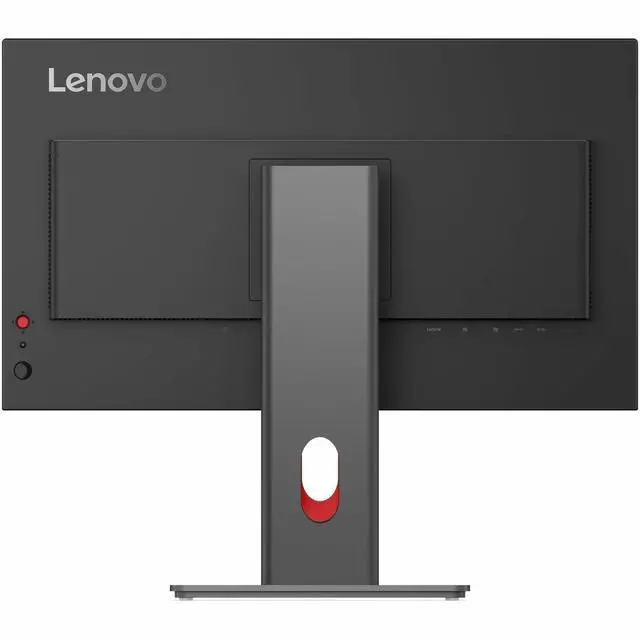
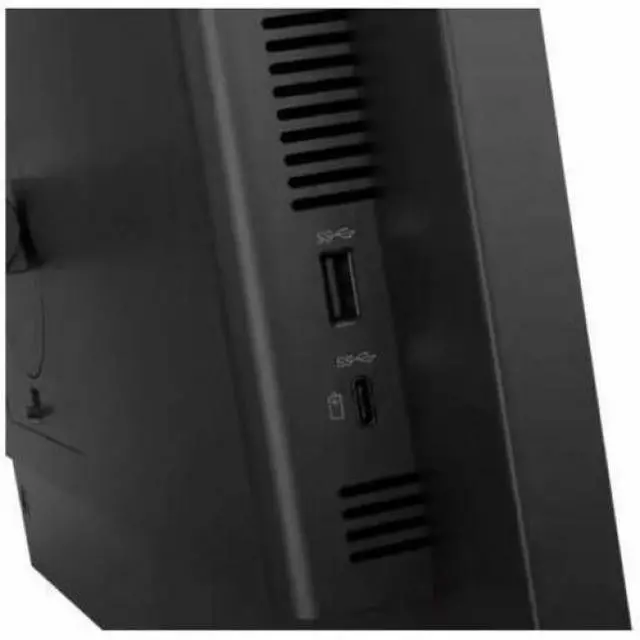
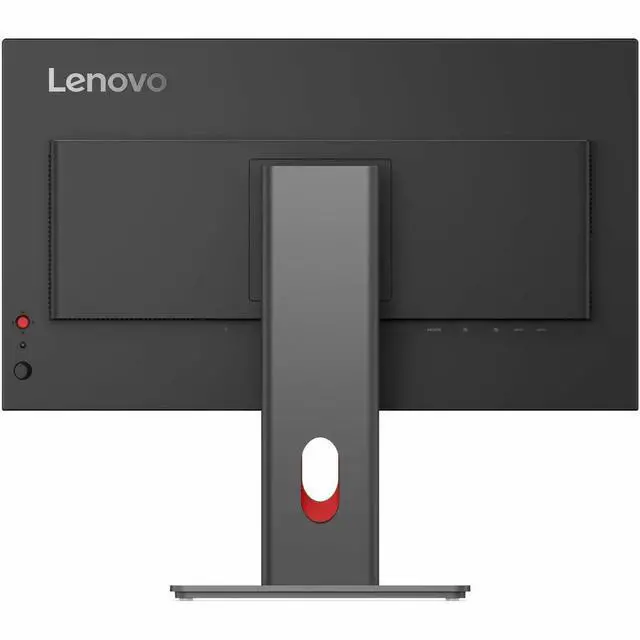
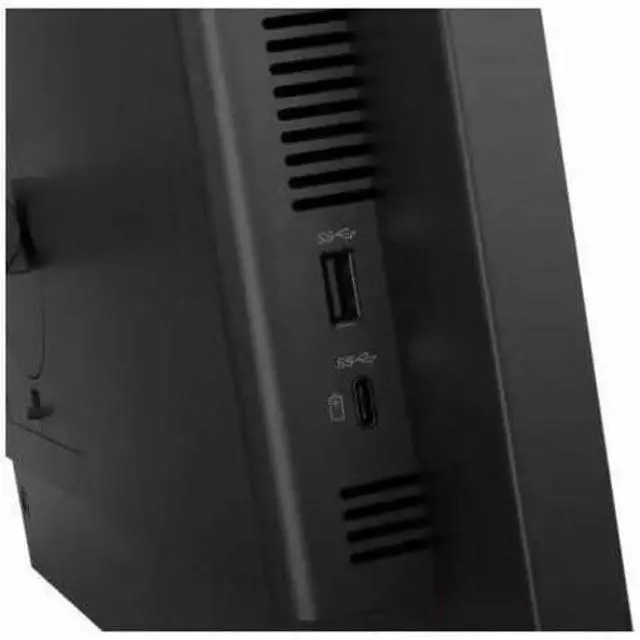
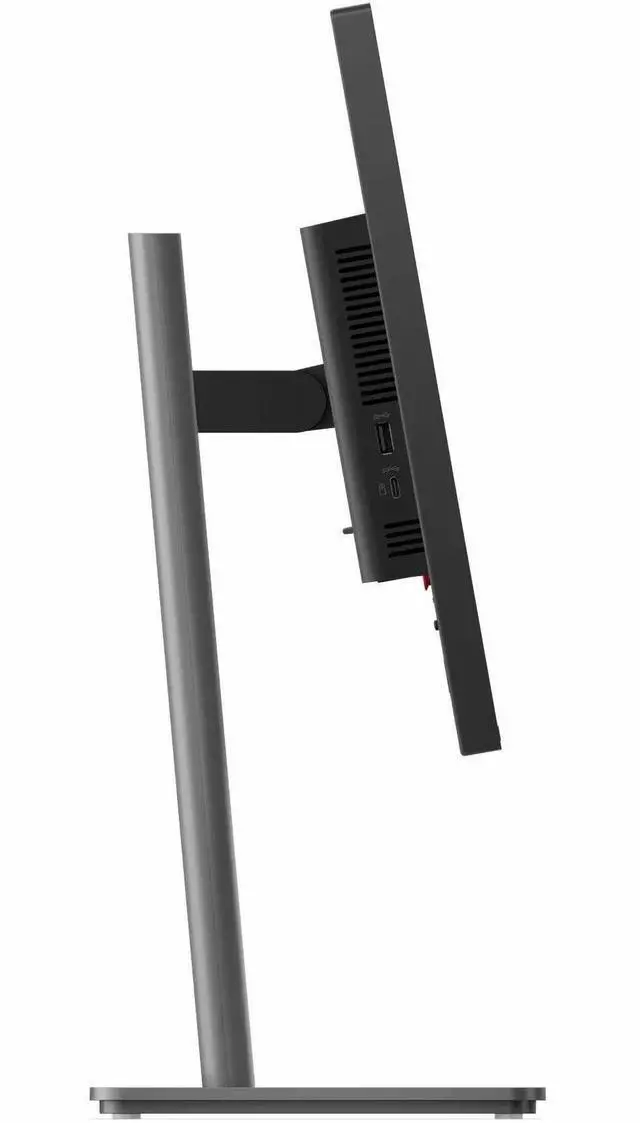
|Easily connect all compatible and preferred devices to the monitor's built-in USB hub, HDMI and DP ports to level-up your productivity for all workflows.
|Support for Modular Add-Ons
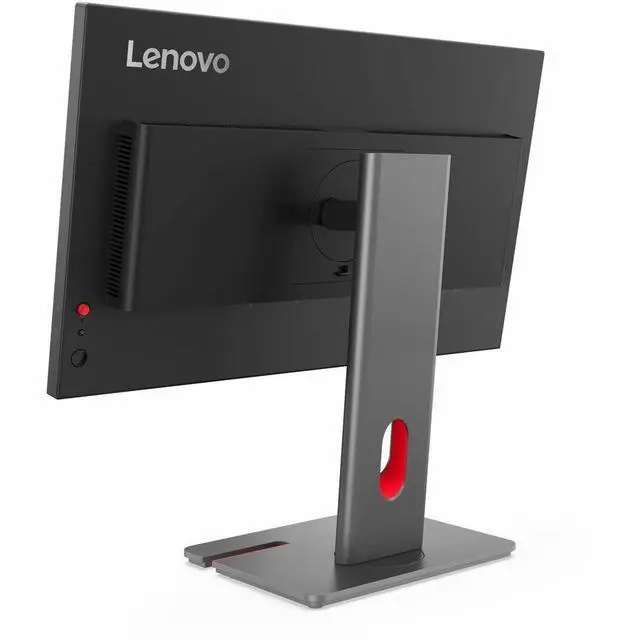
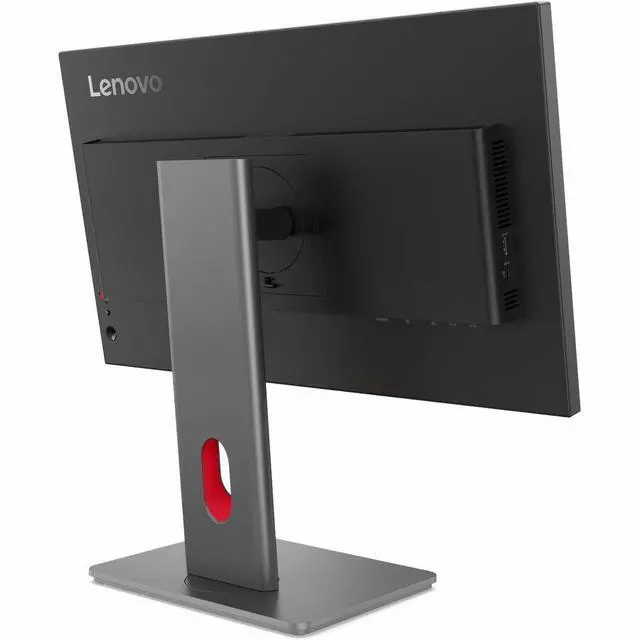
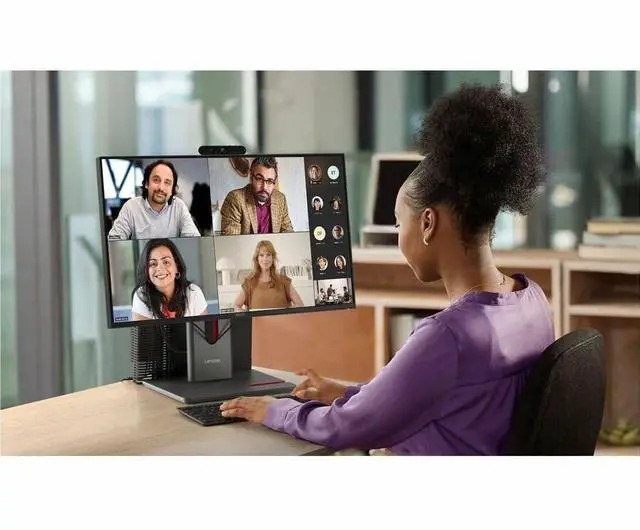
|Improve your audio and camera quality by connecting to the ThinkVision Modular MC60 Webcam and MS30 Soundbar via the top-mounted USB-A port. Work peacefully on your neat and organized desk with the monitors support for mounting the Lenovo Tiny PC.
| |P24Q-40's energy saving features exceed Energy Star 8.0 industry standards by more than 30%*. It's 48-120Hz variable refresh rate helps you to achieve lower energy consumption when viewing still images.
|*The result may be variations between models, the exact value should be checked by model.
|95% PCC recycled plastic, recycled steel and glass, and 100% paper package with pulp cushion used by the product.
||Lenovo meets the latest environmental standards such as EPEAT® Gold, and our products are EnergyStar® and TCO 10 Certified.
| || |Enable software solution of your displays for any usage scenario with Lenovo LADM (ThinkColour).*
| ||*Formerly Lenovo Display Control Center. Supports Windows 10 & 11, Mac OS (functions vary across systems)
Extend Premier Support to Your ThinkVision Monitors|Bring your ThinkVision Monitors under the same trusted Premier Support coverage* ensuring your entire setup is backed by 24/7 expert service and faster resolutions, with priority Advanced Exchange if your monitor needs replacement.
With the same dedicated, award-winning support team, adding Premier Support for Monitors means fewer support gaps, less downtime, and a seamless experience across your devices.
Upgrade your service coverage today and keep your business moving without interruptions. Thats the Premier Difference
*Premier Support for Monitors is available in select markets.
| ||*Formerly Lenovo Display Control Center. Supports Windows 10 & 11, Mac OS (functions vary across systems)
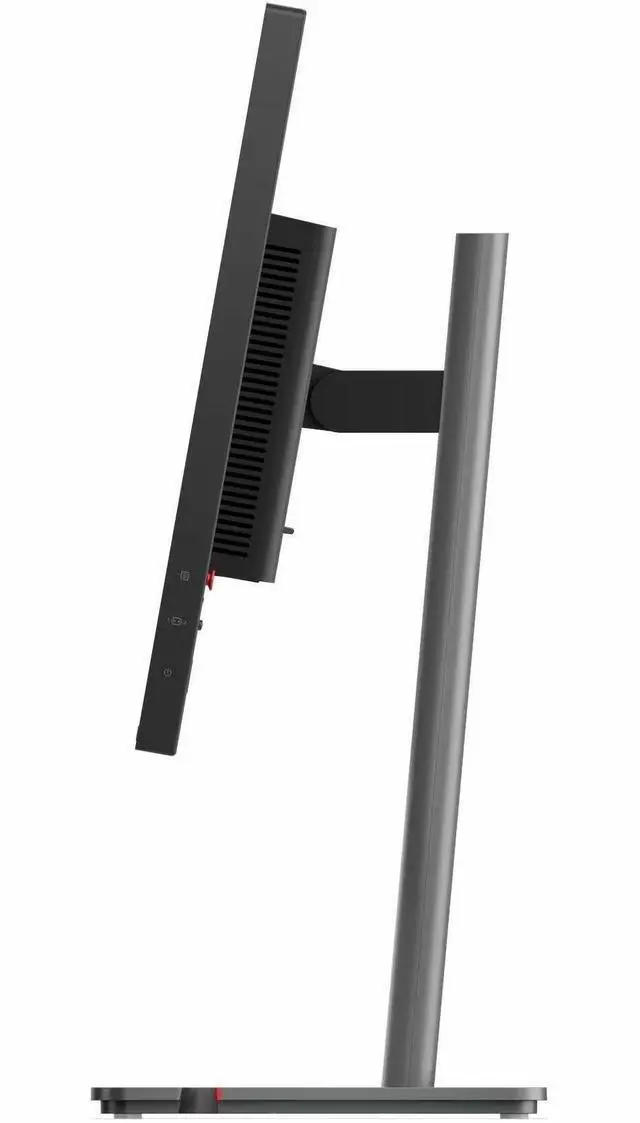
|Use the monitor's full function LTPS stand to lift, tilt, pivot, and swivel the monitor to perfectly suit your preferred seating position.
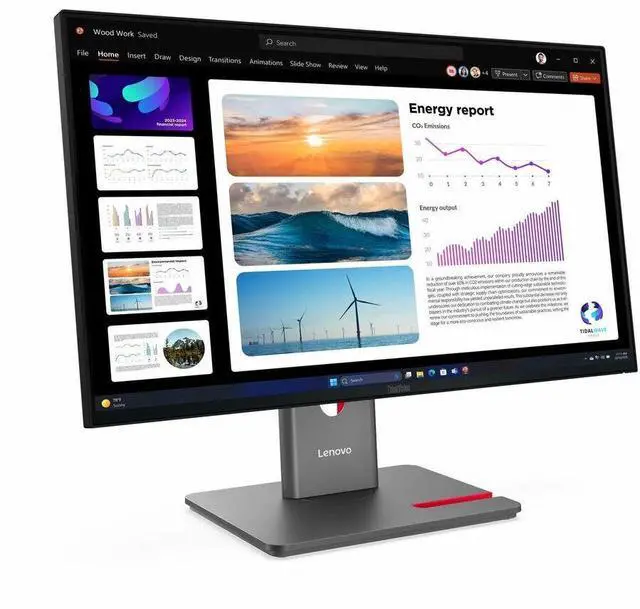
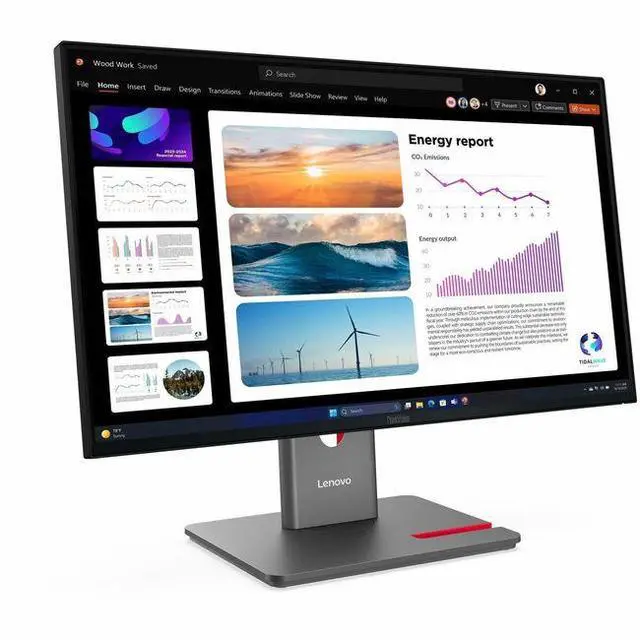
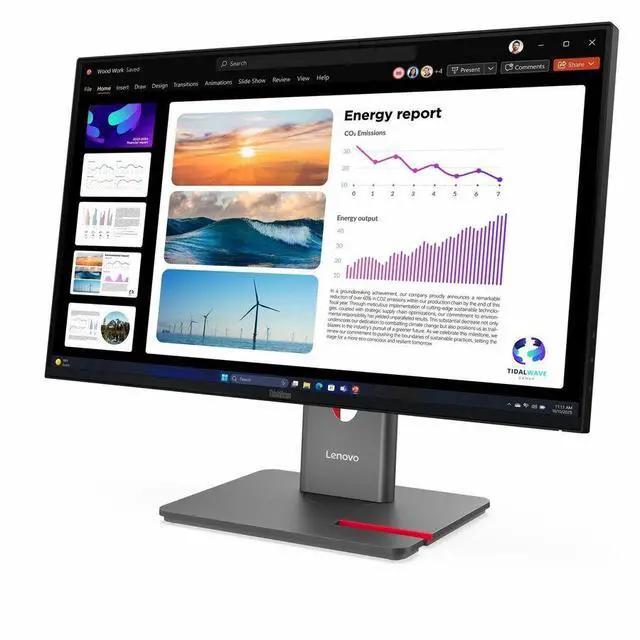
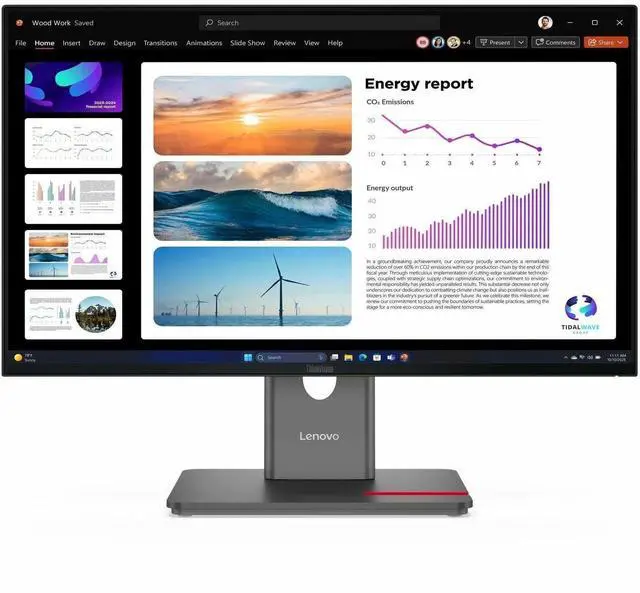
|The Lenovo ThinkVision P24Q-40 is a 23.8-inch IPS QHD monitor with a 120Hz refresh rate, suited to office work, study, and everyday use where sharp detail and smoother on-screen motion are useful.


