




 here!
I’m your shopping assistant for PC builds, upgrades, and everything tech.
Got questions? Ask away!
Start a conversation
here!
I’m your shopping assistant for PC builds, upgrades, and everything tech.
Got questions? Ask away!
Start a conversationShipped by Newegg
 Top Rated Top Rated
 Hot Seller





Any questions? Ask CelesteSM will help you find out quickly.
Screen Space Expansion
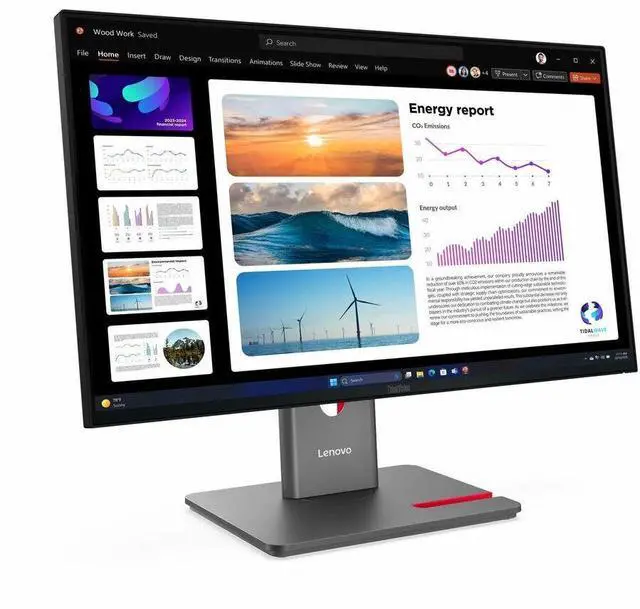
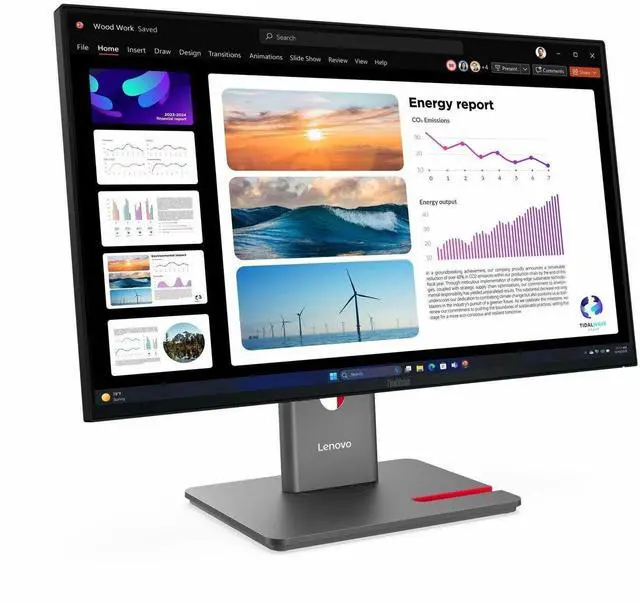
|Use the DP out port to increase your screen space by daisy chaining up to 2 monitors that combine to become one large screen with their 4-sided ultra-thin bezels.
|Ample Connectivity
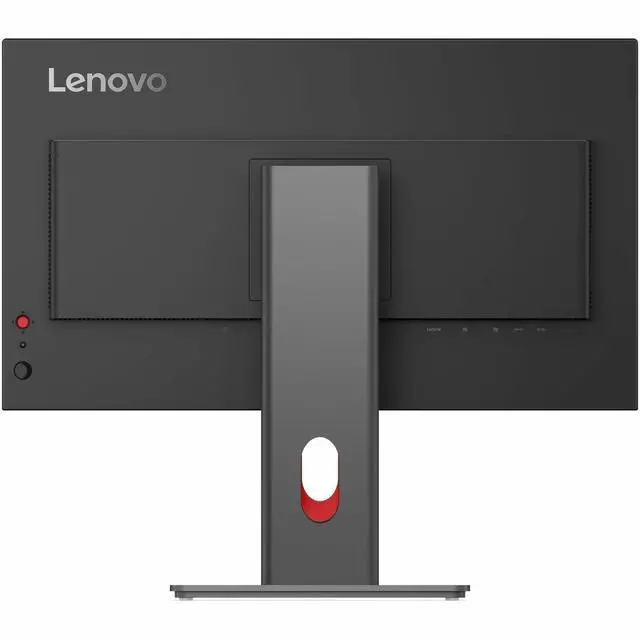
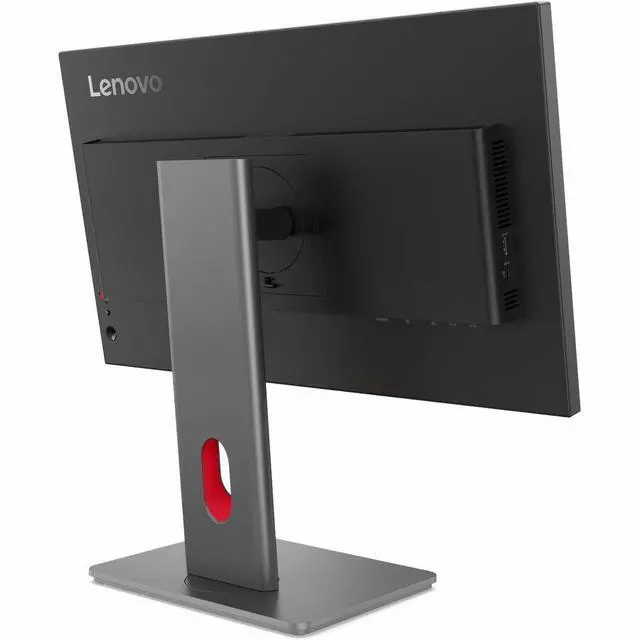
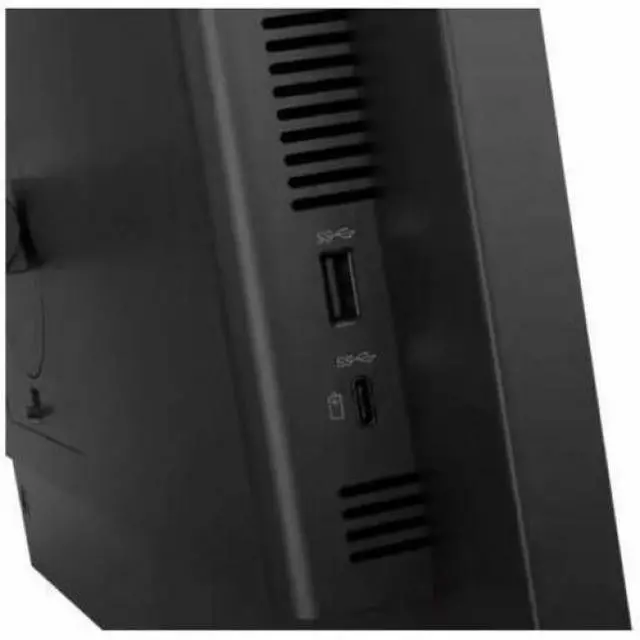
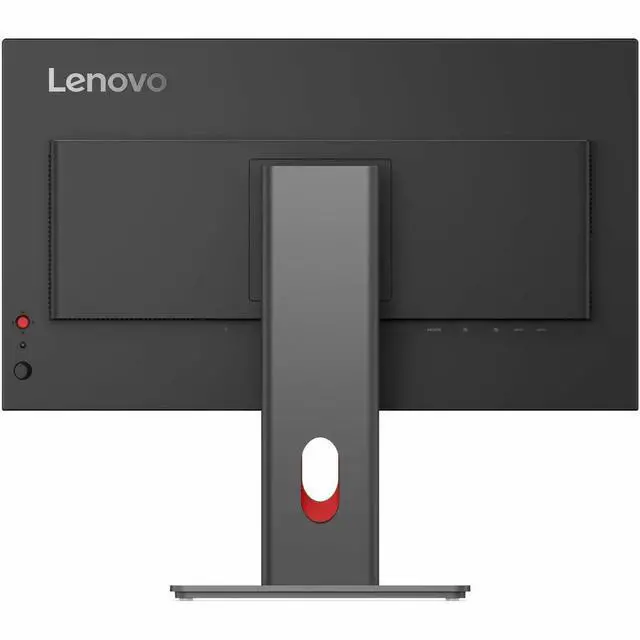
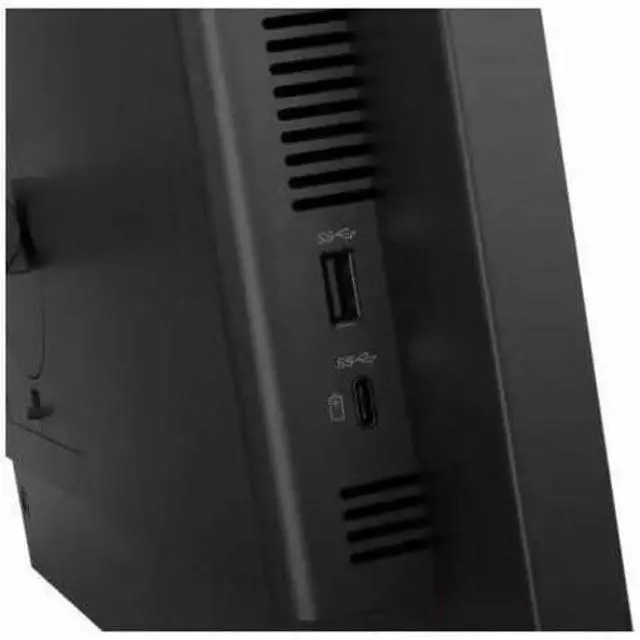
|Easily connect all compatible and preferred devices to the monitor's built-in USB hub, HDMI and DP ports to level-up your productivity for all workflows.
|Support for Modular Add-Ons
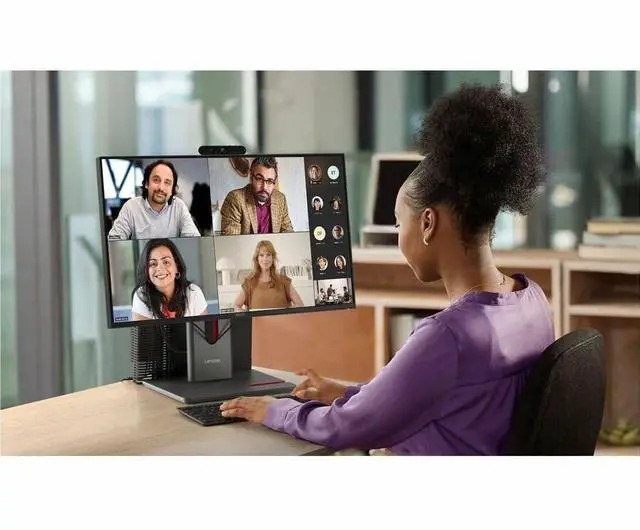
|Improve your audio and camera quality by connecting to the ThinkVision Modular MC60 Webcam and MS30 Soundbar via the top-mounted USB-A port. Work peacefully on your neat and organized desk with the monitors support for mounting the Lenovo Tiny PC.
| |P24Q-40's energy saving features exceed Energy Star 8.0 industry standards by more than 30%*. It's 48-120Hz variable refresh rate helps you to achieve lower energy consumption when viewing still images.
|*The result may be variations between models, the exact value should be checked by model.
|95% PCC recycled plastic, recycled steel and glass, and 100% paper package with pulp cushion used by the product.
||Lenovo meets the latest environmental standards such as EPEAT® Gold, and our products are EnergyStar® and TCO 10 Certified.
| || |Enable software solution of your displays for any usage scenario with Lenovo LADM (ThinkColour).*
| ||*Formerly Lenovo Display Control Center. Supports Windows 10 & 11, Mac OS (functions vary across systems)
Extend Premier Support to Your ThinkVision Monitors|Bring your ThinkVision Monitors under the same trusted Premier Support coverage* ensuring your entire setup is backed by 24/7 expert service and faster resolutions, with priority Advanced Exchange if your monitor needs replacement.
With the same dedicated, award-winning support team, adding Premier Support for Monitors means fewer support gaps, less downtime, and a seamless experience across your devices.
Upgrade your service coverage today and keep your business moving without interruptions. Thats the Premier Difference
*Premier Support for Monitors is available in select markets.
| ||*Formerly Lenovo Display Control Center. Supports Windows 10 & 11, Mac OS (functions vary across systems)
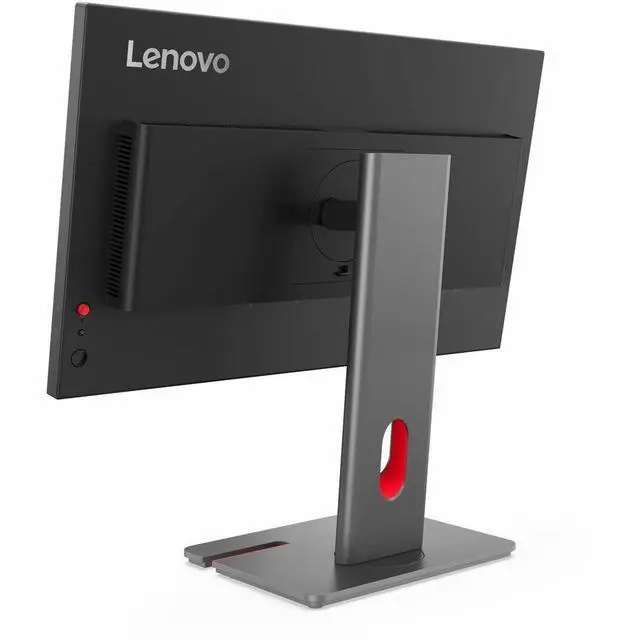
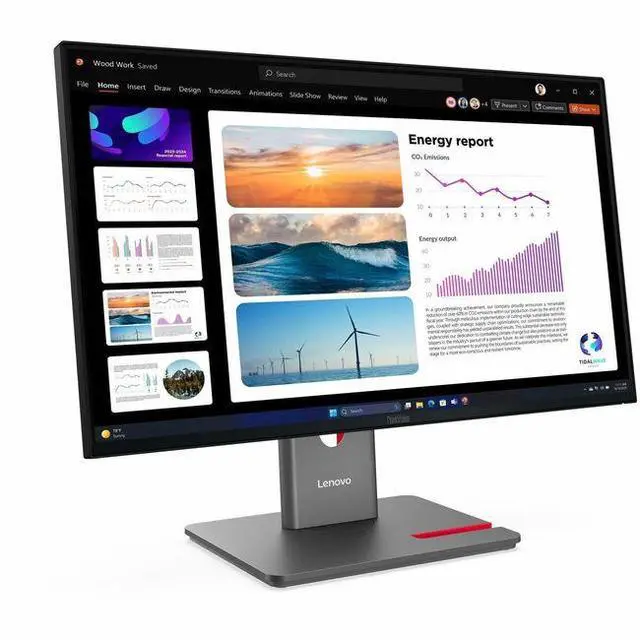
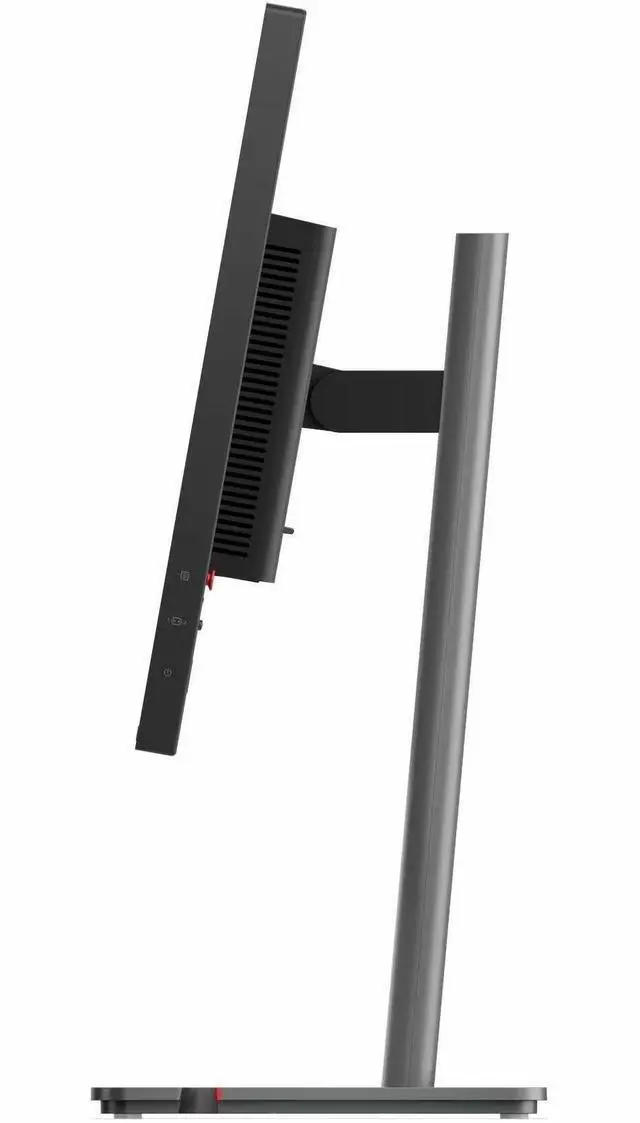
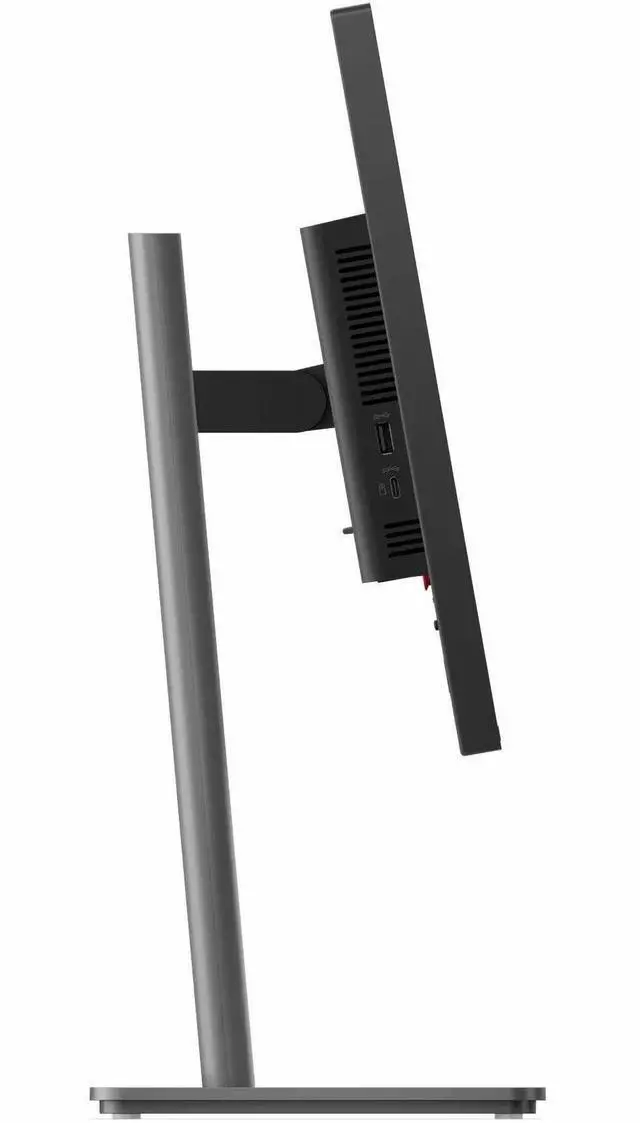
|Use the monitor's full function LTPS stand to lift, tilt, pivot, and swivel the monitor to perfectly suit your preferred seating position.
|We want to ensure your holiday shopping this year is hassle-free. That’s why we’re automatically extending our return policies on almost every product! For purchases placed between November 1st, 2026 and December 31, 2026 you will have until January 31, 2027 to return your product.
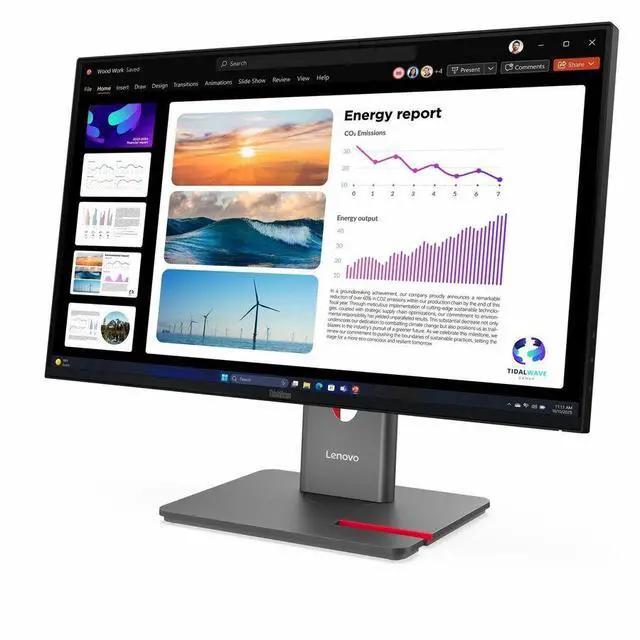
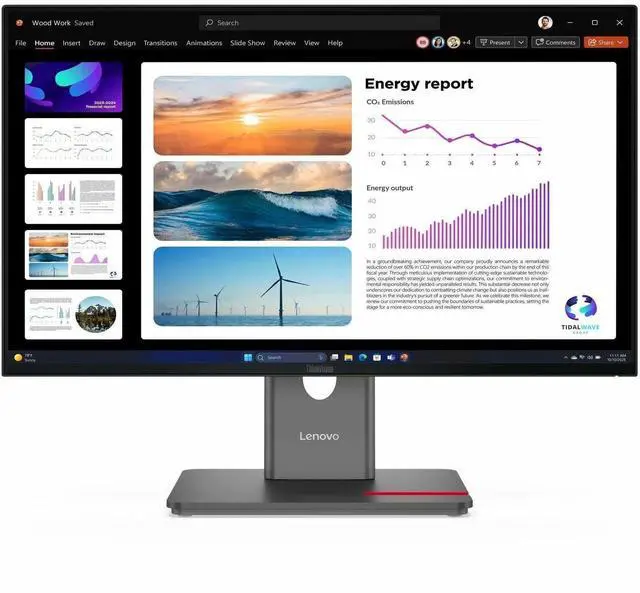
The Lenovo ThinkVision P24Q-40 is a 23.8-inch IPS QHD monitor with a 120Hz refresh rate, suited to office work, study, and everyday use where sharp detail and smoother on-screen motion are useful.
| Attribute | Value |
|---|---|
| Best For | Desktop work, viewing, and responsive on-screen motion on a 23.8-inch QHD IPS display |
| Panel And Resolution | 23.8-inch IPS LED panel with 2560 × 1440 QHD resolution, 16:9 aspect ratio, 178-degree viewing angle, matte finish, and 0.2058 pixel pitch; sRGB gamut value of 99 and contrast ratio of 1500:1 |
| Refresh Rate And Response | 120 Hz refresh rate and 4 ms response time |
| Ports And Connectivity | HDMI, DisplayPort, USB, and USB Type-C connectivity, including 1 HDMI port and 5 USB 3.0 ports |
| Stand And Ergonomics | Ergonomic design with 100 × 100 mounting support; includes a stand |
| Eye Comfort And Picture Features | Eye Comfort Technology, Low Blue Light, flicker-free technology, and HDR10 |
| Power Consumption | 12 W |
| Physical Design | Raven Black; horizontal orientation; listed dimensions are 28.8 inches front-to-back, 16.5 inches wide, and 4.8 inches high |
| Weight | 16.5 lb (7.484 kg) |
| Included Accessories | DP 1.4 cable (1.8 m), HDMI 2.0 cable (1.8 m), power cable (1.8 m), factory calibration report, and quick setup guide |
| Model Identifiers | Lenovo ThinkVision, model and part number 64B2GAR1UZ |
Q: Should I choose the ThinkVision P24Q-40 or the older P24q-30?
A: Choose the ThinkVision P24Q-40 if you want a 23.8-inch QHD display with refresh rates up to 120Hz. The P24q-30 offers the same screen size and QHD resolution with a 60Hz refresh rate, making it a fit for a standard-refresh office setup.
Q: ThinkVision P24Q-40 or P24QD-40 for a laptop desk setup?
A: Choose the P24Q-40 for a 23.8-inch QHD monitor with up to 120Hz refresh and a USB hub. Choose the P24QD-40 if you want a single USB-C connection that combines display, data, and up to 140W laptop charging, along with Ethernet and daisy-chaining support.
Q: ThinkVision P24Q-40 or P27Q-40 for a larger QHD workspace?
A: Choose the P24Q-40 for a more compact 23.8-inch screen with higher pixel density at 123 pixels per inch. Choose the P27Q-40 for a larger 27-inch QHD workspace; both models support refresh rates up to 120Hz.
Q: Is this monitor suitable for everyday office work and viewing multiple documents?
A: Yes. Its 23.8-inch QHD IPS anti-glare display provides a sharp workspace for documents and multitasking. The stand supports height, tilt, swivel, and pivot adjustments for desk use.
Q: Does it have built-in speakers, a webcam, or a microphone for video meetings?
A: No. The P24Q-40 has no built-in speakers, webcam, or microphone, so video meetings require separate audio and camera equipment or the connected computer’s devices.
Q: What connections and cables does it include?
A: It includes 1.8 m DisplayPort and HDMI cables. The monitor has DisplayPort 1.4 and HDMI inputs. Its USB-C port is for downstream data and up to 15 W power; it is not a USB-C laptop video input or laptop-charging connection.
Q: Can the screen be rotated vertically for reading or document work?
A: Yes. Its stand supports pivot rotation, as well as height, tilt, and swivel adjustments, so the screen can be positioned vertically for compatible setups.
Q: Is the ThinkVision P24Q-40 a good choice for coding, movies, and occasional gaming?
A: It appears suited to coding and general viewing: the supplied product information lists a 23.8-inch QHD IPS display and 120Hz refresh rate, and a Reddit commenter considered it a good fit for coding and casual, non-FPS gaming. The discussion is brief, so it does not establish performance across games or individual units.
Q: Should I choose this 23.8-inch QHD monitor or a 27-inch QHD model?
A: Choose the P24Q-40 if you prefer a smaller screen; consider a 27-inch QHD alternative if you want a larger viewing area. The Reddit thread raised this exact comparison, but does not provide a detailed side-by-side assessment.
Q: Is the P24Q-40 worth buying?
A: It may be worth considering for coding and casual use if its price suits your budget, but the available Reddit discussion offers little hands-on evidence and no thorough comparison. Check current pricing and alternatives before deciding.


 Lenovo


