




 here!
I’m your shopping assistant for PC builds, upgrades, and everything tech.
Got questions? Ask away!
Start a conversation
here!
I’m your shopping assistant for PC builds, upgrades, and everything tech.
Got questions? Ask away!
Start a conversationShipped by Newegg
 Top Rated
 Hot Seller

Make informed decisions with expert advice. Learn More

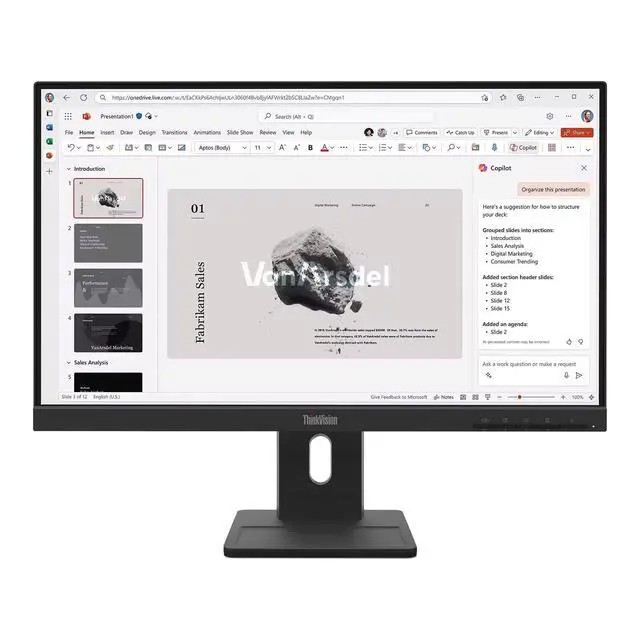
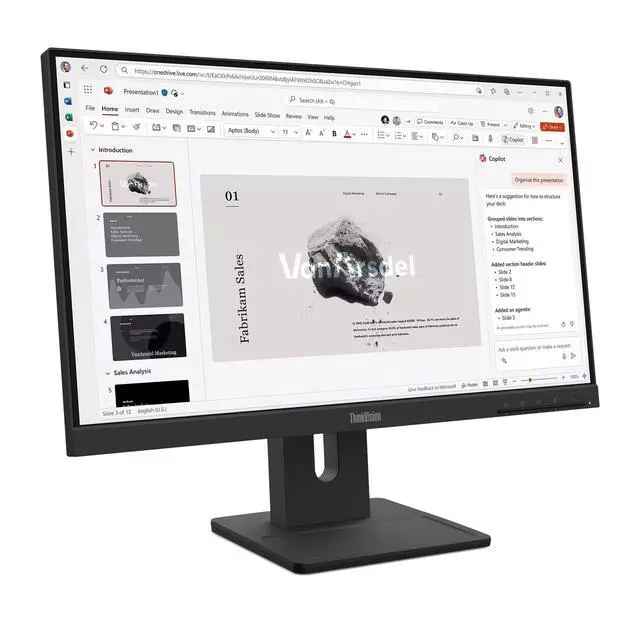
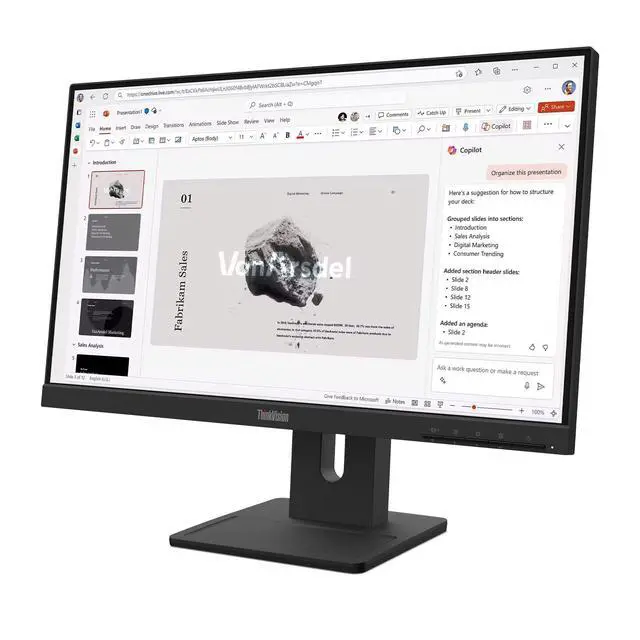



Any questions? Ask CelesteSM will help you find out quickly.
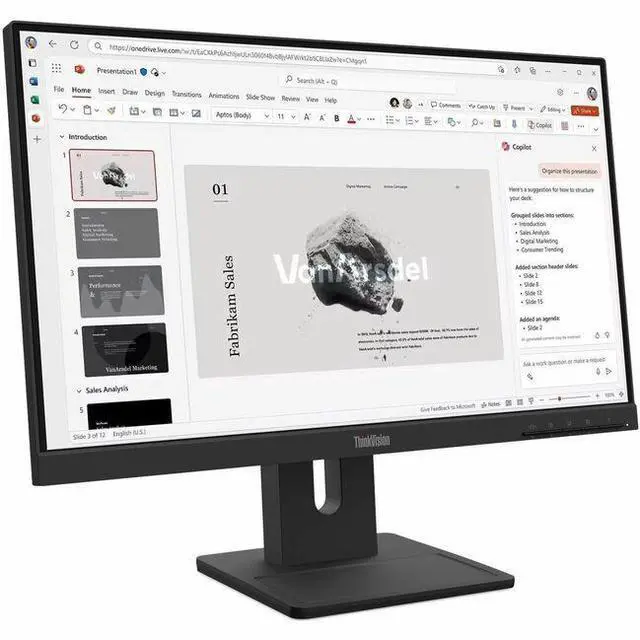
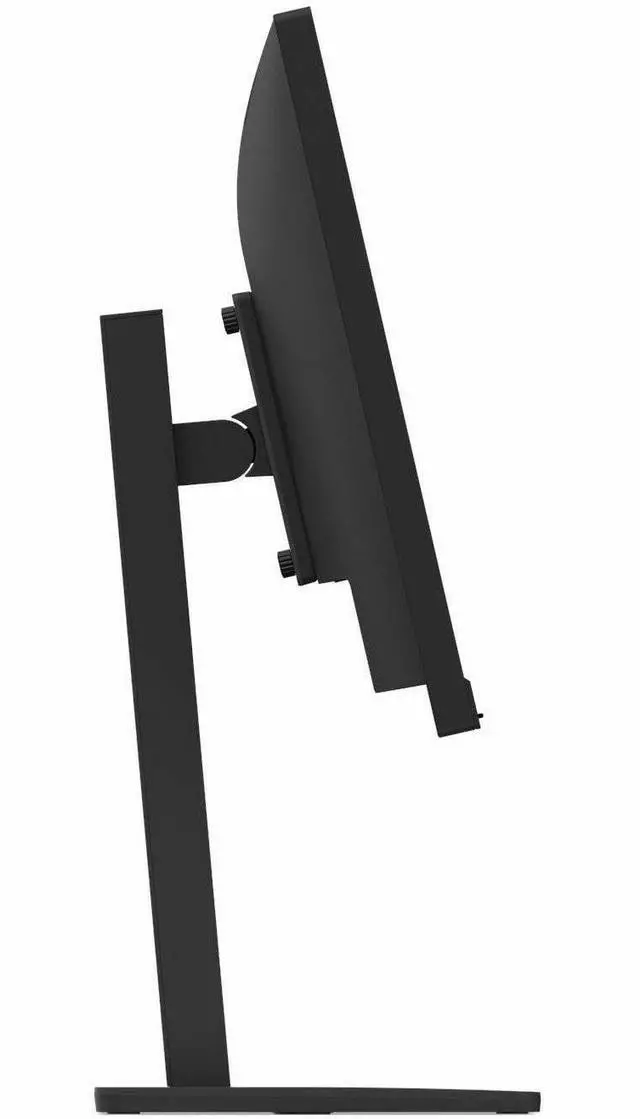
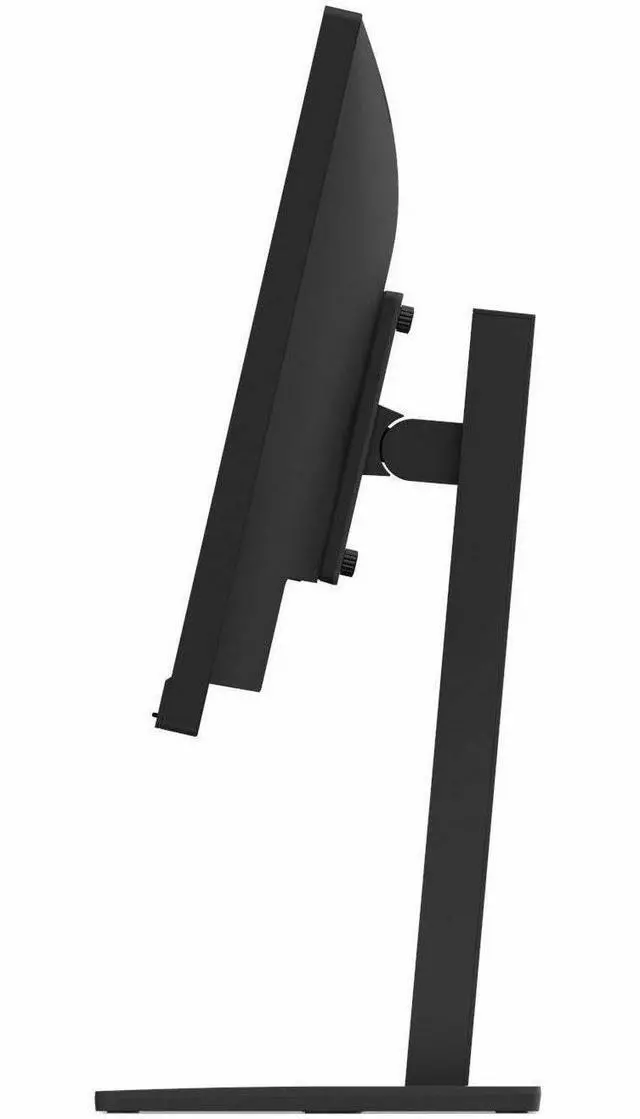
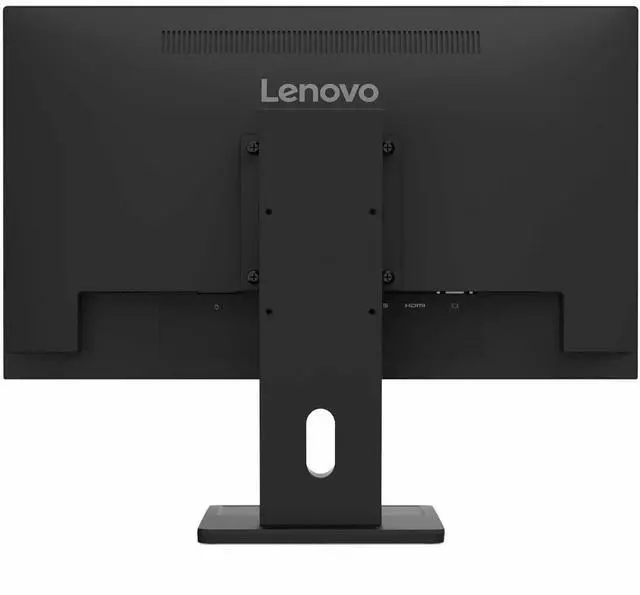
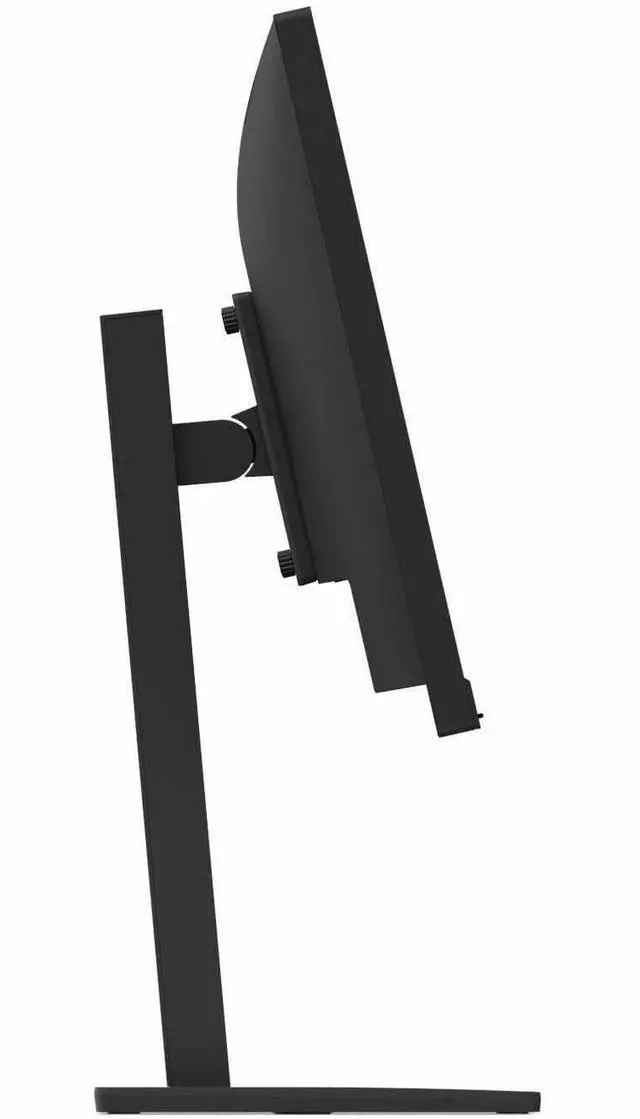
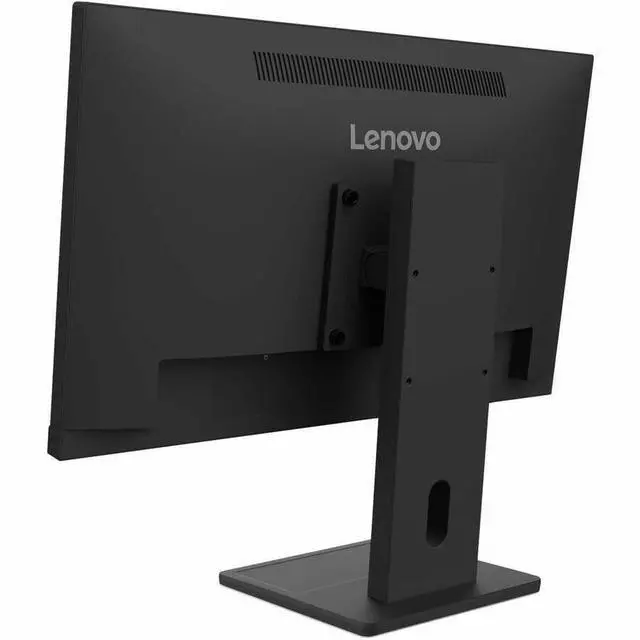
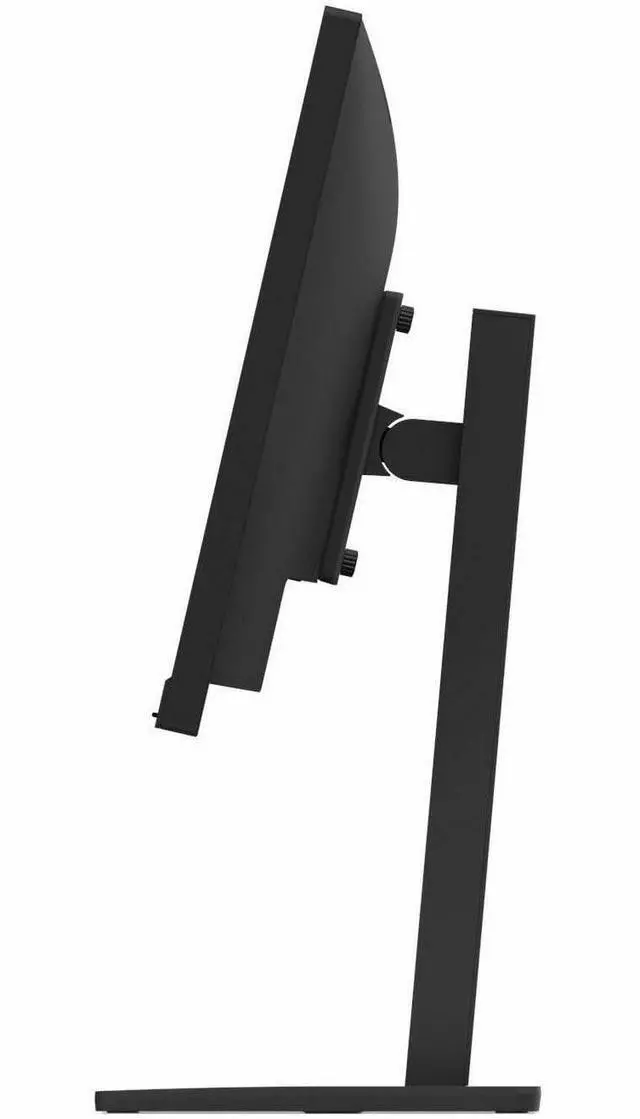
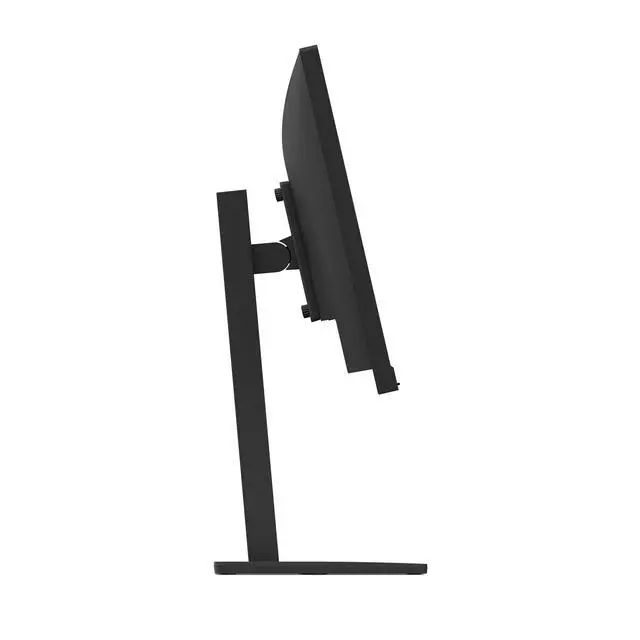
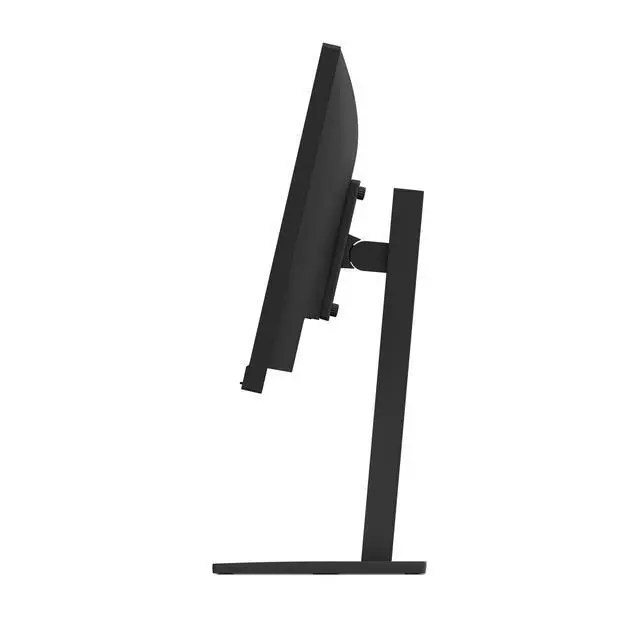
Maintain a comfortable sitting posture with the fully adjustable LTPS stand, designed to lift, tilt, pivot, and swivel the monitor for optimal ergonomic comfort, while keeping your desk free of cable clutter with the stand's improved cable mangement.
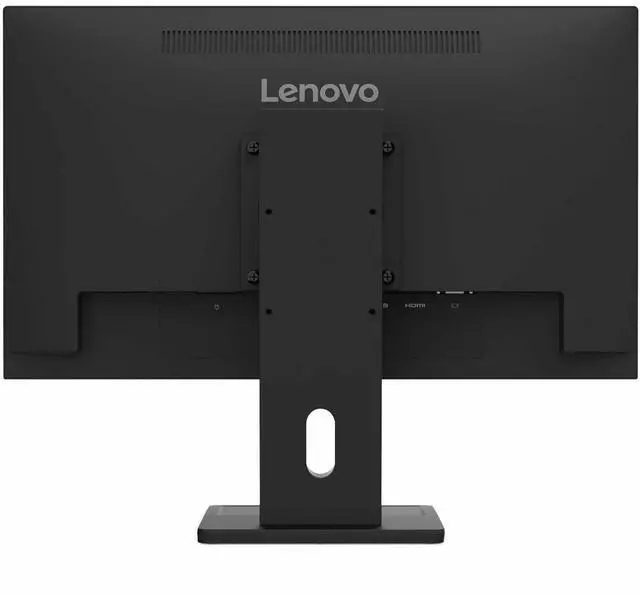
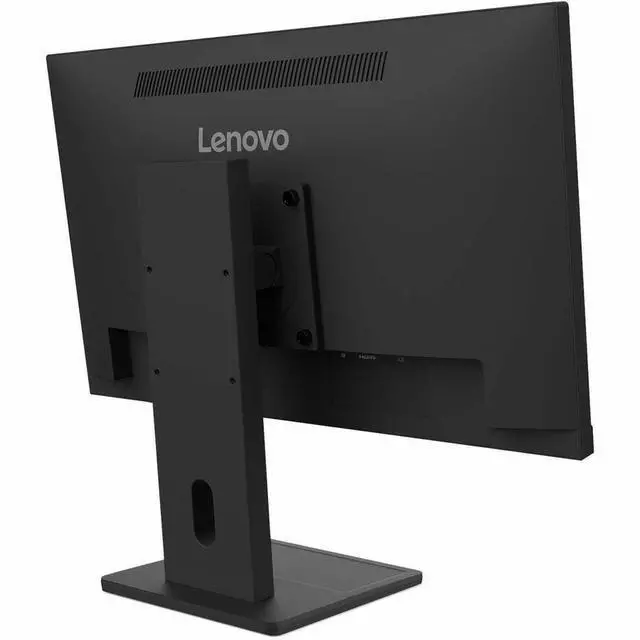
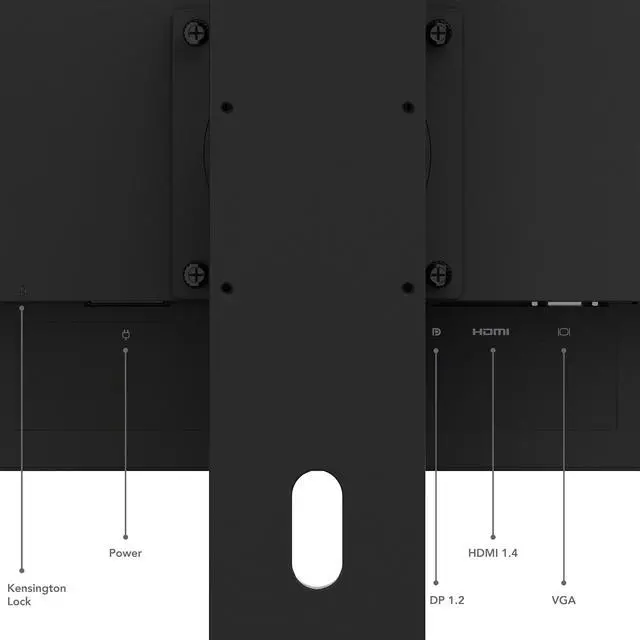
| || |Connect to any computer or console seamlessly using the monitor's VGA, HDMI or DP ports, while enjoying crips stereo audio from the built-in dual 2W speakers.
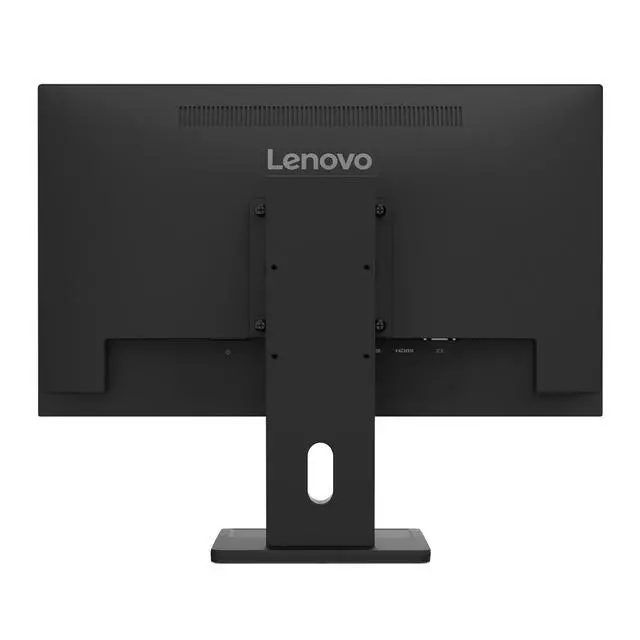
| |Keep your work setup clean and un-cluttered with the monitor's support for Tiny PC mounting with VESA mount.
|*Support ThinkCentre Tiny VESA Mount II (PN: 4XF0N03161), which is sold separately.
|EPEAT Gold, TCO10,TCO Edge 2.1, Energy Star 8.0, and ErP Lot 5 (EU Energy Level C) certifications, ensure that this monitor protects the environment while enabling stellar productivity. With its recyclable paper box and pulp cushion packaging the monitor also helps reduce harmful packaging waste.
| Extend Premier Support to Your ThinkVision Monitors|Bring your ThinkVision Monitors under the same trusted Premier Support coverage* ensuring your entire setup is backed by 24/7 expert service and faster resolutions, with priority Advanced Exchange if your monitor needs replacement.
With the same dedicated, award-winning support team, adding Premier Support for Monitors means fewer support gaps, less downtime, and a seamless experience across your devices.
Upgrade your service coverage today and keep your business moving without interruptions. Thats the Premier Difference
*Premier Support for Monitors is available in select markets.
|We want to ensure your holiday shopping this year is hassle-free. That’s why we’re automatically extending our return policies on almost every product! For purchases placed between November 1st, 2026 and December 31, 2026 you will have until January 31, 2027 to return your product.
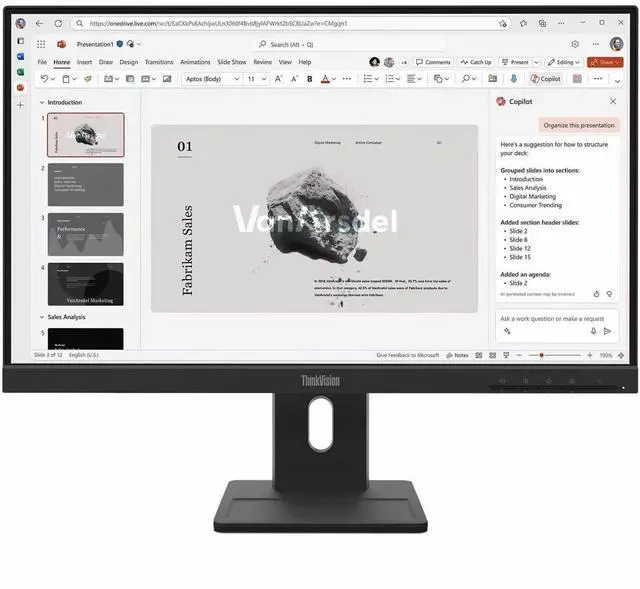
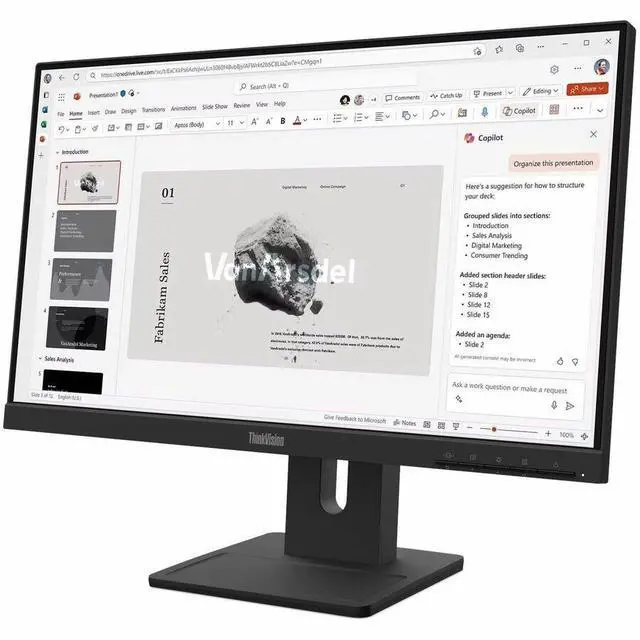
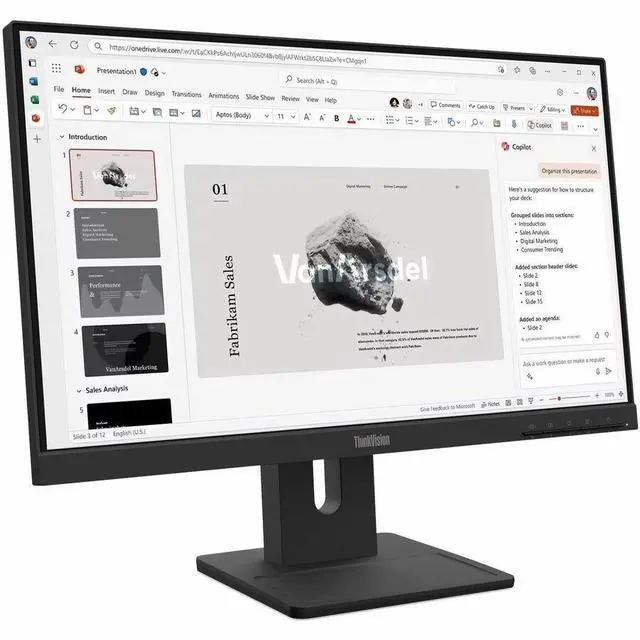
The Lenovo ThinkVision E22-40 is a 21.5-inch Full HD IPS monitor with a 100Hz refresh rate and an adjustable stand, suited to everyday office work, study, and general desktop use.
| Attribute | Value |
|---|---|
| Best For | Desktop viewing and productivity on a 21.5-inch Full HD IPS display |
| Panel And Resolution | 21.5-inch IPS LED panel with 1920 × 1080 resolution, 16:9 aspect ratio, 178° viewing angle, 1300:1 contrast ratio, 99% sRGB gamut, anti-glare finish, and 0.2479 pixel pitch |
| Refresh Rate And Response | 100 Hz refresh rate with a 4 ms response time |
| Ports And Connectivity | HDMI, DisplayPort, and VGA inputs, including one HDMI port; no USB ports |
| Stand And Ergonomics | 100 × 100 mm mounting support; listed dimensions without stand are 19.3 × 11.7 × 2.1 inches |
| Display Features And Color | Raven Black finish with low blue light and flicker-free features |
| Power | 10.5 W power consumption |
| Included Accessories | HDMI cable |
| Model Identifiers | Lenovo ThinkVision, model 64C9MAR6US |
Q: ThinkVision E22-40 vs. E22-30: what changed?
A: Choose the ThinkVision E22-40 if you want a 21.5-inch Full HD IPS display with a 100Hz refresh rate. The E22-30 keeps the same screen size and resolution, with a 75Hz refresh rate. Both models include integrated speakers and an adjustable stand.
Q: Should I get the ThinkVision E22-40 or the larger E24-40?
A: Choose the E22-40 for a more compact 21.5-inch screen; choose the E24-40 for a larger 23.8-inch viewing area. Both have Full HD IPS panels, 100Hz refresh rates, integrated speakers, and adjustable stands, making screen size the main distinction for this choice.
Q: ThinkVision E22-40 or E24q-30 for a sharper workspace?
A: Choose the E22-40 for a compact 21.5-inch Full HD setup. Choose the 23.8-inch ThinkVision E24q-30 if you want QHD resolution (2560 × 1440) and more screen area. Both models have IPS panels and 100Hz refresh rates.
Q: Is this monitor suitable for everyday office work and meetings?
A: Yes. Its 21.5-inch Full HD IPS screen, adjustable stand, and built-in speakers suit everyday office tasks and video meetings. It does not have a built-in webcam or microphone, so use your computer’s or an external camera and microphone for calls.
Q: Can the screen be raised, rotated, or turned vertically?
A: Yes. The stand supports height adjustment, swivel, tilt, and pivot, so you can adjust the viewing position or rotate the screen to portrait orientation.
Q: Does this monitor have speakers, and can it replace a webcam for calls?
A: It has built-in speakers, but no webcam or microphone is listed. It can play meeting audio, but you will need a separate or computer-connected camera and microphone for video calls.
Q: Is this monitor a good choice for gaming?
A: It can suit casual gaming: the 100Hz refresh rate and 4ms response time support smoother motion than a basic 60Hz display. Its 21.5-inch, 1920 × 1080 screen is better suited to everyday gaming than to buyers seeking a larger or higher-resolution display.


 Lenovo


