




 here!
I’m your shopping assistant for PC builds, upgrades, and everything tech.
Got questions? Ask away!
Start a conversation
here!
I’m your shopping assistant for PC builds, upgrades, and everything tech.
Got questions? Ask away!
Start a conversationShipped by Newegg
 Top Rated

Make informed decisions with expert advice. Learn More




Any questions? Ask CelesteSM will help you find out quickly.
We want to ensure your holiday shopping this year is hassle-free. That’s why we’re automatically extending our return policies on almost every product! For purchases placed between November 1st, 2026 and December 31, 2026 you will have until January 31, 2027 to return your product.
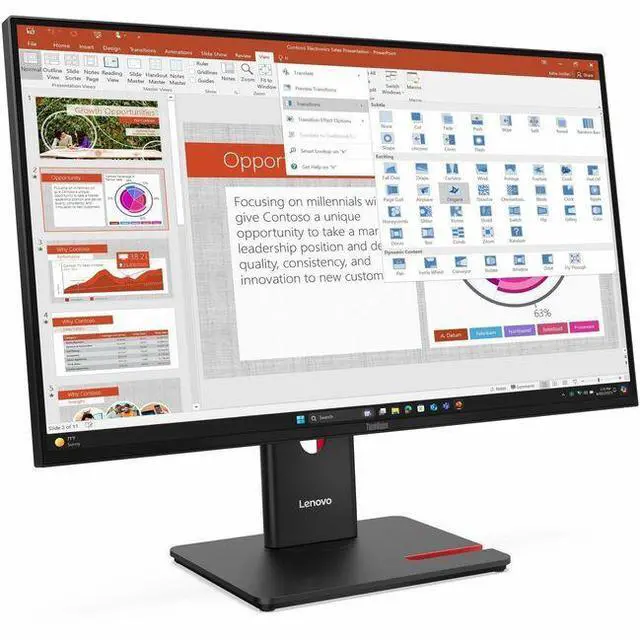
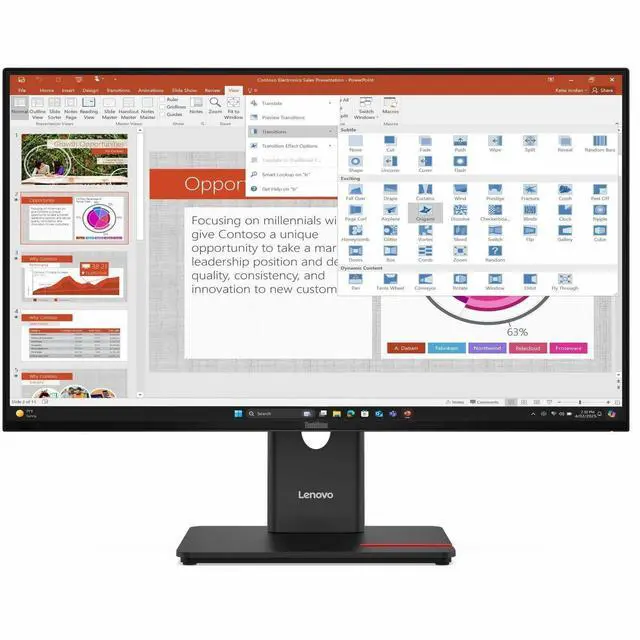
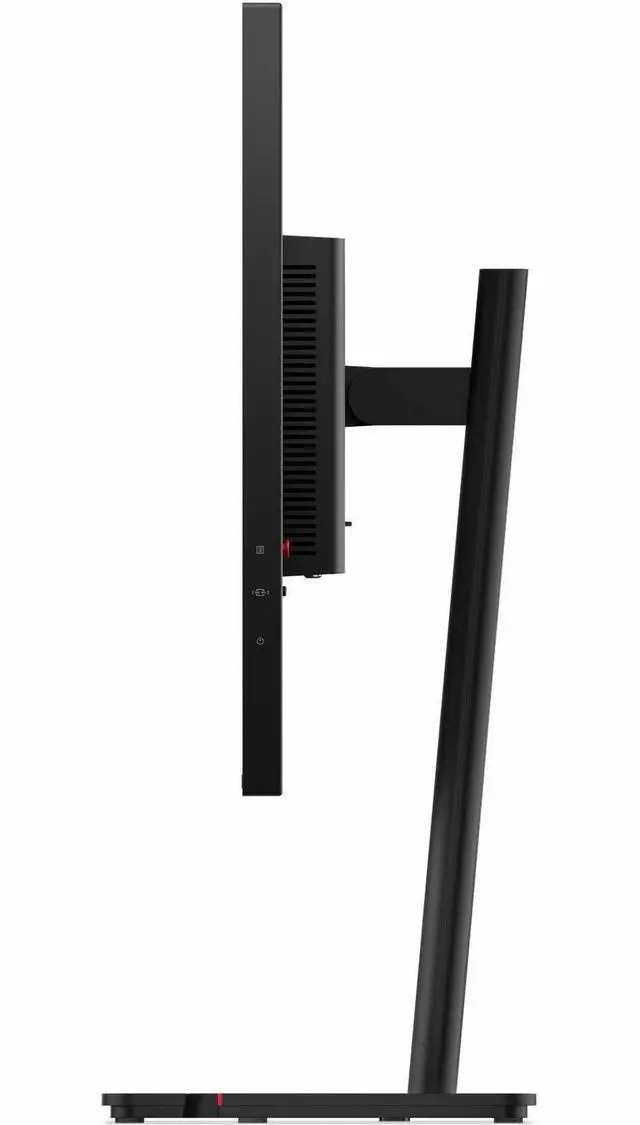
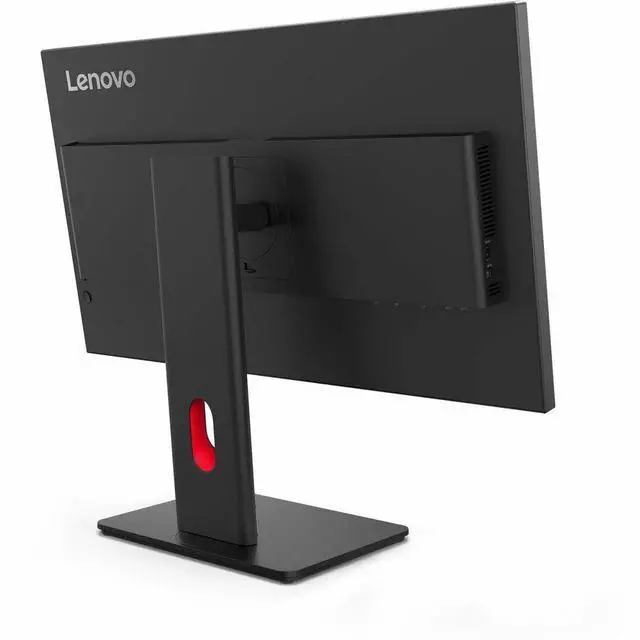
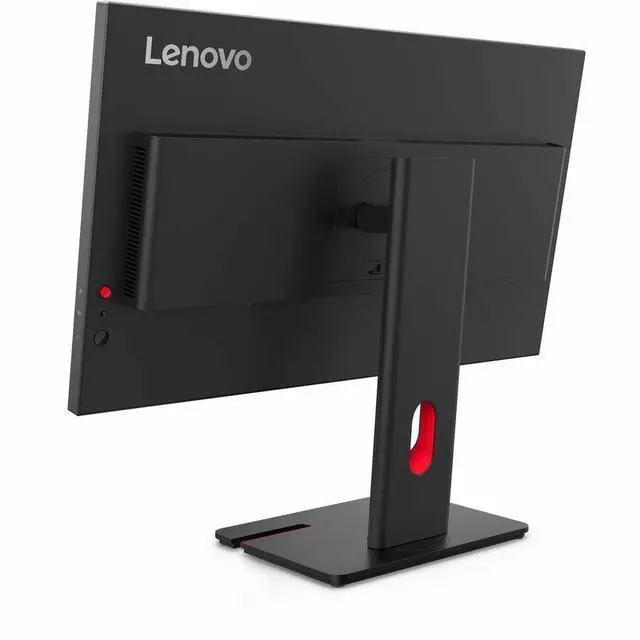
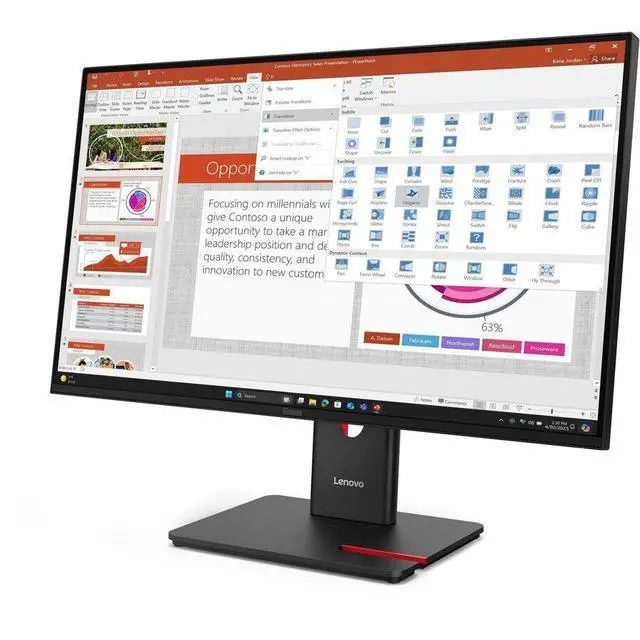
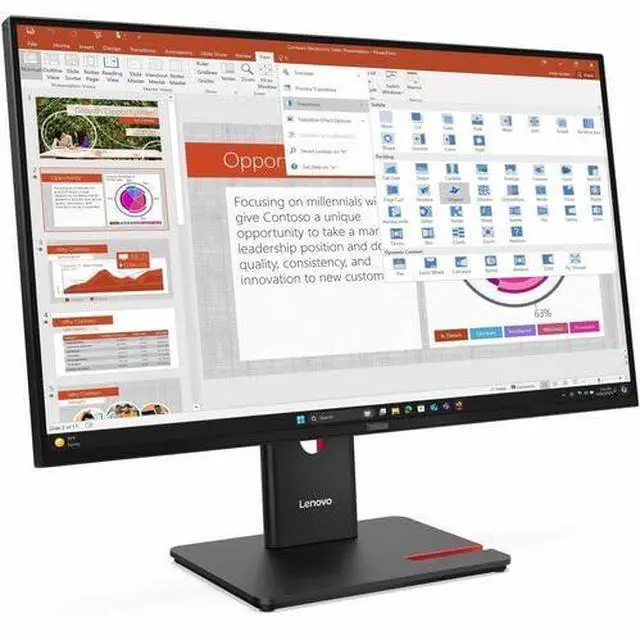
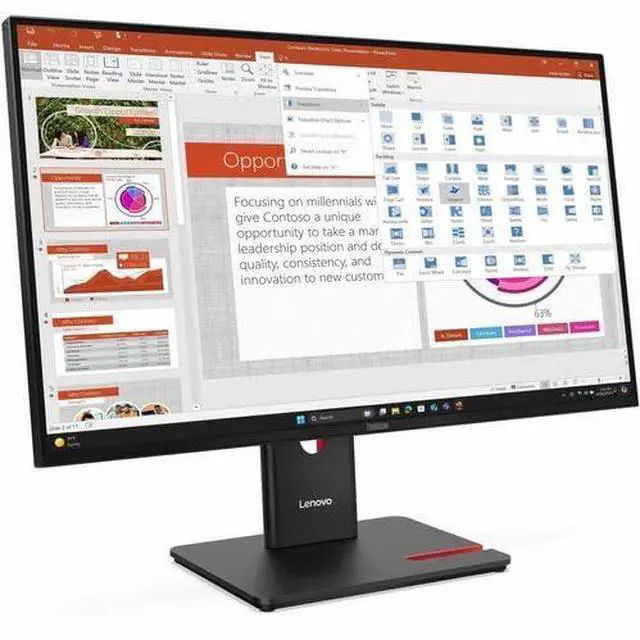
The Lenovo ThinkVision T27-40 is a 27-inch Full HD IPS monitor with a 120 Hz refresh rate, suited to office users who want a large screen for everyday work, smoother motion, and an adjustable stand with height, tilt, swivel, and pivot.
| Attribute | Value |
|---|---|
| Best For | Full HD desktop work and general viewing on a 27-inch IPS display with a 120 Hz refresh rate |
| Panel And Resolution | 27-inch widescreen IPS LED display with a 1920 × 1080 Full HD resolution, 16:9 aspect ratio, matte finish, 178° horizontal and vertical viewing angles, and 0.3114 mm pixel pitch |
| Refresh Rate And Response | 120 Hz refresh rate and 4 ms response time |
| Brightness And Color | 300-nit brightness, 1,500:1 contrast ratio, 16.7 million colors, and 99% sRGB color gamut |
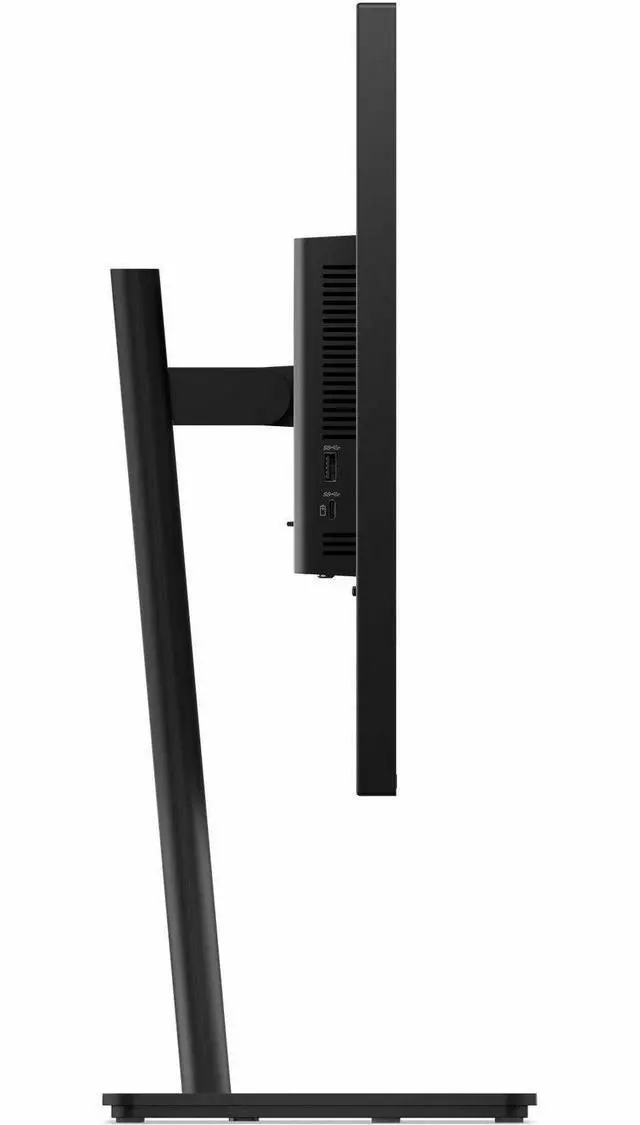
| Ports And Connectivity | HDMI, DisplayPort, VGA, and USB Type-C connectivity; includes 1 HDMI port, 1 DisplayPort, 1 VGA (D-Sub) port, and 5 USB ports |
| Stand And Ergonomics | 100 × 100 mm mounting compatibility with an ergonomic design |
| Comfort Features | Eye Comfort Technology and Low Blue Light |
| Power | 15 W power consumption |
| Included Components | ThinkVision T27-40 widescreen LED monitor, DisplayPort cable, and USB-B to USB-A cable |
| Model Identifiers | Lenovo ThinkVision T27-40, model and part number 64A5MAR6UZ; Eclipse Black cabinet |
Q: Lenovo ThinkVision T27-40 vs T27i-30: which is better for smoother everyday use?
A: Choose the ThinkVision T27-40 if smoother motion is a priority: it supports a 48–120 Hz variable refresh rate, compared with the T27i-30’s 60 Hz typical and 75 Hz maximum refresh rates. Both are 27-inch Full HD IPS monitors with 99% sRGB coverage and height-adjustable stands.
Q: ThinkVision T27-40 vs T27h-30: which is better for laptop docking and sharper text?
A: Choose the ThinkVision T27h-30 if you want a 2560 × 1440 QHD display and a USB-C connection with up to 90 W power delivery, Ethernet, and a USB hub. Choose the T27-40 for Full HD resolution with up to 120 Hz variable refresh rate and its adjustable stand.
Q: Should I get the ThinkVision T27-40 or T27p-30 for detailed 4K work?
A: Choose the ThinkVision T27p-30 for its 3840 × 2160 4K resolution, 10-bit color depth, and USB-C power delivery up to 90 W. The T27-40 is a Full HD alternative that supports up to 120 Hz variable refresh rate, making it a fit when smoother motion is the priority.
Q: Is this monitor good for office work and video meetings?
A: Yes. Its 27-inch Full HD IPS screen, adjustable stand, and USB hub suit everyday office tasks such as documents, browsing, and spreadsheets. It can display video meetings, but the provided specifications do not list a built-in webcam or speakers, so you may need separate meeting and audio equipment. Full HD on a 27-inch screen is a practical trade-off if you prioritize a larger display over finer pixel detail.
Q: Can I connect this monitor to my laptop?
A: Yes, using a compatible HDMI, DisplayPort, or VGA connection. The monitor’s USB-C port is a downstream data port, not a USB-C video input, so do not rely on it for a single-cable laptop display connection. Check your laptop’s available video outputs and use a matching connection.
Q: Can I mount this monitor on a monitor arm?
A: Yes. It supports a 100 x 100 mm VESA mount, so it can be attached to a compatible monitor arm or wall mount. Check that the mount supports the monitor’s size and weight.
Q: Is this monitor suitable for gaming?
A: It can suit casual gaming: the 120 Hz refresh rate supports smoother motion than a standard 60 Hz display, and the 4 ms response time is listed in the specifications. Its 1920 x 1080 resolution favors Full HD gaming rather than higher-resolution detail, and the computer or console must support the desired refresh rate.
Q: Is the ThinkVision T27-40 a sensible option for office work if eye comfort is a priority?
A: It is a candidate to consider: it has a 27-inch IPS display, 120Hz refresh rate, and an adjustable stand. Reddit discussions raise eye comfort and screen sensitivity as concerns, but do not establish that this monitor reduces symptoms; individual sensitivity may vary.
Q: Is 27-inch Full HD enough for office tasks, or should I look for 1440p?
A: The T27-40 is 27 inches at 1920 × 1080. That meets the stated resolution of Full HD, but a Reddit monitor discussion specifically flags 1080p as a potential downside when comparing it with a 27-inch 1440p option for reading and office use. Choose based on whether Full HD is acceptable for your text and workspace needs.


