- $307.00
- Free 30-day Returns
Best Sellers
Meet Your Seller
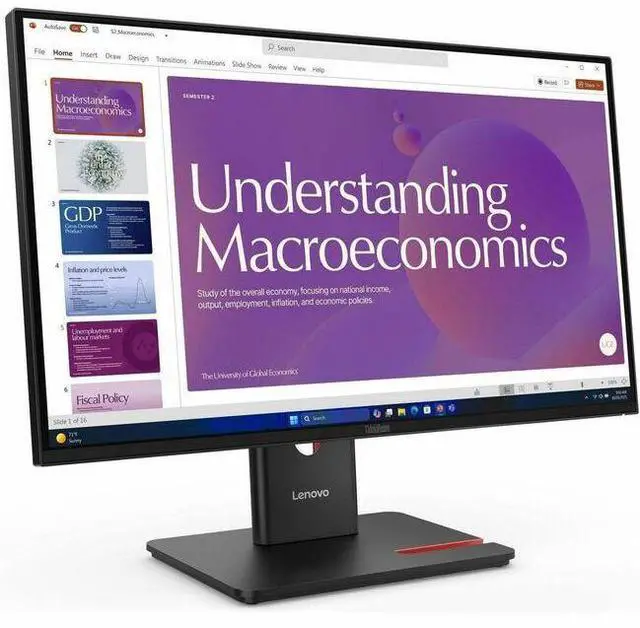
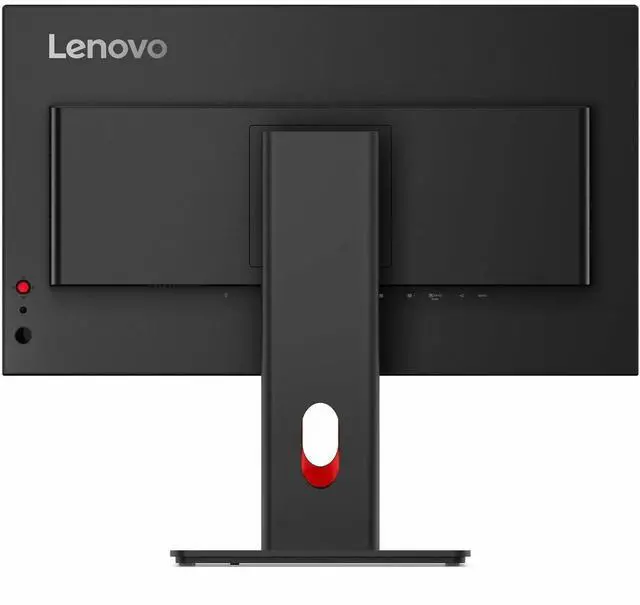
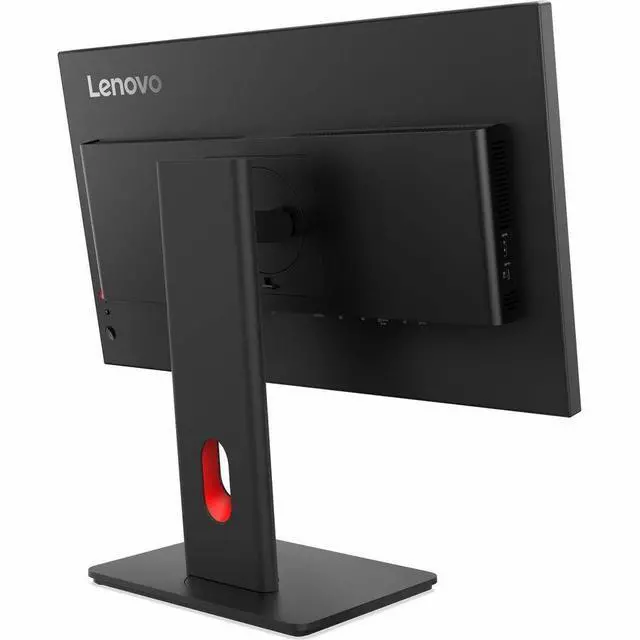
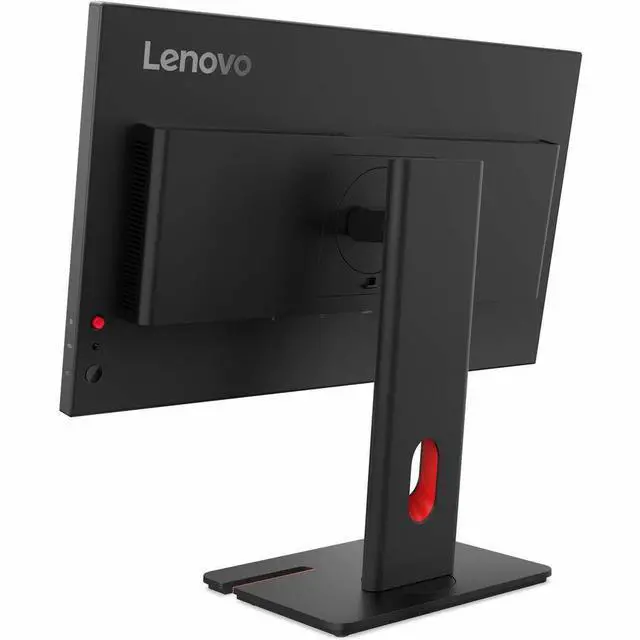
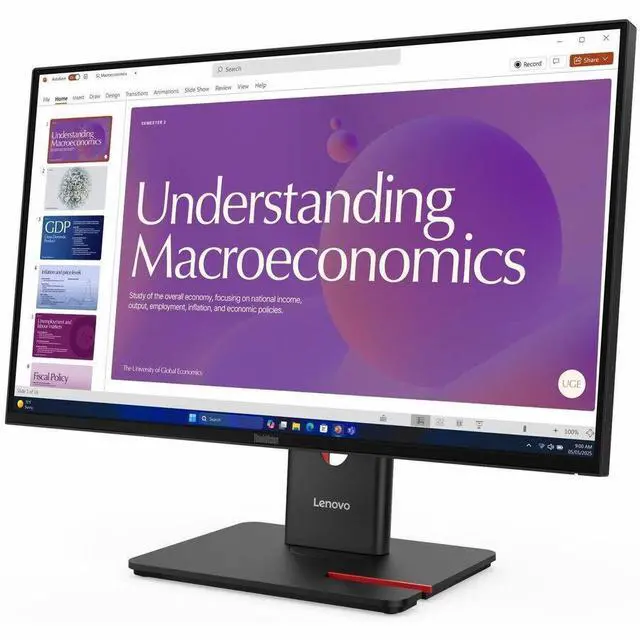
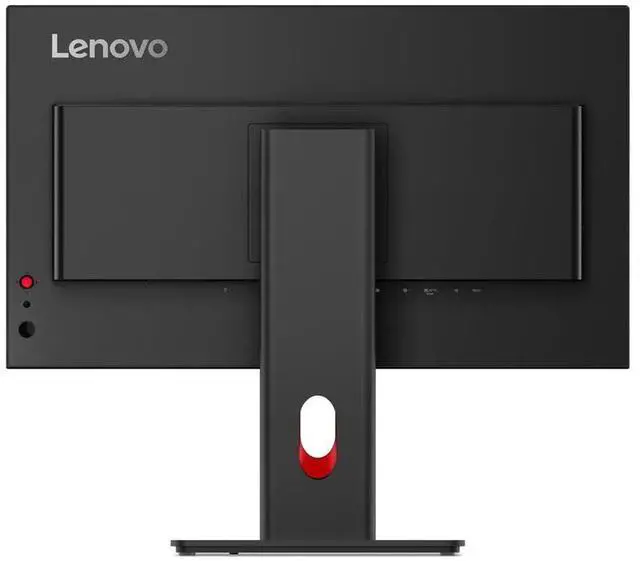
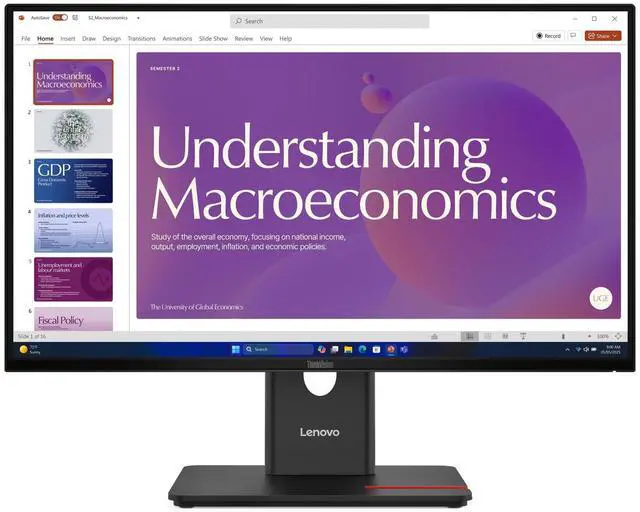
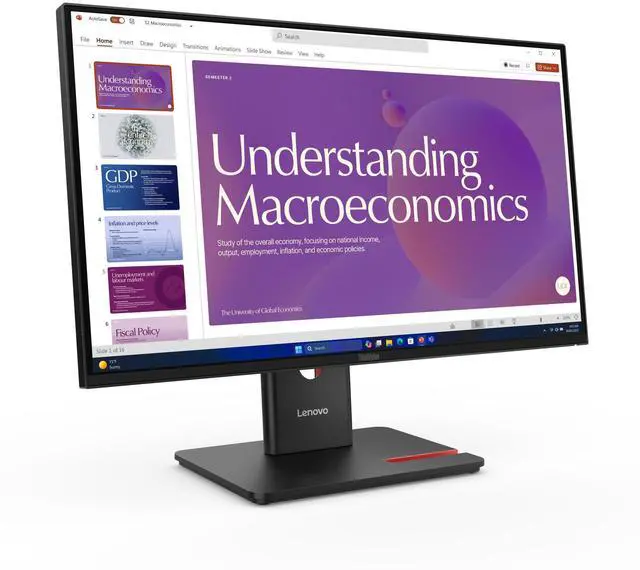
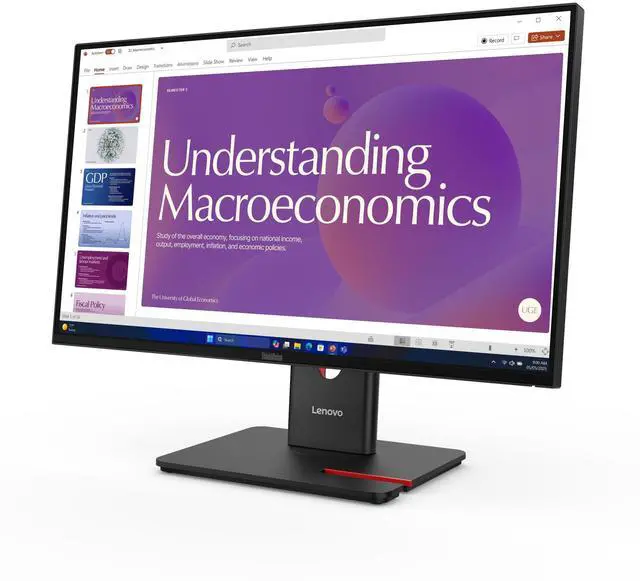
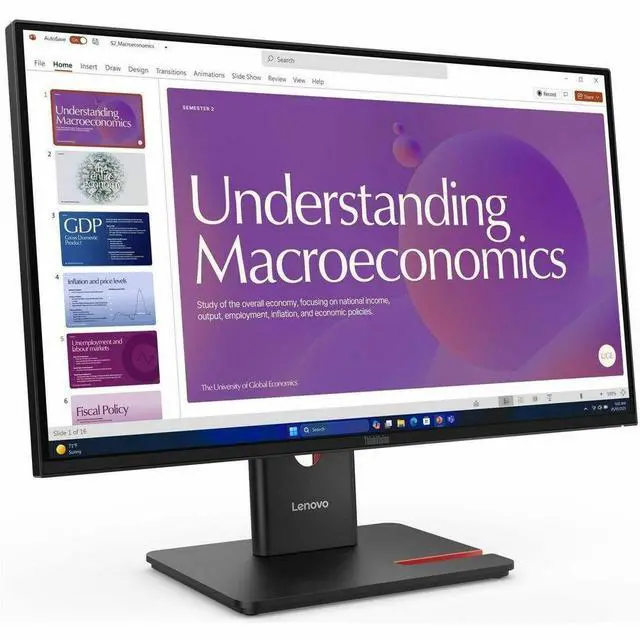
Lenovo ThinkVision 23.8 inch IPS FHD 120hz USB-C Monitor - T24D-40
- 16:9
- 23.8" Viewable
- In-plane Switching (IPS) Technology
- WLED Backlight
- 1920 x 1080
- 16.7 Million Colors (8-bit)
- 250 Nit
- 1 ms
- 120 Hz Refresh Rate
- Speakers
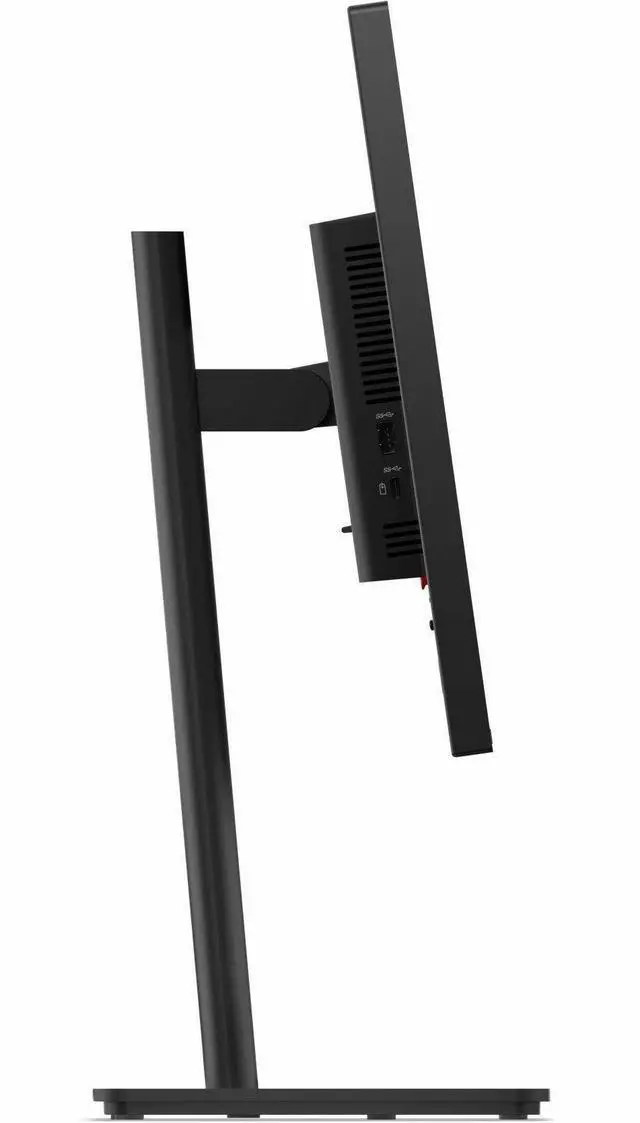
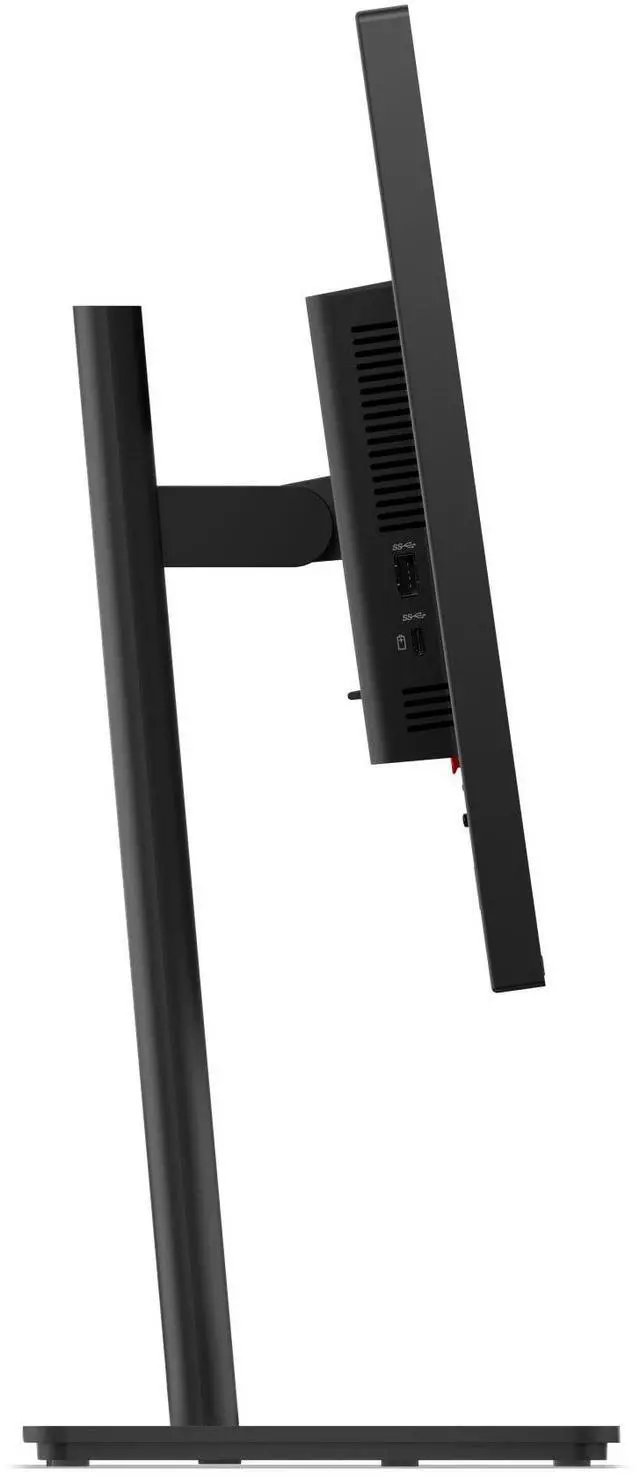
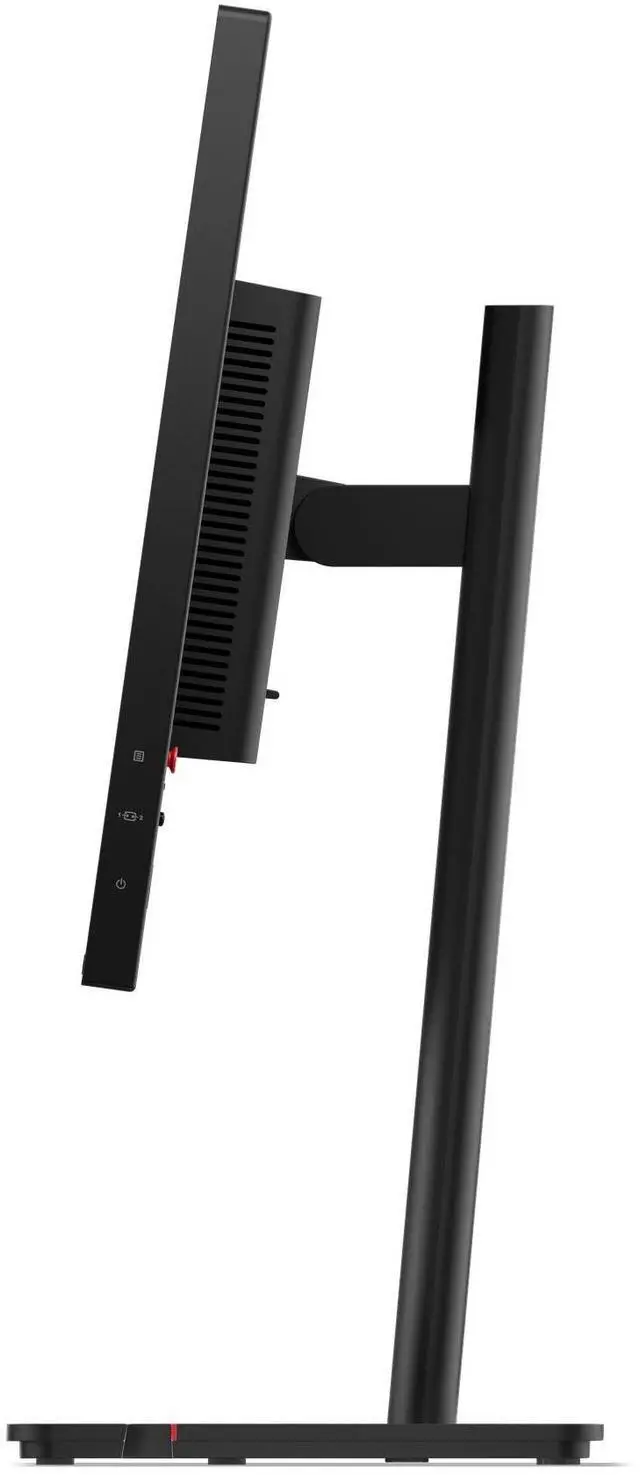
- Swivel, Height, Pivot, Tilt
- USB Hub
Any questions? Ask CelesteSM will help you find out quickly.
Great Eye Care
|Leverage the monitors Eyesafe® Certification 2.0 and Eye Comfort 5-Star Certification by TÜV Rheinland to eleminate eye-strain from long working sessions.
|Choice of Connectivity
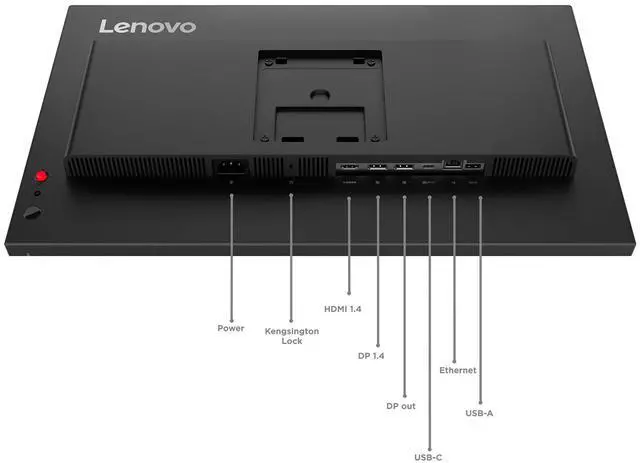
|ThinkVision docking monitors offer a USB hub and one cable docking solution that delivers power (up to 100W*), data, and display simultaneously, making it convenient for your digital workspace.
|Daisy-Chaining Capability
|Expand your screen space with the monitors daisy chaining capability and its 4-sided ultra thin bezels for added productivity.
| ||*The output rating (100W, 20V/5A) is based on Lenovo's proprietary VDM technology. It is required to connect to products that support Lenovo VDM to reach maximum power output. Actual power output may vary and may be lower.
Intuitive Controls
|Seamlessly turn on, shut down, or wake a docked Lenovo notebook using the monitors Mirrored Power Button.
|Convenient Add-on Support
|Connect to the ThinkVision Modular MC60 Webcam and MS30 Soundbar via the top-mounted USB-A port to take enhance your audio and camera quality. Relish a neat and organized work desk with the monitors support for mounting the Lenovo Tiny PC.
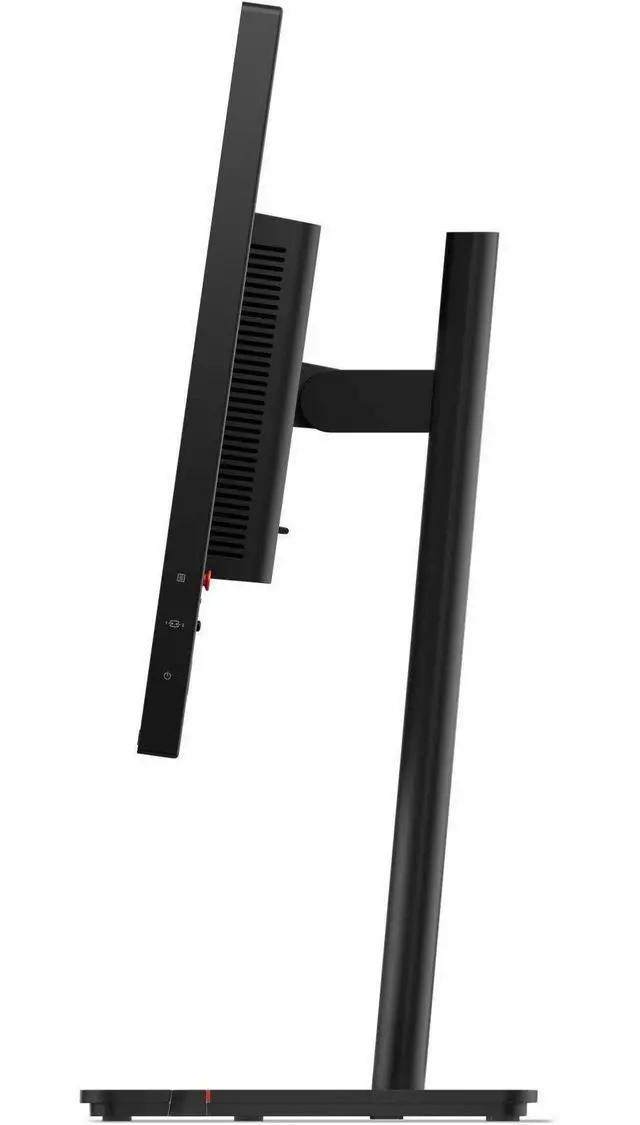
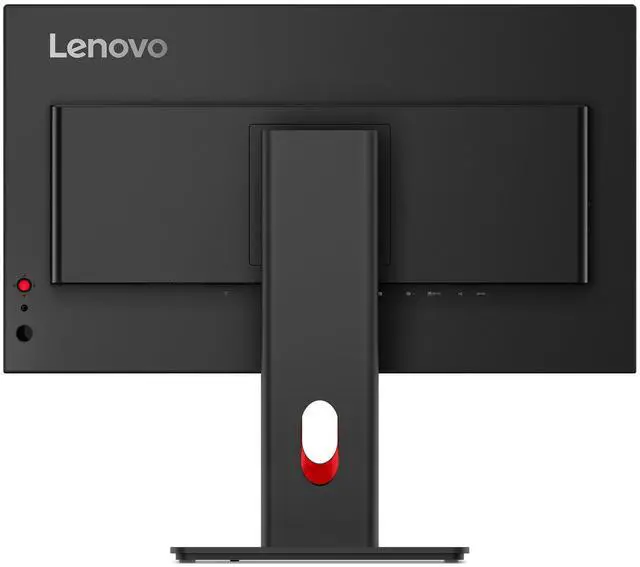
| |Work without discomfort for long working hours by adjusting the monitor to your ergonomic preference by lifting, tilting, pivoting, and swiveling it using the fully functional LTPS stand
| || |Empower IT administrators with remote asset management and full control of your monitors with LDFM.| |Allow for remote optimization of your displays for work, entertainment, or any other use case with Lenovo ThinkColour (Lenovo Accessory and Display Manager).| ||*Formerly Lenovo Display Control Center. Supports Windows 10 & 11, Mac OS (functions vary across systems)Warranty & Returns
Warranty, Returns, And Additional Information
Warranty
- Please contact the Seller directly for warranty information. Warranty information may also be found on the Manufacturer's website.
- Read full details
- CONTACT
Return Policies
- Return for refund within: 30 days
- Return for replacement within: 30 days
- This item is covered by Lenovo Return Policy
Manufacturer Contact Info
- For a directory of all our manufacturers, please click below.
- Manufacturers Directory
The Lenovo ThinkVision T24D-40 is a 23.8-inch Full HD IPS monitor with USB-C connectivity, a USB hub, and a 120Hz refresh rate, suited to office users who want a compact display for everyday work and smoother on-screen motion.
Recommended For
- Laptop-first office workers who want to connect a compatible USB-C laptop with one cable for display, USB accessories, Ethernet, and power; Lenovo lists USB-C power delivery up to 100W, though maximum output depends on Lenovo VDM support.
- People who spend long work sessions reading, writing, or reviewing documents and want a height-, tilt-, swivel-, and pivot-adjustable stand, including portrait orientation for long pages or code.
- Office users who want a compact 23.8-inch screen for everyday productivity, with a USB hub and DisplayPort output for a desk setup that can connect peripherals or another display.
- Users who value smoother-than-60Hz desktop motion for scrolling, window movement, and casual gaming, without needing a high-refresh gaming display; the panel supports a variable 48–120Hz refresh rate.
Real-World Use Scenarios
- At a home or office desk, a user connects a compatible laptop over USB-C for display, charging, and access to the monitor’s USB ports and Ethernet; this can reduce the number of separate cables needed at the desk.
- For everyday office work—such as reading documents, browsing, and scrolling through spreadsheets—the 120 Hz refresh capability can make on-screen movement appear smoother than on a standard 60 Hz display, when the connected device supports it.
- When a desk setup needs another screen, a user can connect a compatible second monitor through DisplayPort out; this supports extending the workspace for tasks such as keeping a reference document open beside a spreadsheet.
- For long work sessions, users can adjust the screen height, tilt, swivel, or pivot to better fit their desk and viewing position; pivot can also help when working with portrait-oriented documents or code.
- In a shared workspace, a user can plug USB peripherals into the monitor and connect a laptop or desktop through USB-C, HDMI, or DisplayPort, making it easier to switch between supported sources and keep common accessories at the desk.