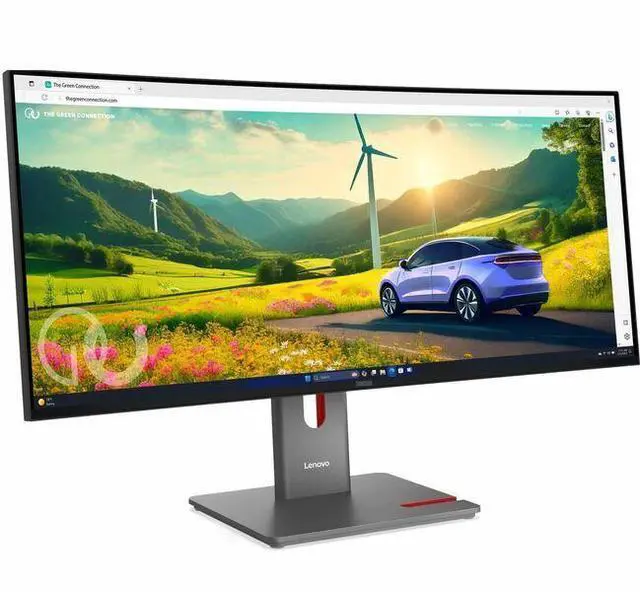
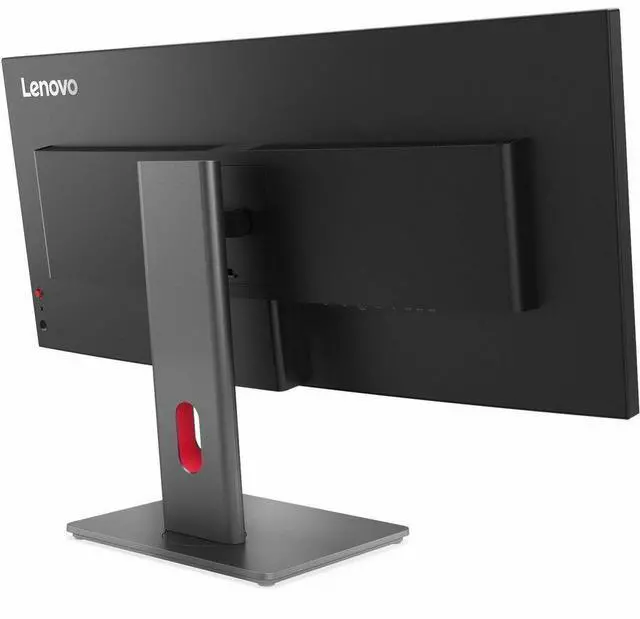
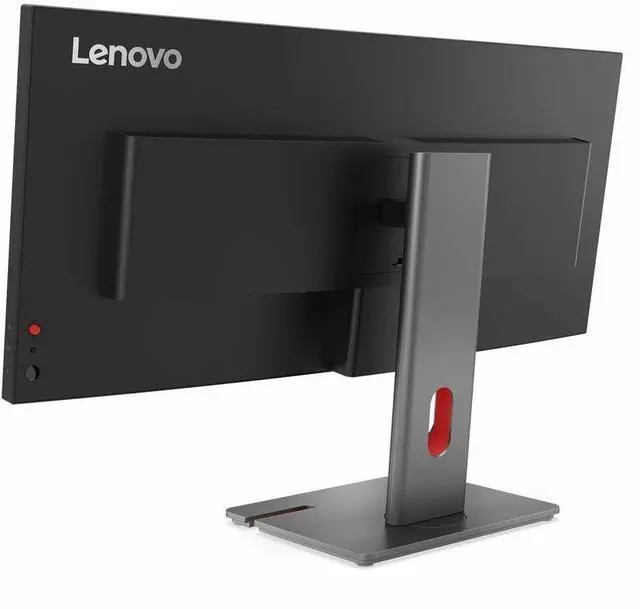
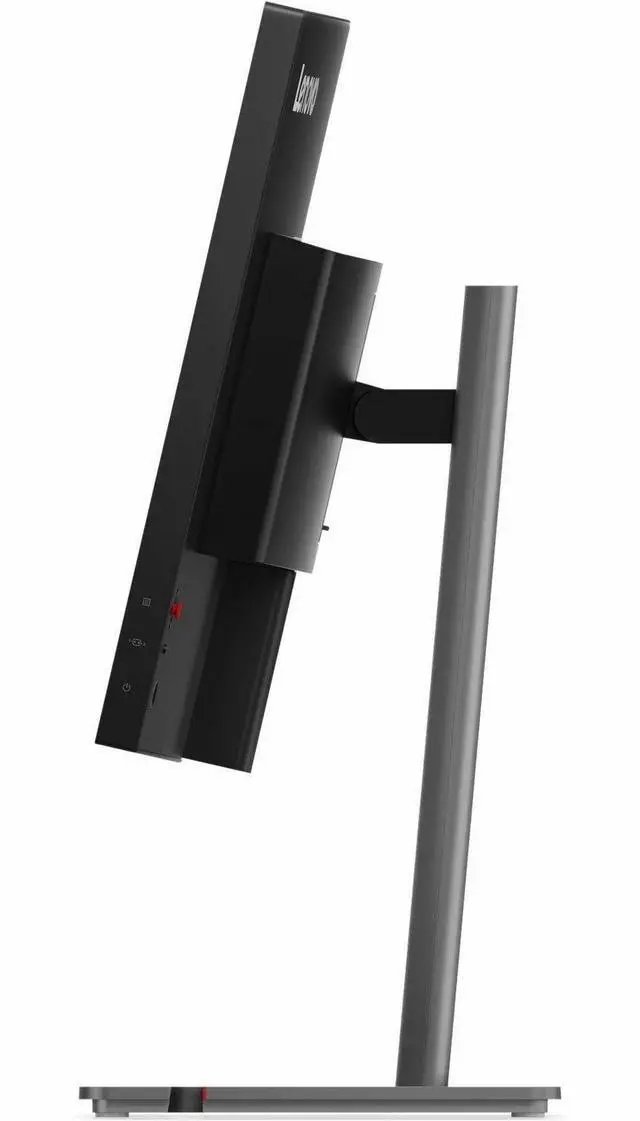
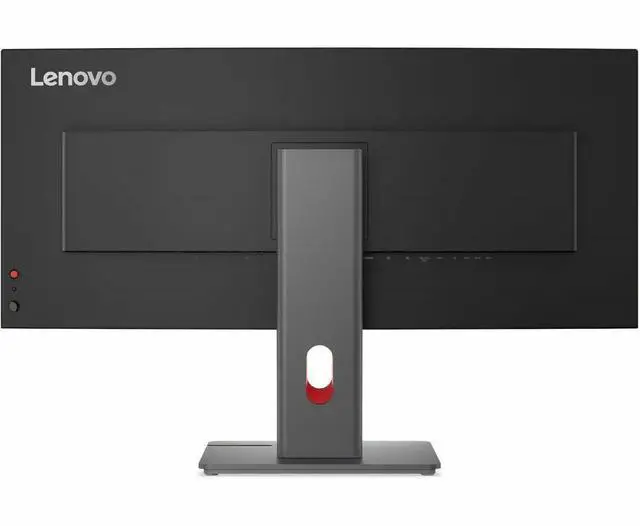
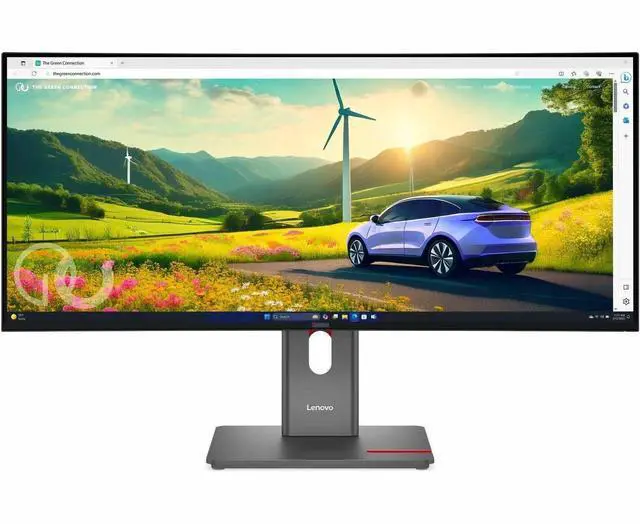
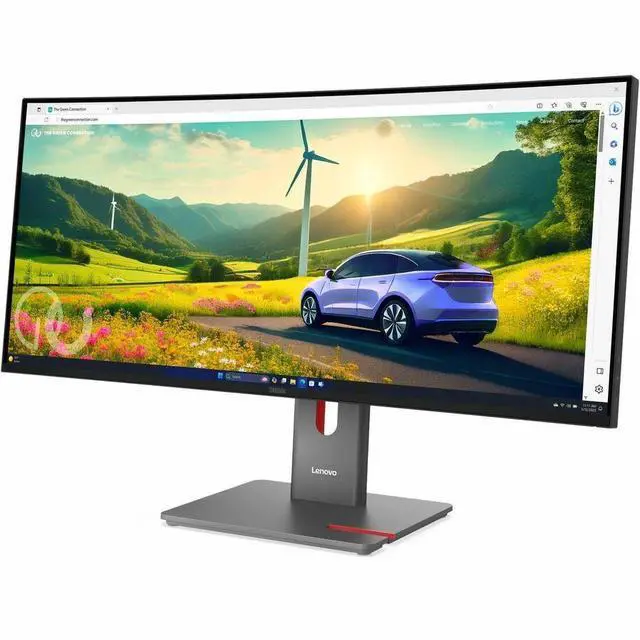
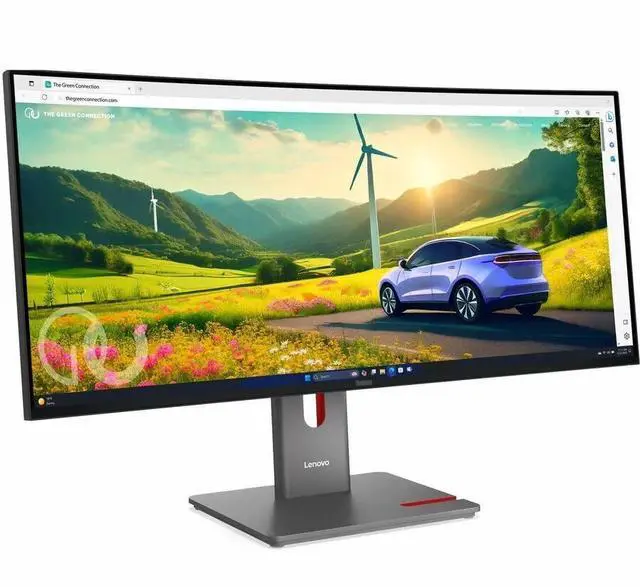
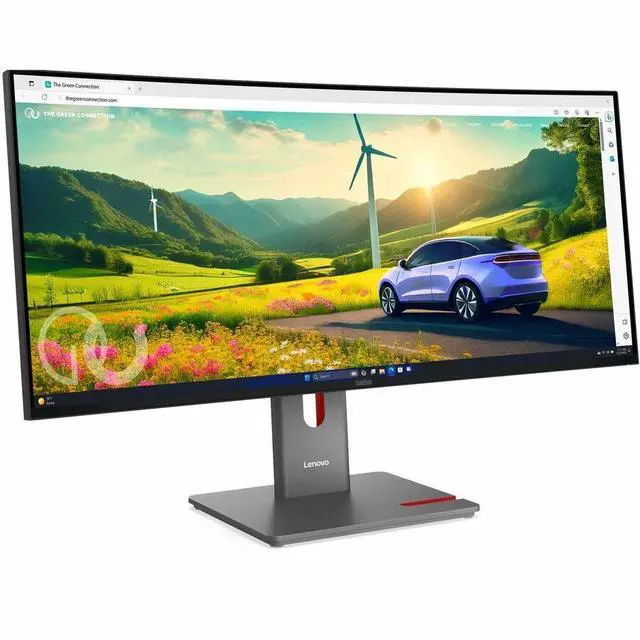
The Lenovo ThinkVision P34WD-40 is a 34-inch 21:9 ultrawide monitor with 3440 × 1440 resolution, an IPS panel, and up to 120Hz refresh. Its wide workspace and USB hub and KVM switch make it well suited to professionals who multitask across windows or share peripherals between computers.
Recommended For
- Laptop-based home-office and hybrid workers who want one wide workspace for side-by-side documents, spreadsheets, or browser windows, with USB-C docking, laptop charging, and Ethernet integrated into the monitor.
- People switching between a work laptop and a personal computer who want the monitor’s KVM and USB hub to share a keyboard, mouse, and connected peripherals across both systems.
- Developers, analysts, and other desk-based workers who keep several windows visible at once and value smoother scrolling and pointer movement than a typical 60Hz office display.
- Office users who want an adjustable, wide monitor for long work sessions and prefer an anti-glare IPS display with Lenovo-listed eye-comfort features.
Real-World Use Scenarios
- When you’re working across spreadsheets, email, and reference documents, the wide screen lets you keep more windows visible side by side, reducing the need to switch between them.
- For a laptop-based home-office setup, connect a compatible laptop to the monitor over USB-C to use the display and connect desk peripherals through the monitor, helping keep the desk to a single cable connection.
- If you switch between a work laptop and a personal desktop, the built-in KVM can let you use one connected keyboard and mouse with either computer, while picture-by-picture can show both sources at once.
- When coding, you can keep an editor open alongside documentation, a terminal, or logs, making it easier to compare information without constantly rearranging windows.
- For casual gaming after work, the 120 Hz display can make motion feel smoother than a standard 60 Hz screen; community reports also mention some visible motion ghosting, so it’s less suited to competitive play.




 here!

 Top Rated