• $149.99
  • $189.99
  • Save: $40.00 (21%)
  • Free 30-day Returns
  • Sold by Direct from manufacturerLenovo
    Hot Seller
    4.5 (1,125 seller ratings)

    Shipped by Direct from manufacturerLenovo

    Price alert
    Shop it at NeweggBusiness.

    Meet Your Seller

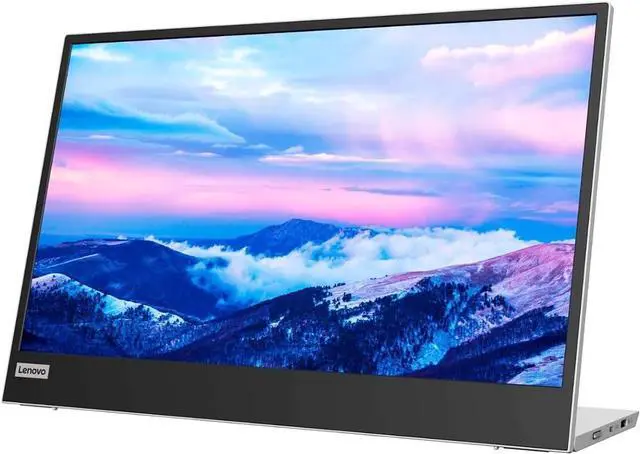
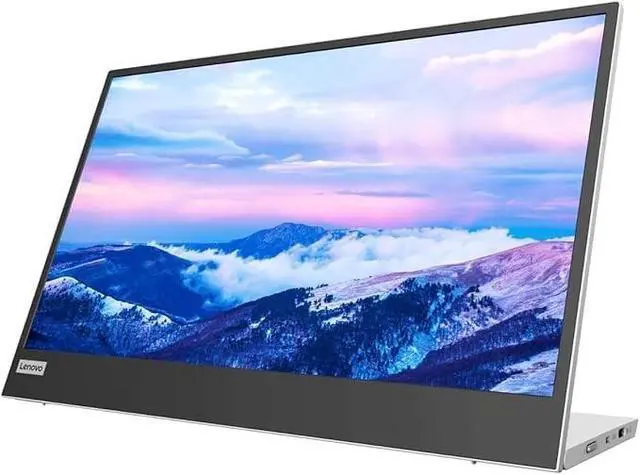
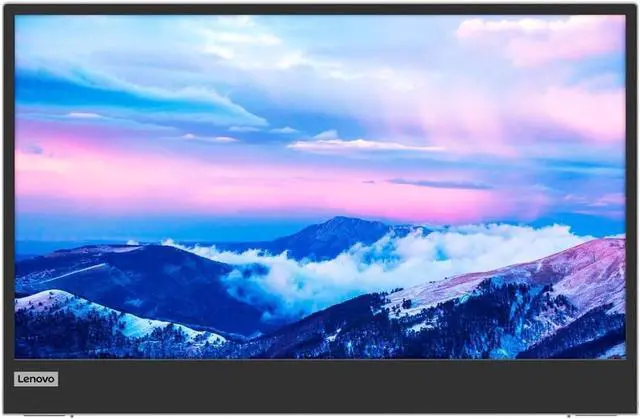
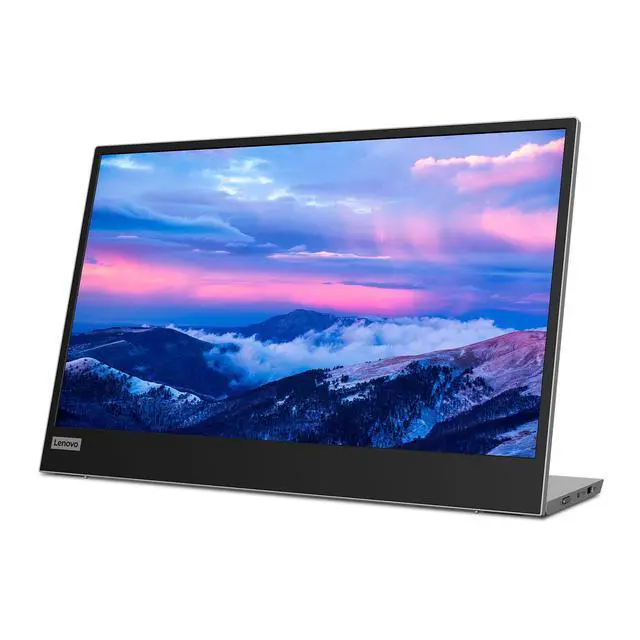
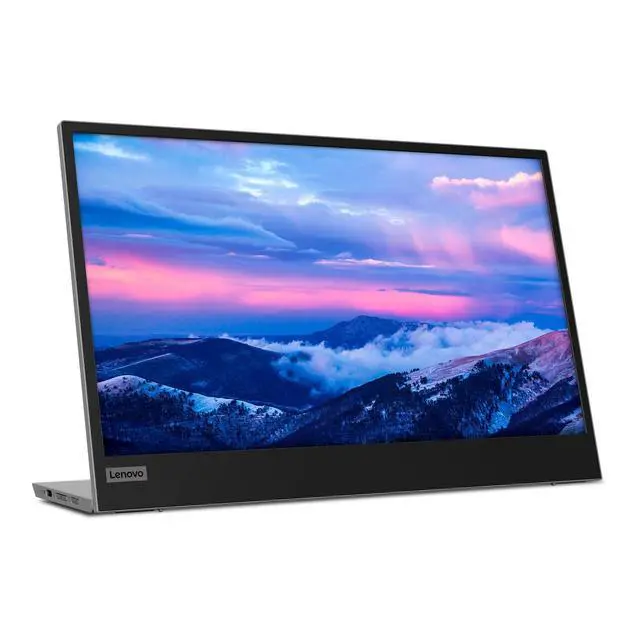
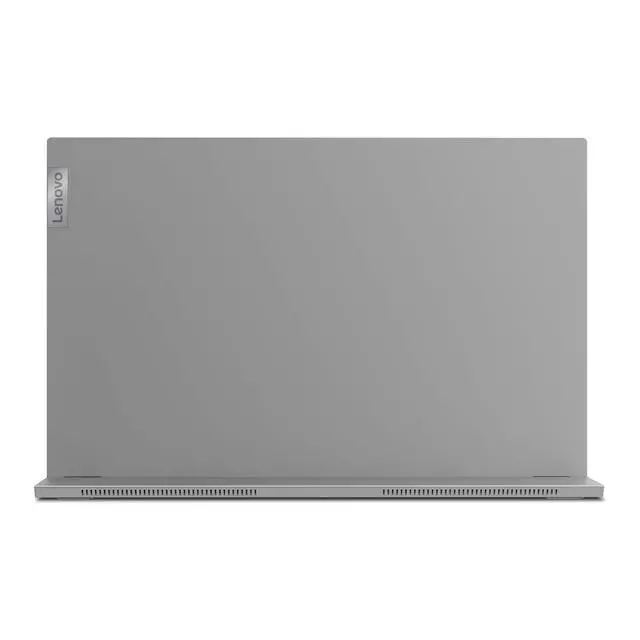
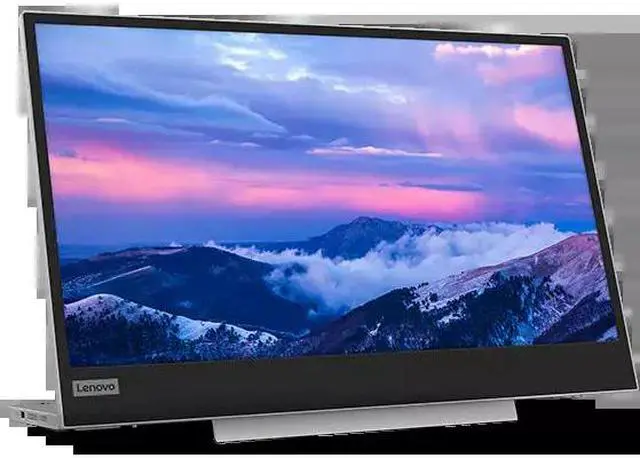
    Lenovo L15 15.6-inch IPS FHD 60Hz USB-C Portable Monitor

    Lowest Price
    in 30 Days
    • 15.6 inch FHD Monitor
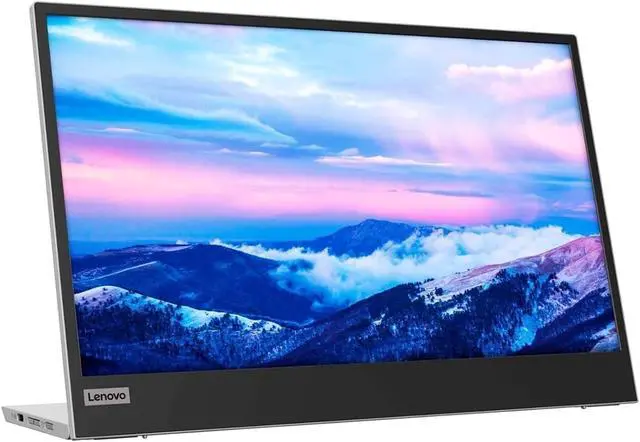
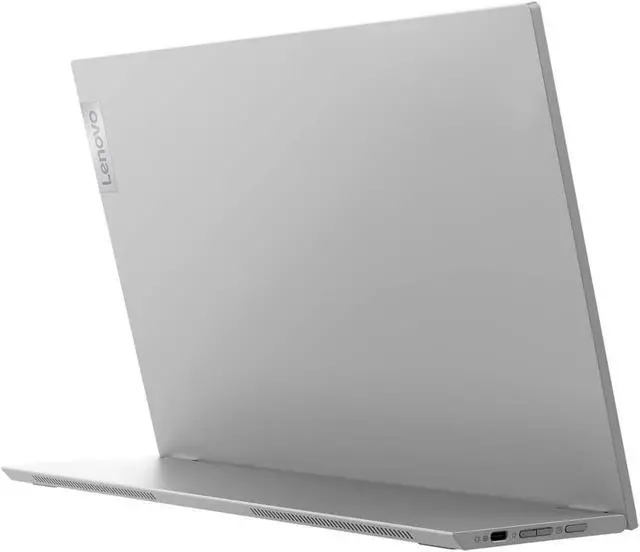
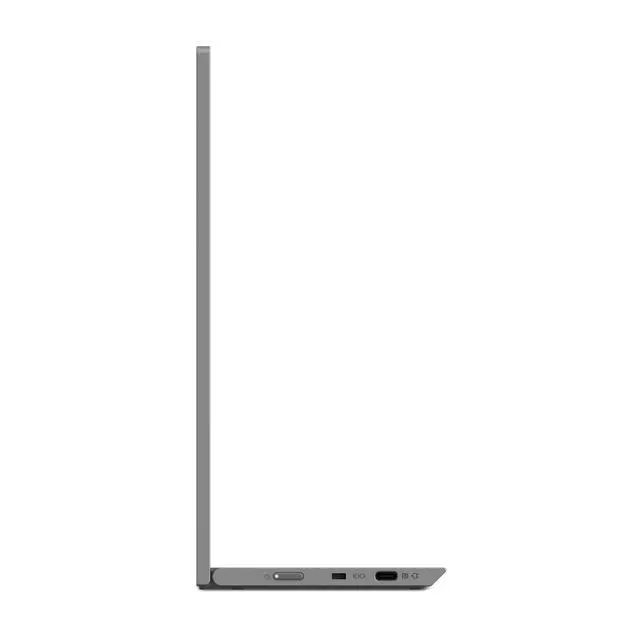
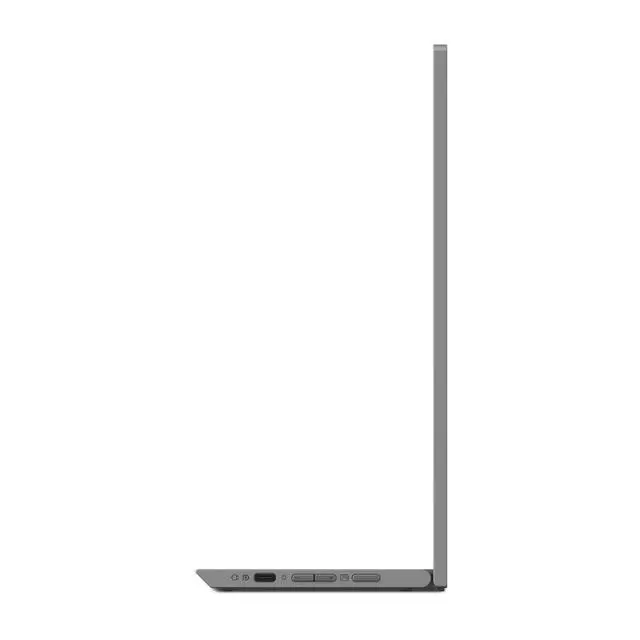
    • 2 USB Type-C ports with Power Pass Through design
    • Ergonomic ID (easy tilt, height adjustment, mounting support)
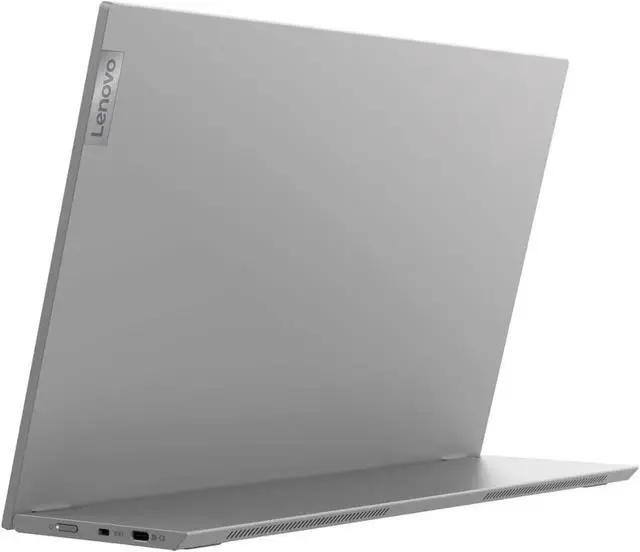
    • Light and slim design easy-to-carry on
    +
    +
    Overview
    Specs
    Reviews

    Any questions? Ask CelesteSM will help you find out quickly.

    Prefer the flexible work and play from anywhere lifestyle? A great companion for your compatible phone or laptop is the new super portable Lenovo L15 USB-C Mobile Monitor. Incredibly lightweight at just 860 grams*, the Lenovo L15 USB-C Monitor virtually doubles the viewing space of any screened-device with an extra 15.6 inches of Full HD screen real-estate. No matter what kind of video content youre trying to enjoy on your phones small screen while remote, your viewing experience will be vastly improved by connecting to this larger, portable screen that can be tucked away in your bags front pocket till its needed.

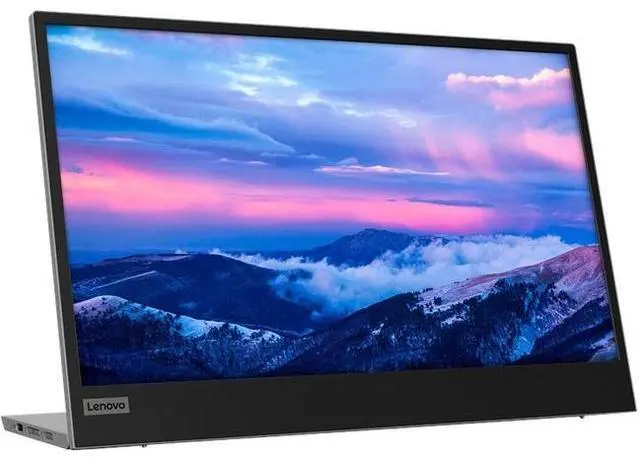
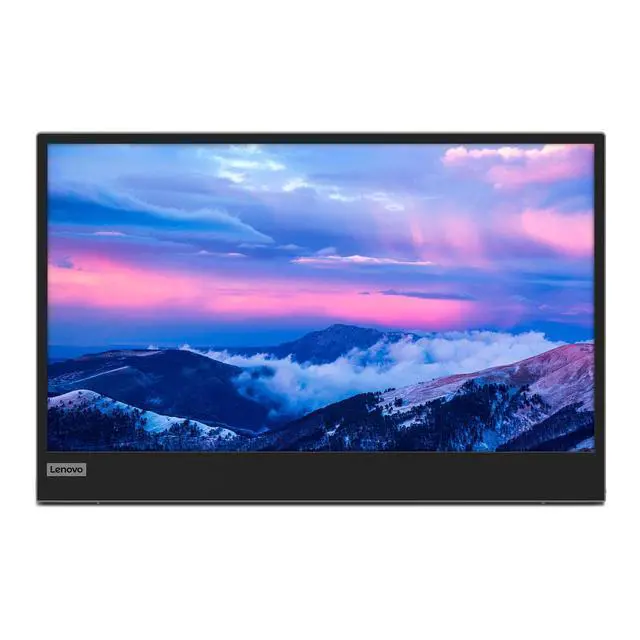
    Its easily connected via a USB Type-C cable which can also offer simultaneous power pass-through** to two devices (with video out) for an elegant one cable solution. Enjoy crisp visuals via its 15.6 -inch Full HD IPS anti-glare display screen thats slim at 6mm with advanced low blue light technology for comfortable all-day use.

    Setting up to present from shared spaces can get tight, so choose landscape mode or simply pivot for portrait mode to save table space. Its adjustable foot can match the height of an accompanying laptop and folds in for easy storage just tilt up all the way to 90-degrees to find the most ergonomic viewing angle for you. The Lenovo L15 USB-C Mobile Monitor is easy-to-carry and comes with a protective sleeve to easily slip into your bag.

    Warranty & Returns

    Warranty, Returns, And Additional Information

    Warranty

    • Please contact the Seller directly for warranty information. Warranty information may also be found on the Manufacturer's website.
    • Read full details
    • CONTACT

    Return Policies

    • Return for refund within: 30 days
    • Return for replacement within: 30 days
    • This item is covered by Lenovo Return Policy

    Manufacturer Contact Info

    LOADING...

    The Lenovo L15 is a portable 15.6-inch IPS FHD monitor with a 60Hz refresh rate and two USB-C ports with power pass-through, suited to laptop users who want an easy-to-carry second screen for work, study, or travel.

    Recommended For

    • Laptop users who move between home, office, and travel setups and want a second screen for documents, email, or side-by-side work; the L15 weighs about 0.86 kg and has a built-in stand.
    • Hybrid workers who want a portable laptop-side display and can connect over USB-C with DisplayPort Alt Mode; Lenovo’s specifications list two USB-C ports and power pass-through.
    • Students who study at different desks or locations and need a 15.6-inch Full HD screen for notes, readings, and research alongside a laptop.
    • People who occasionally use a compatible phone’s desktop mode and want a larger external display; a ThinkPad community member reports using the L15 this way with a Motorola phone.

    Real-World Use Scenarios

    • When working away from a fixed desk, connect the L15 to a compatible laptop to keep documents, email, or reference material visible beside the main work; it adds a second screen without requiring a full-size desktop monitor.
    • For a temporary home-office, coworking, or study setup, use the L15 as an extended laptop display for tasks such as comparing documents or keeping a meeting window open while taking notes; the portable format makes it easier to pack away afterward.
    • When traveling with a compatible laptop, use the L15 as a second screen for spreadsheets, writing, or research; its USB-C power pass-through can help keep the laptop and monitor connected to power through a tidier setup when a charger is available.
    • During coding or other technical work away from a permanent workstation, use the L15 to keep code, documentation, or a reference window visible at the same time; this can reduce switching between windows on the laptop screen.
    • For a quick client or small-group presentation, connect a compatible laptop and use the L15 as a nearby second display for the material being discussed; it is suited to close-up sharing rather than serving as a large-room presentation screen.