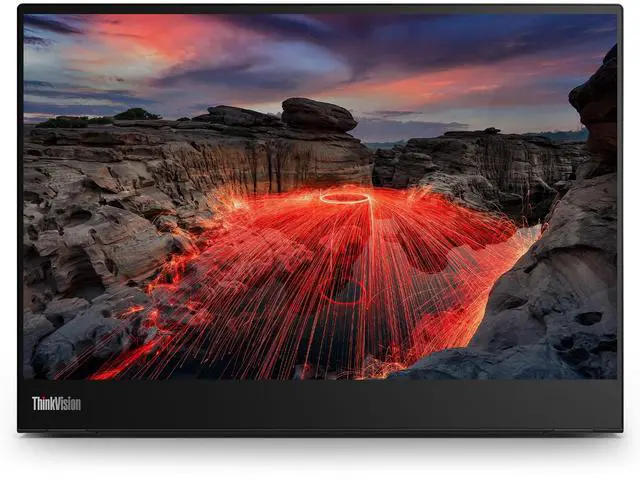
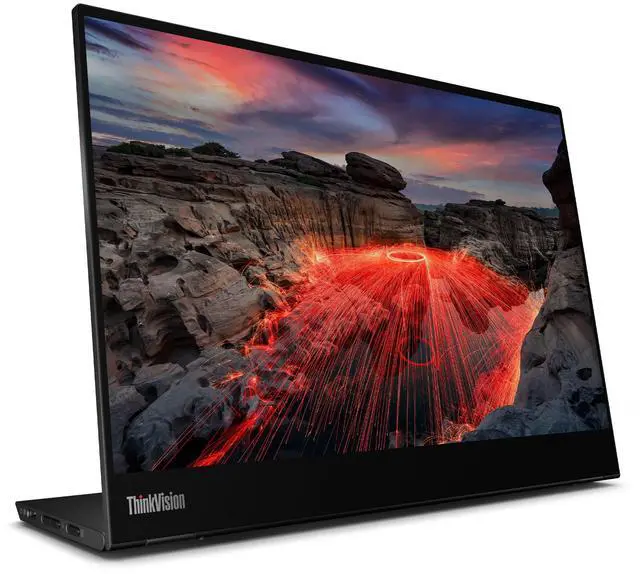
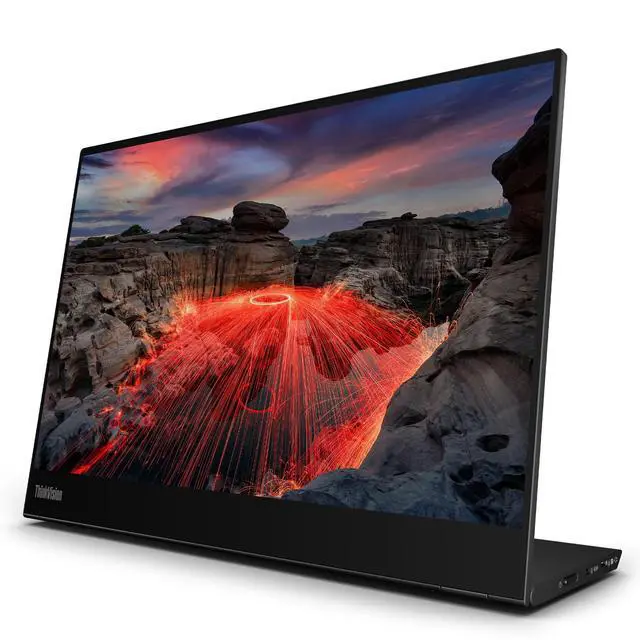
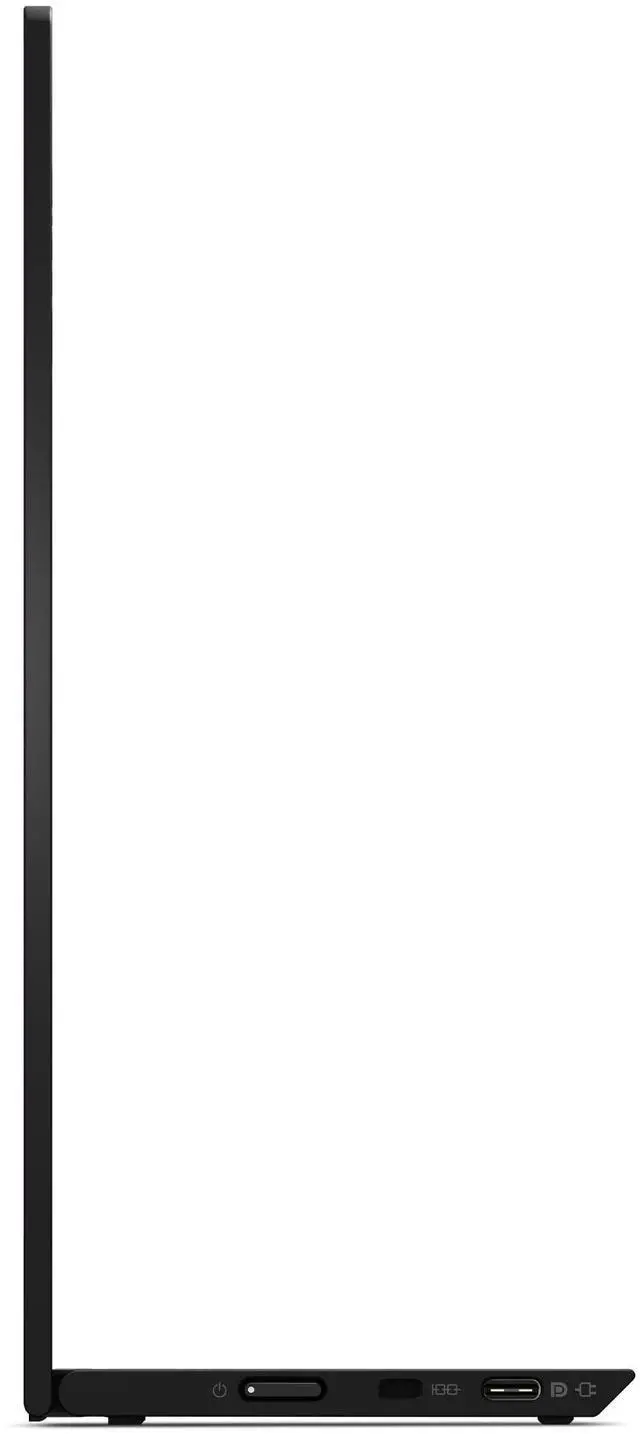
The Lenovo ThinkVision M14t Gen 2 is a 14-inch portable IPS touchscreen monitor with WXGA+ resolution, a 60Hz refresh rate, and USB-C connectivity, suited to laptop users who want a compact second screen for work on the go.
Recommended For
- Traveling professionals who want a compact second screen for laptop work in hotels, shared offices, or temporary workstations, especially when their computer can send display video over USB-C.
- Windows laptop users who want to tap through apps or use a portable screen for handwritten notes and training materials; a ThinkPad community user describes using it in portrait orientation with OneNote.
- Mobile office workers who frequently read documents or keep a reference page beside their laptop and value sharp text, touch navigation, or portrait orientation in a small workspace.
- Traveling photo editors or other creative users doing SDR work who want a portable touch display and an accurate sRGB mode, rather than a dedicated HDR or color-grading monitor.
Real-World Use Scenarios
- On a business trip or at a temporary desk, connect the M14t Gen 2 to a compatible laptop to keep email, reference documents, or a video call visible beside the main work; it adds a second workspace without requiring a full-size monitor, though bright rooms can make the glossy screen harder to see.
- When reviewing or signing documents, use the touchscreen and compatible pen to interact with forms and make markups; the screen can lie flat for a more comfortable writing position, making quick annotations easier than using a laptop touchpad.
- For reading long documents, viewing code, or keeping chat visible beside a laptop workspace, rotate the monitor to portrait; the added vertical space can reduce scrolling, while the touch controls make on-screen navigation direct.
- For light photo or video editing while away from a main workstation, use it as a portable preview or tool-panel screen; reviewers found its colors and text clear for creative work, but its limited brightness and reflections make a controlled-lighting workspace preferable.
- When using a compatible phone or tablet at a shared workspace, connect it as a larger touch display for browsing or app controls; setup may require separate power, and touch support depends on the connected device.




 here!