




 here!
I’m your shopping assistant for PC builds, upgrades, and everything tech.
Got questions? Ask away!
Start a conversation
here!
I’m your shopping assistant for PC builds, upgrades, and everything tech.
Got questions? Ask away!
Start a conversationShipped by Newegg
 Hot Seller






Any questions? Ask CelesteSM will help you find out quickly.
We want to ensure your holiday shopping this year is hassle-free. That’s why we’re automatically extending our return policies on almost every product! For purchases placed between November 1st, 2026 and December 31, 2026 you will have until January 31, 2027 to return your product.
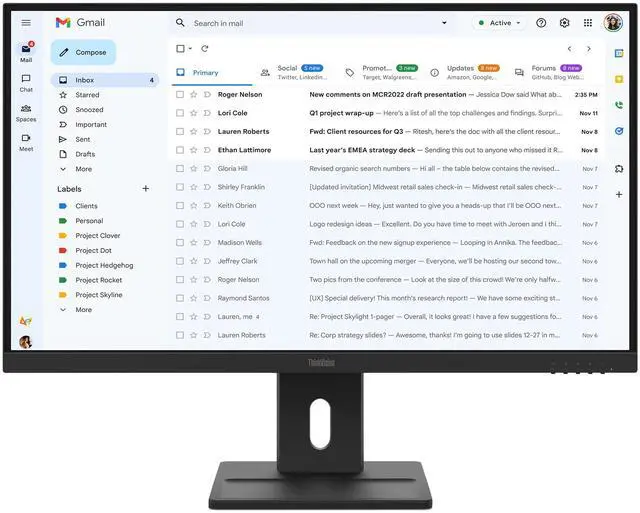
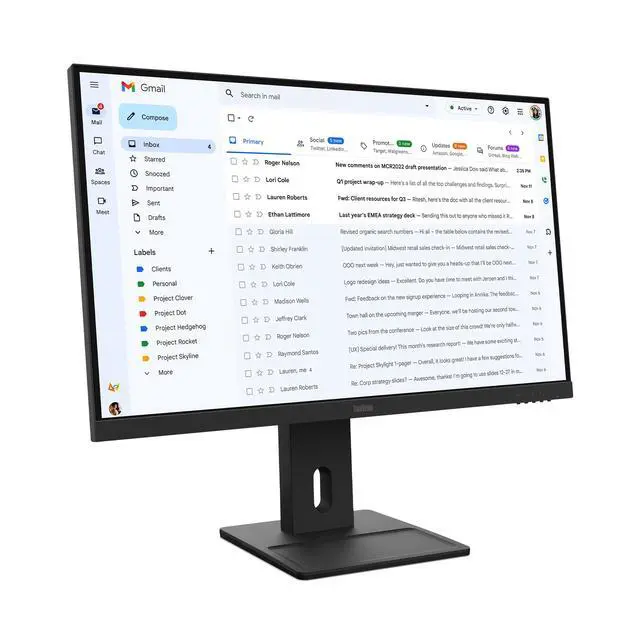
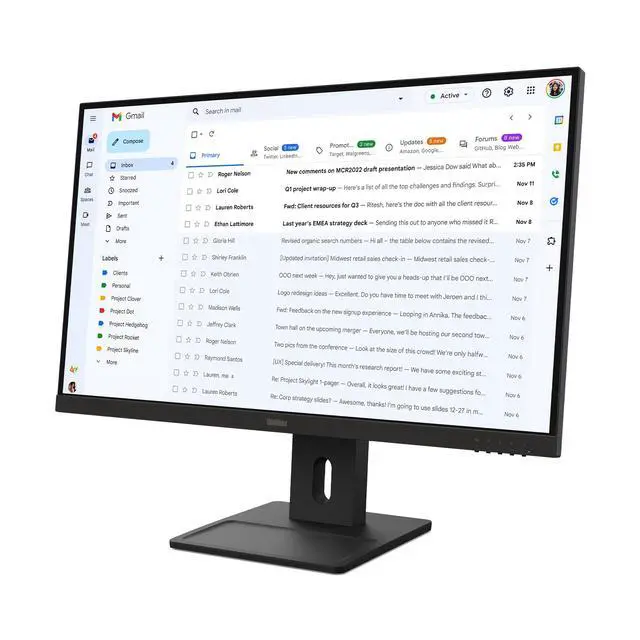
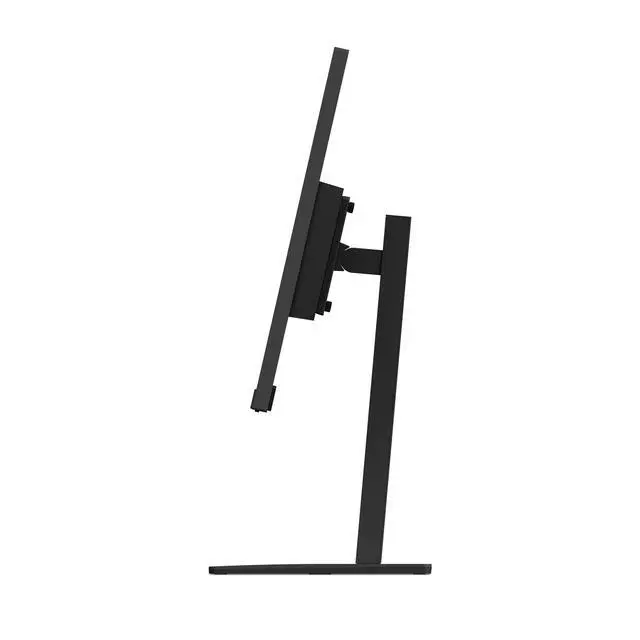
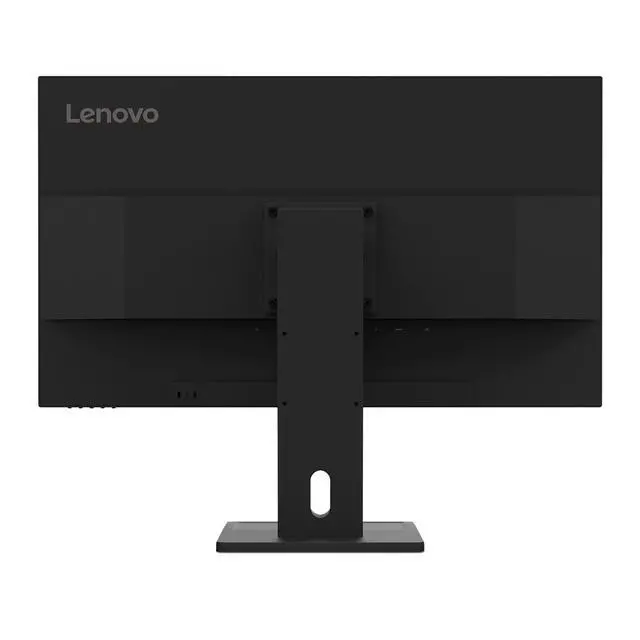
The Lenovo ThinkVision E27-40 is a 27-inch Full HD IPS monitor with a 100Hz refresh rate and an adjustable stand, suited to office users who want a spacious screen and smooth everyday scrolling for work, web browsing, and video.
| Attribute | Value |
|---|---|
| Best For | Desktop use where a 27-inch screen and adjustable positioning are useful |
| Panel And Resolution | 27-inch screen |
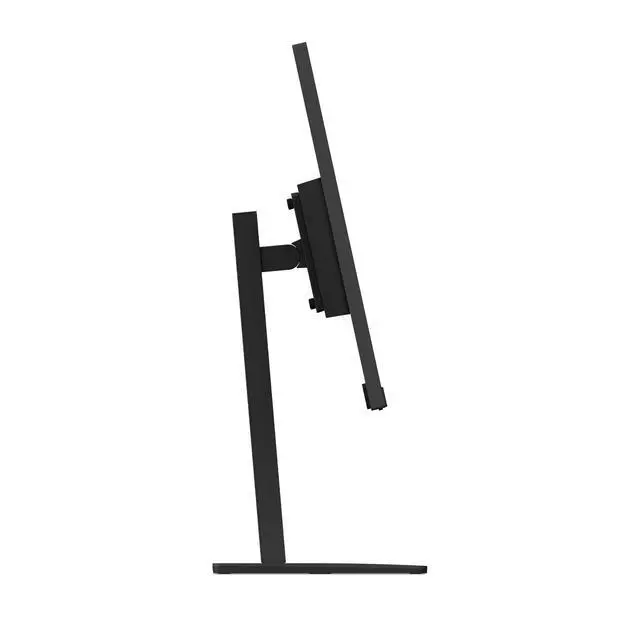
| Stand And Ergonomics | Height, pivot, swivel, and tilt adjustments |
| Integrated Features | No built-in speakers or webcam |
| Physical Dimensions And Weight | 27.5 × 17.7 × 6.6 inches; item weight 18.55 pounds |
| Model Identifiers | Lenovo ThinkVision; model and part number 64BCMAR4UZ |
Q: ThinkVision E27-40 or E27Q-40: which should I choose?
A: Choose the ThinkVision E27-40 for a 27-inch Full HD display with a 100Hz refresh rate, built-in 2W speakers, and a stand with lift, tilt, pivot, and swivel adjustments. Choose the E27Q-40 if you prefer QHD resolution (2560 × 1440); both models have a 100Hz refresh rate and an adjustable stand.
Q: How does the ThinkVision E27-40 compare with the S27i-30?
A: Both are 27-inch Full HD IPS monitors with a 100Hz refresh rate and 99% sRGB coverage. Choose the E27-40 if you want a stand with height, pivot, and swivel adjustment in addition to tilt; the S27i-30 is a comparable option with a tilt-adjustable stand.
Q: Should I choose the ThinkVision E27-40 or the older T27i-30?
A: Choose the E27-40 if you want a 27-inch Full HD IPS display with a 100Hz refresh rate and built-in speakers. The T27i-30 offers a built-in USB hub, making it a suitable alternative when connecting USB peripherals through the monitor is a priority.
Q: Can I connect this monitor to a laptop as a second screen?
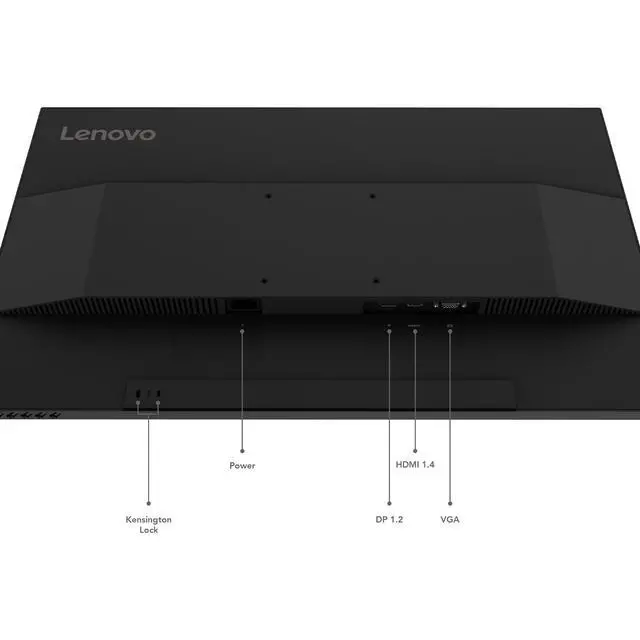
A: Yes, if the laptop has a compatible video output. The E27-40 has HDMI, DisplayPort, and VGA inputs; it does not list USB-C or Thunderbolt video input, so a laptop without a matching output may need an adapter.
Q: Can I adjust the monitor’s height and rotate it vertically?
A: Yes. The stand supports height adjustment, tilt, swivel, and pivot, so you can raise or lower the screen and rotate it to portrait orientation.
Q: Is this monitor suitable for office work and video meetings?
A: It is suited to everyday office tasks such as documents, browsing, and email: it has a 27-inch Full HD IPS display and a 100Hz refresh rate. The supplied product information says it has no built-in webcam, so video meetings require a separate camera. Full HD on a 27-inch screen may look less detailed than a higher-resolution display.
Q: Does it have built-in speakers?
A: The supplied Newegg listing says no, but Lenovo’s E27-40 specification reference lists two integrated 2W speakers. Because these sources conflict, confirm the exact unit’s audio configuration with the seller before relying on built-in sound.


