




 here!
I’m your shopping assistant for PC builds, upgrades, and everything tech.
Got questions? Ask away!
Start a conversation
here!
I’m your shopping assistant for PC builds, upgrades, and everything tech.
Got questions? Ask away!
Start a conversation




Any questions? Ask CelesteSM will help you find out quickly.
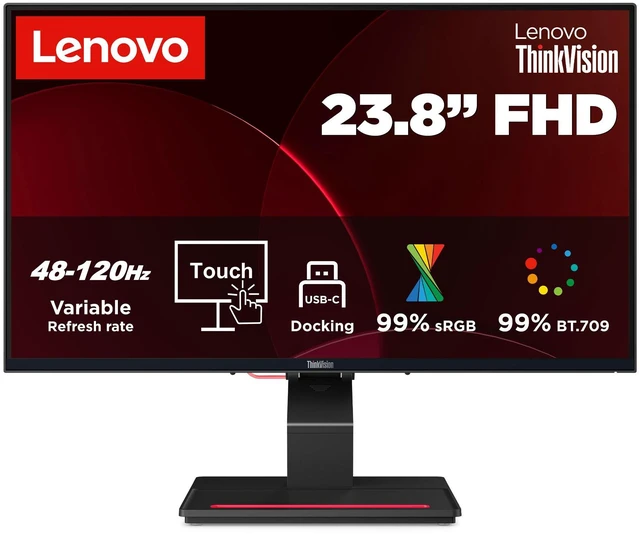
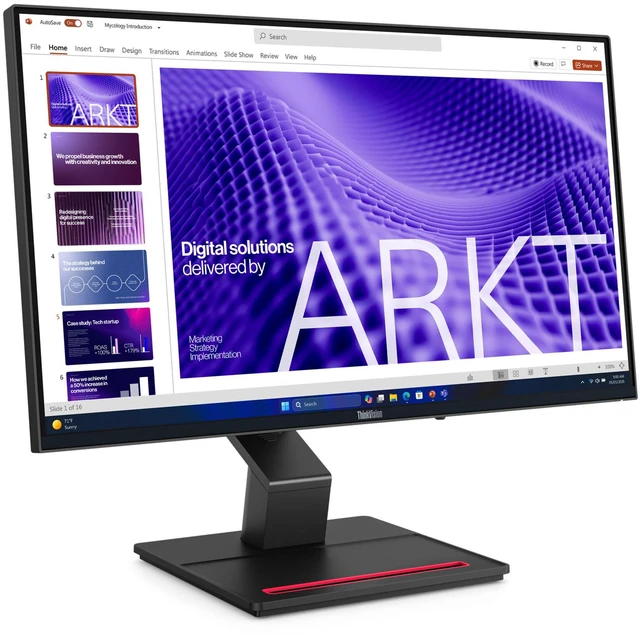
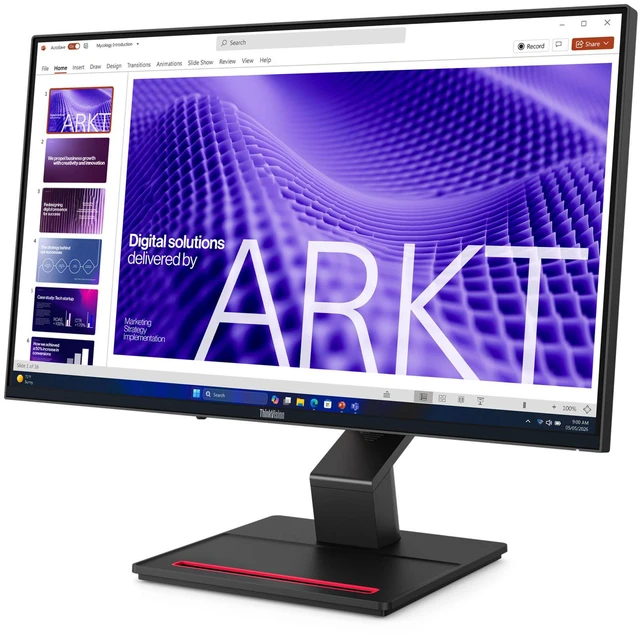
Thinkvision's innovative 20-point multi-touch display technology enables smooth, responsive interaction, with glove support for diverse professional environments. The 4-sided ultra-thin bezel design supports edge-to-edge touch, making navigation, collaboration, and presentations feel more natural and intuitive.
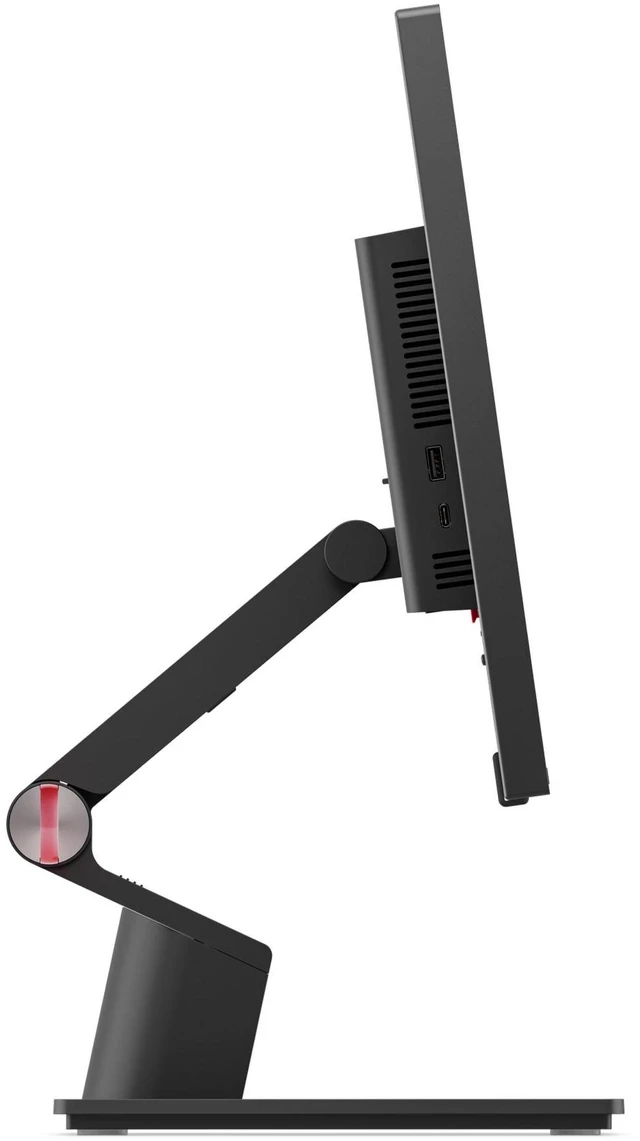
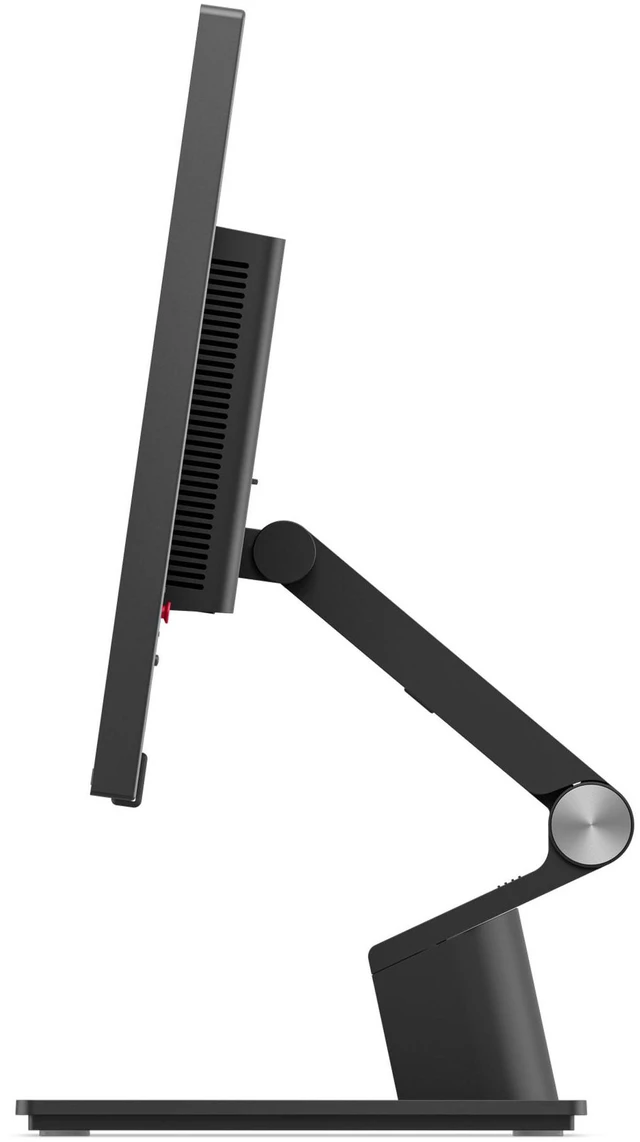
The ergonomic stand offers extended tilt (-5° to 65°) and lift adjustment to support comfortable touch operation or traditional monitor use. With VESA mount compatibility, it adapts easily to varied workspace configurations and deployment requirements.
Super-Smooth Visuals
Work seamlessly with color-accurate and distortion-free visuals on the IPS panel display featuring a 48-120Hz variable refresh rate for extra clarity, no matter the task.
*VRR as specified in HDMI 2.1, DRR for Microsoft Windows.
Immersive, Vivid Performance
With up to 350 nits panel brightness and 99% sRGB and 99% BT.709 color coverage, visuals appear vivid, consistent, and true to life for detailed creative work to everyday productivity.
Advanced Eye Protection
Eyesafe® 2.0 certification and TÜV Rheinland Eye Comfort 5-Star certification protects eye health and comfort through extended work sessions.
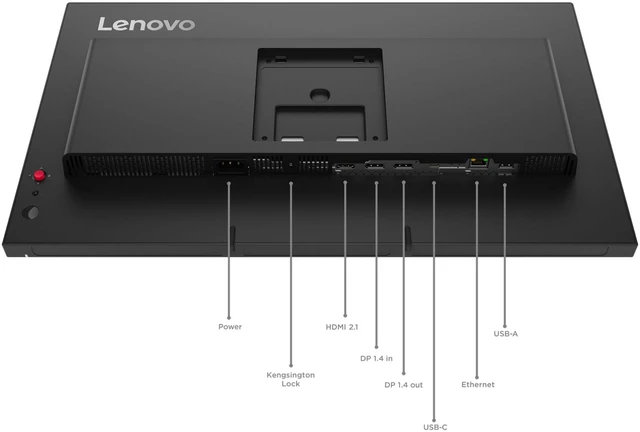
Simplify your workspace with USB-C one-cable docking that delivers power (up to 100W*), data, and display simultaneously. The integrated USB hub keeps peripherals connected while reducing cable clutter for a cleaner, more efficient setup.
*The 100W (20V/5A) output rating is based on Lenovo proprietary VDM technology and requires compatible Lenovo systems. Actual power delivery may vary.
Enhance multitasking with daisy-chaining capability via DisplayPort out port. Combined with the 4-sided ultra-thin bezel design, it creates a near-seamless multi-monitor experience for greater productivity.
Power on, shut down, or wake a docked Lenovo notebook directly from the monitor using the Mirrored Power Buttonstreamlining daily workflows with added convenience.
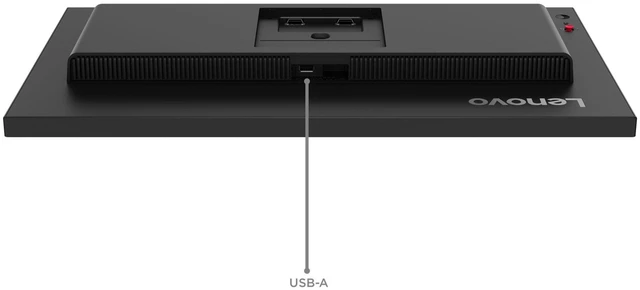
Upgrade collaboration with optional ThinkVision MC60 Modular Webcam and MS30 Soundbar support via the top-mounted USB-A port, enhancing video and audio performance with a clean, integrated setup.
,The Lenovo ThinkVision T24D-4t is a 23.8-inch Full HD touchscreen monitor with height and tilt adjustment, suited to office users who want direct on-screen interaction for everyday work, presentations, or collaborative tasks.


