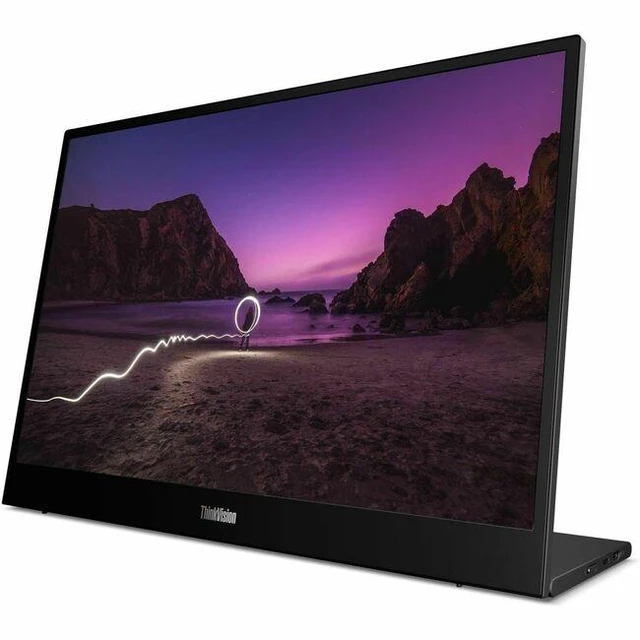
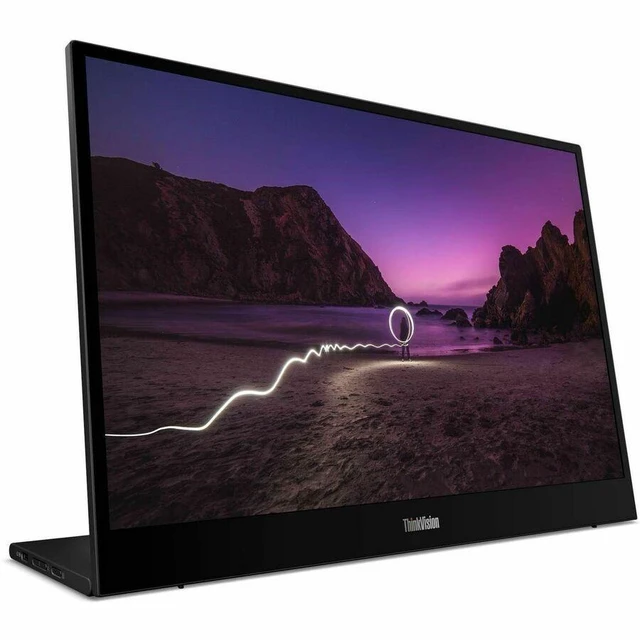
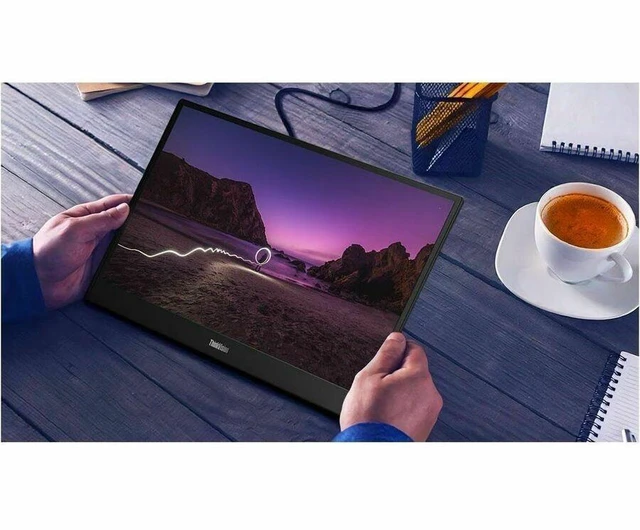
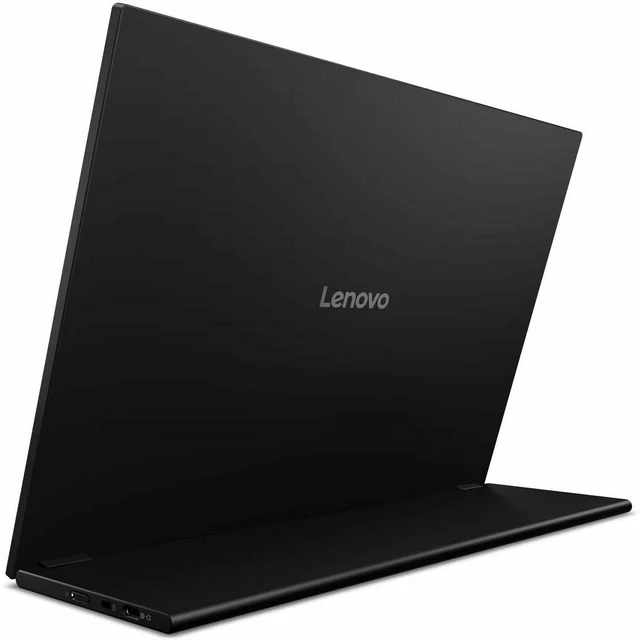
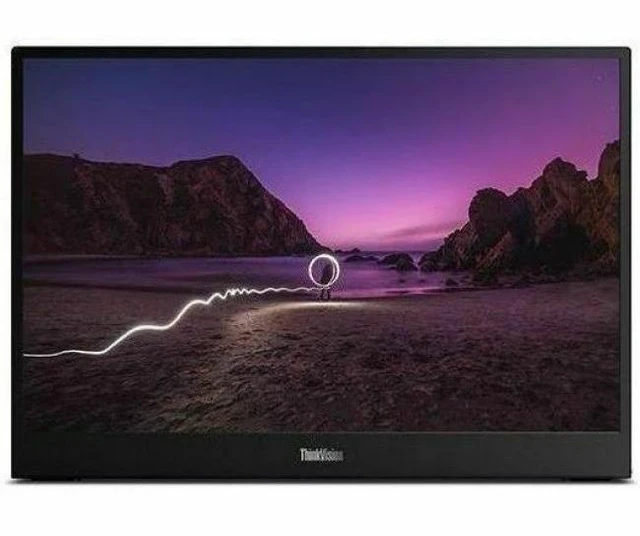
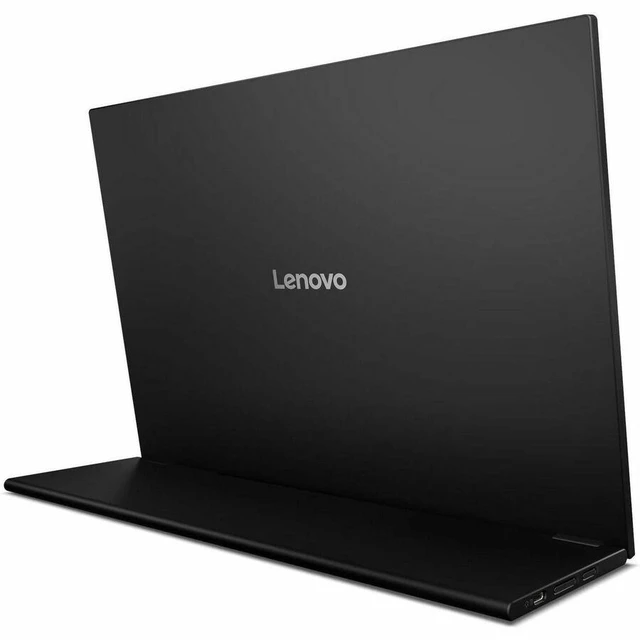
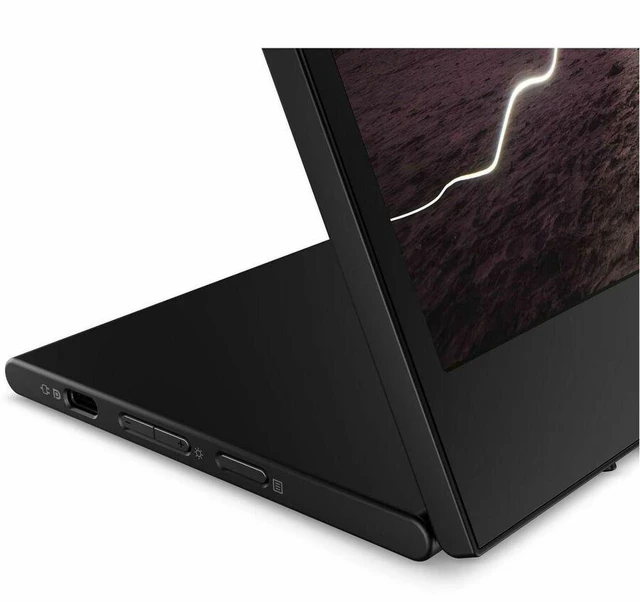
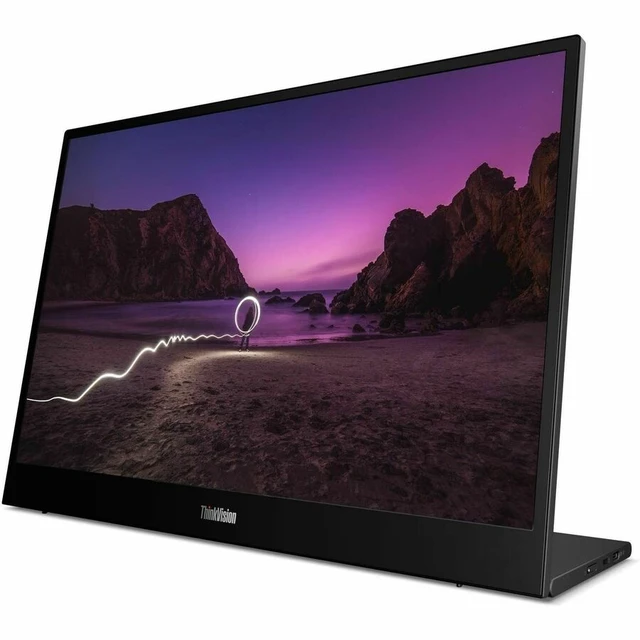
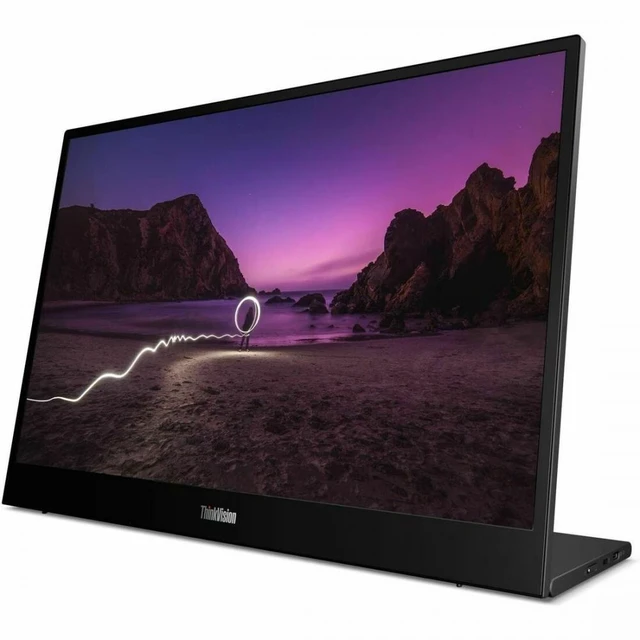
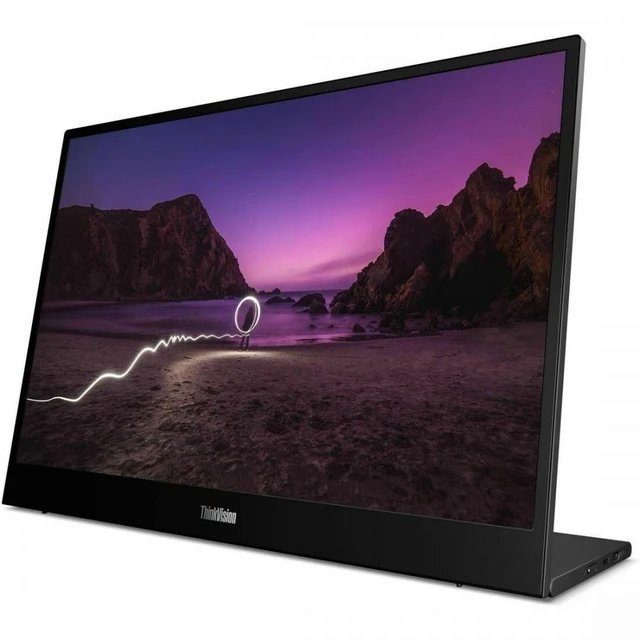
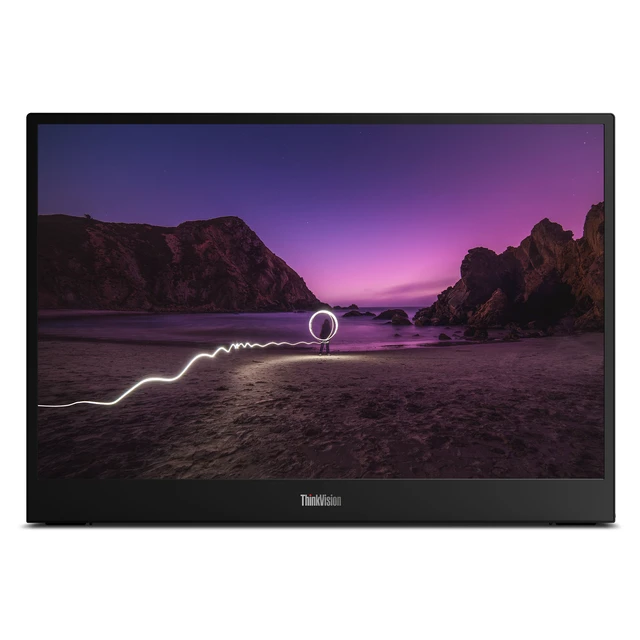
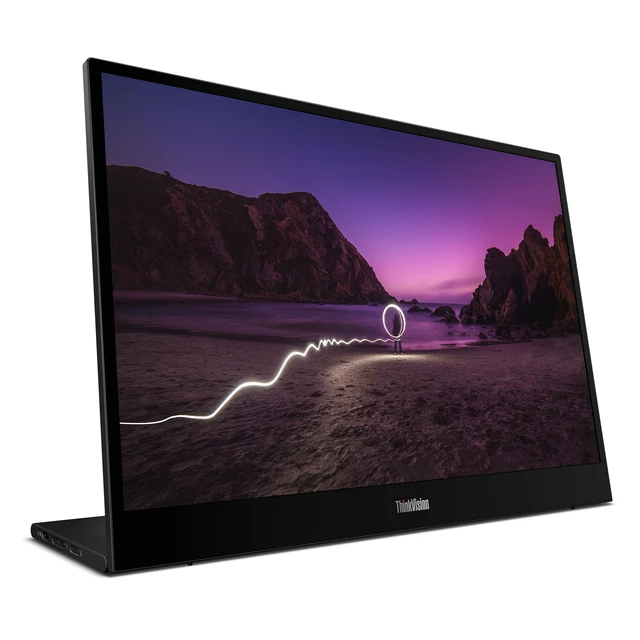
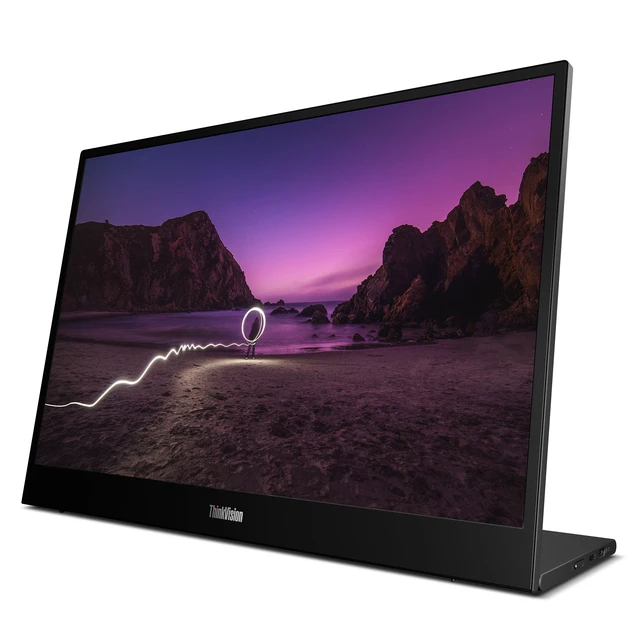
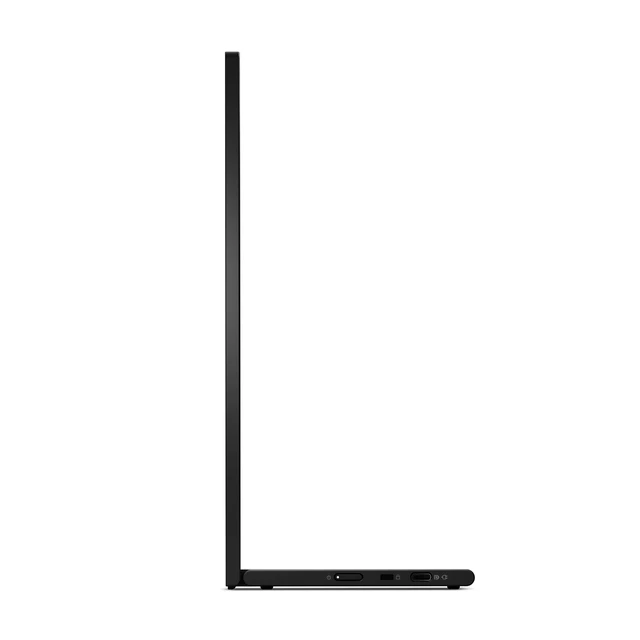
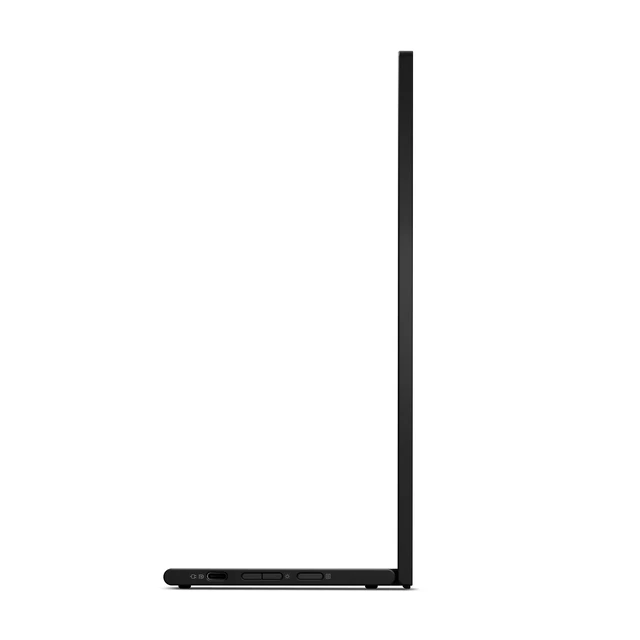
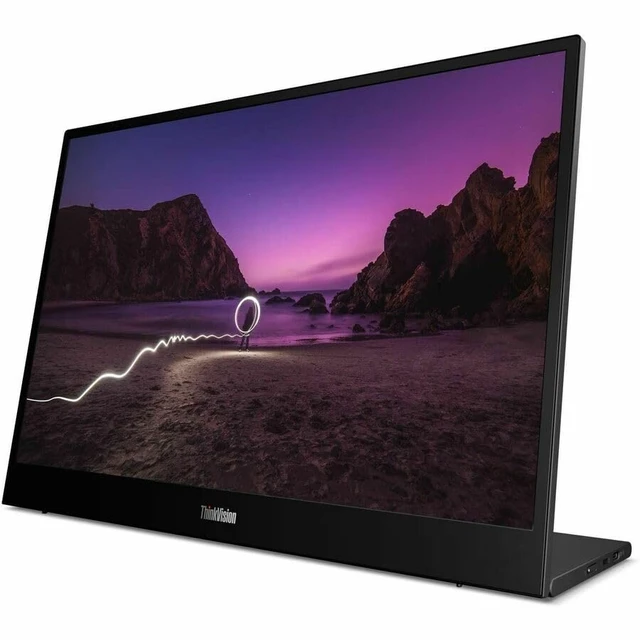
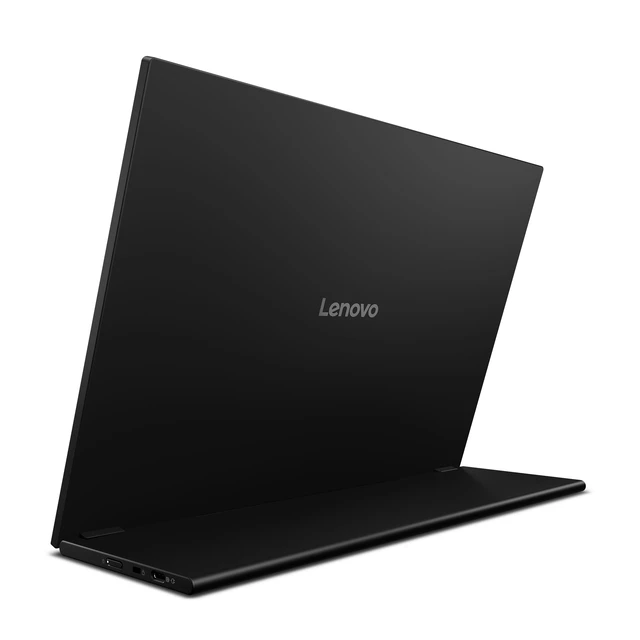
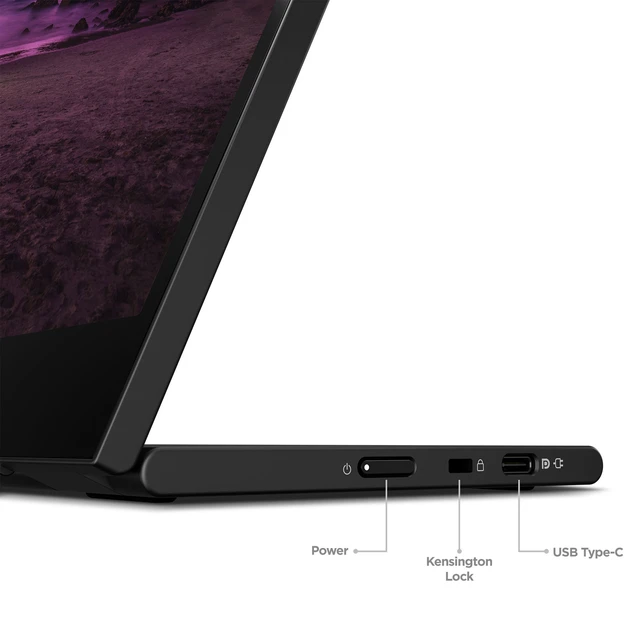
The Lenovo ThinkVision M16 (64BFUAR1US) is a 16-inch mobile monitor with a 1920 × 1200 IPS display, 16:10 aspect ratio, and USB-C connectivity, suited to people who want extra screen space for work or use with a compatible device.
Recommended For
- Laptop-based hybrid workers who move between home, office, and shared workspaces and want a portable second screen for documents, browser tabs, spreadsheets, or chat; its USB-C setup, integrated stand, and included sleeve suit that routine.
- Students and mobile professionals using a compact laptop who need more room for writing, reading, and keeping reference material visible without relying on a permanent desk monitor.
- People who present or discuss work around a laptop and want to turn a portable display toward colleagues or clients to share documents and other on-screen material.
- Tablet users whose device supports video output over USB-C and who want a larger screen for desktop-style tasks; the monitor can connect and draw power through USB-C.
Real-World Use Scenarios
- When laptop work gets crowded with documents, browser tabs, and chat apps, use the M16 as a second screen to keep reference material visible while you work; reviewers found its 16:10 workspace useful for this kind of productivity.
- For hybrid work or travel, pack it with a compatible laptop and set it up at a hotel, café, or temporary desk; reviewers report that it is easy to carry and connects over USB-C without a complicated setup.
- During a meeting with colleagues or clients, turn the screen toward them to show a document or presentation without asking everyone to crowd around the laptop display.
- For reading or editing long documents, web pages, or spreadsheets, use the M16 as the main workspace or a second screen; its taller 16:10 layout gives more vertical room, reducing how often you need to scroll.
- If a USB-C tablet supports video output, connect it to use the larger display for a desktop-style work session; a reviewer tested this with a tablet’s PC mode and reported that it worked without extra drivers.




 here!

 Hot Seller