- Free 30-day Returns
Best Sellers
Meet Your Seller
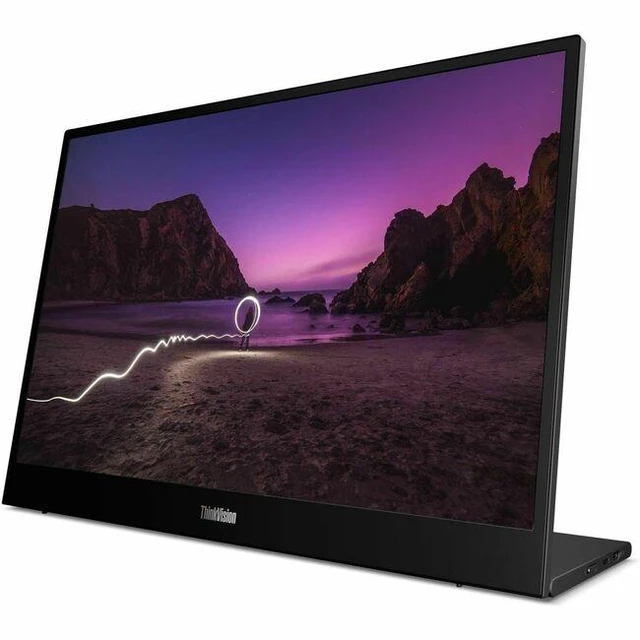
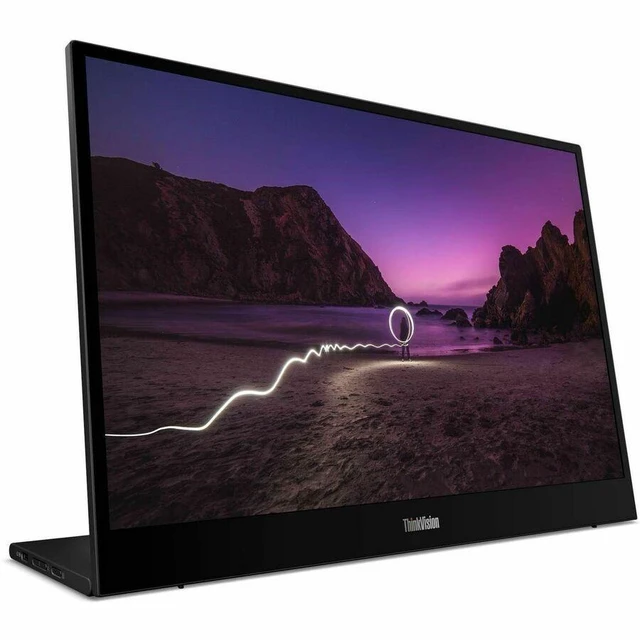
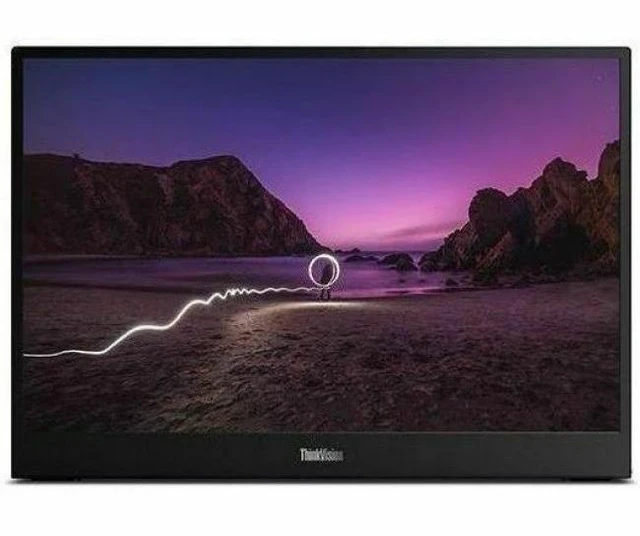
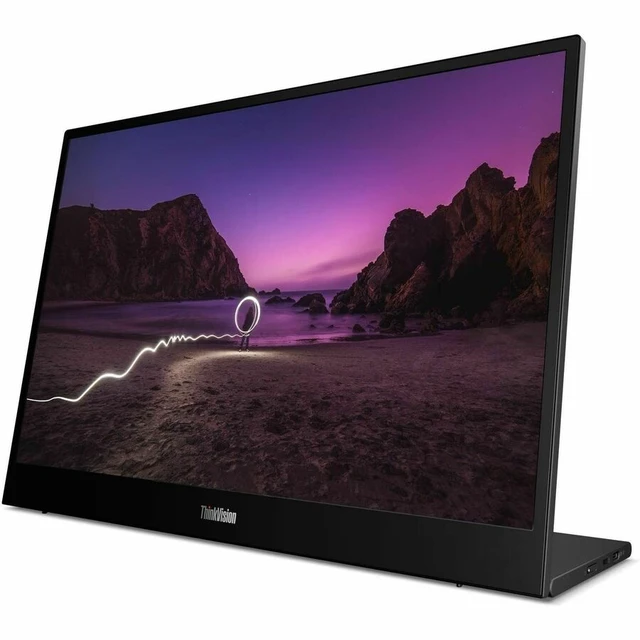
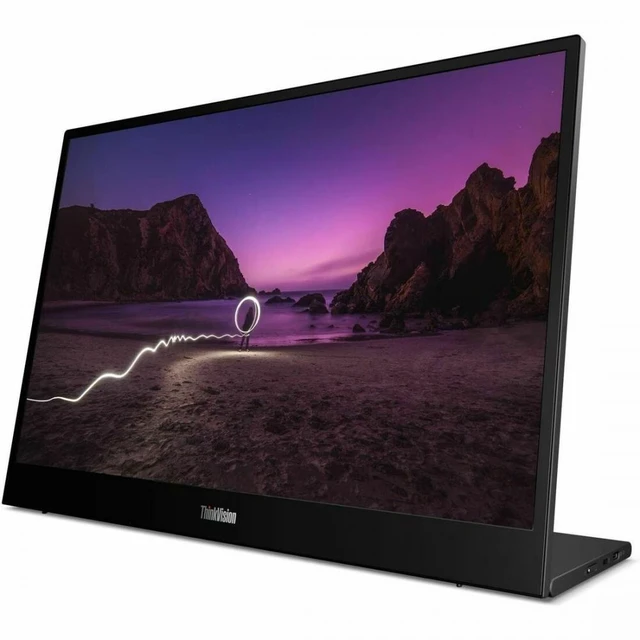
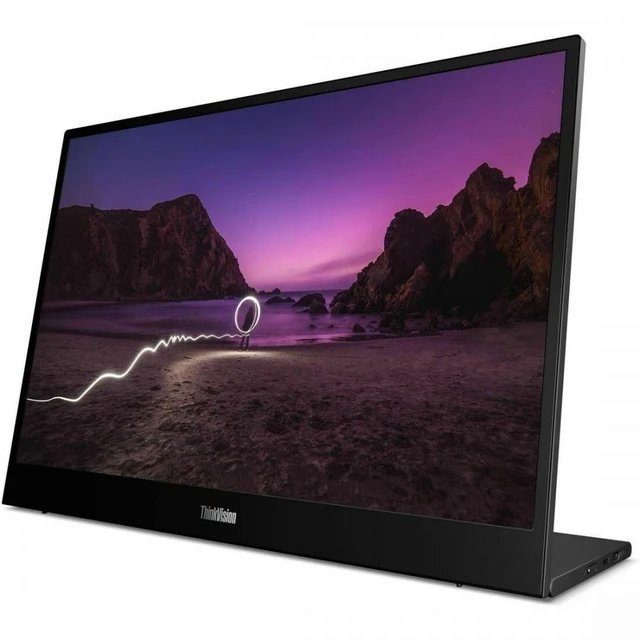
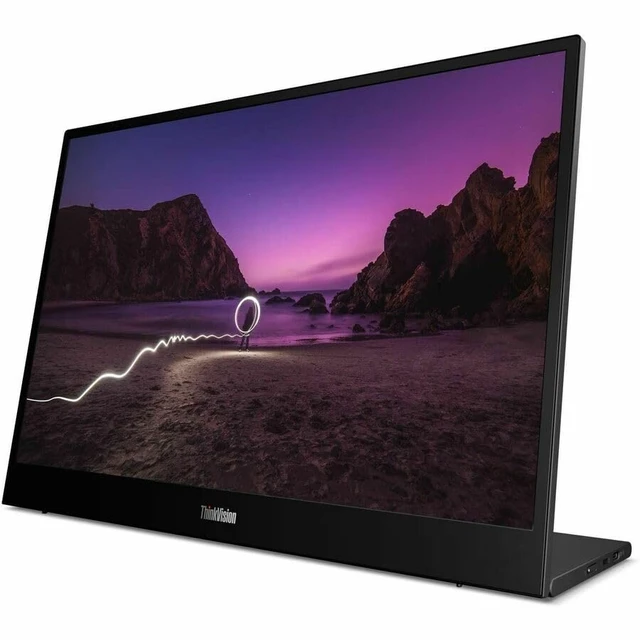
Lenovo ThinkVision M16 16" Class WUXGA LED Monitor - 16:10 - Eclipse Black - 16" Viewable - In-plane Switching (IPS) Technology - WLED Backlight - 1920 x 1200 - 16.7 Million Colors - 300 Nit
- 16:10
- Eclipse Black
- 16" Viewable
- In-plane Switching (IPS) Technology
- WLED Backlight
- 1920 x 1200
- 16.7 Million Colors
- 300 Nit
- 6 ms
- 60 Hz Refresh Rate
- Height, Tilt
- USB Type-C
Any questions? Ask CelesteSM will help you find out quickly.
Effortless Portability
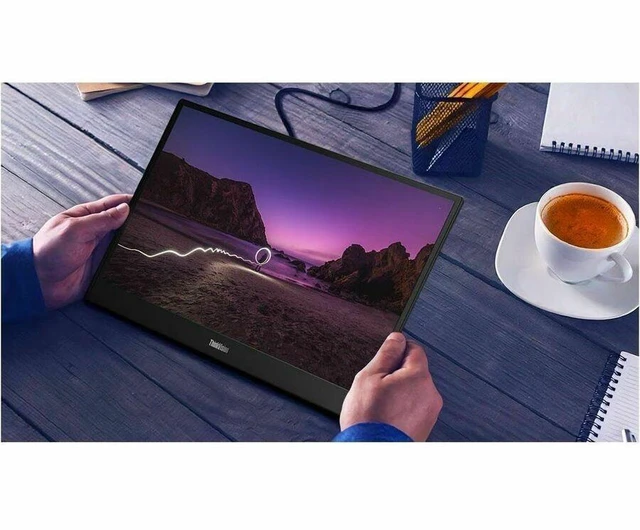
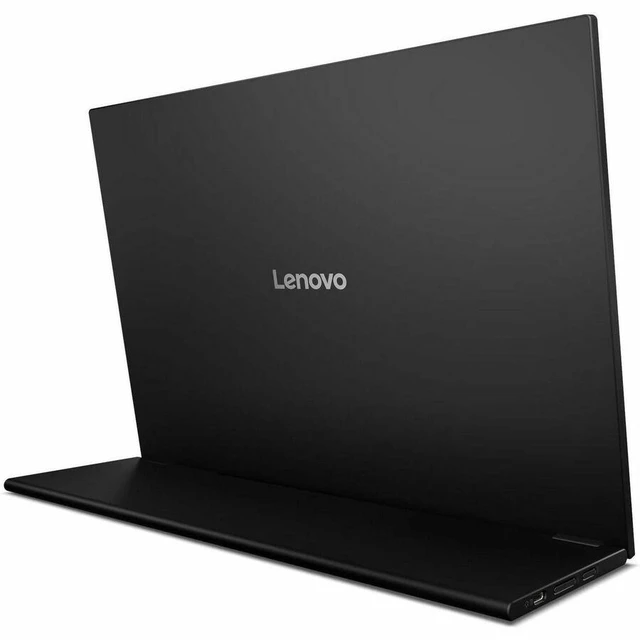
|The ultra-slim 7 mm profile and lightweight 980 g design make it effortless to carry and ideal for working anywhere.
|Larger, Clearer Workspace
|The 16" WUXGA IPS display with 300 nits brightness and a 16:10 aspect ratio delivers a larger, clearer visual workspace that pairs perfectly with ThinkPad and ThinkBook laptops.
|Comfort for Productivity
|TÜV-certified Flicker-free and Hardware Low Blue Light Solution helps reduce visual fatigue and supports sustained productivity without compromising color accuracy.
| || |Tilt adjustment from 090° and height adjustment up to 10 mm provide versatile positioning to suit different laptops and workstyles.
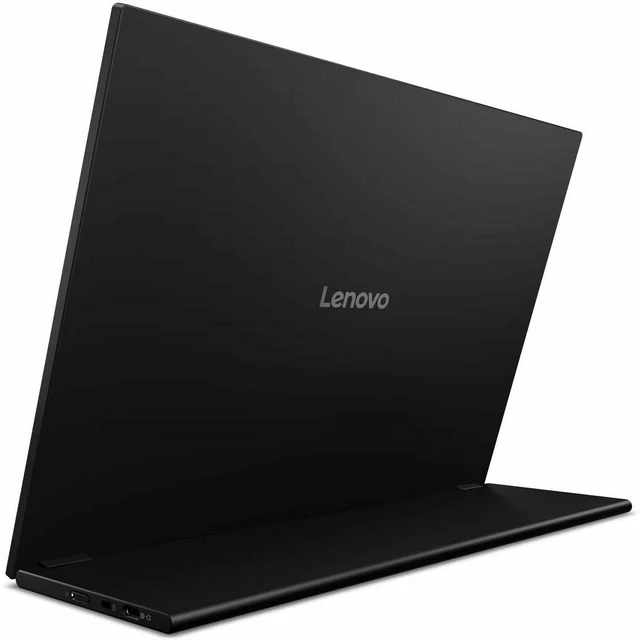
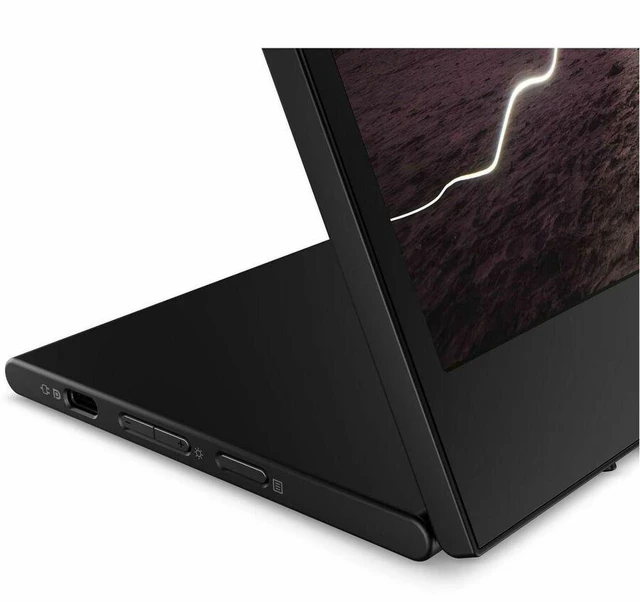
| |The ergonomic L-shaped stand lets you switch effortlessly between portrait and landscape modes for a more comfortable, productive viewing experience.
|Clean, Efficient Setup
|Dual USB-C portsone on each sidelet you connect your laptop or smartphone with a single cable, creating a cleaner, more organized workspace that supports efficient multitasking.
|Power and Productivity
|Up to 65W power delivery with power pass-through allows you to power the monitor and charge your device simultaneously, helping you stay productive without juggling multiple adapters.
|Easy Mobile Setup
|The included 1-meter flexible USB-C cable makes setup effortless and adaptable, ensuring a tidy, professional workstation wherever you work.
| || |EPEAT Gold certification reflects rigorous environmental standards and responsible product design. ENERGY STAR 8.0 compliance helps reduce power consumption, supporting lower operational costs and more efficient energy use.
||Eco-conscious packaging using up to 95% post-consumer content and pulp cushioning helps reduce environmental impact from production to delivery.
|Warranty & Returns
Warranty, Returns, And Additional Information
Warranty
- Please contact the Seller directly for warranty information. Warranty information may also be found on the Manufacturer's website.
- Read full details
- CONTACT
Return Policies
- Return for refund within: 30 days
- Return for replacement within: 30 days
- This item is covered by Lenovo Return Policy
Manufacturer Contact Info
- For a directory of all our manufacturers, please click below.
- Manufacturers Directory
The Lenovo ThinkVision M16 (64BFUAR1US) is a 16-inch mobile monitor with a 1920 × 1200 IPS display, 16:10 aspect ratio, and USB-C connectivity, suited to people who want extra screen space for work or use with a compatible device.
Recommended For
- Laptop-based hybrid workers who move between home, office, and shared workspaces and want a portable second screen for documents, browser tabs, spreadsheets, or chat; its USB-C setup, integrated stand, and included sleeve suit that routine.
- Students and mobile professionals using a compact laptop who need more room for writing, reading, and keeping reference material visible without relying on a permanent desk monitor.
- People who present or discuss work around a laptop and want to turn a portable display toward colleagues or clients to share documents and other on-screen material.
- Tablet users whose device supports video output over USB-C and who want a larger screen for desktop-style tasks; the monitor can connect and draw power through USB-C.
Real-World Use Scenarios
- When laptop work gets crowded with documents, browser tabs, and chat apps, use the M16 as a second screen to keep reference material visible while you work; reviewers found its 16:10 workspace useful for this kind of productivity.
- For hybrid work or travel, pack it with a compatible laptop and set it up at a hotel, café, or temporary desk; reviewers report that it is easy to carry and connects over USB-C without a complicated setup.
- During a meeting with colleagues or clients, turn the screen toward them to show a document or presentation without asking everyone to crowd around the laptop display.
- For reading or editing long documents, web pages, or spreadsheets, use the M16 as the main workspace or a second screen; its taller 16:10 layout gives more vertical room, reducing how often you need to scroll.
- If a USB-C tablet supports video output, connect it to use the larger display for a desktop-style work session; a reviewer tested this with a tablet’s PC mode and reported that it worked without extra drivers.