



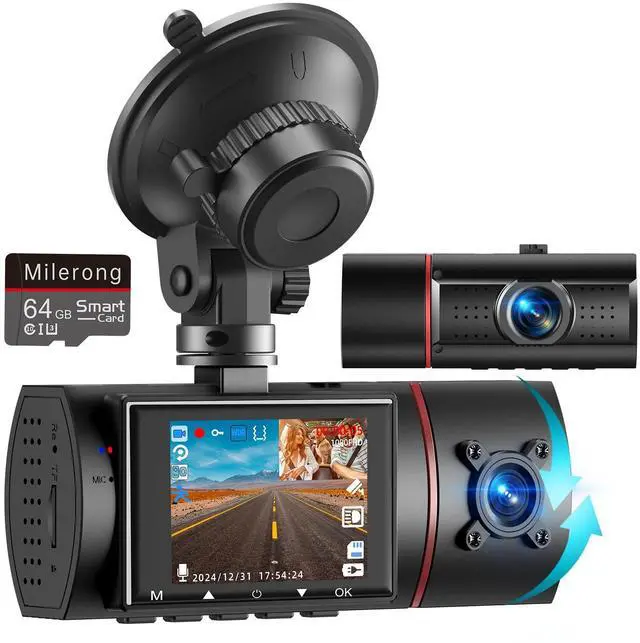
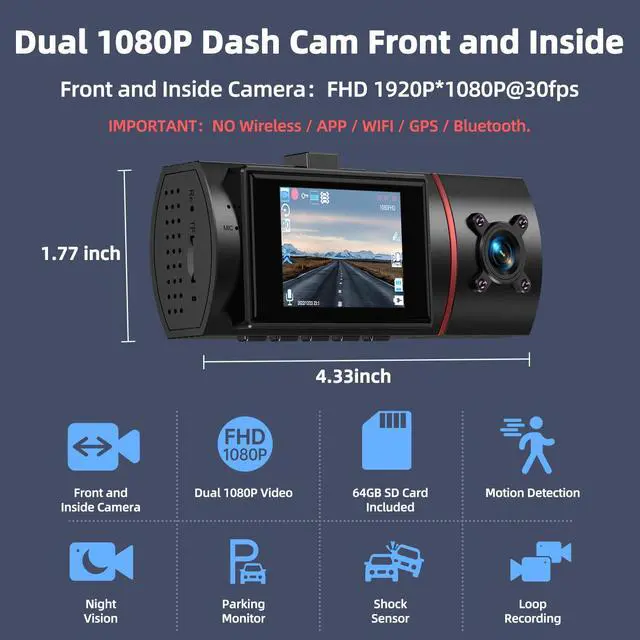
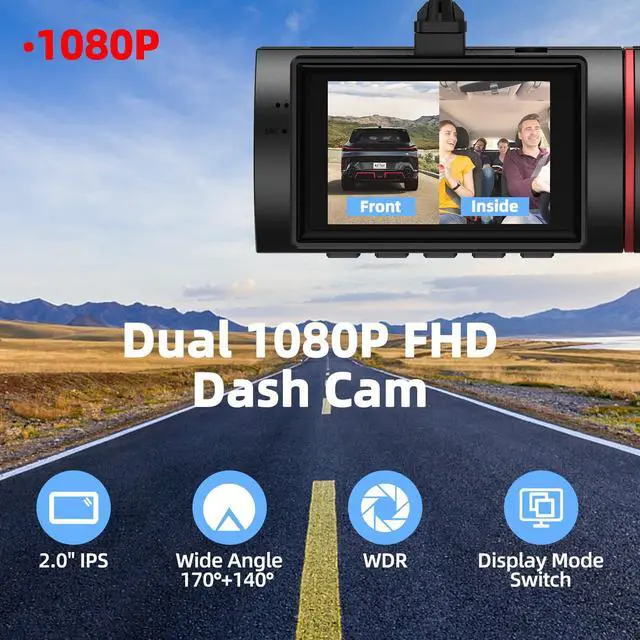
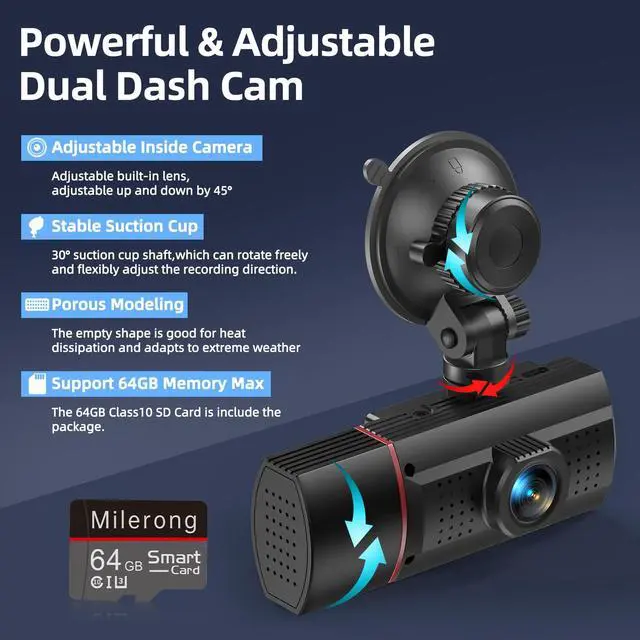




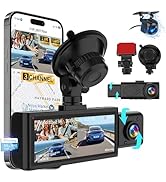
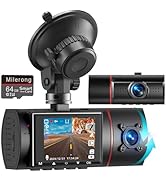
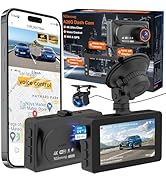
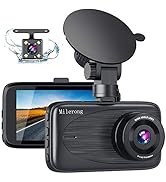



Different dash cams for your different needs
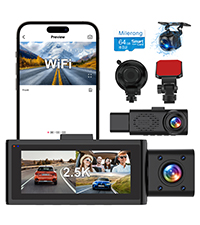 3 channel dash cam | 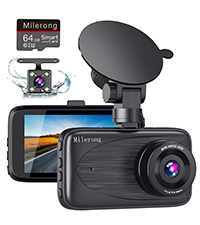 Dash camera for cars | 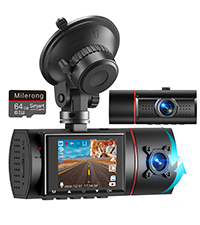 Dash cam front and inside | 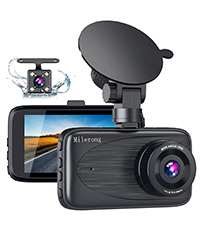 Dash cam front and rear | |
|---|---|---|---|---|
Customer Reviews | — | — | — | — |
Price | — | — | — | — |
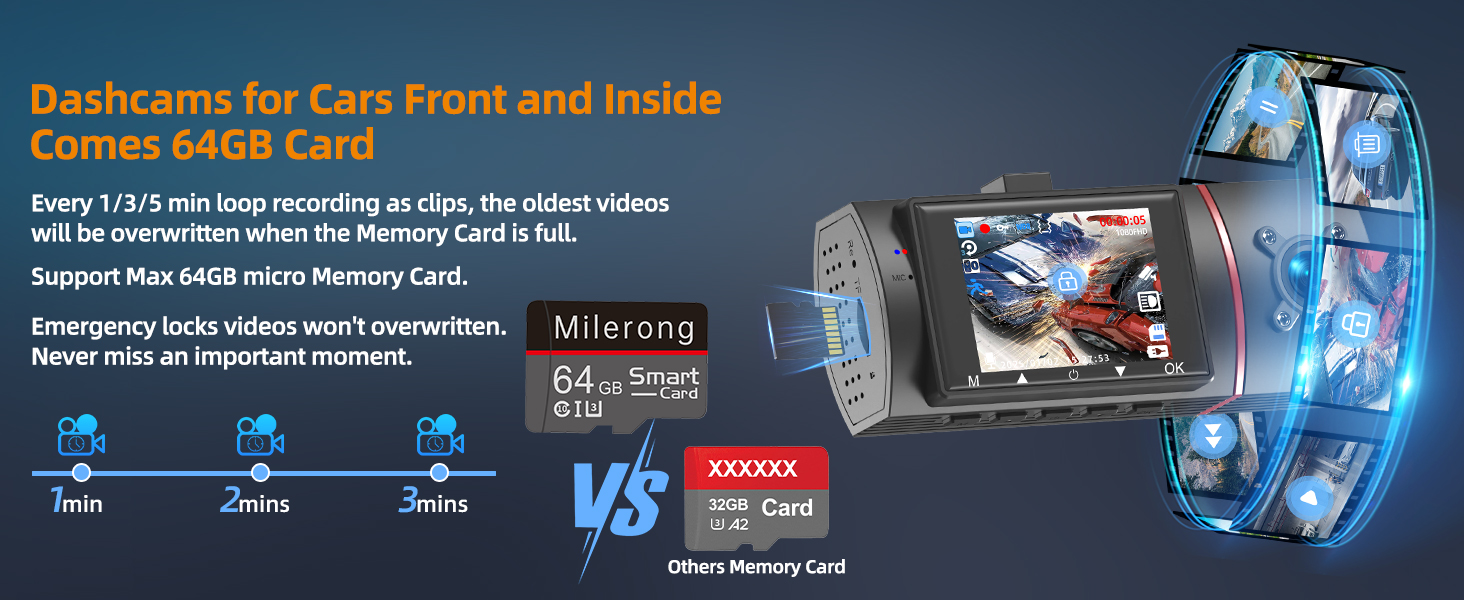
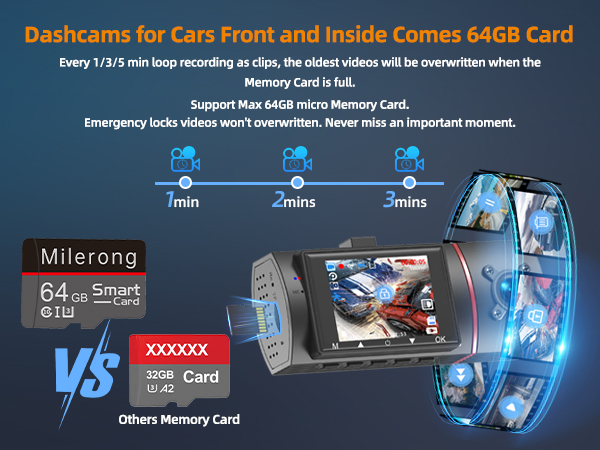
Memory Card | 64GB Memory Card | 64GB Memory Card | 64GB Memory Card | No |
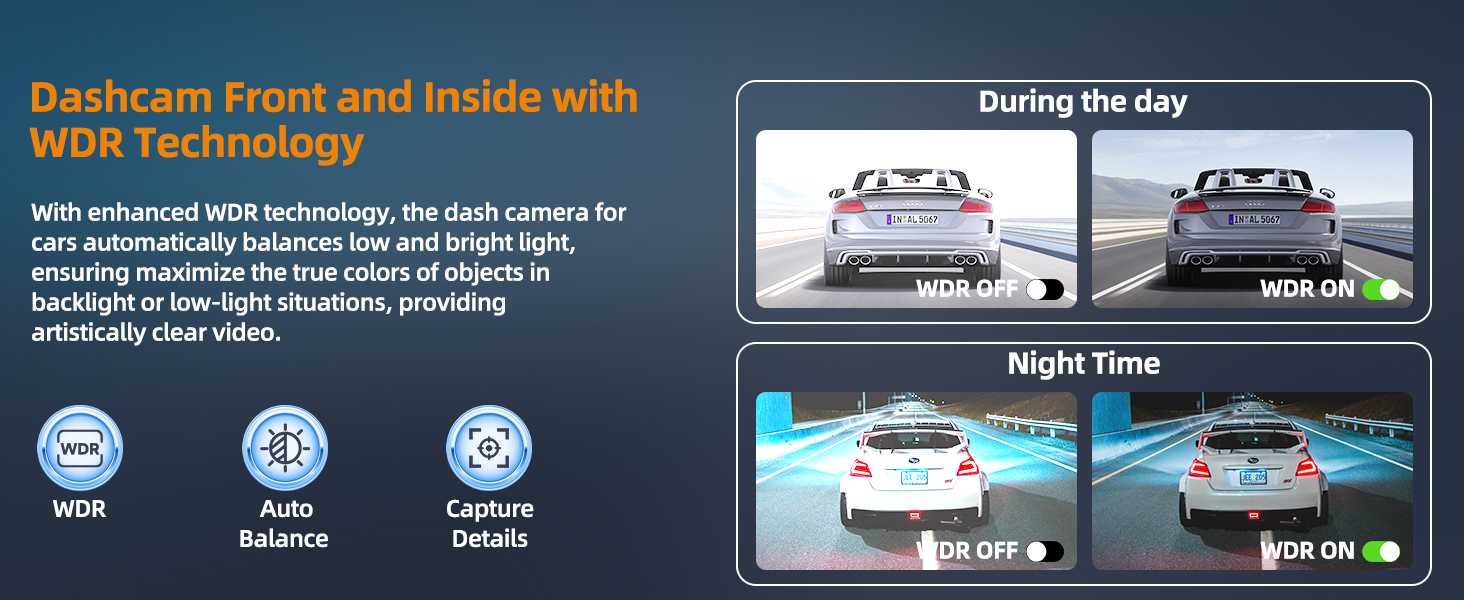
Resolution | 1440+1080+1080p @30fps | 1080P@30fp | 1080+1080p @30fps | 1080P@30fp |
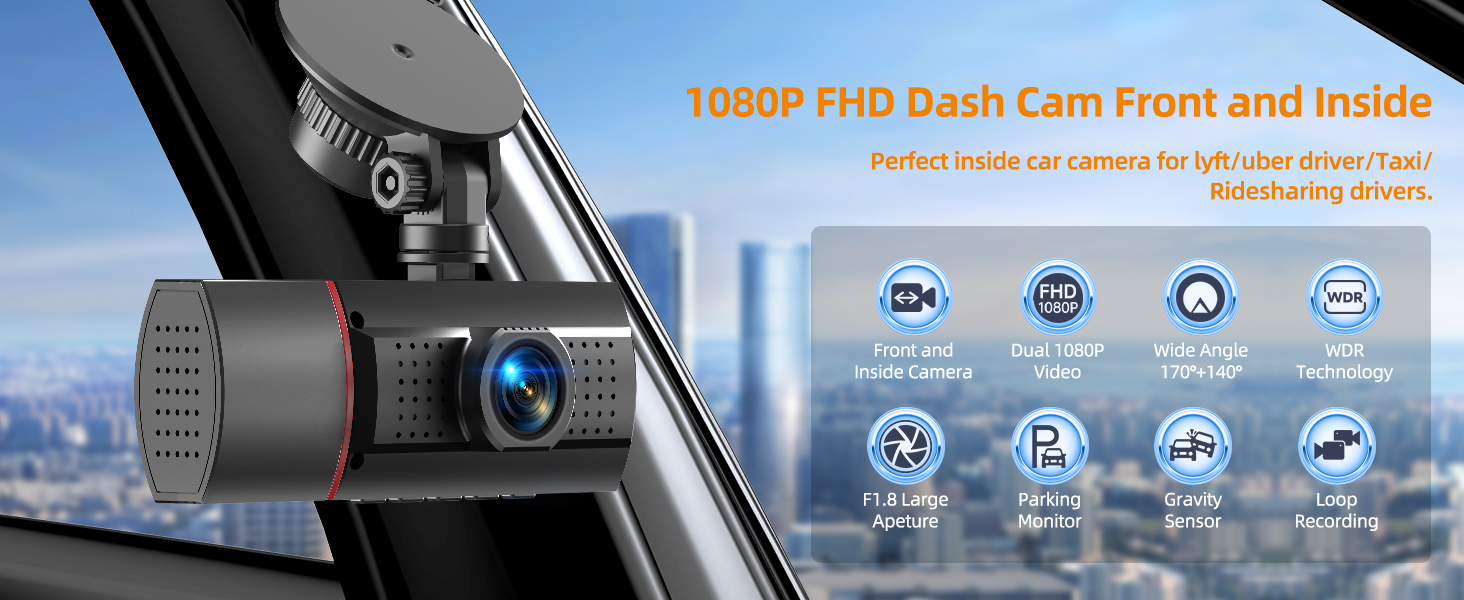
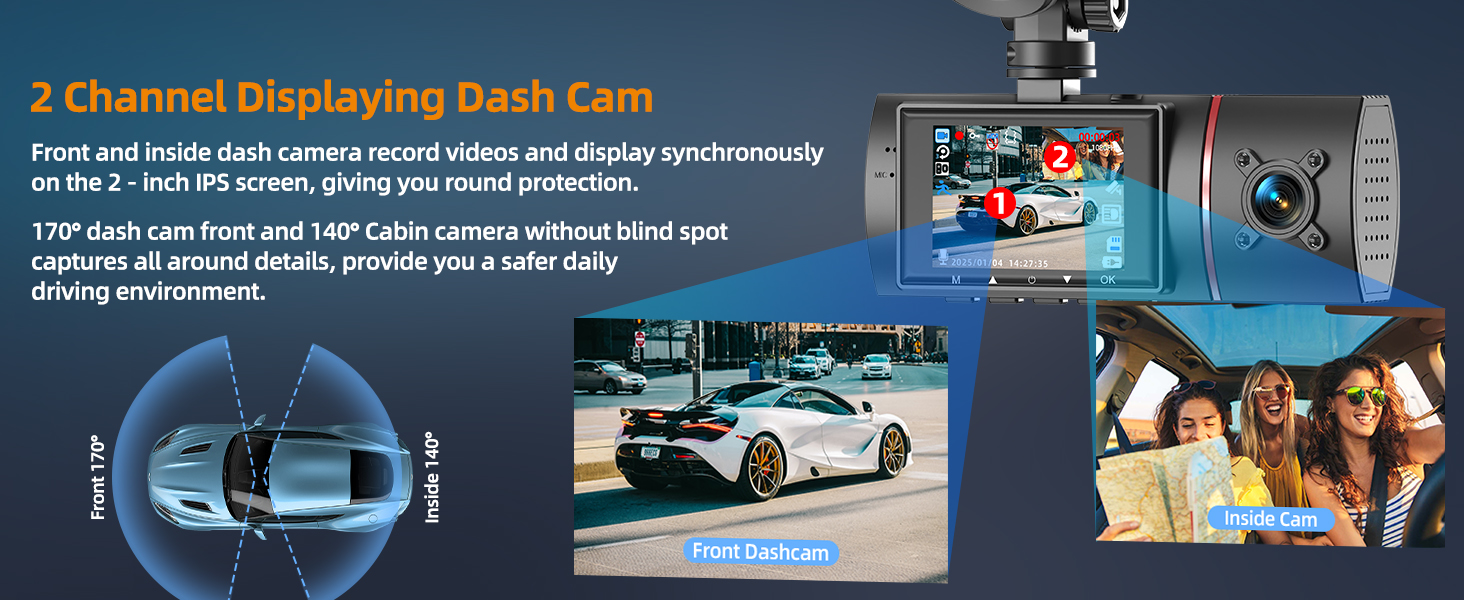
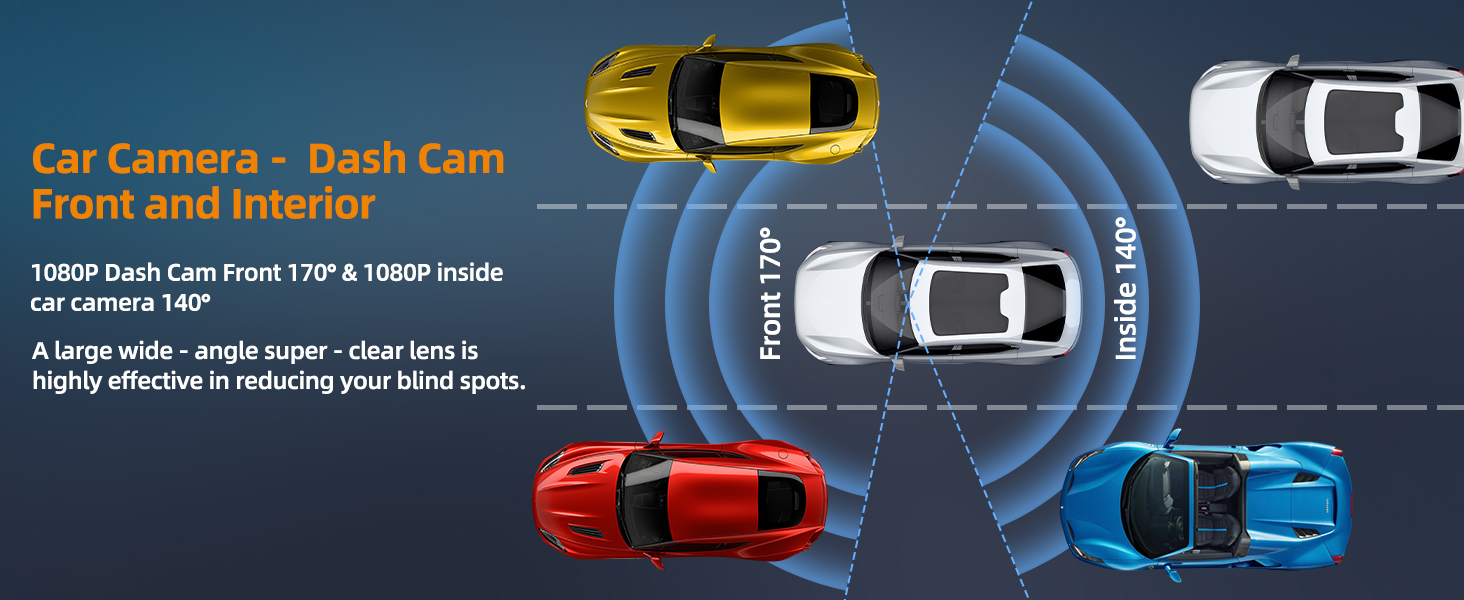
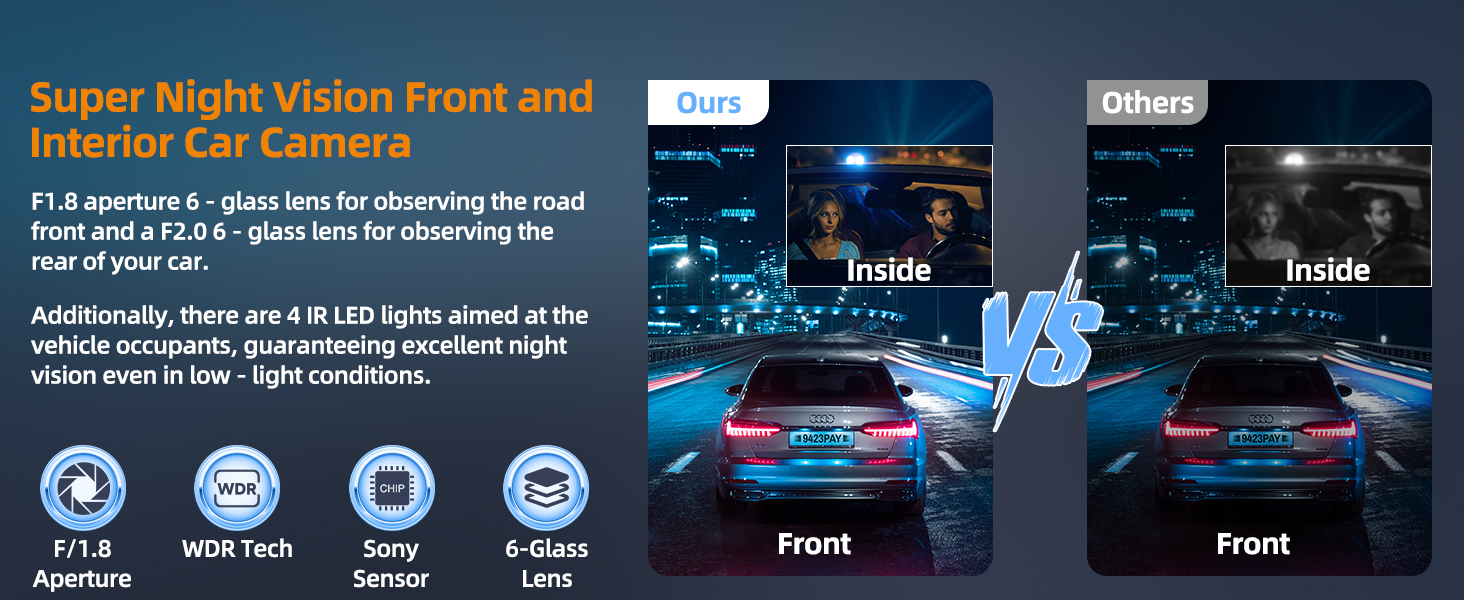
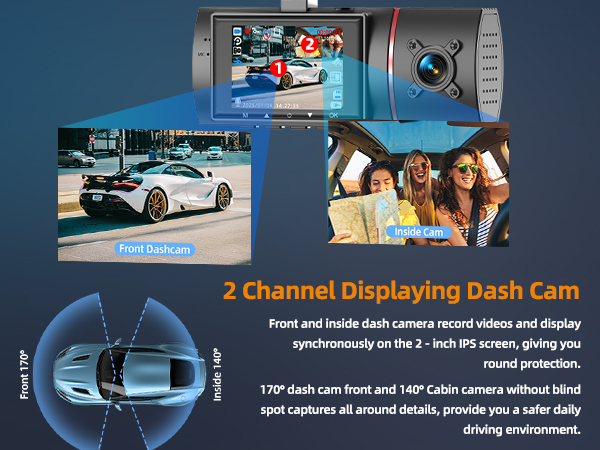
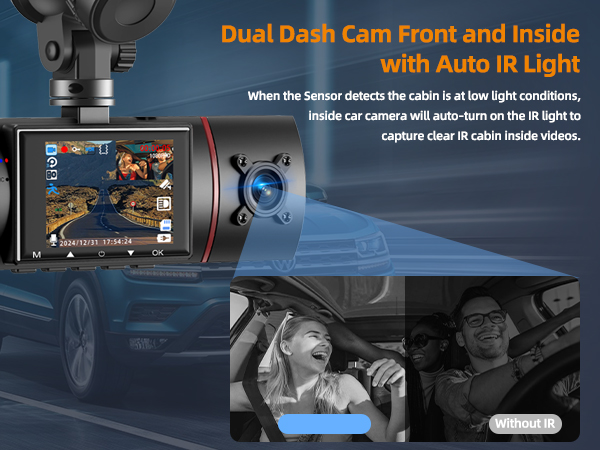
Camera Type | 3 Channel: Front, Cabin, Rear | Dual Channel: Front & Rear | Dual Channel: Front & Inside | Dual Channel: Front & Rear |
WiFi | Dual Band: 5G & 2.4G WiFi | NO | NO | NO |
Max. Storage Support | 256gb | 64GB | 64GB | 64GB |
GPS | NO | NO | NO | NO |
Control Method | Button & Milerong App | Button | Button | Button |
Why won't my dash cam front and inside cut off with the car?
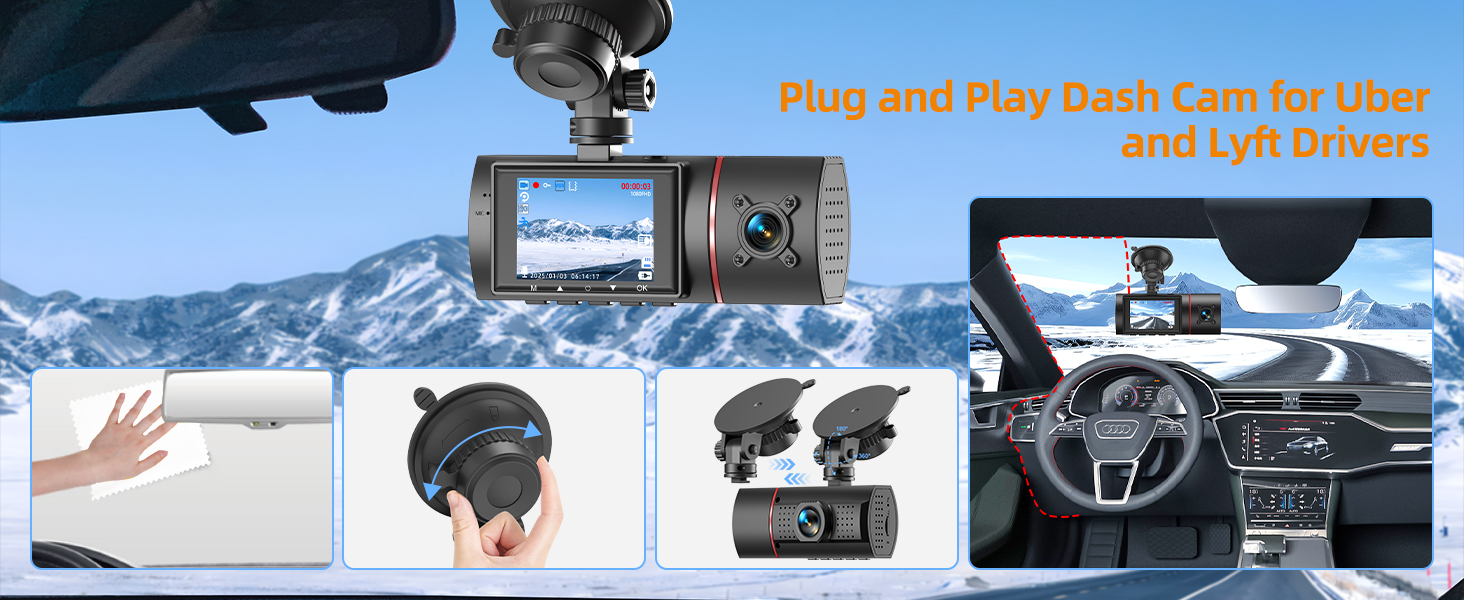
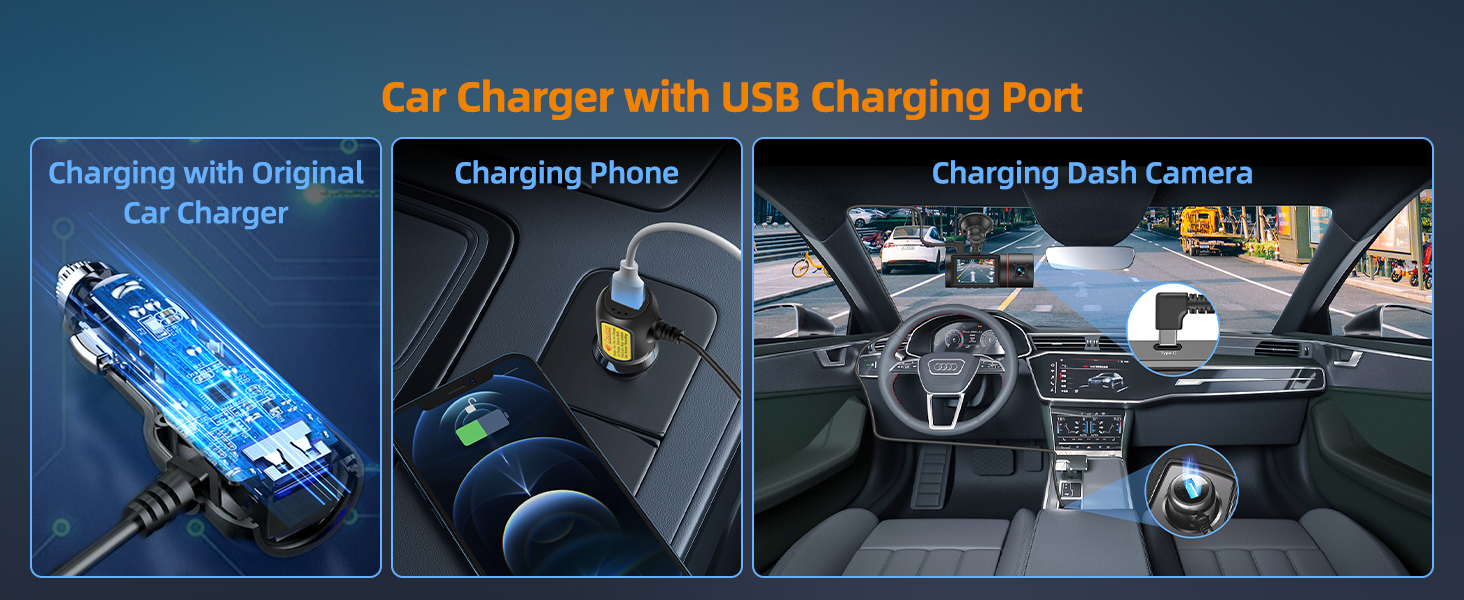
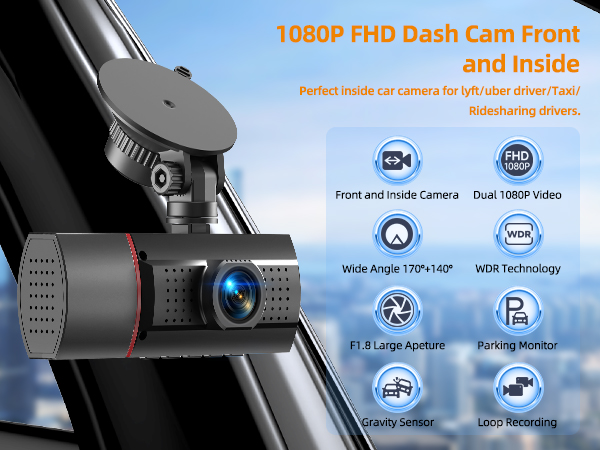
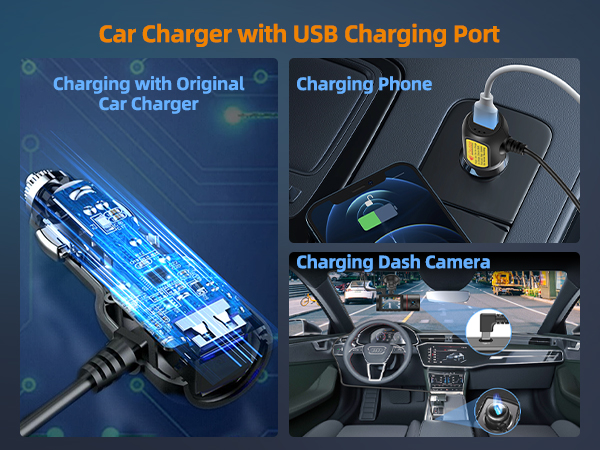
Please use original car charger to charge dual dash cam front and inside. And Make sure your car's cigarette lighter is normally powered? If it is, the dash camera for cars won't switch off with the car, requiring you to manually unplug car charger.
When I want to set up the front and inside dash camera, nothing happens when I press the menu button?
When the dash camera for cars front and inside is recording, pressing any button is unresponsive. You need to pause the recording first and then set 2 channel dash cam up again.
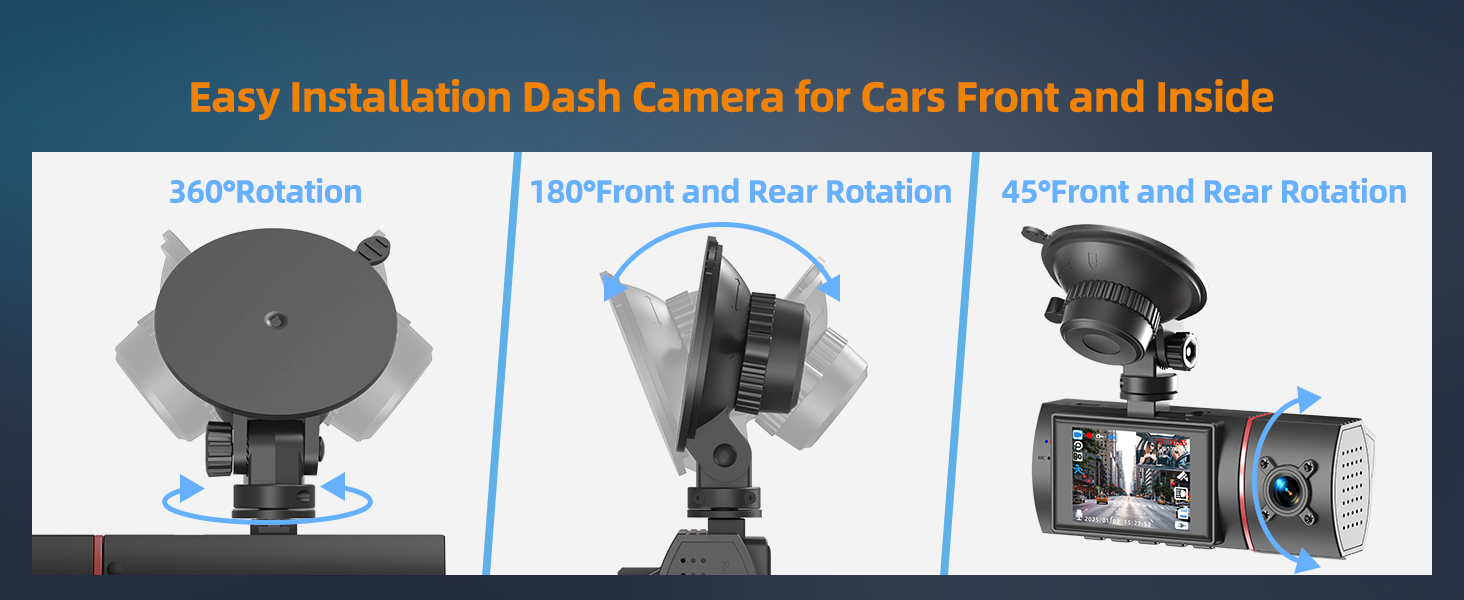
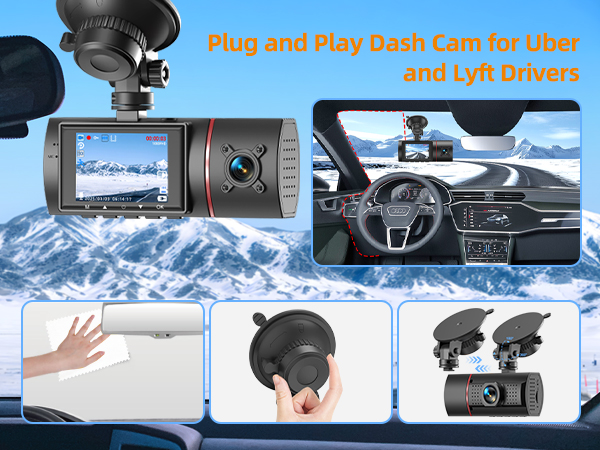
The window suction cup of dashcam will never stay attached and keeps falling off while I am driving?
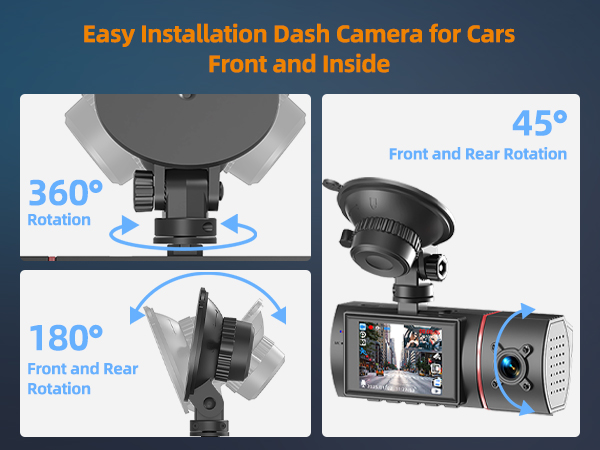
There was a real problem with previous bracket. If your bracket is broken, please let us know. We will send you new bracket to you. Also we have updated bracket for car dsh cam. There will be no such problem in the future.
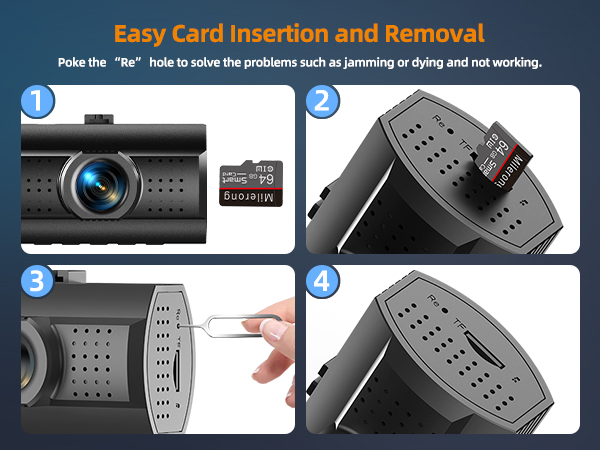
The dashcam front and inside keeps showing on the screen that please format the memory card?
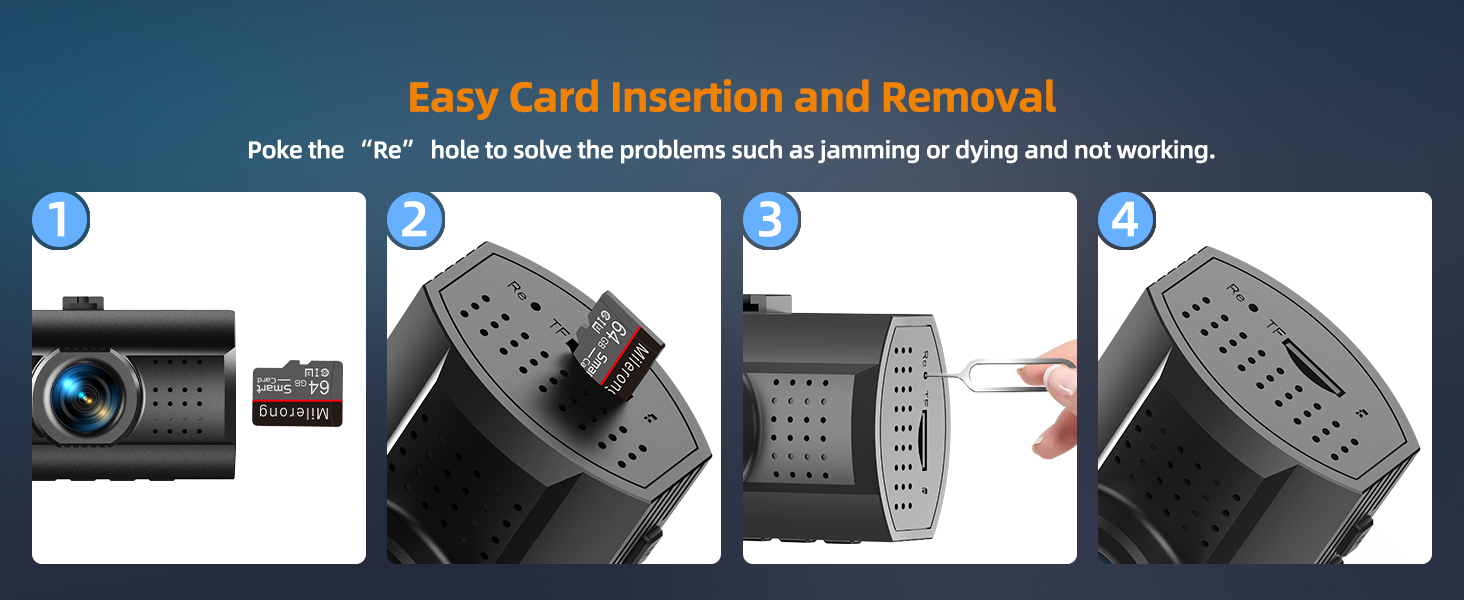
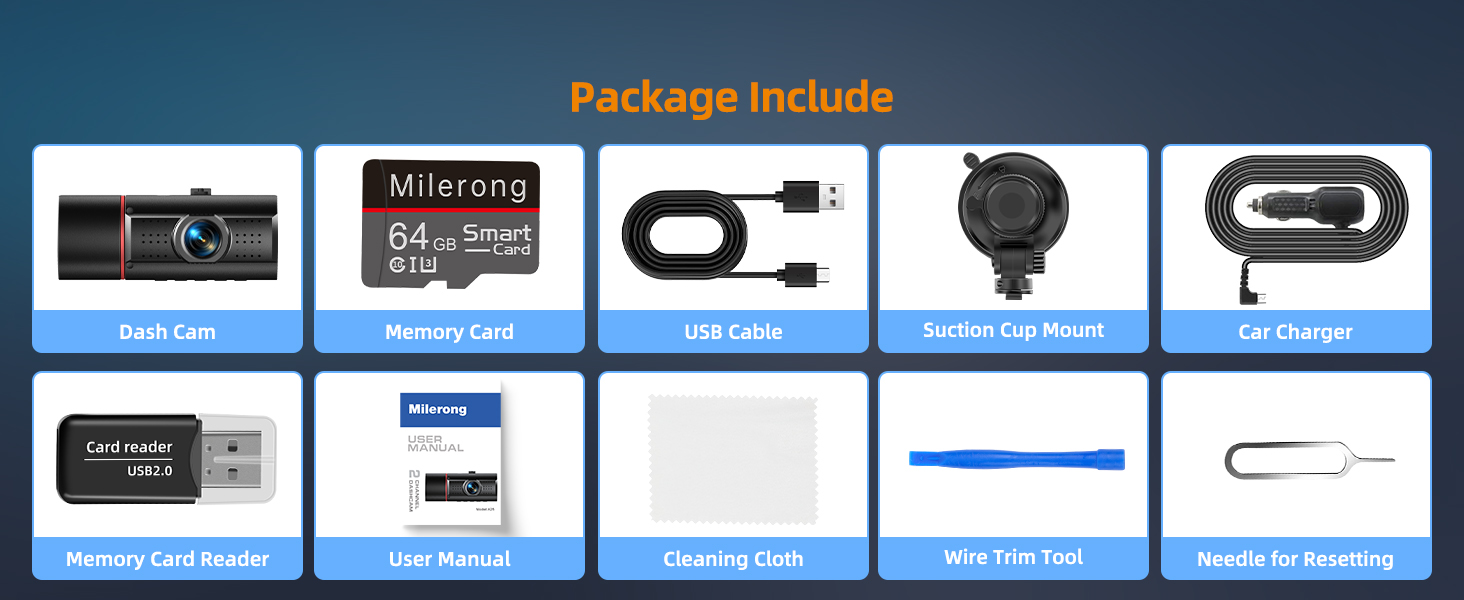
Please disconnect power supply now and reset it by poking it with a card pin. Switch on dash camera after a successful reset and then format card on dashcam again. If problem isn't solved, card is damaged and we are willing to send you a new card.
Different dash cams for your different needs
3 channel dash cam | Dash camera for cars | Dash cam front and inside | Dash cam front and rear |
|---|---|---|---|
| Customer Reviews | |||
| — | — | — | — |
| Price | |||
| — | — | — | — |
| Memory Card | |||
| 64GB Memory Card | 64GB Memory Card | 64GB Memory Card | No |
| Resolution | |||
| 1440+1080+1080p @30fps | 1080P@30fp | 1080+1080p @30fps | 1080P@30fp |
| Camera Type | |||
| 3 Channel: Front, Cabin, Rear | Dual Channel: Front & Rear | Dual Channel: Front & Inside | Dual Channel: Front & Rear |
| WiFi | |||
| Dual Band: 5G & 2.4G WiFi | NO | NO | NO |
| Max. Storage Support | |||
| 256gb | 64GB | 64GB | 64GB |
| GPS | |||
| NO | NO | NO | NO |
| Control Method | |||
| Button & Milerong App | Button | Button | Button |
Why won't my dash cam front and inside cut off with the car?
Please use original car charger to charge dual dash cam front and inside. And Make sure your car's cigarette lighter is normally powered? If it is, the dash camera for cars won't switch off with the car, requiring you to manually unplug car charger.
When I want to set up the front and inside dash camera, nothing happens when I press the menu button?
When the dash camera for cars front and inside is recording, pressing any button is unresponsive. You need to pause the recording first and then set 2 channel dash cam up again.
The window suction cup of dashcam will never stay attached and keeps falling off while I am driving?
There was a real problem with previous bracket. If your bracket is broken, please let us know. We will send you new bracket to you. Also we have updated bracket for car dsh cam. There will be no such problem in the future.
The dashcam front and inside keeps showing on the screen that please format the memory card?
Please disconnect power supply now and reset it by poking it with a card pin. Switch on dash camera after a successful reset and then format card on dashcam again. If problem isn't solved, card is damaged and we are willing to send you a new card.
Dash Cam Front and Rear
Dash Cams
