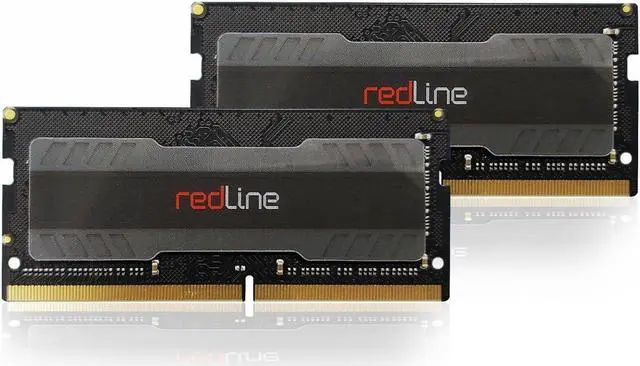
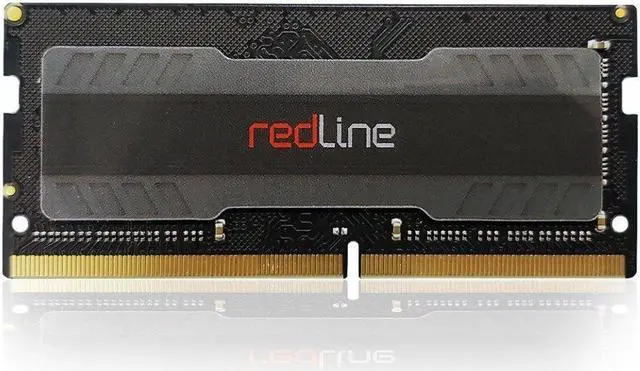
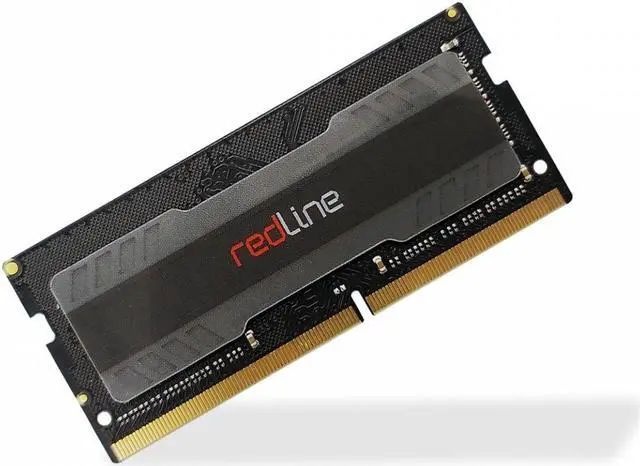
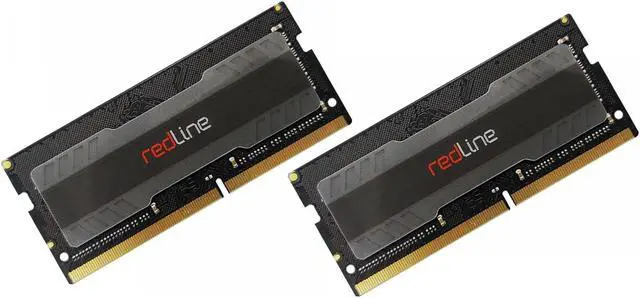
The installation of memory modules is a quick and easy process. No matter the type of your memory or computer, this installation guide will help you get your new Mushkin Enhanced memory up and running.
Step 1: Shut down your computer. Locate the memory expansion slots on your motherboard.
Step 2: Touch your computer's power supply to ground yourself. Make sure the power supply is still connected to the wall outlet.
Step 3: Push open the retainer clips (as illustrated in Image 3).
Step 4: Memory modules fit one way only; align the notch in the memory module's gold pins with the notch in the memory installation slot. Push firmly on the top of the module until it is properly seated. The retainer clips will ease into the notches at either horizontal edge of the modules.
Step 5: Installation complete! Your computer is now Mushkin Enhanced.