Out of stock
This item is currently out of stock and it may or may not be restocked.
Most customers receive within 5-9 days.
Newegg PC Builder
Shop it at NeweggBusiness.

Meet Your Seller

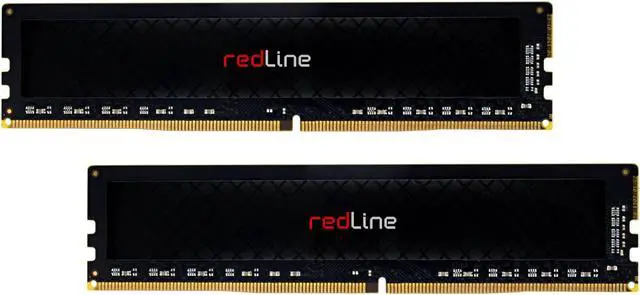
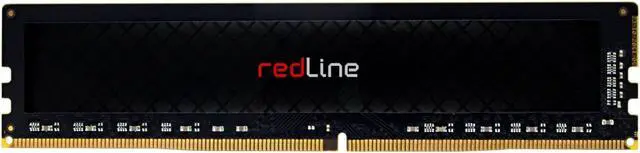
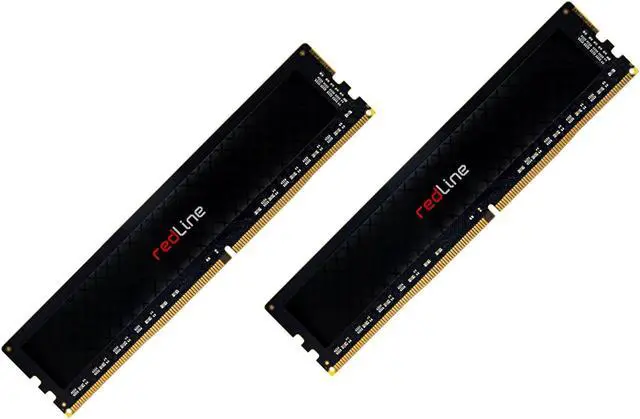
Mushkin 64GB (2x32GB) Redline DDR4-3200 UDIMM PC4-3200 22-22-22 1.2V Model MRE4U320NNNF32GX2

  • The installation of memory modules is a quick and easy process. No matter the type of your memory or computer, this installation guide will help you get your new Mushkin Enhanced memory up and running.
  • Step 1: Shut down your computer. Locate the memory expansion slots on your motherboard.
  • Step 2: Touch your computer's power supply to ground yourself. Make sure the power supply is still connected to the wall outlet.
  • Step 3: Push open the retainer clips (as illustrated in Image 3).
  • Step 4: Memory modules fit one way only; align the notch in the memory module's gold pins with the notch in the memory installation slot. Push firmly on the top of the module until it is properly seated. The retainer clips will ease into the notches at either horizontal edge of the modules.
  • Step 5: Installation complete! Your computer is now Mushkin Enhanced.

🔥Don't forget your OS, we have Windows 11 OEM, Download and USB versions available
Overview
Specs
Reviews
avatar

Any questions? Our AI beta will help you find out quickly.

Type: DDR4 UDIMM
Voltage: 1.2V
Speed Spec: PC4-3200
Frequency: 3200
Kit Type: Dual Kit
Module Size: 64GB (2x32GB
tCL: 22
tRCD: 22
tRP: 22
tRAS:

Warranty & Returns

Warranty, Returns, And Additional Information

Warranty

  • Please contact the Seller directly for warranty information. Warranty information may also be found on the Manufacturer's website.
  • Read full details
  • CONTACT

Return Policies

Manufacturer Contact Info

LOADING...