




 here!
I’m your shopping assistant for PC builds, upgrades, and everything tech.
Got questions? Ask away!
Start a conversation
here!
I’m your shopping assistant for PC builds, upgrades, and everything tech.
Got questions? Ask away!
Start a conversation




Any questions? Ask CelesteSM will help you find out quickly.

Mac Pro (Early 2008) (January, 2008), Model ID: MacPro3,1 (2.8GHz, 3.0GHz, 3.2GHz)

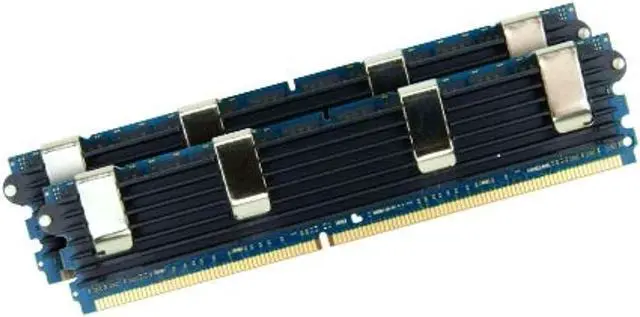
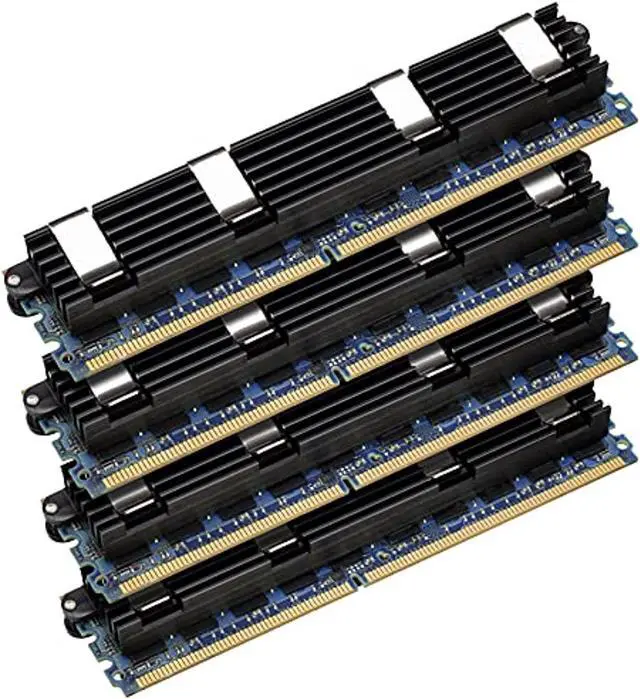
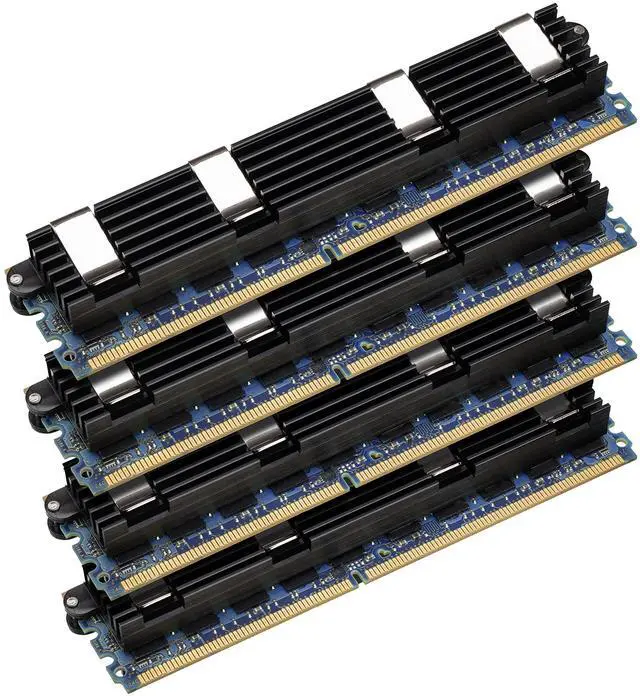
These OWC memory modules fully meet/exceed Apple's Mac Pro Quad & 8-Core Xeon model memory specifications. Utilization of qualified Apple Mac Pro Heat-Spreaders, Apple Qualified IDT AMBs, and the best major brand memory components ensure maximum performance and trouble-free operation. Modules are fully tested prior to shipment.
Apple specifically designed the Mac Pro with more space between each slot to accommodate the Apple Proprietary Heat-Spreader for thermal requirements. Use of Apple's spreader solution and the highest grade, thermally-tolerant components ensure that these Mac Pro Quad Xeon Memory Upgrade Kits will provide a lifetime of reliable and trouble-free operation. Use of modules without the full-sized heat-spreader results in higher fan speeds due to increased internal temperatures, system controlled reduction of memory performance to prevent thermal overload, and ECC errors and system lock-ups.

OWC Memory for Mac Pro Quad Xeon fully meets Apple's specifications with special attention to proper thermal specifications

OWC memory is hand-checked and tested for quality at each step in the manufacturing process. But it doesn't stop there. We own and maintain state-of-the-art facilities that feature nearly every Mac manufactured over the past two decades. That's because we don't just relentlessly test for quality and reliability. We test in actual machines to make sure OWC memory is optimized to deliver a lifetime of superior performance in your Mac. It's the OWC Difference. We're laser-focused on helping you get the absolute most from your Mac. So we test the true memory limit of each Apple computer. We found that most Macs support more memory than the official factory maximum. With OWC memory, you can truly max out your Mac with up to double the factory-supported limit.

Adding OWC memory to your Mac is one of the best things you can do to extend the life and accelerate the performance of your computer. It's also an upgrade you can easily install yourself. Our library of installation videos guide you through each step in the process.
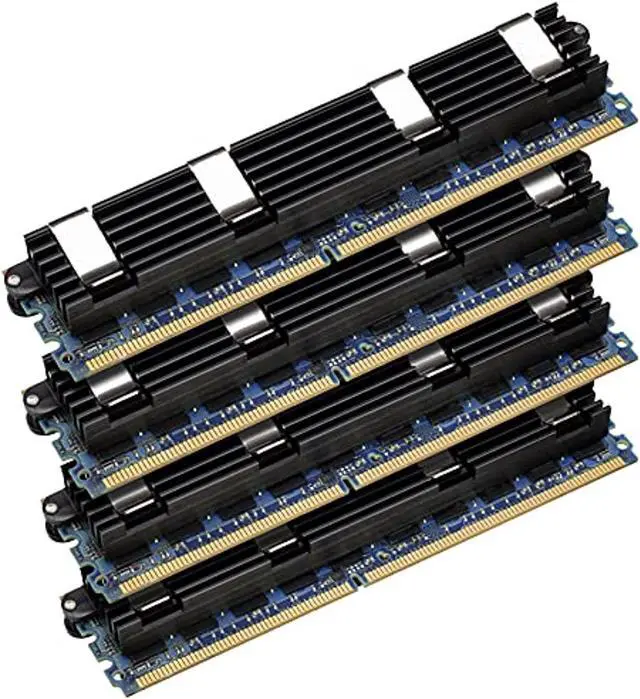
This OWC 16GB (4×4GB) PC6400 DDR2 ECC 800MHz FB-DIMM kit is a matched memory upgrade for Early 2008 Mac Pro (MacPro3,1) quad-core and 8-core Xeon systems, suited to owners seeking memory compatible with those models.
| Attribute | Value |
|---|---|
| Best For | Mac Pro desktop upgrades requiring 16GB of ECC DDR2 memory in four 4GB modules |
| Capacity And Configuration | 16GB total, supplied as four 4GB modules |
| Memory Technology And Speed | DDR2 ECC memory with a 400 MHz memory speed and 800 MHz data transfer rate |
| Module Form Factor And Compatibility | 240-pin DIMM modules for desktop systems |
| Electrical Specifications | 1.8V |
| Model Identifiers | OWC (Other World Computing), model 64FB4MPK16GB |
Q: Should I get this 16GB kit or OWC’s 8GB kit for a 2008 Mac Pro?
A: Choose this 16GB kit if you want twice the memory capacity: it provides 16GB as four matched 4GB modules, compared with OWC’s 8GB option using two 4GB modules. OWC identifies the Early 2008 Mac Pro (MacPro3,1) as compatible and recommends four or more FB-DIMMs to take advantage of its memory architecture.
Q: Is this 16GB kit or OWC’s 32GB 8×4GB kit a better match for my Mac Pro 3,1?
A: Choose this 16GB kit for a four-module matched set; choose OWC’s 32GB 8×4GB option when you want twice the total capacity and a full eight-module configuration. Apple lists 32GB as a supported configuration for the Early 2008 Mac Pro, and OWC lists both kits for MacPro3,1.
Q: For 16GB in a 2008 Mac Pro, should I choose this 4×4GB kit or OWC’s 2×8GB kit?
A: Both OWC configurations provide 16GB for the MacPro3,1. Choose this 4×4GB kit if you want four matched modules installed; choose the 2×8GB kit if you prefer to start with two modules and keep more DIMM slots open. OWC notes that four or more FB-DIMMs take advantage of the Mac Pro’s memory architecture.
Q: Does this kit fit an Early 2008 Mac Pro better than the older 667MHz Mac Pro memory?
A: For an Early 2008 Mac Pro (MacPro3,1), this kit matches the listed 800MHz DDR2 ECC FB-DIMM specification. Apple’s Early 2008 specifications identify 800MHz memory, while the preceding Mac Pro generation used 667MHz memory, so choose memory by the exact Mac Pro model rather than by the shared Mac Pro name.
Q: Will this memory kit work in my Mac Pro?
A: It is specified for the Early 2008 Mac Pro (MacPro3,1) with 2.8GHz, 3.0GHz, or 3.2GHz processors. It contains four 4GB DDR2 ECC 800MHz FB-DIMMs; check your Mac Pro’s model identifier and memory type before buying, because other Mac Pro generations use different memory specifications.
Q: Can I use this kit with the RAM already in my Mac Pro?
A: The Mac Pro 3,1 requires FB-DIMMs installed in matched pairs of equal size and specification. This kit has four matching 4GB modules. Whether you can keep existing RAM depends on its type and arrangement; check the Mac Pro’s supported configuration and install the modules in the specified pair order.
Q: How much memory does this kit add, and does it need to be installed in pairs?
A: The kit adds 16GB total as four 4GB modules. The Mac Pro 3,1 uses matched pairs, and OWC’s installation guide specifies where to place pairs across the two memory cards. Follow the guide’s slot order when installing the modules.
Q: Who is this memory upgrade suitable for?
A: It is intended for owners of a compatible Early 2008 Mac Pro who need more memory for multitasking or working with larger files. It is not a general-purpose desktop RAM kit: the system must support 240-pin DDR2 ECC FB-DIMMs at the specified configuration.
Q: Will this 16GB kit work in my Mac Pro?
A: It is specified for the Early 2008 Mac Pro (MacPro3,1) with 800MHz DDR2 ECC FB-DIMM memory. Check your model identifier before buying; the listing does not establish compatibility with other Mac Pro generations.
Q: Do the four memory modules need to be installed as matched pairs?
A: Yes. This kit contains four matched 4GB modules, and MacPro3,1 discussions emphasize matching memory pairs. Follow the Early 2008 Mac Pro’s slot-placement guidance when installing them.
Q: Is the 800MHz version preferable to using 667MHz memory?
A: This kit is 800MHz PC6400 memory, matching the listed specification for the Early 2008 Mac Pro. A Reddit discussion notes that mixing slower modules can make the system run at the lower memory speed, so this kit is most relevant when you need compatible 800MHz modules.
Q: Is buying an OWC kit worth it instead of used memory?
A: It may suit buyers who prioritize a matched, tested kit and the listed OWC lifetime limited warranty. Reddit discussions raise price and used-memory reliability as trade-offs; compare the kit’s current price with tested compatible alternatives before deciding.


