Instruction:
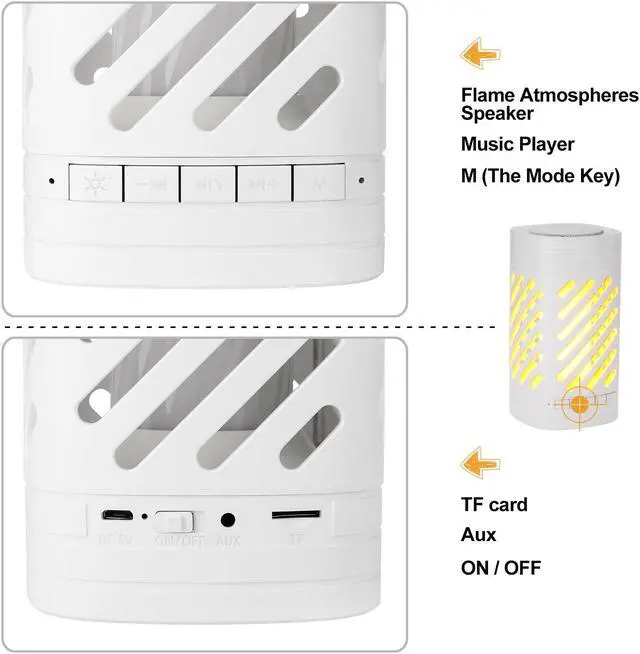
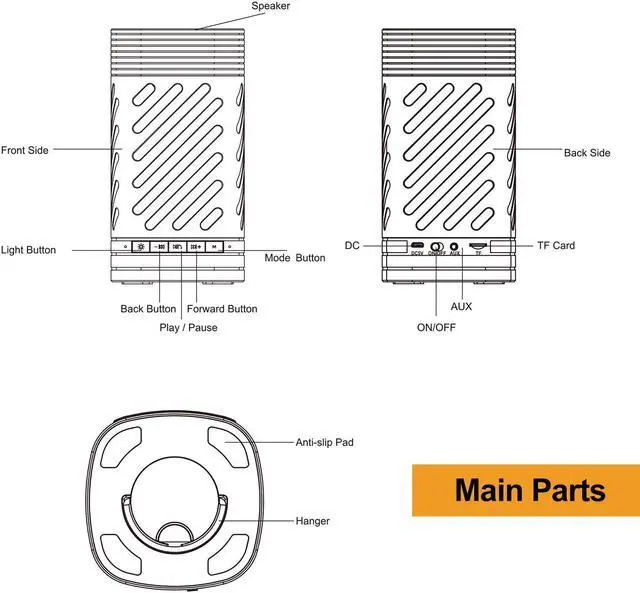
*Turn On/ Off
Turn on the machine by sliding button to the side of ON, the lighting effects will randomly select among flame effect always-on effect and breathing effect.
Turn Off the machine by sliding button to the side of OFF.
*Light Mode
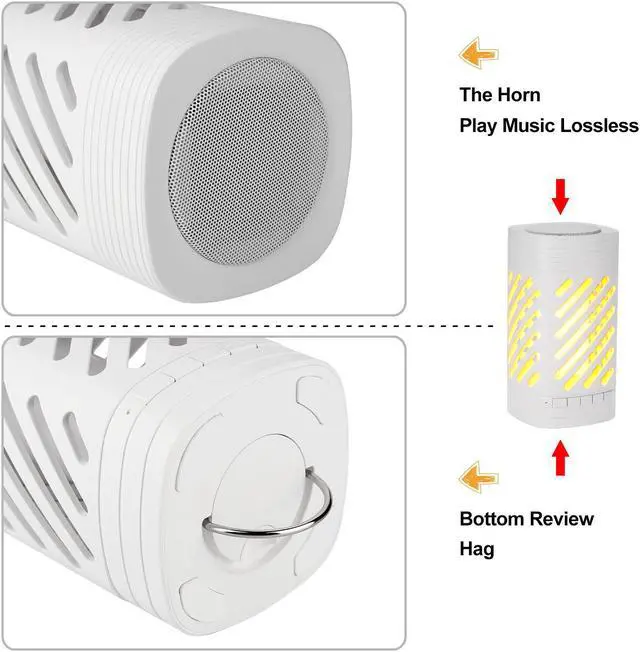
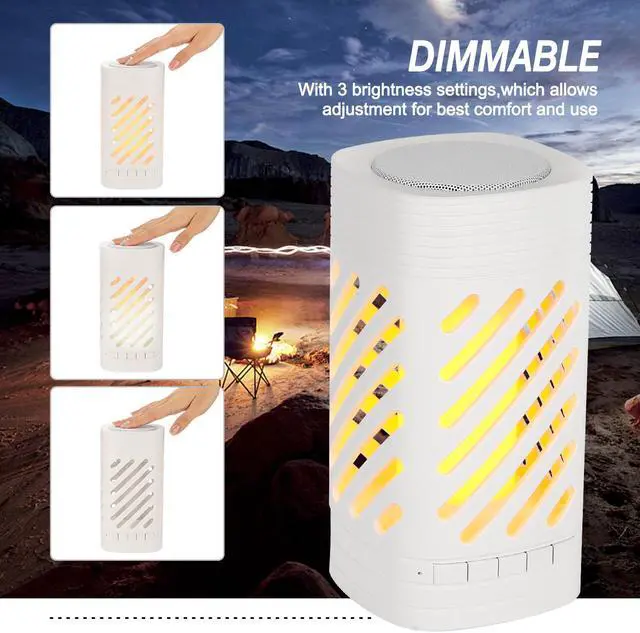
Adjusting by pressing Light button or speaker grill.
Circulation Mode:
Flame effect always -on effect breathing effect light off.
(Note: take the primacy effect of flame light for example)
*Music Play
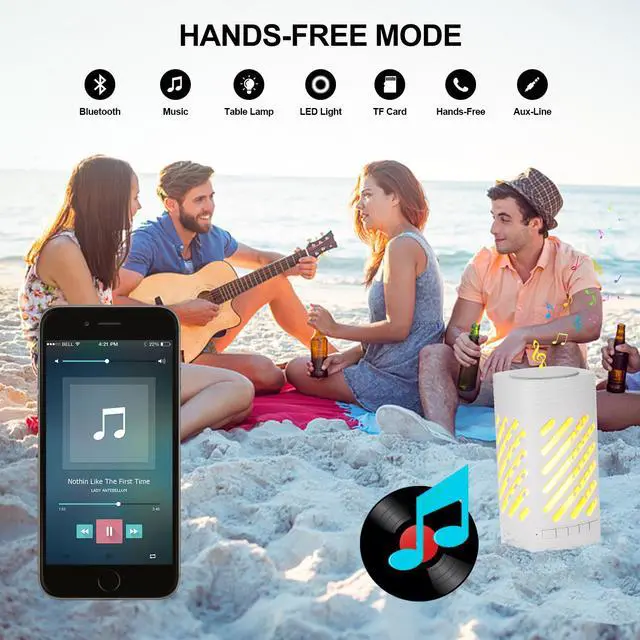
Three types music play modes: Bluetooth mode, TF mode, Aux Mode.
The device will automatically choose TF play mode if the device is turned on with TF card.
*Mode Switch
Press mode button (M) to switch to Aux mode and Bluetooth mode, there will has prompt tone during switching.
The indicator led will always-on once connected under Bluetooth mode, it will twinkle in other circumstance (Bluetooth unconnected, TF mode, Aux Mode).
Short Press Play/Pause button to play or pause music.
Shore press play/ pause button to answer /hang up the phone call under Bluetooth mode, double-click to call the last call.
Other Functions:
*G-Sensor
In flame light mode, invert the device, the flame effect will invert accorgingly, has no effect on always -on effect and breating effect.
*Touch Capability
Touch will has prompt tone to remind user when battery voltage is too low, the device will Auto OFF in low voltage if keep using ,to maintain the battery life.
*Device Charging
Use Micro USB cable to charge the device.
Use output 5V 1A adapter to charge the device.
Please turn off the device while charging.
Warning: It's Not allowed to use the device while charging.
Specification:
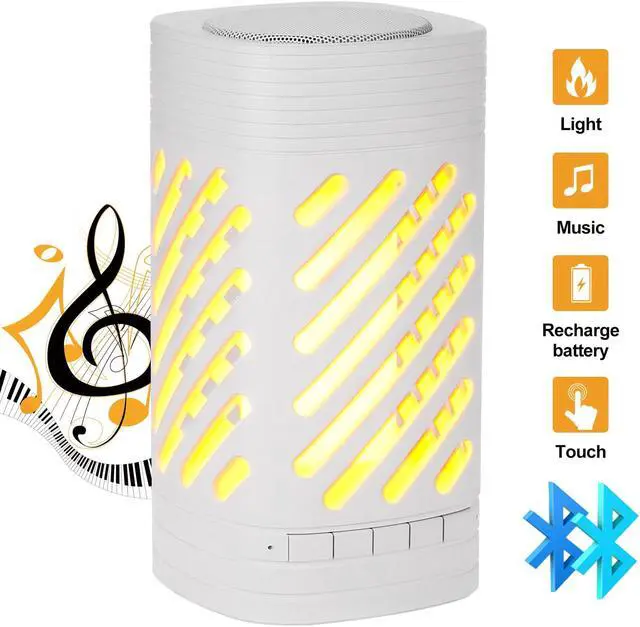
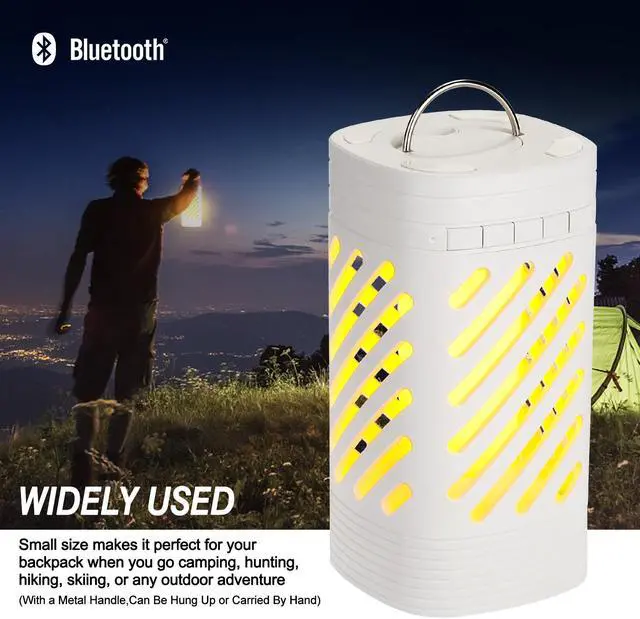
Product Name: Flame Atmosphere Speaker
Product Size: 96*96*185 mm
Rated Voltage: DC 5V 1A
Power Supply Mode: USB
Charging Time: 4~6 Hours
Single Music Time: 7 Hours
Single Light Mode: 10-20 hours (depend on the brightness)
Battery: built-in 2200 mAh (3.7 V) rechargeable lithium battery
Transmission range: up to 10 meters
Package:
1 * LED Light Bluetooth Speaker
1 * USB Cable
1 * AUX Cable
1 * Manual