

Your Browsing History

Meet Your Seller

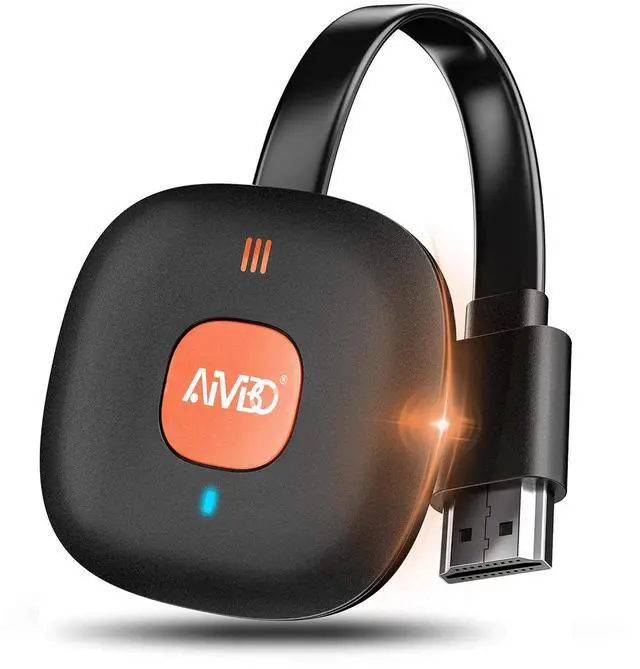


Wireless HDMI Dongle Adapter 4K, Display Receiver for iOS/Android/Windows Devices to TV, Monitor, or Projector, Screen Mirroring with Airplay/Miracast/DLNA for Movies, Presentations
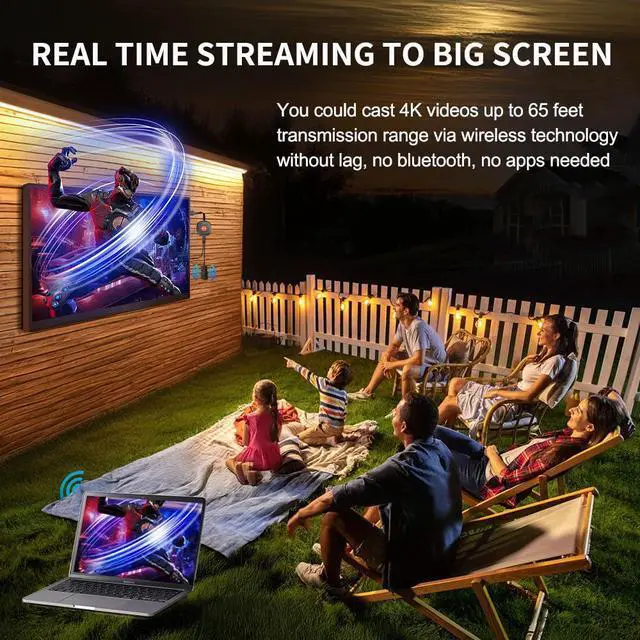
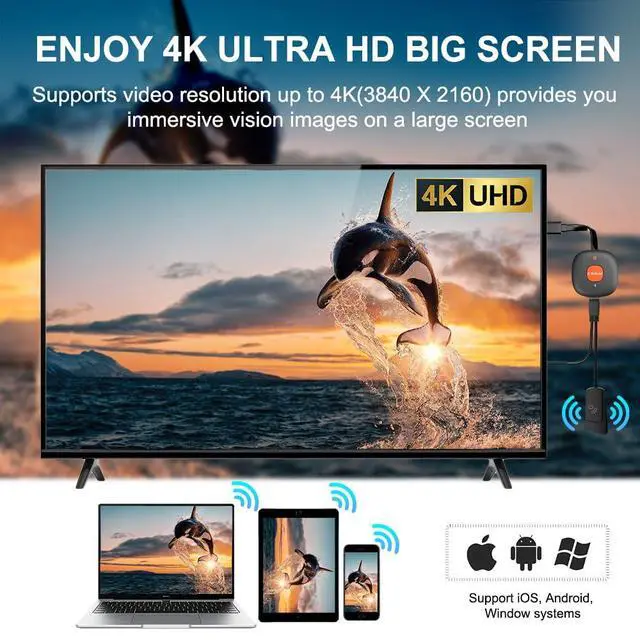
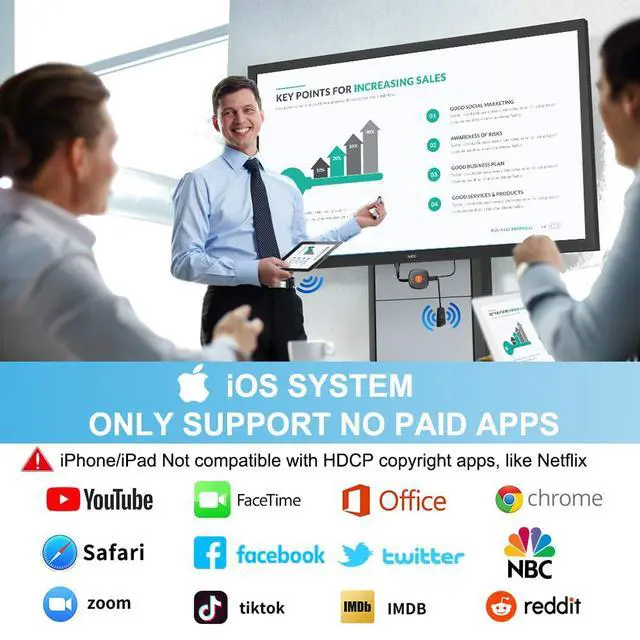
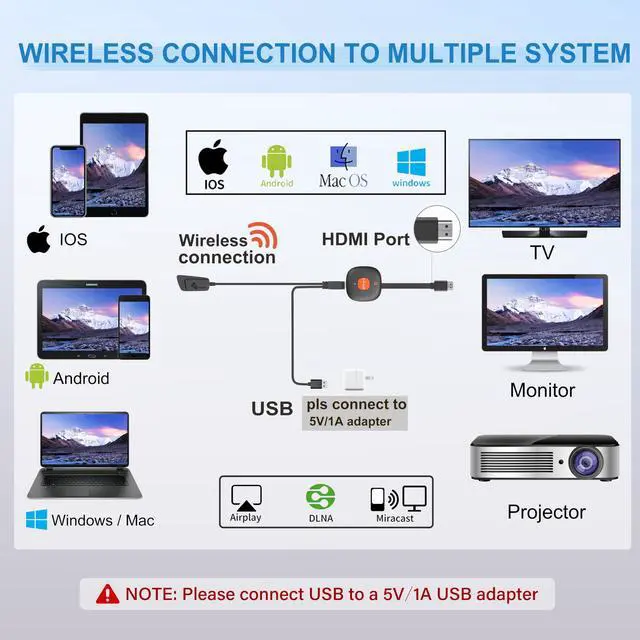
- [WIRELESS 4K CASTING TO BIG SCREEN] The Wireless HDMI Display Adapter can instantly mirror audio & video from small screens (i-Phone, i-Pad, MacBook, Android phones, tablet, laptop) to larger screens (TV/monitor/projector). You can immerse yourself in 4K input & 1080P@60Hz output, lag-free casting on a larger screen without cables. [PLUG & PLAY SIMPLICITY] Get started turning your screen wireless in 3 easy stepssimply plug our HDMI dongle into your TV, power it on, and connect it wirelessly via the screen-mirroring function in your device. The crystal-clear HD video and audio will display from your device to any TV in minutes. (Note: iOS users need an extra step to connect to the dongle's wireless signal) [INSTANT CASTING FROM ANDROID OR WINDOWS] Cast your favorite content in secondsno cables, no hassle. This wireless display adapter lets you mirror everything from Android or Windows ( Win 10, not supported on Win 11) devices to your TV, including Netfix, Prime Video, HULU, YouTube, TikTok, and more. Switch from a small screen to a larger one and enjoy stunning HD audio/video with friends and family. [HDCP APP LIMITATIONS FOR IOS DEVICE] Wireless HDMI Dongle supports mirroring your i-Phone (including i-Phone 17), i-Pad, and MacBook device to the big screen for watching movies or shows, web browsing, presentations, or casting free apps like YouTube, Safari, WhatsApp, Skype, and more. Note: i-OS doesn't work with HDCP copyright-protected apps like Netfix, Prime Video, or H
+
+
Overview
Specs
Reviews

Any questions? Our AI mode will help you find out quickly.
Try me now
[WIRELESS 4K CASTING TO BIG SCREEN] The Wireless HDMI Display Adapter can instantly mirror audio & video from small screens (i-Phone, i-Pad, MacBook, Android phones, tablet, laptop) to larger screens (TV/monitor/projector). You can immerse yourself in 4K input & 1080P@60Hz output, lag-free casting on a larger screen without cables. [PLUG & PLAY SIMPLICITY] Get started turning your screen wireless in 3 easy stepssimply plug our HDMI dongle into your TV, power it on, and connect it wirelessly via the screen-mirroring function in your device. The crystal-clear HD video and audio will display from your device to any TV in minutes.
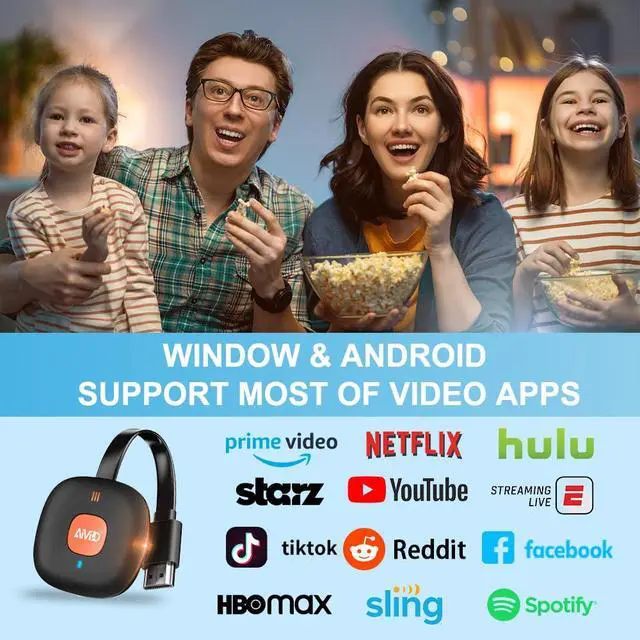
(Note: iOS users need an extra step to connect to the dongle's wireless signal) [INSTANT CASTING FROM ANDROID OR WINDOWS] Cast your favorite content in secondsno cables, no hassle. This wireless display adapter lets you mirror everything from Android or Windows ( Win 10, not supported on Win 11) devices to your TV, including Netfix, Prime Video, HULU, YouTube, TikTok, and more. Switch from a small screen to a larger one and enjoy stunning HD audio/video with friends and family. [HDCP APP LIMITATIONS FOR IOS DEVICE] Wireless HDMI Dongle supports mirroring your i-Phone (including i-Phone 17), i-Pad, and MacBook device to the big screen for watching movies or shows, web browsing, presentations, or casting free apps like YouTube, Safari, WhatsApp, Skype, and more.
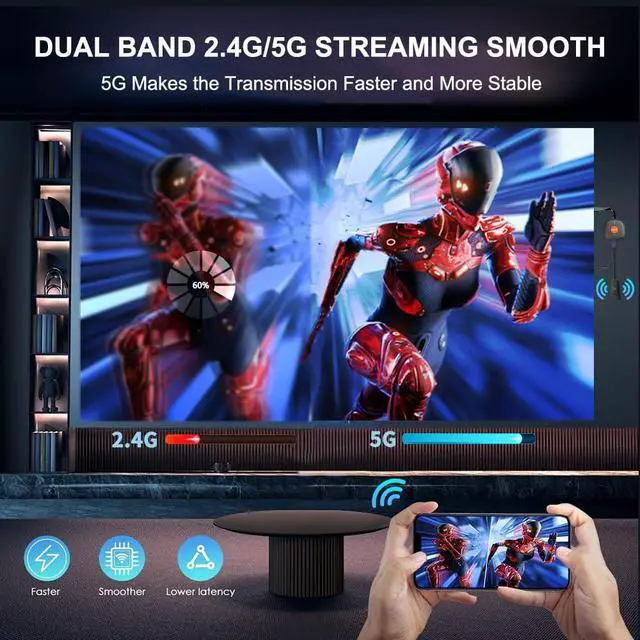
Note: i-OS doesn't work with HDCP copyright-protected apps like Netfix, Prime Video, or HBO Max. [MIRROR & EXTEND MODE] Dual display mode choice between Mirror Mode for content shared viewing or handy Extend Mode for dual-screen multitasking, supporting 4K decoding & output at 1080P@60Hz. The flexible extended display mode enables you to cast HD movies on the TV while keeping your phone free for texts or other apps at the same time.
[ONLINE UPGRADE] Note: Before screen mirroring, Google Pixel phone and i-Phone 17 users may need to upgrade the dongle's chip online (access to IP address 192.168. 203.1 to click "Upgrade") to ensure optimal performance
(Note: iOS users need an extra step to connect to the dongle's wireless signal) [INSTANT CASTING FROM ANDROID OR WINDOWS] Cast your favorite content in secondsno cables, no hassle. This wireless display adapter lets you mirror everything from Android or Windows ( Win 10, not supported on Win 11) devices to your TV, including Netfix, Prime Video, HULU, YouTube, TikTok, and more. Switch from a small screen to a larger one and enjoy stunning HD audio/video with friends and family. [HDCP APP LIMITATIONS FOR IOS DEVICE] Wireless HDMI Dongle supports mirroring your i-Phone (including i-Phone 17), i-Pad, and MacBook device to the big screen for watching movies or shows, web browsing, presentations, or casting free apps like YouTube, Safari, WhatsApp, Skype, and more.
Note: i-OS doesn't work with HDCP copyright-protected apps like Netfix, Prime Video, or HBO Max. [MIRROR & EXTEND MODE] Dual display mode choice between Mirror Mode for content shared viewing or handy Extend Mode for dual-screen multitasking, supporting 4K decoding & output at 1080P@60Hz. The flexible extended display mode enables you to cast HD movies on the TV while keeping your phone free for texts or other apps at the same time.
[ONLINE UPGRADE] Note: Before screen mirroring, Google Pixel phone and i-Phone 17 users may need to upgrade the dongle's chip online (access to IP address 192.168. 203.1 to click "Upgrade") to ensure optimal performance
Warranty & Returns
Warranty, Returns, And Additional Information
Warranty
- Please contact the Seller directly for warranty information. Warranty information may also be found on the Manufacturer's website.
- CONTACT
Return Policies
- Return for refund within: 30 days
- Return for replacement within: 30 days
- This item is covered by Vast Sun Tech Return Policy
Manufacturer Contact Info
- For a directory of all our manufacturers, please click below.
- Manufacturers Directory
LOADING...