





How to Connect Your iPhone to CarPlay via USB Cable
1. Check Your Vehicle Compatibility
Confirm that your vehicle supports CarPlay. If you are unsure, refer to your owner's manual or visit Apple's official website to check the full list of CarPlay-compatible vehicles.
2. Start Your Car & Enable Siri
Start your car, and make sure Siri is turned on your iPhone. (This is required by the CarPlay system.)
3. Connect Your iPhone via USB Cable
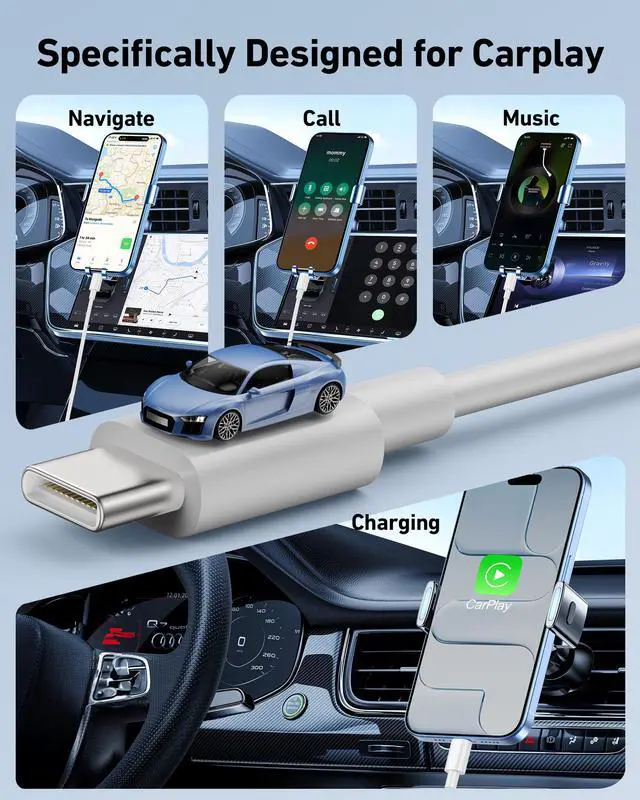
- Locate the correct USB port: Plug your cable into the car's USB port that is labeled with a CarPlay icon or a smartphone icon. Note that some USB ports are for charging only, using the wrong one will not establish a data connection.
- Launch CarPlay: Once connected, the car's display should automatically switch to the CarPlay interface. If it does not, manually tap the CarPlay logo on your car's infotainment screen to start it.
4. Troubleshooting (if the above steps do not work)
- Use a dry cotton swab dipped in a small amount of isopropyl alcohol (=90%) to gently clean the metal contacts inside the car's USB port and your iPhone's charging port. Allow them to dry completely before reconnecting, this removes oxidation and dust.
- If you encounter poor connection issues after repeated plug and unplug during daily use, restart both your iPhone and the car's system. Then go to Settings > General > CarPlay on your iPhone, select your vehicle, and tap "Forget This Car", then reconnect and try again.
Compatible with

Travel companion
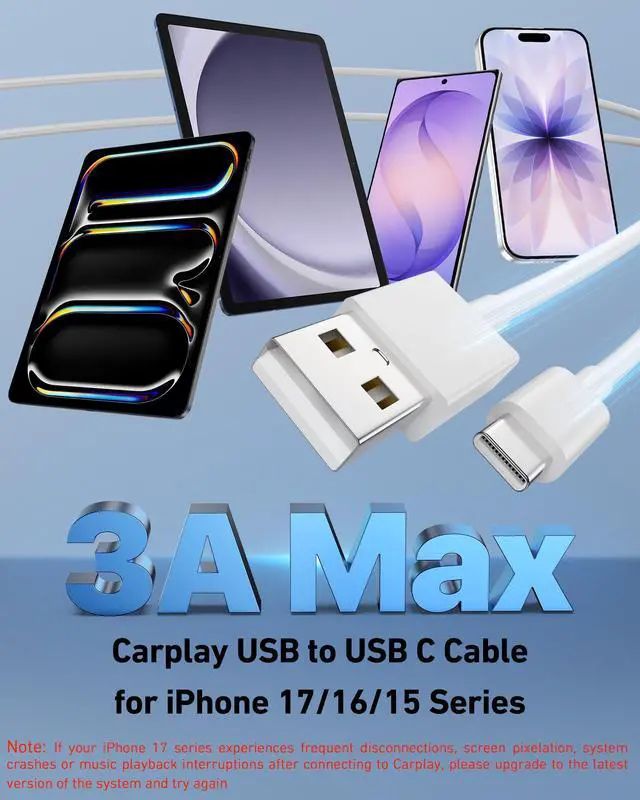
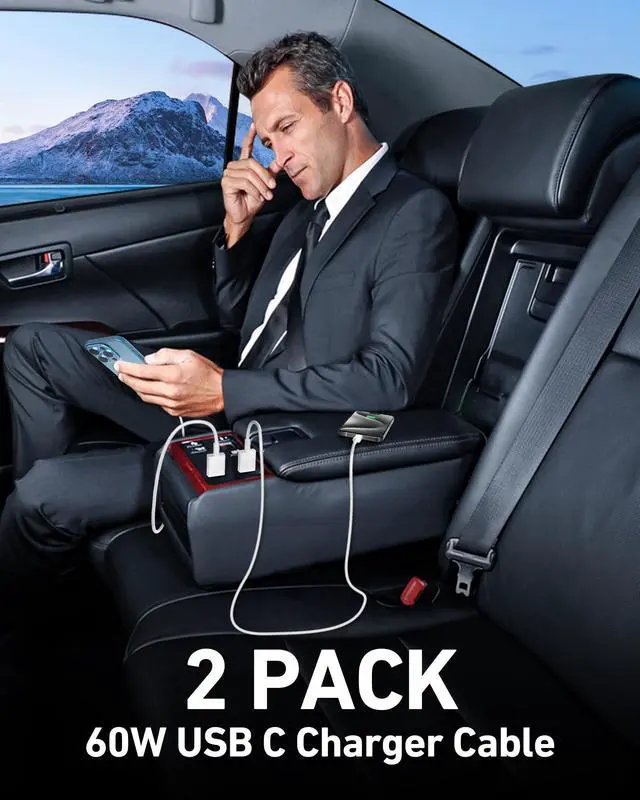
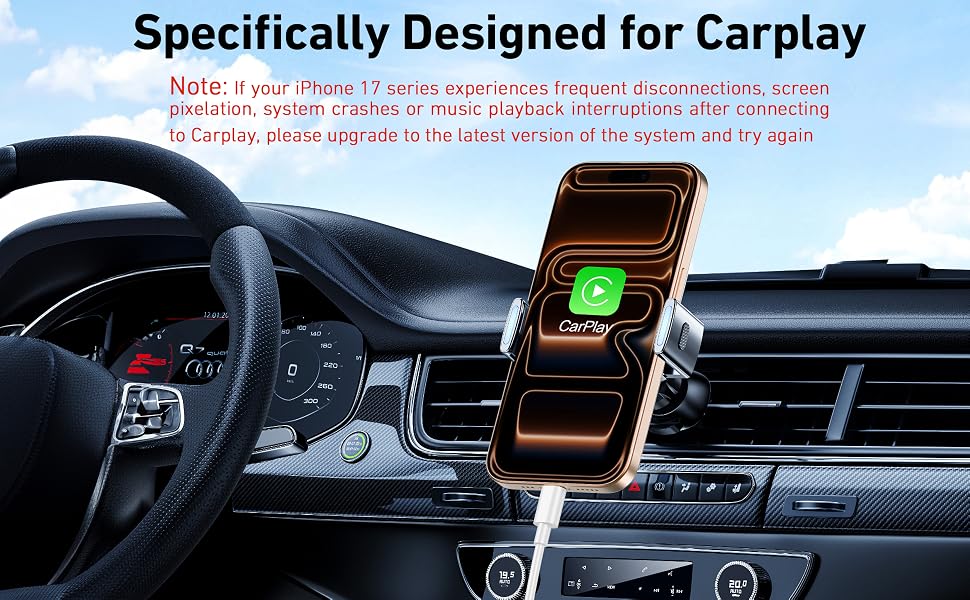
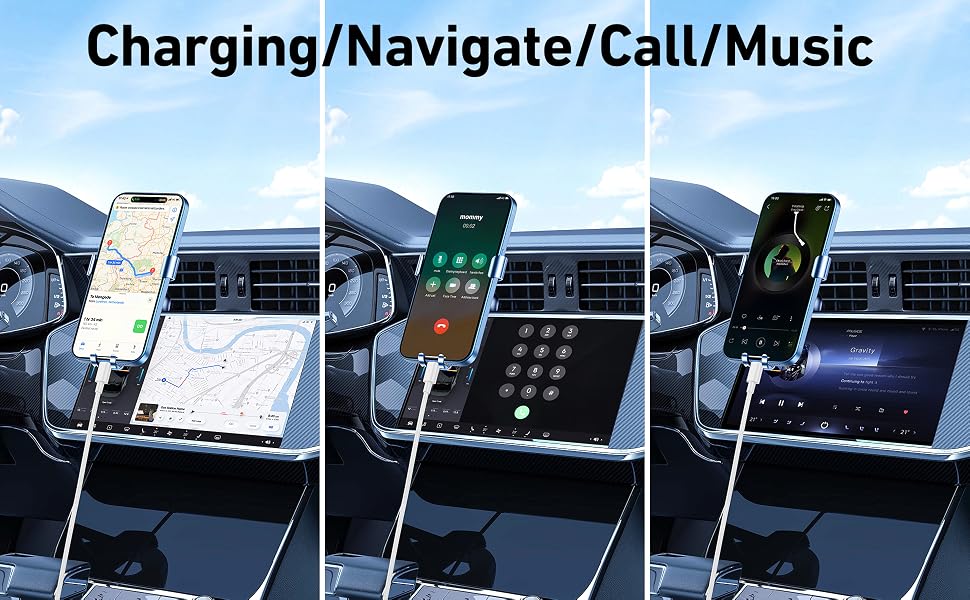
If you want to charge your iPhone 17/16/15 series and connect carplay in the front of the car, choose our 3FT USB cable. Easy to use and space-saving, it will be a great travel companion for you.
Durability & Stably
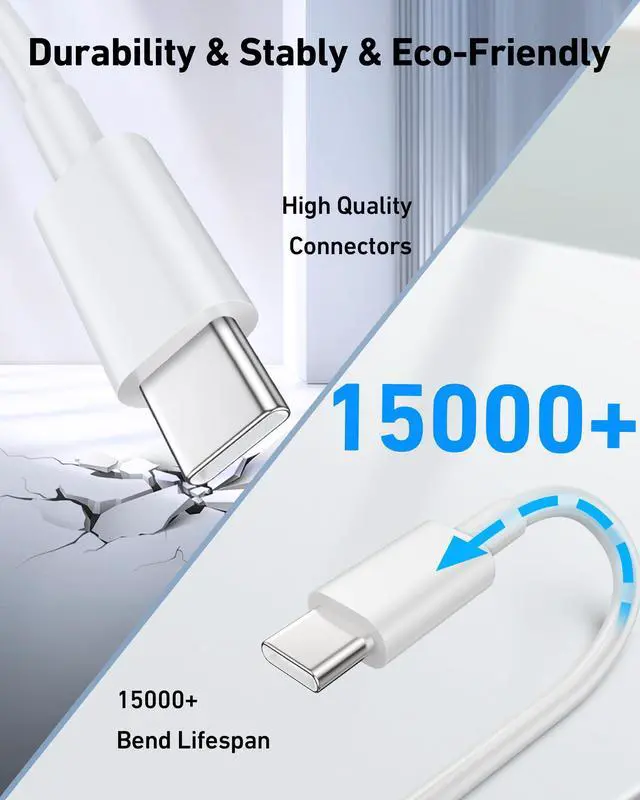
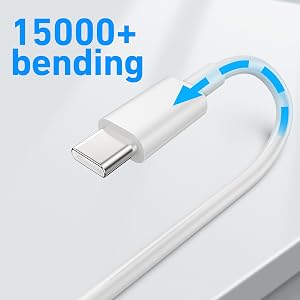
It boasts a 15000+ bend-tested lifespan, which enables to endure daily wear and tear. The aluminum alloy connectors also have reinforced necks to reduce damage from bending.

Security Protection
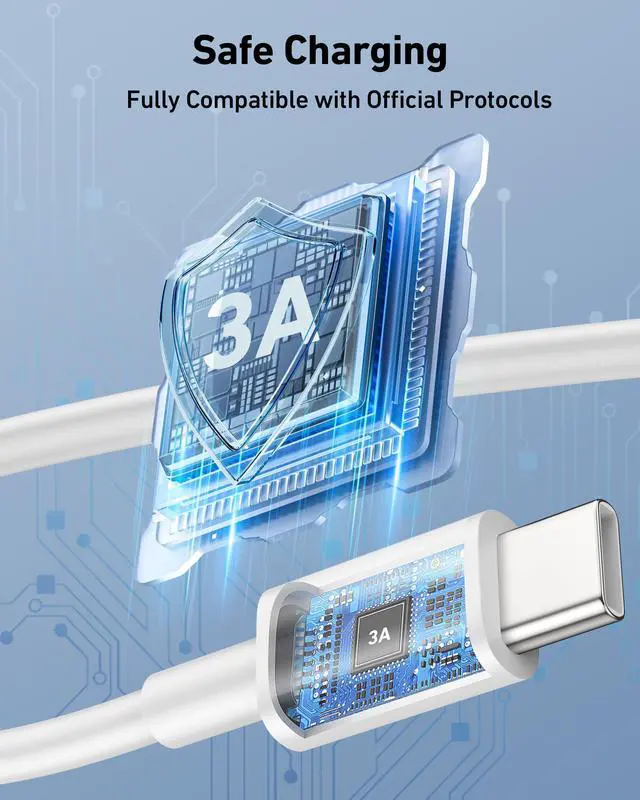
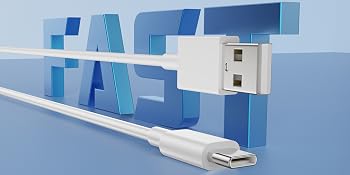
Built in multi-protection technology, fast charging your devices in intelligent control, against short circuiting, over-heating, over-current and over charging.
Specifications
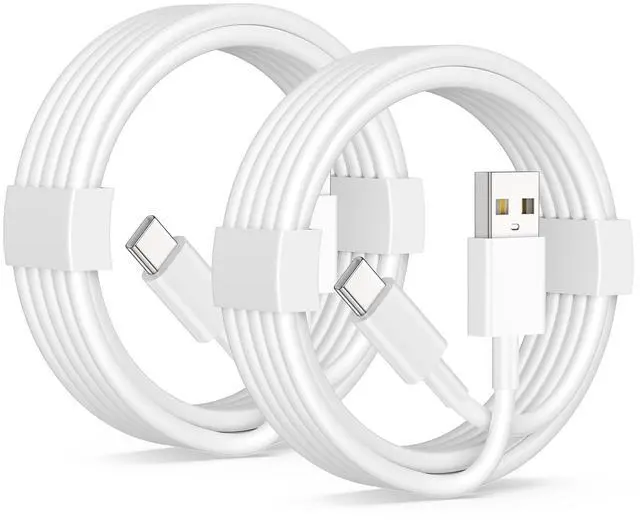
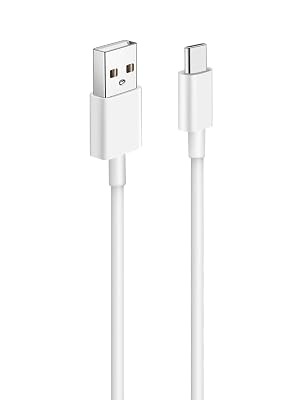
- Length: 3 Feet (1M)
- Material: TPE
- Color: White
- Data Transfer: 480Mbps
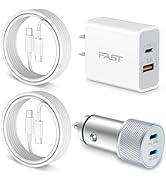
- Packet List: 2Pack USB A to USB C Cable
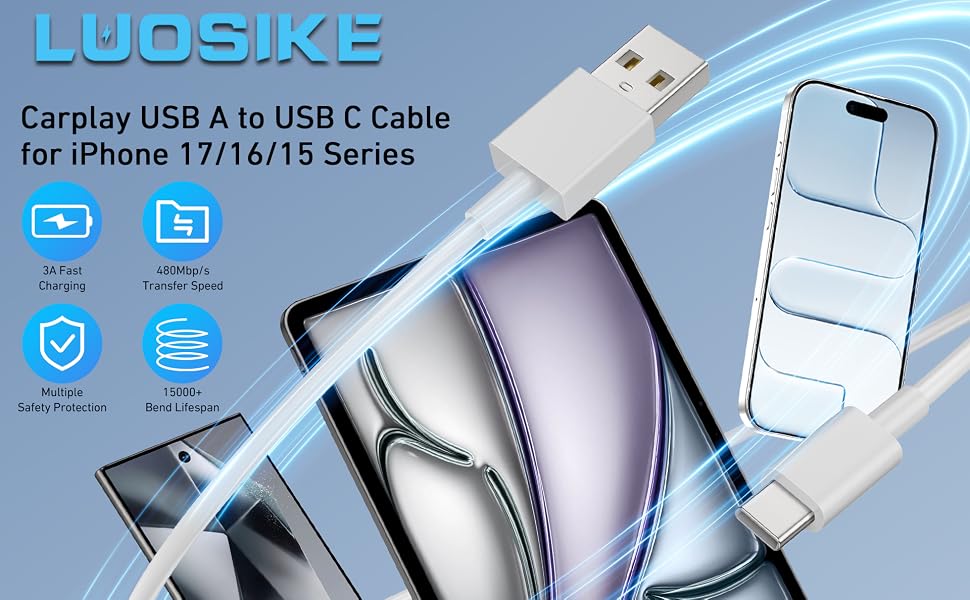
iPhone 17 16 Car Carplay Cable, USB Type C Cable (USB A - to USB-C)
Be sure to check that your device is compatible!
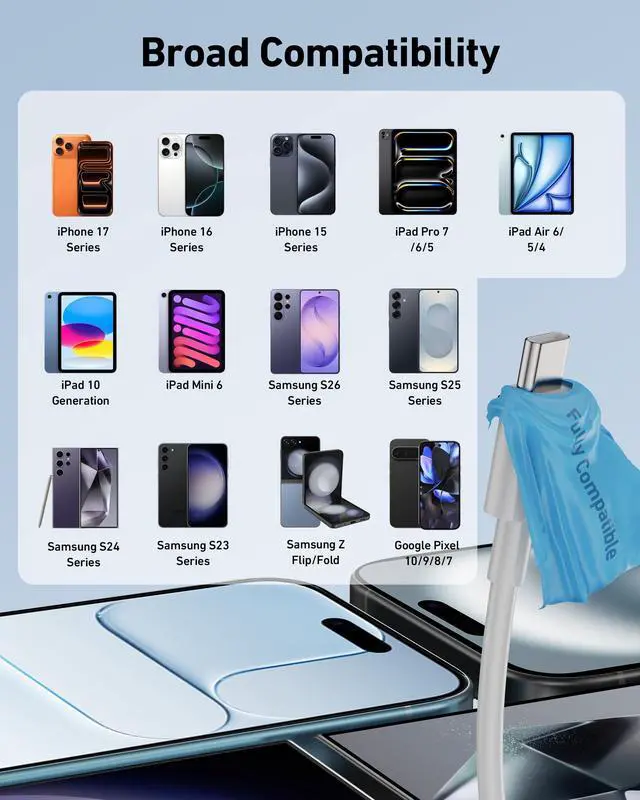
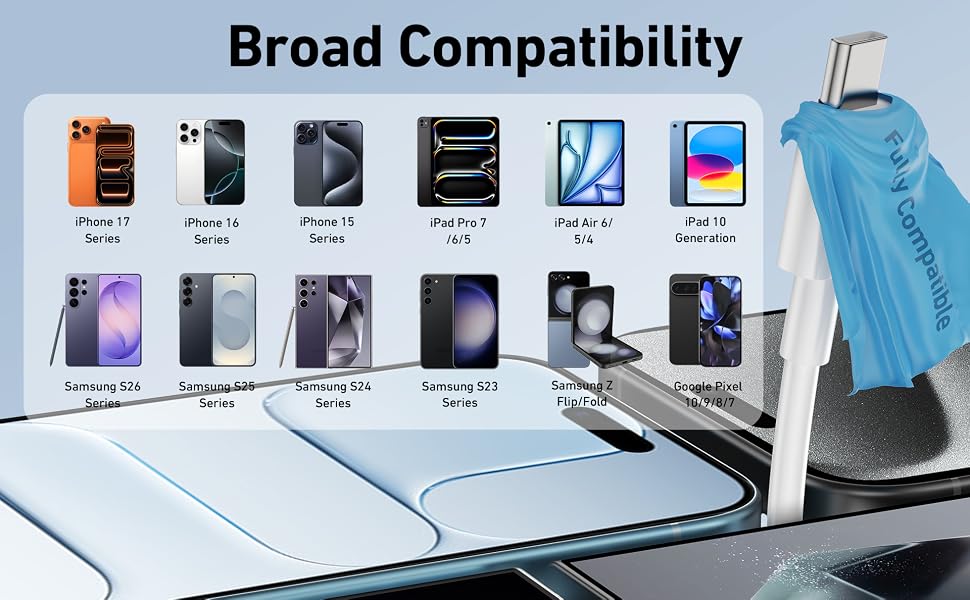
Compatible with iPhone 17/17 Pro/17 Pro Max/17e, iPhone 16/16e/16 Plus/16 Pro/16 Pro Max, iPhone 15/15 Plus/15 Pro Max, iPad Pro/Air, Samsung, Google, LG, also connects your Siri Remote (3rd generation) or Apple TV Remote (3rd generation), Carplay or Android Auto.
- 2-Pack USB to USB C cable let you leave one in the house and out. Always available.
- Use with any USB Type-A adapter, specific charging speed depends on your adapter specification power.
- Important: please do not use it with a USB-C power adapter.
- Provide a one-year war ranty for all of our customers. If there are any issues with the product, please contact our.
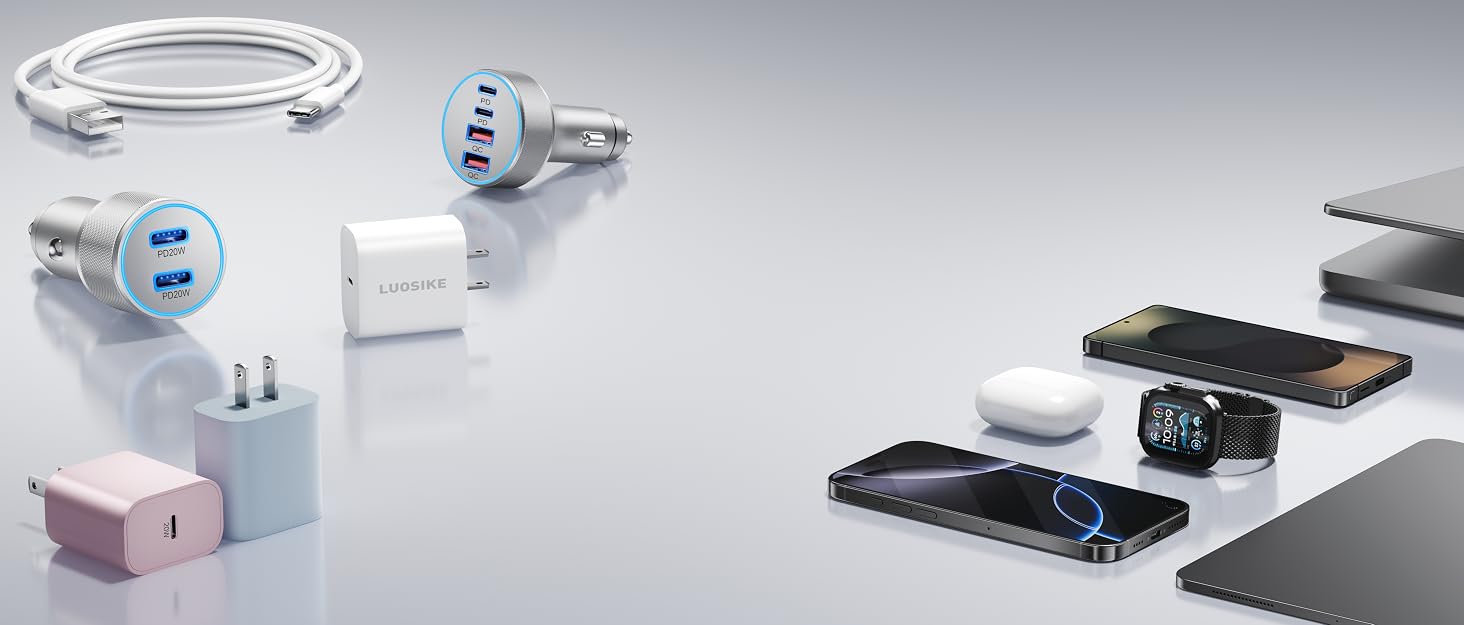

Charge Forward, Together.
![[2025 Upgraded] iPhone 16e/16 Pro Charger, 2-Pack 20W USB C Fast Wall Charger Block with 60W 6FT ...](//c1.neweggimages.com/sellingpilot/modules/product/a-plus/0e3675895cc097c0afd6d98af0c3c2f83085f74e3c600ded8551379b76ea8d3b.jpg)
Engineered Trust. Charged.
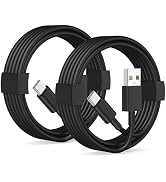
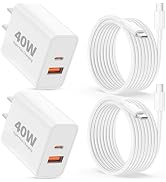
Power Your Day, Uninterrupted.
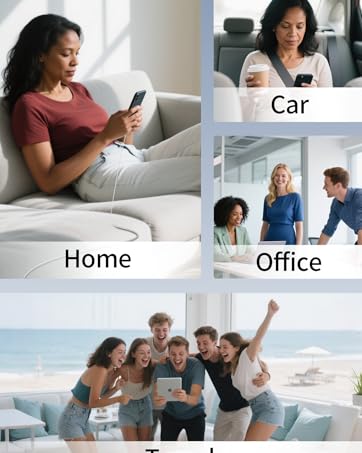
Your Voice, Our Charge.

Your Trusted Charging Partner.
Born from a belief in safe, reliable charging. LUOSIKE cuts through the noise: we engineer trusted solutions, not just chargers. Rigorous testing ensures safety, but your voice fuels our innovation. Every feedback refines products to fit real needs. We power more than devices—we power peace of mind. Join us in redefining dependable charging. Your trust drives us.
![[2025 Upgraded] iPhone 16e/16 Pro Charger, 2-Pack 20W USB C Fast Wall Charger Block with 60W 6FT ...](http://c1.neweggimages.com/sellingpilot/modules/product/a-plus/0e3675895cc097c0afd6d98af0c3c2f83085f74e3c600ded8551379b76ea8d3b.jpg)
How to Connect Your iPhone to CarPlay via USB Cable
1. Check Your Vehicle Compatibility
Confirm that your vehicle supports CarPlay. If you are unsure, refer to your owner's manual or visit Apple's official website to check the full list of CarPlay-compatible vehicles.
2. Start Your Car & Enable Siri
Start your car, and make sure Siri is turned on your iPhone. (This is required by the CarPlay system.)
3. Connect Your iPhone via USB Cable
- Locate the correct USB port: Plug your cable into the car's USB port that is labeled with a CarPlay icon or a smartphone icon. Note that some USB ports are for charging only, using the wrong one will not establish a data connection.
- Launch CarPlay: Once connected, the car's display should automatically switch to the CarPlay interface. If it does not, manually tap the CarPlay logo on your car's infotainment screen to start it.
4. Troubleshooting (if the above steps do not work)
- Use a dry cotton swab dipped in a small amount of isopropyl alcohol (=90%) to gently clean the metal contacts inside the car's USB port and your iPhone's charging port. Allow them to dry completely before reconnecting, this removes oxidation and dust.
- If you encounter poor connection issues after repeated plug and unplug during daily use, restart both your iPhone and the car's system. Then go to Settings > General > CarPlay on your iPhone, select your vehicle, and tap "Forget This Car", then reconnect and try again.
Compatible with
| iPhone 17/17 Pro/17 Pro Max/17e | |
| iPhone 16/16 Pro/16 Pro Max/16 Plus/16e | |
| iPhone 15/15 Pro/15 Pro Max/15 Plus | |
| iPad Pro 7/6/5/4/3, iPad 10th Generation | |
| iPad Air 6/5/4, iPad Mini 6 | |
| Samsung Galaxy S26/S25/S24/S23/S22/S21/S20/S10/S9/S8 | |
| Samsung Galaxy A71/A54/A53/A34 | |
| Samsung Note 20/Note 10/Note 9/Note 8 | |
| Samsung Galaxy Z Flip / Z Fold | |
| Google Pixel 10/9/8/7/6/5/4/3/2/XL | |
| Apple TV Remote (3rd generation) | |
| Apple TV 4K Remote (3rd generation) | |
| Carplay, Android Auto, and more |
Travel companion
If you want to charge your iPhone 17/16/15 series and connect carplay in the front of the car, choose our 3FT USB cable. Easy to use and space-saving, it will be a great travel companion for you.
Durability & Stably
It boasts a 15000+ bend-tested lifespan, which enables to endure daily wear and tear. The aluminum alloy connectors also have reinforced necks to reduce damage from bending.
Security Protection
Built in multi-protection technology, fast charging your devices in intelligent control, against short circuiting, over-heating, over-current and over charging.
iPhone 17 16 Car Carplay Cable, USB Type C Cable (USB A - to USB-C)
Specifications
- Length: 3 Feet (1M)
- Material: TPE
- Color: White
- Data Transfer: 480Mbps
- Packet List: 2Pack USB A to USB C Cable
Be sure to check that your device is compatible!
Compatible with iPhone 17/17 Pro/17 Pro Max/17e, iPhone 16/16e/16 Plus/16 Pro/16 Pro Max, iPhone 15/15 Plus/15 Pro Max, iPad Pro/Air, Samsung, Google, LG, also connects your Siri Remote (3rd generation) or Apple TV Remote (3rd generation), Carplay or Android Auto.
- 2-Pack USB to USB C cable let you leave one in the house and out. Always available.
- Use with any USB Type-A adapter, specific charging speed depends on your adapter specification power.
- Important: please do not use it with a USB-C power adapter.
- Provide a one-year war ranty for all of our customers. If there are any issues with the product, please contact our.
Charge Forward, Together.
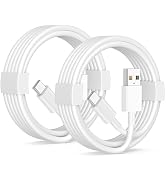
Engineered Trust. Charged.
Power Your Day, Uninterrupted.

Your Voice, Our Charge.
Your Trusted Charging Partner.
Born from a belief in safe, reliable charging. LUOSIKE cuts through the noise: we engineer trusted solutions, not just chargers. Rigorous testing ensures safety, but your voice fuels our innovation. Every feedback refines products to fit real needs. We power more than devices—we power peace of mind. Join us in redefining dependable charging. Your trust drives us.
