

Your Browsing History
- Free 30-day Returns
$17.68


Meet Your Seller


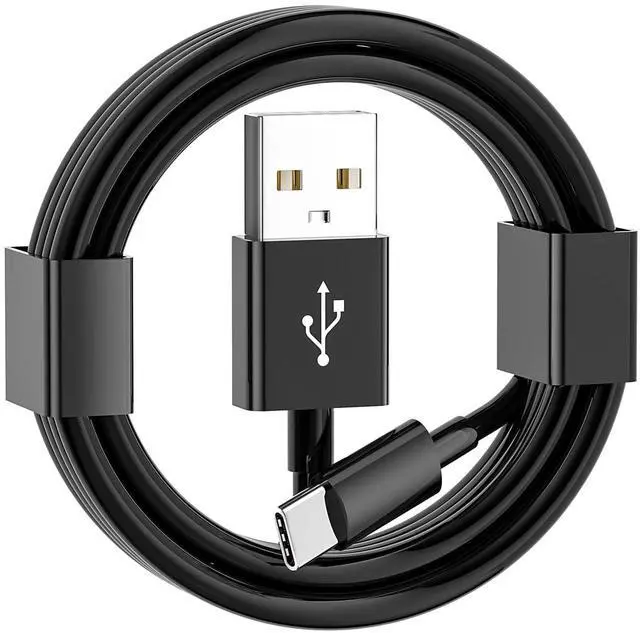


iPhone 15/16/17 Car Carplay Cable, USB A to USB C Cable for iPhone 17Air, 17E/16E, 15/16/17 Pro Max, Plus,iPad 10th Gen,iPad Pro 12.9/11, Air 5th/4th Gen,Mini 6th Gen Charger Cord,Car Charging Cable
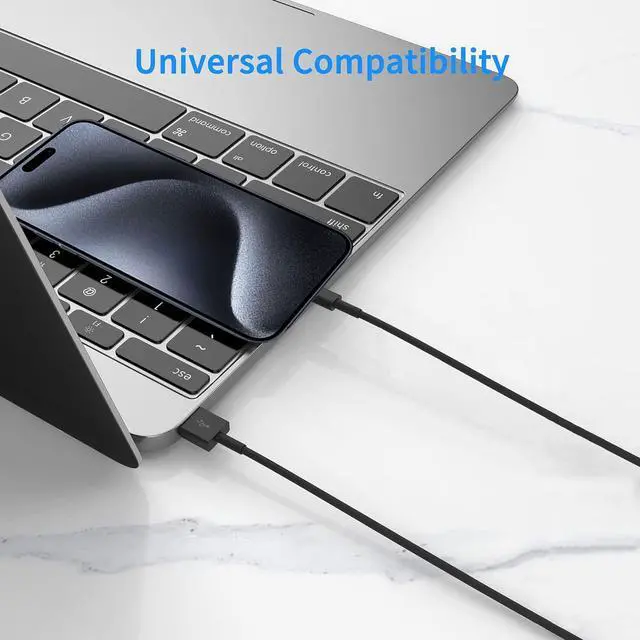
- This cable connects your iPhone 15 All series, iPhone 16 All series, iPhone 16E (SE4), iPhone 17 All series, iPhone 17E (2026) USB A to USB C Cable.
- With USB Connector to your USB Cport for syncing and charging.
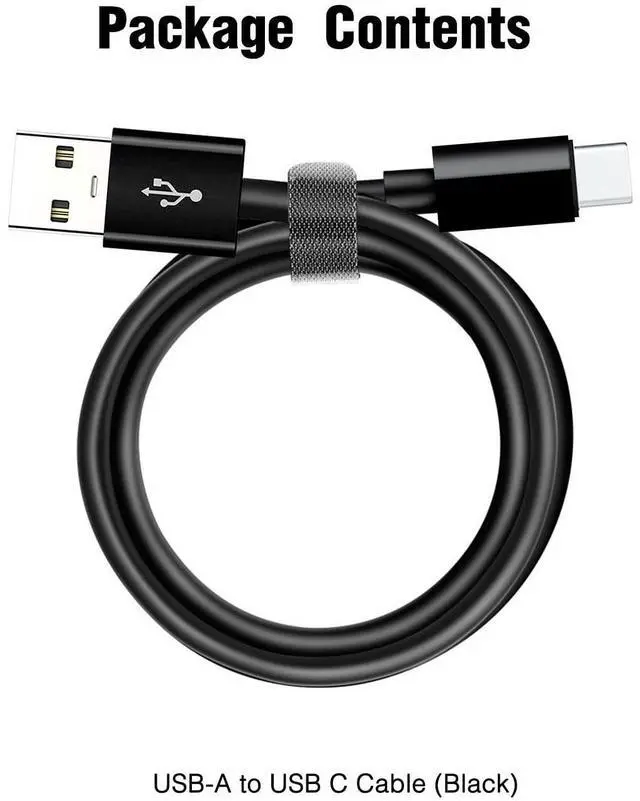
- 1 meter in length (3.3ft).
- Worry-free 1-year warranty, lifetime technical support.
- *Note: If you experience issues with CarPlay function, please try to reverse the USB C plug to try again. Feel free to contact us if any further problem. We will always be here to help.
+
+
Overview
Specs
Reviews

Any questions? Our AI mode will help you find out quickly.
Try me now
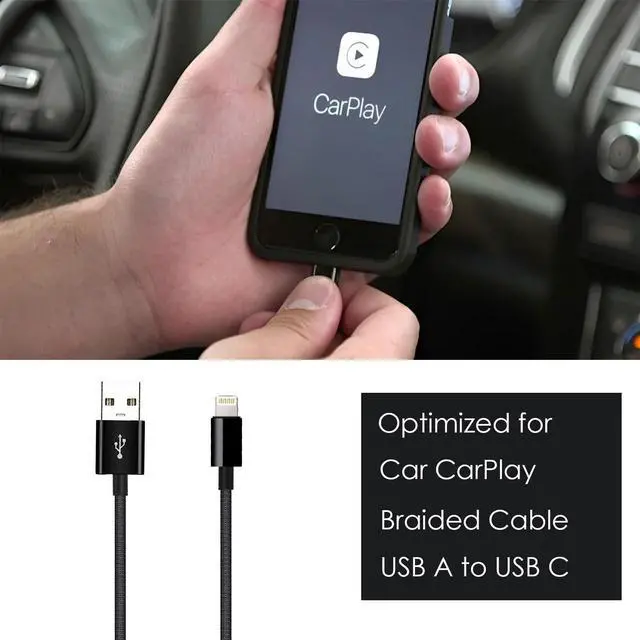
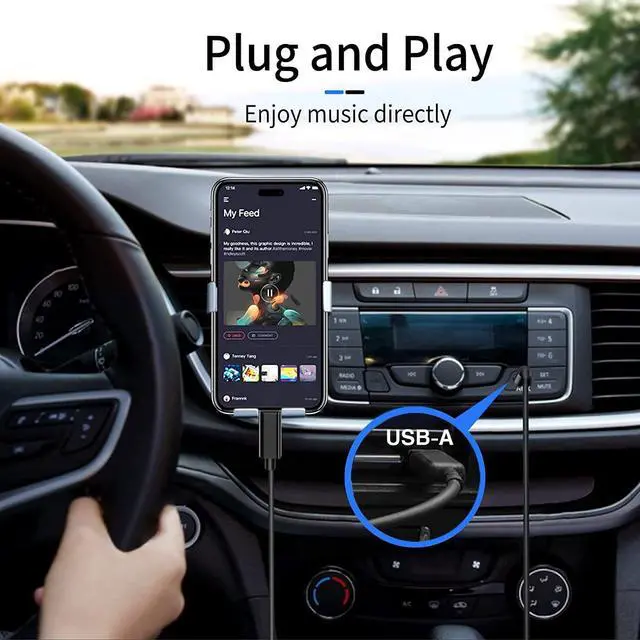
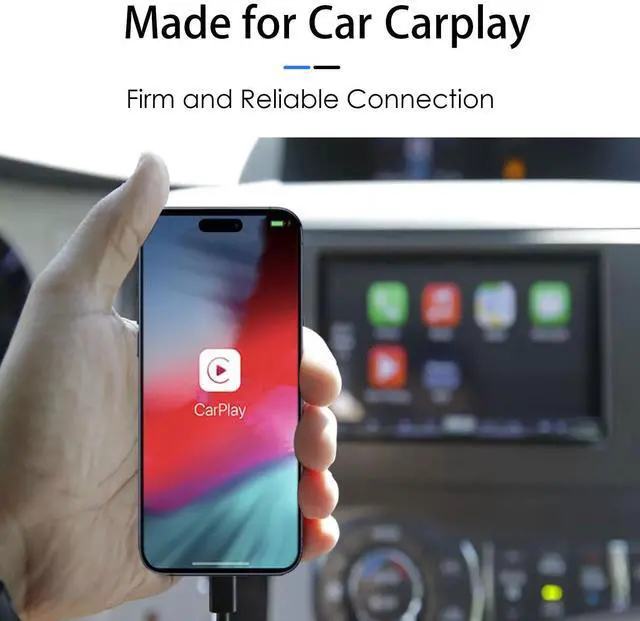
This is a cable specially designed for Car CarPlay.
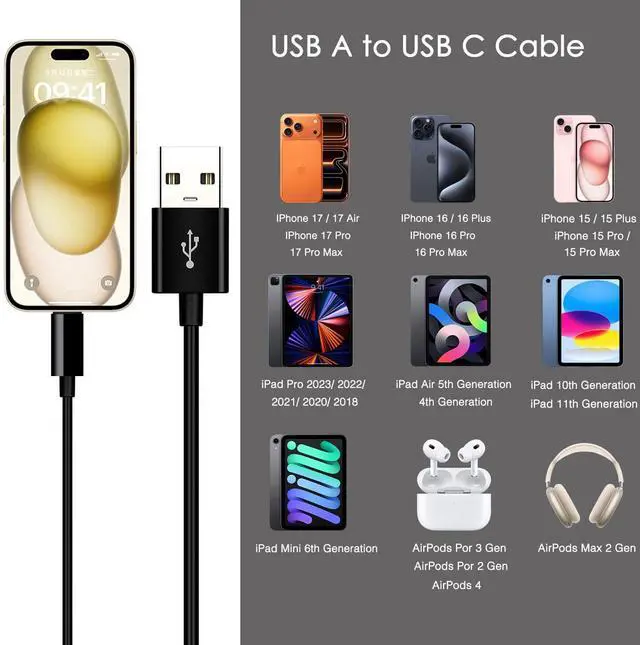
Fits latest generation of iphone:
iPhone 17 pro max;
iPhone 17pro;
iPhone 17 Air;
iPhone 17E;
iPhone 17;
iPhone 16;
iPhone 16 Plus;
iPhone 16 Pro;
iPhone 16 Pro Max;
iPhone 16 E (SE4);
iPhone 15;
iPhone 15 Plus;
iPhone 15 Pro;
iPhone 15 Pro Max;
IPad Pro 2023/ 2022/ 2021/ 2020/ 2018;
IPad Air 5th Gen/ 4th Gen;
IPad 10th Gen;
IPad Mini 6th Gen;
Airpods Pro 2nd Gen;
Airpods Pro 3rd Gen;
Airpods Max 2 (2024);
Airpods 4;
1 meter in length (3.3ft).
USB A to USB C Cable.
With USB Connector to your USB Cport for syncing and charging.
Worry-free 1-year warranty, lifetime technical support.
Set up CarPlay
1. Start your car, then make sure that Siri is on.
2. Connect your iPhone to your car:
· If your car supports CarPlay with a USB cable, plug your iPhone into the USB port in your car. The USB port might be labeled with a CarPlay icon or a smartphone icon. Be sure to use an USB C to USB cable.
· If your car supports CarPlay both wirelessly and with a USB cable, plug your iPhone into the USB port in your car. An alert on your iPhone will offer to connect you wirelessly on your next drives.
*Note: If you experience issues with CarPlay function, please try to reverse the USB C plug to try again. Feel free to contact us if any further problem. We will always be here to help.
Warranty & Returns
Warranty, Returns, And Additional Information
Warranty
- Please contact the Seller directly for warranty information. Warranty information may also be found on the Manufacturer's website.
- CONTACT
Return Policies
- Return for refund within: 30 days
- Return for replacement within: 30 days
- This item is covered by Xuerhurai Shop Return Policy
Manufacturer Contact Info
- For a directory of all our manufacturers, please click below.
- Manufacturers Directory
LOADING...