






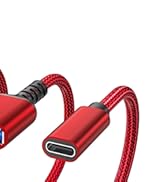
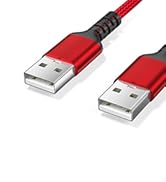
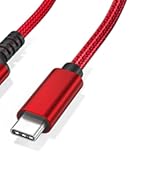


When it comes to quality, we at Ruxely don't compromise. Our products are made with the finest materials, tested to ensure reliability and efficiency, and backed by our quality-assu-rance and customer-service. Whether you're a casual user or a professional, our accessories will help you get ahead and stay ahead.
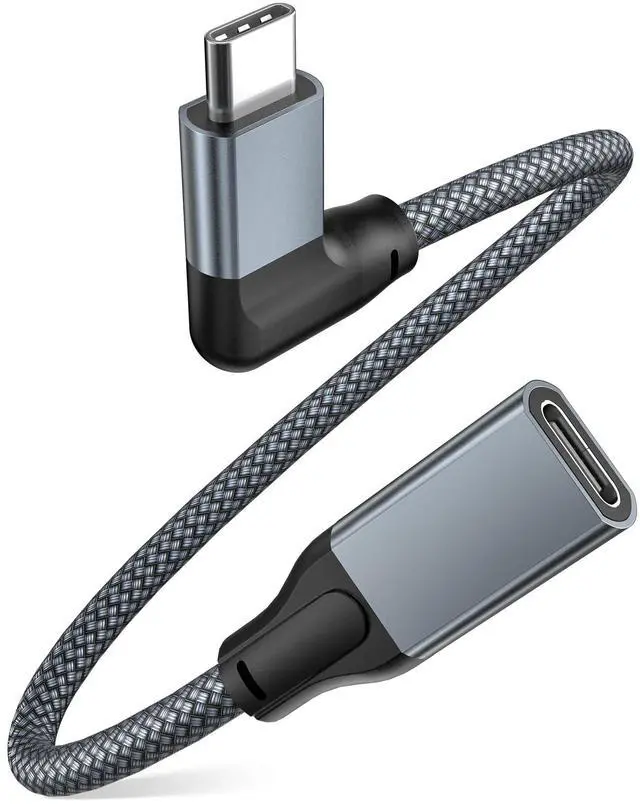
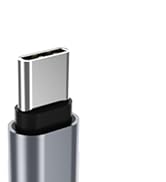
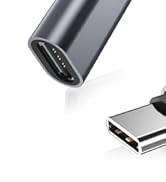
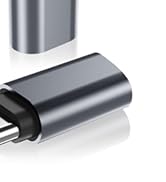
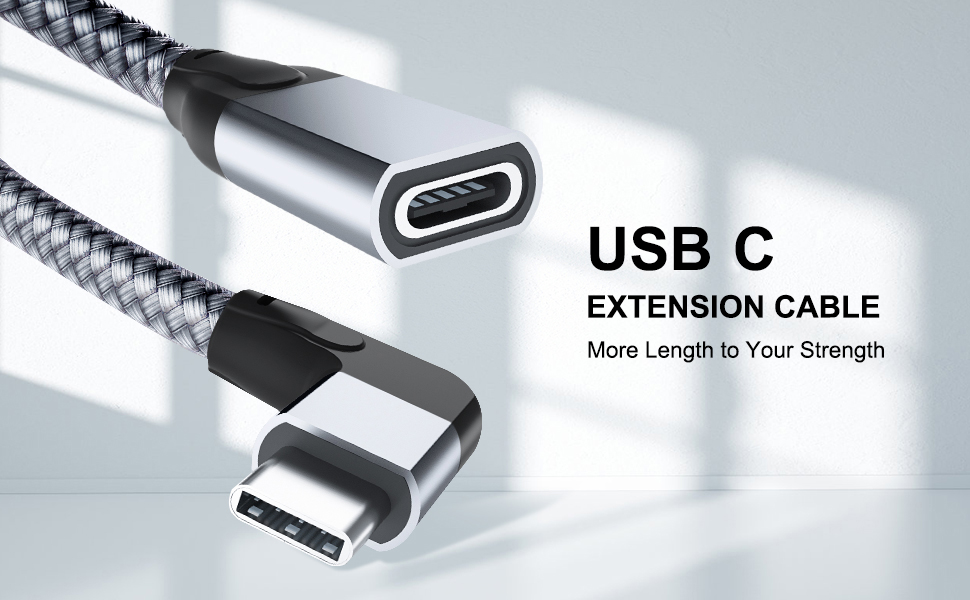
Right-angled USB Type-C Extension Cable
Seller's Reminder
- NOT compatible with Dell Thunderbolt 3 Docking Station and GoPro Camera.
- Flip the plug and try again if the extension cable does not work when connected with a USB-C 2.0 cable. This is a USB-C 2.0 and 3.0 compatibility issue whose solution requires a specific connecting direction.
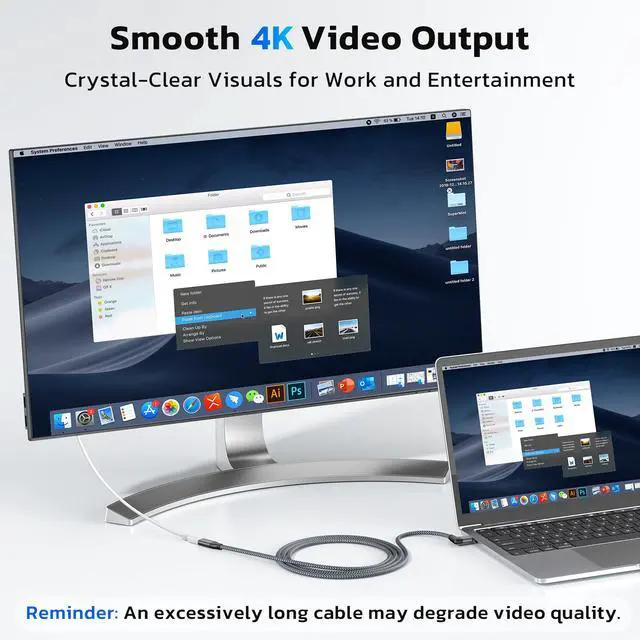
- Video transmission can be unstable or even fail when the HDMI or DP cable paired with this extension cable is too long.
- To tansmit video signals with this cable, the port on your device has to be at least USB-C 3.0 or Thunderbolt 3.
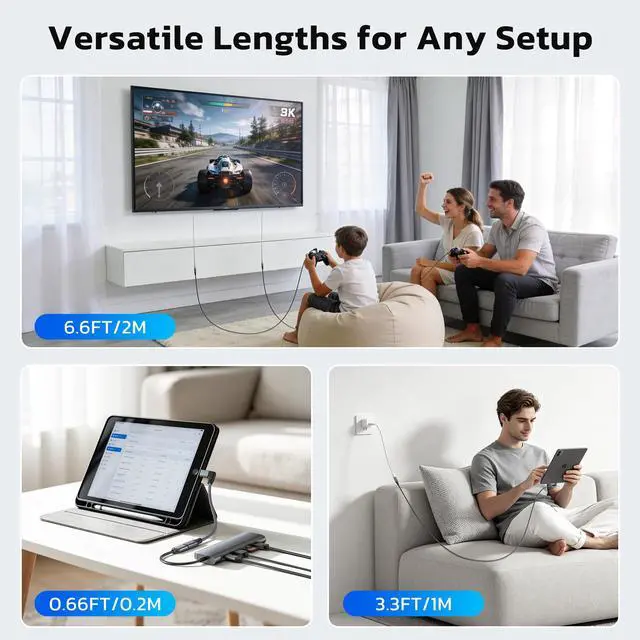
- A high-quality USB-C 3.0 cable whose less is no more than 16.5 feet is advised for stable connection when this cable is used Oculus Quest. Lower USB-C protocal and too much length can destabilize the conneciton or even make the connection unsuccessful.
What's in the Package
- Right-Angle USB C Extension Cable * 1-Pack
Key Features
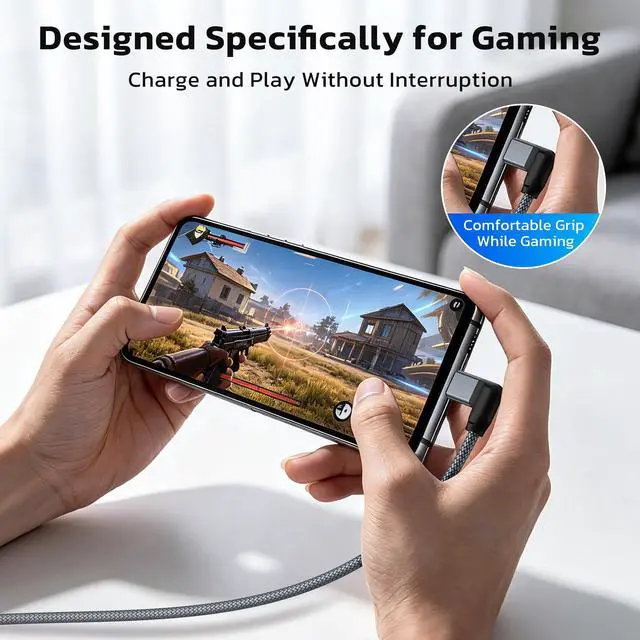
- Right-angled design to reduce wear and tear
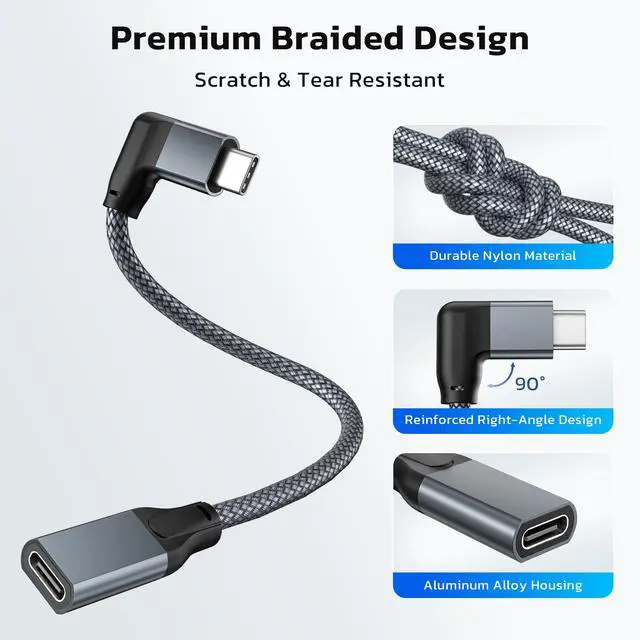
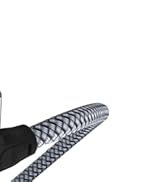
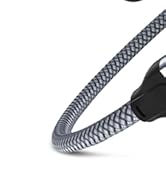
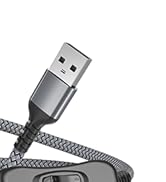
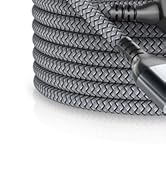
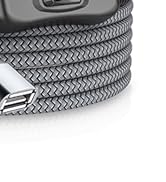
- Double-braided exterior and sleek aluminum-alloy finish
- Three-layer shielding that minimizes signal interference
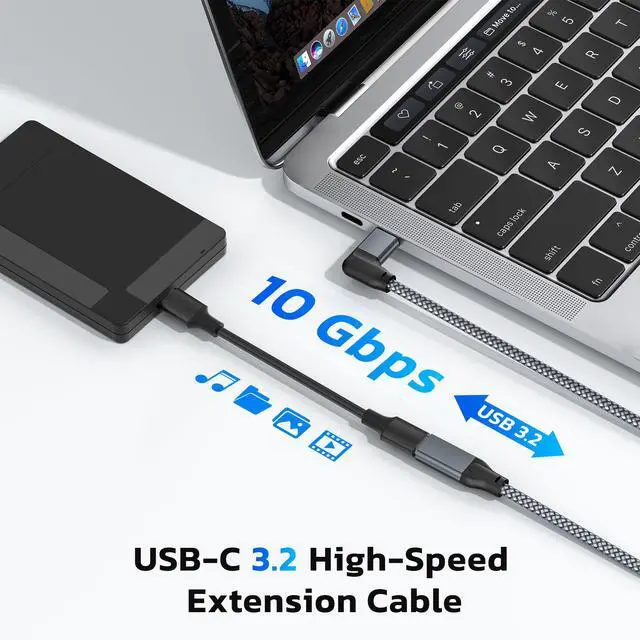
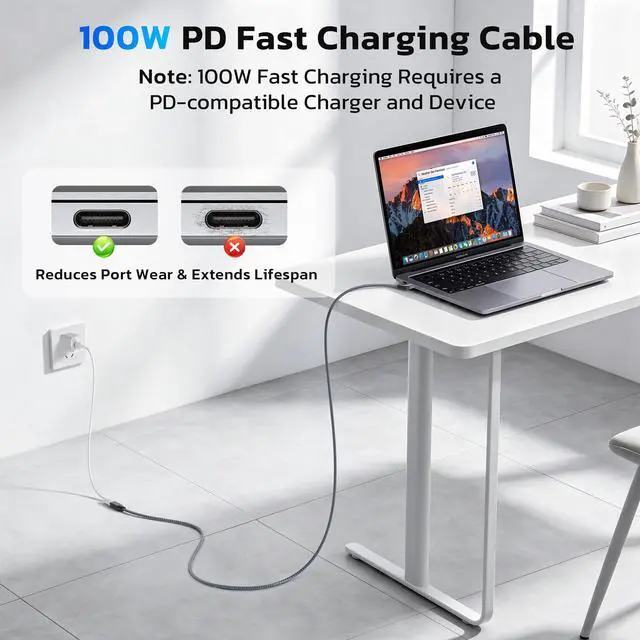
- Supports charging, high-speed data sync, as well as audio and video transfer
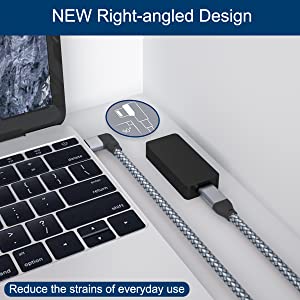
Concentration without Interruption
With this rectangular extension cable, you can effectively reduce the chances of accidental unplugging and the ensuing interruption of data transfer or signal transmission as well as your exacerbation and always stay focused and productive.
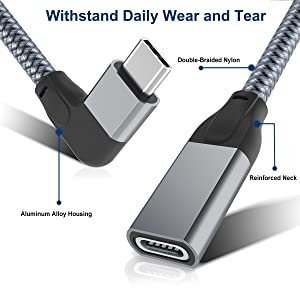
Durable and Flexible
From the double-braided nylon jacket to the aluminum-alloy casing, this USB-C extension cable can withstand more than 7000 bends and twists(lab tested) and is the safest bet you can make with your money.
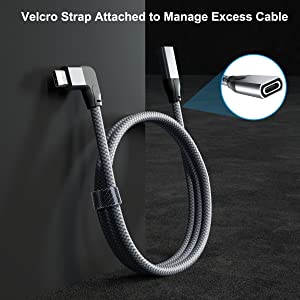
Your Port Freed
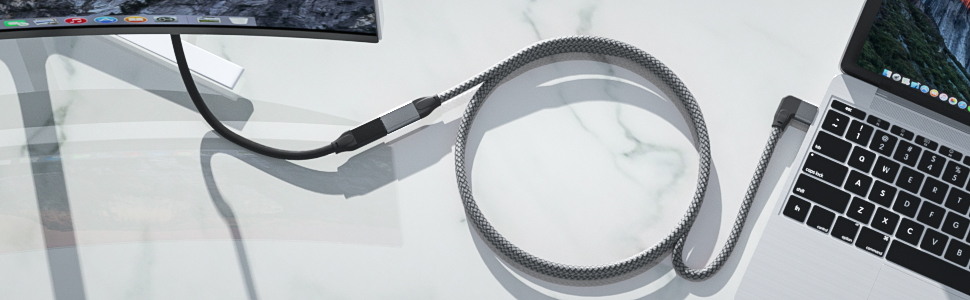
Confer mobility to your USB-C port with this extension cable so that you can access more peripherals without having to move your laptop. Simply plug the USB-C plug into your laptop and connect the USB-C port with any other compatible devices in the radius of the length you choose
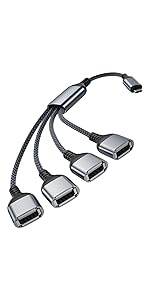 USB-C OTG Splitter Y Cable | 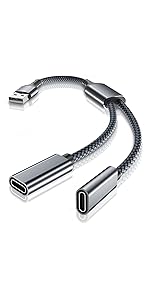 USB Male to Dual USB-C Female Splitter Cable | 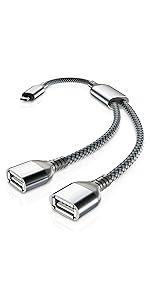 USB-C OTG Splitter Y Cable | 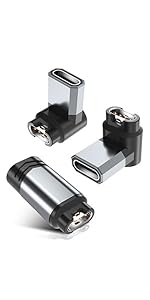 USB C to Gar/min Watch Charger Adapter | 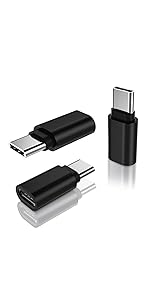 USB Type C Extension Adapter | |
|---|---|---|---|---|---|
| Customer Reviews | — | — | — | — | — |
| Price | — no data | — no data | — | — | — |
| Connector 1 | USB C Male | USB A Male | USB C Male | USB C Male | USB C Female |
| Connector 2 | Four USB A Female | Double USB C Female | Double USB A Female | 3.5mm Female USB C Female | Garmin Charger Connector |
| Highlight | Provide four USB-A ports so that can connect USB-A peripherals to new USB-C enabled devices. | Great to connect two USB-C peripherals to devices with USB-A ports built in. | Connect dual USB-A peripherals to your new USB-C enabled devices. | To fast charge your phone and listen to music using traditional headphone at the same time. | Let your watch enjoy its power nap either lying supine or on its side with the right-angled and the straight connectors. |
When it comes to quality, we at Ruxely don't compromise. Our products are made with the finest materials, tested to ensure reliability and efficiency, and backed by our quality-assu-rance and customer-service. Whether you're a casual user or a professional, our accessories will help you get ahead and stay ahead.
Right-angled USB Type-C Extension Cable
Seller's Reminder
- NOT compatible with Dell Thunderbolt 3 Docking Station and GoPro Camera.
- Flip the plug and try again if the extension cable does not work when connected with a USB-C 2.0 cable. This is a USB-C 2.0 and 3.0 compatibility issue whose solution requires a specific connecting direction.
- Video transmission can be unstable or even fail when the HDMI or DP cable paired with this extension cable is too long.
- To tansmit video signals with this cable, the port on your device has to be at least USB-C 3.0 or Thunderbolt 3.
- A high-quality USB-C 3.0 cable whose less is no more than 16.5 feet is advised for stable connection when this cable is used Oculus Quest. Lower USB-C protocal and too much length can destabilize the conneciton or even make the connection unsuccessful.
What's in the Package
- Right-Angle USB C Extension Cable * 1-Pack
Key Features
- Right-angled design to reduce wear and tear
- Double-braided exterior and sleek aluminum-alloy finish
- Three-layer shielding that minimizes signal interference
- Supports charging, high-speed data sync, as well as audio and video transfer
Concentration without Interruption
With this rectangular extension cable, you can effectively reduce the chances of accidental unplugging and the ensuing interruption of data transfer or signal transmission as well as your exacerbation and always stay focused and productive.
Durable and Flexible
From the double-braided nylon jacket to the aluminum-alloy casing, this USB-C extension cable can withstand more than 7000 bends and twists(lab tested) and is the safest bet you can make with your money.
Your Port Freed
Confer mobility to your USB-C port with this extension cable so that you can access more peripherals without having to move your laptop. Simply plug the USB-C plug into your laptop and connect the USB-C port with any other compatible devices in the radius of the length you choose
USB-C OTG Splitter Y Cable | USB Male to Dual USB-C Female Splitter Cable | USB-C OTG Splitter Y Cable | 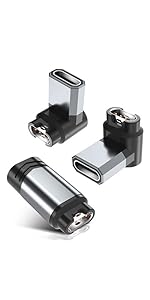 USB C to Gar/min Watch Charger Adapter | USB Type C Extension Adapter | |
|---|---|---|---|---|---|
| Customer Reviews | — | — | — | — | — |
| Price | — no data | — no data | — | — | — |
| Connector 1 | USB C Male | USB A Male | USB C Male | USB C Male | USB C Female |
| Connector 2 | Four USB A Female | Double USB C Female | Double USB A Female | 3.5mm Female USB C Female | Garmin Charger Connector |
| Highlight | Provide four USB-A ports so that can connect USB-A peripherals to new USB-C enabled devices. | Great to connect two USB-C peripherals to devices with USB-A ports built in. | Connect dual USB-A peripherals to your new USB-C enabled devices. | To fast charge your phone and listen to music using traditional headphone at the same time. | Let your watch enjoy its power nap either lying supine or on its side with the right-angled and the straight connectors. |
USB Extension Cable
USB Switch Cable
USB Extension Adapter
USB & USB C Data Blocker
USB A Data Blocker