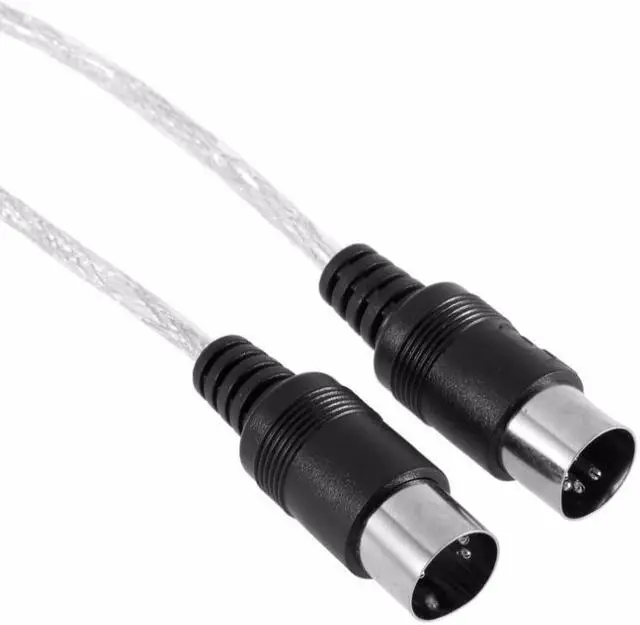
Product Description:
Instructions for Use:
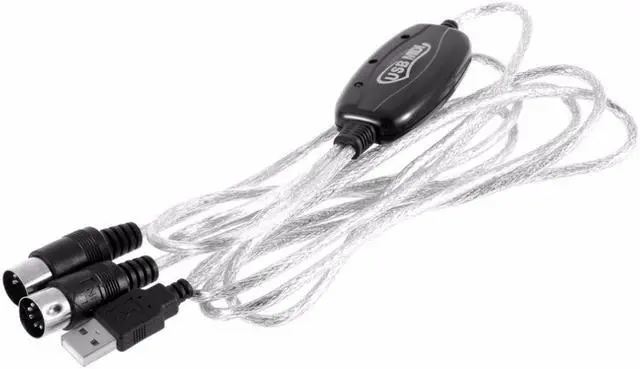
- Connect the cable marked "IN" to the MIDI "OUT" socket of a MIDI keyboard (or MIDI device)
- Connect the cable marked "OUT" to the MIDI "IN" socket of a MIDI keyboard (of MIDI device)
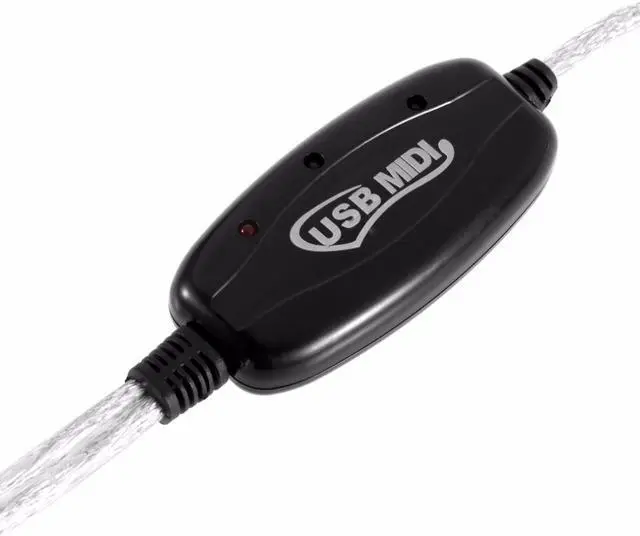
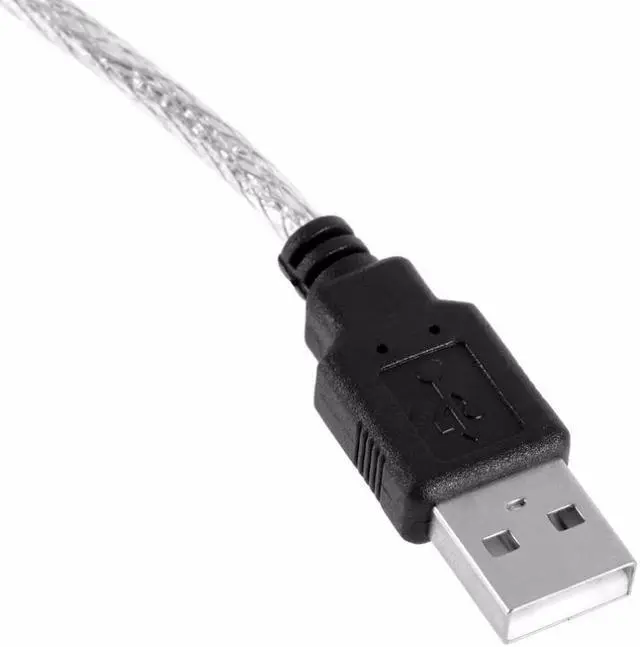
- Plug the USB cable into any free USB socket on your computer, the red LED will light to show power on
- Open your music software program, e.g. Cubase, Sonar, MIDI Connections, ect
- Set the music programs MIDI in and MIDI Out devices to "USB Audio Device"
- Your USB to MIDI interface is now ready for use
- To save potential problems, it is recommended that this interface is always connected to the same USB as it was originally installed on to prevent multiple installations of the driver
Specification:
- Color: Black
- Cable Length: 190cm
- Net weight: 84g
- Package weight: 95g
Package Content:
1 x 2M Keyboard to PC USB MIDI Cable





 here!
here!