

Your Browsing History
- Free 30-day Returns
$46.08
Ships from China.

Meet Your Seller


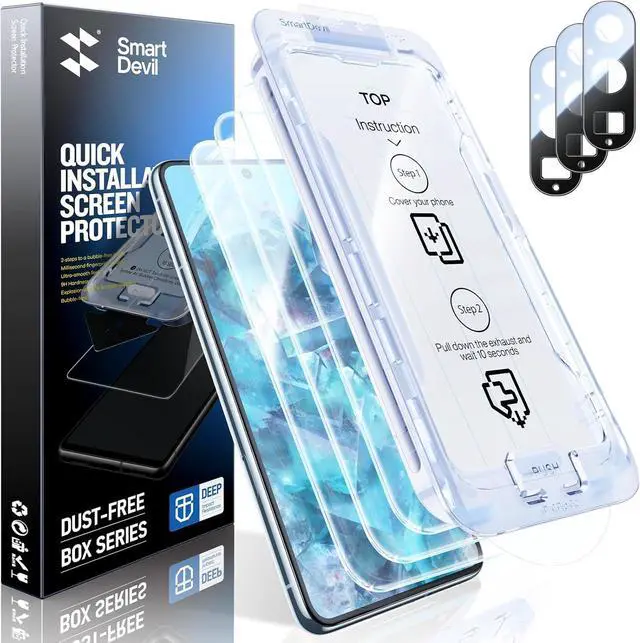
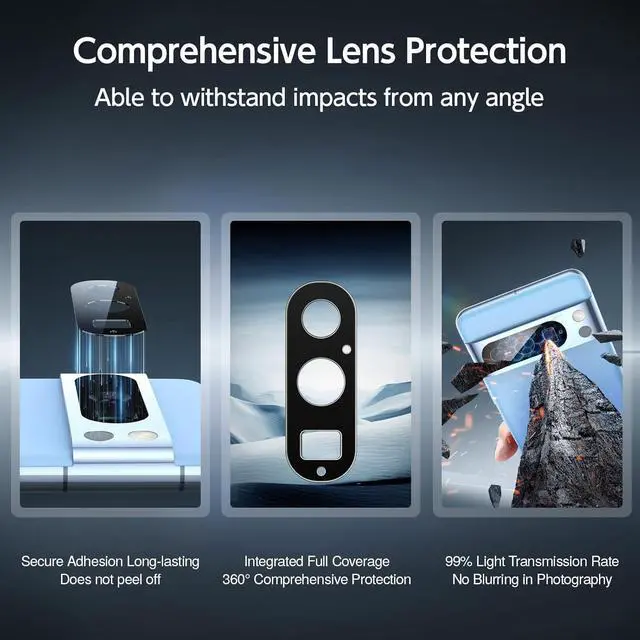


SMARTDEVIL [3+3 Pack Screen Protector For Google Pixel 8 Pro With Camera Lens Protector, FingerPrint Reader Compatible, Clear 9H Tempered Glass Film, Fast & Easy Installation, Alignment Frame
Limited time offer, ends 10/10 By NexusPoint
- SMARTDEVIL [3+3 Pack Screen Protector For Google Pixel 8 Pro With Camera Lens Protector, FingerPrint Reader Compatible, Clear 9H Tempered Glass Film, Fast & Easy Installation, Alignment Frame
+
+
Overview
Specs
Reviews

Any questions? Our AI mode will help you find out quickly.
Try me now
About this item
- Perfect Fit for Google Pixel 8 Pro The Screen Protector is meticulously designed to provide a perfect fit for Google Pixel 8 Pro. Enjoy seamless coverage and protection for your device's screen with our specially tailored Screen Protector.
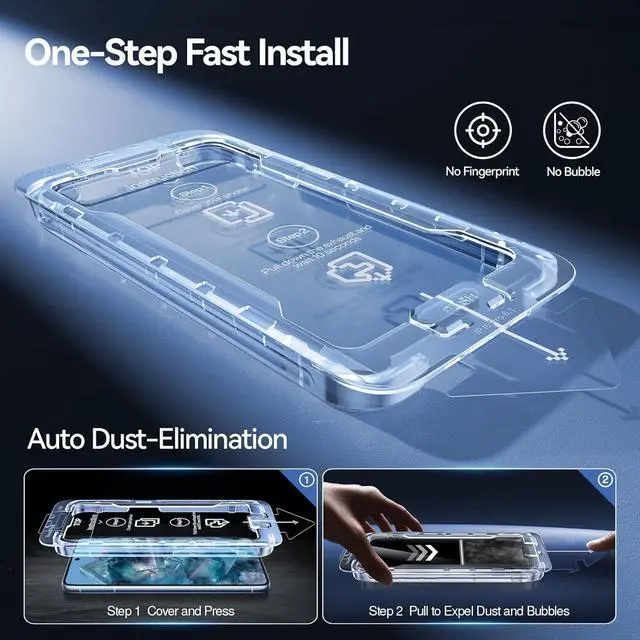
- Just Cover and Pull Experience revolutionary quick and easy installation with the SmartDevil alignment kit. SmartDevil Screen Protector features innovative automatic positioning, dust removal, and absorption technology, allowing you to cover and pull effortlessly in seconds. Say goodbye to the hassle of dealing with bubbles and dust during installation!
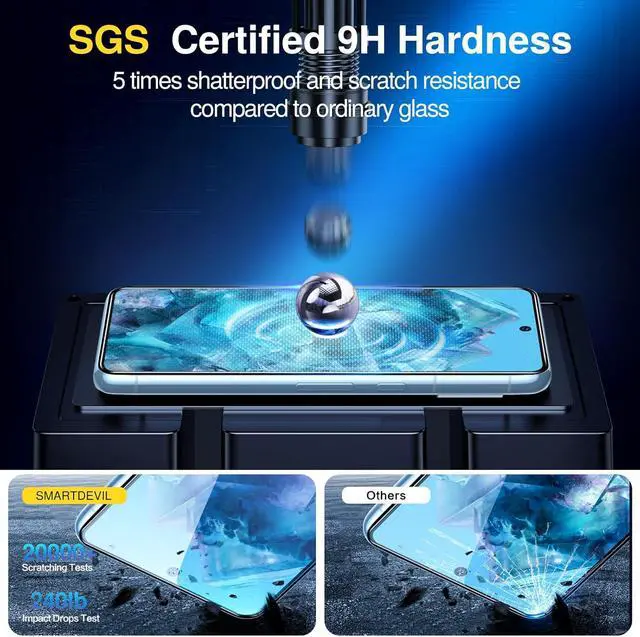
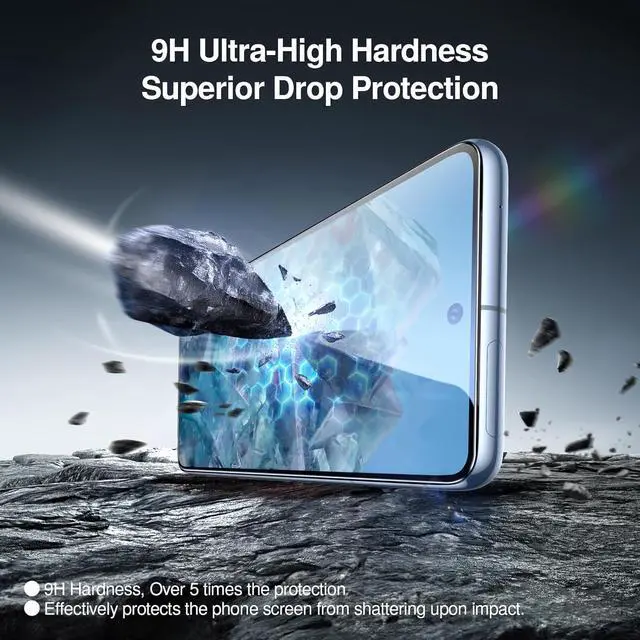
- Military Grade Shatterproof--9H hardness & 5X Stronger Scratch resistant SmartDevil tempered glass for Google Pixel 8 Pro screen protector film made of nano-sized super-strong shatterproof tempered glass material. SMARTDEVIL Lab has tested thousands of times, even if the edge of the tempered film is squeezed more than 10,000 times, it will not break and scratch. (Certified by SGS) Its hardness has far exceeded the other screen protector on the market.
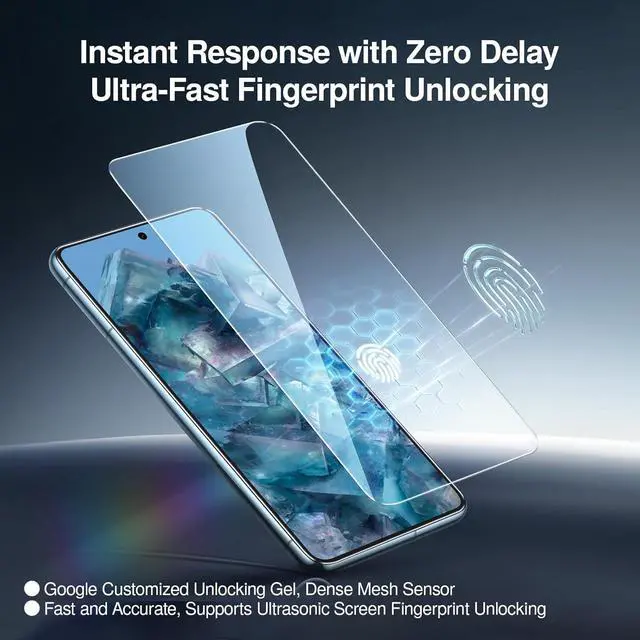
- Support Finger Print Reader & Responsive Touch Enjoy the same touch sensitivity, feel, and response on your for Google Pixel as you would with the original screen. Compatible with Face Recognition & Finger Print Reader.
- 0.1s Original-Screen-Like Fingerprint Reader Simply re-scan your fingerprint after installation, unlock your phone in 0.1s.
- Fingerprint Unlock To ensure an effortless fingerprint unlock and optimal touch sensitivity, please delete the original fingerprint and re-record a new one after installation and then go into the settings and turn on Screen Protector Mode and Adaptive Touch.
Warranty & Returns
Warranty, Returns, And Additional Information
Warranty
- Please contact the Seller directly for warranty information. Warranty information may also be found on the Manufacturer's website.
- CONTACT
Return Policies
- Return for refund within: 30 days
- Return for replacement within: non-replaceable
- This item is covered by NexusPoint Return Policy
Manufacturer Contact Info
- For a directory of all our manufacturers, please click below.
- Manufacturers Directory
LOADING...