


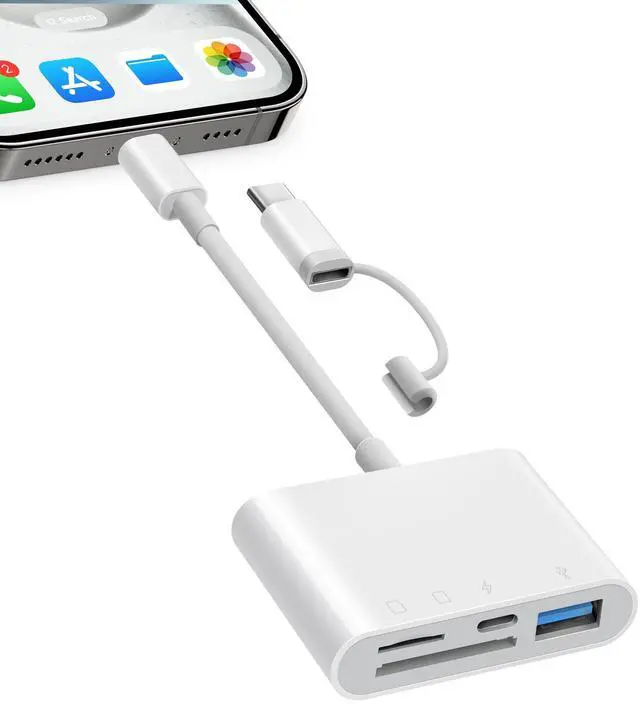


Fubiaofei Portable SD Card Reader for iPhone, Best Helper in Life

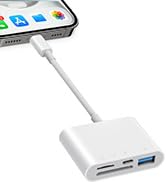
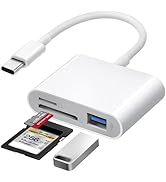
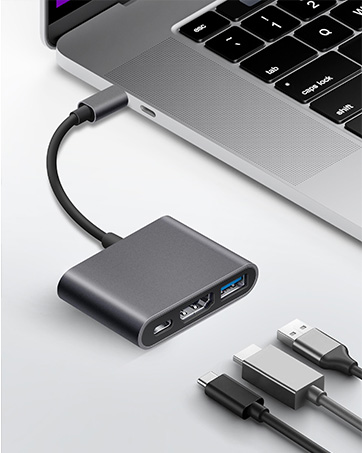
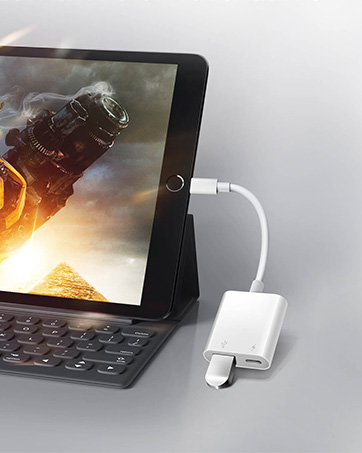
4 IN 1 iPhone SD Card Reader

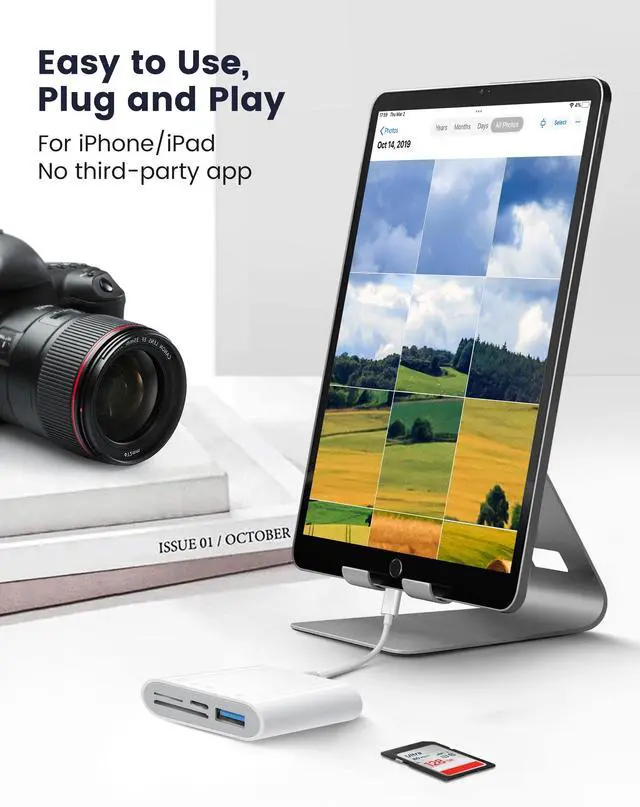
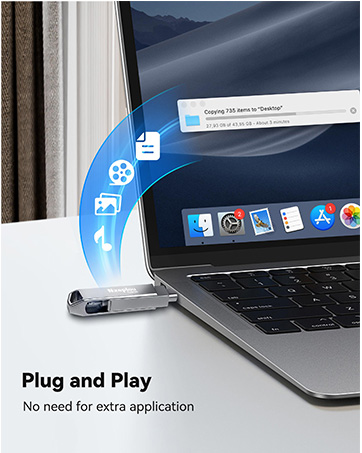
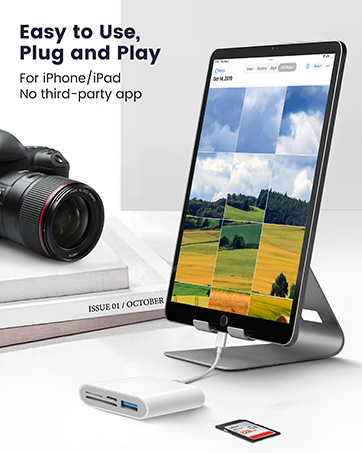
No Driver Required, Plug and Play
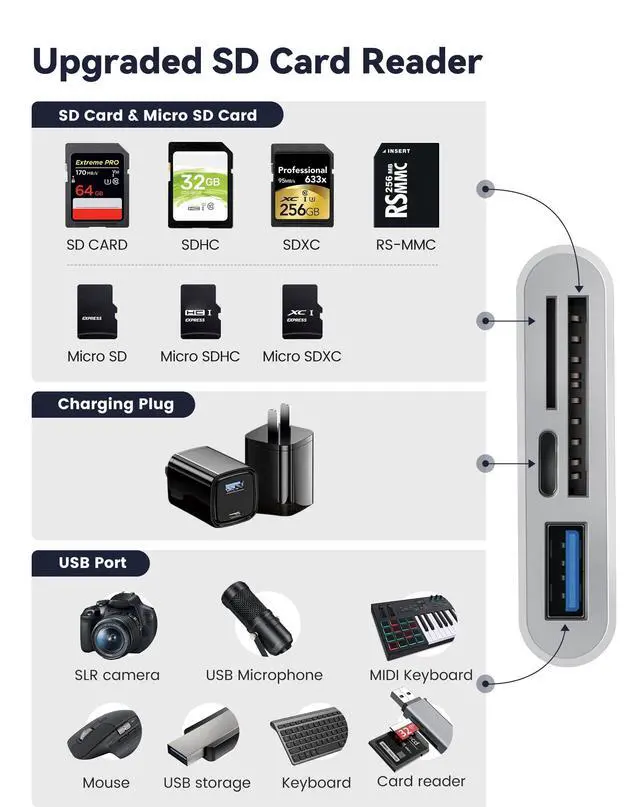
- Compatible with SD/MicroSD cards.
- Compatible with SLR camera, USB microphone, flash drives, MIDI keyboard, mouse, etc.
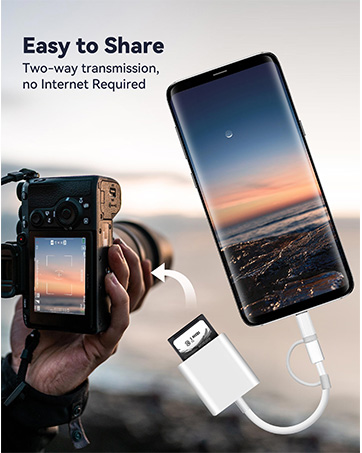
About TWO-WAY Transfer
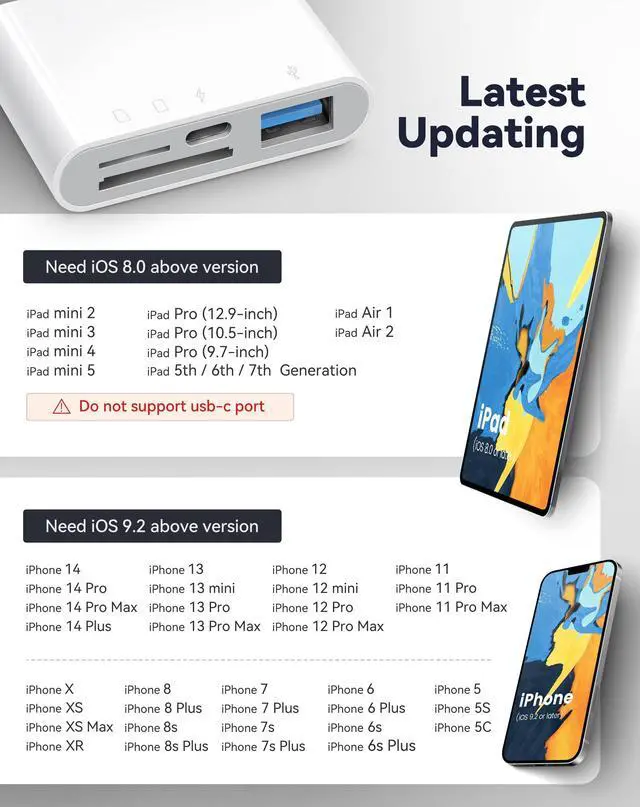
- -For iOS9.2-12.4:This memory card reader for iphone only supports one-way transmission from SD/TF to the iPhone/iPad. And you can directly view the full resolution by long pressing the thumbnail in the "photos" app.
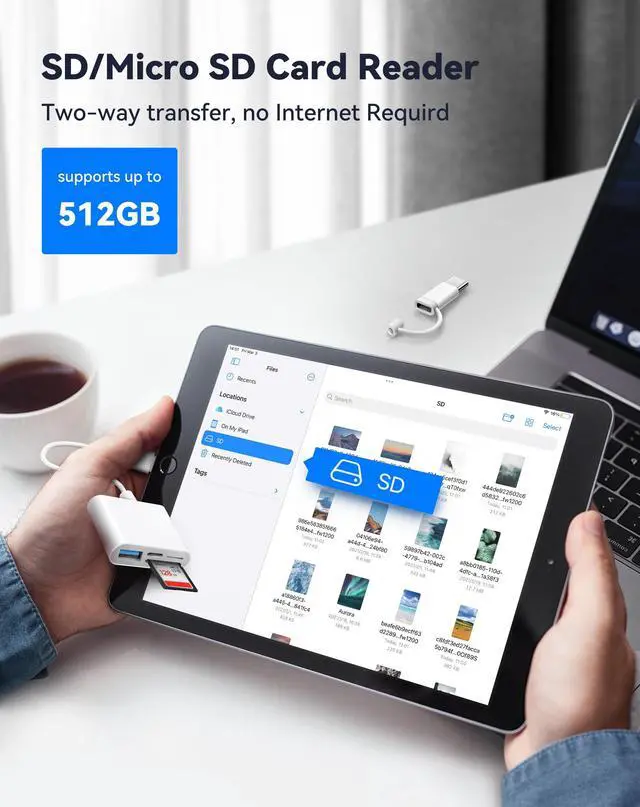
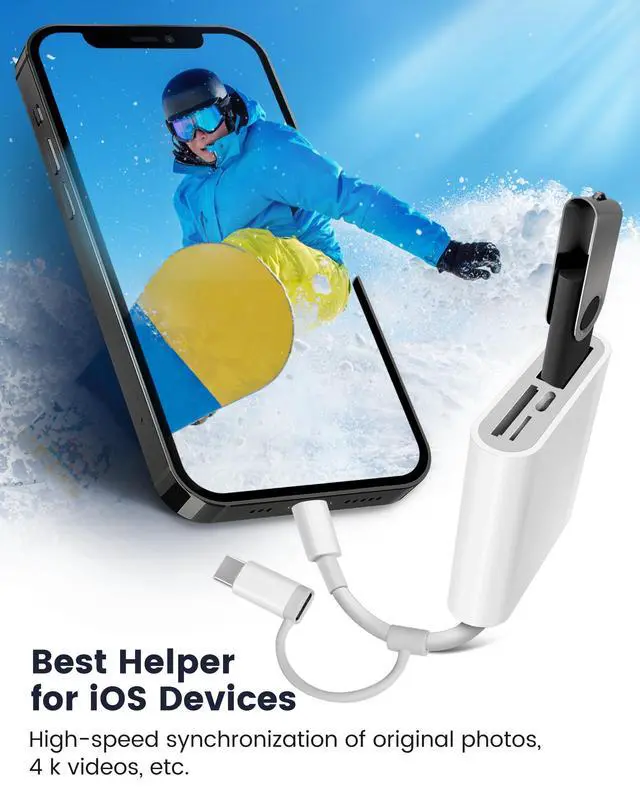
- -Only iOS 13 and later supports TWO-WAY transmission( transfer not only pictures and videos but also Word, Excel, and PDF, etc.)
How to read & transfer in your iPhone?
- -Transfer photos and videos from iPhone to USB card to iPhone via iOS built-in "Files"app
- -User guide for iOS13 and later from iPhone/iPad to SD card(or USB drive)
- -User guide for iOS13 and later from SD card(or USB drive) to iPhone/iPad -Only when the system version is IOS13 or later, the iphone sd card reader can be connected to an external U disk, and supported format is "exfat" or "fat32".
- (Tips: Please backup your files before formatting to avoid losing them)

Warm Tips
- 1.For iOS13:Photos app will not pop up, please find the information you need from Files app.
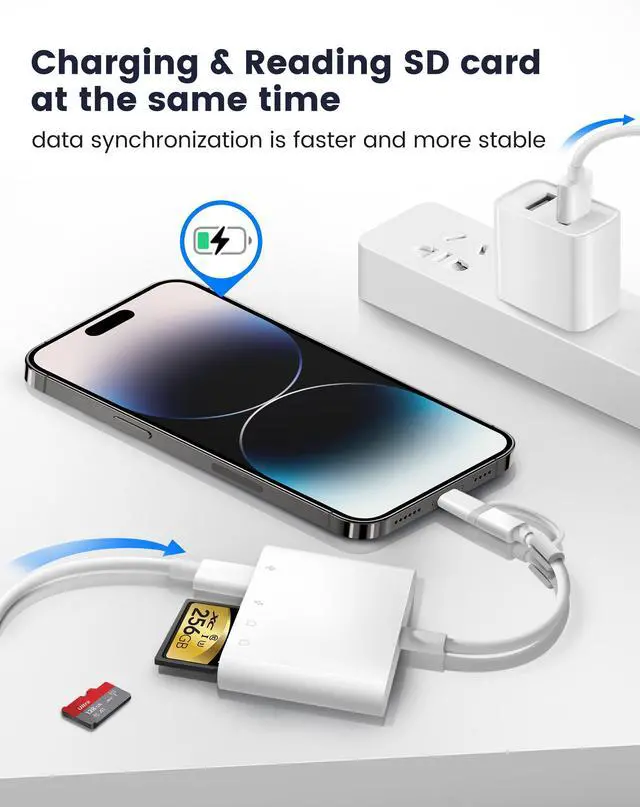
- 2.If the iphone to usb adapter cannot recognize your iphone/ipad (or disconnect it). The external device may needs a large current, so please use a 2A power charger to charge the iphone sd card adapter while transmitting.
- 3.The USB port can work simultaneously with the SD card. However, only one memory card can be read at a time. (Please wait about 5 seconds after inserting the sd card reader.)
- 4.Incompatible devices with iphone usb adapter: hard disk, printer, recorder, portable WiFi, Bluetooth adapter, etc.
- 5.Not compatiable with USB-C
Package included:
- 1 X SD Card Reader for iPhone/iPad
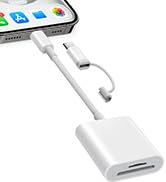
 SD Card Reader for iPhone iPad |  SD Card Reader for iPhone iPad USB-C |  SD Card Reader for iPhone iPad |  Fubiaofei SD Card Reader, 5 in 1 USB USB-C Dual Connector to SD/TF/CF/Micro S... |  USB Adapter for iPhone |  128GB Flash Drive for iPhone iPad | |
|---|---|---|---|---|---|---|
| Customer Reviews | — | — | — | — | — | — |
| Price | — | — | — | — | — | — |
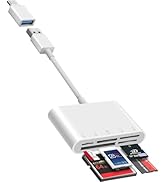
| Number of Connector | 2Ports | 3Ports | 4Ports | 5Ports | 2Ports | 2Ports |
| Hardware Interface | SD/Micro SD Card | USB, SD/Micro SD Card | USB, Charging Port, SD/Micro SD Card | SD/TF/CF/Micro SD/XD/MS | USB, Charging Port | Lightening, USB-C (3.0) Connector |
| Connections | Lightening &USB-C Connector | USB-C Connector | Lightening Connector | USB &USB-C Connector | Lightening Connector | Lightening, USB-C (3.0) Connector |
| Data transfer speed | 40MB/s ~ 60MB/s | 40MB/s ~ 60MB/s | 40MB/s ~ 60MB/s | 40MB/s ~ 60MB/s | 30MB/s ~ 50MB/s | 90MB/s ~ 100MB/s |
| Plug & Play | ? | ? | ? | ? | ? | ? |
Fubiaofei Portable SD Card Reader for iPhone, Best Helper in Life
4 IN 1 iPhone SD Card Reader
No Driver Required, Plug and Play
- Compatible with SD/MicroSD cards.
- Compatible with SLR camera, USB microphone, flash drives, MIDI keyboard, mouse, etc.
About TWO-WAY Transfer
- -For iOS9.2-12.4:This memory card reader for iphone only supports one-way transmission from SD/TF to the iPhone/iPad. And you can directly view the full resolution by long pressing the thumbnail in the "photos" app.
- -Only iOS 13 and later supports TWO-WAY transmission( transfer not only pictures and videos but also Word, Excel, and PDF, etc.)
How to read & transfer in your iPhone?
- -Transfer photos and videos from iPhone to USB card to iPhone via iOS built-in "Files"app
- -User guide for iOS13 and later from iPhone/iPad to SD card(or USB drive)
- -User guide for iOS13 and later from SD card(or USB drive) to iPhone/iPad -Only when the system version is IOS13 or later, the iphone sd card reader can be connected to an external U disk, and supported format is "exfat" or "fat32".
- (Tips: Please backup your files before formatting to avoid losing them)
Warm Tips
- 1.For iOS13:Photos app will not pop up, please find the information you need from Files app.
- 2.If the iphone to usb adapter cannot recognize your iphone/ipad (or disconnect it). The external device may needs a large current, so please use a 2A power charger to charge the iphone sd card adapter while transmitting.
- 3.The USB port can work simultaneously with the SD card. However, only one memory card can be read at a time. (Please wait about 5 seconds after inserting the sd card reader.)
- 4.Incompatible devices with iphone usb adapter: hard disk, printer, recorder, portable WiFi, Bluetooth adapter, etc.
- 5.Not compatiable with USB-C
Package included:
- 1 X SD Card Reader for iPhone/iPad
SD Card Reader for iPhone iPad | SD Card Reader for iPhone iPad USB-C | SD Card Reader for iPhone iPad | Fubiaofei SD Card Reader, 5 in 1 USB USB-C Dual Connector to SD/TF/CF/Micro S... | USB Adapter for iPhone | 128GB Flash Drive for iPhone iPad | |
|---|---|---|---|---|---|---|
| Customer Reviews | — | — | — | — | — | — |
| Price | — | — | — | — | — | — |
| Number of Connector | 2Ports | 3Ports | 4Ports | 5Ports | 2Ports | 2Ports |
| Hardware Interface | SD/Micro SD Card | USB, SD/Micro SD Card | USB, Charging Port, SD/Micro SD Card | SD/TF/CF/Micro SD/XD/MS | USB, Charging Port | Lightening, USB-C (3.0) Connector |
| Connections | Lightening &USB-C Connector | USB-C Connector | Lightening Connector | USB &USB-C Connector | Lightening Connector | Lightening, USB-C (3.0) Connector |
| Data transfer speed | 40MB/s ~ 60MB/s | 40MB/s ~ 60MB/s | 40MB/s ~ 60MB/s | 40MB/s ~ 60MB/s | 30MB/s ~ 50MB/s | 90MB/s ~ 100MB/s |
| Plug & Play | ? | ? | ? | ? | ? | ? |
SD Card Reader for iPhone iPad
USB3.0 Flash Drive for iPhone
USB Adapter for iPhone iPad
