




CF/SD/TF Card Reader for iPhone
Product Details:
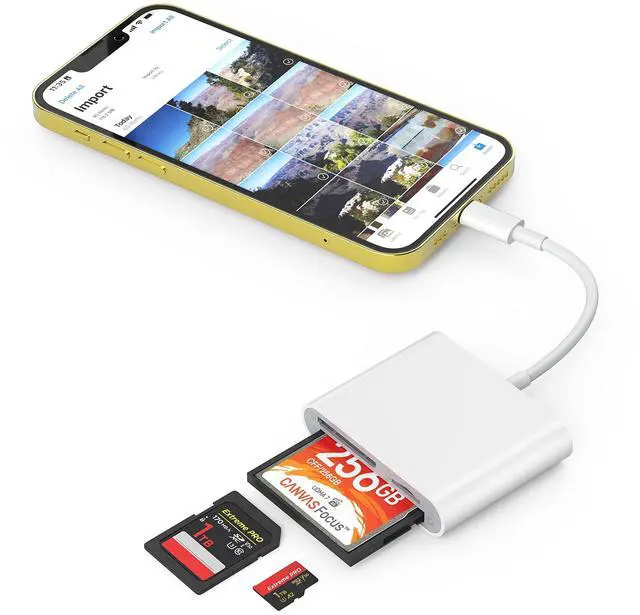
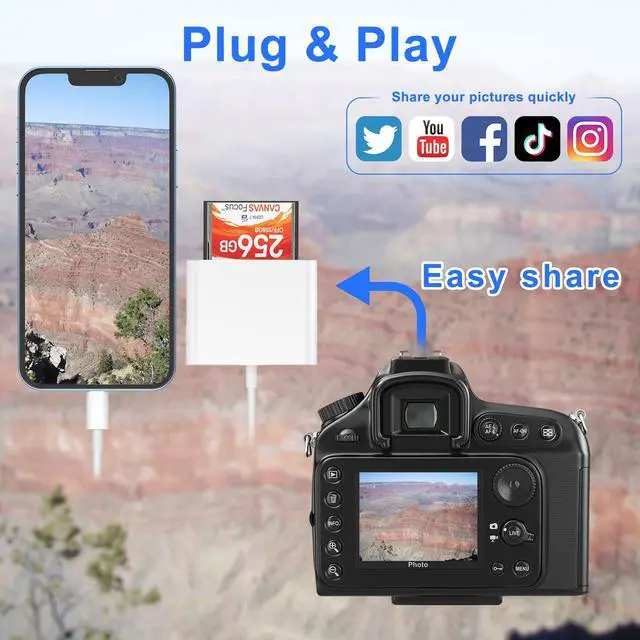
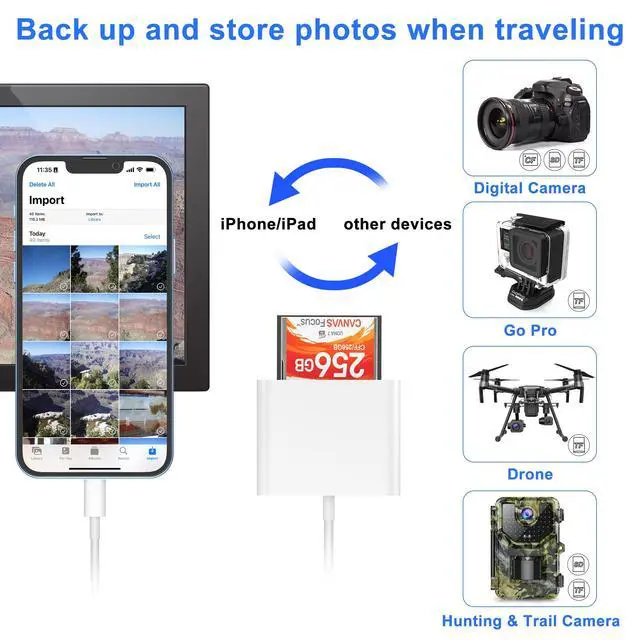
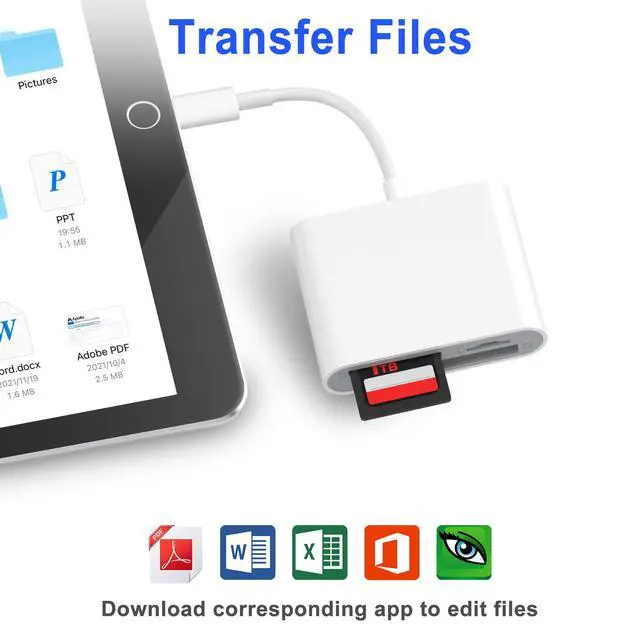
With this reader, it is easy to view/save/delete/share photos and videos from your SD/TF/CF card to your phone and pad, so you can view and share them with family and friends anywhere anytime.
Transfer Speed:
USB 2.0 High-Speed
Card Slot:
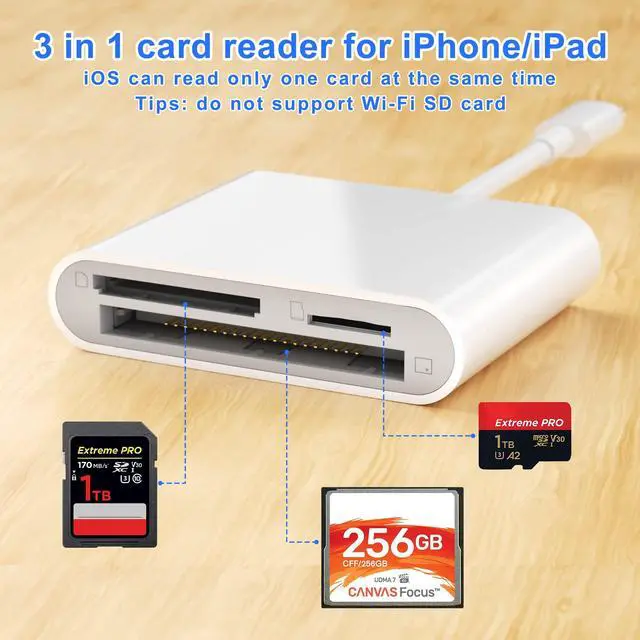
SD(SDXC), TF(MicroSD, MicroSDXC), CF(Compact flash)
Note: it can read one card at a time.
Specification
• Compliant with High-Speed USB 2.0 standard, support speeds up to 480Mbps.
• With 3 card slots: CF, SD and Micro SD. One reader for three cards, cost-effective and portable.
• Compatible with iPhone/iPad.
• Plug and play on the phone or pad, no driver installation or software required.
Please check the work flow as below to help you transfer photos or other files between memory card and iPhone & iPad.

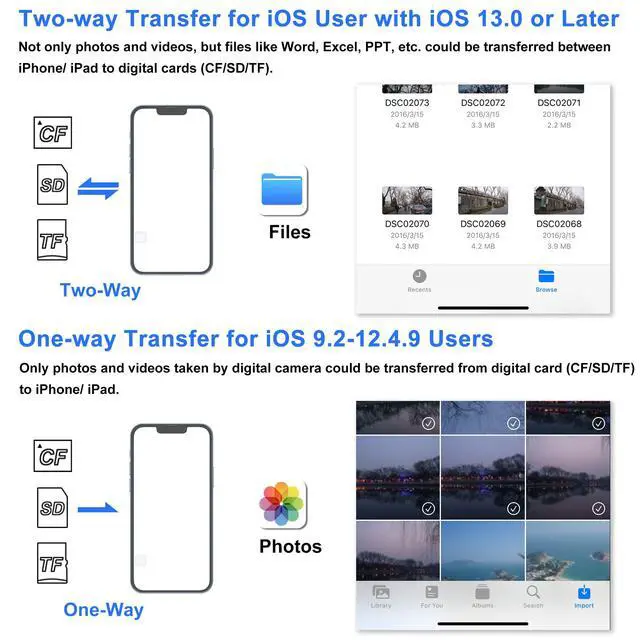
Two-way transfer for iOS user with iOS 13.0 or later
Files App
Files app is an important app which can transfer files between your memory card to your
iPhone & iPad.
Data from your iPhone is “on my iPhone” and data of memory card is on “Untiled” ( or NONAME, which is the name of your memory card)
You can view data and transfer the data between memory card and iPhone.
Files app can not only manager videos and photos, but also manage music, PDF, word, or Excel, etc.
Photos App
Photos app only help you to manger photos and videos, not other data.
If you want to copy photos from iPhone to the memory card, you can use this photos app, choose the photos you want to copy and save to the memory card
You can also copy the photo from memory card to “Photos”. We suggest you do it by using “Files App” and find the photos you want to save and “save the image”. Then you can find the photos from your “Photos” app.

CF/SD/TF Card Reader for iPhone
Product Details:
With this reader, it is easy to view/save/delete/share photos and videos from your SD/TF/CF card to your phone and pad, so you can view and share them with family and friends anywhere anytime.
Transfer Speed:
USB 2.0 High-Speed
Card Slot:
SD(SDXC), TF(MicroSD, MicroSDXC), CF(Compact flash)
Note: it can read one card at a time.
Specification
• Compliant with High-Speed USB 2.0 standard, support speeds up to 480Mbps.
• With 3 card slots: CF, SD and Micro SD. One reader for three cards, cost-effective and portable.
• Compatible with iPhone/iPad.
• Plug and play on the phone or pad, no driver installation or software required.
Please check the work flow as below to help you transfer photos or other files between memory card and iPhone & iPad.

Two-way transfer for iOS user with iOS 13.0 or later
Files App
Files app is an important app which can transfer files between your memory card to your
iPhone & iPad.
Data from your iPhone is “on my iPhone” and data of memory card is on “Untiled” ( or NONAME, which is the name of your memory card)
You can view data and transfer the data between memory card and iPhone.
Files app can not only manager videos and photos, but also manage music, PDF, word, or Excel, etc.
Photos App
Photos app only help you to manger photos and videos, not other data.
If you want to copy photos from iPhone to the memory card, you can use this photos app, choose the photos you want to copy and save to the memory card
You can also copy the photo from memory card to “Photos”. We suggest you do it by using “Files App” and find the photos you want to save and “save the image”. Then you can find the photos from your “Photos” app.