


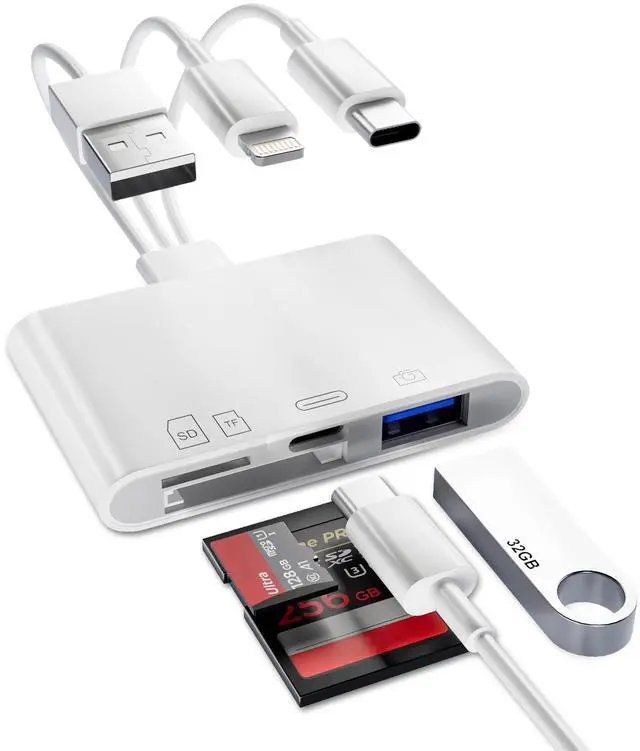
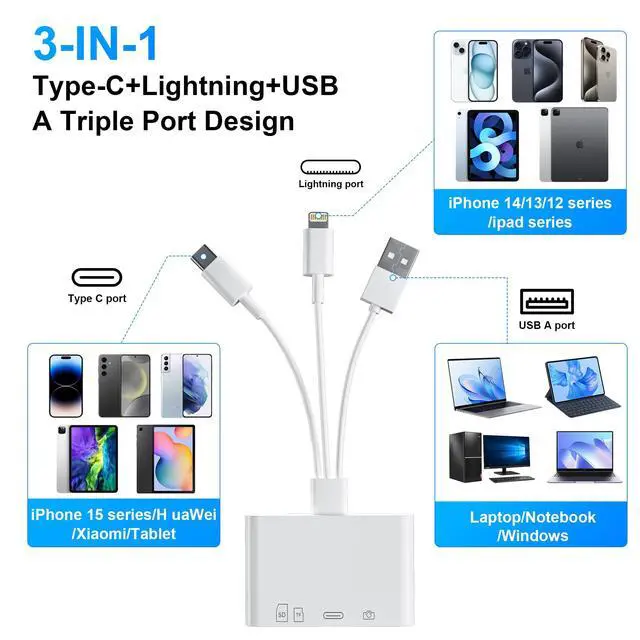


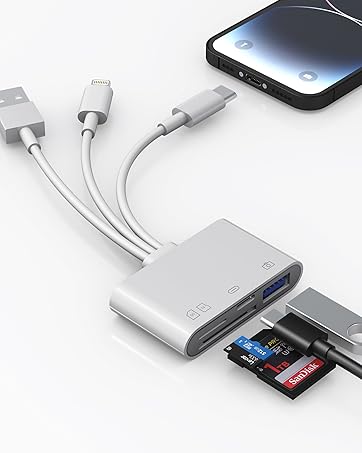
4 IN 1 SD/TF Card Reader with Lightning/Type C/USB Connectors for iPhone/iPad/Mac
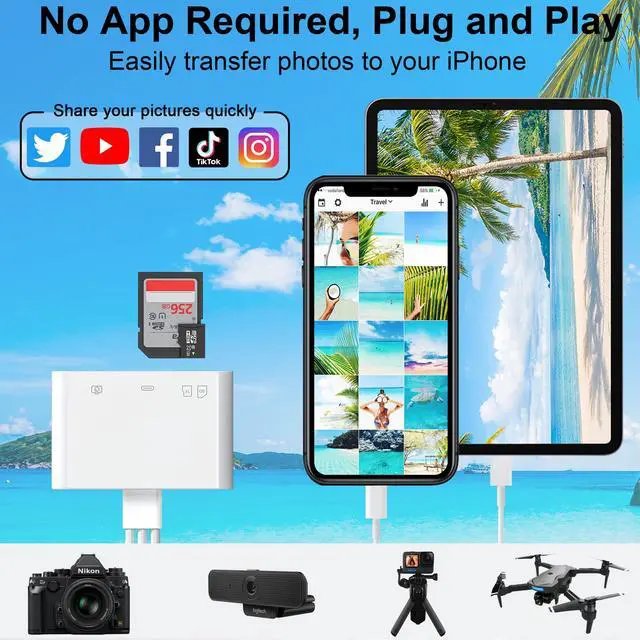
Plug and Play
- Share photos and videos from your digital camera on social networks anytime
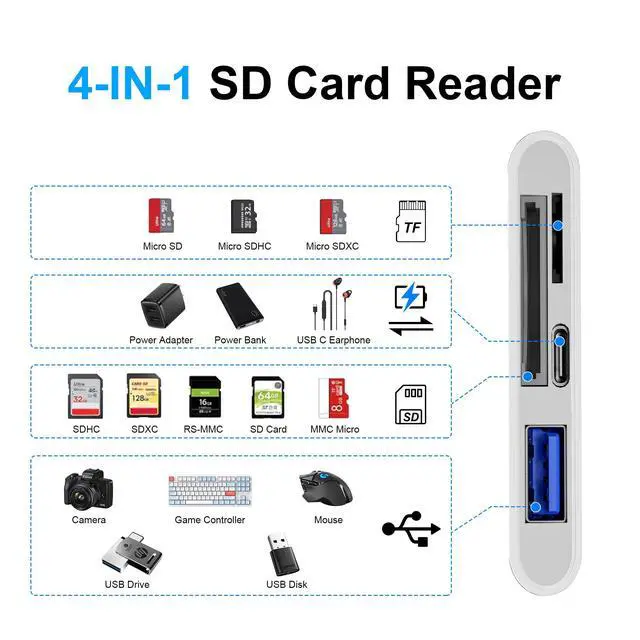
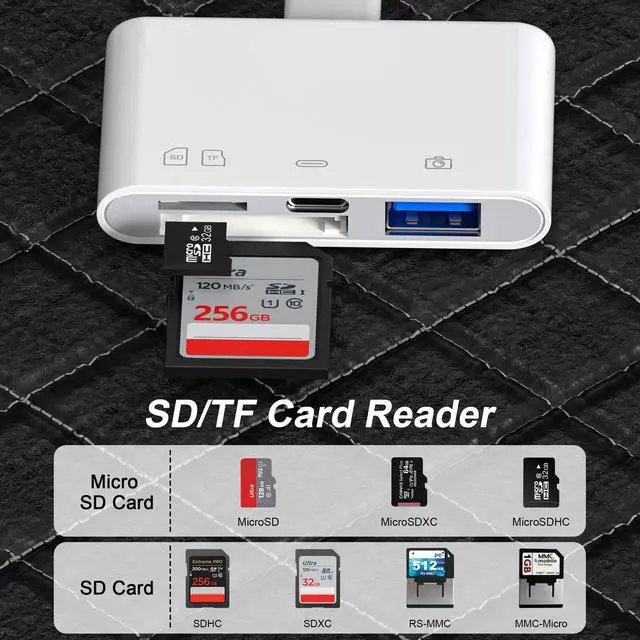
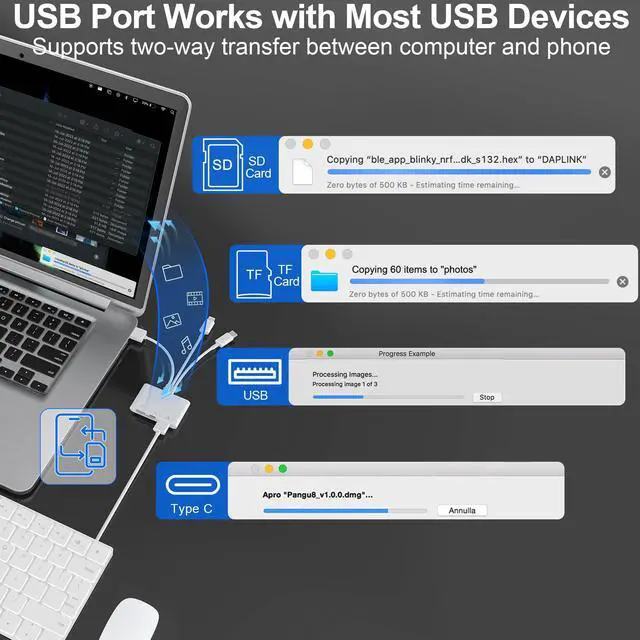
SD/TF Card Slots
- Supports SD/SDXC/SDHC/RS-MMC/MMC micro card
- Supports Micro SD/micro SDXC / micro SDHC / micro SD card
USB A Port
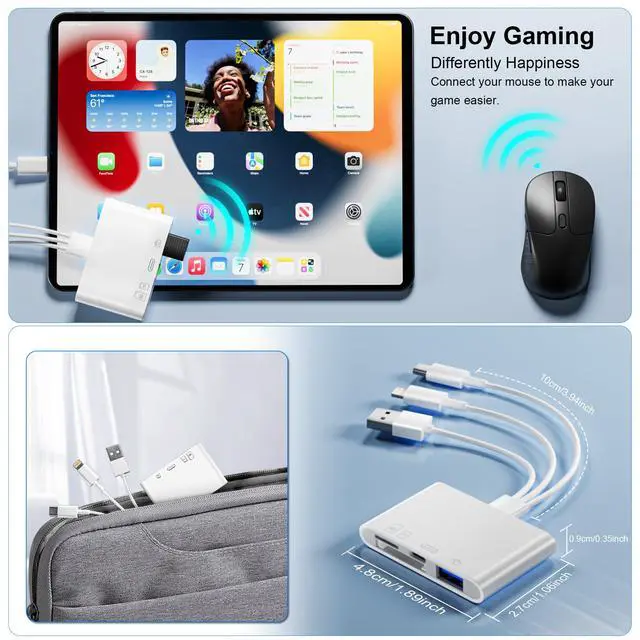
- Support connect peripherals such as USB flash drives, mice, keyboards, etc. You can conveniently use the card reader as a USB expansion interface too provide more connection options for your devices.
Type C Port
- Support data transmission and charging

The SD/TF card reader supports standard photo photo formats including JPEG,RAW,and 4K video formats including H.264 and MPEG-4, and supports i-OS 13 and above and OTG Android phone/computer and other devices with USB port, The SD card reader supports up to 1TB memory cards and 512GB USB2.0 flash drives, the USB3.0 flash drives cannot exceed 128GB


User Notes:
- Before inserting the SD card reader, make sure the memory card is oriented correctly.
- If you cannot transfer photos or videos, make sure the memory card is properly inserted into the micro SD card USB adapter. Disconnect the SD card reader from the memory card completely, then reconnect and try again.
- If the camera viewer prompts the data cable or accessories, it may be a bad contact, please unplug and reinsert.


Two-way transmission for users of iOS13.0 or later
- For iOS13 and iPadOS Users: There is no pop-up, you can find 'import' in the "Photos" app or" Files "app.
- For iOS13 and iPadOS Users: You can view the full resolution directly in the files app. You can also long press the thumbnail in the "photos" app to view the full resolution directly.
One-way transmission for users of iOS 9.2-12.4
- For iOS9.2-12.4 Users: You can directly view the full resolution by long pressing the thumbnail in the "photos" app.
- For iOS9.2-12.4 Users: When the SD Card Reader is inserted, the Photos app will pop up automatically.


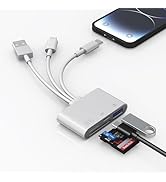

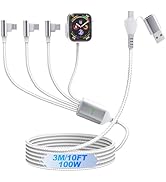
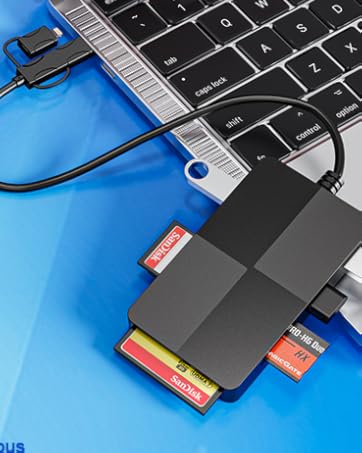
4 IN 1 SD/TF Card Reader with Lightning/Type C/USB Connectors for iPhone/iPad/Mac
Plug and Play
- Share photos and videos from your digital camera on social networks anytime
SD/TF Card Slots
- Supports SD/SDXC/SDHC/RS-MMC/MMC micro card
- Supports Micro SD/micro SDXC / micro SDHC / micro SD card
USB A Port
- Support connect peripherals such as USB flash drives, mice, keyboards, etc. You can conveniently use the card reader as a USB expansion interface too provide more connection options for your devices.
Type C Port
- Support data transmission and charging
The SD/TF card reader supports standard photo photo formats including JPEG,RAW,and 4K video formats including H.264 and MPEG-4, and supports i-OS 13 and above and OTG Android phone/computer and other devices with USB port, The SD card reader supports up to 1TB memory cards and 512GB USB2.0 flash drives, the USB3.0 flash drives cannot exceed 128GB
User Notes:
- Before inserting the SD card reader, make sure the memory card is oriented correctly.
- If you cannot transfer photos or videos, make sure the memory card is properly inserted into the micro SD card USB adapter. Disconnect the SD card reader from the memory card completely, then reconnect and try again.
- If the camera viewer prompts the data cable or accessories, it may be a bad contact, please unplug and reinsert.
Two-way transmission for users of iOS13.0 or later
- For iOS13 and iPadOS Users: There is no pop-up, you can find 'import' in the "Photos" app or" Files "app.
- For iOS13 and iPadOS Users: You can view the full resolution directly in the files app. You can also long press the thumbnail in the "photos" app to view the full resolution directly.
One-way transmission for users of iOS 9.2-12.4
- For iOS9.2-12.4 Users: You can directly view the full resolution by long pressing the thumbnail in the "photos" app.
- For iOS9.2-12.4 Users: When the SD Card Reader is inserted, the Photos app will pop up automatically.
Welcome to Bawanfa Plus
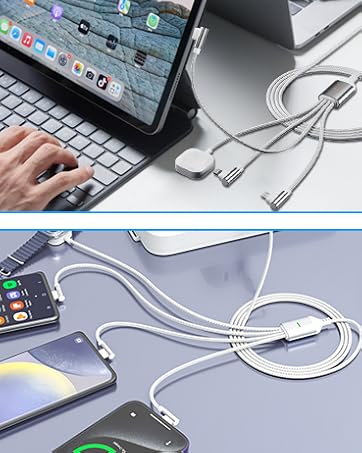
Card Reader & Charging cable
