


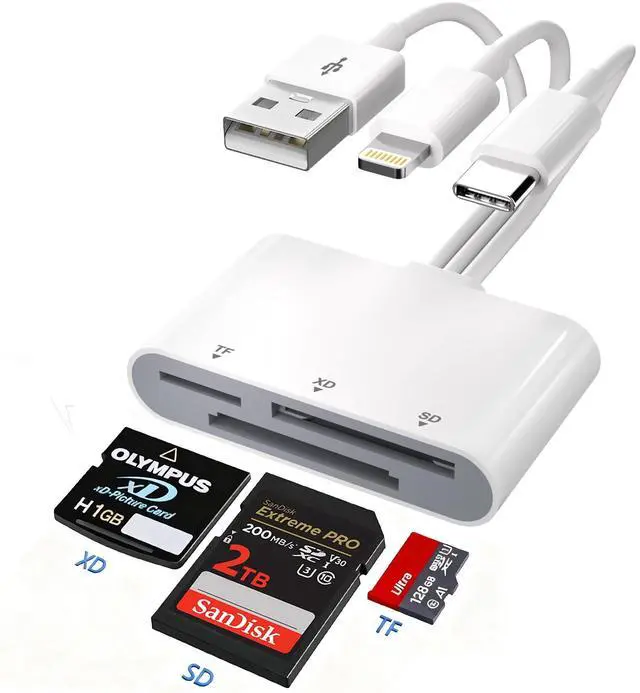
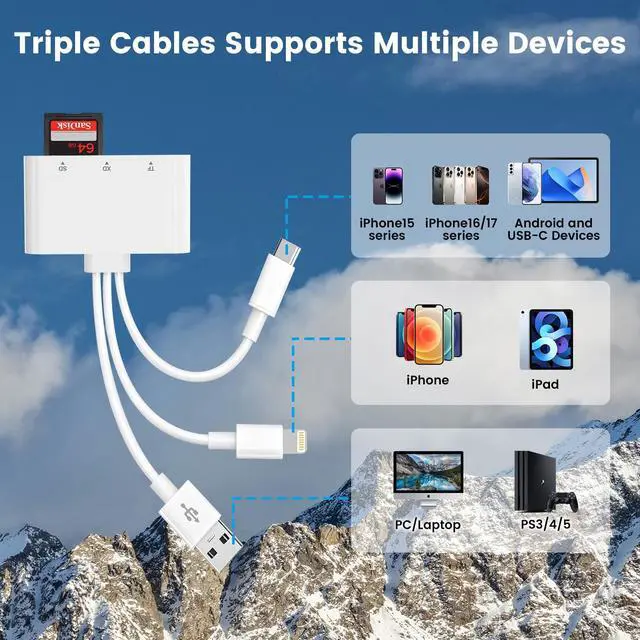
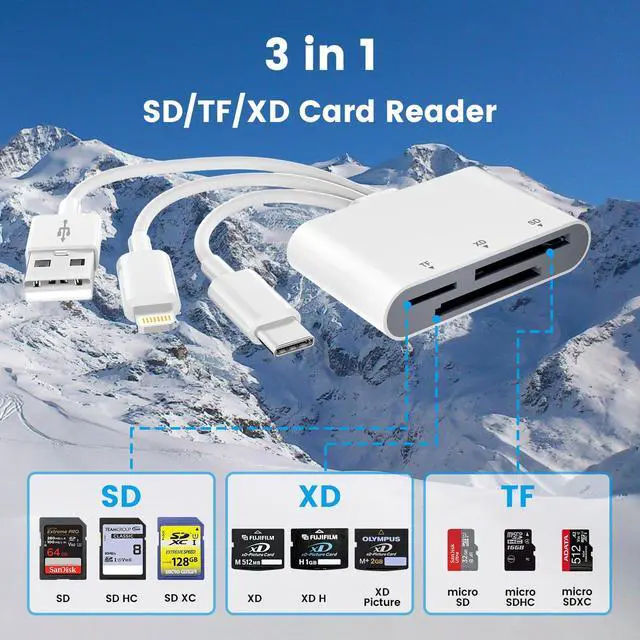



3-in-3 Lightning+USB A+USB C to XD/TF/SD Card Reader


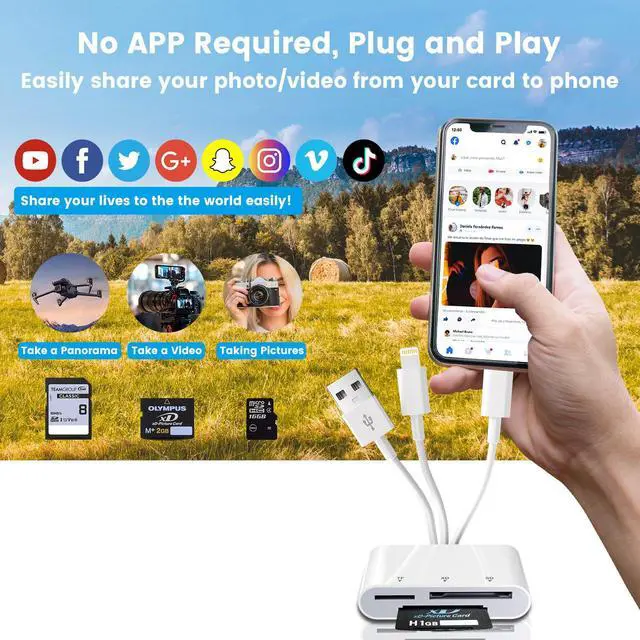
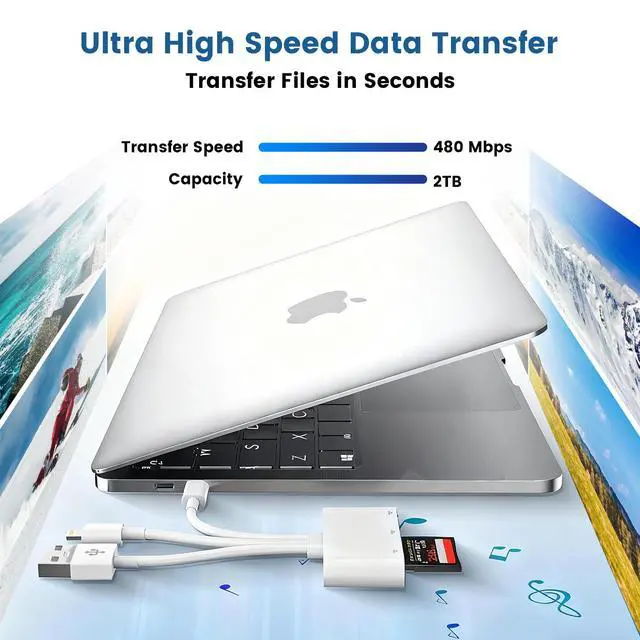
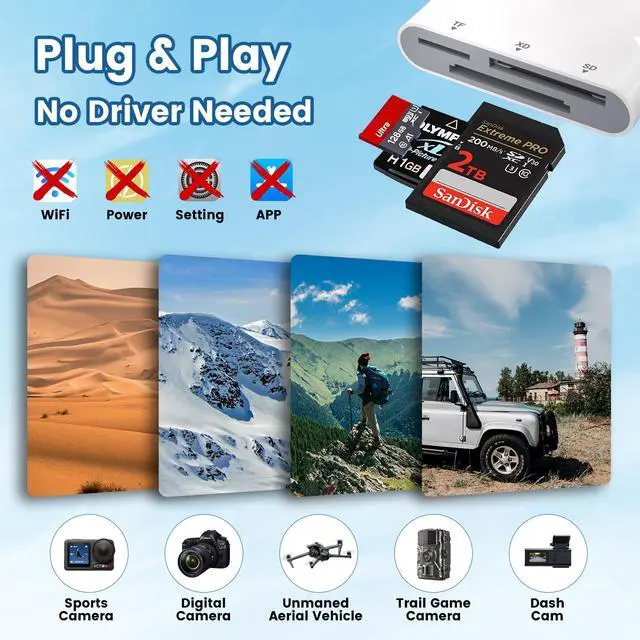
This clever little gadget supports two-way file transfers, letting you effortlessly move photos and videos from XD/SD/TF cards straight to your phone or computer. Or, go the other way and save device content directly to your memory cards.

If you’re using a USB-C or Android device, make sure it supports OTG.
Android folks: head to Settings ? Other Settings ? turn on "OTG Connection."
1.Insert memory card into reader first. 2.Connect reader to device. Switching cards? Unplug, swap, reconnect.

iOS 9.2–12.4: Import photos/videos from card to device only.
iOS 13 and up: Supports bidirectional transfer and file exchange across Windows, Android, and iOS.
Card Not Showing Up?
If your card isn’t detected, check that it’s formatted in a compatible system (e.g., exFAT).
3-in-3 Lightning+USB A+USB C to XD/TF/SD Card Reader


This clever little gadget supports two-way file transfers, letting you effortlessly move photos and videos from XD/SD/TF cards straight to your phone or computer. Or, go the other way and save device content directly to your memory cards.

If you’re using a USB-C or Android device, make sure it supports OTG.
Android folks: head to Settings ? Other Settings ? turn on "OTG Connection."
1.Insert memory card into reader first. 2.Connect reader to device. Switching cards? Unplug, swap, reconnect.

iOS 9.2–12.4: Import photos/videos from card to device only.
iOS 13 and up: Supports bidirectional transfer and file exchange across Windows, Android, and iOS.
Card Not Showing Up?
If your card isn’t detected, check that it’s formatted in a compatible system (e.g., exFAT).