




Is this dock compatible with the latest Nintendo Switch 2 V21 system update?
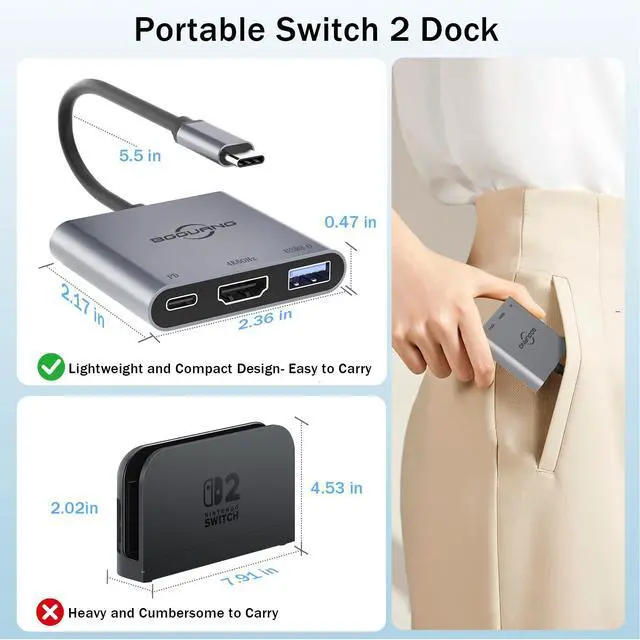
YES! This is a key advantage. Our dock uses a newly updated protocol chip specifically designed to maintain full compatibility with the Switch 2 after the V21 update, which broke most third-party docks.
What is the maximum video output resolution?
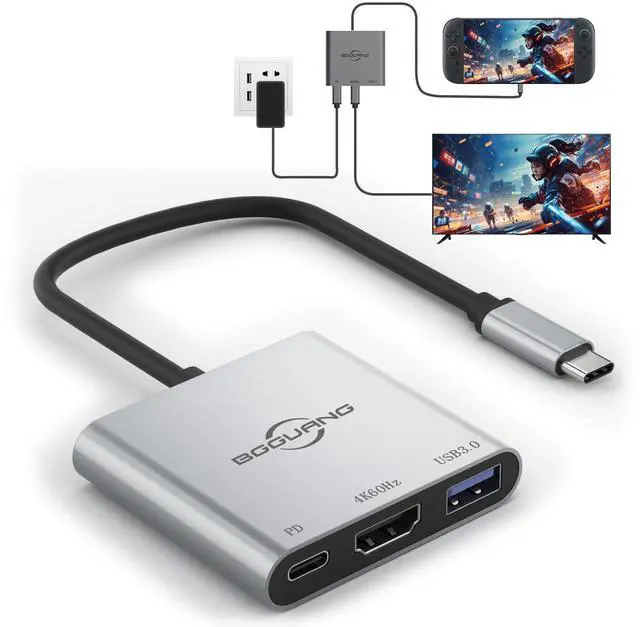
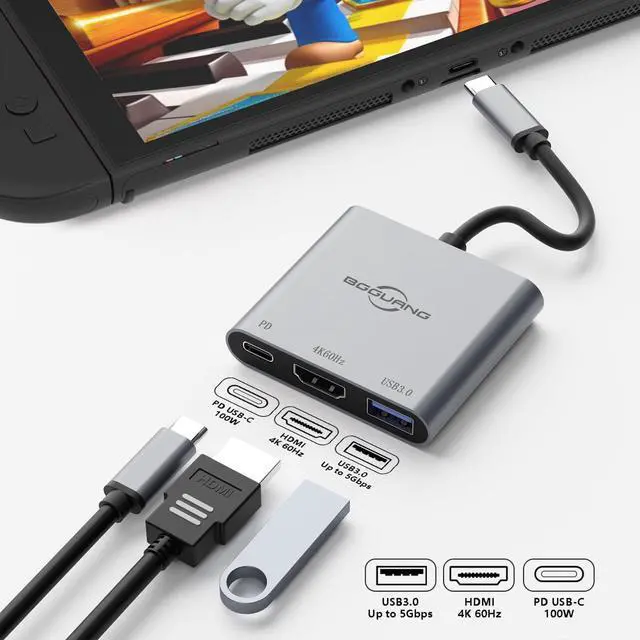
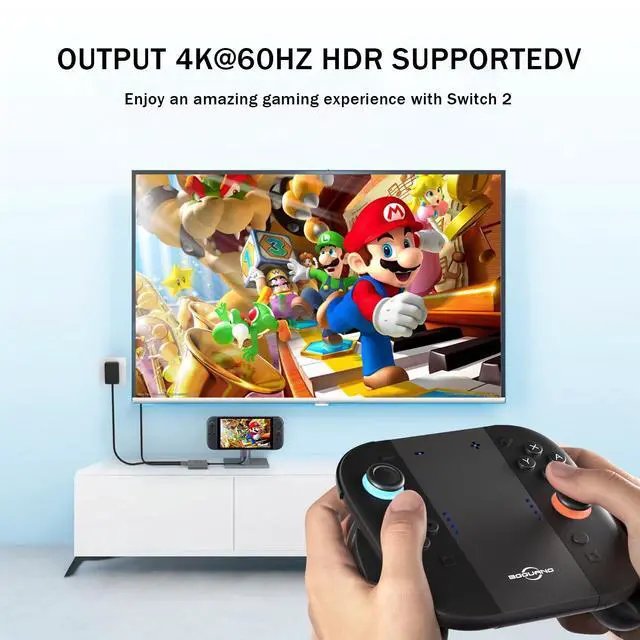
It supports stunning 4K Ultra HD resolution at 60 frames per second (4K@60Hz) via its HDMI 2.0 port, providing a crystal-clear picture for your TV mode gaming.
Will this work with the original Nintendo Switch (V1/OLED)?
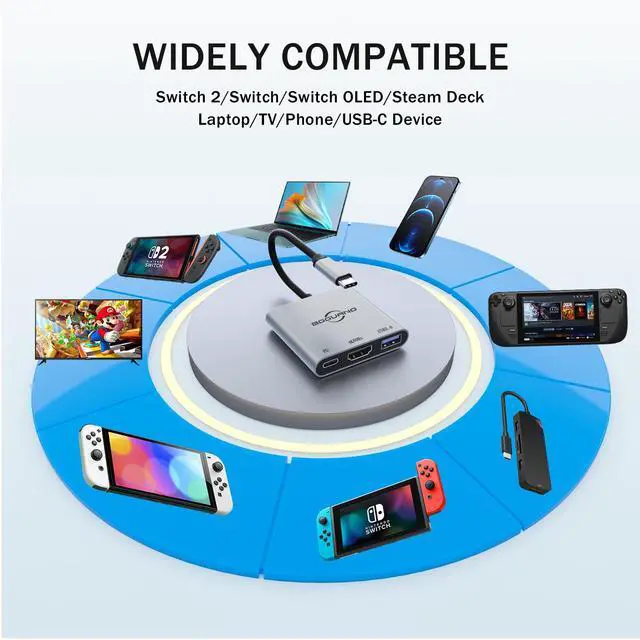
Yes, it is backward compatible with all original Switch models. However, its 4K output is specifically for the Switch 2. Original Switches will output at their native max resolution (1080p).
Is this dock only compatible with the Switch 2?
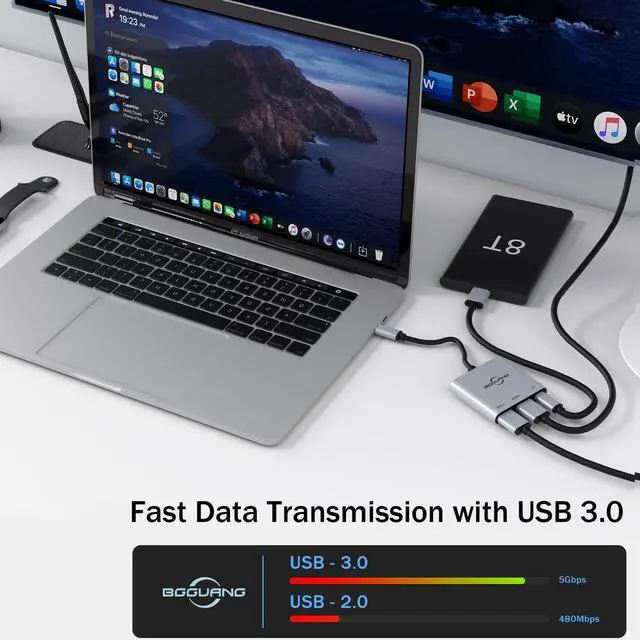
No, this product functions as a docking station and is compatible with Steam Deck/ROG Ally/iPhone 15/iPhone 16/macOS/Windows.
This dock won't connect to my TV, what should I do?
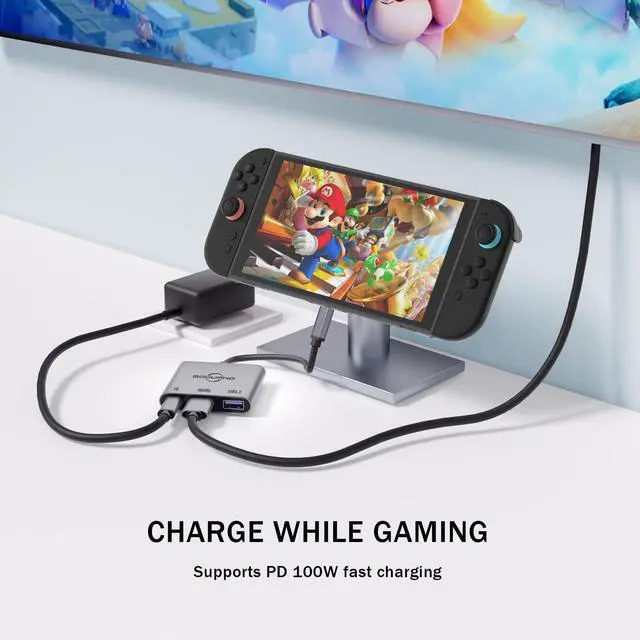
Please ensure your Switch 2 is fully inserted into the dock and both 60W and above power adapter and 4K@60Hz HDMI cable must be connected!(We recommend using the official charger.)
More options
 Switch 2 Joycon Grip |  Switch Dock |  Switch 2 Dock |  Switch 2 Joycon Grip |  Switch 2 Joycon Grip |  Switch 2 Joycon Grip | |
|---|---|---|---|---|---|---|
Price | — | — | — | — | — | — |
Switch | ? | ? | ? | ? | ? | ? |
Switch 2 | ? | ? | ? | ? | ? | ? |
Steam deck | ? | ? | ? | ? | ? | ? |
ROG Ally x | ? | ? | ? | ? | ? | ? |
Iphone | ? | ? | ? | ? | ? | ? |


Is this dock compatible with the latest Nintendo Switch 2 V21 system update?
YES! This is a key advantage. Our dock uses a newly updated protocol chip specifically designed to maintain full compatibility with the Switch 2 after the V21 update, which broke most third-party docks.
What is the maximum video output resolution?
It supports stunning 4K Ultra HD resolution at 60 frames per second (4K@60Hz) via its HDMI 2.0 port, providing a crystal-clear picture for your TV mode gaming.
Will this work with the original Nintendo Switch (V1/OLED)?
Yes, it is backward compatible with all original Switch models. However, its 4K output is specifically for the Switch 2. Original Switches will output at their native max resolution (1080p).
Is this dock only compatible with the Switch 2?
No, this product functions as a docking station and is compatible with Steam Deck/ROG Ally/iPhone 15/iPhone 16/macOS/Windows.
This dock won't connect to my TV, what should I do?
Please ensure your Switch 2 is fully inserted into the dock and both 60W and above power adapter and 4K@60Hz HDMI cable must be connected!(We recommend using the official charger.)
More options
Switch 2 Joycon Grip | Switch Dock | Switch 2 Dock | Switch 2 Joycon Grip | Switch 2 Joycon Grip | Switch 2 Joycon Grip |
|---|---|---|---|---|---|
| Price | |||||
| — | — | — | — | — | — |
| Switch | |||||
| ? | ? | ? | ? | ? | ? |
| Switch 2 | |||||
| ? | ? | ? | ? | ? | ? |
| Steam deck | |||||
| ? | ? | ? | ? | ? | ? |
| ROG Ally x | |||||
| ? | ? | ? | ? | ? | ? |
| Iphone | |||||
| ? | ? | ? | ? | ? | ? |