







Steam Deck Dock
Merchant Video


Why does my Steam Deck charge slowly or lose charge while docked?
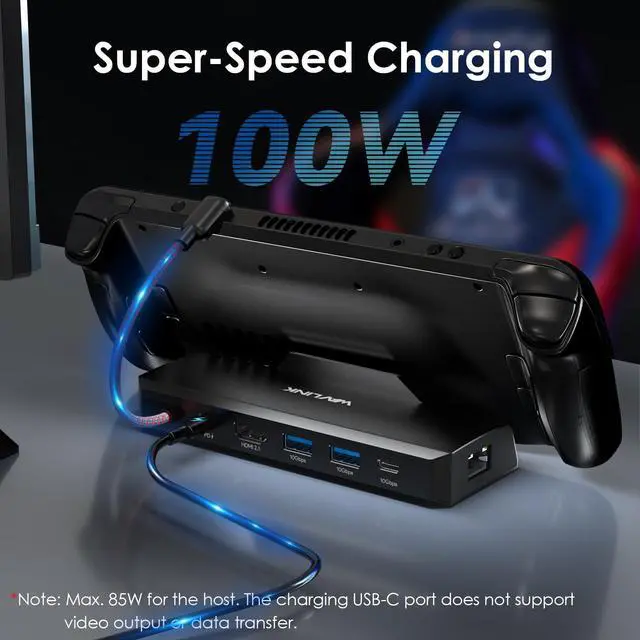
Using a charger under 60W may not provide enough power. The dock and display output consume some power. For stable gaming while charging, we recommend a 60W or higher PD charger (sold separately).
Which USB-C port should I use for charging and which for data?
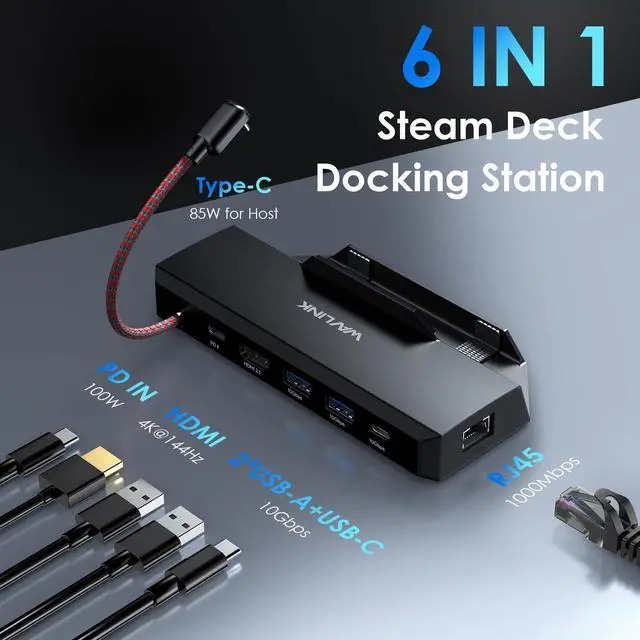
The dock has two USB-C ports: one marked for charging (connect your power adapter here) and one for data. Plugging incorrectly will cause no video or no charging.
Can this dock display my Steam Deck on a TV? Does it support 4K 144Hz?
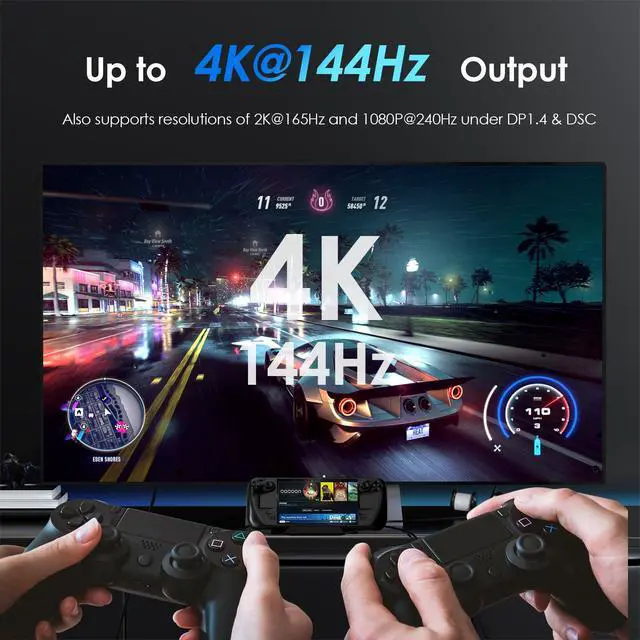
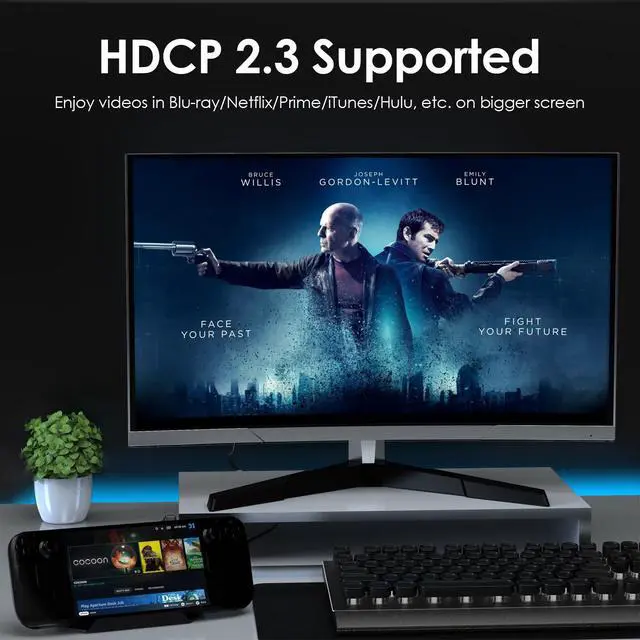
Yes! This dock is designed for Steam Deck and outputs via HDMI 2.1. If your display supports DP1.4 & DSC, you can get up to 4K@144Hz for smooth gaming. Note: You'll need a high-quality HDMI 2.1 cable (not included) to achieve 144Hz.
Does the dock support Ethernet? Is it plug-and-play?
Yes, it has a Gigabit Ethernet port. Simply connect an Ethernet cable; it should work automatically. If not, check your network settings on the device.
Does this dock work with Steam Deck in a protective case? Also compatible with Legion Go?
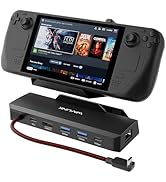
Yes! The dock now features an adjustable stand that accommodates Steam Decks with most protective cases. Thanks to recent design improvements, it is also fully compatible with the Legion Go.
Steam Deck Dock
Merchant Video


| Model: | WL-UHP3426 |
|---|---|
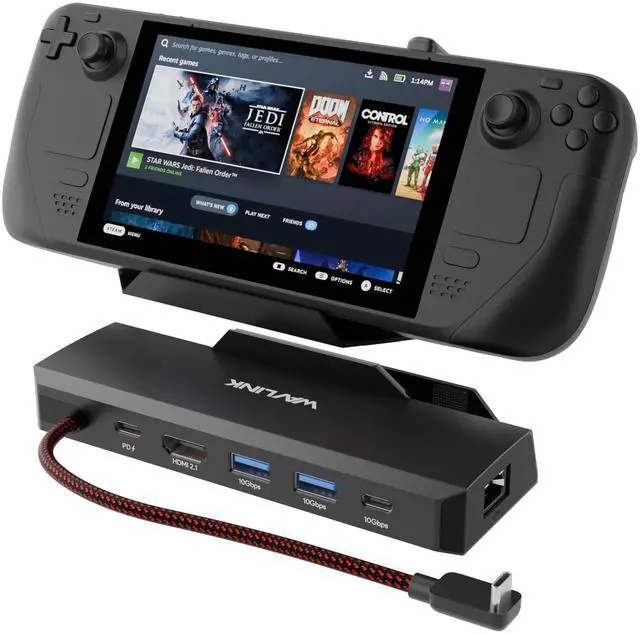
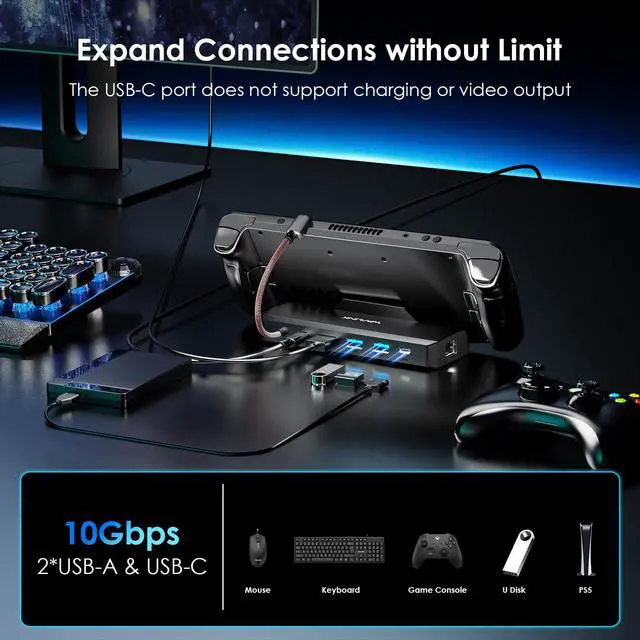
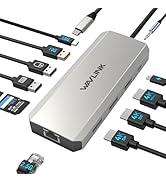
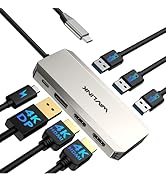
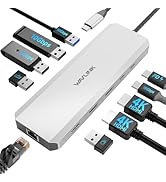
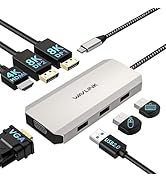
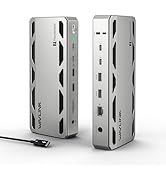
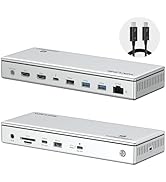
| Ports: | 1x USB-C(PD IN,100W), 1x HDMI (4K@144Hz), 2x USB-A 3.2, 1x USB-C 3.2, 1x Gigabit Ethernet Port, 1x Type-C Connector |
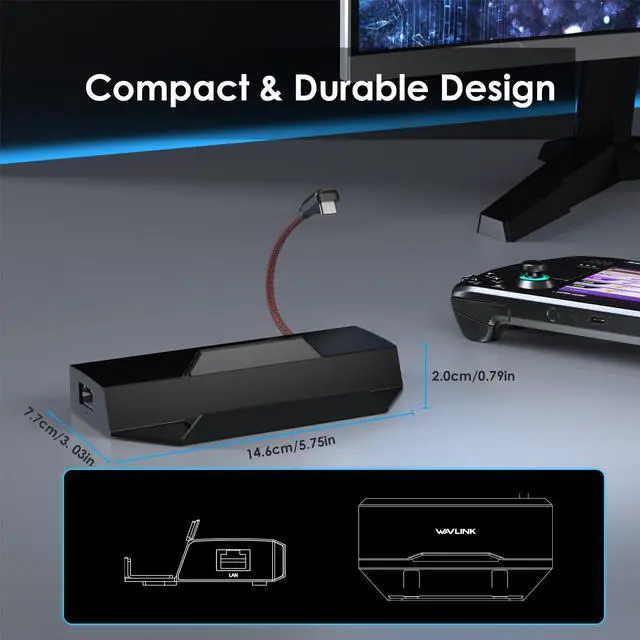
| Unit Size: | 13.0x7.5x3.5cm/5.11x2.95x1.38in |
| Cable Length: | 17cm/6.7in |
| Unit Weight: | 145g/5.1oz |
| Housing Material: | ABS |
| Shell Color: | Black |
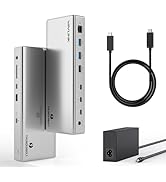
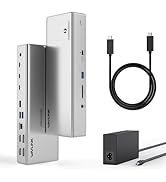
| Package: | 1 x Steam Deck Dock 1 x Quick Start Guide |
Why does my Steam Deck charge slowly or lose charge while docked?
Using a charger under 60W may not provide enough power. The dock and display output consume some power. For stable gaming while charging, we recommend a 60W or higher PD charger (sold separately).
Which USB-C port should I use for charging and which for data?
The dock has two USB-C ports: one marked for charging (connect your power adapter here) and one for data. Plugging incorrectly will cause no video or no charging.
Can this dock display my Steam Deck on a TV? Does it support 4K 144Hz?
Yes! This dock is designed for Steam Deck and outputs via HDMI 2.1. If your display supports DP1.4 & DSC, you can get up to 4K@144Hz for smooth gaming. Note: You'll need a high-quality HDMI 2.1 cable (not included) to achieve 144Hz.
Does the dock support Ethernet? Is it plug-and-play?
Yes, it has a Gigabit Ethernet port. Simply connect an Ethernet cable; it should work automatically. If not, check your network settings on the device.
Does this dock work with Steam Deck in a protective case? Also compatible with Legion Go?
Yes! The dock now features an adjustable stand that accommodates Steam Decks with most protective cases. Thanks to recent design improvements, it is also fully compatible with the Legion Go.
WAVLINK docking station
WAVLINK Docking
WAVLINK USB C HUB
WAVLINK Laboratory
Warm Consultation
Modernized Factory