


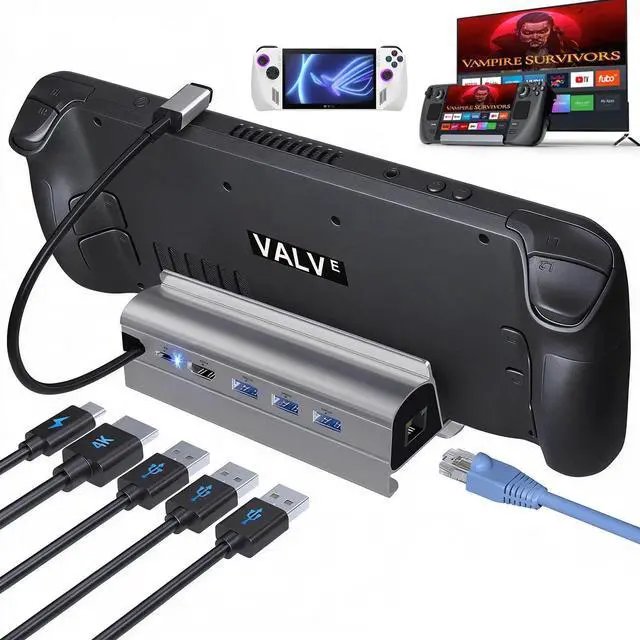
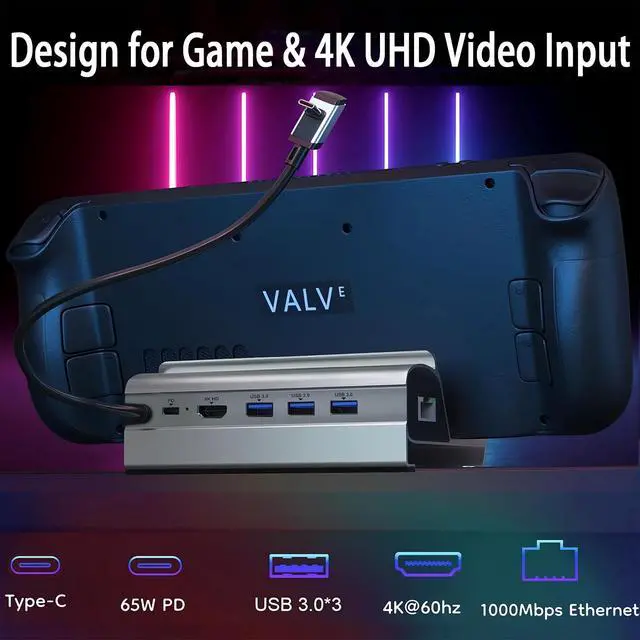


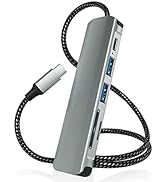
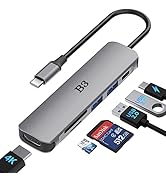
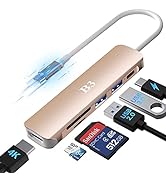
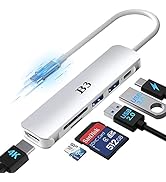

B3 BIGTHREE 6 IN 1 Docking Station for Steam Deck
Warm Reminder:
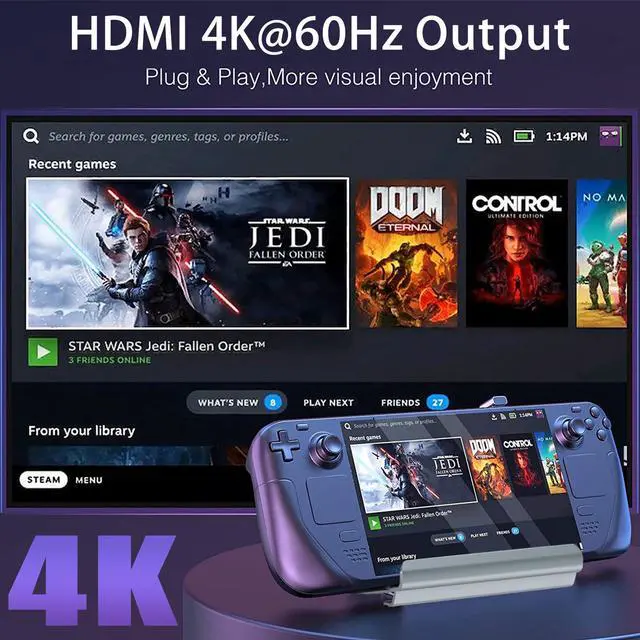
How to ensure the output of 4K@60Hz?
- Used HDMI to HDMI 2.0/2.1 Cable shorter than 15 feet in length.
- Manually debuged into desktop mode and set 4K@60Hz output.
- Set 4K@60Hz Output it in-game.
Note:
NOT support Steam Deck OLED 90Hz, only supports Steam Deck 4K@60Hz
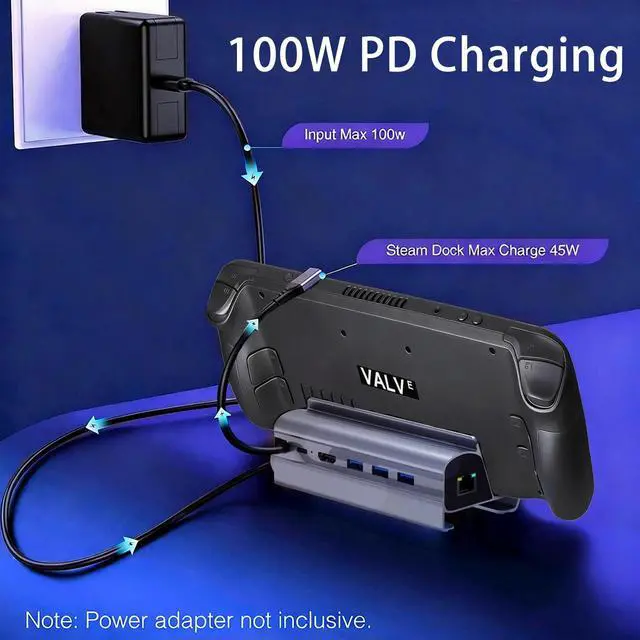
- We recommend that you connect your Orginal Steam Deck Power Adapter while docking your Steam Deck to ensure stable operation of the output video and external devices. (The Steam Deck and other accessories in the picture are for display purposes, only the B3 BIGTHREE Docking Station is included in the package.)
- Please DO NOT use HDMI to DisplayPort cables or adapters.

Widely Application
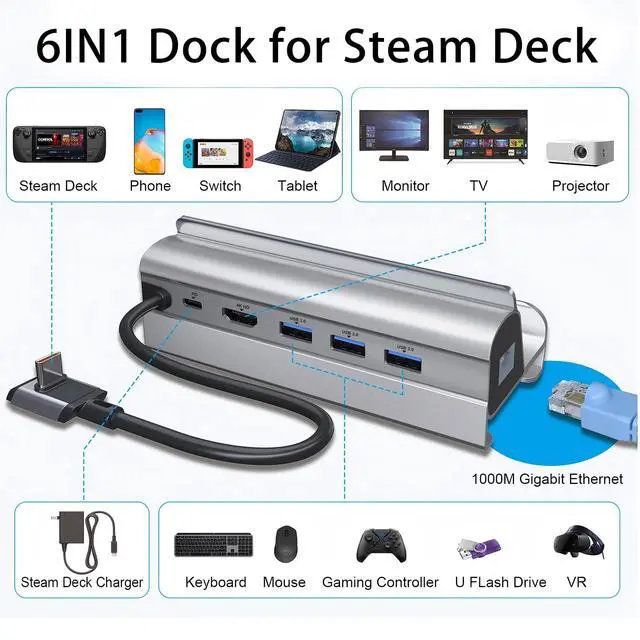
Compatible with Steam Deck/NitendonSwitch/ROG ALLY/Mac/Windows/Chrome/and Android smart phones system Devices.
NOTE: NOT support Steam Deck OLED 90Hz, only supports Steam Deck 4K@60Hz

FQA
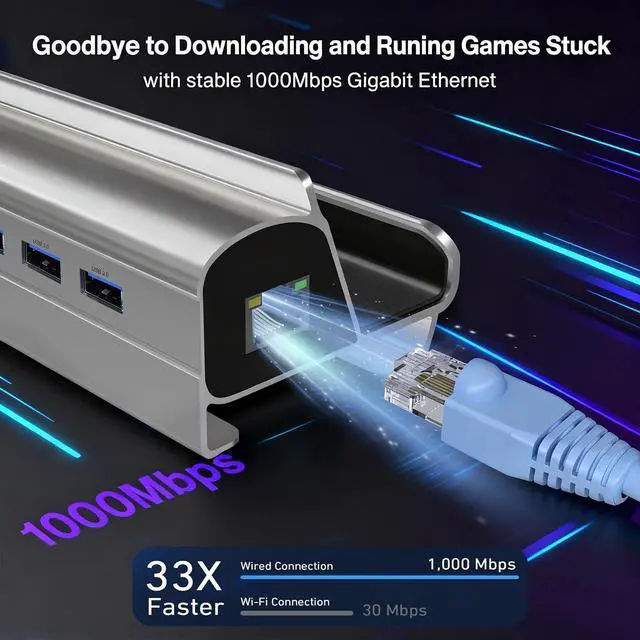
Why is Ethernet not working?
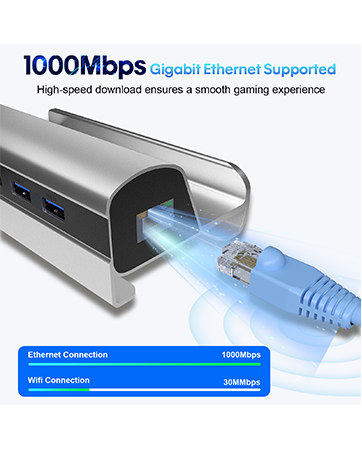
- After SteamOS upgrade, please manually enter desktop mode and connect to wired network. Turn off WiFi, or set the priority of wired connection.
Does the dock Station output video through the USB-C port?
- No, the USB-C port is for power input only.
Why do external devices such as keyboard and mouse can't work?
- When the Steam Deck are docked, please connect the power adapter to provide sufficient power supply.
Why my HDTV can't recognize my sound barrier and deactivate the CEC device?
- In Steam settings, click on audio, there is output, click on "external device", and you can transfer audio to your TV.


Best Angle for Playing
Comfortable 110.5° Angle Design for Game Play
 Braided Cabel Adapter |  Space Grey Adapter |  FOR Stream Deck |  RoseGold Adapter |  Silver HDMI Adapter | |
|---|---|---|---|---|---|
| Customer Reviews | — | — | — | — | — |
| Price | — | — | — | — no data | — no data |
| HDMI Port | 4K@30Hz | 4K@30Hz | 4K@60Hz | 4K@30Hz | 4K@30Hz |
| USB 3.0 | ? | ? | ? | ? | ? |
| USB 2.0 | ? | ? | × | ? | ? |
| TF/SD Slot | ? | ? | × | ? | ? |
| Cable Length | 50cm | 15cm | 14cm | 15cm | 15cm |
| USB PD Charging | 55W | 55W | 100W | 55W | 55W |
| USB PD Features | Data Transfer&Reverse Charging | Data Transfer&Reverse Charging | × | Data Transfer&Reverse Charging | Data Transfer&Reverse Charging |
| Ethernet | × | × | 1000M Gigabit | × | × |
B3 BIGTHREE 6 IN 1 Docking Station for Steam Deck
Warm Reminder:
How to ensure the output of 4K@60Hz?
- Used HDMI to HDMI 2.0/2.1 Cable shorter than 15 feet in length.
- Manually debuged into desktop mode and set 4K@60Hz output.
- Set 4K@60Hz Output it in-game.
Note:
NOT support Steam Deck OLED 90Hz, only supports Steam Deck 4K@60Hz
- We recommend that you connect your Orginal Steam Deck Power Adapter while docking your Steam Deck to ensure stable operation of the output video and external devices. (The Steam Deck and other accessories in the picture are for display purposes, only the B3 BIGTHREE Docking Station is included in the package.)
- Please DO NOT use HDMI to DisplayPort cables or adapters.
Widely Application
Compatible with Steam Deck/NitendonSwitch/ROG ALLY/Mac/Windows/Chrome/and Android smart phones system Devices.
NOTE: NOT support Steam Deck OLED 90Hz, only supports Steam Deck 4K@60Hz
FQA
Why is Ethernet not working?
- After SteamOS upgrade, please manually enter desktop mode and connect to wired network. Turn off WiFi, or set the priority of wired connection.
Does the dock Station output video through the USB-C port?
- No, the USB-C port is for power input only.
Why do external devices such as keyboard and mouse can't work?
- When the Steam Deck are docked, please connect the power adapter to provide sufficient power supply.
Why my HDTV can't recognize my sound barrier and deactivate the CEC device?
- In Steam settings, click on audio, there is output, click on "external device", and you can transfer audio to your TV.
Best Angle for Playing
Comfortable 110.5° Angle Design for Game Play
Braided Cabel Adapter | Space Grey Adapter | FOR Stream Deck | RoseGold Adapter | Silver HDMI Adapter | |
|---|---|---|---|---|---|
| Customer Reviews | — | — | — | — | — |
| Price | — | — | — | — no data | — no data |
| HDMI Port | 4K@30Hz | 4K@30Hz | 4K@60Hz | 4K@30Hz | 4K@30Hz |
| USB 3.0 | ? | ? | ? | ? | ? |
| USB 2.0 | ? | ? | × | ? | ? |
| TF/SD Slot | ? | ? | × | ? | ? |
| Cable Length | 50cm | 15cm | 14cm | 15cm | 15cm |
| USB PD Charging | 55W | 55W | 100W | 55W | 55W |
| USB PD Features | Data Transfer&Reverse Charging | Data Transfer&Reverse Charging | × | Data Transfer&Reverse Charging | Data Transfer&Reverse Charging |
| Ethernet | × | × | 1000M Gigabit | × | × |
Docking Station for Steam Deck
B3 BIGTHREE USB C Hub
Multi-Choice
