




hero-video
Merchant Video
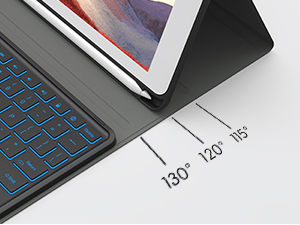
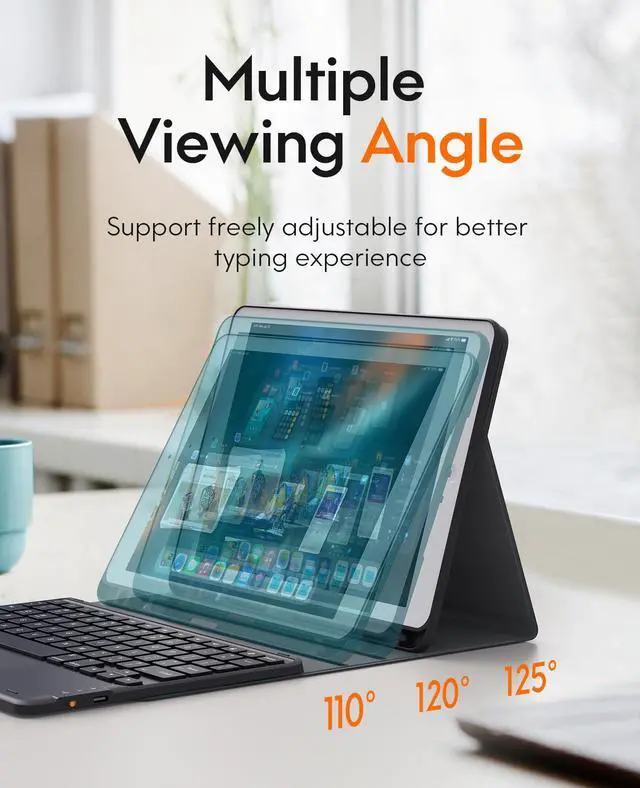
Adjustable Viewing Angle
Various viewing angles to adjust for the perfect position can make you feel free when using.
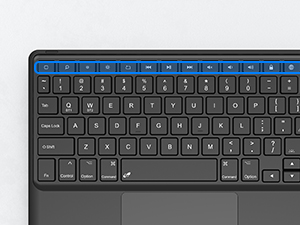
iPadOS Shortcut Keys
Play/pause, backward/forward, volume up/down, etc. Multi-functional keys improve work efficiency.
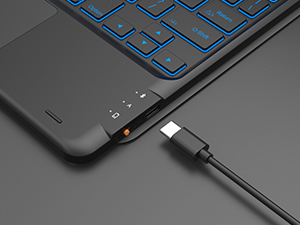
Type-C Rechargeable
With a 500mAh Capacity Battery, the keyboard can work continuously for up to 70h.
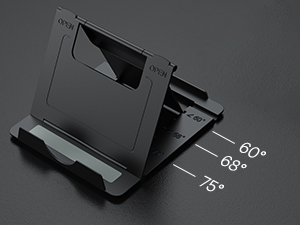
Phone Stand Holder
Easily adjusts to a comfortable angle and is portable for placing your phone anywhere.
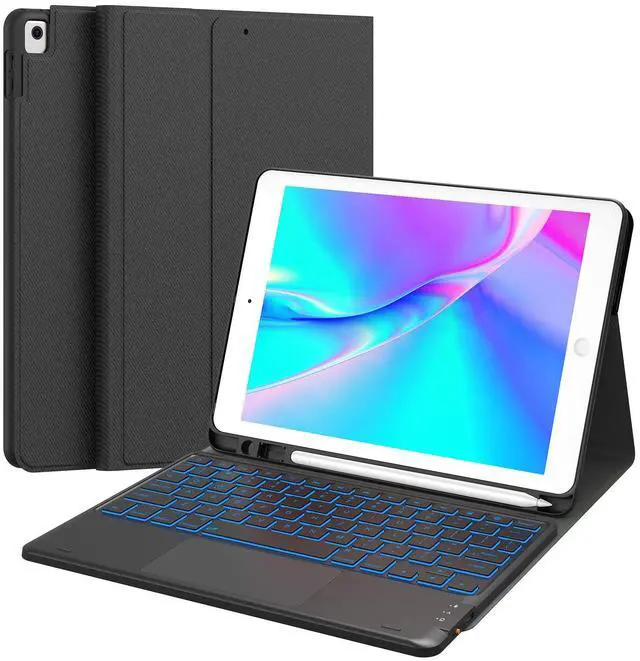
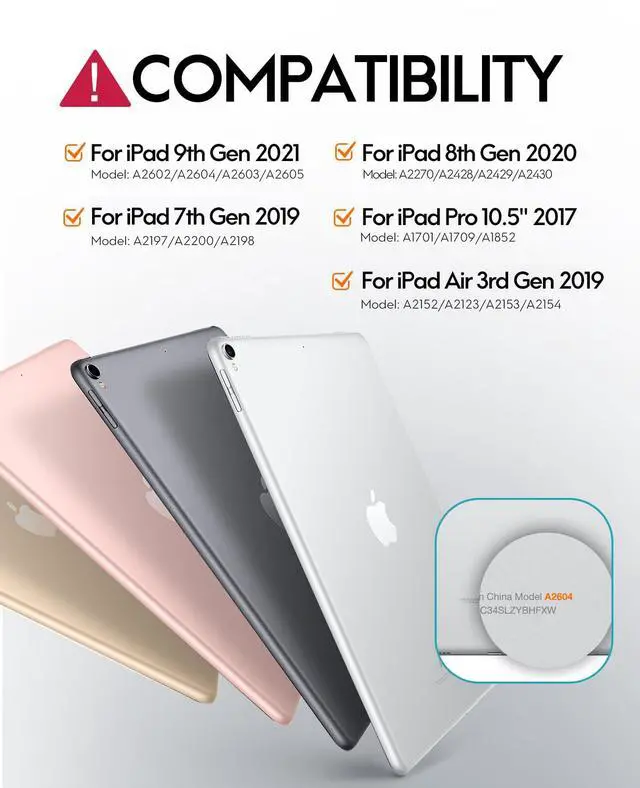
CHESONA for iPad Keyboard Case for iPad 9th/8th/7th Gen 10.2”
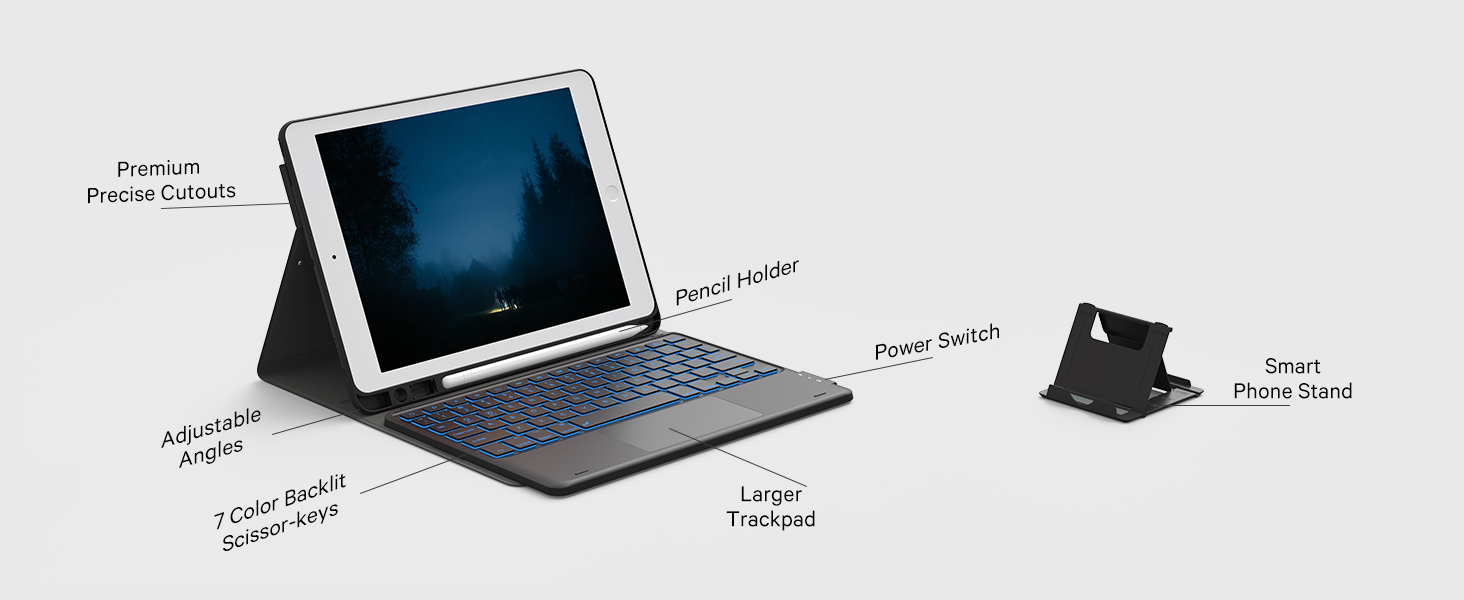
How to connect with your iPad 9th?
1. Fully charge the keyboard and switch ON/OFF to ON;
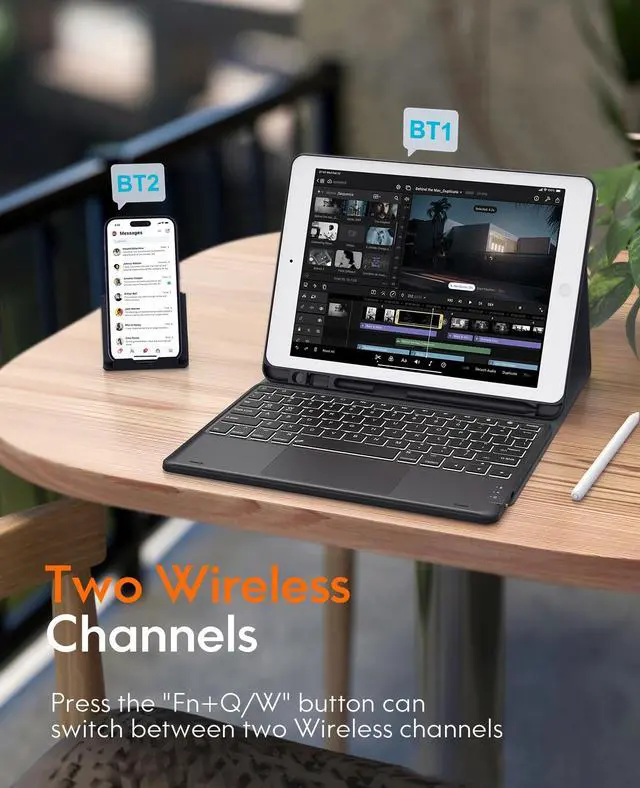
2. Long press Fn + Q/W together and the blue led will flash;
3. Toggle BT on in the device and select "BT Keyboard” to pair.
About Sleep Mode
When the keyboard is idle for 30 s, the backlight will turn off and enter sleep mode;
without use for over 30 min, the keyboard will enter sleep mode;
to wake it up, tap any key on the keyboard and wait for 3 sec.
Package Contents
1 x Case with Pencil Holder
1 x Keyboard with 2 BT Channels
1 x USB-C Charging Cable
1 x Phone Stand
1 x User Manual
Providing you with more choices!
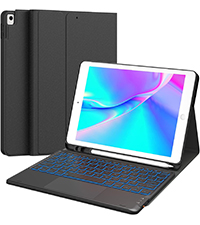 For iPad 9/8/7 10.2" | 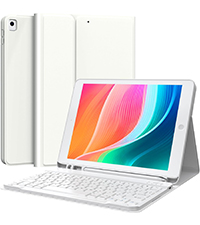 For iPad 9/8/7 10.2" | 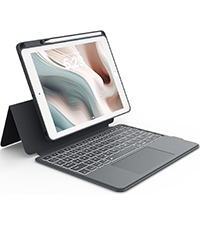 For iPad 9/8/7 10.2" | 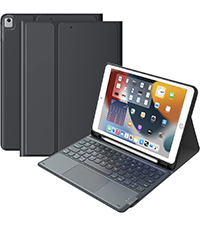 For iPad 9/8/7 10.2" | 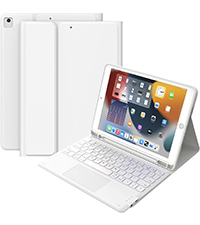 For iPad 9/8/7 10.2" | |
|---|---|---|---|---|---|
Customer Reviews | — | — | — | — | — |
Price | — | — | — | — | — |
touchpad | ? | ? | ? | ? | ? |
Color | Black | White | Gray | Black | White |
Number of Keys | 78 | 78 | 78 | 64 | 64 |
Connectivity Technology | Wireless | Wireless | Wireless | Wireless | Wireless |
backlight | ? | ? | ? | ? | ? |


Born to power up your tablets and computers,
Chesona has every factor you need to live a
productive while flexible work-life.
Chesona believes,
flexibility is vital to living a balancing work-life.
Create your work as a piece of work:
follow your own rhythm then surf to the flow.
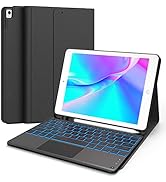
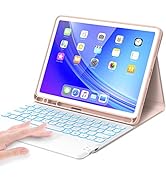
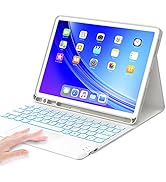
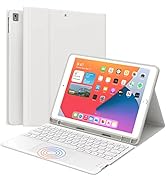
Wireless keyboard case
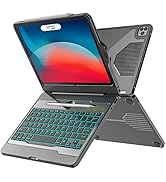
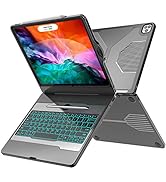
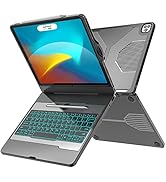
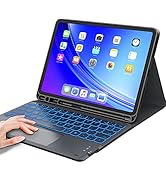
Wireless keyboard case
hero-video
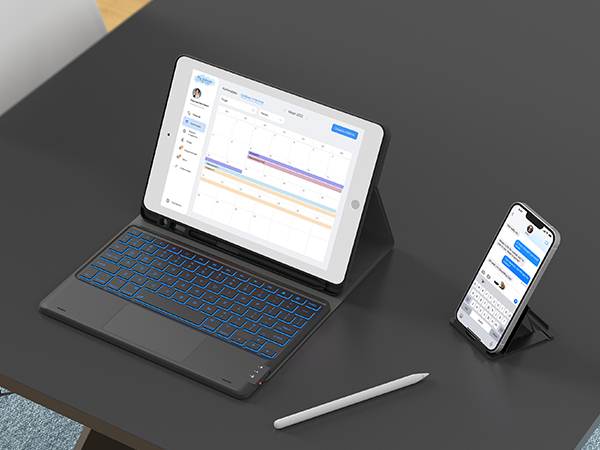
Merchant Video2 BT Channels
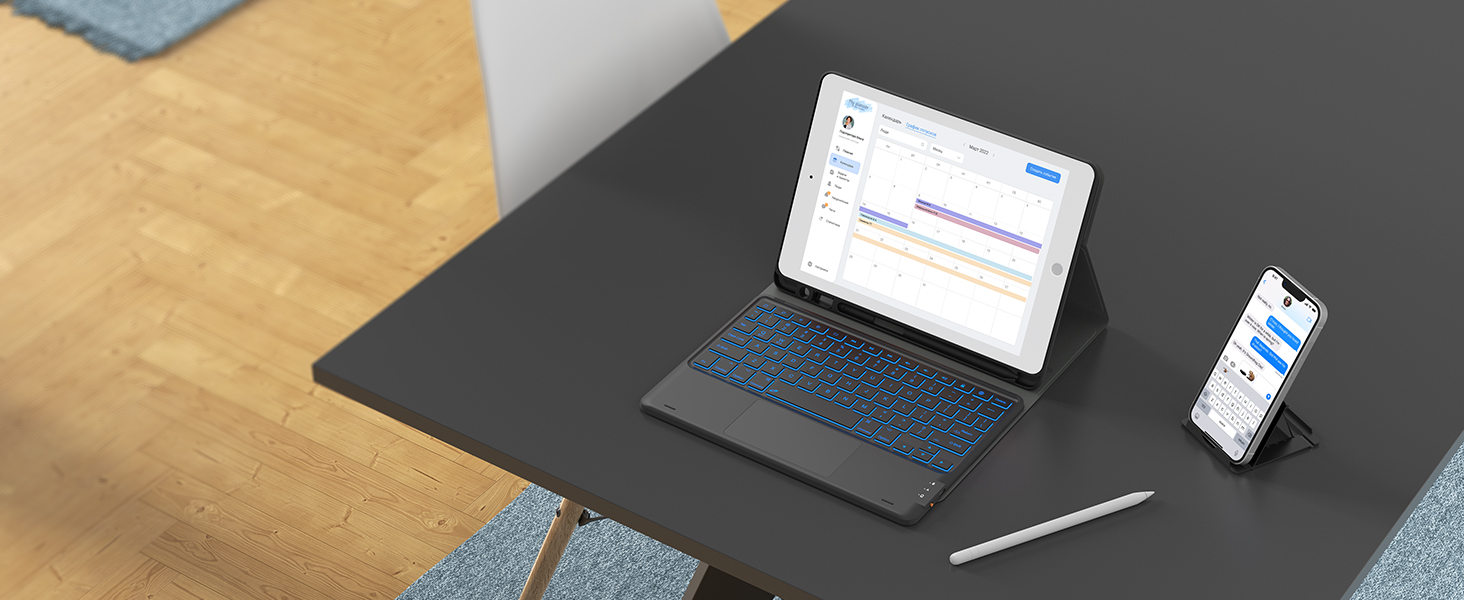
Work simultaneously on 2 BT Devices, one for your iPad 9th, one for your iPhone.
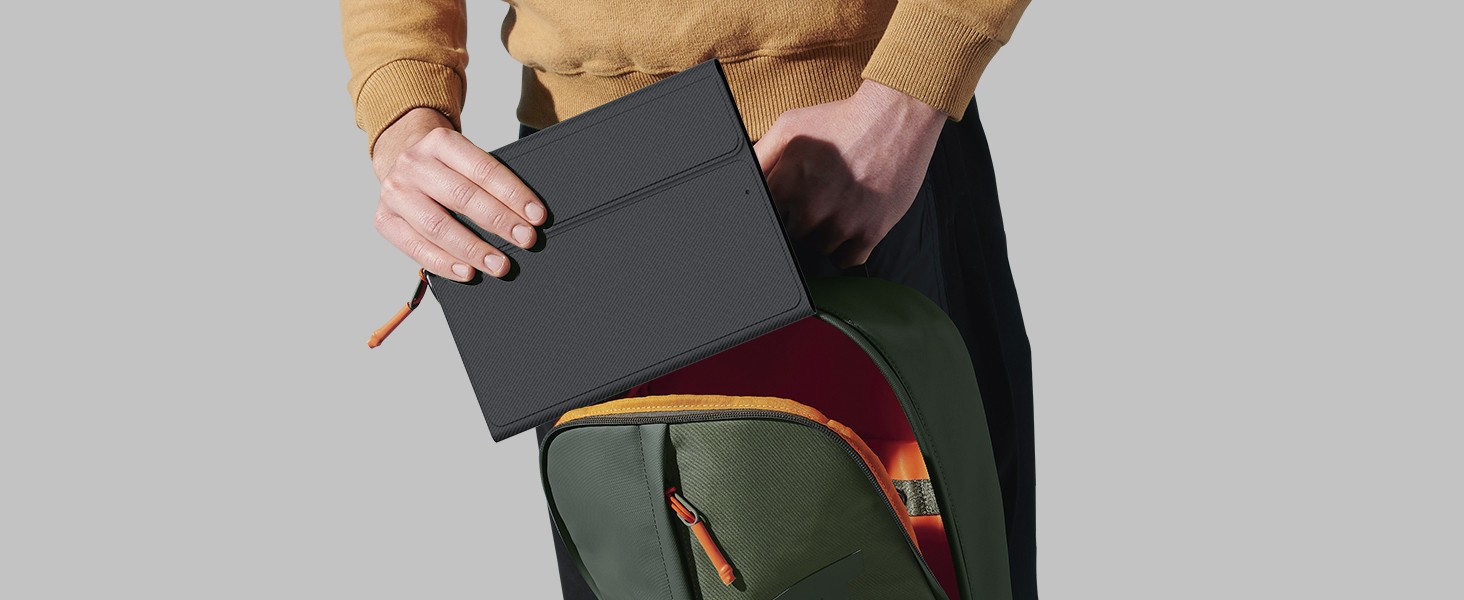
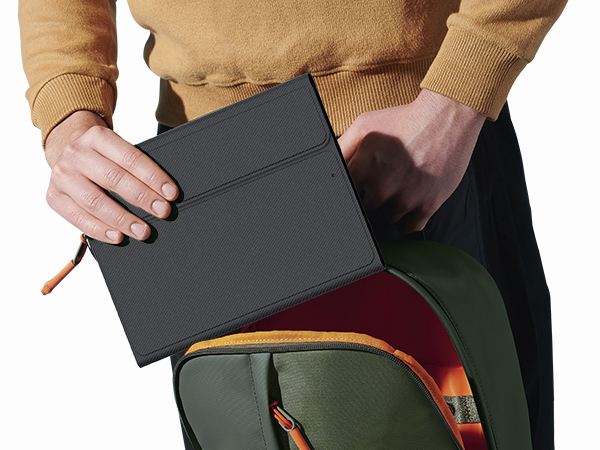
Lightweight & Protected
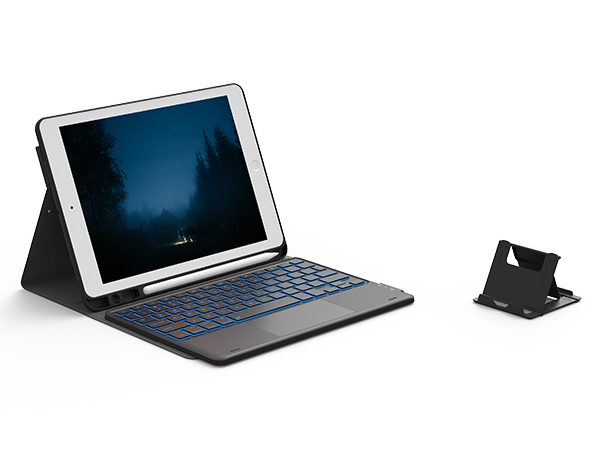
Lightweight case with keyboard is easy to carry, no matter you travel or work outside.
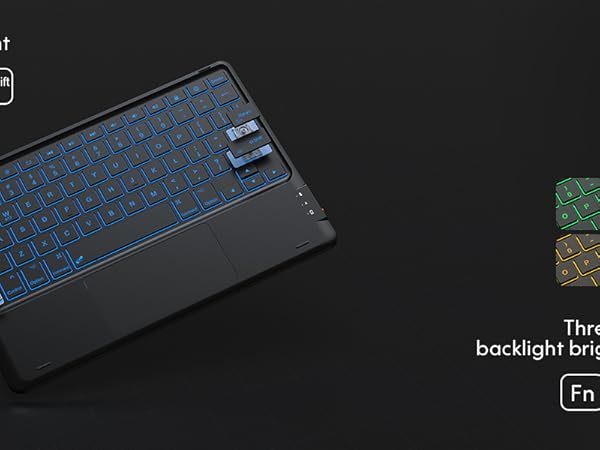
Adjustable Viewing Angle
Various viewing angles to adjust for the perfect position can make you feel free when using.
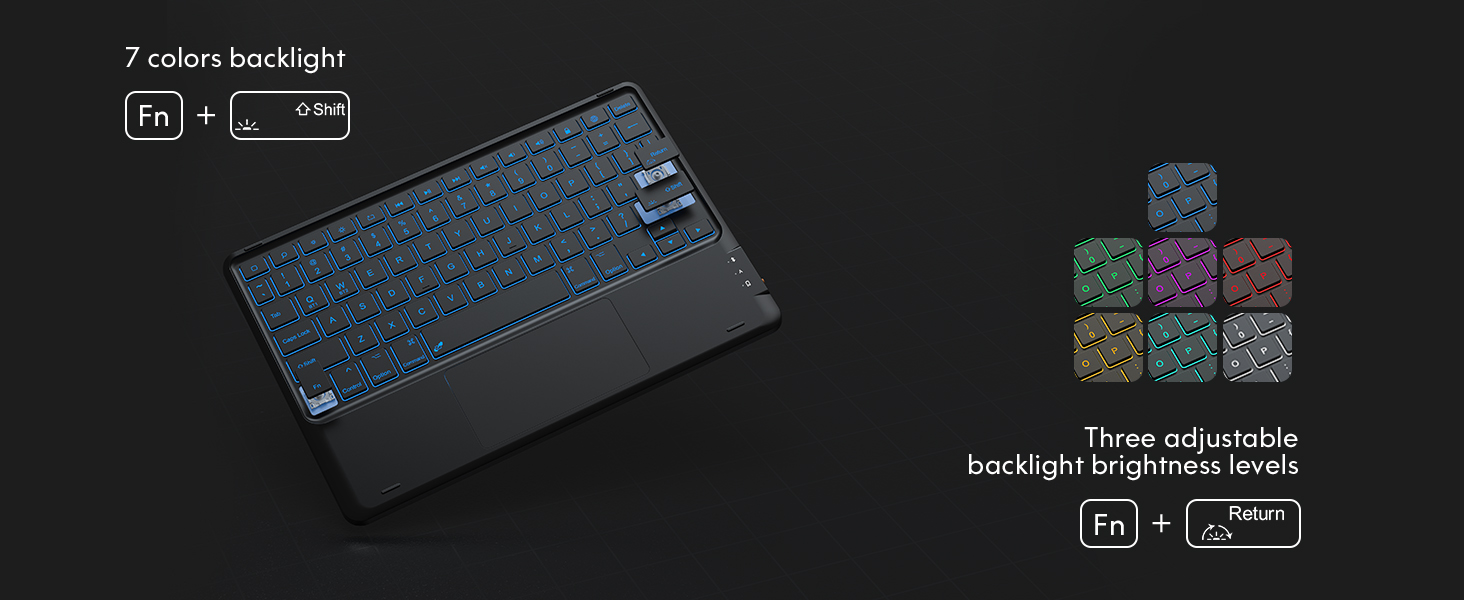
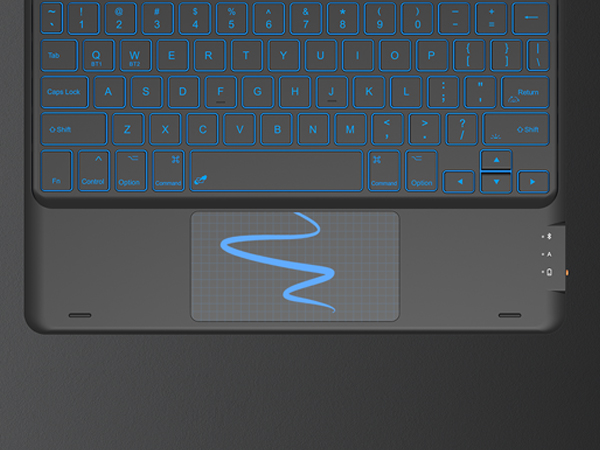
iPadOS Shortcut Keys
Play/pause, backward/forward, volume up/down, etc. Multi-functional keys improve work efficiency.
Type-C Rechargeable
With a 500mAh Capacity Battery, the keyboard can work continuously for up to 70h.
Phone Stand Holder
Easily adjusts to a comfortable angle and is portable for placing your phone anywhere.
CHESONA for iPad Keyboard Case for iPad 9th/8th/7th Gen 10.2”
How to connect with your iPad 9th?
1. Fully charge the keyboard and switch ON/OFF to ON;
2. Long press Fn + Q/W together and the blue led will flash;
3. Toggle BT on in the device and select "BT Keyboard” to pair.
About Sleep Mode
When the keyboard is idle for 30 s, the backlight will turn off and enter sleep mode;
without use for over 30 min, the keyboard will enter sleep mode;
to wake it up, tap any key on the keyboard and wait for 3 sec.
Package Contents
1 x Case with Pencil Holder
1 x Keyboard with 2 BT Channels
1 x USB-C Charging Cable
1 x Phone Stand
1 x User Manual
Providing you with more choices!
For iPad 9/8/7 10.2" | For iPad 9/8/7 10.2" | For iPad 9/8/7 10.2" | For iPad 9/8/7 10.2" | For iPad 9/8/7 10.2" |
|---|---|---|---|---|
| Customer Reviews | ||||
| — | — | — | — | — |
| Price | ||||
| — | — | — | — | — |
| touchpad | ||||
| ? | ? | ? | ? | ? |
| Color | ||||
| Black | White | Gray | Black | White |
| Number of Keys | ||||
| 78 | 78 | 78 | 64 | 64 |
| Connectivity Technology | ||||
| Wireless | Wireless | Wireless | Wireless | Wireless |
| backlight | ||||
| ? | ? | ? | ? | ? |
Born to power up your tablets and computers,
Chesona has every factor you need to live a
productive while flexible work-life.
Chesona believes,
flexibility is vital to living a balancing work-life.
Create your work as a piece of work:
follow your own rhythm then surf to the flow.
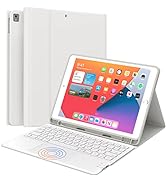
Wireless keyboard case
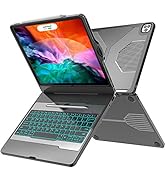
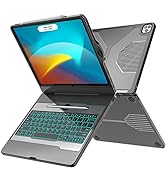
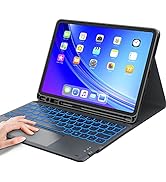
Wireless keyboard case
