



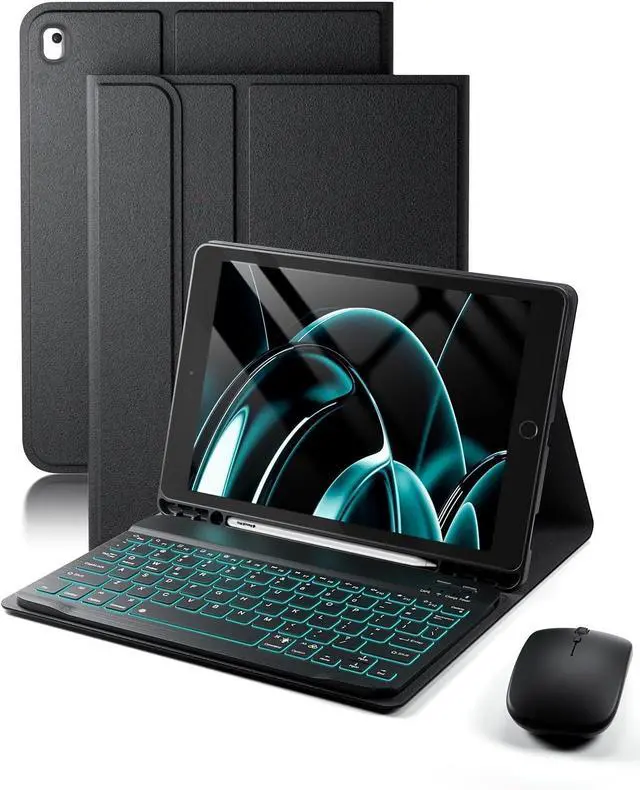


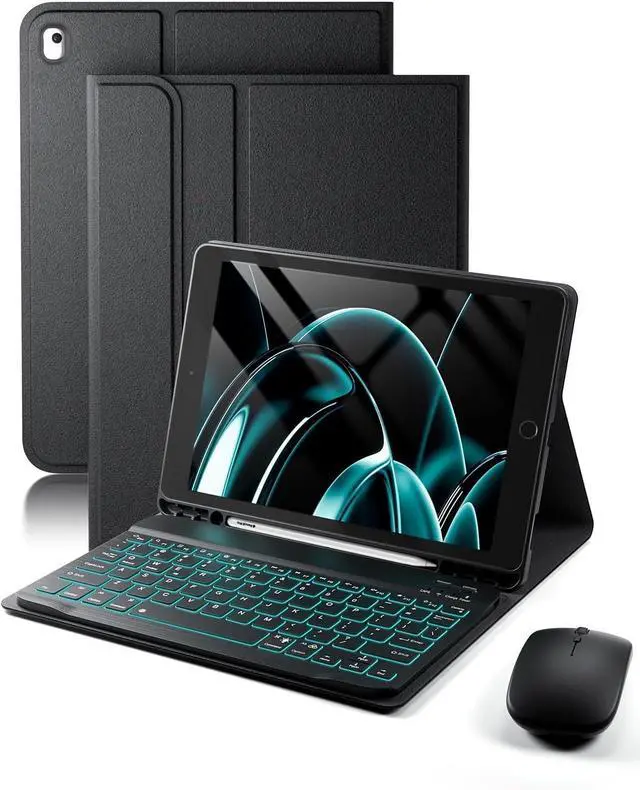

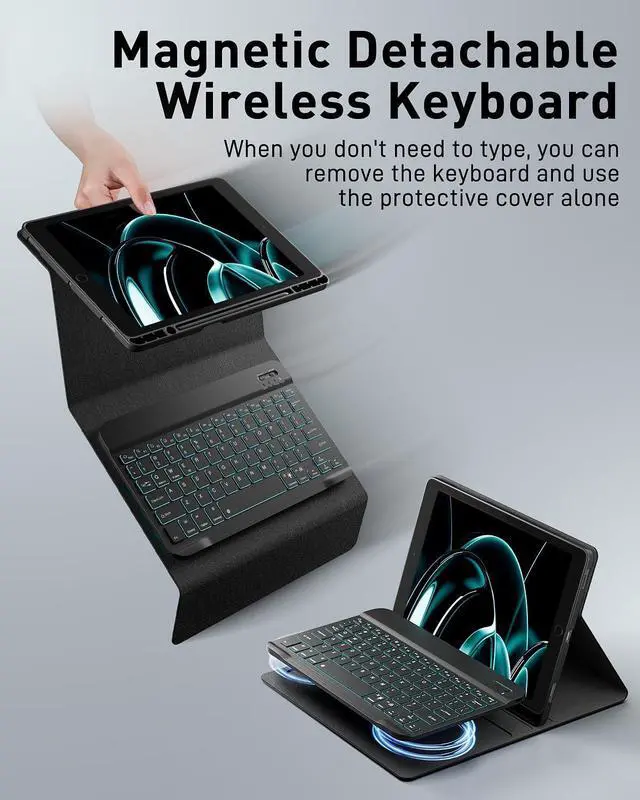
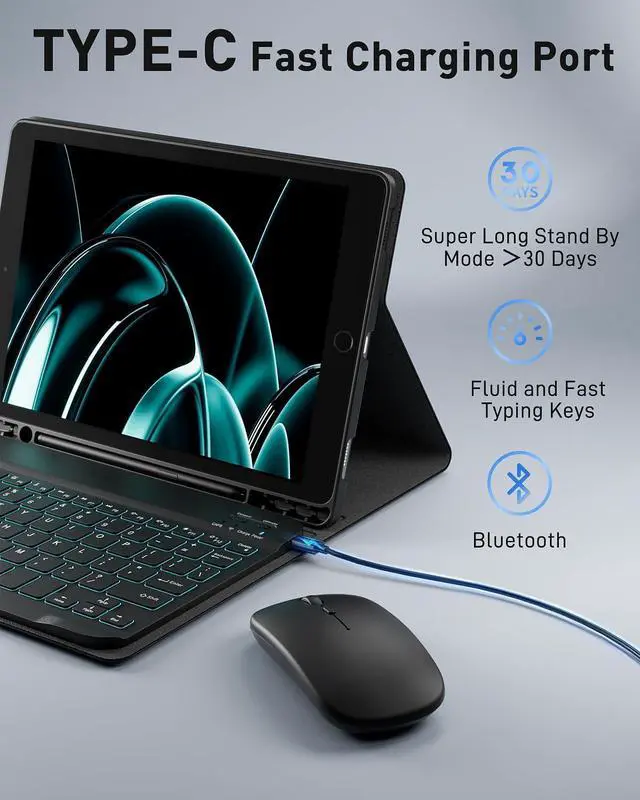



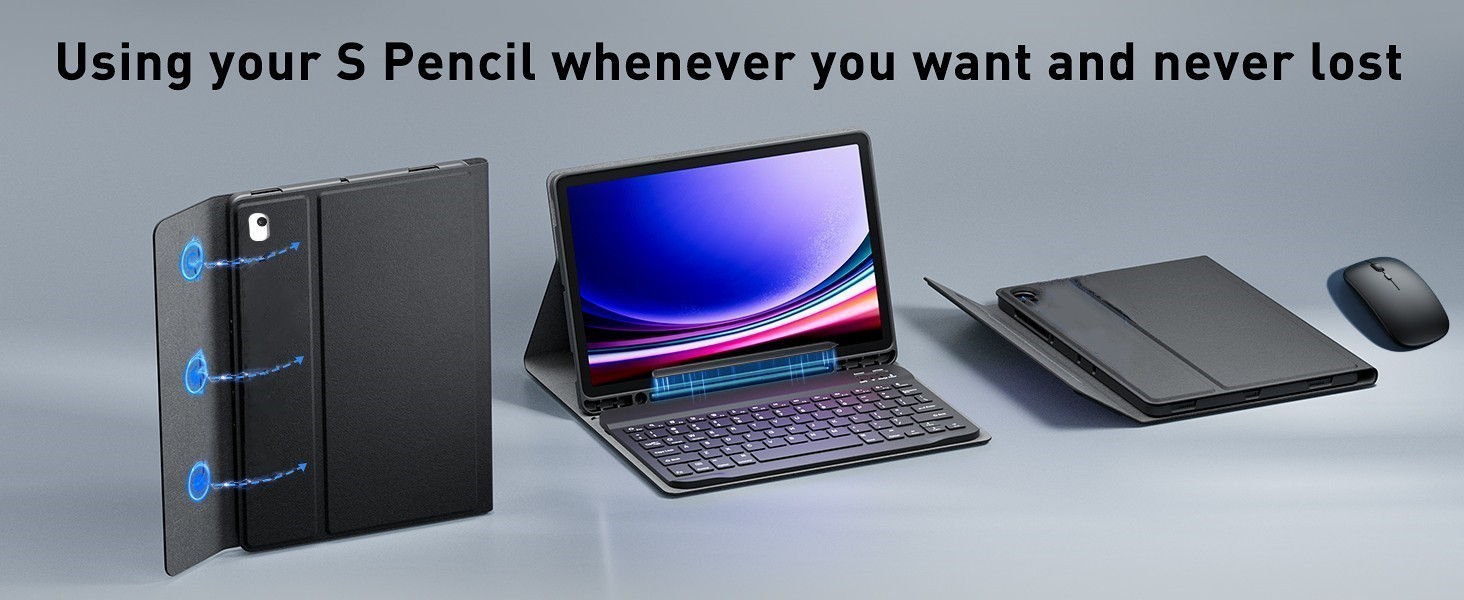
Case Keyboard and Mouse
Merchant Video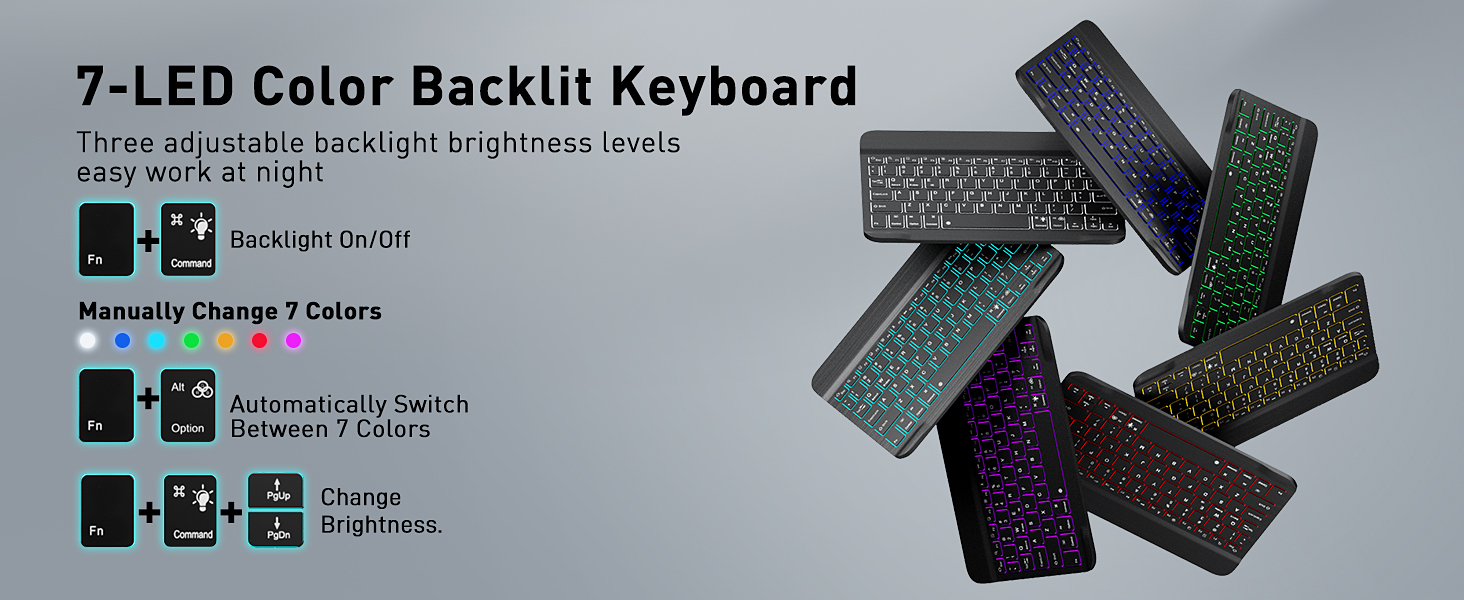





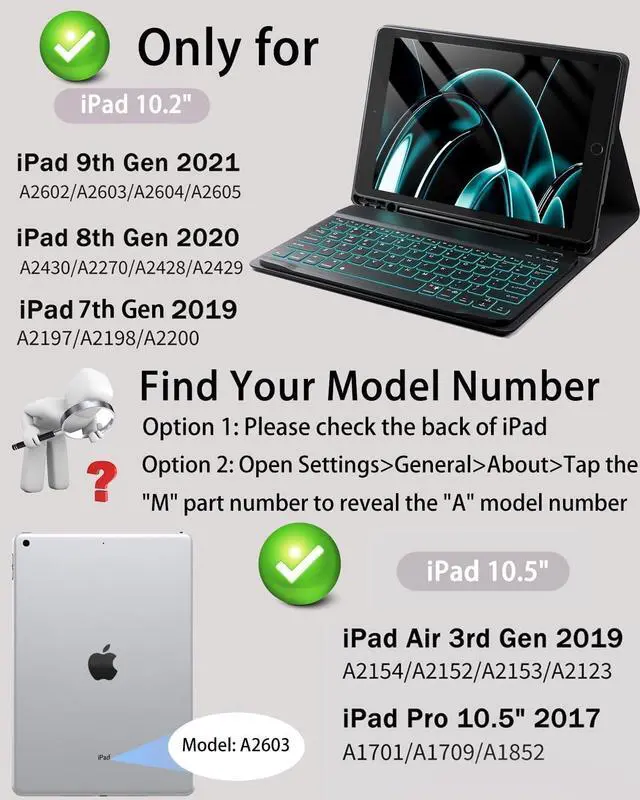
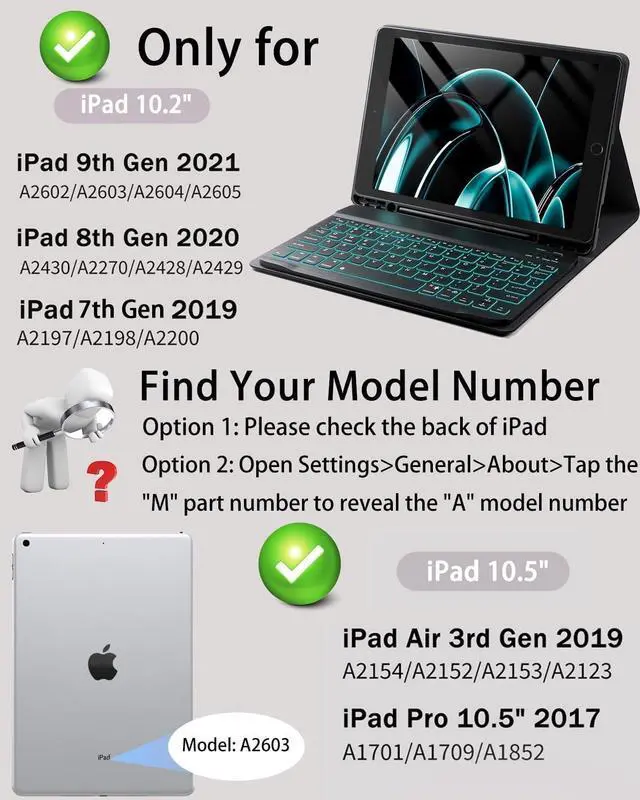
How do I check my tablet model?
Method 1: Please check the back of iPad
Method 2: Open Settings>General>About>Tap the"M" part number to reveal the "A" model number
What models of tablets is this product compatible with?
iPad 9 Generation (Model: A2602, A2603, A2604,A2605)
iPad 8 Generation (Model: A2428,A2429,A2270,A2430)
iPad 7 Generation (Model: A2197,A2200,A2198)
iPad Air 3 Generation (Model: A2153,A2123,A2154,A2152)
iPad Pro 10.5 (Model: A1701,A1709,A1852)
How do I use a wireless keyboard and mouse?
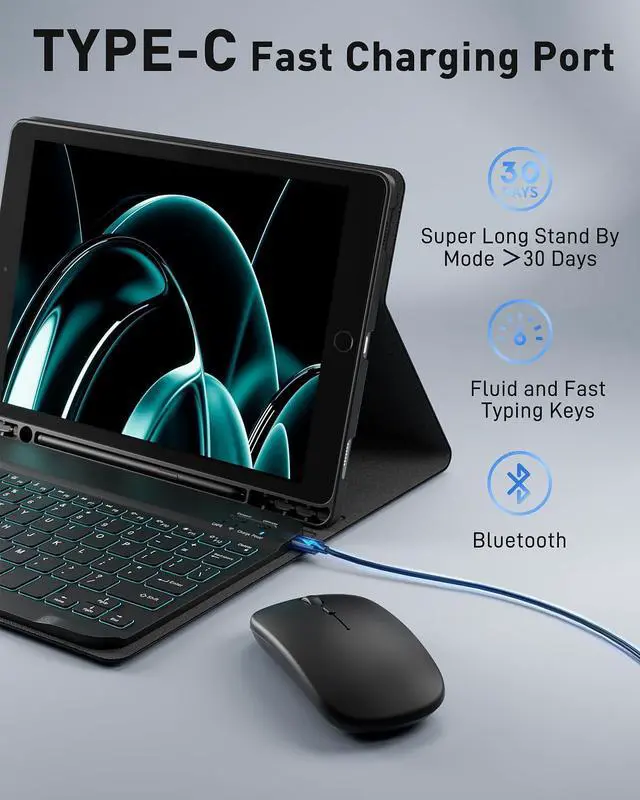
Please charge the keyboard and mouse for two hours using the cable provided before use to ensure product performance.
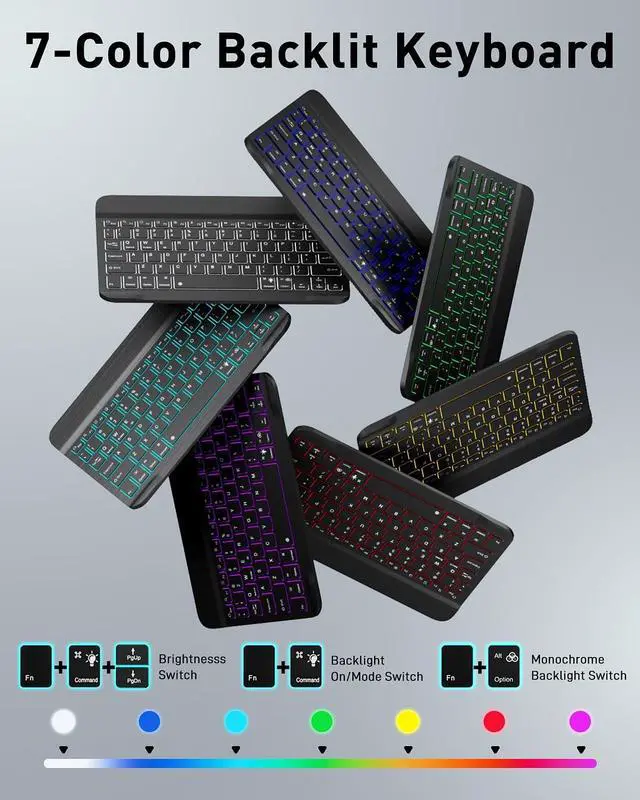
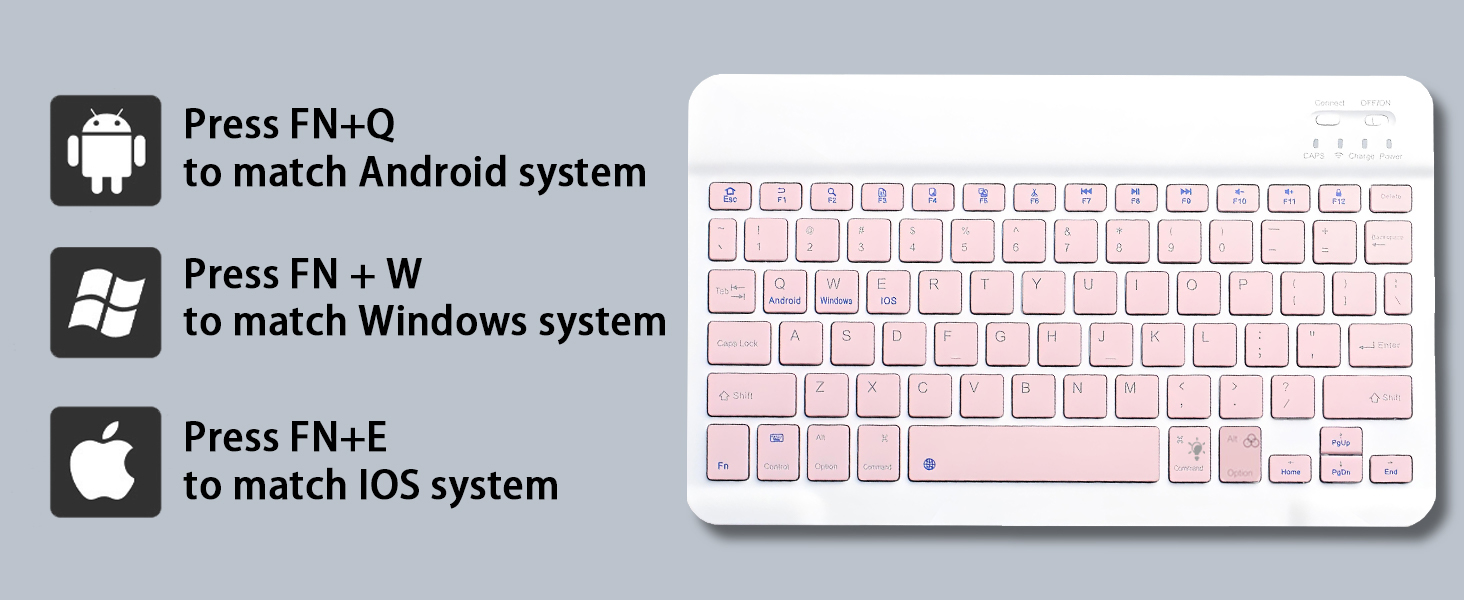
The keyboard and mouse can both be connected to your tablet for use via Bluetooth pairing.
How to solve the problem that keyboard and mouse cannot connect to Bluetooth or keyboard input is delayed?
When the keyboard and mouse are low on power, the connection signal will become weak and cannot connect.
Please charge the keyboard and mouse for more than 2 hours using the Type-C power cable included with the product.
My keyboard won't charge, what should I do?
The charging power of the keyboard is 5V 2A.
Please use the Type-C power cable and charging head provided by us to charge the keyboard.
Note: Don't use a high power charging head as it may damage the keyboard's battery and prevent charging.
Case Keyboard and Mouse
Merchant Video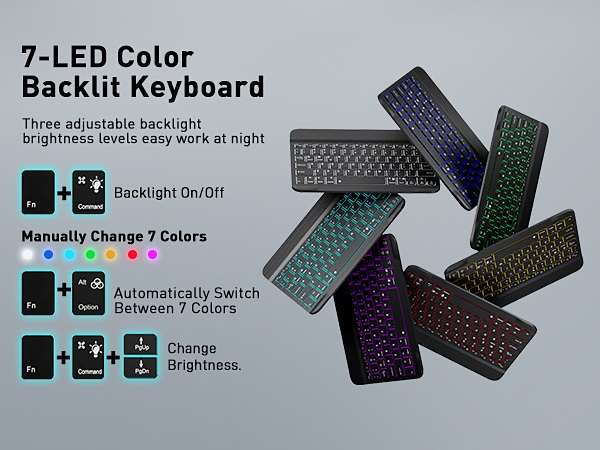



How do I check my tablet model?
Method 1: Please check the back of iPad
Method 2: Open Settings>General>About>Tap the"M" part number to reveal the "A" model number
What models of tablets is this product compatible with?
iPad 9 Generation (Model: A2602, A2603, A2604,A2605)
iPad 8 Generation (Model: A2428,A2429,A2270,A2430)
iPad 7 Generation (Model: A2197,A2200,A2198)
iPad Air 3 Generation (Model: A2153,A2123,A2154,A2152)
iPad Pro 10.5 (Model: A1701,A1709,A1852)
How do I use a wireless keyboard and mouse?
Please charge the keyboard and mouse for two hours using the cable provided before use to ensure product performance.
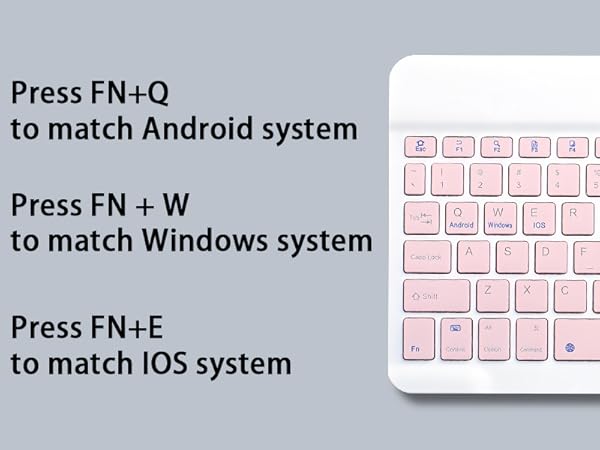
The keyboard and mouse can both be connected to your tablet for use via Bluetooth pairing.
How to solve the problem that keyboard and mouse cannot connect to Bluetooth or keyboard input is delayed?
When the keyboard and mouse are low on power, the connection signal will become weak and cannot connect.
Please charge the keyboard and mouse for more than 2 hours using the Type-C power cable included with the product.
My keyboard won't charge, what should I do?
The charging power of the keyboard is 5V 2A.
Please use the Type-C power cable and charging head provided by us to charge the keyboard.
Note: Don't use a high power charging head as it may damage the keyboard's battery and prevent charging.