



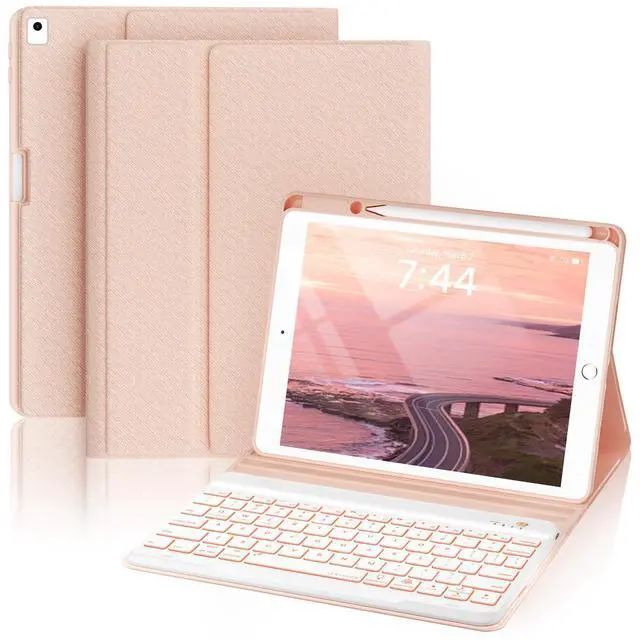



Fuse protection, convenience, and efficiency, turning your iPad into a versatile companion for work and life. Like an explorer conquering the unknown, OYEEICE stands by you, tackling challenges and fostering success.
From responsive keys to protective shells, we meticulously craft every aspect, elevating your iPad's performance. Choose us for a life of exploration, freedom, and technology - fueled vitality.
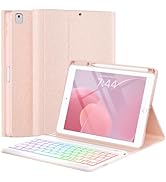
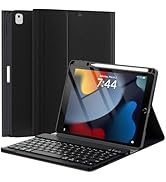
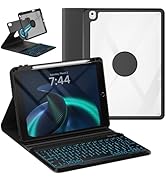
For iPad 10.2" and 10.5"
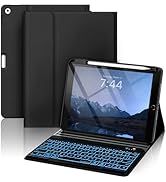
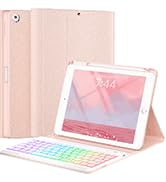
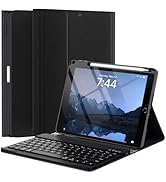
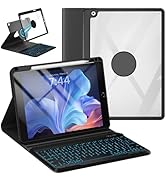
For iPad 9.7"
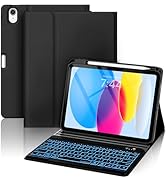
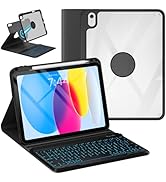
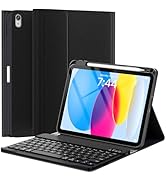
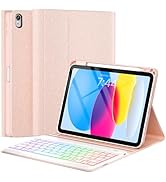
For iPad 10th 10.9"
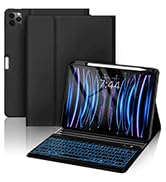
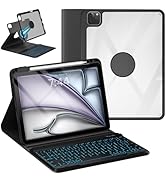
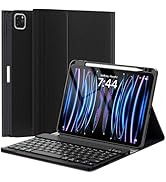
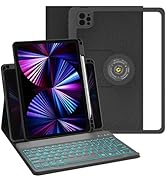
For iPad 10.9" and 11"

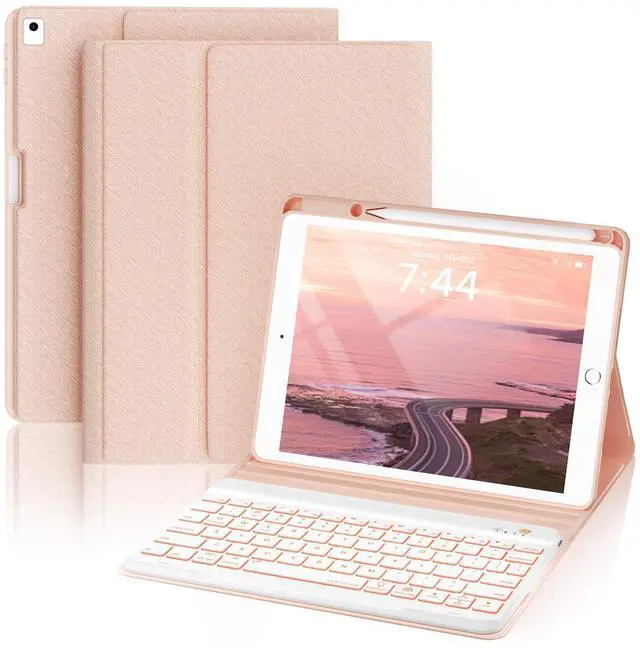
For iPad 9th/8th/7th/Air3 generation case with keyboard 10.2&10.5-inch
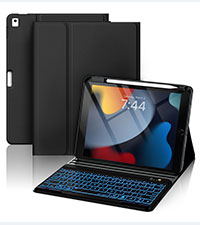 Backlit 10.2"/10.5" Black | 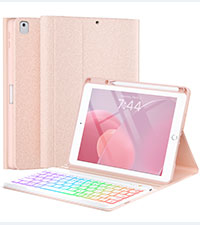 Backlit 10.2"/10.5" Pink | 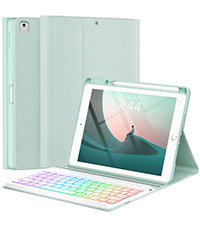 Backlit 10.2"/10.5" Green | 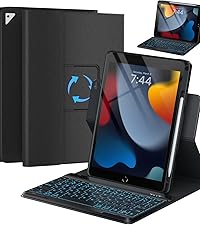 360 Rotatable10.2/10.5" | 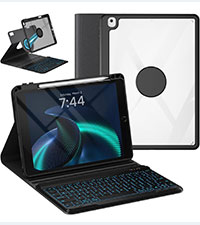 360 Detachable 10.2/10.5" | 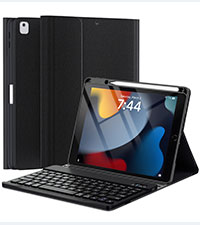 No Backlit 10.2"/10.5" | |
|---|---|---|---|---|---|---|
Customer Reviews | — | — | — | — | — | — |
Price | — | — | — | — | — | — |
Main Feature | Backlit / Long battery | Backlit / Long battery | Backlit / Long battery | Rotatable/ Backlit | Detachable / Backlit | Long battery /Protective |
Compatibility | For iPad 9th/8th/7th/Air 3 | For iPad 9th/8th/7th/Air 3 | For iPad 9th/8th/7th/Air 3 | For iPad 9th/8th/7th/Air 3 | For iPad 9th/8th/7th/Air 3 | For iPad 9th/8th/7th/Air 3 |
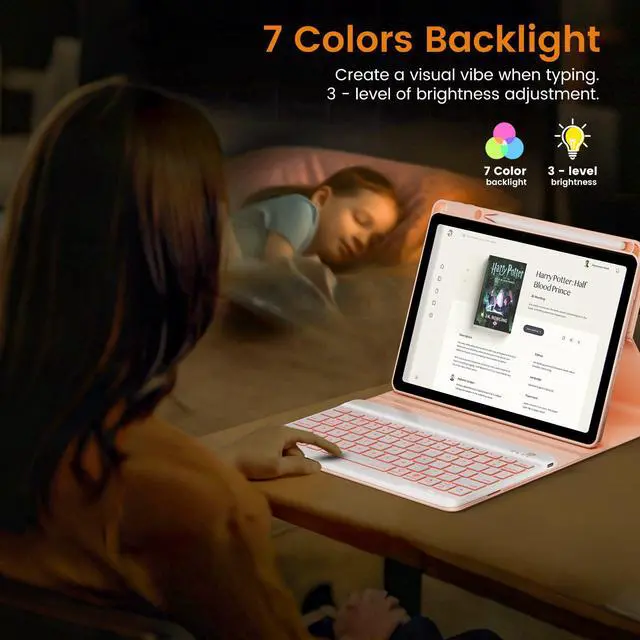
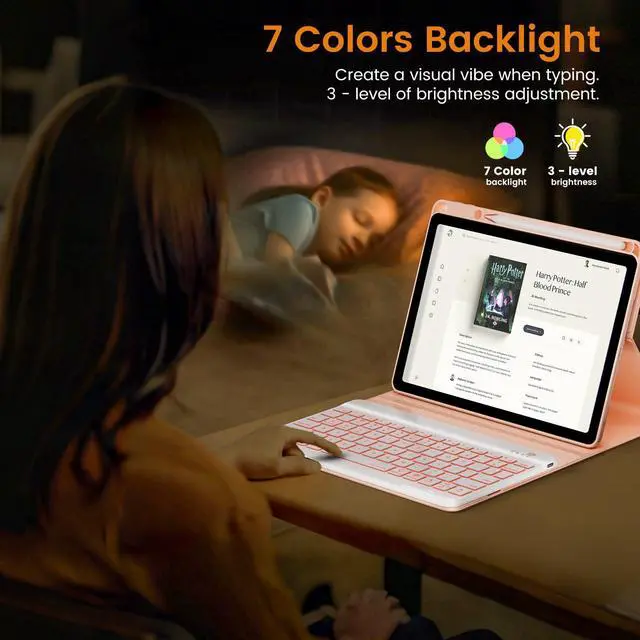
7-Color Backlit | ? | ? | ? | ? | ? | ? |
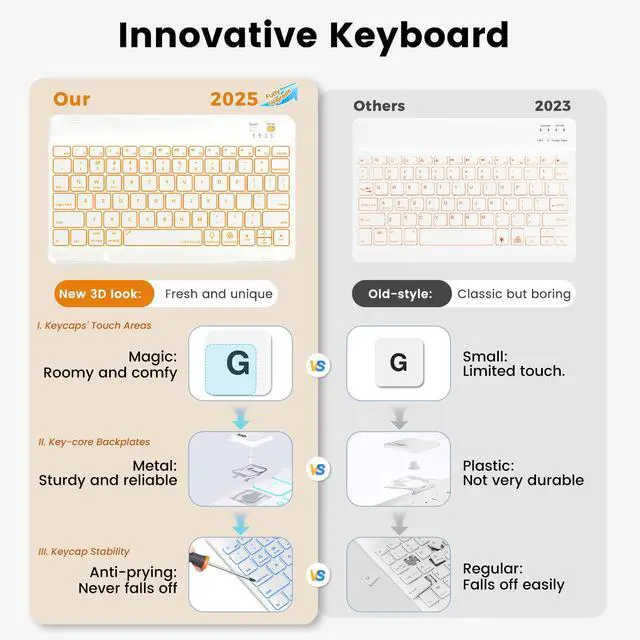
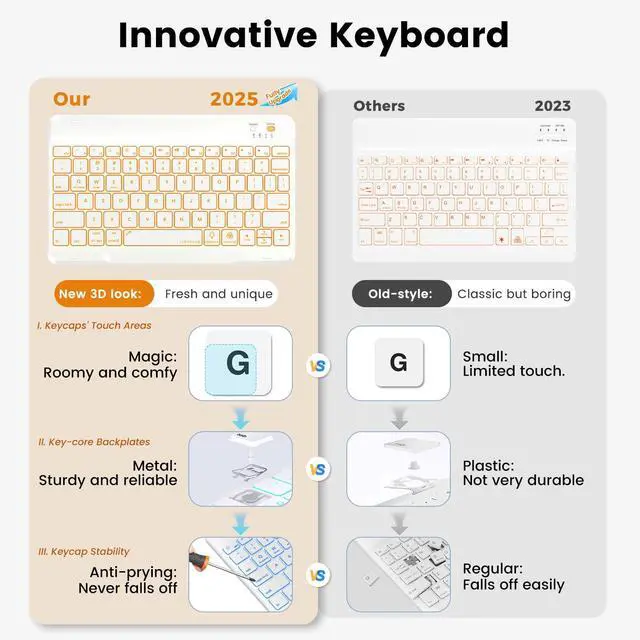
Non - falling Keycaps | ? | ? | ? | ? | ? | ? |
360 Rotatable | ? | ? | ? | ? | ? | ? |
Detachable Case | ? | ? | ? | ? | ? | ? |

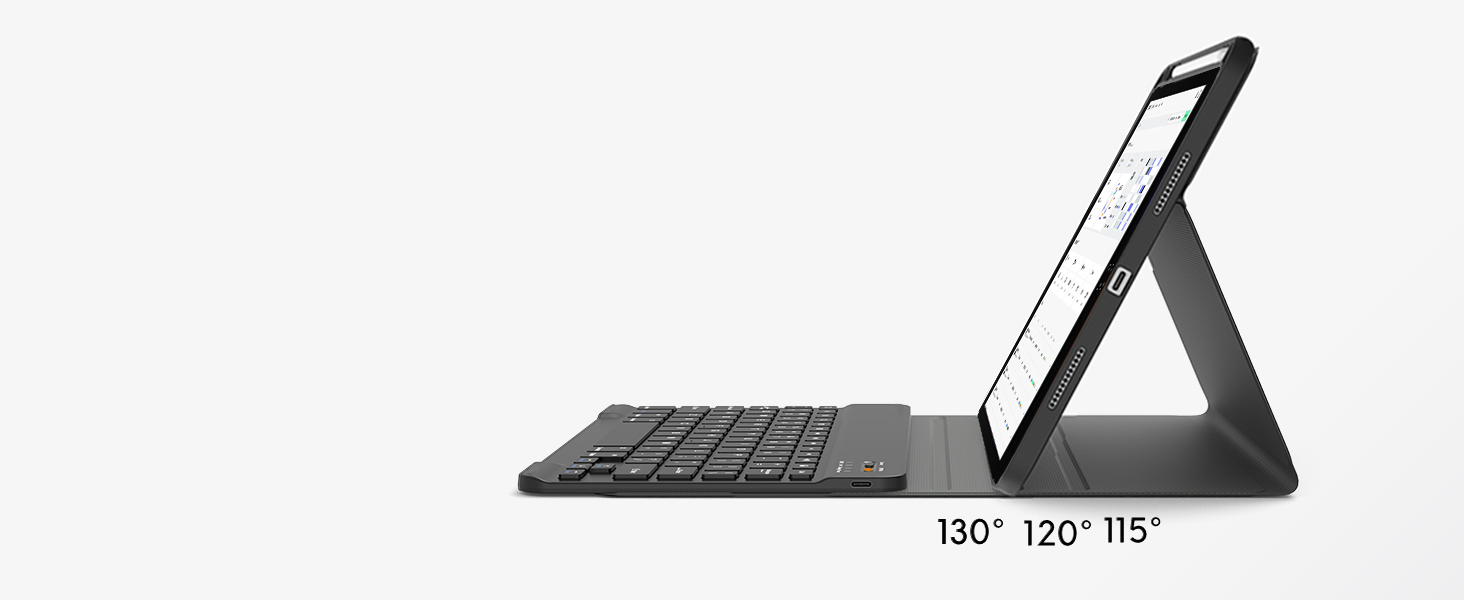
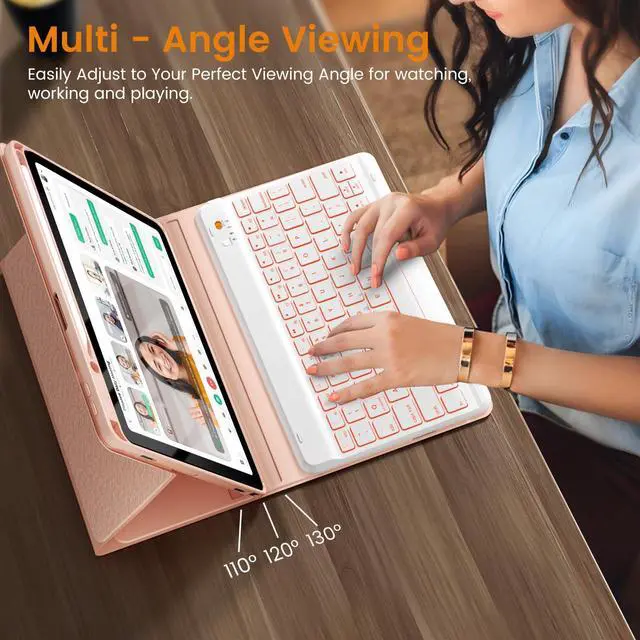
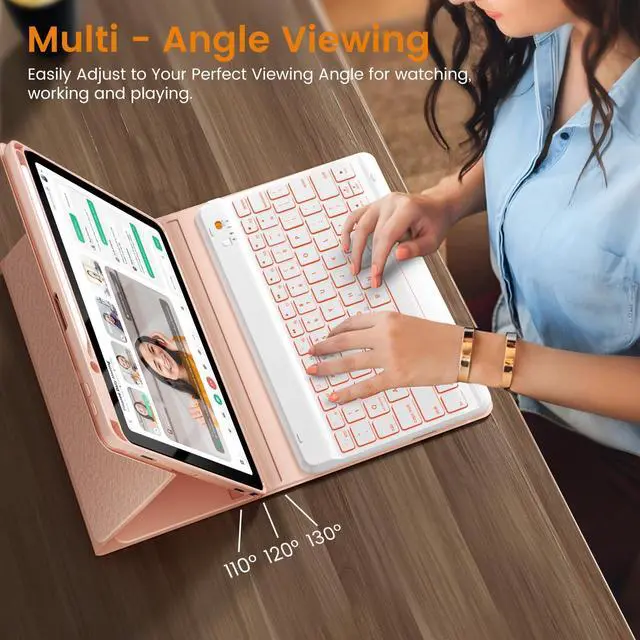
Adjustable stand angles
The keyboard case for iPad has three adjustable angles, which can be easily adjusted to a comfortable angle for a pleasant using experience.
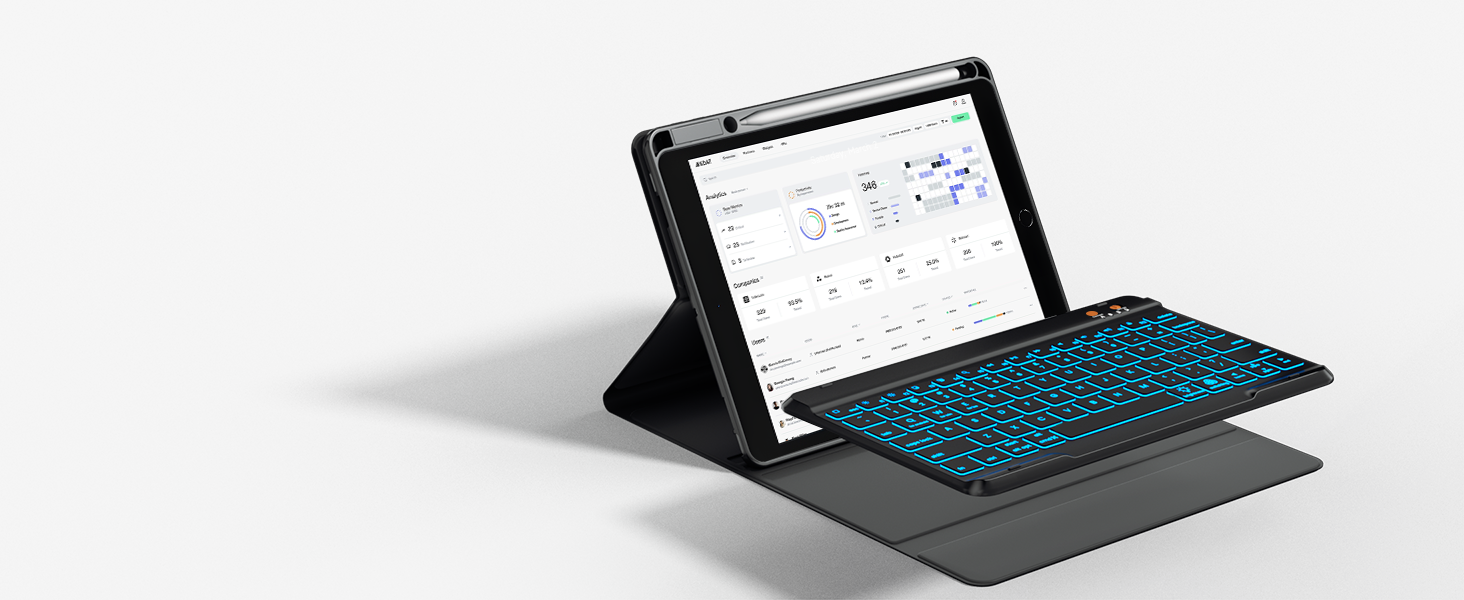
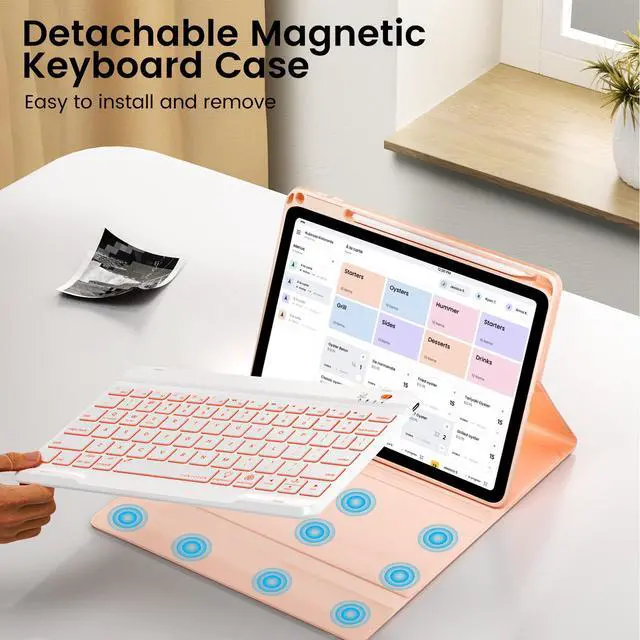
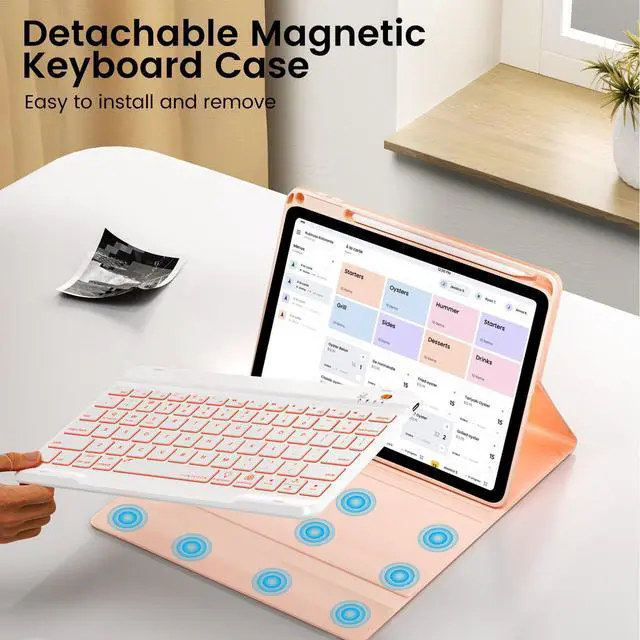
Detachable keyboard
The Bluetooth keyboard is removable and moveable, making it easy to put your tablet and keyboard in a position you feel comfortable with.

Precise cutouts
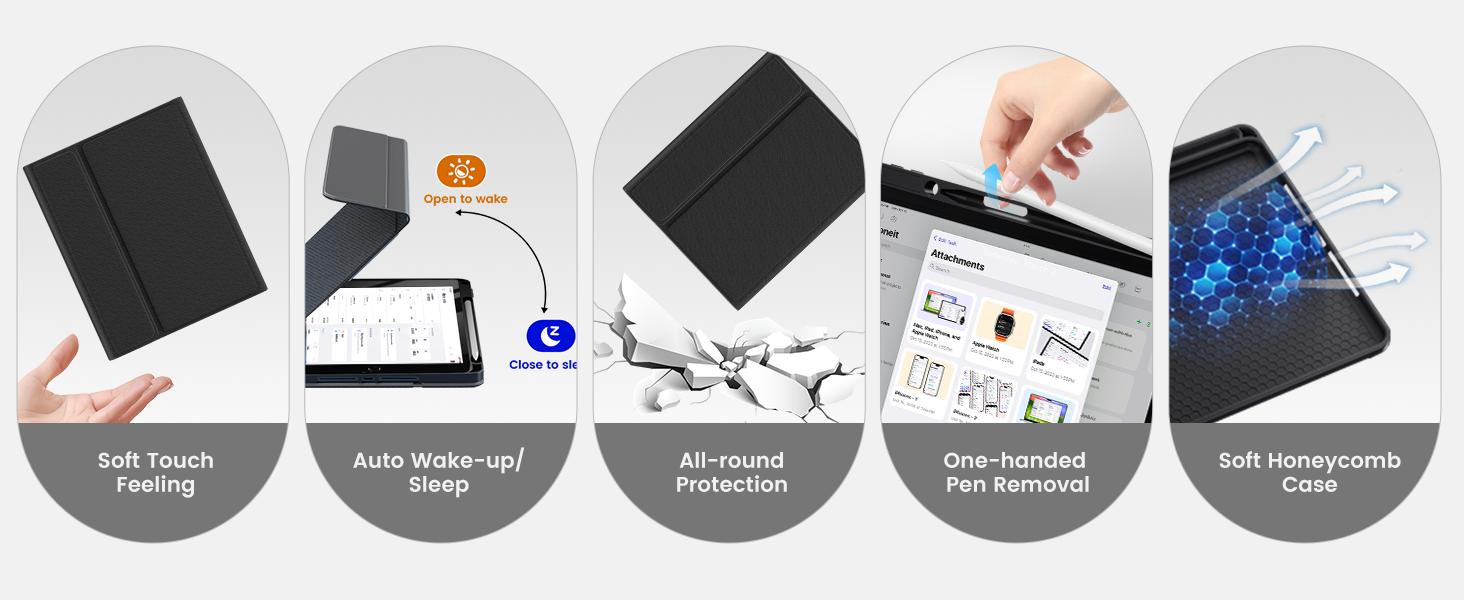
Allow full access to all features( buttons, speakers, cameras), so you can enjoy using your device to take pictures, make video calls, and more.


Lighting Up Christmas with OYEEICE

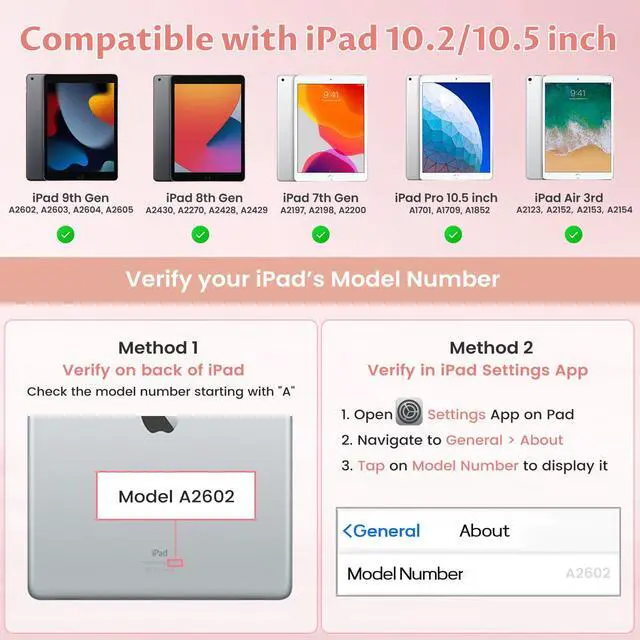
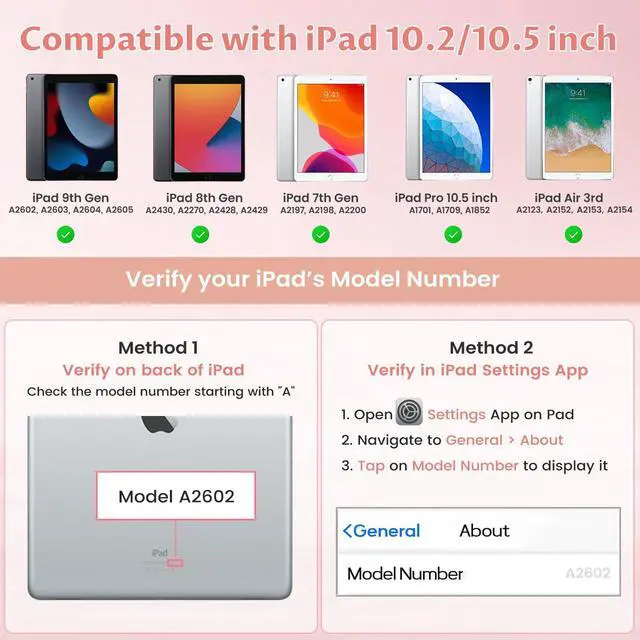
How to Find Your iPad Model Number?
Check the Back of the iPad.
Model number: 9th-A2602, A2603, A2604, A2605, 8th-A2430, A2270, A2428, A2429, 7th- A2197, A2198, A2200, Air3-A2154/2152/2153/2123, Pro 10.5-A1701/A1709/A1852.
How to Connect to Your iPad 9th/8th/7th/Air 3 with a Keyboard?
1. Please charge the keyboard fully before first use;
2. Turn the ON/OFF to ON and press the "connect" button for 3s;
3. Go to your iPad Settings - Bluetooth - On;
4. Search “Bluetooth Keyboard” to connect.
Why do I need to wait for a few seconds to use the keyboard when not typing it for a period of time?
Because the keyboard will enter sleep mode after 30 minutes without using the keyboard.
Press any key and wait for 2-3s to wake it up.
What's in the box?
1 x Case with Pencil Holder
1 x Keyboard for iPad 9th/8th/7th/Air 3
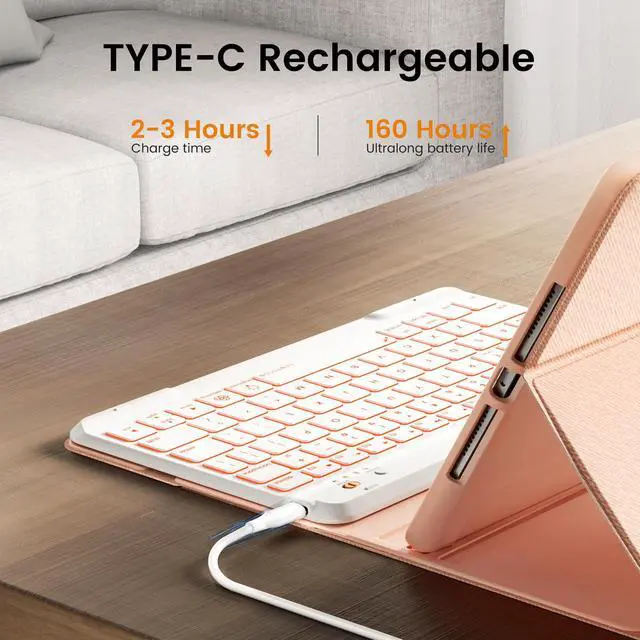
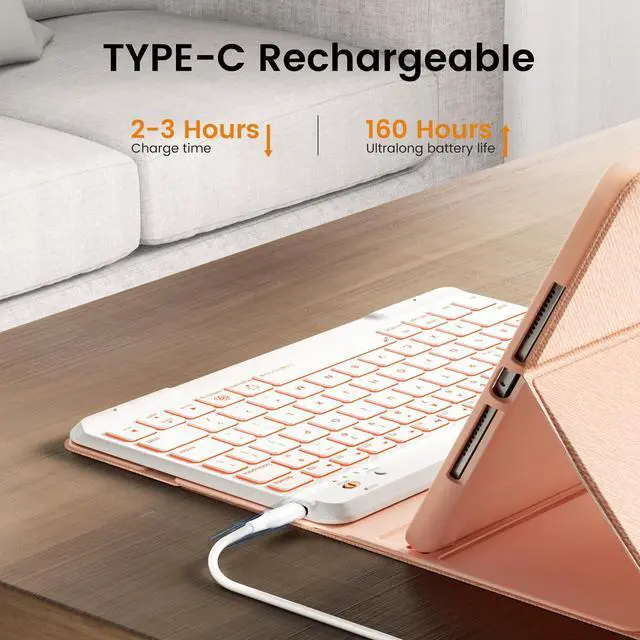
1 x USB-C Charging Cable
1 x User Manual
For iPad 9th/8th/7th/Air3 generation case with keyboard 10.2&10.5-inch
Backlit 10.2"/10.5" Black | Backlit 10.2"/10.5" Pink | Backlit 10.2"/10.5" Green | 360 Rotatable10.2/10.5" | 360 Detachable 10.2/10.5" | No Backlit 10.2"/10.5" |
|---|---|---|---|---|---|
| Customer Reviews | |||||
| — | — | — | — | — | — |
| Price | |||||
| — | — | — | — | — | — |
| Main Feature | |||||
| Backlit / Long battery | Backlit / Long battery | Backlit / Long battery | Rotatable/ Backlit | Detachable / Backlit | Long battery /Protective |
| Compatibility | |||||
| For iPad 9th/8th/7th/Air 3 | For iPad 9th/8th/7th/Air 3 | For iPad 9th/8th/7th/Air 3 | For iPad 9th/8th/7th/Air 3 | For iPad 9th/8th/7th/Air 3 | For iPad 9th/8th/7th/Air 3 |
| 7-Color Backlit | |||||
| ? | ? | ? | ? | ? | ? |
| Non - falling Keycaps | |||||
| ? | ? | ? | ? | ? | ? |
| 360 Rotatable | |||||
| ? | ? | ? | ? | ? | ? |
| Detachable Case | |||||
| ? | ? | ? | ? | ? | ? |

Adjustable stand angles
Detachable keyboard
Precise cutouts


The keyboard case for iPad has three adjustable angles, which can be easily adjusted to a comfortable angle for a pleasant using experience.
The Bluetooth keyboard is removable and moveable, making it easy to put your tablet and keyboard in a position you feel comfortable with.
Allow full access to all features( buttons, speakers, cameras), so you can enjoy using your device to take pictures, make video calls, and more.


Right - sized key and smooth keystrokes make your iPad work with high productivity and convenience.


Lighting Up Christmas with OYEEICE

How to Find Your iPad Model Number?
Check the Back of the iPad.
Model number: 9th-A2602, A2603, A2604, A2605, 8th-A2430, A2270, A2428, A2429, 7th- A2197, A2198, A2200, Air3-A2154/2152/2153/2123, Pro 10.5-A1701/A1709/A1852.
How to Connect to Your iPad 9th/8th/7th/Air 3 with a Keyboard?
1. Please charge the keyboard fully before first use;
2. Turn the ON/OFF to ON and press the "connect" button for 3s;
3. Go to your iPad Settings - Bluetooth - On;
4. Search “Bluetooth Keyboard” to connect.
Why do I need to wait for a few seconds to use the keyboard when not typing it for a period of time?
Because the keyboard will enter sleep mode after 30 minutes without using the keyboard.
Press any key and wait for 2-3s to wake it up.
What's in the box?
1 x Case with Pencil Holder
1 x Keyboard for iPad 9th/8th/7th/Air 3
1 x USB-C Charging Cable
1 x User Manual
Fuse protection, convenience, and efficiency, turning your iPad into a versatile companion for work and life. Like an explorer conquering the unknown, OYEEICE stands by you, tackling challenges and fostering success.
From responsive keys to protective shells, we meticulously craft every aspect, elevating your iPad's performance. Choose us for a life of exploration, freedom, and technology - fueled vitality.
For iPad 10.2" and 10.5"
For iPad 9.7"
For iPad 10th 10.9"
For iPad 10.9" and 11"