



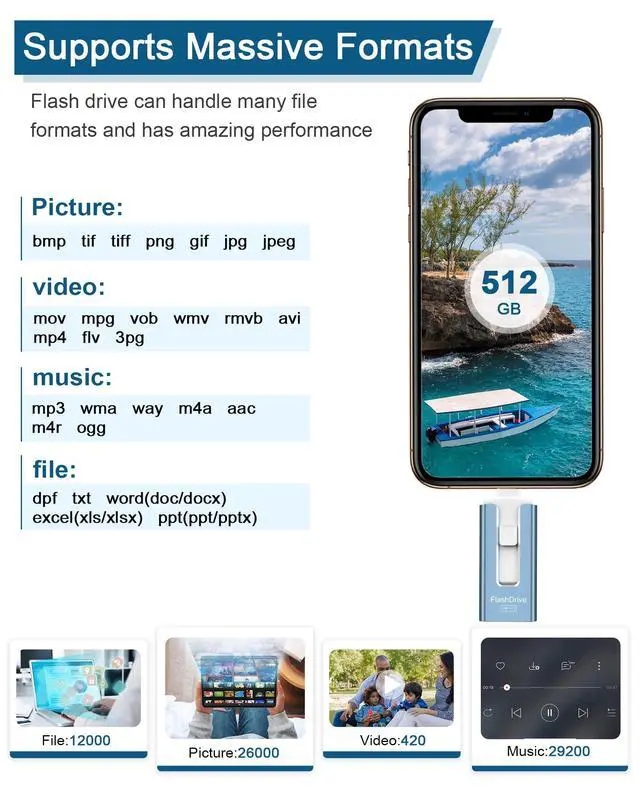


512gb Flash Drive for Phone
USB Flash Drive - Enables Easy Data Sharing Among Multiple Devices
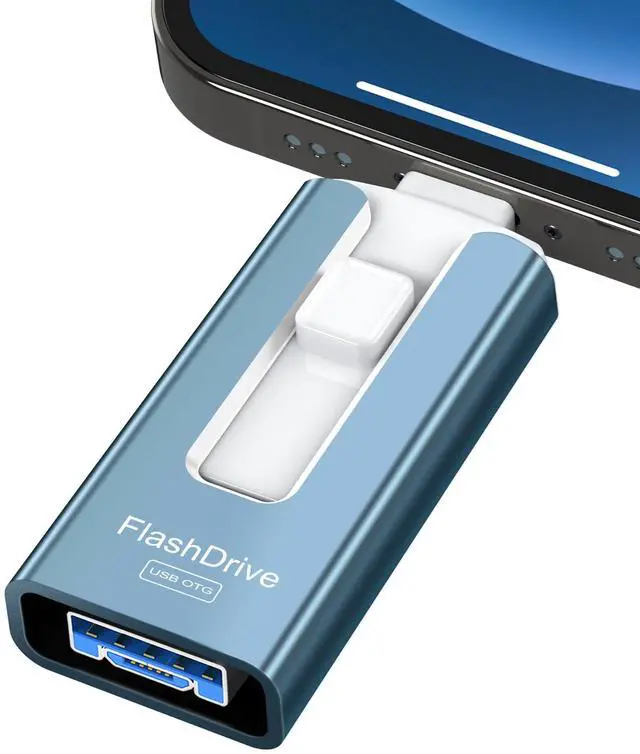
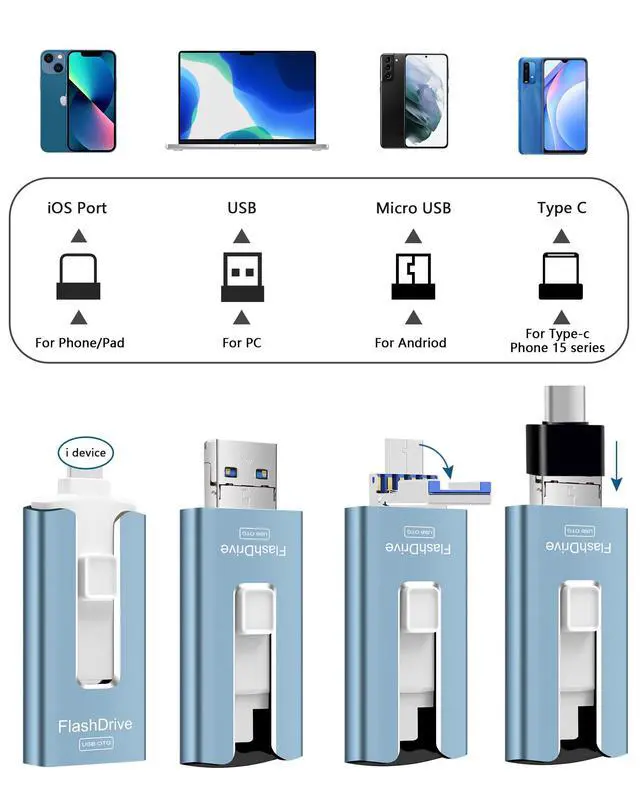
Multi-Interface Design: The Photo Stick features a versatile array of ports including iOS, USB A, Micro USB, and Type C (with an independent adapter), making it compatible for various devices such as phones, iPad, Android phones, PC, and other devices with standard USB ports. With this multi-interface design, it allows for seamless data transfer between different devices, making data sharing a breeze.
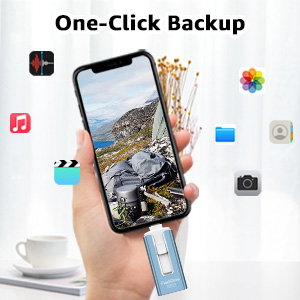
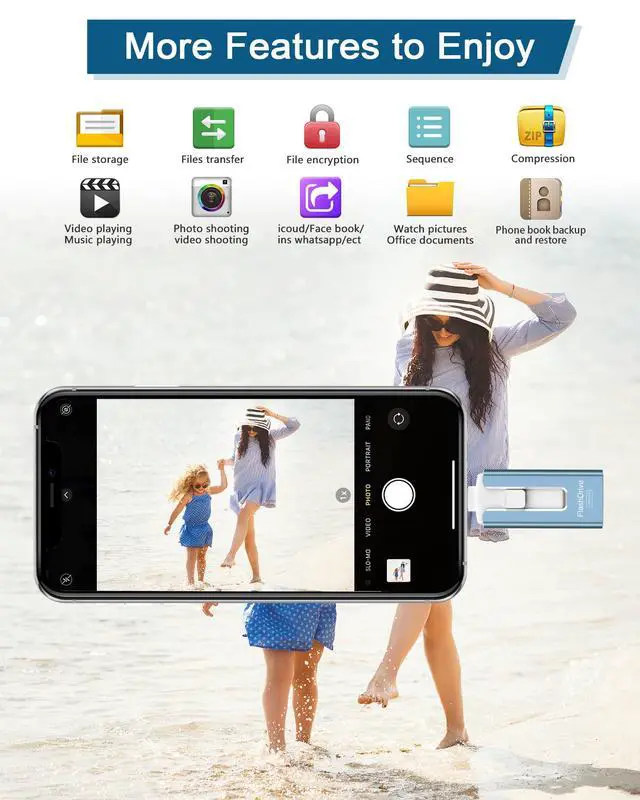
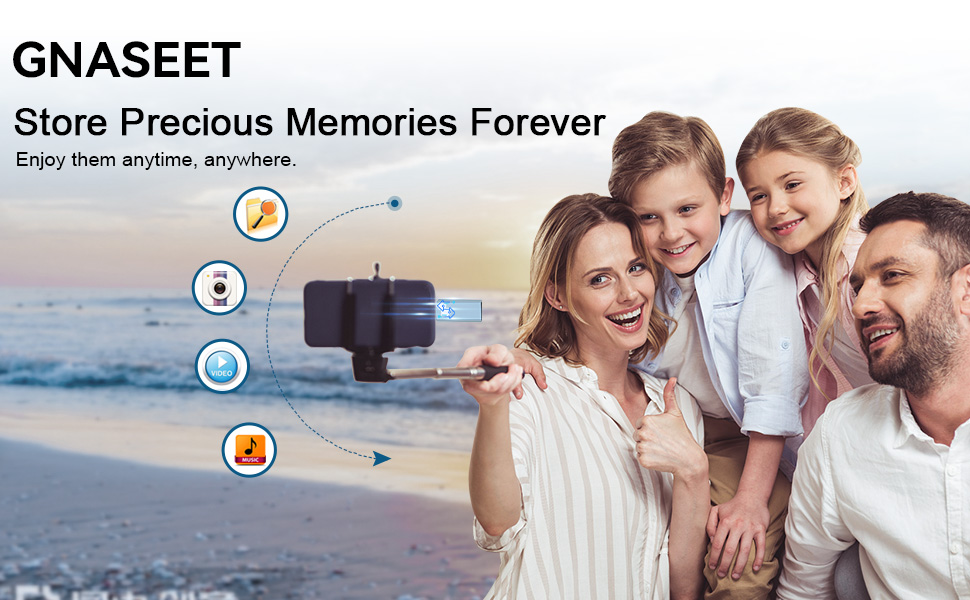
One-click easy backup. Manage files/photos/videos/cell phone book to backup to u-disk quickly through EASYFLASH PRO APP, while you can share files from u-disk to social media (Facebook, Twitter, etc.)

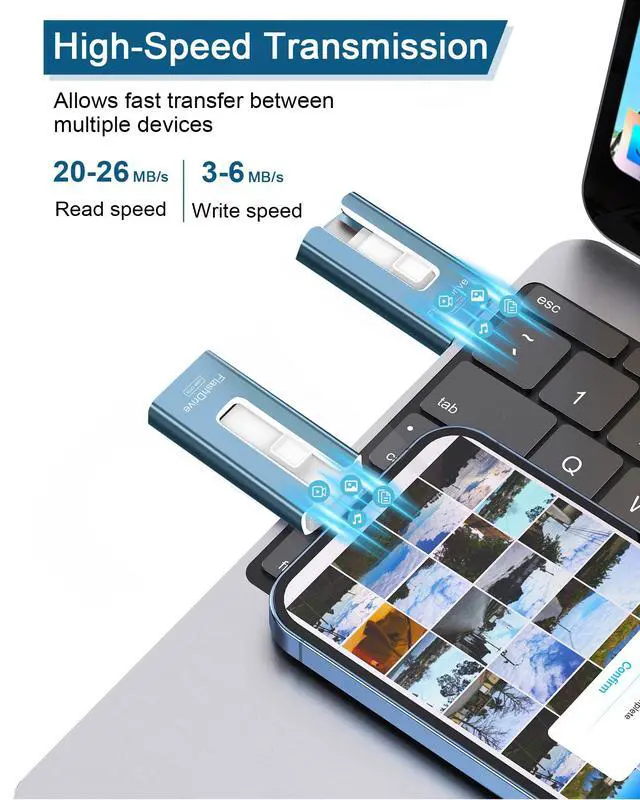
Smart and upgraded chip with high efficiency and stability. read speed up to 25MB/s and write speed up to 20MB/s. The upgraded chip provides you with more efficient storage experience.
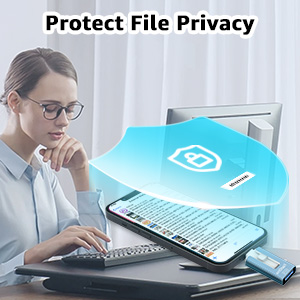
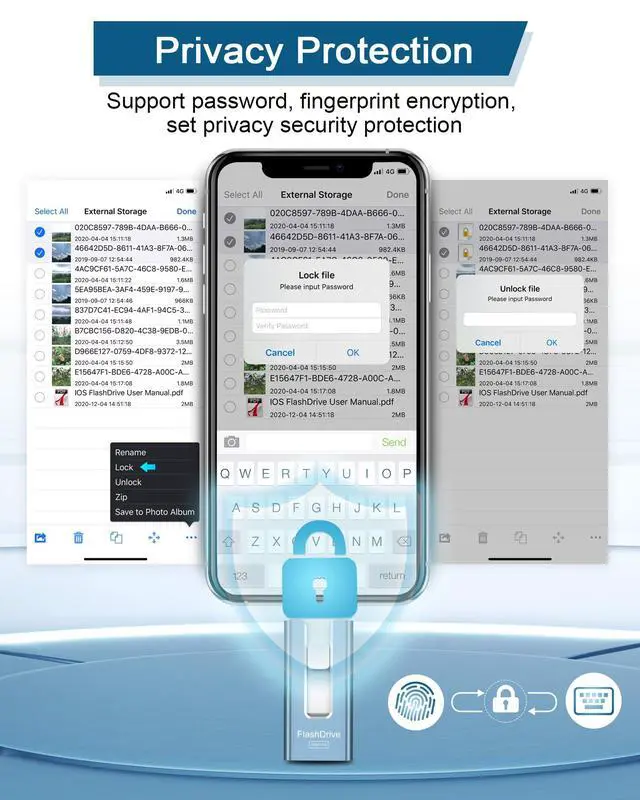
Password protect U disk data security. Setting universal password can encrypt the file information in EASYFLASH PRO APP. With it, you don't have to worry about leaking your personal files.
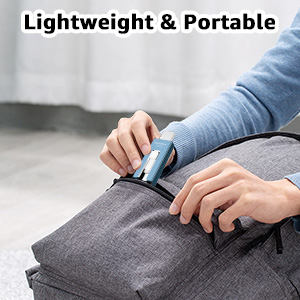
When traveling, you can take the phone flash drive and take photos as you like without worrying about the lack of phone memory. You can enjoy movies and listen to music during boring rides.

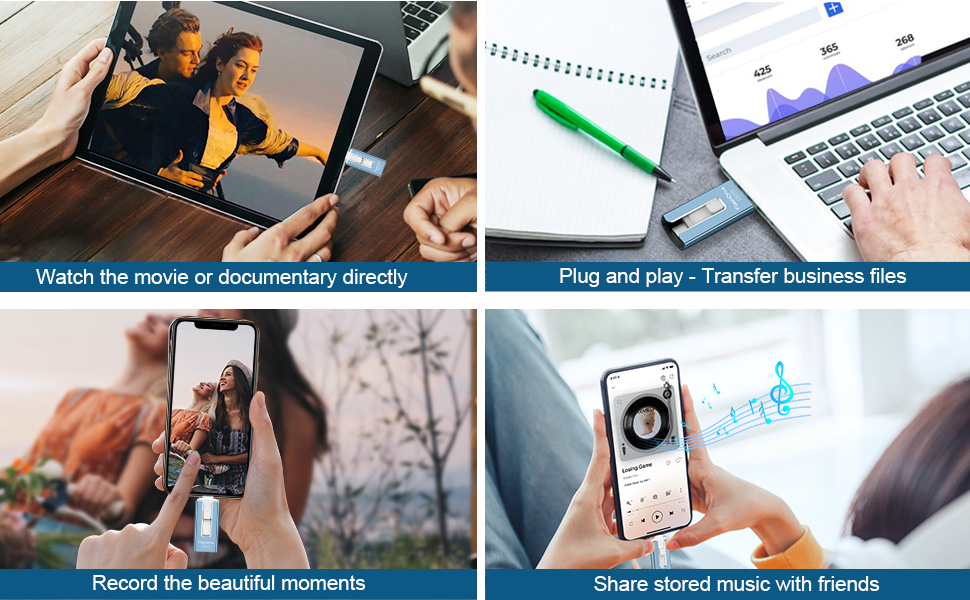
This usb memory stick backs up your business documents/files at work. Important business documents can be encrypted, compressed or decompressed for easy management.

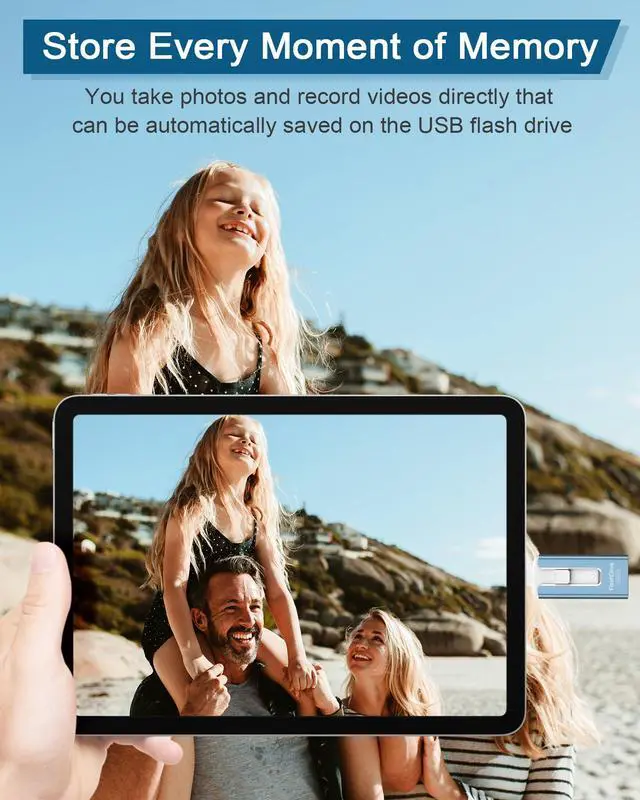
Using this photo stick, free up photos/videos from your Phone, take a lot of photos and videos in upcoming holiday events/birthdays/festivals, you can directly shoot and save to the memory stick.
Never worry about storage limitations again with our phone photo stick that frees up storage capacity easily!

• If you feel the font of the instruction manual is too small to be seen, please reach out to us for a PDF version.
About using usb flash drives on different devices:
• i device (System Version needs to be 8.2 or above )
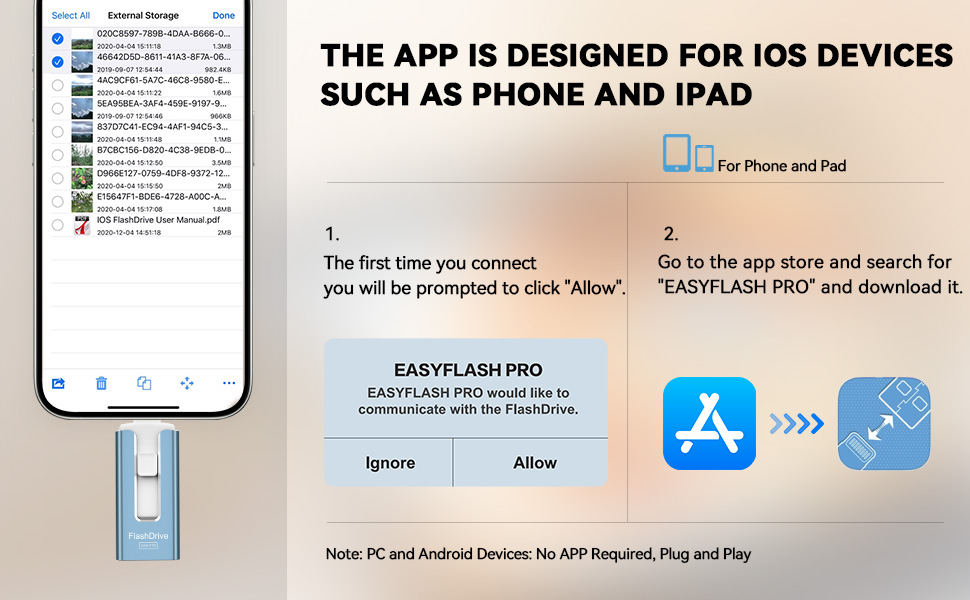
1. 512gb flash drive for Phone needs to download a APP "EASYFLASH PRO" to assist. The application interface is simple, beautiful and easy to understand.
2. If the usb flash drive is not recognized by the Phone after it is plugged, please try to plug it several times, or try to plug the front and back of the usb flash drive. If the usb flash drive still cannot be recognized, please try the following steps: Exit all apps in the background of the Phone>Uninstall EASYFLASH PRO>Turn off Phone for a minute and then turn it on>Search ''EASYFLASH PRO'' in the App Store and download>Try to plug the usb flash drive. ( It is like a computer system, and if left on for a long time, it can cause the system to crash or get stuck, making it hard to recognize usb sticks)
• Android (Android phones need to support the OTG function)
1. Most Android device can use flash drive directly when plugging, can find the flash drive on your device in : File Manager.
2. If Android phone can not find thumb drive and for use jump drive all functions much easier, we suggest to download APP “Dual Magic Flash” from GooglePlay or Internet.
Please Note:
1. The phone case may prevent the proper connection between a phone and a USB flash drive, which could result in the phone being unable to recognize the USB flash drive. In this situation, please do not conclude that the usb flash drive cannot be used, remove the phone case and try again.
2. You can’t transfer or watch media files downloaded from iTunes or other 3rd party apps, because these files are Digital Rights Management protected.
3. Sometimes iCloud will backup your files automatically. You need to download the files that are backed up by iCloud before transferring them to usb drive.
4. The FAT32 format is typically suitable for small-capacity flash drives and offers better compatibility. For large-capacity USB flash drives, it is recommended to use exFAT or FAT32 as the preferred format, with exFAT being the preferred option. If you encounter issues transferring files on the flash drive for Phone, you can convert the format from FAT32 to exFAT through formatting. Please ensure to save the files before formatting to prevent any data loss.
5. After using the photo stick, please ensure to disable any apps related to the Phone flash drive and gently unplug the USB flash drive. This will help prevent any damage to the files stored on the USB flash drive.
No need to worry about any issues with your USB flash drive, whether it's not working, experiencing abnormalities, or has appearance flaws. We provide a comprehensive instruction manual and have a dedicated service team ready to provide direct and effective solutions. We are always here to assist you and would be delighted to hear from you.
6. The included adapter comes in random colors (black or silver).
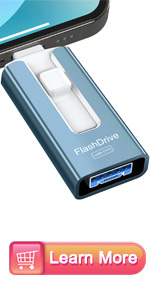 Flash Drive 512GB(Blue) | 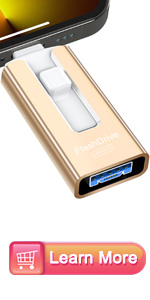 Flash Drive 512GB(Gold) | 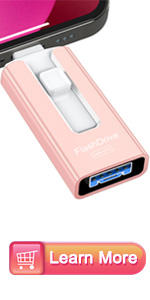 Flash Drive 512GB(Pink) | |
|---|---|---|---|
| Customer Reviews | — | — | — |
| Price | — | — | — |
| Digital Storage Capacity | 512GB | 512GB | 512GB |
| Color | Blue | Gold | Pink |
| Connectors | For iOS+USB+Micro USB+Type-C | For iOS+USB+Micro USB+Type-C | For iOS+USB+Micro USB+Type-C |
| Suited for | Phone/Pad/Android/MacBooks/PC | Phone/Pad/Android/MacBooks/PC | Phone/Pad/Android/MacBooks/PC |
| Hardware Interface | USB 3.0 | USB 3.0 | USB 3.0 |
512gb Flash Drive for Phone
USB Flash Drive - Enables Easy Data Sharing Among Multiple Devices
Multi-Interface Design: The Photo Stick features a versatile array of ports including iOS, USB A, Micro USB, and Type C (with an independent adapter), making it compatible for various devices such as phones, iPad, Android phones, PC, and other devices with standard USB ports. With this multi-interface design, it allows for seamless data transfer between different devices, making data sharing a breeze.
One-click easy backup. Manage files/photos/videos/cell phone book to backup to u-disk quickly through EASYFLASH PRO APP, while you can share files from u-disk to social media (Facebook, Twitter, etc.)
Smart and upgraded chip with high efficiency and stability. read speed up to 25MB/s and write speed up to 20MB/s. The upgraded chip provides you with more efficient storage experience.
Password protect U disk data security. Setting universal password can encrypt the file information in EASYFLASH PRO APP. With it, you don't have to worry about leaking your personal files.
When traveling, you can take the phone flash drive and take photos as you like without worrying about the lack of phone memory. You can enjoy movies and listen to music during boring rides.
This usb memory stick backs up your business documents/files at work. Important business documents can be encrypted, compressed or decompressed for easy management.
Using this photo stick, free up photos/videos from your Phone, take a lot of photos and videos in upcoming holiday events/birthdays/festivals, you can directly shoot and save to the memory stick.
Never worry about storage limitations again with our phone photo stick that frees up storage capacity easily!
• If you feel the font of the instruction manual is too small to be seen, please reach out to us for a PDF version.
About using usb flash drives on different devices:
• i device (System Version needs to be 8.2 or above )
1. 512gb flash drive for Phone needs to download a APP "EASYFLASH PRO" to assist. The application interface is simple, beautiful and easy to understand.
2. If the usb flash drive is not recognized by the Phone after it is plugged, please try to plug it several times, or try to plug the front and back of the usb flash drive. If the usb flash drive still cannot be recognized, please try the following steps: Exit all apps in the background of the Phone>Uninstall EASYFLASH PRO>Turn off Phone for a minute and then turn it on>Search ''EASYFLASH PRO'' in the App Store and download>Try to plug the usb flash drive. ( It is like a computer system, and if left on for a long time, it can cause the system to crash or get stuck, making it hard to recognize usb sticks)
• Android (Android phones need to support the OTG function)
1. Most Android device can use flash drive directly when plugging, can find the flash drive on your device in : File Manager.
2. If Android phone can not find thumb drive and for use jump drive all functions much easier, we suggest to download APP “Dual Magic Flash” from GooglePlay or Internet.
Please Note:
1. The phone case may prevent the proper connection between a phone and a USB flash drive, which could result in the phone being unable to recognize the USB flash drive. In this situation, please do not conclude that the usb flash drive cannot be used, remove the phone case and try again.
2. You can’t transfer or watch media files downloaded from iTunes or other 3rd party apps, because these files are Digital Rights Management protected.
3. Sometimes iCloud will backup your files automatically. You need to download the files that are backed up by iCloud before transferring them to usb drive.
4. The FAT32 format is typically suitable for small-capacity flash drives and offers better compatibility. For large-capacity USB flash drives, it is recommended to use exFAT or FAT32 as the preferred format, with exFAT being the preferred option. If you encounter issues transferring files on the flash drive for Phone, you can convert the format from FAT32 to exFAT through formatting. Please ensure to save the files before formatting to prevent any data loss.
5. After using the photo stick, please ensure to disable any apps related to the Phone flash drive and gently unplug the USB flash drive. This will help prevent any damage to the files stored on the USB flash drive.
No need to worry about any issues with your USB flash drive, whether it's not working, experiencing abnormalities, or has appearance flaws. We provide a comprehensive instruction manual and have a dedicated service team ready to provide direct and effective solutions. We are always here to assist you and would be delighted to hear from you.
6. The included adapter comes in random colors (black or silver).
Flash Drive 512GB(Blue) | Flash Drive 512GB(Gold) | Flash Drive 512GB(Pink) | |
|---|---|---|---|
| Customer Reviews | — | — | — |
| Price | — | — | — |
| Digital Storage Capacity | 512GB | 512GB | 512GB |
| Color | Blue | Gold | Pink |
| Connectors | For iOS+USB+Micro USB+Type-C | For iOS+USB+Micro USB+Type-C | For iOS+USB+Micro USB+Type-C |
| Suited for | Phone/Pad/Android/MacBooks/PC | Phone/Pad/Android/MacBooks/PC | Phone/Pad/Android/MacBooks/PC |
| Hardware Interface | USB 3.0 | USB 3.0 | USB 3.0 |