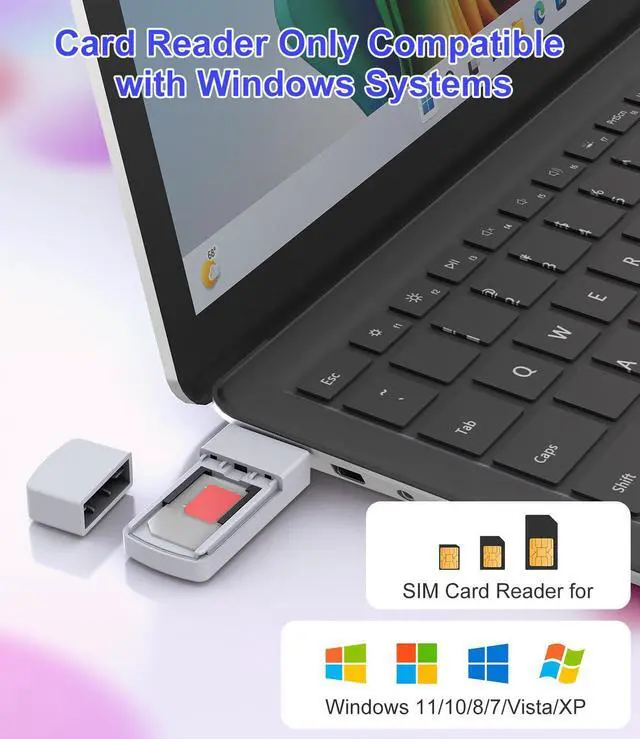
USB SIM Card Reader - Sim Card Adapter Kit with Eject Pin - Micro/Nano/Standard Sim Card Readers - USB to Sim Card Adapter Edit and Read Messages/Contacts - SIM Adapters for Laptops Computer Windows
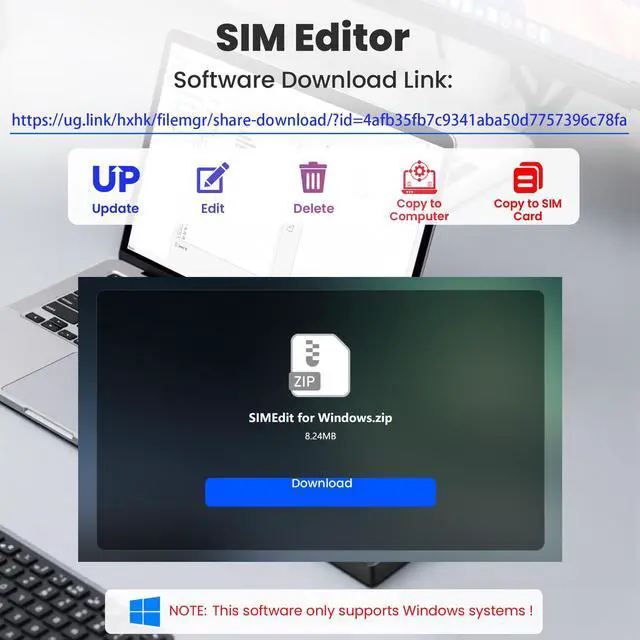
Notice: This SIM card reader is plug-and-play. However, you will need to download a SIM editor to your computer. You can download a SIM editor via the link in image 4, or you can search for one on Google or other websites. Our reader is widely compatible with various SIM editors. If you still cannot obtain an editor, you can contact the seller's customer service to obtain the installation package.
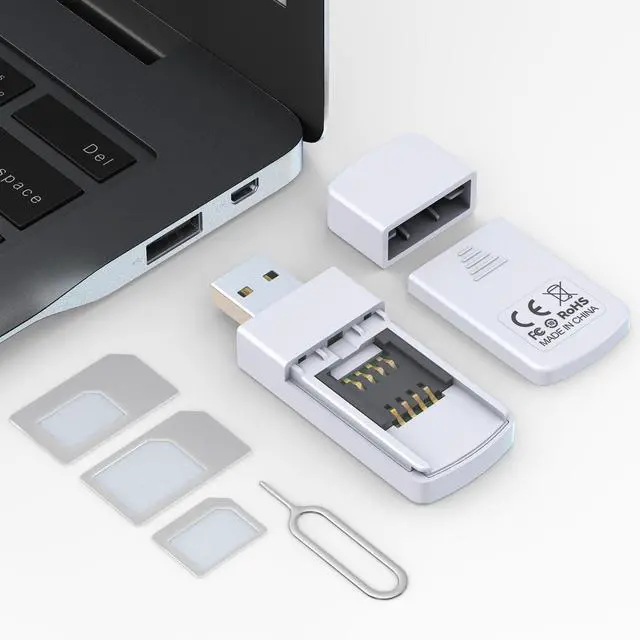
USB SIM Card AdapterTake full control of your SIM card data directly from your Windows computer. This USB SIM card reader allows you to read, edit, back up, and write contacts, SMS messages, and other data stored on your SIM card. Whether you need to recover lost contacts or manage multiple SIM profiles, this tool provides a convenient desktop solution that goes beyond the limitations of mobile devices.
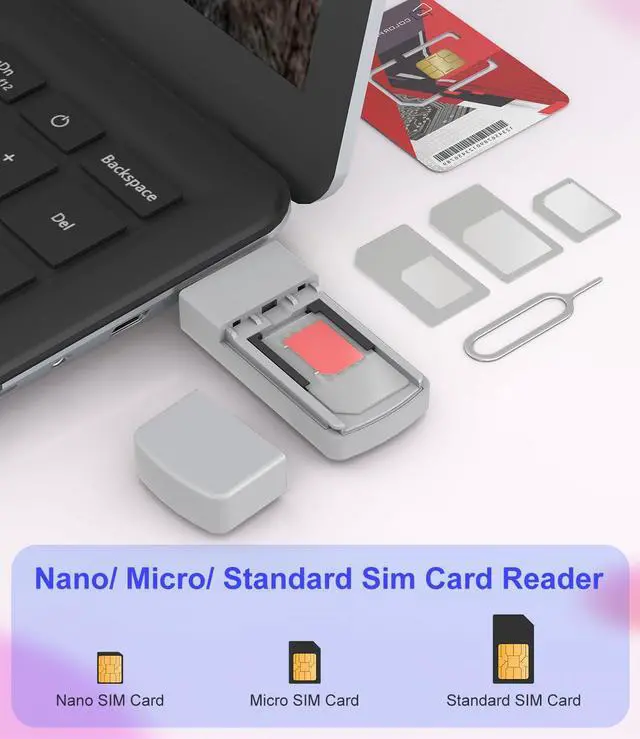
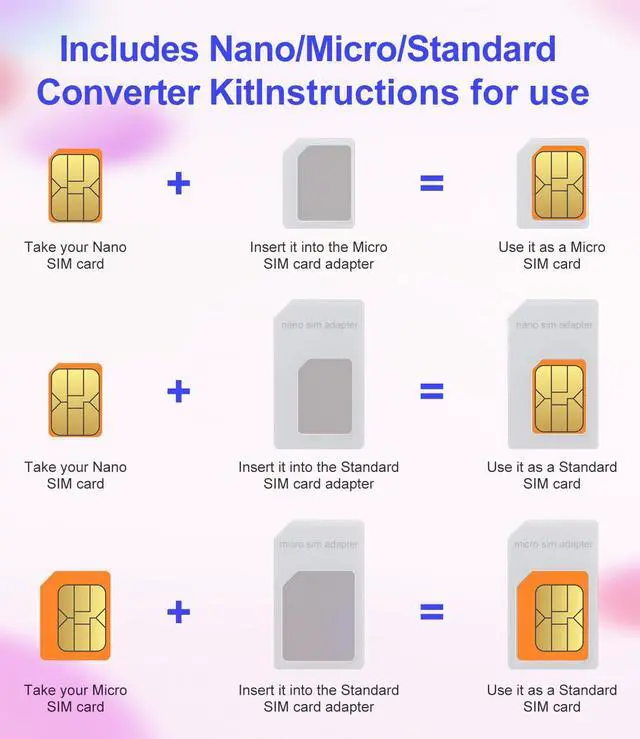
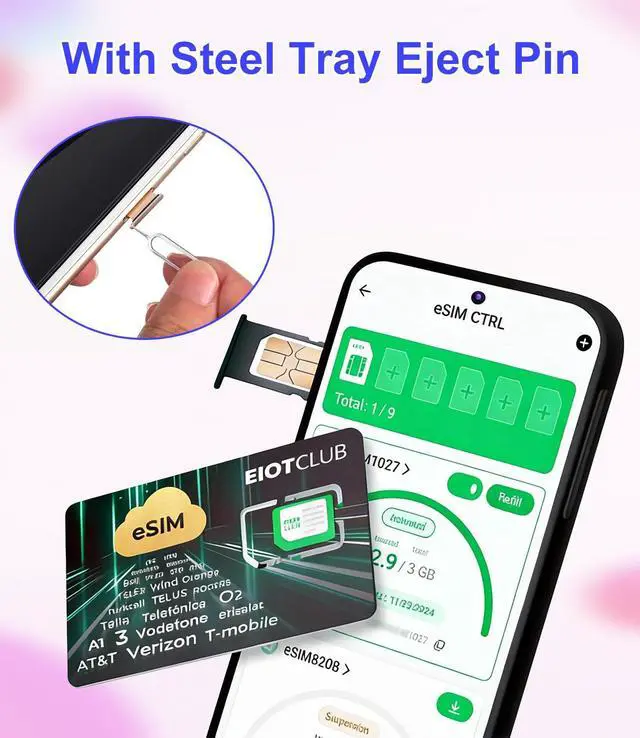
Universal Compatibility with All SIM SizesStop worrying about which SIM card size you have. The package includes a complete SIM adapter kit (Nano, Micro, and Standard) and a durable eject pin. Convert any SIM card to fit the reader's slot, ensuring seamless use with smartphones, tablets, feature phones, and other SIM-based devices. One tool covers all your needs.
+
+
Overview
Specs
Reviews
Any questions? Our AI mode will help you find out quickly.
Try me now
ISO 7816 Standard & Wide Windows Compatibility
Complete SIM Adapter Kit Included
USB SIM Card Reader with Secure Covered Slot
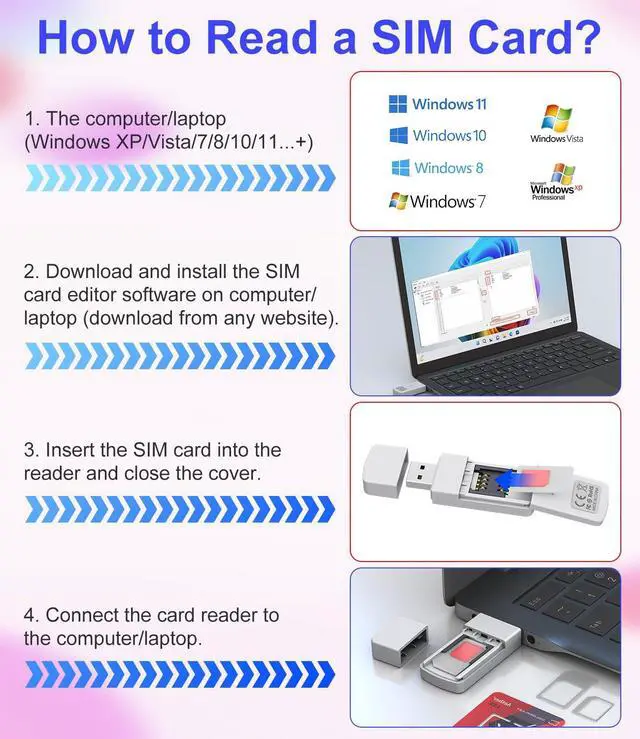
Easy Setup in Minutes
1
Insert your Standard SIM card into the reader's slot
2
Plug the reader into an available USB port on your Windows computer/PC/Laptop
3
Install your preferred SIM editor software, which is widely available online(OR You can download a SIM editor via the link in image 4); Select SIM editing software; Right click mouse; Select Run as administrator
4
SIM card page; Select the contacts to be copied; Click the right navigation symbol will copy the selected contacts to the PC page; Select the contacts to be copied on the PC page; Click Change
5
Copy the bottom file saving path
6
Open the file manager; Paste the save path of the file you just copied; Press Enter; The page that opens is the mobile phone address book that has been copied to the PC/Laptop.
ISO 7816 Standard & Wide Windows Compatibility
Complete SIM Adapter Kit Included
USB SIM Card Reader with Secure Covered Slot
Easy Setup in Minutes
1
Insert your Standard SIM card into the reader's slot
2
Plug the reader into an available USB port on your Windows computer/PC/Laptop
3
Install your preferred SIM editor software, which is widely available online(OR You can download a SIM editor via the link in image 4); Select SIM editing software; Right click mouse; Select Run as administrator
4
SIM card page; Select the contacts to be copied; Click the right navigation symbol will copy the selected contacts to the PC page; Select the contacts to be copied on the PC page; Click Change
5
Copy the bottom file saving path
6
Open the file manager; Paste the save path of the file you just copied; Press Enter; The page that opens is the mobile phone address book that has been copied to the PC/Laptop.
USB SIM Card Reader - Sim Card Adapter Kit with Eject Pin - Micro/Nano/Standard Sim Card Readers - USB to Sim Card Adapter Edit and Read Messages/Contacts - SIM Adapters for Laptops Computer Windows
Learn more about the Detailed Specifications
Additional Information
First Listed on Newegg
May 28, 2026
There are no reviews yet.
Do you own this product?
Warranty & Returns
Warranty, Returns, And Additional Information
Warranty
Please contact the Seller directly for warranty information. Warranty information may also be found on the Manufacturer's website.